Mixing up analysis of Project Architecture (Famix) and its history (Mining Software Repository)

Famix is the meta-model family of Moose allowing one to analyse the dependencies of a project and its global architecture. But sometimes, you want more, you want to see what are the part of the code that are modified most, are critical, etc. It is for instance what people do when using Sonar, Coverage analysis, and so on.
To explore the history of existing projects, Mining Software Repositories (MSR) is the way to go. Moose also includes a set of tools to explore the history of a project, and to combine it with the Famix analysis. The project is named GitProjectHealth, and the full documentation is available here.
But let’s today perform an example. I have this nice HR application that I want to investigate. It is large, and I want to retrieve information between the architecture and the history of the project.
So let’s do a step by step blog about this story.
Creating the Famix model
Section titled “Creating the Famix model”I am working with Moose12. But this story should last for future version (I mean, I don’t know how long, but it should not change a lot)
First, I clone the project, and then, I install its dependency with maven mvn install.
Then, I build a nice model using the docker version of VerveineJ.
docker run -e JAVA_XMX=-Xmx16G -v /path/to/hr:/src -v /path/to/.m2/repository:/dependency ghcr.io/evref-bl/verveinej:v4.2.6 -anchor assoc -alllocals -format jsonI use the version
4.2.6of VerveineJ, because I am with Moose12, but don’t hesitate to use the latest version of VerveineJ if you are with a more recent version of Moose.
Then, I load the model in Moose, and I can start to explore the architecture of the project. To load the model, I simply drag and drop the json file in Moose, and then I can start to explore the model.
Retrieving the history of the project
Section titled “Retrieving the history of the project”To retrieve the history of the project, I use the GitProjectHealth tool. This project is not included in the Moose distribution by default, but you can download it by executing the following command in a Moose playground:
Metacello new repository: 'github://moosetechnology/GitProjectHealth:main/src'; baseline: 'GitLabHealth'; onConflict: [ :ex | ex useIncoming ]; onUpgrade: [ :ex | ex useIncoming ]; onDowngrade: [ :ex | ex useLoaded ]; loadThen, because it is a large HR application, I will perform the retrieving of the history locally using git.
rhModel := GLHModel new.repository := GLHRepository new  cacheAt: #localImporterReference  put: '/path/to/hr' asFileReference;  yourself.project := GLHProject new.project repository: repository.
rhModel add: repository.rhModel add: project.
localImporter := GitLocalModelImporter new.localImporter withFiles: true.localImporter withCommitDiffs: true.localImporter withDiffRanges: false.localImporter glhModel: rhModel.localImporter withCommitsSince: 30 years.localImporter importRepository: repository.
rhModel flush.rhModel entities do: #flush.
You’ll notice several things in the code above.
- I created a fake project and repository to store the history of the project. This is to help the local importer and might be improved.
- I use the
withFilesoption to retrieve the files of the project, and thewithCommitDiffsoption to retrieve the diffs of the commits. ThewithDiffRangesoption is set to false because I don’t need it for now. - I use the
withCommitsSince: 30 yearsoption to retrieve all the commits of the project. You can change this value to retrieve only the last commits if you want. - I use the
flushmethod to remove cache that is computed by the local importer, this is for storage efficiency.
Once it is done, I have the full history of the project, but not connected to the exsiting model of the code.
Connecting the models
Section titled “Connecting the models”We want now to connect the GitProjectHealth model, with the Famix model.
There is a tool dedicated for this usage in GitProjectHealth, it is called GPCGitToFamixConnector.
The project links the types of the Famix model with the files retrieved by the GitProjectHealth model based on the files path. To use it, simply execute the following code:
GPCGitToFamixConnector new famixModel: myFamixModel; glhProject: project; connect.it is possible that
GPCGitToFamixConnectoris not loaded in your Moose image. It is is the case, load the missing package from Iceberg, or check in the baseline of GitProjectHealth if it is included in the version you are using, there should be a group named “Famix”
And, that’s it… yeah, it is quite easy to connect the two models, and now you can explore the history of the project in the context of its architecture.
You want to search for the types the most modified? One classic Moose query will do the job:
(myFamixModel allUsing: FamixTType) sorted: [ :type | type appliedDiffs size ] descending
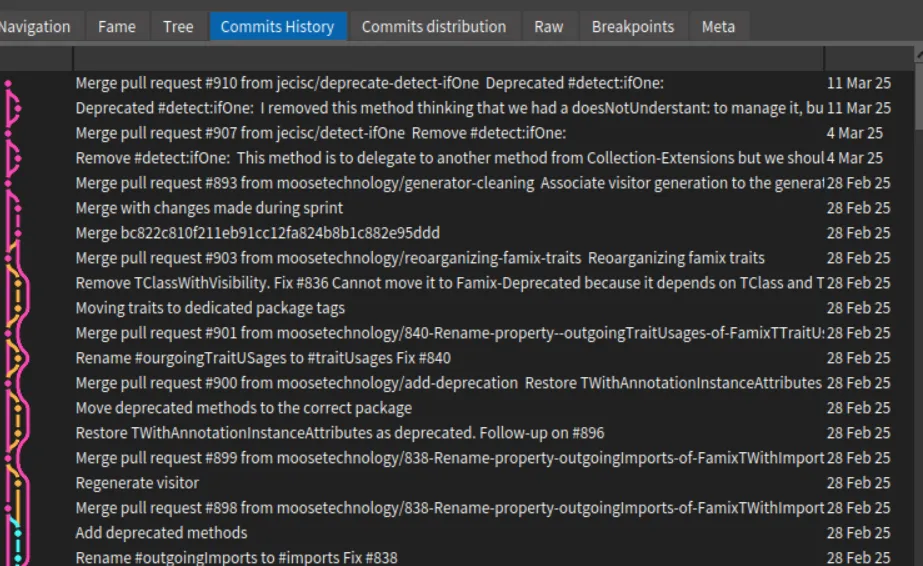 .
.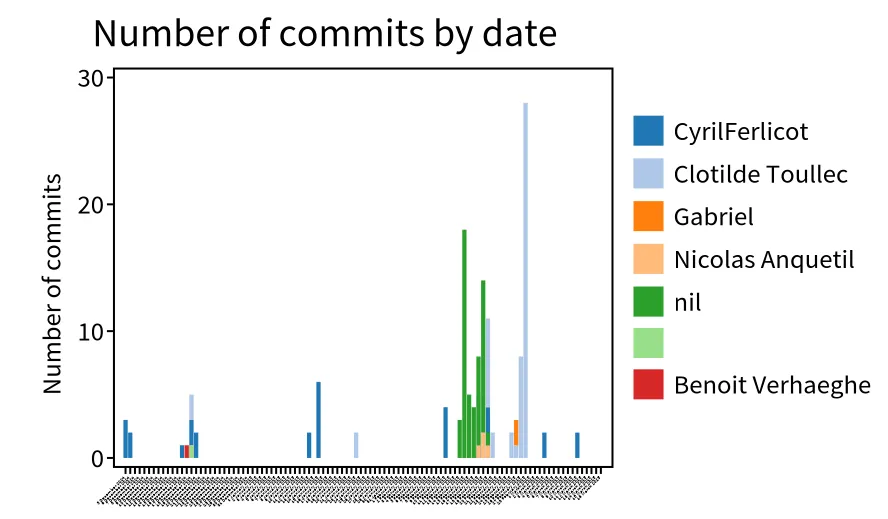 .
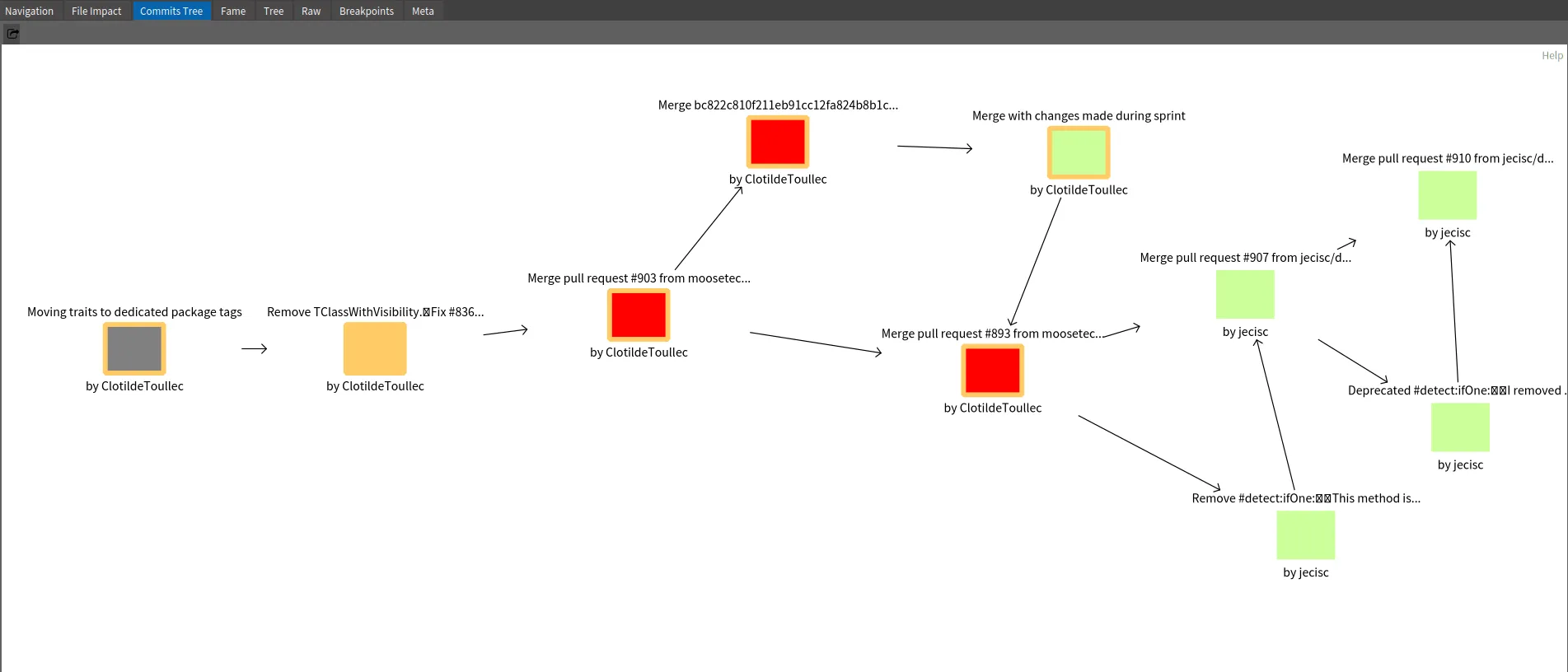
.

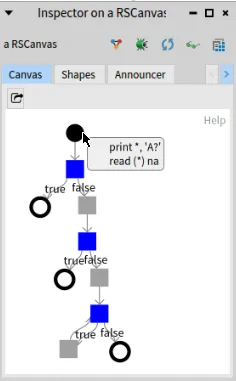

 {: .img-fluid}