This is the full developer documentation for Modular Moose
# Moosetechnology
> Analyse and model your software system
## Get started
[Section titled “Get started”](#get-started)
1\. Discover
Learn [what Moose is](/beginners/what-is-moose/) and how an analysis works.
2\. Install Moose
Download the Pharo Launcher and [install Moose](/beginners/install-moose/).
3\. Your first analysis
Find the dead deprecated classes of a real Java project in [your first analysis](/beginners/moose-in-action/).
4\. Analyze your project
[Create a model of your own code](/beginners/analyze-your-project/), import it, and explore its architecture.
Using an AI assistant?
Modular Moose documentation is available in a format designed for AI assistants. Share the [documentation guide](/llms.txt) with your assistant, or use the [complete documentation](/llms-full.txt) if it can handle a longer document.
# About us
> Analyse and model your software system
## Moose is a community. Get involved.
[Section titled “Moose is a community. Get involved.”](#moose-is-a-community-get-involved)
The Moose project started in 1996 at the University of Bern.\
Its original goal was to build a language-independent meta-model for software analysis.\
Since then, it grew to become an open platform for various types of software and data analyses.\
Its development is currently supported by several research groups, startups, and contributors.
* Join the [mailing list](https://sympa.inria.fr/sympa/subscribe/moose).
* Follow [@moosetechnology](https://twitter.com/moosetechnology).
* Check the code from [GitHub](https://github.com/moosetechnology/Moose).
* Raise an [issue](https://github.com/moosetechnology/Moose/issues).
* Write your story in the [blog](/blog/).
* Code & Learn during the [Moose Dojo](https://github.com/moosetechnology/Famix/projects/1#column-11845458).
## Team
[Section titled “Team”](#team)
* 
### Nicolas Anquetil
Moose expert
Software engineer researcher specialized in software evolution
[**](https://github.com/nicolasanquetil "GitHub")[**](https://www.linkedin.com/in/nicolas-anquetil-9b5a787/ "LinkedIn")[**](https://orcid.org/0000-0003-1486-8399 "ORCID")[**](http://researchers.lille.inria.fr/~nanqueti/ "Website")
* 
### Benoit Verhaeghe
Cookie Lover
R\&D engineer at [Berger-Levrault](https://berger-levrault.com/)
[**](https://github.com/badetitou "GitHub")[**](https://www.linkedin.com/in/benoitverhaeghe/ "LinkedIn")[**](https://orcid.org/0000-0002-4588-2698 "ORCID")[**](https://badetitou.fr "Website")
* 
### Anne Etien
Moose expert
Software engineer researcher specialized in software evolution
[**](https://github.com/anneetien "GitHub")[**](https://www.cristal.univ-lille.fr/profil/etien/ "Website")
* 
### Vincent Aranega
MDE and beers lover
Software engineer researcher focused on MDE and Language engineering
[**](https://github.com/aranega "GitHub")[**](https://www.linkedin.com/in/aranega/ "LinkedIn")[**](https://twitter.com/VincentAranega "X (Twitter)")[**](https://orcid.org/0000-0003-4465-1289 "ORCID")[**](https://aranega.github.io/ "Website")
* 
### Pascal Zaragoza
MDE and AI
R\&D engineer at [Berger-Levrault](https://berger-levrault.com/)
[**](https://github.com/greenpanther93 "GitHub")[**](https://www.linkedin.com/in/pascal-zaragoza-406120a9/ "LinkedIn")[**](https://orcid.org/0000-0002-5033-6392 "ORCID")
* 
### Clotilde Toullec
Research engineer
Software engineer, maintains and develops Moose
[**](https://github.com/ClotildeToullec "GitHub")[**](https://www.linkedin.com/in/clotilde-toullec-3aa685105/ "LinkedIn")
* 
### Christopher Fuhrman
Moose herder
Software engineering researcher specializing in software design
[**](https://github.com/fuhrmanator "GitHub")[**](https://twitter.com/thefuhrmanator "X (Twitter)")[**](https://orcid.org/0000-0001-8010-1087 "ORCID")[**](https://fuhrmanator.github.io/ "Website")
* 
### Sebastian Jordan
Moose developer
Software engineer
[**](https://github.com/jordanmontt "GitHub")[**](https://linkedin.com/in/jordanmontt "LinkedIn")[**](https://twitter.com/jordanmontt "X (Twitter)")
* 
### Théo Lanord
Trainee / Apprentice engineer
Student at [Polytech Lille](http://www.polytech-lille.fr/) in IS (Computer Science and Statistics)
[**](https://github.com/enwiro "GitHub")[**](https://www.linkedin.com/in/théo-lanord/ "LinkedIn")
* 
### Réda Id-taleb
Working on LabelContractor and color palette project for my internship
Student at [University of Lille](https://www.univ-lille.fr/)
[**](https://github.com/reda-idtaleb "GitHub")[**](https://www.linkedin.com/in/r%C3%A9daid-taleb/ "LinkedIn")
* 
### Ahmed Zaki BENNECER
Working on data flow analysis project for my internship
Computer science student at [ESI](https://www.esi.dz/) Algiers
[**](https://github.com/BennecerZaki "GitHub")[**](https://www.linkedin.com/in/bennecer-zaki/ "LinkedIn")[**](https://ahmed-zaki-bennecer.web.app/ "Website")
* 
### Romain Degrave
Master degree intern in software analysis
Student at [University of Lille](https://www.univ-lille.fr/)
[**](https://github.com/RomainDeg "GitHub")
* 
### Patricia TOTOUM
Intern working on Famix-Aggregator
Student at [University of Lille](https://www.univ-lille.fr/)
[**](https://github.com/PatriciaTot "GitHub")[**](https://www.linkedin.com/in/patricia-totoum-988179255/ "LinkedIn")
* 
### Thomas Wattebled
working on parametric types for my intership
Student at [University of Lille](https://www.univ-lille.fr/)
[**](https://github.com/thomasWattebled "GitHub")
* 
### Toky RATOLOJANHARY
Software engineer
[**](https://github.com/TokyRT "GitHub")[**](https://www.linkedin.com/in/tokyratolojanahary/ "LinkedIn")
* 
### Aless Hosry
Research engineer at Berger-Levrault
Research engineer at [Berger-Levrault](https://www.berger-levrault.com/fr/)
[**](https://github.com/alesshosry "GitHub")[**](https://www.linkedin.com/in/aless-hosry-697791186 "LinkedIn")[**](https://alesshosry.github.io "Website")
* 
### Cyril Ferlicot-Delbecque
Moose Expert
[**](https://github.com/jecisc "GitHub")[**](https://ferlicot.fr/ "Website")
* 
### Stéphane Ducasse
Research director at Inria
Research director at [Inria](https://www.inria.fr/), leading the Evref team
[**](https://github.com/Ducasse "GitHub")[**](https://orcid.org/0000-0001-6070-6599 "ORCID")[**](http://stephane.ducasse.free.fr/ "Website")
* 
### Gabriel Darbord
Moose expert
R\&D engineer at [Berger-Levrault](https://www.berger-levrault.com/)
[**](https://github.com/Gabriel-Darbord "GitHub")[**](https://orcid.org/0000-0001-7364-7567 "ORCID")
* 
### Nicolas Hlad
Moose expert
R\&D engineer at [Berger-Levrault](https://www.berger-levrault.com/)
[**](https://github.com/alkalinan "GitHub")[**](https://orcid.org/0000-0003-4989-2508 "ORCID")
* 
### Kilian Bauvent
Software engineer
Software engineer at [Berger-Levrault](https://www.berger-levrault.com/)
[**](https://github.com/knowbased "GitHub")
**And also:**
* [Prof. Alexandre Bergel](http://bergel.eu/)
* [Dr. Andrei Chis](http://andreichis.com/)
* [Dr. Tudor Girba](http://tudorgirba.com/)
* Pavel Krivanek
* [And more…](https://github.com/orgs/moosetechnology/people)
## Partners
[Section titled “Partners”](#partners)
* [Berger-Levrault](https://www.berger-levrault.com/)
* [University of Bern](http://scg.unibe.ch)
* [RMoD](http://rmod.inria.fr)
* [Pleiad Lab](http://pleiad.dcc.uchile.cl)
* [USI](http://www.inf.usi.ch/faculty/lanza/reveal.html)
* [UMMISCO](http://www.ummisco.ird.fr/)
* [Feenk](http://feenk.com)
* [Object Profile](http://objectprofile.com)
* [Sensus](http://legacycode.nl)
# Analyze your own project
> Create a model of your project, load it in Moose and start exploring
You now know how to analyze a model in Moose. This page explains how to do the same with your own project.
## 1. Create a model of your project
[Section titled “1. Create a model of your project”](#1-create-a-model-of-your-project)
The tool to use depends on the language of your project.
* Java
Use [VerveineJ](/developers/parsers/verveinej/), the Java parser of Moose. It is available as a [release](https://github.com/moosetechnology/VerveineJ/releases) or as a [docker image](https://github.com/Evref-BL/VerveineJ-Docker).
```sh
./verveinej.sh -format json -o MyProject.json -autocp ../MyProjectDependenciesOrLib/ ../MyProjectSrcFolder/
```
On Windows, use `verveinej.bat` instead of `verveinej.sh`.
Meta-model to select when importing: `FamixJavaModel`.
* TypeScript
Use `ts2famix`, described in [this external tutorial](https://fuhrmanator.github.io/posts/typescript-in-moose/index.html).
* Python
The Python importer runs directly inside Moose: see the [Python importer](/developers/parsers/pythonimporter/) page.
* C / C++
Use [VerveineC](/developers/parsers/verveinec-cpp/). It is less stable than the other parsers: do not hesitate to contact us.
* SQL database
FamixSQL builds a model directly from a database connection: see [Getting started with FamixSQL](/users/famix-sql/getting-started-with-famixsql/).
* Git repository
To analyze the history and activity of a GitHub or GitLab project, see [GitProjectHealth](/users/git-project-health/getting-started/).
## 2. Import the model in Moose
[Section titled “2. Import the model in Moose”](#2-import-the-model-in-moose)
1. Open the *Models browser* from the Moose menu.
2. Click on the JSON button and select your model file. You can also drag and drop the file into Moose.
3. Select the meta-model corresponding to your language.
4. *(Optional)* Right-click on the model, choose `Utilities >> Set root folder`, and select the folder of your project to browse its source code.
Tip
Importing a big model can take some time. The [Importing and exporting models](/users/importing-and-exporting-models/) page gives other ways to load a model, including from a script.
## 3. Explore your model
[Section titled “3. Explore your model”](#3-explore-your-model)
[Moose IDE browsers](/users/moose-ide/browsers/)Navigate in your model, run queries and visualize the results without writing code.
[Typical queries](/users/typical-queries/)Ready-to-use queries to find classes, dependencies, dead code...
# Install Moose
> Install the Pharo Launcher and create your first Moose image
Moose runs inside a Pharo image. The easiest way to get one is to use the Pharo Launcher.
## Installation
[Section titled “Installation”](#installation)
1. Download and install the Pharo Launcher from the [Pharo website](https://pharo.org/web/download).
2. Open the Pharo Launcher, click on `New`, then select a Moose image in the `Moose` category.
Take the highest *stable* version available. The [Readme of the Moose project](https://github.com/moosetechnology/Moose#readme) lists the current versions.

3. Once the image is downloaded, select it and click on `Launch`.
4. Moose opens. You should see the Pharo world with a **Moose** entry in the top menu bar: it gives access to all the Moose tools.
You are ready for [your first analysis](/beginners/moose-in-action/).
## Install a specific version of Moose
[Section titled “Install a specific version of Moose”](#install-a-specific-version-of-moose)
Add all Moose GitHub releases to the Pharo Launcher
By default, the Pharo Launcher only lists the most recent Moose versions. If you need a specific release, you can add it as a template source:
1. Open the Pharo Launcher.
2. Open a playground (`Ctrl` + `O`, `Ctrl` + `W`).
3. Execute the following piece of code, after adapting the version numbers and URLs to the [release](https://github.com/moosetechnology/Moose/releases) you need:
```smalltalk
| sources |
sources := {
"Add Moose"
PhLTemplateSource new
type: #URLGroup;
name: 'Moose 12';
templates: {
PhLTemplateSource new
type: #URL;
name: 'Moose12-Pharo12';
url: 'https://github.com/moosetechnology/Moose/releases/download/v12.0.0/Moose12-stable-Pharo64-12.zip';
yourself.
PhLTemplateSource new
type: #URL;
name: 'Moose12-Pharo13';
url: 'https://github.com/moosetechnology/Moose/releases/download/v12.0.0/Moose12-stable-Pharo64-13.zip';
yourself.
} }.
PhLUserTemplateSources sourcesFile writeStreamDo: [ :s |
(STON writer on: s)
newLine: String lf;
prettyPrint: true;
nextPut: sources ]
```
4. Close the playground.
5. Select `New >> Moose >> Your version`.

Tip
Something went wrong? Ask on [Discord](https://discord.gg/QewZMZa), the community is happy to help.
# Your first analysis
> Find the deprecated classes of ArgoUML that can be safely removed
In this tutorial, we perform a first analysis on a real case study: ArgoUML, an open-source Java project.
The system contains some deprecated classes. A typical question is: **which of these classes can we remove?** Essentially, this boils down to finding the classes annotated with `@Deprecated` and then selecting those that are not used anywhere (we ignore reflection for this exercise).
Before starting, make sure you have [installed Moose](/beginners/install-moose/).
## Get the model of ArgoUML
[Section titled “Get the model of ArgoUML”](#get-the-model-of-argouml)
As explained in [What is Moose?](/beginners/what-is-moose/), we first need a model of the system.
Shortcut
To start right away, [download the ArgoUML model](/beginners/moose-in-action/ArgoUML-0-34.json) and go to [Load the model in Moose](#load-the-model-in-moose).
Build the model yourself with VerveineJ
To build the model, we use [VerveineJ](/developers/parsers/verveinej/), the Java parser of Moose. You can use its [docker image](https://github.com/Evref-BL/VerveineJ-Docker) or install it on your computer:
1. Download and unzip the [latest release of VerveineJ](https://github.com/moosetechnology/VerveineJ/releases).
2. Create an `ArgoUML-0-34` folder.
3. Download the [ArgoUML version 0.34 sources](https://github.com/argouml-tigris-org/argouml/releases/download/VERSION_0_34/ArgoUML-0.34-src.zip) and place them in the `ArgoUML-0-34/src` folder.
4. Download the [ArgoUML version 0.34 libraries](https://github.com/argouml-tigris-org/argouml/releases/download/VERSION_0_34/ArgoUML-0.34-libs.zip) and place them in the `ArgoUML-0-34/libs` folder.
5. From the `ArgoUML-0-34` folder, run VerveineJ:
* macOS / Linux
```sh
path/to/VerveineJ/verveinej.sh -format json -o ArgoUML-0-34.json -autocp ./libs ./src
```
* Windows
```sh
path\to\VerveineJ\verveinej.bat -format json -o ArgoUML-0-34.json -autocp ./libs ./src
```
You get an `ArgoUML-0-34/ArgoUML-0-34.json` file containing the model of ArgoUML.
## Load the model in Moose
[Section titled “Load the model in Moose”](#load-the-model-in-moose)
1. In Moose, open the *Models browser* from the Moose menu.
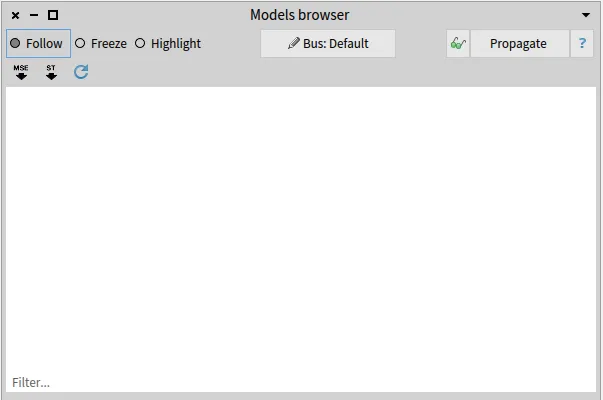
2. Click on the JSON button on the top right and select the `ArgoUML-0-34.json` file.
3. Moose asks which Famix meta-model the file follows. ArgoUML is a Java project, so select `FamixJavaModel`.
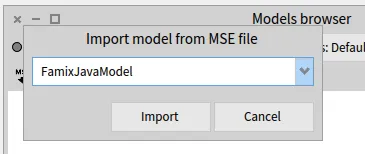
4. *(Optional)* To see the source code of the entities, point the model to the sources folder: right-click on the `ArgoUML-0-34` model, choose `Utilities >> Set root folder`, and select the `ArgoUML-0-34` folder.
Now we are ready to query our system.
## Find deprecated classes
[Section titled “Find deprecated classes”](#find-deprecated-classes)
We first look for the deprecated classes. Inspect the model with a right-click on the model and `Inspect`.
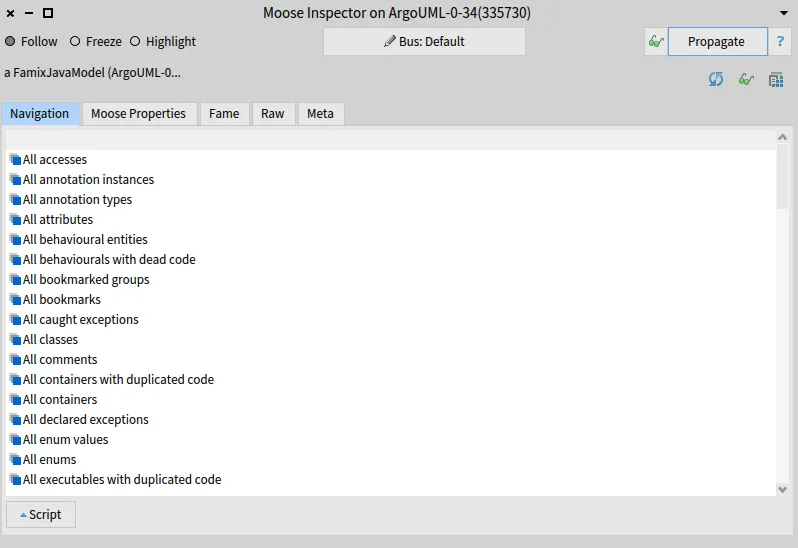
To retrieve the deprecated classes, select the `All model classes` entry. Then, open the script area and type the following script:
```smalltalk
self select: [ :each | each isAnnotatedWith: 'Deprecated' ]
```
Select the script, and execute it with `Ctrl` + `G`.
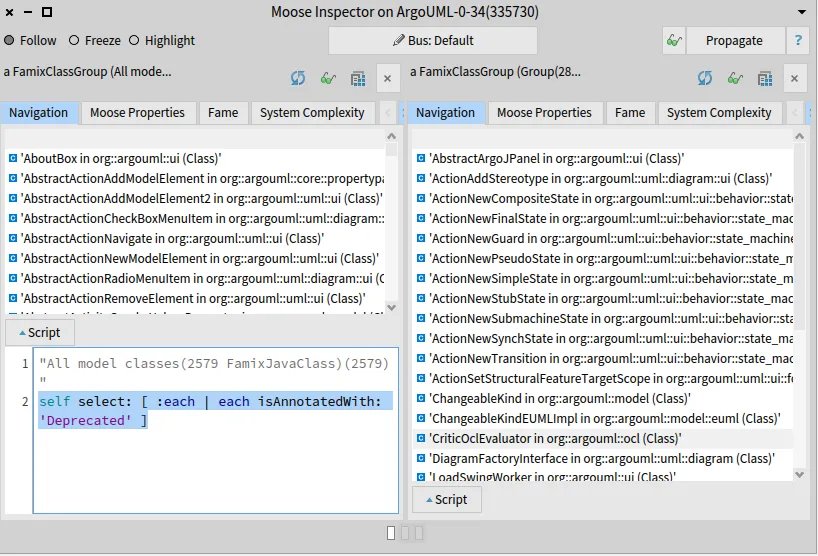
In the right pane, you get the list of the 28 deprecated classes of ArgoUML.
## Show source code
[Section titled “Show source code”](#show-source-code)
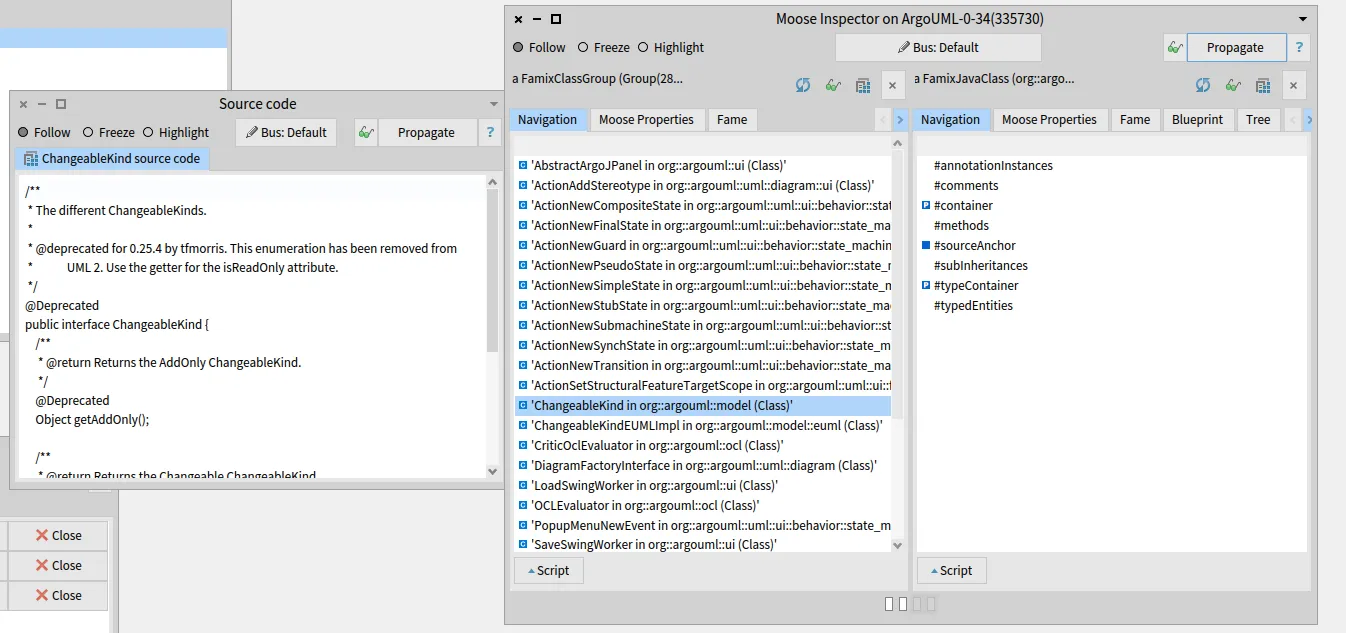
To make sure that we indeed got deprecated classes, let’s look at the source code of one of them. Select one entity and open the *Source code* browser (`Specialized Browsers >> Famix >> Source code`).
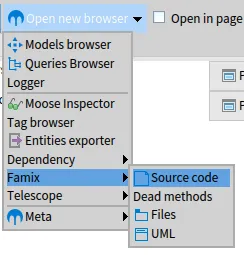
Then, click on the **Propagate** button of the inspector: the source code of the selected class appears in the *Source code* browser.
Note
This requires Moose to know where the files are on your disk (see step 4 of [Load the model in Moose](#load-the-model-in-moose)).
## Analyze the result
[Section titled “Analyze the result”](#analyze-the-result)
We now need to check which of the 28 deprecated classes are not used. In terms of clients and providers: which deprecated classes have no client classes? Go back to the inspector pane listing the 28 classes, open the script area again, and execute:
```smalltalk
self select: [ :each | each clientTypes isEmpty ]
```
We get 14 classes that can be removed immediately.
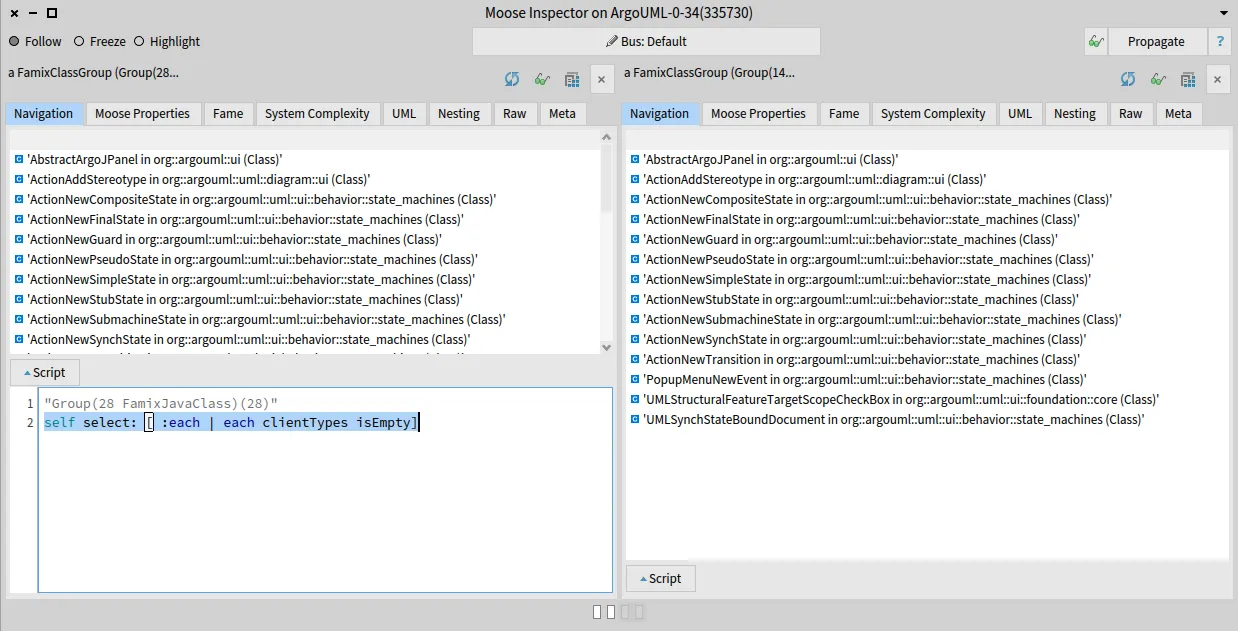
To retrieve the other classes, execute:
```smalltalk
self select: [ :each | each clientTypes isNotEmpty ]
```
This gives 14 classes that cannot be removed because they are still used.
## What’s next?
[Section titled “What’s next?”](#whats-next)
You have performed your first analysis with Moose. Now, [analyze your own project](/beginners/analyze-your-project/).
***
*This tutorial was first written for [the Moose book](http://www.themoosebook.org/book).*
# Next steps
> Where to go once you have performed your first analyses
You can now create a model, load it in Moose and query it. Here are some directions to go further.
## Explore and query
[Section titled “Explore and query”](#explore-and-query)
[Moose IDE](/users/moose-ide/browsers/)All the browsers to navigate, query and visualize your model.
[Moose Query](/users/moosequery/)The API to navigate the dependencies and the containment of entities.
[Typical queries](/users/typical-queries/)Ready-to-use queries for common questions.
[Moose Critics](/users/moose-ide/moose-critics/)Define rules and check them on your model.
## Go deeper
[Section titled “Go deeper”](#go-deeper)
[Abstract syntax trees (FAST)](/users/ast/fast/)Analyze the code at the statement and expression level.
[Extend Moose](/developers/create-new-metamodel/)Create your own meta-model or support a new language.
## Get help
[Section titled “Get help”](#get-help)
[Discord](https://discord.gg/QewZMZa)Ask your questions to the Moose community.
[Blog](/blog/)Tutorials and news about Moose.
# What is Moose?
> The key concepts to know before your first analysis with Moose
Moose is a platform to analyze software systems. It helps you answer questions about your code, such as *“Which deprecated classes are still used?”*, *“What depends on this module?”*, or *“Where is this database table accessed?”*.
To do so, Moose does not work directly on your source code: it works on a **model** of it.
## How an analysis works
[Section titled “How an analysis works”](#how-an-analysis-works)
1. **Parse** your source code with a parser dedicated to its language (for example [VerveineJ](/developers/parsers/verveinej/) for Java). The parser produces a model file, usually in JSON.
2. **Import** this model file into Moose.
3. **Explore and query** the model using the Moose IDE browsers, or by writing small scripts.
## Key concepts
[Section titled “Key concepts”](#key-concepts)
**Model** : A representation of your system as entities (packages, classes, methods, attributes, invocations, accesses…) and the relations between them.
**Famix** : The family of meta-models used by Moose to describe models. There is one meta-model per language: `FamixJava`, `FamixTypeScript`, `FamixPython`, `FamixSQL`… When you import a model, you tell Moose which meta-model it follows (for example `FamixJavaModel` for a Java project).
**Pharo** : Moose is built on top of [Pharo](https://pharo.org), a live programming environment. The scripts you write in Moose are written in Pharo (a Smalltalk dialect).
## Pharo vocabulary you will meet
[Section titled “Pharo vocabulary you will meet”](#pharo-vocabulary-you-will-meet)
**Image** : A Pharo environment saved as a file. A *Moose image* is a Pharo image with all the Moose tools installed. You can have several images side by side.
**Pharo Launcher** : The application used to download, create and launch images.
**Playground** : A window to write and execute code. Open it with `Ctrl` + `O`, `Ctrl` + `W`.
**Inspector** : A tool to look at any object, including a model or a list of entities, and to run scripts on it.
Keyboard shortcuts
On macOS, use `Cmd` instead of `Ctrl`. The most useful shortcuts are `Ctrl` + `D` to execute the selected code (*Do it*) and `Ctrl` + `G` to execute it and show the result (*Do it and go*).
New to Pharo?
You do not need to master Pharo to start with Moose: the next pages give you every script you need. If you want to go further, the [Pharo MOOC](https://mooc.pharo.org) and the [Pharo open documentation](https://github.com/pharo-open-documentation) are good places to start.
# Micro-Visitors for Parsing Programming Languages
> Micro-visitors: a way to modularize the huge visitors needed when writing parsers for Moose.
For Moose, I had to design a number of parsers for various languages ([Java](https://github.com/NicolasAnquetil/VerveineJ), [Ada](https://github.com/NicolasAnquetil/Ada2Famix), C/C++, [PowerBuilder](https://github.com/moosetechnology/PowerBuilderParser)). If you have already done that, you will know that the Visitor pattern is a faithful ally. To help me in this, I came with the concept of “micro visitor” allowing to modularize visitors.
## Parsing and Visitors
[Section titled “Parsing and Visitors”](#parsing-and-visitors)
[Parsing source code](https://en.wikipedia.org/wiki/Parsing) starts with a grammar of the programming language and an actual parser that creates an Abstract syntax Tree (AST) of the program.
For many programming languages, the AST can contain tens of different nodes. The way to master this complexity is to use visitors. A visitor is a class with one method (traditionaly `visitXYZ(XYZ node)`) for each possible type of node in the AST. Each method treats the current node and delegates to other methods treating the nodes below it.
For a parser like [VerveineJ](https://github.com/NicolasAnquetil/VerveineJ) (Java to MSE importer) the visitor class reached [2000 lines of code](https://github.com/NicolasAnquetil/VerveineJ/blob/4adb83c61af9791fb140c7e636ca3aabca41ba71/src/eu/synectique/verveine/extractor/java/VerveineVisitor.java) and became difficult to maintain as there are also interactions between visiting methods because the treatment of a node down in the AST may depend on what are its parent nodes. For example, in Java, `ThisExpression` node may be found in different situations:
* Return the instance running the current method: `this.attribute`
* Return the enclosing object of the current instance: `AClass.this`
* Invoke current class constructor: `this(...)`
Therefore the treatment in `visitThisExpression( ThisExpression node)` may depend on which method called it. This makes it more complex to develop and maintain all the “visitXYZ” methods.
## Micro-Visitor
[Section titled “Micro-Visitor”](#micro-visitor)
On the other hand, a visitor typically has a small state:
* the name of the file being parsed;
* a context stack of the visit (*eg* visiting a method, inside a class, inside a file);
* a model of the result being built by the visitor (*eg* a Moose model).
As a result, I came up with the notion of **micro-visitors** specialized for a single task. For example, for VerveineJ, I have 10 (concrete) micro-visitors, 4 to create entities and 6 to create dependencies between them:
* `VisitorPackageDef`, creating Famix packages;
* `VisitorClassMethodDef`, creating Famix classes and methods;
* `VisitorVarsDef`, creating Famix attribute, parameter, local variable definition;
* `VisitorComments`, creating comments in all Famix entities;
* `VisitorInheritanceRef`, creating inheritances between classes
* `VisitorTypeRefRef`, creating reference to declared types;
* `VisitorAccessRef`, creating accesses to variables;
* `VisitorInvocRef`, creating invocation dependencies between methods;
* `VisitorAnnotationRef`, handling annotations on entities;
* `VisitorExceptionRef`, handling declared/catched/thrown exceptions.
The resulting visitors are much smaller (around 600 lines of code for the three more complex: `VisitorInvocRef`, `VisitorClassMethodDef`, `VisitorAccessRef` ; less than 150 lines of code for `VisitorPackageDef` and `VisitorExceptionRef`) and thus easier to define and maintain. Also, because the visitor is specialized, there are less dependencies between the methods: `VisitorInvocRef` only treats `ThisExpression` when it is a constructor invocation.
## Using Micro-Visitors
[Section titled “Using Micro-Visitors”](#using-micro-visitors)
The overhead on the execution is small as each visitor is specialized and does not need to go through all the AST (*eg* a visitor for function declaration in C would not have to visit the body of these functions since they cannot contain other function declarations).
Micro-visitors can be used independantly one of the other (in *sequence*) as in VerveineJ where each visitor is called one after the other (by the [FamixRequestor](https://github.com/NicolasAnquetil/VerveineJ/blob/master/src/fr/inria/verveine/extractor/java/FamixRequestor.java) class) to visit the full AST. The “orchestrator” object owns the state and pass it to each visitor in turn.
Micro-visitors can also call one another (in *delegation*). For example for [PowerBuilder](https://github.com/moosetechnology/PowerBuilderParser), there is one main visitor (`PowerBuilder-Parser-Visitor.PWBCompilationUnitVisitor`, visiting the AST for a source file) and 7 (concrete) micro-visitors:
* `PWBTypeDeclarationVisitor`, visiting type declarations;
* `PWBBehaviouralDeclarationVisitor`, visiting function/routine definitions;
* `PWBVariableDeclarationVisitor`, visiting declarations of all kind of variables;
* `PWBTypeReferenceToIdentifierVisitor`, visiting references to type names (for example in variable declarations);
* `PWBStatementsVisitor`, visiting statements in the body of behaviourals;
* `PWBExpressionsVisitor`, visiting expressions in statements;
* `PWBBehaviouralInvocationVisitor`, visiting the invocation of behavioural in expressions.
In this case, the main visitor (`PWBCompilationUnitVisitor`) owns the state and its auxiliary visitors get this state from their respective parent visitor:
* `PWBCompilationUnitVisitor` spawns a `PWBBehaviouralDeclarationVisitor` when it encounters a function definition, this one spawns a `PWBStatementsVisitor` to visit the body of the function, `PWBStatementsVisitor` spawns a `PWBExpressionsVisitor` to visit expressions found in the statements.
* if the `PWBExpressionsVisitor` needs to access the context stack, it asks to its parent `PWBStatementsVisitor`, that asks to its parent `PWBBehaviouralDeclarationVisitor`, that asks to the `PWBCompilationUnitVisitor`.
# Coasters collection
> Or how to create a minimal model in Moose 8
## Introduction
[Section titled “Introduction”](#introduction)
I’m a coasters collector. I’m not a huge collector but I want to inventory them in one place. For sure, I can create a PostgreSQL database. But, at the same time, it appears that I can also design my collection using Moose.
*So, you’re going to use a complete system analysis software to manage your coasters collection?*
Exactly! And why? Because I think it’s simpler.
## Design
[Section titled “Design”](#design)
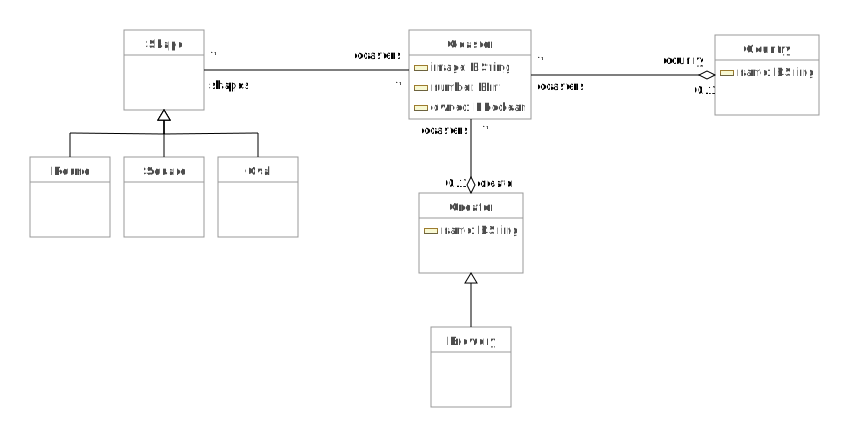
As for every software system, the first step is to design the model. In my case, I want to represent a collection of coasters. Let’s say a coaster is an entity. It can belong to a brewery or not (for example event coasters). A coaster also has a form. It can be round, squared, oval, or others. A Coaster can also be specific to a country. Because it is a collection, I can register coaster I own and other I do not. Finally, each coaster can have an associated image.
From this description of the problem, I designed my UML schema:

The most complicated part is done. We just need to implement the meta-model in Moose now 😄.
## Implementation
[Section titled “Implementation”](#implementation)
First of all, we’ll need a Moose 8 image. You can find everything you need to install Moose in the [moose-wiki](/beginners/install-moose).
### Configuration
[Section titled “Configuration”](#configuration)
**Ok!** Let’s create a generator that will generate for us the meta-model. We only need to describe the meta-model in the generator. We will name this generator CoasterCollectorMetamodelGenerator.
```smalltalk
FamixMetamodelGenerator subclass: #CoasterCollectorMetamodelGenerator
slots: { }
classVariables: { }
package: 'CoasterCollector-Model-Generator'
```
The generator needs to define two methods **class side** for the configuration:
* `#packageName` defines where the meta-model will be generated
* `#prefix` defines the prefix of each class when they are generated.
We used for `#packageName`:
```smalltalk
CoasterCollectorMetamodelGenerator class >>#packageName
^ #'CoasterCollector-Model'
```
We used for `#prefix`:
```smalltalk
CoasterCollectorMetamodelGenerator class >>#prefix
^ #'CC'
```
Now, we have to define the entities, their properties, and their relations.
### Define entities
[Section titled “Define entities”](#define-entities)
A meta-model is composed of entities. In our case, it corresponds to the entities identified in the UML. We use the method `#defineClasses` to define the entities of our meta-model.
```smalltalk
CoasterCollectorMetamodelGenerator>>#defineClasses
super defineClasses.
coaster := builder newClassNamed: #Coaster.
country := builder newClassNamed: #Country.
shape := builder newClassNamed: #Shape.
round := builder newClassNamed: #Round.
square := builder newClassNamed: #Square.
oval := builder newClassNamed: #Oval.
creator := builder newClassNamed: #Creator.
brewery := builder newClassNamed: #Brewery
```
We also need to define the hierarchy of those entities:
```smalltalk
CoasterCollectorMetamodelGenerator>>#defineHierarchy
super defineHierarchy.
brewery --|> creator.
oval --|> shape.
square --|> shape.
round --|> shape
```
### Define properties
[Section titled “Define properties”](#define-properties)
As we have defined the classes, we defined the properties of the entities using the `#defineProperties` method.
```smalltalk
defineProperties
super defineProperties.
creator property: #name type: #String.
country property: #name type: #String.
coaster property: #image type: #String.
coaster property: #owned type: #Boolean
```
In this example, we did not use Trait already created in Moose. However, it is possible to use the Trait `TNamedEntity` to define that countries and creators have a name instead of using properties.
### Define relations
[Section titled “Define relations”](#define-relations)
Finally, we defined the relations between our entities:
```smalltalk
defineRelations
super defineRelations.
(coaster property: #shape) *- (shape property: #coasters).
(coaster property: #country) *- (country property: #coasters).
(coaster property: #creator) *- (creator property: #coasters)
```
### Generate
[Section titled “Generate”](#generate)
Once everything is defined, we only need to use the generator to build our meta-model.
```smalltalk
CoasterCollectorMetamodelGenerator generate
```
The generation creates a new package with our entities. It also generates a class named `Model` used to create an instance of our meta-model.
## Create my collection
[Section titled “Create my collection”](#create-my-collection)
I have created my meta-model. Now I need to fill my collection. First of all, I will create a collection of coasters. To do so, I instantiate a model with: `model := CCModel new`. And now I can add the entities of my real collection in my model and I can explore it in Moose.
For example, to add a new brewery I execute: `model add: (CCBrewery new name: 'Badetitou'; yourself)`.
The code is available [on github](https://github.com/badetitou/CoastersCollector).
## Save the collection
[Section titled “Save the collection”](#save-the-collection)
Once I have created the collection, I can save it using the Moose export format (currently *JSON* and *mse*). To do so, I execute the following snippet:
```smalltalk
'/my/collection/model.json' asFileReference ensureCreateFile
writeStreamDo: [ :stream | model exportToJSONStream: stream ]
```
Then I can select where I want to export my model.
To import it back into an image, I use the following code
```smalltalk
'/my/collection/model.json' asFileReference
readStreamDo: [ :stream | model := CCModel importFromJSONStream: stream ]
```
# Model your Fame/Famix Meta-model using Graphical Editors
> Generate your Generator
[Building metamodels](/developers/create-new-metamodel) for Fame and Famix is currently done through a generator. The generator consists in various special methods that need to be implemented, *eg*, one that will create all metaclasses, another that will create all attributes for each metaclass,… The metamodel’s artifact are created programmatically using pure Smalltalk syntax extended with specific operators to easily express relationships and cardinalities (`<>-`, `*-*`, `<>-*`, …). For more details, please refer to the [article about “Coaster”](/blog/2021-02-04-coasters), written by Benoit Verhaeghe.
In this blogpost, I will show you how to use existing metamodeling diagraming tools to design your metamodel, and then to use the designed meta-model to generate your meta-model code for Fame in Moose. In another blogpost, I will show you how to use this same generator to use graphical modeling tools to generate code for Famix.
## Why a Graphical Modeling Editor
[Section titled “Why a Graphical Modeling Editor”](#why-a-graphical-modeling-editor)
The generator concept provided for Fame/Famix in Moose is practical, but can be intimidating in the first place. Moreover, discovering an existing metamodel, or modifying an existing one can be hard as it requires to switch between various methods. Some projects exist, as [PlantUMLPharoGizmo](https://github.com/fuhrmanator/PlantUMLPharoGizmo), to automatically build a graphical representation of an existing metamodel. This approach considers the code of the meta-model as the main artifact and builds the diagram out of it.
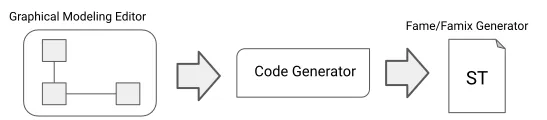
In this post, we will consider the opposite: putting the diagram as the main artifact, then using the diagram as the basis for generating the code of the Fame/Famix generator. Despite its possible complexity to describe a generator for a full huge metamodel, the syntax for building the generator is easy to deal with and easy to generate. The general process is sketched in Figure 1. From the `graphical modeling editor`, the produced meta-model is given to a `dedicated code generator` that will produce the `Fame/Famix Generator`.
## Reusing Existing Modeling Editor
[Section titled “Reusing Existing Modeling Editor”](#reusing-existing-modeling-editor)
Here is an interesting fact. Building a graphical modeling editor from scratch is hard. It can look easy in the first place, basically, it’s only links and boxes, but it turns out that creating an editor that allows you to create a model, enforcings rules defined by a metamodel, is a complex task (without speaking about all graphical rules that need to be injected in the editor). Consequently, we will reuse existing graphical modeling tools that already allow model metamodels.
Currently, there is no pure metamodeling editors for Pharo/Moose. The only existing project is the [OpenPonk project](https://openponk.org/) which gives the ability to create UML models with XMI support, but UML proposes a lot of concepts that could lead to wrong design in the end (using wrong concepts). On the other end, on the MDE community, [Ecore](https://www.eclipse.org/modeling/emf/) is an implementation of the [EMOF](https://www.omg.org/spec/MOF/2.4.1/PDF) and various desktop or web-based graphical editors exists. Following then the flow we described earlier, the `Graphical Modeling Editor` will be one of the various graphical Ecore modeling editor. The designed meta-model will be serialized in XMI (default output for those kind of editors), given to a code generator that will produce the Fame/Famix code generator. The output of the code generator will follow the [tonel format](https://github.com/pharo-vcs/tonel) so it can be easily imported by Moose/Pharo.
### Aligning Ecore and Fame
[Section titled “Aligning Ecore and Fame”](#aligning-ecore-and-fame)
As Fame, Ecore is a meta-meta-model that is used to create meta-models. Various graphical tools exist for it, so we have a little bit of choice. The entry point of our chain is an Ecore meta-model in a XMI format and the destination a Smalltalk class in a tonel format, but, the generated class will describe a generator for a Fame meta-model, not an Ecore one. Consequently, we need to align Ecore concepts with Fame concepts. This blogpost does not go into details about the full alignment between Ecore and Fame, but gives some keys that are used.
#### Metaclasses, EClass and Traits
[Section titled “Metaclasses, EClass and Traits”](#metaclasses-eclass-and-traits)
Fame proposes two main concepts: `FM3Class` (metaclasses) and `FM3Traits` (traits). On the contrary, Ecore only provides the concept of `EClass` to represent metaclasses, which is aligned with the metaclass concept of Fame. Also, Ecore let users mark a metaclass as `interface`, which is a concept that comes close to the trait concept in Fame. Thus, the alignment that we will keep here is:
* EClass -> FM3Class (metaclasses)
* EClass interface -> FM3Traits (traits)
#### Attributes
[Section titled “Attributes”](#attributes)
Attributes in Fame are modeled by the concept of `FM3Property`. Attributes represent a property of a metaclass/trait and are usually bound to objects outside of the Fame “ecosystem” (as `String` that comes from Pharo for example). The same concept can be found in Ecore with the `EAttribute` concept. On the contrary of attributes in Fame, `EAttribute` in Ecore can own default values (and a set of other attributes that we will not consider here). Consequently, we can directly align simple `EAttribute` to Fame attribute, ignoring the default value if one is set. In this condition, the alignment is:
* EAttribute -> FM3Property
#### References
[Section titled “References”](#references)
References in Fame are also modeled by the concept of `FM3Property`. They can own a set of properties and can be marked as “containement”, and they own a cardinality. References represent relationships between metaclasses. In Ecore, the `EReference` concept is the equivalent to `FM3Property`, that’s then the one we use to model relationships. The alignment is:
* EReferences -> FM3Property
#### Untackled Concepts from Ecore
[Section titled “Untackled Concepts from Ecore”](#untackled-concepts-from-ecore)
Ecore proposes more concepts that are not directly aligned with Fame, *e.g.*: `EEnumeration`, `EGenericType`,… Thus, those concepts are not handled by the generator.
## Designing a Meta-model for Fame
[Section titled “Designing a Meta-model for Fame”](#designing-a-meta-model-for-fame)
Now that we know how we will represent Fame concepts with Ecore, we can use a graphical modeling tool to design Ecore meta-model to design Fame metamodels.
For this blogpost, three tools have been tested, two web-based one and a desktop one:
* [GenMyModel](https://www.genmymodel.com/) (web-based)
* [Ecore Diagram](https://www.eclipse.org/ecoretools/doc/) (desktop)
* [EMF.cloud](https://www.eclipse.org/emfcloud/) (web-based)
They all work well and have their pros and cons. As example/illustration of this section I used GenMyModel (I worked there for some years, I know well the tool), but the design process is the same whatever the used tool.
When you design your meta-model for Fame using a graphical Ecore editor, you just focus on the concepts you want to represent. The meta-model we are going to design is the one presented by Benoit in his [article about “Coaster”](/blog/2021-02-04-coasters).
The designed Ecore meta-model can be found [at this address](https://app.genmymodel.com/api/repository/aranega/Coaster) and it looks like this:
In addition, we also set two specific properties of the base `EPackage`: `nsURI` and `nsPrefix`. While the `nsURI` is more internal/maintenance related (it can be used to propose a unique identifier towards this version of the metamodel), `nsPrefix` is really important as it will set the prefix that will be used later for the generation of the generator. I thus set the two values to:
* `nsURI` = `https://coaster/1.0`
* `nsPrefix` = `Ct`
With this, we are ready to generate the code of our generator.
## Generate your Generator
[Section titled “Generate your Generator”](#generate-your-generator)
The code generator is coded in Python using the PyEcore library to be able to decode/resolve Ecore files. The generator goes across the full meta-model at least once to perform model validation, tries to correct some issues (like spaces at the beginning or end or names), and raises an error if it cannot generate the code for some reasons. Once the meta-model is validated, it generates the Fame generator code using [Mako](https://www.makotemplates.org/), a template engine.
### Install the code generator
[Section titled “Install the code generator”](#install-the-code-generator)
The generator installation is pretty simple if you have the right tools. You can find the code on GitHub at [this address](https://github.com/aranega/famegenerator). You can install all the dependencies manually on your system, but the proper way of dealing with the dependencies would be to use a virtual environment (a virtualenv). Virtualenvs creation and activation can be somehow complicated if you are not used to it. To ease this step, the repository contains a `Pipfile` to be used with `pipenv`. If you don’t have `pipenv` installed on your machine, feel free to install it, it helps you creating virtualenvs from `Pipfile` with all the required dependencies and ease also their activation. In our case, with `pipenv`, the installation is pretty forward:
```bash
$ git clone https://github.com/aranega/famegenerator.git
$ cd famegenerator
$ pipenv install
```
And you’re good to go, `pipenv` creates a virtualenv and installs all the dependencies isolated in your virtualenv. Now, each time you want to use the created virtualenv, you can just enter in the directory where the code of the generator is installed and just activate the virtualenv:
```bash
$ pipenv shell
```
### Generate the code of your Generator
[Section titled “Generate the code of your Generator”](#generate-the-code-of-your-generator)
If you did your meta-model online, there are two options for you. Either you can download the `.ecore` on your machine and generate the code from there, or you can give to the generator a valid URL where the XMI of your ecore meta-model is located. Whatever option you’ll choose, you can generate the code of your generator this way:
```bash
$ python famegen.py -o mymeta.class.st
```
This will generate the code of your generator in a tonel format in the file `mymeta.class.st`. If you don’t use the option `-o`, the generated code is displayed on standard output.
Here is the line used to generate the generator of the `Coaster` meta-model:
```bash
$ python famegen.py https://app.genmymodel.com/api/projects/_vgiYcHuVEeuCM8KqVoRWiA/xmi -o /tmp/coaster.class.st
```
Here is the content of the file:
```smalltalk
Class {
#name : #CoasterGenerator,
#superclass : #FamixMetamodelGenerator,
#instVars : [
'shape',
'coaster',
'creator',
'country',
'round',
'square',
'oval',
'brewery'
],
#category : #Coaster
}
{ #category : #accessing }
CoasterGenerator class >> packageName [
^ 'Coaster'
]
{ #category : #accessing }
CoasterGenerator class >> prefix [
^ 'Ct'
]
{ #category : #definition }
CoasterGenerator >> defineClasses [
super defineClasses.
shape := builder newClassNamed: #Shape.
coaster := builder newClassNamed: #Coaster.
creator := builder newClassNamed: #Creator.
country := builder newClassNamed: #Country.
round := builder newClassNamed: #Round.
square := builder newClassNamed: #Square.
oval := builder newClassNamed: #Oval.
brewery := builder newClassNamed: #Brewery.
]
{ #category : #definition }
CoasterGenerator >> defineHierarchy [
super defineHierarchy.
round --|> shape.
square --|> shape.
oval --|> shape.
brewery --|> creator.
]
{ #category : #definition }
CoasterGenerator >> defineProperties [
super defineProperties.
coaster property: #image type: #String.
coaster property: #number type: #Number.
coaster property: #owned type: #Boolean.
creator property: #name type: #String.
country property: #name type: #String.
]
{ #category : #definition }
CoasterGenerator >> defineRelations [
super defineRelations.
(shape property: #coasters) *-* (coaster property: #shapes).
(coaster property: #country) *-<> (country property: #coasters).
(coaster property: #creator) *-<> (creator property: #coasters).
]
```
We find back all the information we put in our design, relationships, names, metaclasses, … This file can be directly imported in Moose and used to generate the meta-model code:
```smalltalk
(TonelParser parseString: ('/tmp/coaster.class.st' asFileReference contents )) do: #load. "Load the generated generator"
CoasterGenerator generate. "Generate the meta-model code"
```
## And Next Time…
[Section titled “And Next Time…”](#and-next-time)
That’s all folks for this post. Next time, we will discuss about how to generate a dedicated meta-model for Famix instead of only Fame. The exact same code generator will be used, but this time, we will have to deal with the desktop Ecore diagram tool for technical reasons.
Happy metamodeling!
# Don't like Windows? Use WSL!
> Or how to use bash commands in Moose while on a Windows system
## Introduction
[Section titled “Introduction”](#introduction)
Recently, I’ve been using a Moose utility (MooseEasyUtility) to ease the creation and loading of a Moose Model. In turn, this utility uses the LibC to send various commands to the operating system for example to call the [VerveineJ](https://github.com/moosetechnology/VerveineJ) parser. However, when using this library, I encountered a problem on my Windows machine. The problem was caused by an encoding issue between the Java Parser (VerveineJ) and the file reader in Pharo. This is Windows specific as there was no issue when running my program on a Linux-based machine.
## What is Windows Subsystem Linux (WSL)?
[Section titled “What is Windows Subsystem Linux (WSL)?”](#what-is-windows-subsystem-linux-wsl)
Sometimes you have to use the Windows OS like me, or you want to build an interoperable application that runs on multiple applications. Your Pharo program may eventually run on a Windows or Linux-based OS; however, you may not be familiar with Windows. Luckily, Microsoft has finally opened up its system to introduce the Windows Subsystem Linux (WSL).
WSL is a compatibility layer for running Linux binary executables (in ELF format) natively on Windows 10. Furthermore, in 2019, Microsoft introduced WSL 2, which included important changes such as a real Linux kernel, through a subset of Hyper-V features. The important thing to remember is that it allows us to use bash commands on Windows 10.
## Installing WSL
[Section titled “Installing WSL”](#installing-wsl)
There are two ways to install WSL on your machine. The simplified installation requires that you join the Windows Insider Program and run the command `wsl --install`. The manual installation is a bit more complicated but the steps are detailed on [docs-microsoft](https://docs.microsoft.com/en-us/windows/wsl/install-win10#manual-installation-steps).
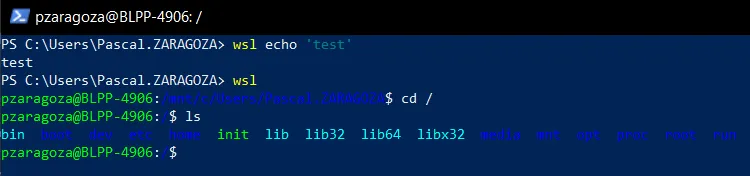
Once installed you may access WSL by either launching WSL through the search bar or by running your favorite terminal and using the command `wsl`.
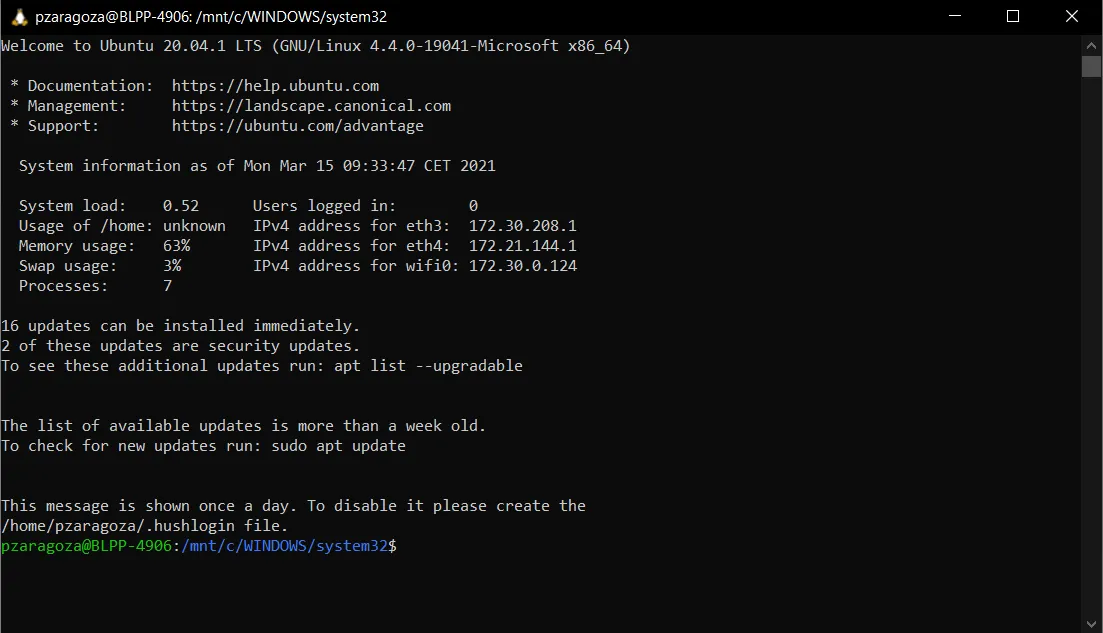
You can also type wsl in your terminal to access the WSL directly.
## Using Pharo with WSL
[Section titled “Using Pharo with WSL”](#using-pharo-with-wsl)
The next step after installing WSL on your machine is to launch your favorite image of [Pharo](https://pharo.org). From there you can use the class LibC to run some commands:
```smalltalk
LibC resultOfCommand: 'ls'.
LibC resultOfCommand: 'wsl ls'.
```
As you will see, when the first command is sent, the terminal returns an error as Windows does not recognize the `ls` command. However, when you execute `ls` with the `wsl` command, it can now successfully display the list of files in the current directory.
## Configuring Moose-Easy
[Section titled “Configuring Moose-Easy”](#configuring-moose-easy)
Let’s come back to our problem with Moose-Easy. [Moose-Easy](https://github.com/moosetechnology/Moose-Easy) is a library to facilitate access to Moose, e.g. to generate MSE files from a source code. Originally, I wanted to use Moose-Easy to parse and generate a model of the Java project I was working on. In my project, I passed the path to the source code, the parser, and any project dependencies I wanted to analyze.
```smalltalk
generate
"Generates this model importer's model from its origin into its configured model path, using its parser"
MooseEasyUtility
createJavaMSEOn: self originSrcPath asFileReference asPath
using: self parser path asFileReference pathString
named: self modelPath asFileReference pathString
withDependencies: self dependenciesFolder
```
This method uses `MooseEasyUtility` to generate the model as a MSE file which would be later imported. Then, the `import` method from my project imports the MSE as a Moose Model.
```smalltalk
import
"Imports this model importer's model from its configured model path"
self modelPath asFileReference readStreamDo: [ :stream |
model := MooseModel importFromMSEStream: stream.
model
rootFolder: self originPath;
install.
^ model
]
```
An important feature of the Moose Model is the ability to access/visualize the source code of an entity. To enable this, during the generation of the MSE, the parser (here VerveineJ) creates a SourceAnchor which writes the start position and end position of the entity within a specific file. However, when manipulating the model, I noticed that the sourceAnchors’ start/end positions were shifted. This resulted in accessing the wrong portions of the source code for each entity. After investigating this shift, it became clear it was due to an encoding issue with the carriage return. When the parser accessed the file it read it the carriage returns differently than when it was being accessed by the Moose library. To fix this issue without modifying the parser, I used WSL commands to run my parser. More precisely, I replaced the direct call to the parser executable with a call to wsl to run the parser. The following instruction of `MooseEasyUtility` was changed from:
```smalltalk
command := 'cd "' , revPath asFileReference pathString , '" && "'
, pathToJavaToFamixCommand , '" ' , verveineJOptions , ' > "'
, javaToFamixOutput fullName , '"' , ' 2> "'
, javaToFamixErrors fullName , '"'.
result := LibC runCommand: command.
```
to:
```smalltalk
command := 'cd "' , revPath asFileReference pathString , '" && wsl"'
, pathToJavaToFamixCommand , '" ' , verveineJOptions , ' > "'
, javaToFamixOutput fullName , '"' , ' 2> "'
, javaToFamixErrors fullName , '"'.
result := LibC runCommand: command.
```
Notice that instead of calling the JavaToFamixCommand (*i.e.* VerveineJ) directly, it is now called through `wsl` (end of first line). This allowed me to generate a MSE file that contained the correct start/end positions.
Additionaly, it is important to remember that if an absolute path is passed to wsl, it must be formatted according to Linux and WSL conventions. On Windows, the path to a file may look like this `C:\Users\Pascal.ZARAGOZA\eclipse-workspace`. While the WSL absolute path will look like this `/mnt/c/Users/Pascal.ZARAGOZA/eclipse-workspace`. This is why I recommend to use relative paths whenever possible when using a mix of WSL and Windows commands.
## Analyzing Java with Moose 8
[Section titled “Analyzing Java with Moose 8”](#analyzing-java-with-moose-8)
If you are interested in analyzing your java project with Moose 8, there is a detailed [blog post](https://fuhrmanator.github.io/2019/07/29/AnalyzingJavaWithMoose.html) by Christopher Fuhrman on the subject. It covers the whole process of using `MooseEasyUtility` to clone, parse, and load the corresponding model of a java project. It also demonstrates how to both visualize and analyze the moose model.
# Analysis of Sindarin API: a modular Moose use case
> New modular Moose browsers are put to the test
# Introduction
[Section titled “Introduction”](#introduction)
How is our API used? This is the question the Pharo debugging team came to me with. They needed to know if it is used as they intended to or if there are some improvements to do. To answer that question, we used some of Moose new browsers.
# Context
[Section titled “Context”](#context)
## Sindarin API
[Section titled “Sindarin API”](#sindarin-api)
The Pharo debugging team works on Sindarin, an API that eases the expression and automation of debugging tasks. Sindarin is made of two layers:
* The “technical” API is the minimal API needed to interact with a debugging kernel (the Pharo kernel here).
* The “scripting” API is here to ease the writing of debugging scripts without having to manipulate low-level concepts.
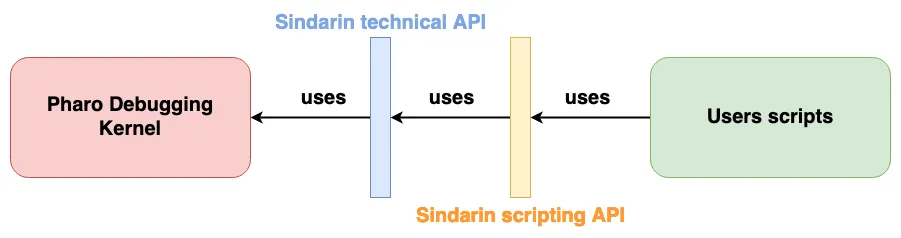
Now, that’s the theory. In reality, the debugging team realized that these two layers are not really respected: users bypass the scripting API to use technical methods and the debugging kernel methods directly. We used Moose to analyze Sindarin API usage, to help understand if, and how, it should be improved.
## Modular Moose
[Section titled “Modular Moose”](#modular-moose)
Moose has recently been upgraded and now offers more modularity. Users can analyze their model through new specialized browsers that allow users to navigate and visualize their model entities. Entities are propagated from one browser to the others, dynamically updating their contents.
Helping the debugging team was an opportunity to test some of these browsers under operating conditions.
# Analysis of the interactions of the users scripts with Sindarin and with the debugging kernel
[Section titled “Analysis of the interactions of the users scripts with Sindarin and with the debugging kernel”](#analysis-of-the-interactions-of-the-users-scripts-with-sindarin-and-with-the-debugging-kernel)
To analyze Sindarin, we built a model constituted of 3 key elements:
* Users debugging scripts: script methods gathered in 4 Classes (green in the figure above)
* Sindarin: methods from the `SindarinDebugger` class (both APIs, yellow and blue in the figure)
* Pharo debugging kernel (pink in the figure)
Our goal was to understand how the users’ scripts use Sindarin and if they interact directly with the debugging kernel.
## Importing the model
[Section titled “Importing the model”](#importing-the-model)
We imported the model directly from Pharo, using the Model Root browser. This browser is the entry point to modular Moose. It shows the list of installed models and allows to import new ones from MSE files or from Pharo.
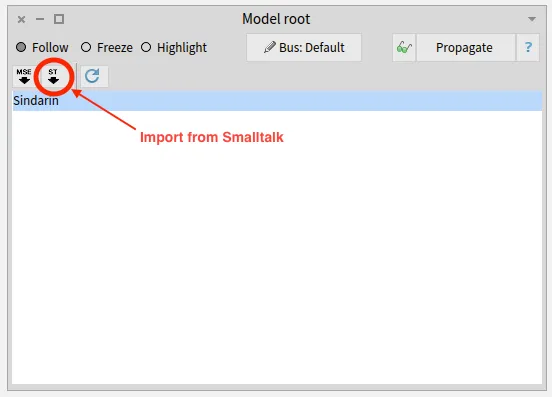
Once the model was imported, it was automatically propagated in modular Moose, to other browsers.
## Querying the model to select key elements from the model
[Section titled “Querying the model to select key elements from the model”](#querying-the-model-to-select-key-elements-from-the-model)
To explore the debugging scripts, Sindarin and the debugger kernel - and the interactions between them - we used the Query browser.
### The Query browser
[Section titled “The Query browser”](#the-query-browser)
The purpose of this browser is to query a model or a group of entities. It can filter entities according to their type or the value of their properties. It can also use [MooseQuery](https://moosequery.ferlicot.fr/) to navigate associations (inheritances, invocations, accesses, and references) and scopes (containment).
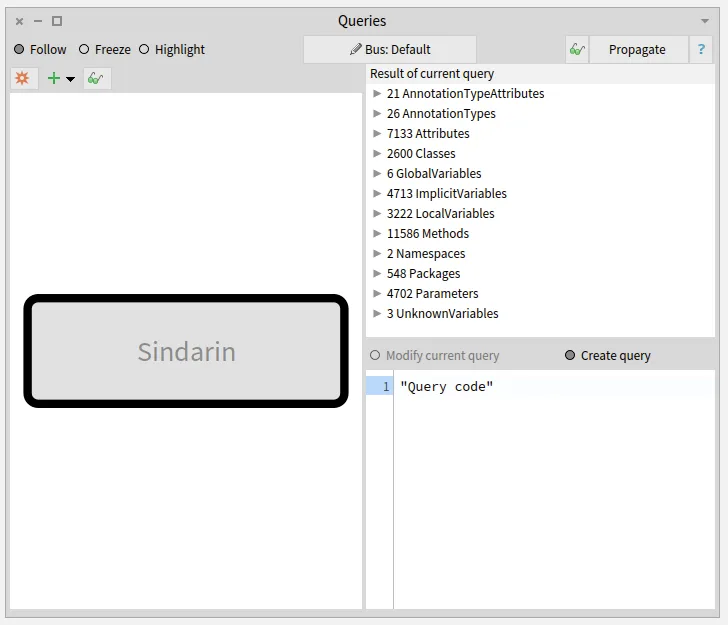
The left pane of the browser is a visualization of the queries that were made. On the image above, no queries were made yet. The left pane only shows the model on which queries will apply. The right pane of the browser shows the result of the selected query and the code used to build it.
### Querying the key elements from the model
[Section titled “Querying the key elements from the model”](#querying-the-key-elements-from-the-model)
We obtained the 3 elements relevant to our analysis (users scripts, Sindarin, and the debugger kernel) by combining simple queries:
##### Queries to get the users scripts:
[Section titled “Queries to get the users scripts:”](#queries-to-get-the-users-scripts)
* A Type query (`Classes`) gave us all the classes in the model, then
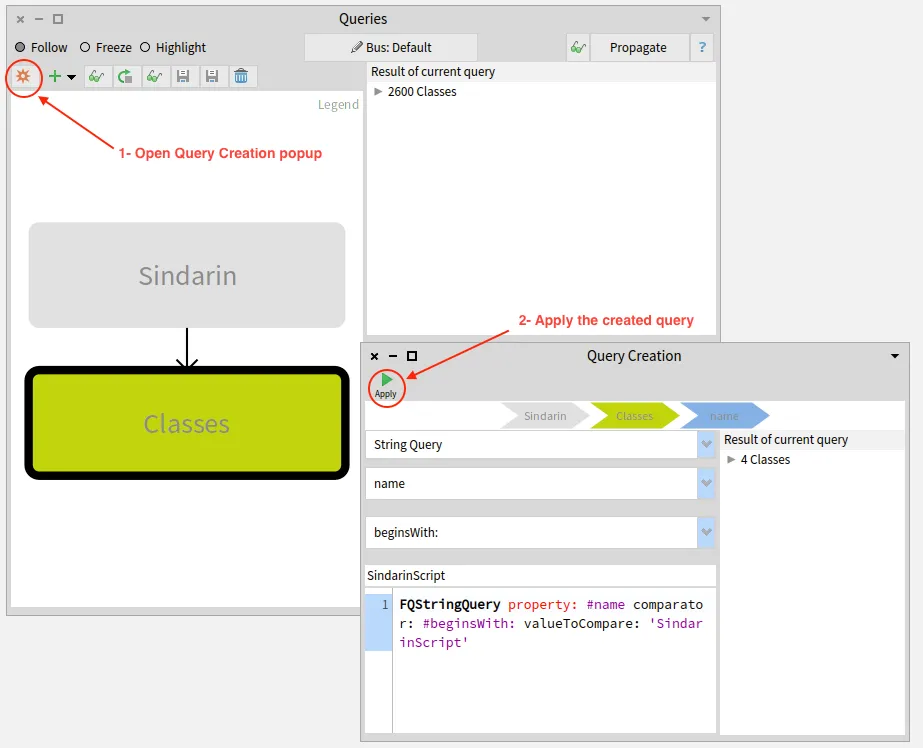
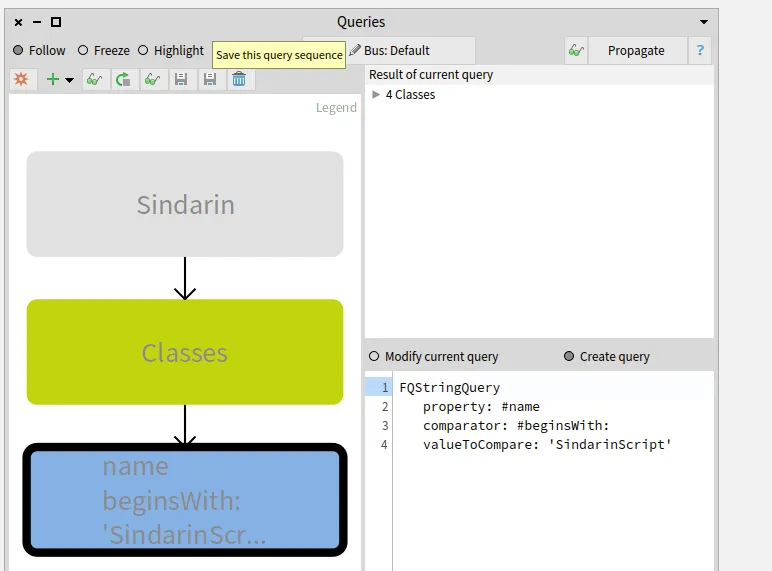
* a property query (`name beginsWith: 'SindarinScript'`) gave us the 4 scripts classes.
The two images below show how this last query was constructed:
##### Queries to get Sindarin API, i.e. methods of the class SindarinDebugger:
[Section titled “Queries to get Sindarin API, i.e. methods of the class SindarinDebugger:”](#queries-to-get-sindarin-api-ie-methods-of-the-class-sindarindebugger)
* A type query (`Classes`), gave us all classes in the model, then
* a property query (`name = 'SindarinDebugger`’), gave us the Sindarin API class.
* finally, a scope query (`scope down to methods`) gave us all Sindarin methods, *i.e.* the API.
##### Queries to get methods from the debugging kernel:
[Section titled “Queries to get methods from the debugging kernel:”](#queries-to-get-methods-from-the-debugging-kernel)
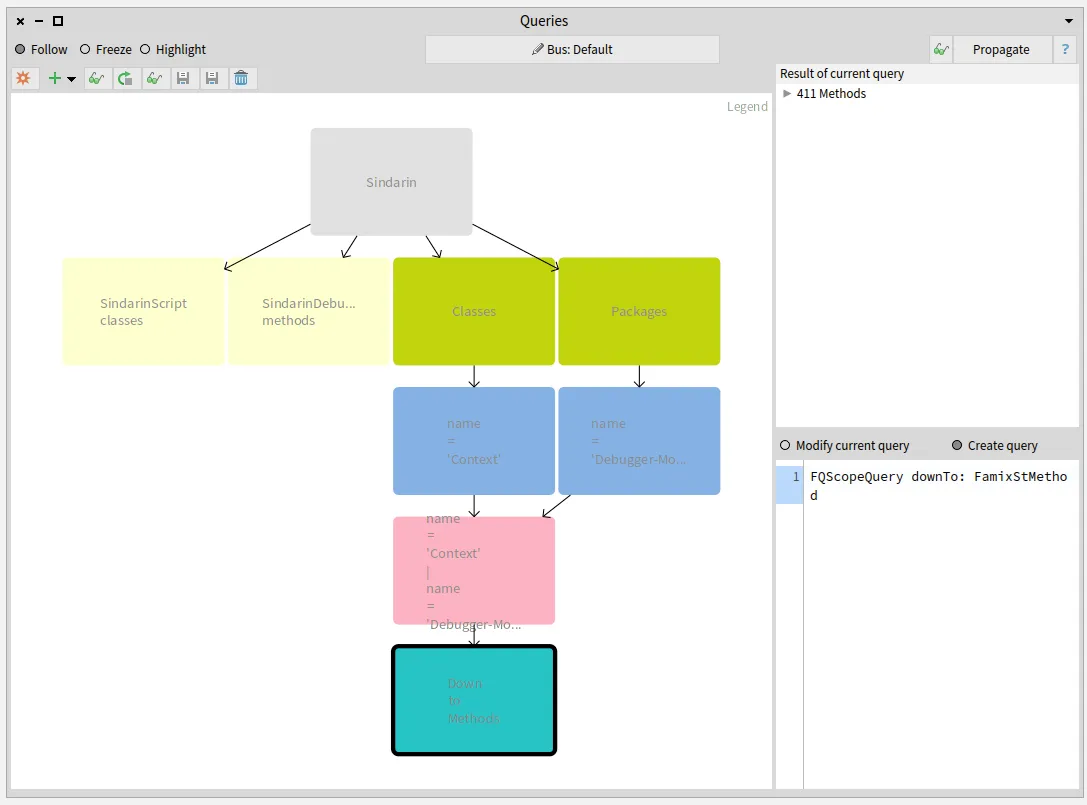
The image below shows the sequence of queries created to obtain methods from the Context class and the Debugger-Model package:
* Two Type queries (`Classes` and `Packages`, green on right), gave us all classes and packages in the model, then
* two property queries (`name = 'Context'` and `name = 'Debbuger-Model'`, blue), gave us the Context class and the Debugger-Model package, then
* we made the `union` (pink) of the class and package, and finally
* a scope query (`scope down to methods`, turquoise, bottom right query) gave us the methods they contain.
#### Saving queries combinations as custom queries
[Section titled “Saving queries combinations as custom queries”](#saving-queries-combinations-as-custom-queries)
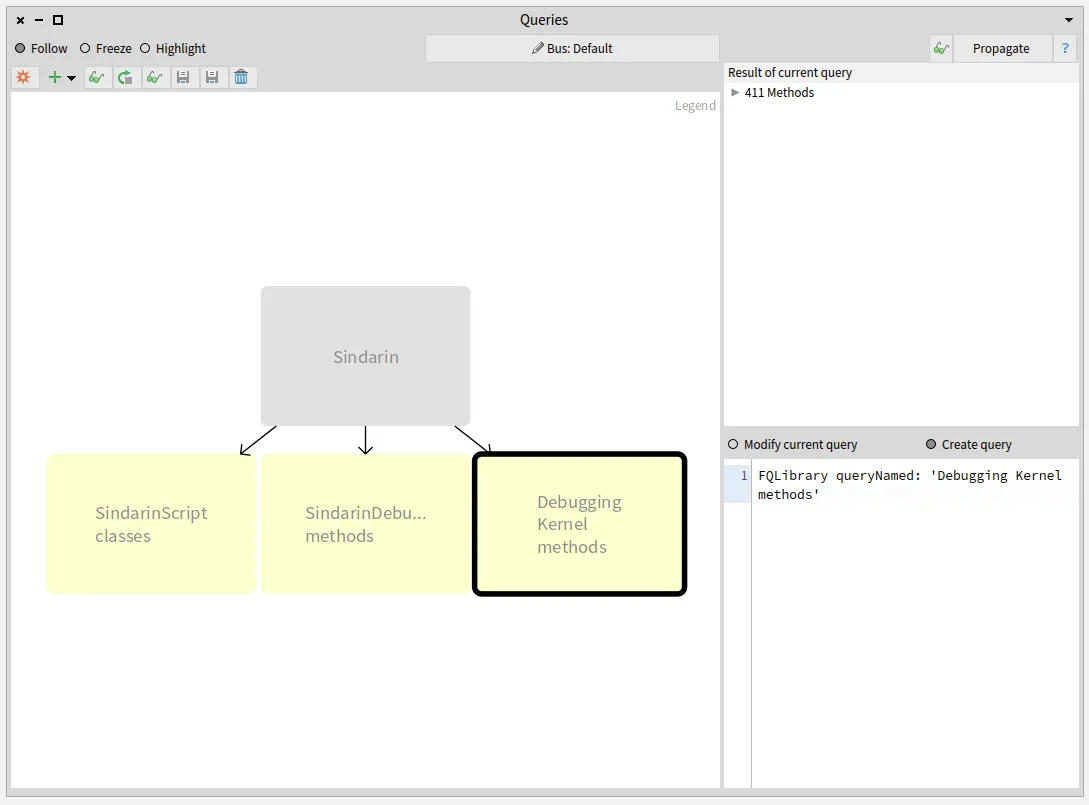
We saved these combinations of simple queries as custom queries, as shown in the image below:
* **SindarinScript classes** are the 4 script classes.
* **SindarinDebugger methods** are the Sindarin API, *i.e.* methods from SindarinDebugger class
* **Debugger Kernel methods** are methods from the debugging kernel, that should not be called directly from the scripts.
## How do scripts interact with Sindarin and the debugging kernel?
[Section titled “How do scripts interact with Sindarin and the debugging kernel?”](#how-do-scripts-interact-with-sindarin-and-the-debugging-kernel)
We added a navigation query to obtain methods that were called in the script. We then narrowed this result by selecting methods from Sindarin or from the debugging kernel.
#### All methods invoked in the scripts
[Section titled “All methods invoked in the scripts”](#all-methods-invoked-in-the-scripts)
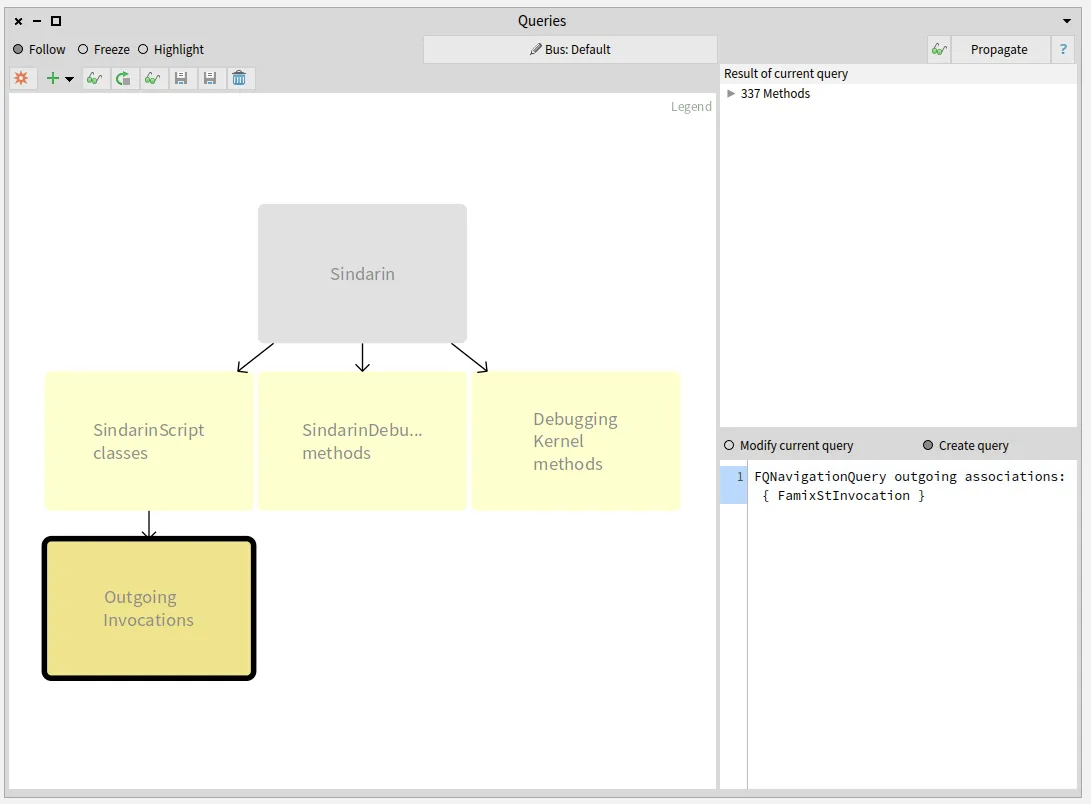
To find which methods are called in the users scripts, we queried **outgoing invocations** from the scripts classes. We obtained a group of 331 candidate methods whose signatures match messages sent in the scripts:
#### Sindarin methods called from the scripts
[Section titled “Sindarin methods called from the scripts”](#sindarin-methods-called-from-the-scripts)
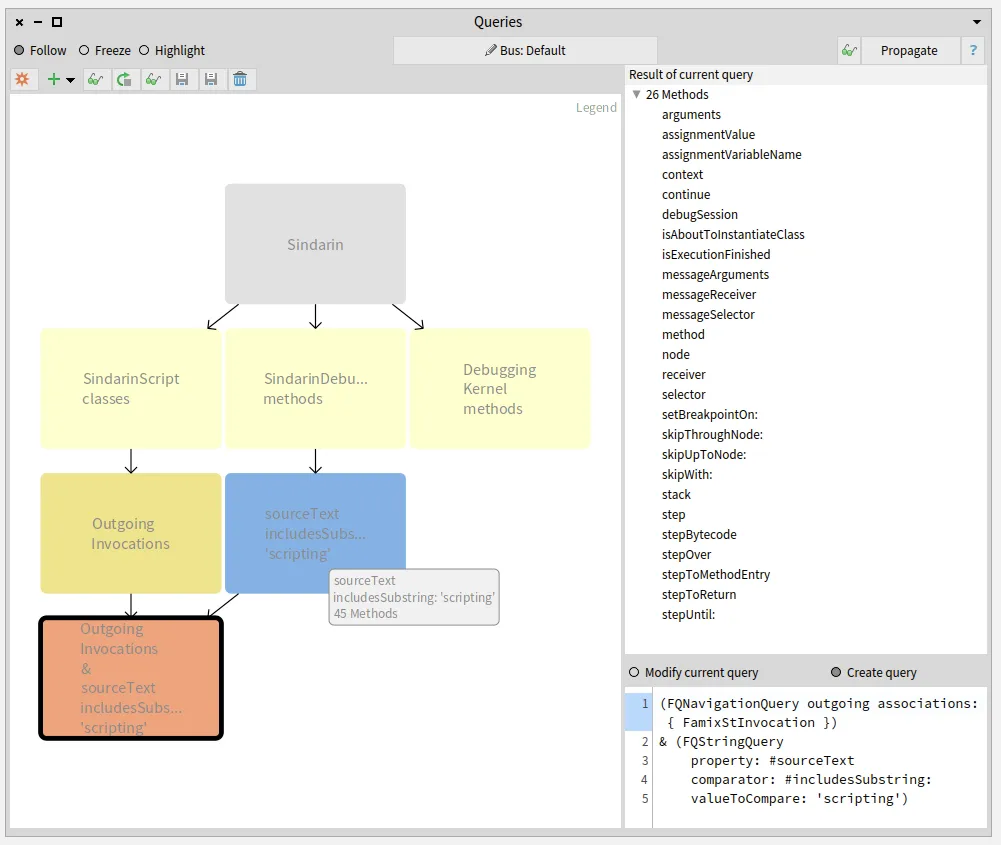
The next step was to compare this group of candidates with the methods from Sindarin scripting API. We established with the debugging team that scripting methods should have `"scripting"` as comment. This convention allowed us to get them with a property query (blue query in the figure below).
We queried for the **intersection** between the scripting API and the group of candidates invoked from the users scripts (salmon query at the bottom left in the figure below). This gave us 26 methods that are called from the scripts, out of 45 in the Sindarin scripting API:
These 26 mehtods, result of the last query performed, are listed in the top right pane of the Query browser.
#### Sindarin methods that are not used in the scripts
[Section titled “Sindarin methods that are not used in the scripts”](#sindarin-methods-that-are-not-used-in-the-scripts)
It was important for the debugging team to know the other 19 scripting API methods that are **not** called from the scripts. We obtained them by querying the **difference** between Sindarin methods and the group of candidates (purple query at the bottom left in the figure below):
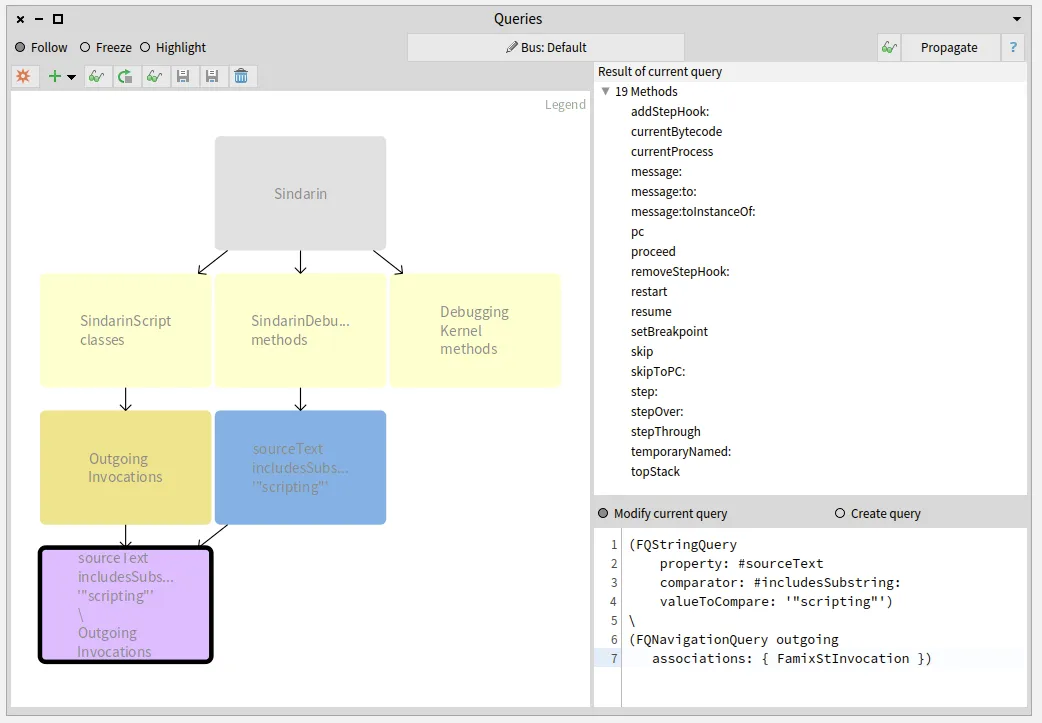
Again the 19 resulting methods are listed in the “Result” pane.
The debugging team now knows which methods from their scripting API have been useful for users and, most importantly, which methods have not.
#### Debugging kernel methods called from the scripts
[Section titled “Debugging kernel methods called from the scripts”](#debugging-kernel-methods-called-from-the-scripts)
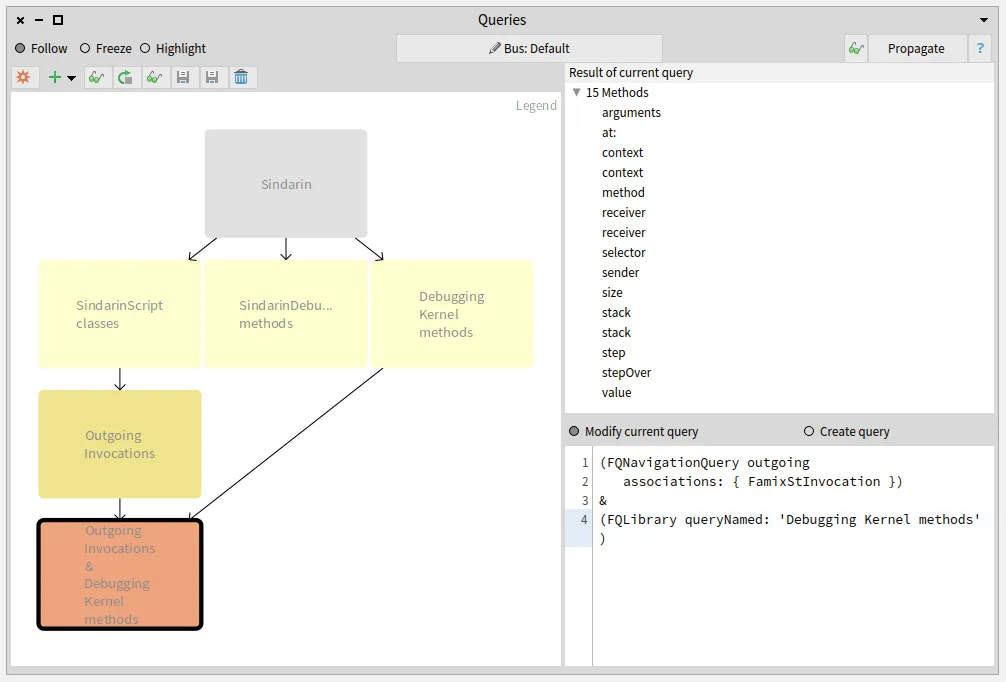
We also compared the group of candidates invoked from the users scripts with the methods of the debugging kernel and obtained 15 methods. These methods are used directly in the users scripts without using Sindarin:
## Identifying the scripts that use the debugging kernel:
[Section titled “Identifying the scripts that use the debugging kernel:”](#identifying-the-scripts-that-use-the-debugging-kernel)
Let’s get back to the fact that outgoing invocations gave us a group of **candidates** methods. When several methods share the same signature, we cannot know for certain which method is called.
For example: Sindarin defines `#arguments`, which is also defined in `Context`.
Sindarin defines:
```smalltalk
arguments
^ self context arguments
```
that should be used as follows:
```smalltalk
sindarin := SindarinDebugger new.
"some steps"
(sindarin arguments at: 1) doSomething.
```
We wanted to detect cases where the users did not use Sindarin, like in the following:
```smalltalk
sindarin := SindarinDebugger new.
"some steps"
(sindarin context arguments at: 1) doSomething.
```
This is a simple example or wrong practice. In more complex cases, interacting directly with the kernel would force the user to write verbose scripts and increase the risk of bugs. Why not benefit from a tested API when you can ?
To detect these cases, we used a convention of the users scripts: each time a call to Sindarin API is made, the receiver is a variable named `sindarin`. This means that invocations which receiver is not `sindarin` are probably cases where the user bypassed Sindarin API, calling the debugging kernel directly.
We inspected the 15 debugging kernel methods that may be used directly in the scripts and selected the ones that are sent from the scripts to a receiver other than `sindarin`. This was done in Pharo (not the Query browser), using [MooseQuery](https://moosequery.ferlicot.fr/):
```smalltalk
self select: [ :method |
method incomingInvocations anySatisfy: [ :invocation |
(invocation sender parentType name beginsWith: 'SindarinScript')
and: [ invocation receiver isNil
or: [ invocation receiver name ~= 'sindarin' ] ] ] ]
```
We narrowed it down to 11 methods of the debugging kernel that are called from the scripts:
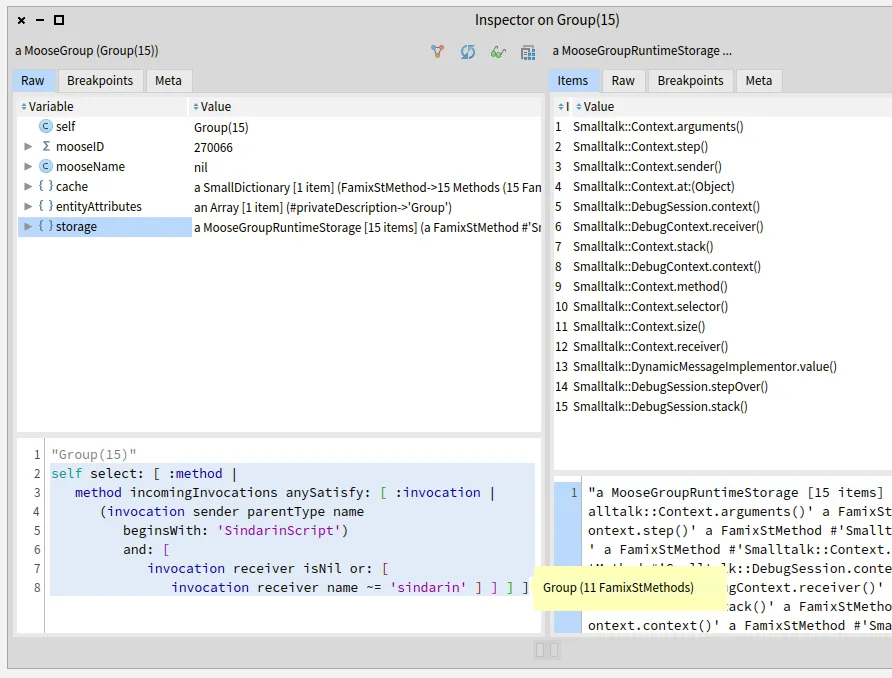
We then collected the scripts where these methods are called:
```smalltalk
self flatCollectAsSet: [ :method |
method incomingInvocations
select: [ :invocation |
(invocation sender parentType name beginsWith: 'SindarinScript')
and: [ invocation receiver isNil
or: [ invocation receiver name ~= 'sindarin' ] ] ]
thenCollect: #sender ]
```
We obtain 15 user script methods that need to be investigated manually. Moose cannot determine which object will receive a message when the script is executed. The debugging team will analyze in the scripts the statements where the probable kernel methods are invoked. They will run the debugging scripts to identify at runtime which objects are the receivers.
Exploring these 15 scripts will help the debugging team to understand whether:
* Users did not use Sindarin correctly: they interacted directly with the debugging Kernel, even though Sindarin methods are available,
* Sindarin API is incomplete: users had no choice but to interact with the debugging kernel because Sindarin does not provide the necessary methods,
* There are other reasons why the API is not used correctly?
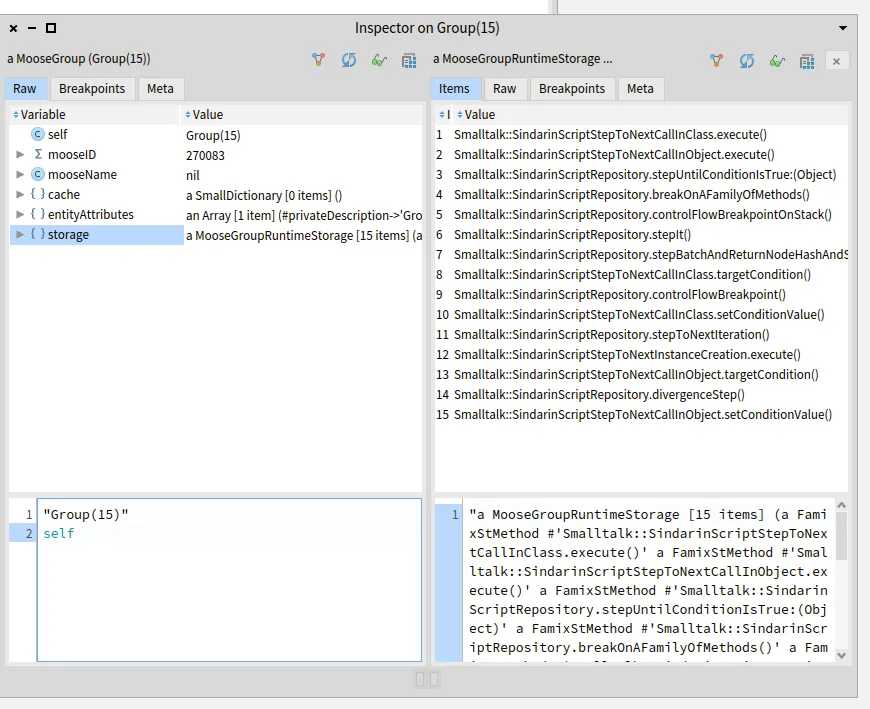
# Query browser improvements
[Section titled “Query browser improvements”](#query-browser-improvements)
With this experiment, we were able to provide valuable information to the debugging team. In return, we got suggestions of improvements to be implemented in modular Moose tools.
To know how many times a method is called, we need the number of invocations of this method. That is querying the *size* of a query result. The query browser does not allow it yet, and it should.
To get the 15 users scripts that need to be explored, we had to inspect a group of methods and run a selection manually (Pharo code). This should be possible directly in the queries browser: users should be able to build a query that executes a query script.
# To be continued …
[Section titled “To be continued …”](#to-be-continued-)
This experiment will help Pharo debugging team to improve Sindarin. They will be able to make it more complete and documented, so users continue to develop debugging scripts.
In the meantime, we will improve modular Moose to widen the queries possibilities. Then, we will challenge these new features: we will use them to analyze the upgraded Sindarin API to document its evolution.
# Dependency Structure Matrix for a Java project using Moose
> In this post I will show how one can create a Design Structure Matrix (DSM) in Moose, in particular from a model of a Java project.
## Dependency Structure Matrix for a Java project using Moose
[Section titled “Dependency Structure Matrix for a Java project using Moose”](#dependency-structure-matrix-for-a-java-project-using-moose)
As an extension to [`Analyzing Java With Moose`](https://fuhrmanator.github.io/2019/07/29/AnalyzingJavaWithMoose.html), in this post I will show how one can create a Design Structure Matrix (DSM) in Moose, in particular from a model of a Java project.
First, you need to **generate** and **load an MSE file into Moose** for a Java project. Refer to [this post](https://fuhrmanator.github.io/2019/07/29/AnalyzingJavaWithMoose.html) for those steps, which uses [the Java code from from Head First Design Patterns](https://github.com/bethrobson/Head-First-Design-Patterns).
Roassal (which is a visualization platform that’s part of Moose) has a visualization for DSM called *RTDSM*. It’s explained [here](https://forum.world.st/DSM-td4842409.html), but with Pharo classes. How to use it with Moose on a Java model?
The key is in the `dependency:` block, which we define using a [Moose Query](https://moosequery.ferlicot.fr/) with `allClients`. Open a Moose Playground and paste the following Pharo code:
```smalltalk
| dsm classes |
dsm := RTDSM new.
classes := (MooseModel root first allModelClasses
select: [ :c |
c mooseName
beginsWith:
'headfirst::designpatterns::combining::decorator' ])
reject: #isAnonymousClass.
"Avoid arbitrary ordering by sorting"
dsm objects: (classes asSortedCollection: [ :a :b | a name < b name]).
"Change the default label from asString which is very long"
dsm labelShapeX label text: #name.
dsm labelShapeY label text: #name.
"Moose Query equivalent to #dependentClasses for a Pharo class"
dsm dependency: #allClients.
dsm rotation: 270.
^dsm
```

This visualization may not be as powerful as [IDEA’s DSM analysis or Lattix’s](https://blog.jetbrains.com/idea/2008/01/intellij-idea-dependency-analysis-with-dsm/), but it’s open source and can be manipulated in Pharo.
In Moose Query, the opposite to `allClients` is `allProviders`.
# How to build a new Moose tool: The MooseInspector
> In this post I am going to show you how to create a new Moose Tool Browser from scratch. How to connect this new tool to the Moose Data bus to listen and to propagate new entities.
## How to build a new Moose tool: The MooseInspector
[Section titled “How to build a new Moose tool: The MooseInspector”](#how-to-build-a-new-moose-tool-the-mooseinspector)
To create a new Moose Tool, you must create a child class of `MiAbstractBrowser`. This abstract class contains the basic infrastructure to all Moose browsers. It provides a toolbar with: buttons to inspect and propagate the current selection; Radio buttons to choose a reception mode; and a help button that shows the class comment for each browser.

Also, it provides the logic to connect the browser to the Moose bus.
So, let us get started. We will create a “Moose Inspector”. It would be like the Pharo’s inspector but as a Moose browser. Firstly, we create the subclass as following:
```smalltalk
MiAbstractBrowser subclass: #MiInspectorBrowser
instanceVariableNames: 'stInspector'
classVariableNames: ''
package: 'Moose-Core-Inspector'
```
As one can see, it has one instance variable which will hold an instance of Pharo’s inspector: `StInspector`.
Now, we must implement some basic methods. First let us implement `initializePresenters` method:
```smalltalk
initializePresenters
super initializePresenters.
stInspector := self instantiate: StInspector.
stInspector model: self model
```
We instantiate stInspector variable an instance of Pharo’s inspector. Then we set the inspector model to be the same as the browser model.
Now we are going to implement `canReceiveEntity:` method. This method returns a Boolean which tells us if the entities received on the bus are usable in this browser. As we are building an inspector all entities can be accepted. So, we are going to return true always.
```smalltalk
canReceiveEntity: anEntity
^ true
```
Then, we must implement `followEntity:` method. This method is called when new entities are received from the bus. In this case, we only need update the inspector model with the new entity. This method has the responsibility of defining the behaviour of the browser when new entities arrives from the bus. This is part of the bus mechanism of `MiAbstractBrowser`. This method is called if `canReceiveEntity: anEntity` returns true.
```smalltalk
followEntity: anEntity
self model: anEntity.
stInspector model: self model
```
Next, the `miSelectedItem` method tells the bus what to propagate (when the user hits the “Propagate” button). In this case we want to propagate the object selected in the last inspector page.
```smalltalk
miSelectedItem
| lastInspectorPage |
lastInspectorPage := stInspector millerList pages last.
^ lastInspectorPage model inspectedObject
```
Now we have all the logic and we can define the layout of this new browser. Now in Spec, the framework used to buld GUi in Pharo, we can implement dynamic layouts. So, we create a `initializeLayout` method. In that method, we take the layout of the super class, which is the toolbar, and we will add the other presenter.
```smalltalk
initializeLayout
self layout: (SpBoxLayout newTopToBottom
add: self class defaultSpec expand: false;
add: stInspector;
yourself)
```
And do not forget to call this at the end of `initializePresenters`.
```smalltalk
initializePresenters
super initializePresenters.
stInspector := self instantiate: StInspector.
stInspector model: self model.
self initializeLayout
```
Finally, we can define which will be the default model on which the browser will open. This is in case the bus does not have any entities. We want the Moose models, so create on class side:
```smalltalk
newModel
^ MooseModel root entities
```
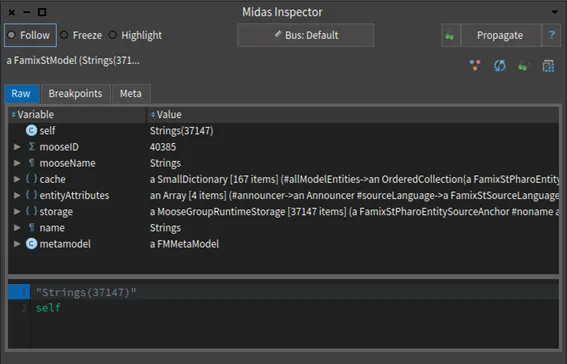
Optionally, we can override class side methods `title` and `windowSize`. We are ready to go. All we must do now is to run `MiInspectorBrowser open` on a Playground. This will open our new browser.
**How to add new tabs in the Moose Inspector Browser**
The new browser is not effective yet. We want to add some custom tabs to inspect the entities in a more visual way. To do so we can add some custom inspector tabs. When it displays an object, the inspector looks for methods of that object that have the `` pragma. The method should return a spec presenter that will be included in the inspector’s tab.
We will migrate the old “Properties” tab that is found in `MooseFinder`. The code is in `MooseObject>>#mooseFinderPropertiesIn:` We only have to rewrite it using Spec framework and use the pragma ``. We will create a method in MooseObject called `inspectorPropertiesIn`.
```smalltalk
inspectorPropertiesIn
^ SpTablePresenter new
items: self mooseInterestingEntity mooseDescription allPrimitiveProperties;
sortingBlock: [ :x :y | x name < y name ];
addColumn: (SpStringTableColumn title: 'Properties' evaluated: #name);
addColumn: (SpStringTableColumn title: 'Value' evaluated: [ :each | (self mooseInterestingEntity mmGetProperty: each) asString ]);
yourself
```
Because the method is defined in `MooseObject`, any subclass (MooseModel, MooseEntity, …) will have this tab when displayed in the inspector.
That it is! Now we run again: `MiInspectorBrowser open` and we will se that the new tab now appears.
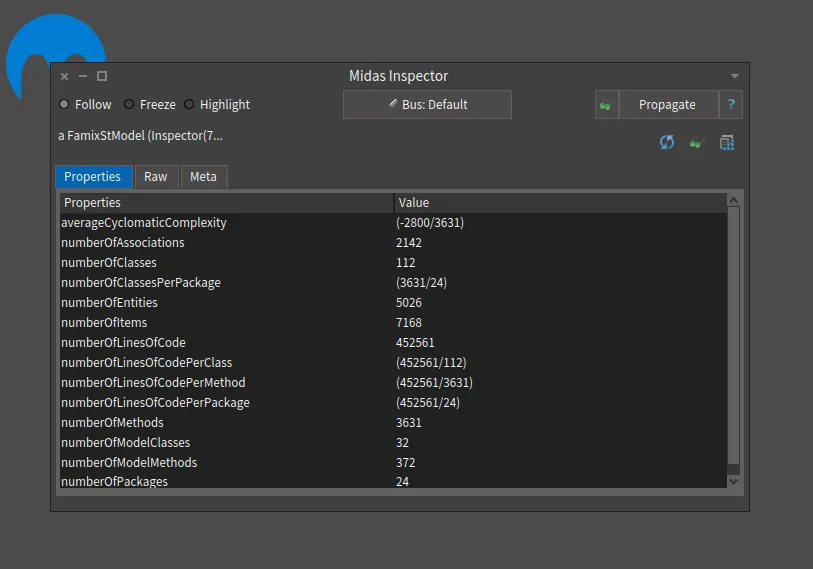
# Connecting/Extending meta-models
> How to extend a meta-model and connect it with another one, or reuse an existing meta-model in your own.
Sometimes, a meta-model does not have all the information you want. Or, you want to connect it with another one. A classic example is linking a meta-model at an abstract level to a more concrete meta-model.
In this blog post, I will show you how to extend and connect a meta-model with another (or reuse a pre-existing meta-model into your own meta-model). We will use the [Coaster example](/blog/2021-02-04-coasters).
## Extending the Coaster meta-model
[Section titled “Extending the Coaster meta-model”](#extending-the-coaster-meta-model)
The Coaster meta-model is super great (I know… it is mine 😄 ). Using it, one can manage its collection of coasters.
However, did you notice that there is only one kind of Creator possible: the brewery. It is not great because some coasters are not created by breweries but for events. My model is not able to represent this situation. So, there are two possibilities: I can fix my meta-model, or I can extend it with a new concept. Here, we will see how I can extend it.

As presented in the above figure, we add the Events concept as a kind of Creator.
### Configuration
[Section titled “Configuration”](#configuration)
As a first step, we need the original Coaster meta-model generator loaded in our image. We can download it from my [Coaster GitHub repository](https://github.com/badetitou/CoastersCollector).
You should have a named `CoasterCollectorMetamodelGenerator` in your image. This is the generator of the original meta-model. We will now create another generator reusing the original one.
First, we create a new generator for our extended meta-model.
```smalltalk
FamixMetamodelGenerator subclass: #CoasterExtendedMetamodelGenerator
instanceVariableNames: ''
classVariableNames: ''
package: 'CoasterCollector-ExtentedModel-Generator'
```
Then, we link our generator with the original one. To do so, we will use the [submetamodels feature](/developers/create-new-metamodel#introducing-submetamodels) of the generator. We only have to implement the `#submetamodels` method in the class side of our new generator. This method should return an array including the generators of the submetamodels that we want to reuse.
```smalltalk
CoasterExtendedMetamodelGenerator class >> #submetamodels
^ { CoasterCollectorMetamodelGenerator }
```
Finally, as for a classic meta-model generator, we define a package name and a prefix.
```smalltalk
CoasterExtendedMetamodelGenerator class >> #packageName
^ #'CoasterExtended-Model'
```
```smalltalk
CoasterExtendedMetamodelGenerator class >> #prefix
^ #'CCE'
```
### Define entities
[Section titled “Define entities”](#define-entities)
Creating new concepts in the new meta-model is done following the same approach as for classic meta-model generator. In our example, we add the `Event` class. Thus, we create the method `#defineClasses` with the new entity.
```smalltalk
CoasterExtendedMetamodelGenerator >> #defineClasses
super defineClasses.
event := builder newClassNamed: #Event.
```
### Declare entity of submetamodels
[Section titled “Declare entity of submetamodels”](#declare-entity-of-submetamodels)
To extend the original meta-model, we first need to identify the entities of the original meta-model we will extend. In our case, we only extend the `Creator` entity. Thus, we declare it in the `#defineClasses` method. To do so, we use the method `#remoteEntity:withPrefix:`. The prefix is used to allow multiple entities coming from different submetamodels but with the same name.
```smalltalk
CoasterExtendedMetamodelGenerator >> #defineClasses
super defineClasses.
event := builder newClassNamed: #Event.
"Remote entities"
creator := self remoteEntity: #Creator withPrefix: #CC
```
> We refer to a remote entity by sending `#remoteEntity:withPrefix:` to `self` and not using the `builder`. Indeed, the entity is already created.
### Using remote entity
[Section titled “Using remote entity”](#using-remote-entity)
Once the declaration done, one can use the remote entities as classic entities in the new generator. In our example, we will create the hierarchy between `Creator` and `Event`.
```smalltalk
CoasterExtendedMetamodelGenerator >> #defineHierarchy
super defineHierarchy.
event --|> creator
```
### Generate
[Section titled “Generate”](#generate)
Once everything is defined, as for classic generator, we generate the meta-model. To do so, execute in a playground:
```smalltalk
CoasterExtendedMetamodelGenerator generate
```
The generation creates a new package with the `Event` entity. It also generates a class named `CCEModel` used to create an instance of our extended meta-model.
### Use the new model
[Section titled “Use the new model”](#use-the-new-model)
It is now possible to use the new meta-model with the `Event` concept. For instance, one can perform the following script in a playground to create a little model.
```smalltalk
myExtendedModel := CCEModel new.
myExtendedModel add: (CCBrewery new name: 'Badetitou'; yourself).
myExtendedModel add: (CCEEvent new name: 'Beer party'; yourself)
```
## Connecting meta-models
[Section titled “Connecting meta-models”](#connecting-meta-models)
We saw that one can extend a meta-model by creating a new one based on the pre-existing entities. It is also possible to connect two existing meta-models together.
To do so, let’s assume we have two existing meta-models to be connected. As an example, we will connect our coaster meta-model, with the world meta-model. The world meta-model aims to represent the world, with its continent, countries, regions and cities.
### The world meta-model
[Section titled “The world meta-model”](#the-world-meta-model)
We will not detail how to implement the world meta-model. But the generator is available in my [GitHub repository](https://github.com/badetitou/CoastersCollector). The figure below illustrates the meta-model.

### Connecting world meta-model with Coaster meta-model
[Section titled “Connecting world meta-model with Coaster meta-model”](#connecting-world-meta-model-with-coaster-meta-model)
Our goal is to connect the coaster meta-model with the world meta-model. To do so, we will connect the *country* concepts of each meta-model.

As a first step, you should install both the coaster meta-model and the world meta-model. Again, both are available in my [GitHub repository](https://github.com/badetitou/CoastersCollector).
Then, we create a new meta-model generator that will perform the connection.
```smalltalk
FamixMetamodelGenerator subclass: #ConnectMetamodelGenerator
instanceVariableNames: ''
classVariableNames: ''
package: 'Connect-Model-Generator'
```
### Declare submetamodels
[Section titled “Declare submetamodels”](#declare-submetamodels)
To connect together the two meta-models, we must first declare them in our connector meta-model. To do so, we define the `#submetamodels` method.
```smalltalk
ConnectMetamodelGenerator class >> #submetamodels
^ { WorldMetamodelGenerator . CoasterCollectorMetamodelGenerator }
```
And, as for every meta-model generator, we define a prefix and a package name.
```smalltalk
ConnectMetamodelGenerator class >> #packageName
^ #'Connect-Model'
```
```smalltalk
ConnectMetamodelGenerator class >> #submetamodels
^ #'CM'
```
### Connect remote entities
[Section titled “Connect remote entities”](#connect-remote-entities)
Before creating the connection, we must declare, in the new meta-model, the entities that will be contected. To do so, we declare them as remoteEntity.
```smalltalk
ConnectMetamodelGenerator >> #defineClasses
super defineClasses.
coasterCountry := self remoteEntity: #Country withPrefix: #CC.
worldCountry := self remoteEntity: #Country withPrefix: #W
```
Then, it is possible to connect the two entities as classic one.
```smalltalk
ConnectMetamodelGenerator >> #defineRelations
super defineRelations.
coasterCountry - worldCountry
```
### Build a model with two connected submetamodels
[Section titled “Build a model with two connected submetamodels”](#build-a-model-with-two-connected-submetamodels)
Once the generator is created, we can generate the connection by generating the new meta-model. To do so, execute in a playground:
```smalltalk
ConnectMetamodelGenerator generate
```
Then, it is possible to create a model with all the entities and to link the two meta-models. In the following, we present a script that create a model.
```smalltalk
"create the entities"
coaster1 := CCCoaster new.
coaster2 := CCCoaster new.
coaster3 := CCCoaster new.
coasterFranceCountry := CCCountry new name: #'France'; yourself.
coasterFranceCountry addCoaster: coaster1.
coasterFranceCountry addCoaster: coaster2.
coasterGermanyCountry := CCCountry new name: #'Germany'; yourself.
coasterGermanyCountry addCoaster: coaster3.
wFranceCountry := WCountry new name: #'France'; yourself.
wGermanyCountry := WCountry new name: #'Germany'; yourself.
continent := WContinent new name: #Europe; yourself.
continent addCountry: wFranceCountry.
continent addCountry: wGermanyCountry.
"connect CCountries to WCountries"
coasterFranceCountry country: wFranceCountry.
coasterGermanyCountry country: wGermanyCountry.
"put all entities into the same model"
connectedModel := CMModel new.
connectedModel addAll:
{ coaster1. coaster2 . coaster3 .
coasterFranceCountry . coasterGermanyCountry .
wFranceCountry . wGermanyCountry . continent }.
```
Based on the preceding model, it is possible to create query that will request the coaster and the world meta-model. For instance, the following snippet count the number of coasters by country in the Europe continent:
```smalltalk
europe := (connectedModel allWithType: WContinent)
detect: [ :continent | continent name = #Europe ].
(europe countries collect: [ :eCountry |
eCountry name -> eCountry country coasters size ]) asDictionary
```
The `coutry:` and `coutry` methods are accessors that allow to set and recover one `CCCountry` (resp. `WCountry`) into a `WCountry` (resp. `CCCountry`). The accessors names are the same in both classes and were generated automatically from the declaration of the relationship in `defineRelations` (this is normal behaviour of the generator, not specific to using sub-models.
## Conclusion
[Section titled “Conclusion”](#conclusion)
In this post, we saw how one can extend and connect meta-models using Famix Generator. This feature is very helpfull when you need to improve a meta-model without modifying it directly. If you need more control on the generated entities (*e.g.*, name of the relations, *etc.*), please have a look at the [create meta-model wiki page](/developers/create-new-metamodel).
# Generate a plantUML visualization for a meta-model
> Generate a PlantUML class diagram of a meta-model (tool now replaced by FamixUMLDocumentor).
## Note
[Section titled “Note”](#note)
This post describes a tool that has been replaced by a new `FamixUMLDocumentor`. The new tool is described [in another post](/blog/2023-09-26-new-umldocumentor).
## Old post content
[Section titled “Old post content”](#old-post-content)
When you are interested in a meta-model of which you are not the creator, it is sometimes difficult to understand it only using the declarations in the code. It would be best if you could actually visualize it in a different way. What better way to go back to a very efficient meta-model visualization tool: UML.
In this blog, I will show you how to generate [plantUML](https://plantuml.com/) code from a generated meta-model. For that, I will take the example of the evolution of the meta-model on coasters:
* [Coasters collection](/blog/2021-02-04-coasters)
* [Connecting/Extending meta-models](/blog/2021-05-15-connecting-meta-models)
There is no need to do these posts to understand this one. I would even say that this is precisely the subject: to study an unknown meta-model.
## Prerequisite and details
[Section titled “Prerequisite and details”](#prerequisite-and-details)
First of all, and if it has not already been done, do not forget to download and generate the meta-models using its generator. For example, for the basic [Coasters collection](/blog/2021-02-04-coasters), the code is available on [Coaster GitHub repository](https://github.com/badetitou/CoastersCollector) and it can be generate with:
```smalltalk
CoasterCollectorMetamodelGenerator generate
```
`FamixMMUMLDocumentor`, the tool I am going to present to you, is based on the generated meta-model. Therefore, it is particularly suitable for models with subMetamodels (*Cf.* beWithStub option). It is important to note that another tool, based on the meta-model builder, exists : `FmxMBPlantTextVisitor`. It can be interesting if you need to display the compositions.
I would also like to make one last remark, most of the information given in this post can be found in the comment of the `FamixMMUMLDocumentor` class. Finally, there is the [plantUML server](http://www.plantuml.com/plantuml/uml/SyfFKj2rKt3CoKnELR1Io4ZDoSa70000) to run your plantUML code directly on the web. So let’s continue and generate our visualizations! 😄
## Global approach
[Section titled “Global approach”](#global-approach)
### Generation on the whole meta-model
[Section titled “Generation on the whole meta-model”](#generation-on-the-whole-meta-model)
Let’s say we know that there is a meta-model on coasters whose builder is `CoasterCollectorMetamodelGenerator`. Since we need the generated model and not the builder, we will look at the prefix defined in `CoasterCollectorMetamodelGenerator class >> #prefix` and deduce the model name, which consists of the model prefix followed by the word `Model`.
In this case, for `CoasterCollectorMetamodelGenerator`, the model is called `CCModel`. From here, we have all the elements to generate the plantUML code associated with the model via the following code:
```smalltalk
FamixMMUMLDocumentor new
model: CCModel ;
generatePlantUMLModel.
```
The generation is done by instantiating a `FamixMMUMLDocumentor` for which we provide the model (*model:*) and ask for the complete generation for this last one (*generatePlantUMLModel*).
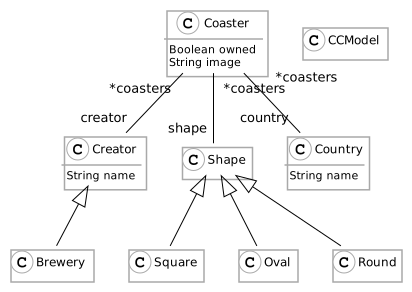
We can now compare the generated UML representation to the basic one that helped create the generator or that has been used to generate the generator 😄 (*Cf.* [Model your Fame/Famix meta-model using Graphical Editors](/blog/2021-03-01-diagram-and-codegen)).

We can observe a UML diagram that is almost identical. Only `CCModel` is additional. However, generation options allow solving this problem (and many others).
## Generation options
[Section titled “Generation options”](#generation-options)
### generatePlantUMLModelWithout
[Section titled “generatePlantUMLModelWithout”](#generateplantumlmodelwithout)
Indeed, it is possible to ask to generate the plantUML code without a defined collection of entities. For example, if you do not want the `CCModel` to appear.
```smalltalk
FamixMMUMLDocumentor new
model: CCModel ;
generatePlantUMLModelWithout: { CCModel }.
```
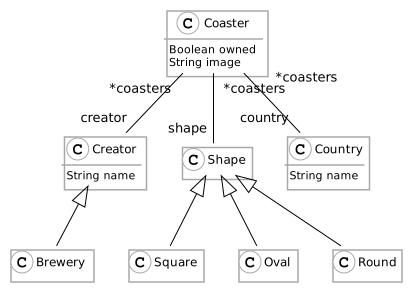
It is important to note that it is necessary to give the entities themselves and not their names. That is to say that it is necessary to add their prefix. For example, the entity associated with the name `Coaster` is `CCCoaster`.
### generatePlantUMLWith
[Section titled “generatePlantUMLWith”](#generateplantumlwith)
It is also possible to do the opposite. That is to say to select only the entities to generate.
```smalltalk
FamixMMUMLDocumentor new
model: CCModel ;
generatePlantUMLWith: { CCCoaster . CCCreator . CCBrewery }.
```
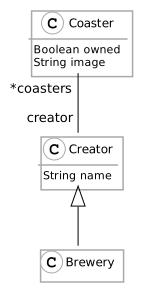
This can be useful if you are interested in certain entities.
### beWithStub
[Section titled “beWithStub”](#bewithstub)
Finally, there is one last exciting possibility. If we take the case of the evolution of the coasters meta-model extended in terms of creators [Connecting/Extending meta-models](/blog/2021-05-15-connecting-meta-models).

Let’s generate the plantUML code on the meta-model and observe.
```smalltalk
FamixMMUMLDocumentor new
model: CCEModel ;
generatePlantUMLModelWithout: { CCEModel }.
```
We can say that the representation is deceiving, but it is only a representation of what is declared in the meta-model. However, the meta-model has a subMetamodel, so we have to look for these dependencies in it. For this, there is the `beWithStub` option.
```smalltalk
FamixMMUMLDocumentor new
beWithStub;
model: CCEModel ;
generatePlantUMLModelWithout: { CCEModel . MooseModel }.
```
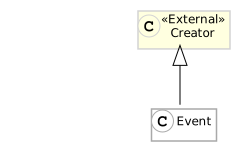
We can see that `Event` inherits from an external class `Creator`, coming from the subMetamodel `CoasterCollectorMetamodelGenerator`.
It would indeed be interesting to generate the subMetamodel view as well in order to have a better overall view, maybe an improvement track?
### Output to a file
[Section titled “Output to a file”](#output-to-a-file)
Each option is available in text or file output via the following methods:
* `generatePlantUMLModel` / `generatePlantUMLModelFile:`
* `generatePlantUMLModelWithout:` / `generatePlantUMLModelFile:without:`
* `generatePlantUMLWith:` / `generatePlantUMLFile:with:`
## Application to a larger model
[Section titled “Application to a larger model”](#application-to-a-larger-model)
To finalize this post, we will generate a larger meta-model that aggregates all the notations available in the tool. To do this, I chose `FASTModel`, a method syntax analysis meta-model, available with this [moosetechnology GitHub repository](https://github.com/moosetechnology/FAST).
```smalltalk
FamixMMUMLDocumentor new
beWithStub;
model: FASTModel;
generatePlantUMLModelWithout: { FASTModel . MooseModel }.
```
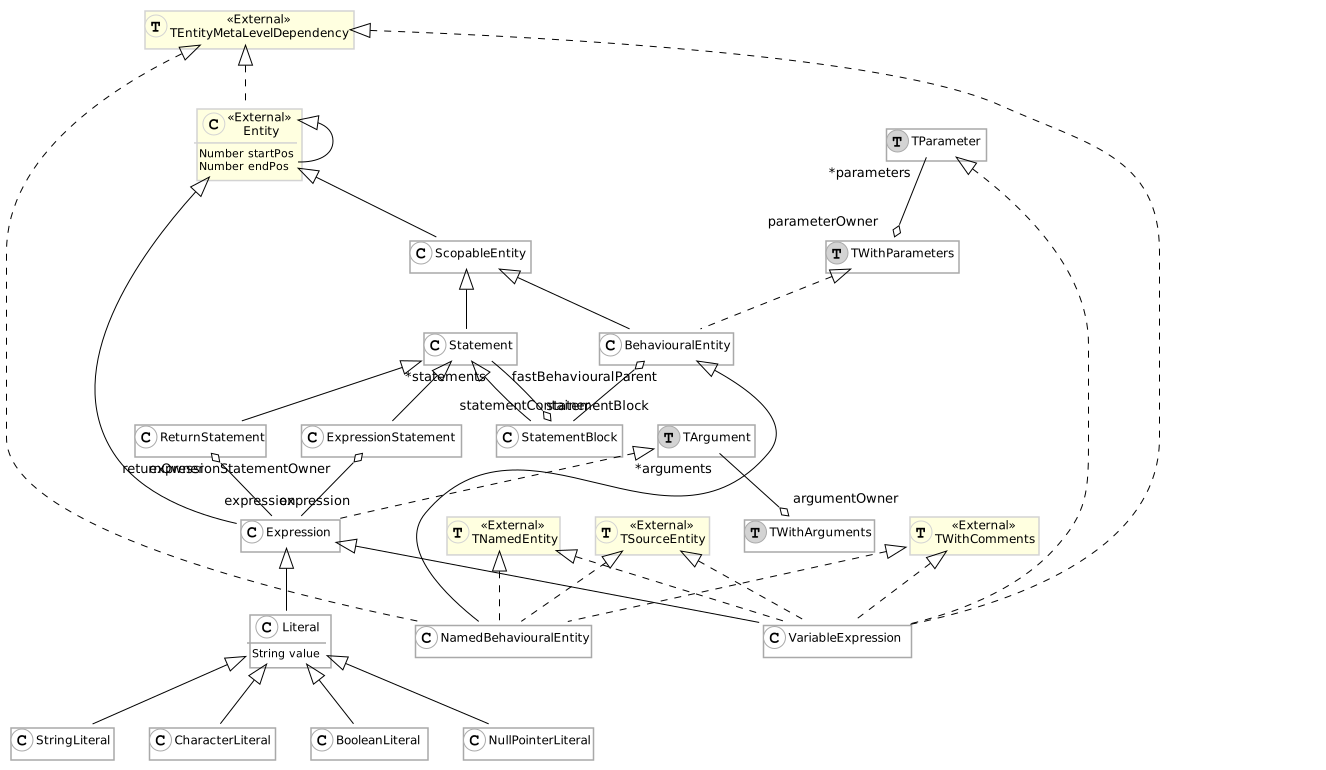
### Notations
[Section titled “Notations”](#notations)
In summary, we have 5 specific notations:
* Internal entity notations:
* Class: Black C on white background
* Trait: Black T on grey background
* External entity notations:
* Class: Black C on yellow background with `External` label
* Trait: Black T on yellow background with `External` label
* Use of traits: Dashed arrow
The rest of the notations follows the UML standard.
## Conclusion
[Section titled “Conclusion”](#conclusion)
In this post, we have seen how to visualize a meta-model using `FamixMMUMLDocumentor`. This feature is handy for understanding complex meta-models and allows (almost) automatic documentation.
# Towards analyzing TypeScript with Moose
> I discuss an imperfect but useful approach to analyze TypeScript projects using existing elements.
TypeScript is a more and more popular programming language, and so it would be great if we could analyze TypeScript projects using Moose. At the time of writing, no meta-model (or importer) exists for the TypeScript language in Moose. First, what are the pieces of the puzzle needed to analyze TypeScript with Moose? Before we consider TypeScript, let’s look at how things work with Java:

[VerveineJ](https://github.com/moosetechnology/VerveineJ) is the *importer* that can generate *models* of Java files, allowing us to do analyses in Pharo/Moose.
## What’s needed to analyze TypeScript?
[Section titled “What’s needed to analyze TypeScript?”](#whats-needed-to-analyze-typescript)
If we want to do the same thing for TypeScript, we would need:
* an equivalent of VerveineJ (importer) for TypeScript files,
* a Famix model of TypeScript.
Creating a parser and importer for TypeScript is no small task, but TypeScript is a popular environment and we can use [`ts-morph`](https://ts-morph.com/) to facilitate the navigation of the TypeScript AST. There’s also a very cool [visualization of TypeScript ASTs](https://ts-ast-viewer.com/#), which will be useful for understanding and debugging.
Designing a new meta-model for TypeScript is definitely not trivial, because it requires a deep understanding of the language. On the other hand, once a meta-model exists, it’s [easy to *generate* using FamixNG domain-specific language](/developers/create-new-metamodel).
Pragmatically speaking, do we need a *perfect* model of TypeScript to analyze it?
## abap2famix
[Section titled “abap2famix”](#abap2famix)
> “All models are wrong, but some are useful.” —[maybe not George Box](https://en.wikipedia.org/wiki/All_models_are_wrong)
By searching the web for TypeScript and Moose, I discovered a GitHub project called [pascalerni/abap2famix](https://github.com/pascalerni/abap2famix). It is an [ABAP](https://en.wikipedia.org/wiki/ABAP) importer (written in TypeScript) that models ABAP projects using [FAMIX 3.0 (compatibility meta-model for Java)](https://www.researchgate.net/publication/265428652_MSE_and_FAMIX_30_an_Interexchange_Format_and_Source_Code_Model_Family). Java and ABAP are indeed different languages, but perhaps the differences are not so important if we want to do some static analysis? Seems like a pragmatic approach!
Looking at the node packages used by abap2famix I discovered [famix](https://www.npmjs.com/package/famix), a TypeScript implementation of Famix, which facilitates creating FAMIX 3.0 entities from TypeScript. Its source is at [pascalerni/famix](https://github.com/pascalerni/famix), and I could see that much of it was generated, e.g., in [class.ts](https://github.com/pascalerni/famix/blob/d68d11cbbc3f8423dcd1acd46da602ea13e2b1f4/src/model/famix/class.ts#L1) there’s proof it was not written by hand:
```typescript
// automatically generated code, please do not change
import {FamixMseExporter} from "../../famix_mse_exporter";
import {Type} from "./../famix/type";
export class Class extends Type {
...
}
```
How was this code generated? The answer is the fork of FameJava at [pascalerni/FameJava](https://github.com/pascalerni/FameJava), namely the [Famix30Codegen.java](https://github.com/pascalerni/FameJava/blob/master/test/ch/akuhn/fame/codegen/target/Famix30Codegen.java) file. The original FameJava was used to generate the Java API for use with FAMIX 3.0 metamodel. This fork generates (via Java) a TypeScript API. Clever and useful!
## Drivers, start your engines!
[Section titled “Drivers, start your engines!”](#drivers-start-your-engines)
So, what if we try to create an importer using `ts-morph` and the `famix` packages that will model TypeScript programs in a Java metamodel? As a first try, model only the object-oriented elements of TypeScript, such as classes, methods, attributes, etc.
This is actually the project I proposed to students in an [advanced-topics software design course at my university](https://www.etsmtl.ca/etudes/cours/MGL843) during the winter of 2021.
## Results
[Section titled “Results”](#results)
Several teams set out to achieve this goal, although none of the students had ever done parsing or Pharo before. Many were familiar with node and TypeScript.
I’m happy to say that they *all* were successful (in varying degrees) in writing an importer for TypeScript that allowed analyses to be done in Moose and Pharo, and their results are all on GitHub:
[Team 1](https://github.com/Start2Run/TypeScript2Famix) | [Team 2](https://github.com/Imonor/ProjetFamix) | [Team 3](https://github.com/xamrol/prj-mgl843) | [Team 4](https://github.com/km229/mseTsGenerator)
Here are some visualizations produced by Team 4 using Roassal on models loaded into Moose.
The first shows the Weighted Method Count (sum) for classes in several TypeScript projects. The cyclomatic complexity values were calculated using another npm package (`ts-complex`) in the TypeScript importer:
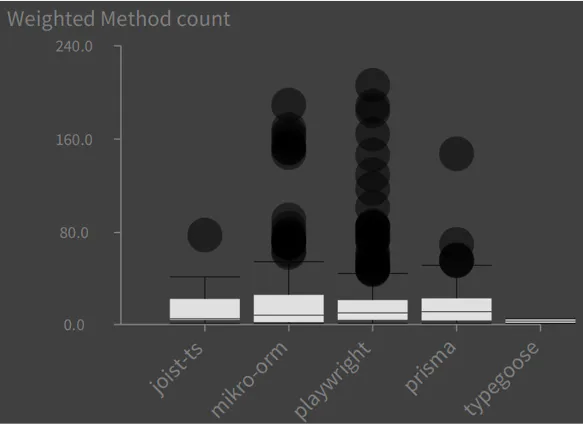
The following chart shows distributions of Cyclomatic Complexities of methods for various classes in the `prisma` project:
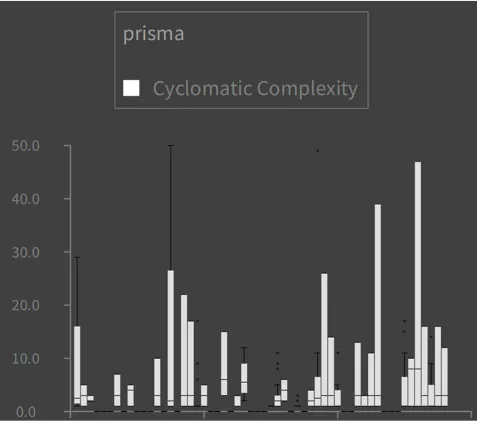
## Limits of modeling TypeScript in a Java metamodel
[Section titled “Limits of modeling TypeScript in a Java metamodel”](#limits-of-modeling-typescript-in-a-java-metamodel)
Here are some of the obvious things in TypeScript (Javascript) that don’t quite fit into a Java model:
* Functions can exist in the global namespace. A workaround proposed by one team was to create a “Global” class in the Java model, and just put functions there as static methods.
* Functions can exist in methods, but maybe this is possible to model in a newer meta-model for Java that supports lambdas. The API from pascalerni/famix supports an older meta-model for Java.
* `string`, `number`, `any` are types in TypeScript, but they do not really map to primitive types or classes in Java.
* TypeScript doesn’t have packages like Java, although it does have ways to specify namespaces and avoid naming conflicts.
## Conclusion
[Section titled “Conclusion”](#conclusion)
Even though a formal model in TypeScript doesn’t (yet) exist in Famix, it’s possible to perform useful analyses of TypeScript using the FAMIX 3.0 (Java) metamodel, thanks to packages, tools and APIs developed and reused in the npm and Moose communities.
> Photo credit: “[patchwork beads](https://www.flickr.com/photos/brenneman/6062001126/)” ([CC BY-SA 2.0](https://creativecommons.org/licenses/by-sa/2.0/)) by [various brennemans](https://www.flickr.com/people/brenneman/)
# Automatic meta-model documentation generation
> How to use GitHub actions to update its meta-model UML?
When you are developing with Moose everyday, you know how to create an excellent visualization of your meta-model. But, we have to open a Pharo image, and it is hard to share it during a presentation. Often, we made one UML of the meta-model, and then… we forget to update it. Then, when sharing with others, you have to say that the UML is not correct but it is *ok???*.
In my opinion, this is **super bad**. Thus, I decided to have a look at [GitHub Actions](https://fr.github.com/features/actions) to update my UML automatically.
In the following, I present how to update GitHub Actions to add UML auto-generation. I use the [Coaster project](https://github.com/badetitou/CoastersCollector) as an example. Please consider reading the [blog post about using GitHub action with Pharo](https://badetitou.fr/misc/2020/11/30/Testing-pharo-with-github-actions/).
## Configure SmalltalkCI
[Section titled “Configure SmalltalkCI”](#configure-smalltalkci)
The first step is to configure [SmalltalkCI](https://github.com/hpi-swa/smalltalkCI) for your project. To use it, we need to create two files: *.smalltalk.ston*, and the GitHub actions: *.github/workflows/ci.yml*.
The *.smalltalk.ston* file is used to configure the CI. It is written in the [Ston file format](https://ci.inria.fr/pharo-contribution/job/EnterprisePharoBook/lastSuccessfulBuild/artifact/book-result/STON/STON.html) and configures how to load the Pharo project and how to test it. In our case, the Coaster project does not have tests 😱, so we set that the CI does not fail even if no tests are ran.
The final file can be found in the [Coaster project](https://github.com/badetitou/CoastersCollector/blob/master/.smalltalk.ston).
```plaintext
SmalltalkCISpec {
#loading : [
SCIMetacelloLoadSpec {
#baseline : 'Coaster',
#directory : 'src',
#load : [ 'default' ],
#platforms : [ #pharo ],
#onConflict : #useIncoming,
#onUpgrade : #useIncoming
}
],
#testing : {
#failOnZeroTests : false
}
}
```
The second file, *.github/workflows/ci.yml*, is used by GitHub when running the CI. We describe in comments the main steps:
```yml
# Name of the project in the GitHub action panel
name: CI
# Execute the CI on push on the master branch
on:
push:
branches:
- master
jobs:
build:
runs-on: ubuntu-latest
strategy:
matrix:
# Use Moose 9 that includes our visualization tool
smalltalk: [Moose64-9.0]
name: ${{ matrix.smalltalk }}
steps:
# checkout the project
- uses: actions/checkout@v2
# Prepare the CI - download the correct VM :-)
- uses: hpi-swa/setup-smalltalkCI@v1
with:
smalltalk-image: ${{ matrix.smalltalk }}
# Use the CI - always better to run test
- run: smalltalkci -s ${{ matrix.smalltalk }}
shell: bash
timeout-minutes: 15
```
## Create the UML file
[Section titled “Create the UML file”](#create-the-uml-file)
Once the main files are created, we can configure the CI also to create the UML file. To do so, we will use the [plantUML visualization tool](/blog/2021-06-04-plantuml-for-metamodel).
We add a new step in the *.github/workflows/ci.yml* file as a first step. It consists of executing the `FamixMMUMLDocumentor` on the meta-model we want to document.
```yml
- name: Build meta-model plantuml image
run: |
$SMALLTALK_CI_VM $SMALLTALK_CI_IMAGE eval "'coaster.puml' asFileReference writeStreamDo: [ :stream | stream nextPutAll: (FamixMMUMLDocumentor new model: CCModel; beWithStub; generatePlantUMLModel) ]."
```
This new step creates the *coaster.puml* file in the `$HOME` folder of the GitHub action. Then, we use a new action that creates the *coaster.png* file.
```yml
- name: Generate Coaster PNG Diagrams
uses: cloudbees/plantuml-github-action@master
with:
args: -v -tpng coaster.puml
```
Nice 😄, we have the *png* file generated by the GitHub action.
## Upload the UML
[Section titled “Upload the UML”](#upload-the-uml)
Finally, you can upload the UML *png* as an artifact of the Github action or upload it somewhere else. Here, I present how to publish it to a new branch of your repository. Then, we will see how to show it in the Readme of the main branch.
The goal of this step is to automatically update the documentation for end-users.
First, we create a new directory where we put the UML *png* file.
```yml
- name: Move artifact
run: |
mkdir doc-uml
mv *.png doc-uml
```
Then, we configure this directory as a new git repository.
```yml
- name: Init new repo in doc-uml folder and commit generated files
run: |
cd doc-uml/
git init
git add -A
git config --local user.email "action@github.com"
git config --local user.name "GitHub Action"
git commit -m 'update doc'
```
This new repository includes only the documentation we generated. The final step is to push this into a new branch of our project.
> Because we do not care about the history of our meta-model UML files here, we will *force push* the repository. But creating more intelligent scripts is possible.
To do so, we use the [ad-m/github-push-action GitHub action](https://github.com/ad-m/github-push-action).
```yml
# Careful, this can kill your project
- name: Force push to destination branch
uses: ad-m/github-push-action@v0.5.0
with:
# Token for the repo. Can be passed in using $\{{ secrets.GITHUB_TOKEN }}
github_token: ${{ secrets.GITHUB_TOKEN }}
force: true
# Destination branch to push changes
branch: v1/doc
# We need to push from the folder where files were generated.
# Same as where the new repo was initialized in the previous step
directory: ./doc-uml
```
> BE CAREFUL; if you incorrectly set the `branch` argument, you might delete your project.
When used, this action pushes the UML files in the `v1/doc` branch. The `v1/doc` of the Coaster project is created [here](https://github.com/badetitou/CoastersCollector/tree/v1/doc).
Finally, we add the image of the UML files in the Readme of the main project. For the Coaster project, we modified the [Readme](https://github.com/badetitou/CoastersCollector/blob/master/README.md) and added:
```md
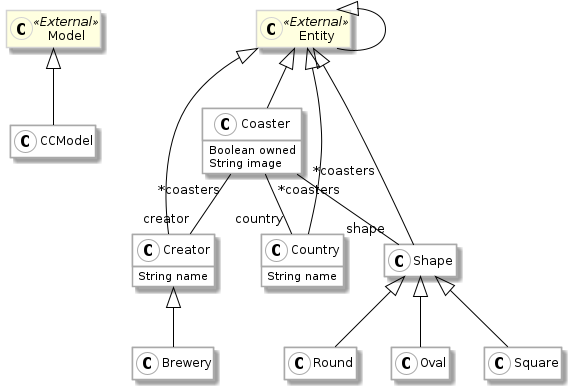
```
The URL follows the following pattern: `https://raw.githubusercontent.com/:owner:/:repo:/:branch:/:file:`. The final *.github/workflows/ci.yml* file is [here](https://github.com/badetitou/CoastersCollector/blob/master/.github/workflows/ci.yml).
## Conclusion
[Section titled “Conclusion”](#conclusion)
That’s it 😄 Now, at every commit, the CI will update the *png* files used in the Readme of the project, and thus, the documentation is always up-to-date.
# Label Contractor for shortening labels
> In this post I am going to show you how to contract labels to display more information
## Introduction
[Section titled “Introduction”](#introduction)
When there are long labels in a visualization the displayed elements can overlap which renders the visualization very difficult to read, or the elements have to be very spread out (to not overlap) and then the visualization does not fit in a normal screen or paper.
The Label Contractor project comes to solve this problem by offering several ways to reduce the length of labels (hence its name).
For example:
```smalltalk
LbCContractor new
removeVowels;
reduce: 'MergedSuperClasses'.
```
will return ‘MrgdSprClsss’ by suppressing all vowels from the label.
In this blog post, I will explain how you can apply a reduction following different strategies and how you can combine them.
## How to install the project
[Section titled “How to install the project”](#how-to-install-the-project)
In order to install this project, on a Pharo 9.0/Moose Suite 9.0 image execute the following script in the Playground:
```smalltalk
Metacello new
baseline: 'LabelContractor';
repository: 'github://moosetechnology/LabelContractor/src';
load
```
The full project including examples of the application of LabelContractor on visualizations and [Spec2](https://github.com/pharo-spec/Spec) can be obtained with:
```smalltalk
Metacello new
baseline: 'LabelContractor';
repository: 'github://moosetechnology/LabelContractor/src';
load: 'full'.
```
## Label Contractor Description
[Section titled “Label Contractor Description”](#label-contractor-description)
The idea was to build a tool that can reduce labels without losing too much information, and is to provide the user with a set of strategies, allowing him to apply them separately or in combination.
There are startegies for: removing some arbitrary substring from labels, removing all vowels, removing fully qualified path names, etc.
### Implementation choices
[Section titled “Implementation choices”](#implementation-choices)
The contraction of labels is based on two decisions:
* First, filenames are treated by default to remove the full pathname, therefore ‘/home/idtaleb/Label Contractor/images/src/LbCContractor.st’ will be truncated as ‘LbCContractor.st’. If a label is not a filename, this has no effect on it;
* Second, some strategies working on words assume the labels follow the CamelCase convention.
Currently these decisions are hardcoded in the contractor, but they will be implemented as normal strategies in the future.
There are 13 strategies that we are going to review now.
#### Remove Filename Extension
[Section titled “Remove Filename Extension”](#remove-filename-extension)
This strategy removes the extension of filenames. The extension is the part of the label after the last dot (’.’)
```smalltalk
LbCContractor new
removeFilenameExtension ;
reduce: 'LbCContractor.st'
```
will return ‘LbCContractor’.
#### Abbreviate Names
[Section titled “Abbreviate Names”](#abbreviate-names)
This strategy abbreviates the words in the label to their first capital letter. As explained before, the label is assumed to follow the CamelCase convention. Only the first three words can be abbreviated (if there are more than three words). On top of that, the last word is not abbreviated.
```smalltalk
LbCContractor new
abbreviateNames;
reduce: 'ClyMergedSuperclassesAndInheritedTraitsHierarchyTest'
```
will return ‘CMSAndInheritedTraitsHierarchyTest’ (only the first tree words Cly, Merged, and Superclasses were abbreviated).
#### Remove Vowels
[Section titled “Remove Vowels”](#remove-vowels)
This strategy removes all vowels from the label. Notice that the first letter of a word is always kept whether it is a vowel or a consonant.
Note: In English, the letter ‘y’ is sometimes considered a vowel and sometimes a consonant. This strategy assumes that ‘y’ is a consonnant when it is followed by a vowel like in ‘layer’.
```smalltalk
LbCContractor new
removeVowels;
reduce: 'ClyMergedSuperclassesAndInheritedTraitsHierarchyTest'
```
will return ‘ClMrgdSprclsssAndInhrtdTrtsHrrchTst’.
```smalltalk
LbCContractor new
removeVowels;
reduce: 'layer'
```
will return ‘lyr’.
#### Susbtitute Substring
[Section titled “Susbtitute Substring”](#susbtitute-substring)
This strategy replaces a word by another one. If the word appears more than once, then all occurrences of the word will be replaced.
Example:
```smalltalk
LbCContractor new
substitute: 'Superclasses' by: 'Sc';
reduce: 'ClyMergedSuperclassesAndInheritedTraitsHierarchyTest'
```
will return ‘ClyMergedScAndInheritedTraitsHierarchyTest’.
### Size Reduction Strategies
[Section titled “Size Reduction Strategies”](#size-reduction-strategies)
There are three strategies based on specifically fixing a maximal size for the contracted label.
#### Remove Frequent Letters
[Section titled “Remove Frequent Letters”](#remove-frequent-letters)
This strategy removes the frequent letters until having the maximal size. The frequency of letters is hard coded from know frequency of letters in english texts. Letters are removed, one at a time, from the most frequent (in english) to the least frequent until the label is the maximum size. The startegy is not case sensitive, meaning that a ‘T’ is counted as a ‘t’.
```smalltalk
LbCContractor new
removeFrequentLettersUpTo: 20;
reduce: 'ClyMergedSuperclassesAndInheritedTraitsHierarchyTest'.
```
will return ‘ClyMgdpcldIhidiHichy’.
removing the letters (number of apparition in parentheses) ‘e’, ‘r’, ‘s’, ‘u’, ‘a’, ‘n’, and ‘t’.
#### Ellipsis
[Section titled “Ellipsis”](#ellipsis)
This strategy keeps the beginning and the end of the label and replace the middle by ellipsis represented as a '~~'. The default size is eight, so it keeps the first four characters and the last four characters af the label and separates them with a tilde '~~'. The default size can be changed.
```smalltalk
LbCContractor new
ellipsis;
reduce: 'ClyMergedSuperclassesAndInheritedTraitsHierarchyTest'
```
will return ‘ClyM\~Test’.
#### Pick First Characters
[Section titled “Pick First Characters”](#pick-first-characters)
This strategy takes the first eight characters of a label. Again, the default size can be changed.
```smalltalk
LbCContractor new
pickFirstCharacters;
reduce: 'ClyMergedSuperclassesAndInheritedTraitsHierarchyTest'.
```
will return ‘ClyMerge’ (the first eight letters are kept)
### Remove Substrings
[Section titled “Remove Substrings”](#remove-substrings)
This is another group of three strategies that remove some given substring from a label.
Notice that by default the startegies are not case sensitive.
#### Remove Any Substrings
[Section titled “Remove Any Substrings”](#remove-any-substrings)
This strategy accepts one or a collection of substring to be removed, and it removes all the occurrences of these substrings in the label.
An example with only one substring to remove:
```smalltalk
LbCContractor new
removeSubstring: 'Merged';
reduce: 'ClyMergedSuperclassesAndInheritedTraitsHierarchyTest'
```
will return ‘ClySuperclassesAndInheritedTraitsHierarchyTest’.
An other example with a collection of substrings:
```smalltalk
LbCContractor new
removeSubstrings: #('cly' 'merged' 'and' 'test');
reduce: 'ClyMergedSuperclassesAndInheritedTraitsHierarchyTest'
```
will return ‘SuperclassesInheritedTraitsHierarchy’.
#### Remove Prefix
[Section titled “Remove Prefix”](#remove-prefix)
The same idea, this strategy removes the prefix of the label if it matches the given prefix: A collection of prefixes can be given if the same contractor is applied to several labels (with different prefixes).
```smalltalk
LbCContractor new
removePrefix: 'ClyMerge';
reduce: 'ClyMergedSuperclassesAndInheritedTraitsHierarchyTest'
```
will return ‘dSuperclassesAndInheritedTraitsHierarchyTest’.
#### Remove Suffix
[Section titled “Remove Suffix”](#remove-suffix)
This strategy is similar to the last one, except that it removes the suffix substrings.
### Remove Words At
[Section titled “Remove Words At”](#remove-words-at)
This is a group of three strategies which is very similar to the [Remove Substrings](#Remove-Substrings) group, except that it removes words in the label (assuming a CamelCase convention). The words to remove are specified by their indexes.
#### Remove Any Words At
[Section titled “Remove Any Words At”](#remove-any-words-at)
This strategy removes words of the label, that are specified by their indexes. Like [Remove Any Substrings](#Remove-Any-Substrings), you can give an index or a collection of indexes of the words to remove.
```smalltalk
LbCContractor new
removeWordAt: 2;
reduce: 'ClyMergedSuperclassesAndInheritedTraitsHierarchyTest'
```
will return ‘ClySuperclassesAndInheritedTraitsHierarchyTest’ (the second word, ‘Merged’ was removed).
#### Remove First Word
[Section titled “Remove First Word”](#remove-first-word)
This strategy removes automatically the first word of the label, whatever it is.
#### Remove Last Word
[Section titled “Remove Last Word”](#remove-last-word)
This strategy removes automatically the last word of the label, whatever it is.
### Strategies Combination
[Section titled “Strategies Combination”](#strategies-combination)
Finally, there are two ways to combine the strategies together, in the both cases the user must provides the strategies:
* The user provides the strategies in the order to apply them:
```smalltalk
LbCContractor new
ellipsisUpTo: 20;
removeVowels;
removeSubstrings: #('Merged' 'Test');
reduce: 'ClyMergedSuperclassesAndInheritedTraitsHierarchyTest'.
```
will return ‘ClMrgdS\~rrchTst’ by applying first ‘ellipsisUpTo:’, then ‘removeVowels’, and then ‘removeSubstrings:’. Note that the last one was actually not applied because the other two had already changed the label, and the ellipsis is shorter than expected because ‘removeVowels’ came after.
* Combining following predefined priorities:
To avoid unreasonable result (as in the previous example), the strategies have built-in priorities that can be applied with ‘usingPriorities’.
The same example but with priorities:
```smalltalk
LbCContractor new
usingPriorities;
ellipsisUpTo: 20;
removeVowels;
removeSubstrings: #('Merged' 'Test');
reduce: 'ClyMergedSuperclassesAndInheritedTraitsHierarchyTest'.
```
will return ‘ClSprclsss\~dTrtsHrrch’
The result is different, because the substrings were removed before applying removeVowels strategy which was itself applied before ‘ellipsisUpTo:’.
The priority system is defined as follows (the color green means that the strategy has the highest priority):
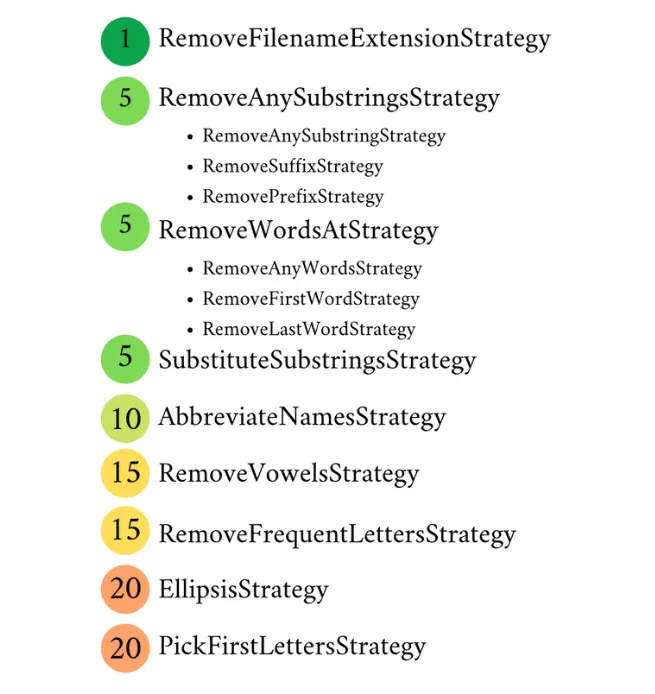
## Conclusion
[Section titled “Conclusion”](#conclusion)
In this post, we have seen how to compact labels in a visualization using the LabelContractor. The goal is to improve the readability of a visualization while retaining as much information as possible.
Note that LabelContractor is not just for visualizations, but you can use it whenever you want.
# Migrating internationalization files
> A nice MDE example
During my Ph.D. [migration project](https://badetitou.fr/projects/casino/), I considered the migration of several GUI aspects:
* visual
* behavioral
* business
These elements are the main ones. When *perfectly* considered, you can migrate the front-end of any application. But, we are missing some other stuff 😄 For example, how do you migrate i18N files?
In this post, I’ll present how to build a simple migration tool to migrate I18N files from `.properties` (used by Java) to `.json` format (used by Angular).
## I18N files
[Section titled “I18N files”](#i18n-files)
First, let’s see our source and target.
As a source, I have several `.properties` files, including I18N for a Java project. Each file has a set of *key/value* and comments. For example, the `EditerMessages_fr.properties` is as follow:
```properties
##########
# Page : Edit
##########
pageTitle=Editer
classerDemande=Demande
classerDiffusion=Diffusion
classerPar=Classer Par
```
And it’s Arabic version `EditerMessages_ar.properties`
```properties
#########
# Page : Editer
#########
pageTitle=تحرير
classerDemande=طلب
classerDiffusion=بث
classerPar=تصنيف حسب
```
As a target, I need **only one JSON file** per language. Thus, the file for the french translation looks like this:
```json
{
"EditerMessages" : {
"classerDemande" : "Demande",
"classerDiffusion" : "Diffusion",
"classerPar" : "Classer Par",
"pageTitle" : "Editer"
}
}
```
And the Arabic version:
```json
{
"EditerMessages" : {
"classerDemande" : "طلب",
"classerDiffusion" : "بث",
"classerPar" : "تصنيف حسب",
"pageTitle" : "تحرير"
},
}
```
To perform the transformation from the `.properties` file to `json`, we will use MDE. The approach is divided into three main steps:
1. Designing a meta-model representing internationalization
2. Creating an importer of properties files
3. Creating a JSON exporter
## Internationalization Meta-model
[Section titled “Internationalization Meta-model”](#internationalization-meta-model)
I18N files are simple. They consist of a set of *key/values*. Each value is associated with a language. And each file can be associated with a namespace.
For example, in the introduction example, the namespace of all entries is *“EditerMessages”*.
I designed a meta-model to represent all those concepts:
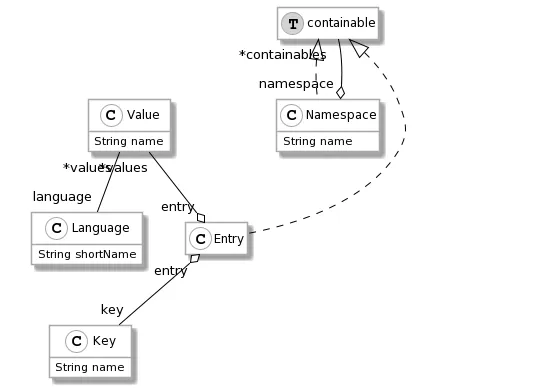
Once the meta-model is designed, we must create an importer that takes `.properties` files as input and produces a model.
## Properties Importer
[Section titled “Properties Importer”](#properties-importer)
To produce a model, I first look for a `.properties` parser without much success. Thus, I decided to create my own parser. Given a correctly formatted file, the parser provides me the I18N entries. Then, by iterating on this collection, I build an I18N model.
### I18N parser
[Section titled “I18N parser”](#i18n-parser)
To implement the parser, I used the [PetitParser2 project](https://github.com/kursjan/petitparser2). This project aims to ease the creation of new parsers.
First, I downloaded the last version of [Moose](/beginners/install-moose/), and I installed PetitParser using the command provided in the repository Readme:
```smalltalk
Metacello new
baseline: 'PetitParser2';
repository: 'github://kursjan/petitparser2';
load.
```
In my Moose Image, I created a new parser. To do so, I extended the `PP2CompositeNode` class.
```smalltalk
PP2CompositeNode << #CS18NPropertiesParser
slots: { };
package: 'Casino-18N-Model-PropertyImporter'
```
Then, I defined the parsing rules. Using PetitParser2, each rule corresponds to a method.
First, `start` is the entry point.
```smalltalk
start
^ pairs end
```
`pairs` parses the entries of the `.properties` files.
```smalltalk
pairs
^ comment optional starLazy, pair , ((newline / comment) star , pair ==> [ :token | token second ]) star , (newline/comment) star ==> [ :token |
((OrderedCollection with: token second)
addAll: token third;
yourself) asArray ]
```
The first part of this method (before `==>`) corresponds to the rule parsed. The second part (after `==>`), to the production.
The first part tries to parse one or several `comment`. Then, it parses one `pair` followed by a list of `comment`, `newline`, and `pair`.

> This parser is clearly not perfect and would require some improvement. Nevertheless, it does work for our context.
The second part produces a collection (*i.e.* a list) of the `pair`.
### Building the I18N model
[Section titled “Building the I18N model”](#building-the-i18n-model)
Now that we can parse one file, we can build a I18N model. To do so, we will first parse every `.properties` file. For each file, we extract the `language` and the `namespace` based on the file name. Thus, `EditerMessages_fr.properties` is the file for the `fr` language and the `EditerMessages` namespace. Then, for each file entry, we instantiate an entry in our model inside the namespace and with the correct language attached.
```smalltalk
importString: aString
(parser parse: aString) do: [ :keyValue |
(self model allWithType: CS18NEntry) asOrderedCollection
detect: [ :entry |
"search for existing key in the file"
entry key name = keyValue key ]
ifOne: [ :entry |
"If an entry already exists (in another language for instance)"
entry addValue: ((self createInModel: CS18NValue)
name: keyValue value;
language: currentLanguage;
yourself) ]
ifNone: [
"If no entry exist"
(self createInModel: CS18NEntry)
namespace: currentNamespace;
key: ((self createInModel: CS18NKey)
name: keyValue key;
yourself);
addValue: ((self createInModel: CS18NValue)
name: keyValue value;
language: currentLanguage;
yourself);
yourself ] ]
```
After performing the import, we get a model with, for each namespace, several entries. Each entry has a key and several values. Each value is attached to the language.
## JSON exporter
[Section titled “JSON exporter”](#json-exporter)
To perform the JSON export, I used the [NeoJSON project](https://github.com/svenvc/NeoJSON). NeoJSON allows one to create a custom encoder.
For the export, we first select a language. Then, we build a dictionary with all the namespaces:
```smalltalk
rootDic := Dictionary new.
(model allWithType: CS18NNamespace)
select: [ :namespace | namespace namespace isNil ]
thenDo: [ :namespace | rootDic at: namespace name put: namespace ].
```
To export a namespace (*i.e.*, a `CS18NNamespace`), I define a custom encoder:
```smalltalk
writter for: CS18NNamespace customDo: [ :mapper |
mapper encoder: [ :namespace | (self constructNamespace: namespace) asDictionary
]
].
```
```smalltalk
constructNamespace: aNamespace
| dic |
dic := Dictionary new.
aNamespace containables do: [ :containable |
(containable isKindOf: CS18NNamespace)
ifTrue: [ dic at: containable name put: (self constructNamespace: containable) ]
ifFalse: [ "should be an CS18NEntry"
dic at: containable key name put: (containable values detect: [ :value | value language = language ] ifOne: [ :value | value name ] ifNone: [ '' ]) ] ].
^ dic
```
The custom encoder consists on converting a `Namespace` into a dictionary of entries with the entries keys and their values in the selected language.
## Perform the migration
[Section titled “Perform the migration”](#perform-the-migration)
Once my importer and exporter are designed, I can perform the migration. To do so, I use a little script. It creates a model of I18N, imports several `.properties` file entries in the model, and exports the Arabic entries in a JSON file.
```smalltalk
"Create a model"
i18nModel := CS18NModel new.
"Create an importer"
importer := CS18NPropertiesImporter new.
importer model: i18nModel.
"Import all entries from the folder"
('D:\dev\myProject\' asFileReference allChildrenMatching: '*.properties') do: [ :fileRef |
self record: fileRef absolutePath basename.
importer importFile: fileRef.
].
"export the arabian JSON I18N file"
'D:/myFile-ar.json' asFileReference writeStreamDo: [ :stream |
CS18NPropertiesExporter new
model: importer model;
stream: stream;
language: ((importer model allWithType: CS18NLanguage) detect: [ :lang | lang shortName = 'ar' ]);
export
]
```
## Ressource
[Section titled “Ressource”](#ressource)
The meta-model, importer, and exporter are freely available in [GitHub](https://github.com/badetitou/Casino-I18N).
# Introducing the new Queries Browser
> Here I am going to show you the new Queries Browser!
## What is a Famix Query?
[Section titled “What is a Famix Query?”](#what-is-a-famix-query)
Let’s say that you want to know which classes of your Moose model are stub. That means: which classes are not defined in your Moose model but are used by some of your defined classes. Those classes are part of your model, although they are not part of your code. Checking those stub classes is easy. You only have to create a Boolean query (assuming that your model contains only classes) with the property `isStub`. Like:
```smalltalk
FQBooleanQuery property: #isStub
```
However, creating queries programmatically can be a tedious task. Of course, not all the queries are as frivolous as the one in the example. For queries with lots of children, the code is not easy to understand at first sight.
## Queries Browser
[Section titled “Queries Browser”](#queries-browser)
The new Queries Browser was developed to create queries in a more visual way. This is a Moose tool that allows one to create and manipulate queries without the need of knowing the FamixQueries syntax or how to instantiate them. It has a friendly and intuitive user interface.
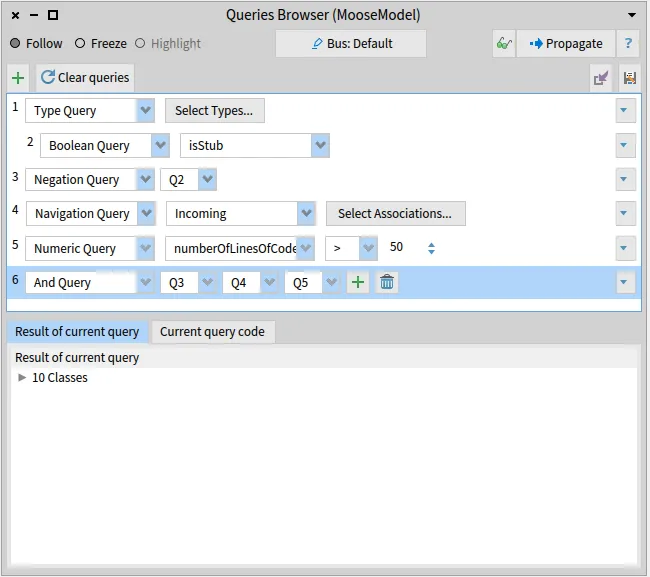
If you want to know:
1. What are all the classes that are not stub.
2. What are the entities with incoming references and inheritances.
3. What are the entities that have more than 50 lines of code.
4. Finally, what is the intersection of those three queries.
This is an easy task for the Queries Browser. First, we need to create a type query that filters all the entities except the classes. To do that, we select Type Query in the queries browser and then select type “Classes”.
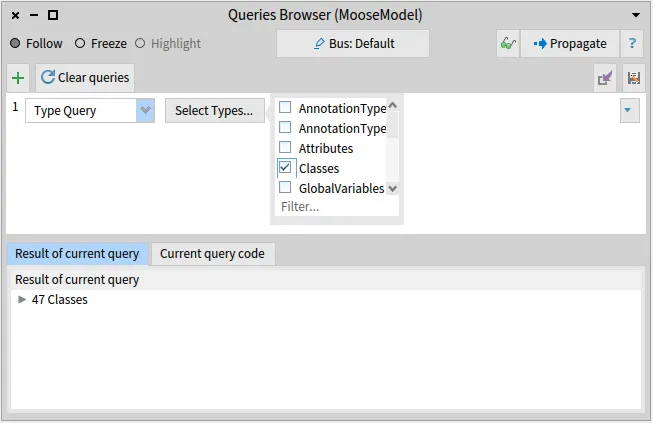
Then, we create a child query from the Type Query. This child is going to be a Boolean Query that has the property `isStub`.
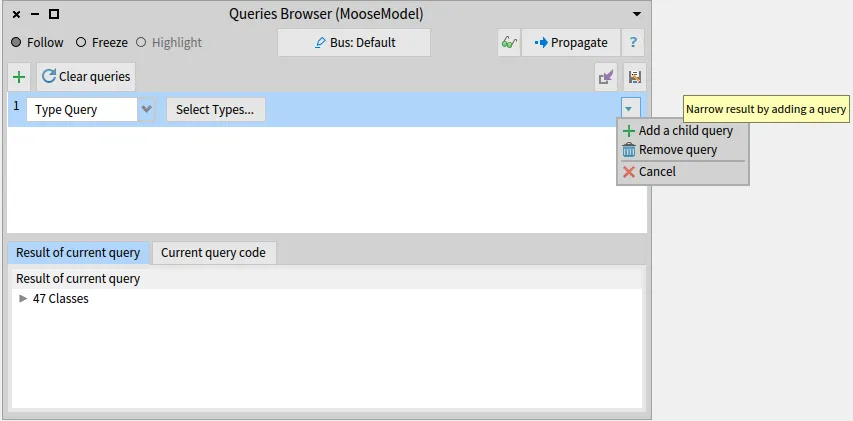
Now, we create a Complement Query, a.k.a Negation Query, and choose the Boolean Query to be the query to be negated.
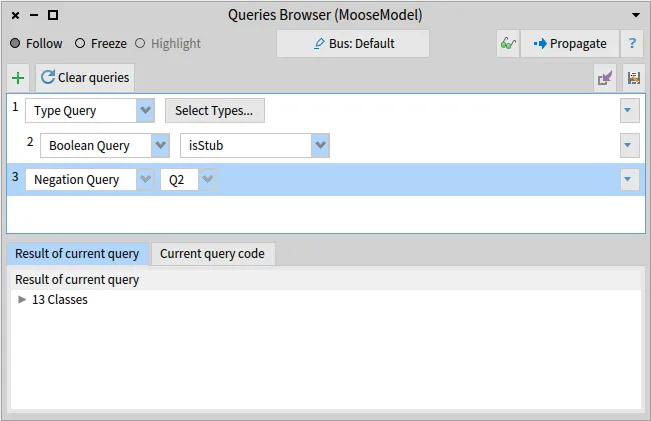
Now we have the first task completed: All the classes that are not stub.
For the second task, we need to create another query, a Navigation Query, select the `Incoming` direction, and only select the associations `Reference` and `Inheritance`.
The third one is also simple. We only need to create a Numeric Query, select the property number of lines of code, the operator `>`, and put the value 50.
Now, our Queries Browser looks like this:
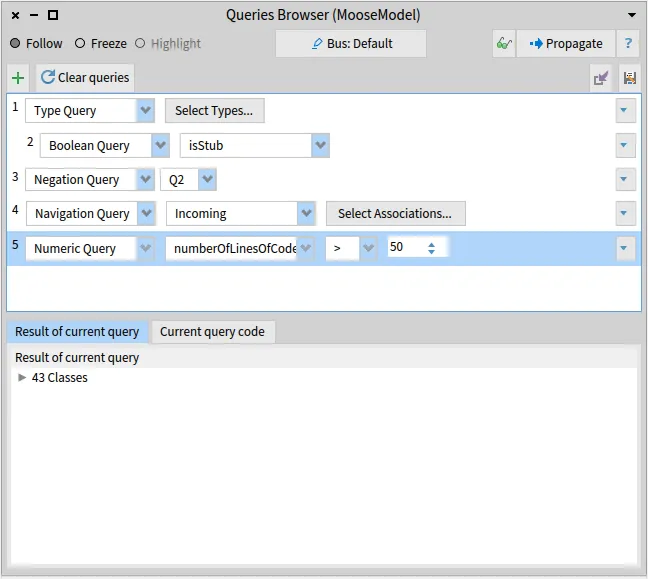
For the final task, we need to create an And Query, a.k.a Intersection Query, click on the ”+” button to add a new query to intersect, and select the three previous queries that we created.

If we wanted to the the above queries programmatically, the code would have look like this:
```smalltalk
(FQComplementQuery queryToNegate:
(FQTypeQuery types: { FamixStClass })
--> (FQBooleanQuery property: #isStub))
& (FQNavigationQuery incoming associations: {
FamixStReference.
FamixStInheritance }) & (FQNumericQuery
property: #numberOfLinesOfCodeWithMoreThanOneCharacter
comparator: #>
valueToCompare: 50)
```
The code is also shown in the “Current query code tab”: 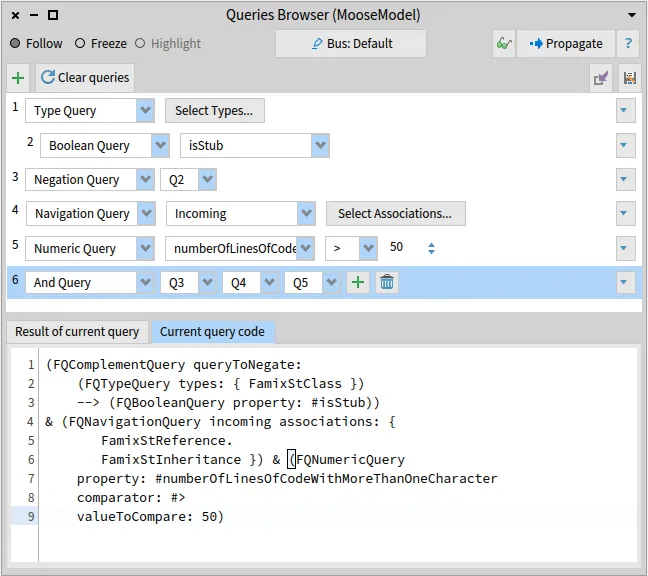
## Saving and loading the queries
[Section titled “Saving and loading the queries”](#saving-and-loading-the-queries)
As you may already noticed, there are two button for saving and loading the queries. The save button saves all queries that are currently present on the queries browser as a STON file. The queries will be saved inside a folder in the same location as the image. The path is determinated in `MiSaveQueriesCommand class>>#path`.
When loading the queries, the saved queries will be put after the queries that are present in the browser, if any. For example, if we save the queries that we have created above.
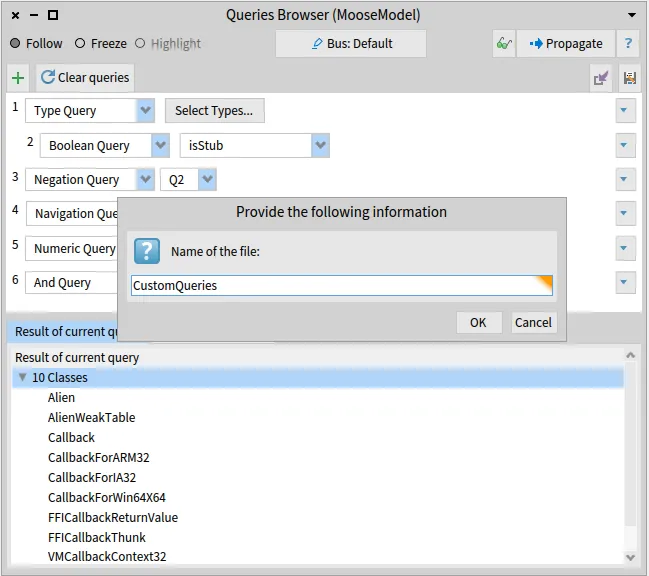
Then, with an empty browser, we create a new query and then loading the file we get:
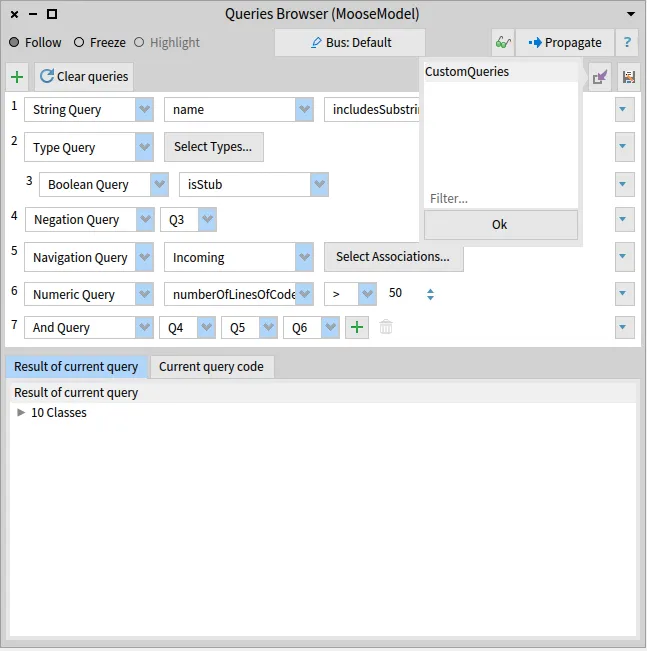
## Conclusion
[Section titled “Conclusion”](#conclusion)
The new Queries Browser can simplify how the Famix Queries are created and make it more visual and understandable. Even if the example in this post is not complex, it made our tasks easier. Analyzing models with real-life examples can lead to very nested queries. Create those queries programmatically can be very tedious and error-prone. The Queries Browser is here to help us in those cases. 😄
# How to build a toolbar with Spec
> Build a toolbar for a Spec presenter, from a manual version to a command-based one.
Let’s build a simple presenter showing a counter. To manage this counter, we will build a toolbar which buttons increase, decrease or reset the value of this counter.
Our presenter is implemented in `CounterPresenter`, a subclass of `SpPresenter`. It will define 3 methods to manage the counter value: `#increaseCounter`, `#decreaseCounter` and `#resetCounter`. We will not consider the building of the presenter itself but we will focus on the toolbar.
## Simple version: build a toolbar manually
[Section titled “Simple version: build a toolbar manually”](#simple-version-build-a-toolbar-manually)
Spec provides an API to build toolbars and add dedicated buttons in it. We will use it in the presenter initialization method: `#initializePresenters`, overriden from `SpPresenter`, to instantiate a toolbar:
```smalltalk
toolbar := self newToolbar
```
Then, we manually build toolbar buttons and add them into the toolbar:
```smalltalk
toolbar
add: (SpToolbarButtonPresenter new
label: 'Increase';
icon: (self iconNamed: #smallAdd);
action: [ self increaseCounter ]);
add: (SpToolbarButtonPresenter new
label: 'Decrease';
icon: (self iconNamed: #remotesManagerRemoveRemote);
action: [ self decreaseCounter ]);
add: (SpToolbarButtonPresenter new
label: 'Reset';
icon: (self iconNamed: #smallUpdate);
action: [ self resetCounter ]).
```
We also need to add the toolbar to the presenter layout. Since Pharo 10, we can do this instance side:
```smalltalk
intializeLayout
self layout: SpBoxLayout newTopToBottom
add: toolbar height: self class toolbarHeight;
"... other widgets ...";
yourself
```
This version works perfectly. However, the definition of the buttons, their actions, labels and icons are only defined locally and are not easy to reuse. We will extract this behavior to Commands and use them to build our toolbar.
## Reify actions: Commands
[Section titled “Reify actions: Commands”](#reify-actions-commands)
### Extract our buttons behavior to Commands
[Section titled “Extract our buttons behavior to Commands”](#extract-our-buttons-behavior-to-commands)
We use Commander, the implementation of the Command pattern in Pharo. Let’s create 3 subclasses of CmCommand, one for each of our buttons. These classses define an instance variable `#context`. In this case, it will be our presenter.
Each class should define the `#execute` method according to its expected behavior:
```smalltalk
execute
self context increaseCounter
```
Our commands should also implement the class methods `#defaultTitle`, and `#defaultIconName`.
```smalltalk
defaultTitle
^ 'Increase'
```
```smalltalk
defaultIconName
^ #smallAdd
```
### Use commands in Spec
[Section titled “Use commands in Spec”](#use-commands-in-spec)
To be used in Spec, our commands are decorated as SpCommands via the method `#asSpecCommand`. We override this method to correctly use the icon name, as follows:
```smalltalk
asSpecCommand
^ super asSpecCommand
iconName: self class defaultIconName;
yourself
```
### Convert commands to toolbar buttons
[Section titled “Convert commands to toolbar buttons”](#convert-commands-to-toolbar-buttons)
SpCommand provides an API to be converted as buttons in spec. A first way to do it is to directly add them in the toolbar. Here is a second version of the `#initializePresenters` method:
```smalltalk
toolbar
add: (IncreaseCounterCommand forSpecContext: self) buildPresenter;
add: (DecreaseCounterCommand forSpecContext: self) buildPresenter;
add: (ResetCounterCommand forSpecContext: self) buildPresenter.
```
Here, we give the presenter as context for the commands before building each button.
At this step, we have a functional toolbar using built with commands. We can still improve this by using commands groups
## Command groups
[Section titled “Command groups”](#command-groups)
Spec presenters can define commands groups to be used in toolbars and menus via the class method `#buildCommandsGroupWith:forRoot:`. We implement it in our presenter, on class side:
```smalltalk
buildCommandsGroupWith: aPresenter forRoot: aRootCommandGroup
aRootCommandGroup
register: (IncreaseCounterCommand forSpecContext: aPresenter);
register: (DecreaseCounterCommand forSpecContext: aPresenter);
register: (ResetCounterCommand forSpecContext: aPresenter)
```
To get this command group, SpPresenter implements `#rootCommandsGroup`. This method collects the commands defined in `#buildCommandsGroupWith:forRoot:` and set the current presenter as their context. We call it in the `#initializePresenters` method.
```smalltalk
toolbar fillWith: self rootCommandsGroup.
```
⚠️ Be careful, `#fillWith:` will remove all items already present in the toolbar. In this code snippet, `aButton` will not be in the toolbar:
```smalltalk
toolbar
add: aButton; "Will be removed by next line"
fillWith: aCommandGroup.
```
## Use window toolbar
[Section titled “Use window toolbar”](#use-window-toolbar)
Instead of defining a toolbar as a subpresenter, it is a good practice to define the toolbar in the window directly. We remove the `toolbar` instance variable and all the related code in `#initializePresenters` and `#initializeLayout`. We then override `#initializeWindow:` from `SpPresenter`.
```smalltalk
initializeWindow: aMiWindowPresenter
super initializeWindow: aMiWindowPresenter.
aMiWindowPresenter toolbar:
(SpToolbarPresenter new fillWith: self rootCommandsGroup)
```
## Conclusion
[Section titled “Conclusion”](#conclusion)
Building toolbars in Spec can be done manually. However, by using commands, we separate responsibilities and we can re-use, extend and test these commands. The commands our presenter builds can be used not only in toolbars, but also in menus in a similar manner.
# Load FAST Pharo/Java model
> How to generate the AST of your model using FAST !
## Introduction
[Section titled “Introduction”](#introduction)
When we are interested in the migration/modernization of projects we are using models of the project and their meta-models. Moose revolves around a powerful Famix meta-model that allows us to do several operations. For instance, previous posts present how to [analyze and query a model](/blog/2021-03-30-modularmoose-usecase), [visualize a model with plantUML](/blog/2021-06-04-plantuml-for-metamodel), or [create a model](/blog/2021-02-04-coasters), etc.
FAST is a meta-model that helps us understand source code in a less abstract way. Indeed, FAST is based on AST (Abstract Syntax Tree) which is close to the source code. And as the devil is in the details, FAST contains interesting elements when analyzing programs (for example some specific expression or statement), and effectively this is what makes the difference between FAST and Famix. (Consult this [overview](/users/ast/fast) about the FAST model).
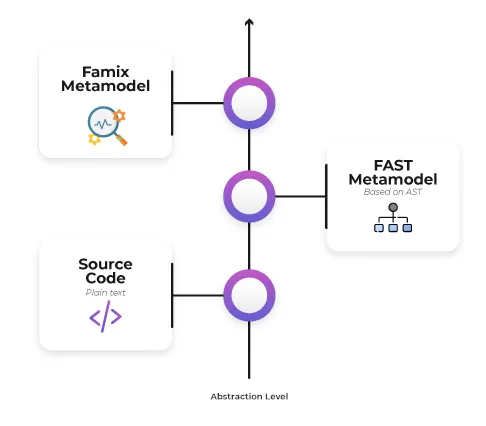
In this blog post we will explain how to load FAST Java and generate a FAST model of Java code. For this we will take [ArgoUML](https://en.wikipedia.org/wiki/ArgoUML), an open-source Java project, as an example.
## Overview & Prerequisites
[Section titled “Overview & Prerequisites”](#overview--prerequisites)
First of all, we have to understand from where we are going to start and where we are going to end up. As already mentioned, we will take the AgroUML’s java code and the goal is to generate the corresponding AST and do analyses on it. To do this, 3 steps are necessary to have the AST as illustrated in the figure below:
1. Parse Java to build a Famix model
2. Load the model into Moose
3. Generate the AST

Before starting, we must download [the source code](/assets/files/ArgoUML-0.34.zip) and [the Famix model](/assets/files/ArgoUML-0-34.json) of the ArgoUML project, step 1 of the diagram above (follow this [blog](https://fuhrmanator.github.io/2019/07/29/AnalyzingJavaWithMoose.html) for more details).
## Configuration
[Section titled “Configuration”](#configuration)
Now, we will import the Famix model from the `ArgoUML-0-34.json` file in the Models Browser. Then, we should know that the FAST meta-model is specific to a gien programming language, i.e for Pharo code we need FAST for Pharo, for X language code we need the FAST meta-model for the X language. Right now, there are two FAST meta-models: FAST Java and FAST Pharo.
In the following, we will generate the AST of a class (or method) for Pharo/Java code in three different ways: directly from some source code, from a method in Pharo, or from a Famix entity.
### FAST Installation
[Section titled “FAST Installation”](#fast-installation)
To install FAST Java you can run the following script on Moose Playground:
```smalltalk
Metacello new
githubUser: 'moosetechnology' project: 'FAST-JAVA' commitish: 'v3' path: 'src';
baseline: 'FASTJava';
load: 'all'
```
To install FAST Pharo use the following script:
```smalltalk
Metacello new
baseline: 'FASTPharo';
repository: 'github://moosetechnology/FAST-Pharo:v2/src';
load: 'importer'.
```
### Java code as string
[Section titled “Java code as string”](#java-code-as-string)
In this case, we will use a specialized importer “FAST-Java importer” to import the AST from a method source code. The complete code of the method to import is between single quote (*i.e.* a Pharo string) in the following code:
```smalltalk
JavaSmaCCProgramNodeImporterVisitor new
parseCodeMethodString: 'public boolean covidTest(Person person) {
if(testCovid(person) == "POSITIVE"){
return true;
} else {
return false;
}
}'
```
### Pharo class or method
[Section titled “Pharo class or method”](#pharo-class-or-method)
The following script imports the method #collect: of Collection :
```smalltalk
FASTSmalltalkImporterVisitor new
runWithSource: (Collection >> #collect:) sourceCode
```
### Generate FastJava model
[Section titled “Generate FastJava model”](#generate-fastjava-model)
In this section, we will not proceed as above. Instead, we start from a class/method of the Famix Java model and we will load its FAST representation.
We will add the model to the Playground
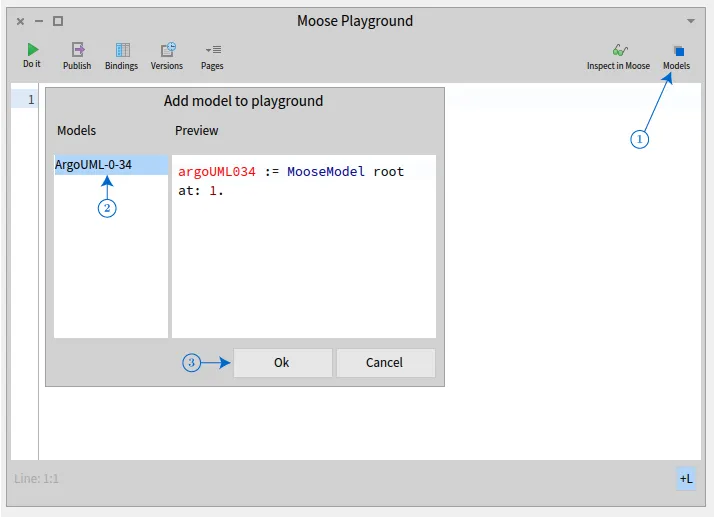
We got this:
```smalltalk
argoUML034 := MooseModel root at: 1.
```
We pick any model class from the model:
```smalltalk
class := argoUML034 allModelClasses anyOne.
```
And finally we generate the AST using generateFastJava:
```smalltalk
class generateFastJava
```
## Navigating Through AST
[Section titled “Navigating Through AST”](#navigating-through-ast)
One nice way to explore a FAST model is to use the source code and the tree extensions of the inspector. It allows one to navigate in a FAST model and see the code corresponding to each node.
To use it, we start from the Java model loaded above. Then, we select a model method entity. On the right-hand pane of the inspector, select the Tree tab, on the left-hand pane, select the source code extension. The source code is highlighted and the area selected corresponds to the entity selected in the right-hand panel. ( from [FAST-Pharo article](/users/ast/fast-pharo) )

## Conclusion
[Section titled “Conclusion”](#conclusion)
In this post, we saw how to load the AST of a Pharo/Java model using FAST. The FAST model is useful when we need to understand more details about our model (for example identifiers, expression statements .. etc) which are not provided by Famix.
# Carrefour: The bridge between FAMIX and FAST
> Here we will present how to bind FAST with FAMIX
## Introduction
[Section titled “Introduction”](#introduction)
To analyze software systems, the Famix meta-model provides enough abstraction to understand how models work.
However, when we are interested in details, the FAST (Famix AST) meta-model provides less abstraction and gives us more information about our model (for example expression statements, identifiers *etc.*).
In some situations, such as modernization/migration projects, we need the binding between the two meta models. And here Carrefour comes in!

Carrefour represents a two-way link between Famix and FAST, it allows one to navigate on the AST and at the same time return to the elements of FAMIX when needed.
## Configuration
[Section titled “Configuration”](#configuration)
In this blog, we are going to use a simple snippet of code to simplify and grasp all necessary concepts we should know about FAST & Carrefour & Famix. Consider the `MyClass` class and the following `methodAB` method:
```smalltalk
class MyClass {
public int methodAB(int a, int b){
if (a > b) {
a = a + 2;
} else {
b = 1;
}
return b;
}
}
```
Let’s prepare the ground for using Carrefour by generating the Famix model of the MyClass class using [VerveineJ](/developers/parsers/verveinej). Open a code editor and create a new `MyClass.java` file. Inside the Java file, we add the code above.
To generate the Famix Java model we use VerveineJ by running this command in the `MyClass` java file directory:
```sh
/path/to/VerveineJ/verveinej.sh -format json -o MyClass.json -anchor assoc -autocp ./ ./
```
> PS: Note that Carrefour uses entities & associations as source anchor information, so make sure to add the option `-anchor assoc`.
### Load Carrefour
[Section titled “Load Carrefour”](#load-carrefour)
In this section, we start from the MyClass Famix java model and we build the link between Famix and FAST using Carrefour. First, we need to install Carrefour, for example by running the following script on Moose Playground:
```smalltalk
Metacello new
githubUser: 'badetitou' project: 'Carrefour' commitish: 'v3' path: 'src';
baseline: 'Carrefour';
load
```
Then we import the MyClass model and pick the first class (which is the only class MyClass).
```smalltalk
'/path/to/MyClass.json' asFileReference readStreamDo: [ :stream |
model := FamixJavaModel new importFromJSONStream: stream
].
model rootFolder: '/path/to/MyClass/Directory/'.
method := model allModelClasses first.
```
Now, we call Carrefour to generate the AST (the figure below) and bind the newly created AST with Famix.
```smalltalk
method generateFastAndBind
```
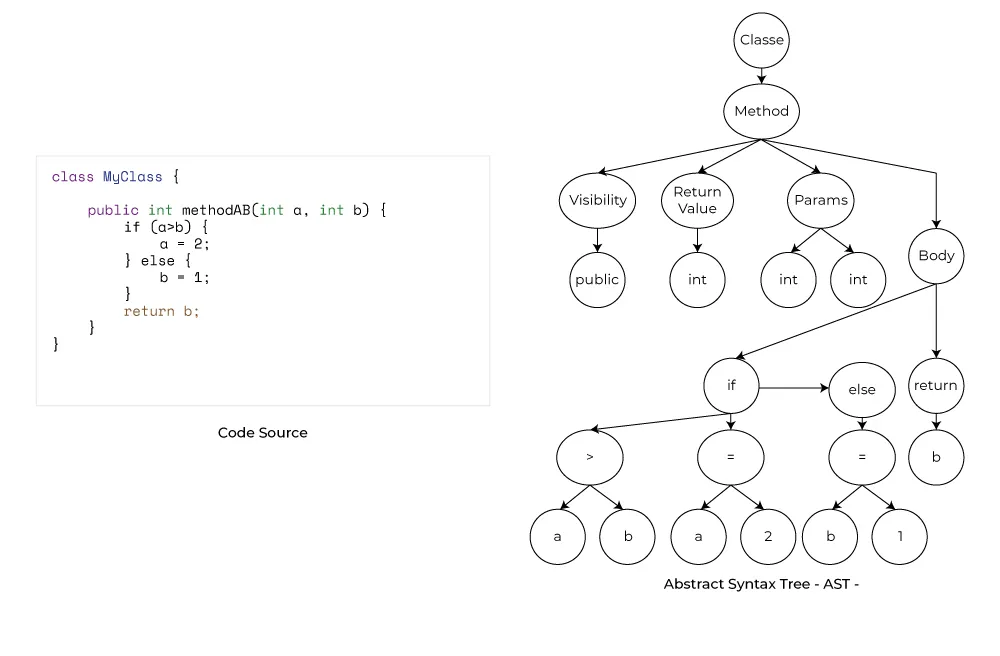
> it’s recommended to use `generateFastIfNotDoneAndBind` instead of `generateFastAndBind` in complex project and heavy computation when generating AST
## Bidirectional binding
[Section titled “Bidirectional binding”](#bidirectional-binding)
To have a complete vision of the meta-models described above, we give the corresponding figures of each meta-model FAST and FAMIX:
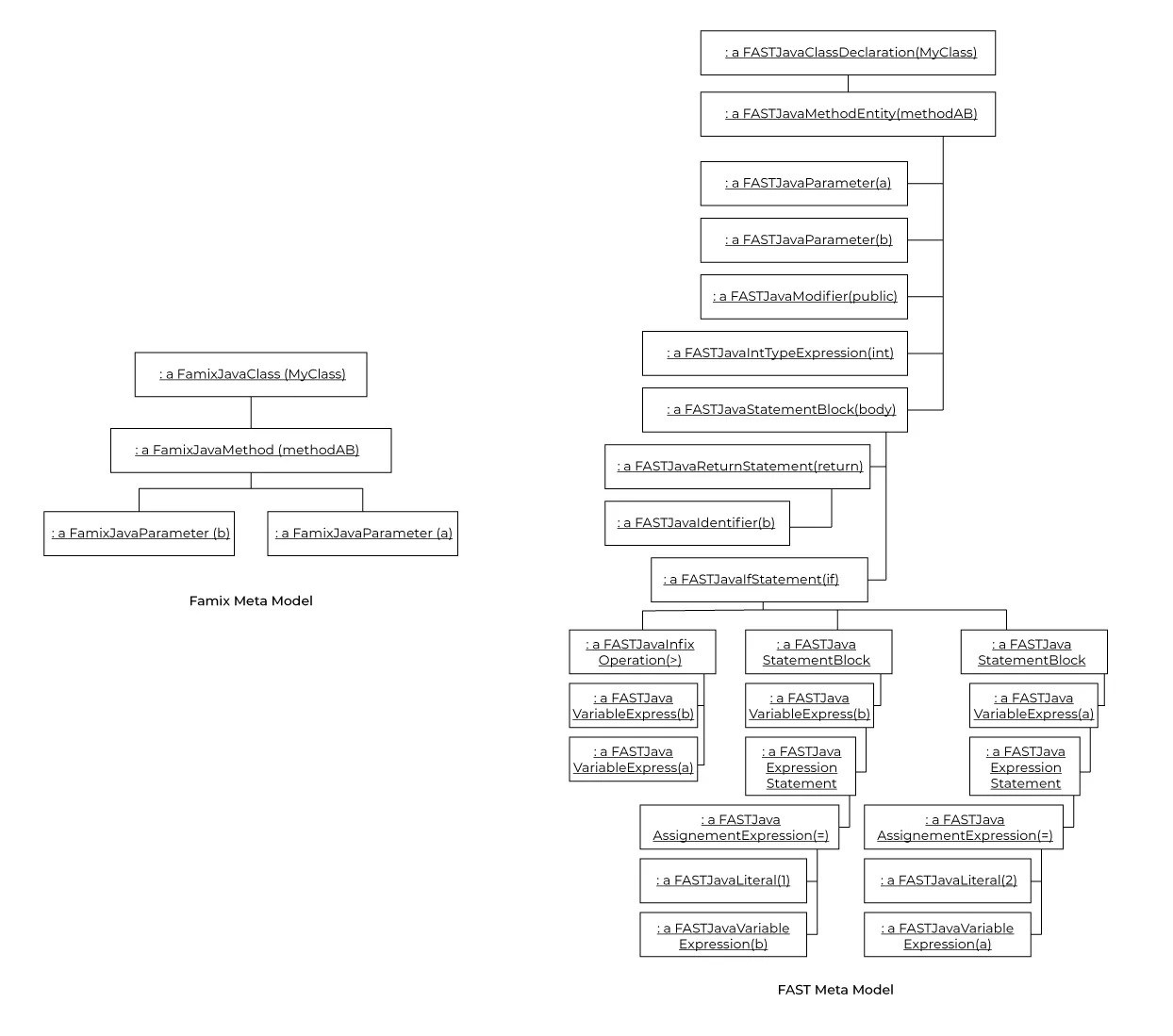
Once Carrefour has been called and the binding is done, we will have the first links between the meta-models as follows:
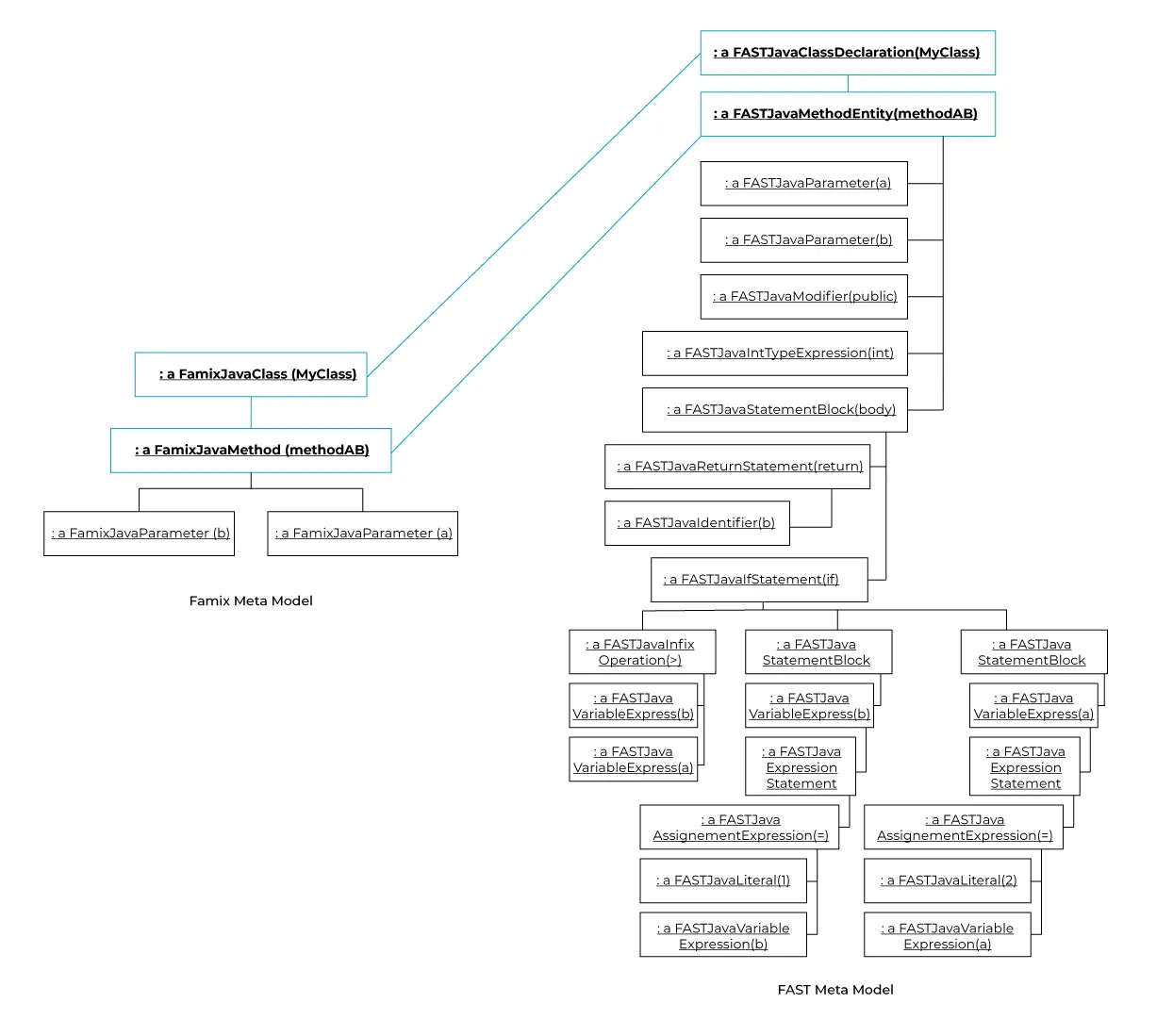
### From FAST to Famix
[Section titled “From FAST to Famix”](#from-fast-to-famix)
As an example, for the condition level variable (`a>b`) in FAST we would want its correspondence in FAMIX. To do this, we send the `#famixVariable` message to the `FASTJavaVariableExpression` object and we get as returned value the corresponding FAMIX variable.
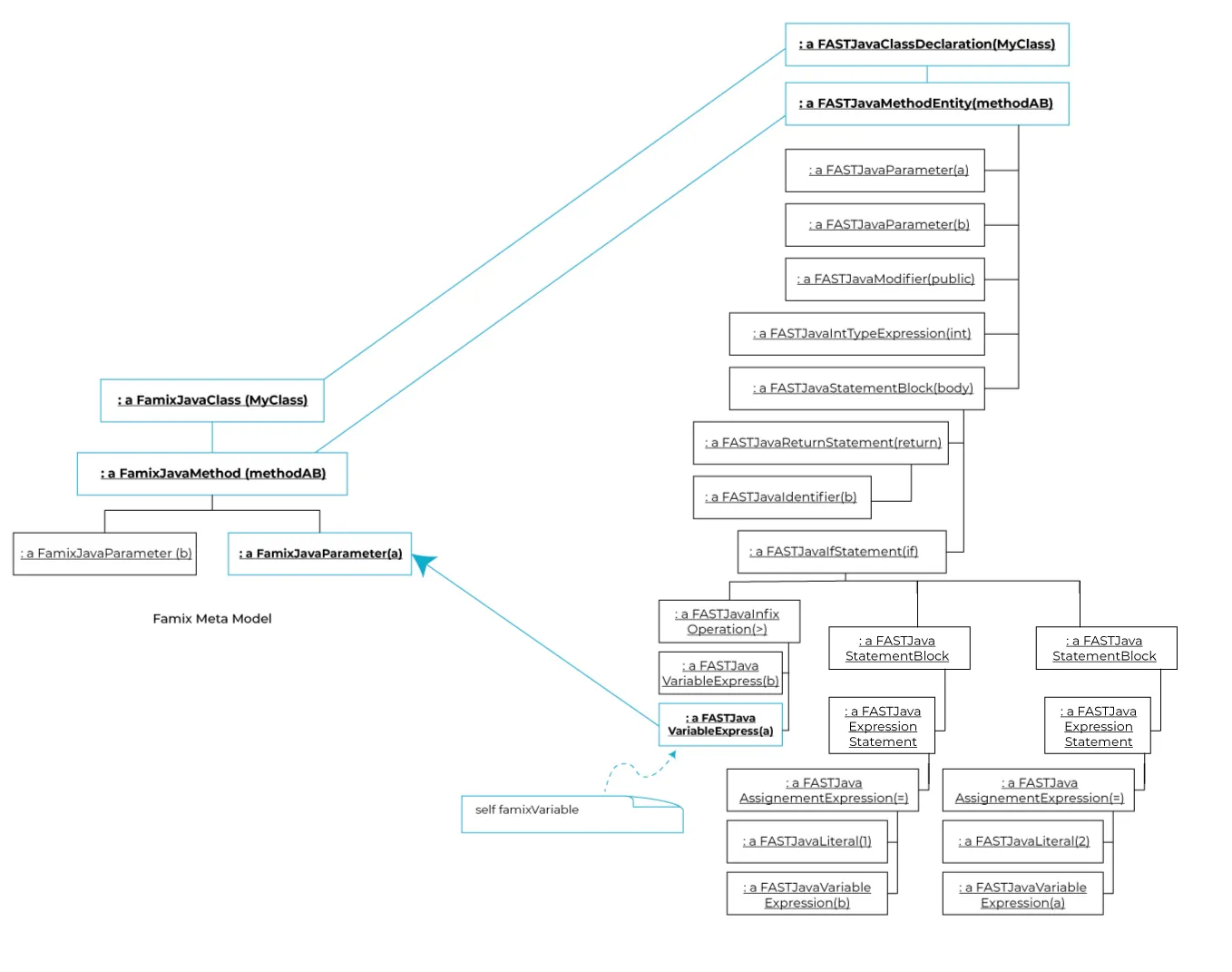
### From Famix to FAST
[Section titled “From Famix to FAST”](#from-famix-to-fast)
Now we go in the opposite direction, we will access all the matches of the FAMIX variable `a` in the FAST meta-model.
To do so, we use the `#fastAccesses` message as in the figure:
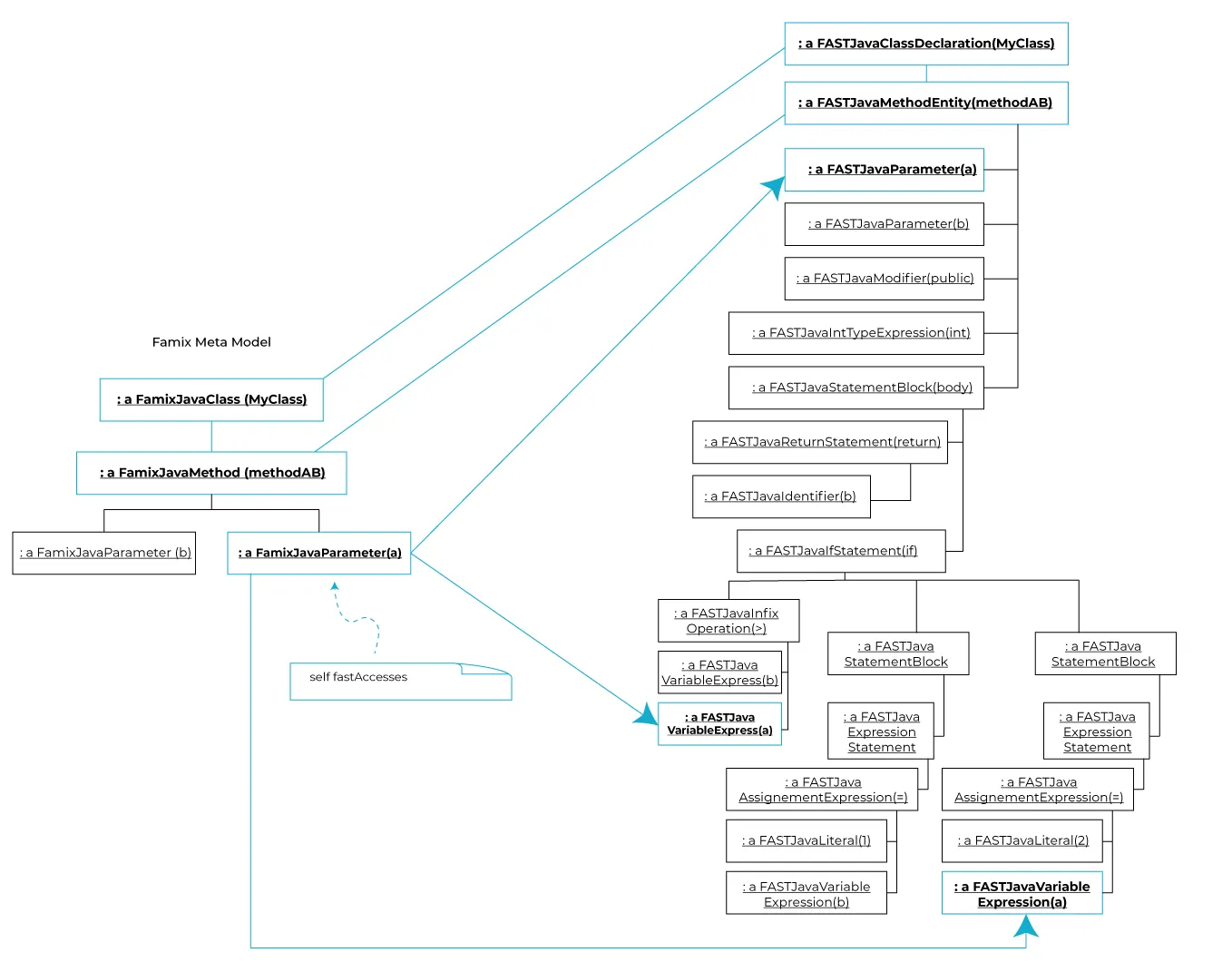
Carrefour also provides the `#fastDeclaration` API to get where a Famix variable has been declared at the FAST meta-model level.
## Conclusion
[Section titled “Conclusion”](#conclusion)
In conclusion, Carrefour allows us to go back and forth between FAST and FAMIX meta-models. The example used in the blog post is not complex but allowed us to see how to navigate between the two meta-models. In large projects, where there are more initialization, invocation, and relationships between entities Carrefour is crucial to perform deep analysis 💪.
# Manage rules using MooseCritics
> Create and manage rules to apply on your software
Software projects often leave specific architectural or programming rules that are not checked by the off-the-shelf static analysis tools and linters.\
But MooseCritics is now here to make such things easy!
## Setting up for rule making
[Section titled “Setting up for rule making”](#setting-up-for-rule-making)
The first step to use this tool is of course to open its browser, findable in the Moose menu under the name *Moose Critic Browser*. As with every other tool of MooseIDE, we also need to propagate a model to give our tool entities to analyze. For this analysis, we will use a model of ArgoUML, an open-source Java project used in this [wiki](/beginners/moose-in-action).
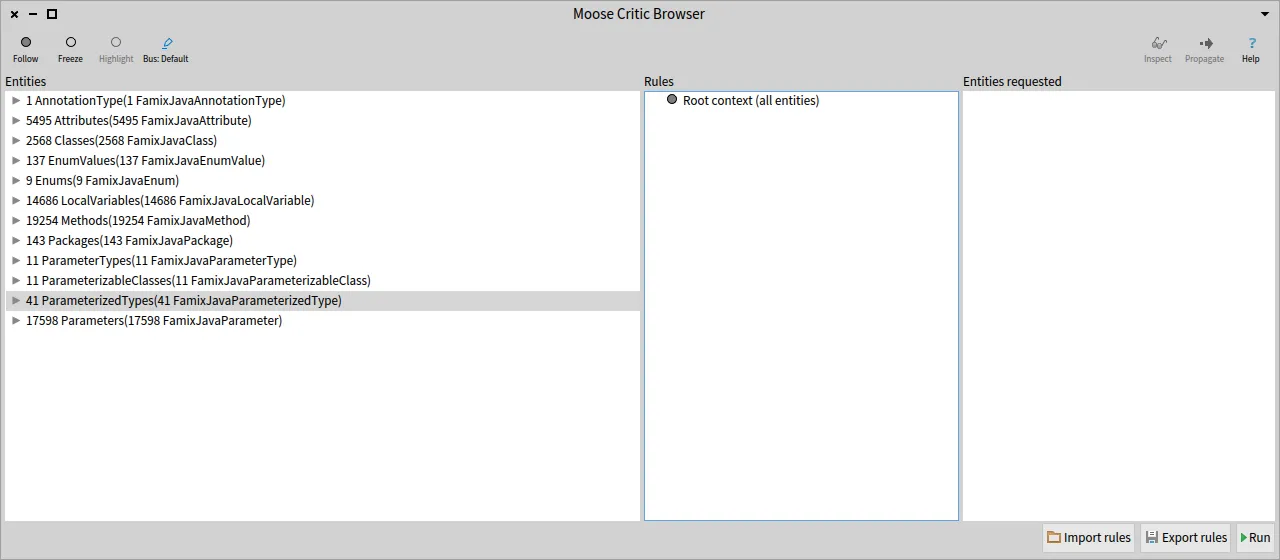
## Rules and how to write them
[Section titled “Rules and how to write them”](#rules-and-how-to-write-them)
Rules in MooseCritics are divided into two components: Context, and Condition.\
A context is a collection of entities to specify the scope of our analysis. Using this, we are only executing our rules on the relevant entities for them.\
Once we have a context, we add conditions to it, to verify the validity of every entity belonging to this context.
Let’s start building a few of those, to appreciate how easy and versatile this system can be!
### Contexts
[Section titled “Contexts”](#contexts)
To begin, we will right-click on the *root context*, the root of our rules, doing nothing but passing the whole set of entities propagated into our browser. Then, clicking on “Add Context” will open a new window, in which we can write our first context.
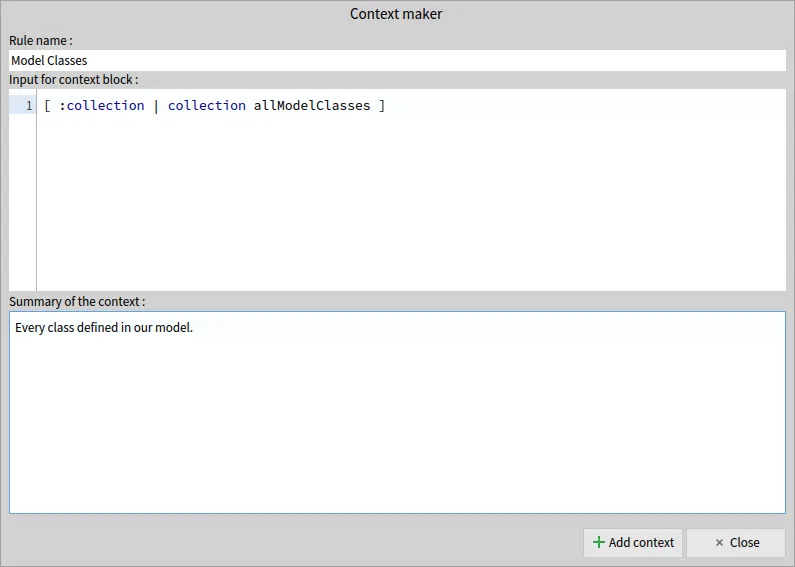
As you can see, a context has three properties :
* Name: the name of our context
* Context Block: a code block, using as a parameter the collection given by the parent context, and that must return a collection of entities
* Summary: a quick explanation of the selection performed
In this case, the selection is very basic (keeping only the classes defined within our model), but any way of manipulating a collection (so long as it remains a collection) can be used to make a very specific choice of entities.\
But for now, let’s keep things simple, and add a few more contexts to our root.
First, we select methods…
```smalltalk
"Title:"
'Methods'
"Context Block:"
[ :collection | collection allMethods ]
"Summary:"
'Every method in our model or called by a model entity.'
```
… and secondly attributes.
```smalltalk
"Title:"
'Attributes'
"Context Block:"
[ :collection | collection allAttributes ]
"Summary:"
'Every attributes in our model or accessed by a model entity.'
```
Once this is all done, we are met with this screen :
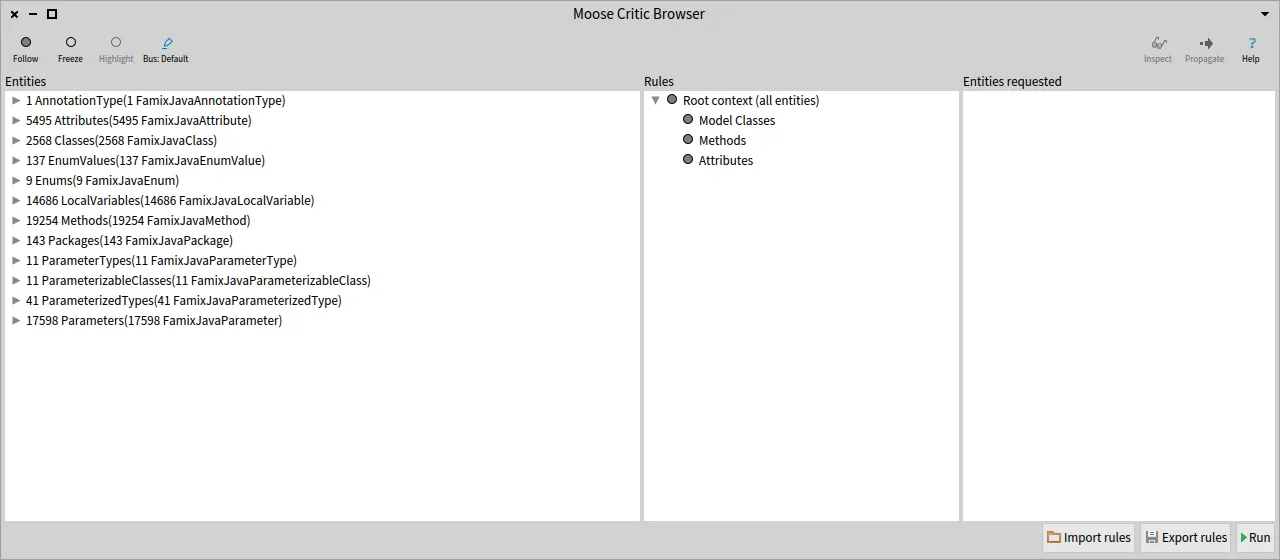
### Conditions
[Section titled “Conditions”](#conditions)
Now that our contexts are set, we can write a few conditions for those.\
To do so, right-clicking on our Model Classes context and choosing “Add condition” which will open a new interface to write our conditions.
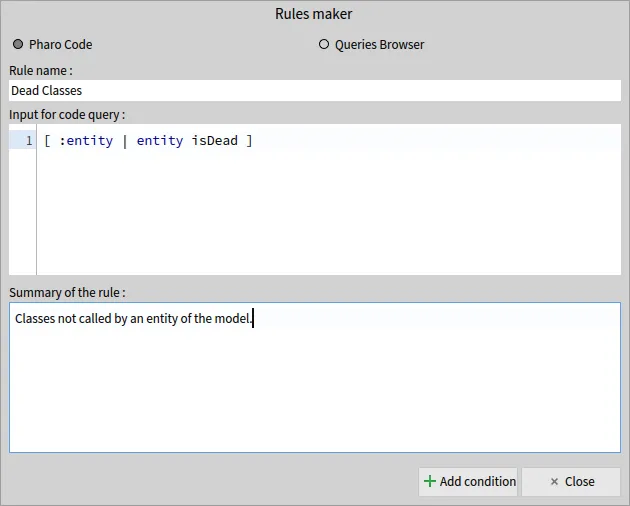
The properties are almost identical to a context, but we now use a query to know whether or not an entity violates a rule.\
This query will have as a parameter every entity of our context, one by one, and will add a violation to it if the query returns *true*.
Now, the most perceptive readers (all of my readers, no doubts 😄) will have noticed the two radio buttons; Pharo Code and Queries Browser.\
We can indeed use a query built in the [Queries Browser](/blog/2021-10-10-the-new-queries-browser), and we will do so for the next one, to find God Classes.
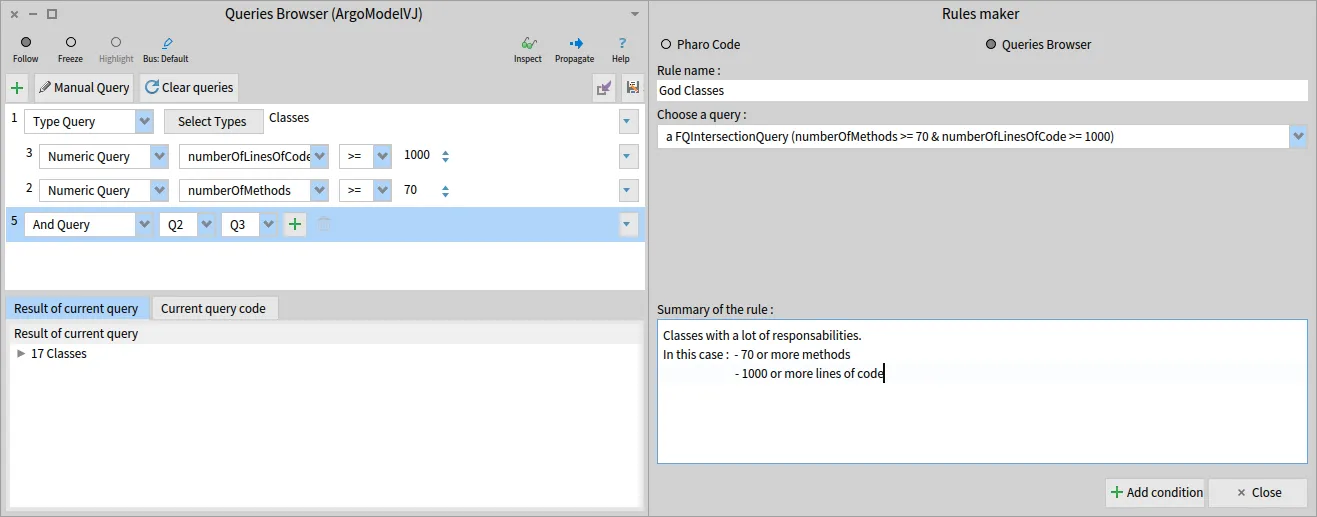
This may not be an option for every kind of rule, especially the more complex ones, but conditions verifying several simple things can be easily designed, thanks to the Queries Browser.
Now that we saw all possibilities, time to write one more condition, this time for the methods :
```smalltalk
"Title:"
'Deprecated'
"Query Block:"
[ :entity |
entity annotationInstances notEmpty and: [
entity annotationTypes
anySatisfy: [ :a | a name = 'Deprecated' ] ] ]
"Summary:"
'Deprecated methods, that should be removed or not used anymore.'
```
We are now all set, and all that remains to do is pressing the “Run” button in the bottom right corner, and look at the result of our analysis in the right pane, showing every violation found, on the format `violatingEntity -> violatedCondition`.
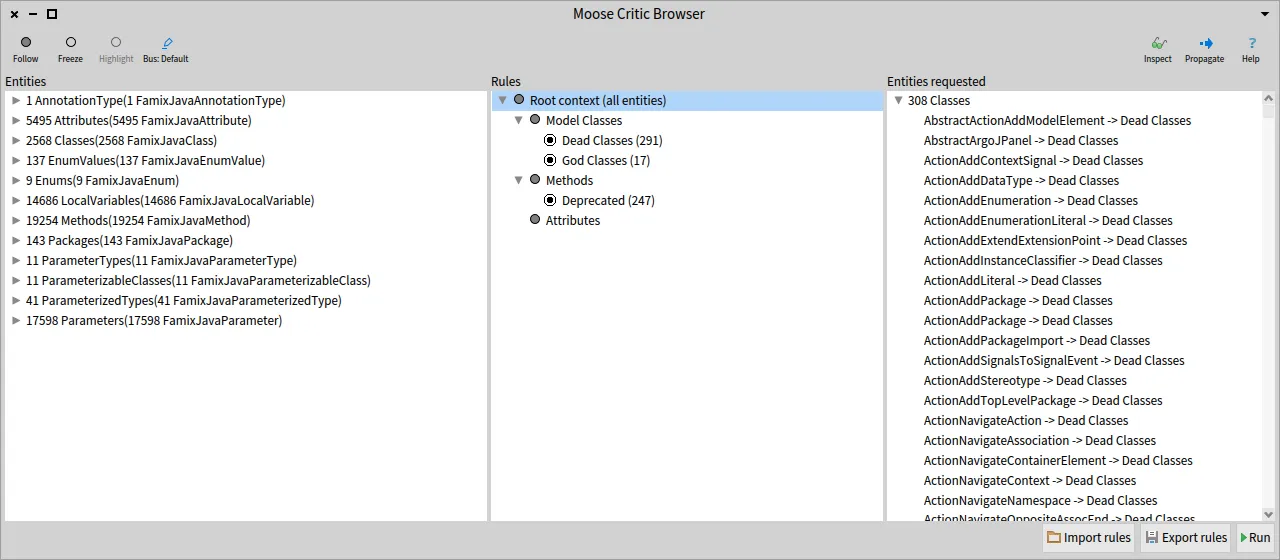
Now that we executed our rules, you can also have fun clicking on contexts and conditions to see that the left and right panels will change to match your selection, the left one showing the context, and the right one showing the violations of the selected condition, or the violations of every condition of the selected context.
### Getting specific
[Section titled “Getting specific”](#getting-specific)
We may also be a bit more specific, both on the condition side of things, but also when it comes to context.\
For the conditions, our perceptive minds did not forget about the attributes, so we will write a condition for them too :
```smalltalk
"Title:"
'Directly accessed'
"Query Block:"
[ :entity |
entity accessors anySatisfy: [ :m |
m isGetter not and: [ m isSetter not ] ] ]
"Summary:"
'Every attribute accessed without the use of a getter or setter method.'
```
For a final rule, let’s work a bit more on our context. Let’s say we want to build a rule around getter methods, to verify that their cyclomatic complexity is equal to 1.\
For that, we can start by making a new context, using the “Methods” context as its parent :
```smalltalk
"Title:"
'Getters'
"Context Block:"
[ :collection |
collection select: [ :m |
(m name beginsWith: 'get') and: [ m isGetter ] ] ]
"Summary:"
'Every getter method of our model, meaning :
- Their name starts with 'get'
- They have the property 'isGetter' set to true'
```
Once that sub-context has been created, we can give it a condition to verify ! Let’s do so right away, with our cyclomatic complexity example :
```smalltalk
"Title:"
'Cyclomatic Complexity > 1'
"Query Block:"
[ :entity | entity cyclomaticComplexity > 1 ]
"Summary:"
'A getter must have a cyclomatic complexity of one.'
```
We are now done with all of our rules. To get the result of our new conditions, you can use again the “Run” button, or, execute only the new ones by right-clicking on them and selecting the “Run condition” option.
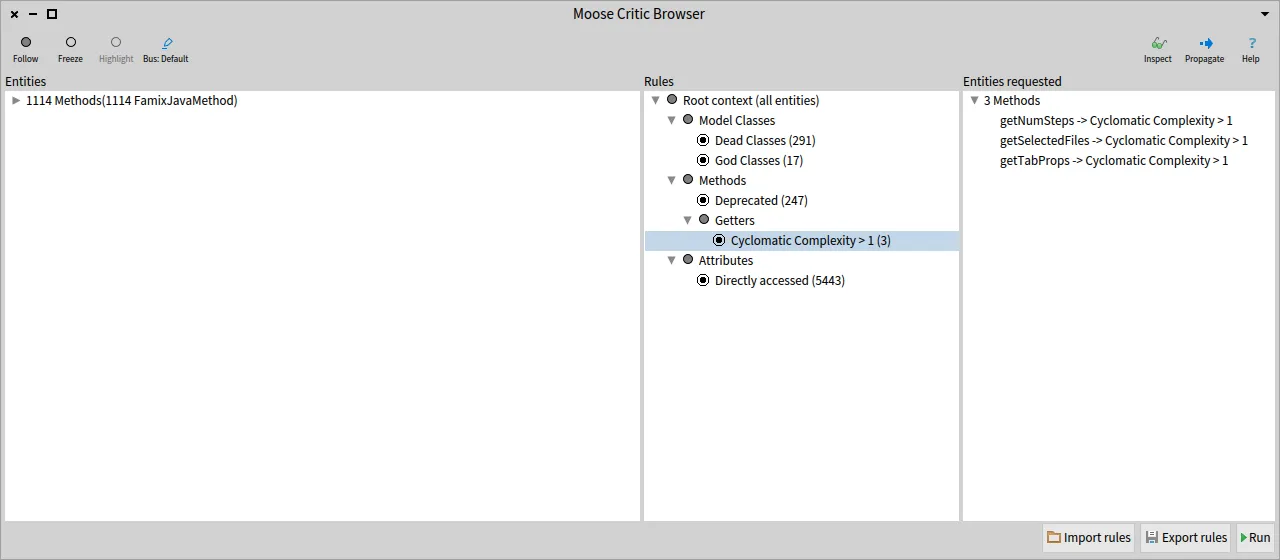
## Saving and loading the rules
[Section titled “Saving and loading the rules”](#saving-and-loading-the-rules)
Our work is now done, but we would like to be able to monitor the state of our project in the long run, and to simplify this, we can export and import sets of rules built with MooseCritics.
For that, by pressing the “Export rules” button, we can choose where we wish to save our rules. The loading works similarly and will restore the tree as it was when it was saved (if rules were already present, the imported rules are added after those).
## Exporting violations
[Section titled “Exporting violations”](#exporting-violations)
MooseCritics can also propagate those violations, in order to access them in the entities exporter, to be able to save those violations in a CSV file.\
The exported selection will be the violations found in the right pane when using the propagate button.
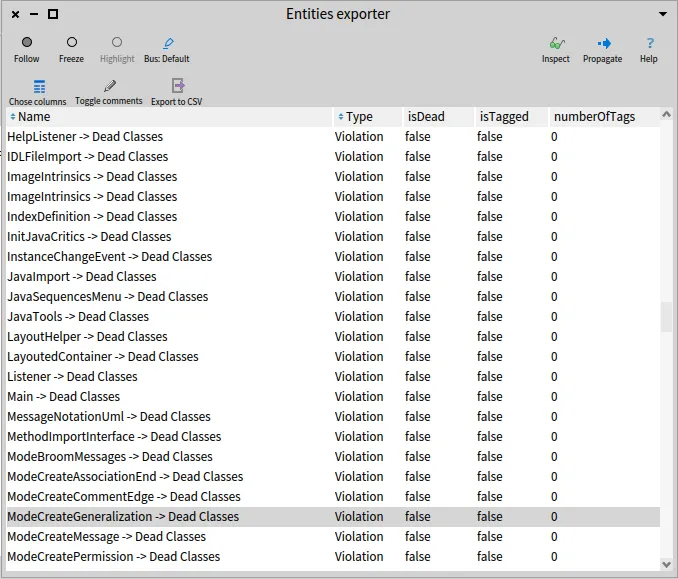
## Conclusion
[Section titled “Conclusion”](#conclusion)
MooseCritics enables us to verify the validity of our defined rules and puts us in the right direction to correct our mistakes by finding violations. Dividing our model into contexts allows us to make specific analyses while working on a large scale.\
Even if most of the examples shown here are fairly simple, MooseCritics can represent complex structural rules using Famix properties and will surely make your life easier when it comes to software analysis using Moose. 😄
# Test your Moose code using CIs
> Create realistic test resources for your Moose code and run the tests in a CI.
You have to test your code!
I mean, *really*.
But sometimes, testing is hard, because you do not know how to start (often because it was hard to start with TDD or better XtremTDD 😄).
One challenging situation is the creation of mocks to *represent* real cases and use them as test resources. This situation is common when dealing with code modeling and meta-modeling.
Writing a model manually to test features on it is hard. Today, I’ll show you how to use GitHub Actions as well as GitLab CI to create tests for the Moose platform based on real resources.
***
First of all, let’s describe a simple process when working on modeling and meta-modeling.
When analyzing a software system using MDE, everything starts with parsing the source code of the application to produce a model. This model can then be stored in a file. Then, we import the file into our analysis environment, and we use the concrete model.
All these steps are performed before using the model. *However*, when we create tests for the `Use` step, we do not perform all the steps before. We likely just create a mock model. Even if this situation is acceptable, it is troublesome because it disconnects the test from the tools (which can have bugs) that create the model.
One solution is thus not to create a mock model, but to create mock source code files.
## Proposed approach
[Section titled “Proposed approach”](#proposed-approach)
Using mock source code files, we can reproduce the process for each test (or better, a group of tests 😉)
In the following, I describe the implementation and set-up of the approach for analyzing Java code, using Pharo with Moose. It consists of the following steps:
* Create mock resources
* Create a bridge from your Pharo image to your resources using PharoBridge
* Create a GitLab CI or a GitHub Action
* Test ❤️
## Create mock resources
[Section titled “Create mock resources”](#create-mock-resources)
The first step is to create mock resources. To do so, the easiest way is to include them in your git repository.
You should have the following:
```raw
> ci // Code executed by the CI
> src // Source code files
> tests // Tests ressources
```
Inside the `tests` folder, it is possible to add several subfolders for different test resources.
## Create a Pharo Bridge
[Section titled “Create a Pharo Bridge”](#create-a-pharo-bridge)
To easily use the folder of the test resource repository from Pharo, we will use the [GitBridge project](https://github.com/jecisc/GitBridge).
The project can be added to your Pharo Baseline with the following code fragment:
```smalltalk
spec
baseline: 'GitBridge'
with: [ spec repository: 'github://jecisc/GitBridge:v1.x.x/src' ].
```
Then, to connect our Pharo project to the test resources, we create a class in one of our packages, a subclass of \`GitBridge“.
A full example would be as follows:
```smalltalk
Class {
#name : #MyBridge,
#superclass : #GitBridge,
#category : #'MyPackage-Bridge'
}
{ #category : #initialization }
MyBridge class >> initialize [
SessionManager default registerSystemClassNamed: self name
]
{ #category : #'accessing' }
MyBridge class >> testsResources [
^ self root / 'tests'
]
```
The method `testsResources` can then be used to access the local folder with the test resources.
**Warning**: this setup only works locally. To use it with GitHub and GitLab, we first have to set up our CI files.
## Set up CI files
[Section titled “Set up CI files”](#set-up-ci-files)
To set up our CI files, we first create in the `ci` folder of our repository a `pretesting.st` file that will execute Pharo code.
```smalltalk
(IceRepositoryCreator new
location: '.' asFileReference;
subdirectory: 'src';
createRepository) register
```
This code will be run by the CI and register the Pharo project inside the Iceberg tool of Pharo. This registration is then used by GitBridge to retrieve the location of the test resources folder.
Then, we have to update the `.smalltalk.ston` file (used by every Smalltalk CI process) and add a reference to our `pretesting.st` file.
```smalltalk
SmalltalkCISpec {
#preTesting : SCICustomScript {
#path : 'ci/pretesting.st'
}
...
}
```
### Set up GitLab CI
[Section titled “Set up GitLab CI”](#set-up-gitlab-ci)
The last step for GitLab is the creation of the `.gitlab-ci.yml` file.
This CI can include several steps. We now present the steps dedicated to testing the Java model, but the same steps apply to other programming languages.
First, we have to parse the tests-resources using the [docker version of VerveineJ](https://hub.docker.com/r/badetitou/verveinej)
```yml
stages:
- parse
- tests
parse:
stage: parse
image:
name: badetitou/verveinej:v3.0.0
entrypoint: [""]
needs:
- job: install
artifacts: true
script:
- /VerveineJ-3.0.0/verveinej.sh -Xmx8g -Xms8g -- -format json -o output.json -alllocals -anchor assoc -autocp ./tests/lib ./tests/src
artifacts:
paths:
- output.json
```
The `parse` stage uses the `v3` of VerveineJ, parses the code, and produces an `output.json` file including the produced model.
Then, we add the common `tests` stage of Smalltalk ci.
```yml
tests:
stage: tests
image: hpiswa/smalltalkci
needs:
- job: parse
artifacts: true
script:
- smalltalkci -s "Moose64-10"
```
This stage creates a new `Moose64-10` image and performs the CI based on the `.smalltalk.ston` configuration file.
### Setup GitHub CI
[Section titled “Setup GitHub CI”](#setup-github-ci)
The last step for GitLab is the creation of the `.github/workflows/test.yml` file.
In addition to a common smalltalk-ci workflow, we have to configure differently the checkout step, and add a step that parses the code.
For the checkout step, GitBridge (and more specifically Iceberg) needs the history of commits. Thus, we need to configure the checkout actions to fetch the all history.
```yml
- uses: actions/checkout@v3
with:
fetch-depth: '0'
```
Then, we can add a step that runs VerveineJ using its docker version.
```yml
- uses: addnab/docker-run-action@v3
with:
registry: hub.docker.io
image: badetitou/verveinej:v3.0.0
options: -v ${{ github.workspace }}:/src
run: |
cd tests
/VerveineJ-3.0.0/verveinej.sh -format json -o output.json -alllocals -anchor assoc .
cd ..
```
Note that before running VerveineJ, we change the working directory to the tests folder to better deal with source anchors of Moose.
You can find a [full example in the FamixJavaModelUpdater repository](https://github.com/badetitou/FamixJavaModelUpdater/blob/main/.github/workflows/test.yml)
## Test
[Section titled “Test”](#test)
The last step is to adapt your tests to use the model produced from the mock source. To do so, it is possible to remove the creation of the mock model by loading the model.
Here’s an example:
```smalltalk
externalFamixClass := FamixJavaClass new
name: 'ExternalFamixJavaClass';
yourself.
externalFamixMethod := FamixJavaMethod new
name: 'externalFamixJavaMethod';
yourself.
externalFamixClass addMethod: externalFamixMethod.
myClass := FamixJavaClass new
name: 'MyClass';
yourself.
externalFamixMethod declaredType: myClass.
famixModel addAll: {
externalFamixClass.
externalFamixMethod.
myClass }.
```
The above can be converted into the following:
```smalltalk
FJMUBridge testsResources / 'output.json' readStreamDo: [ :stream |
famixModel importFromJSONStream: stream ].
famixModel rootFolder: FJMUBridge testsResources pathString.
externalFamixClass := famixModel allModelClasses detect: [ :c | c name = 'ExternalFamixJavaClass' ].
myClass := famixModel allModelClasses detect: [ :c | c name = 'MyClass' ].
externalFamixMethod := famixModel allModelMethods detect: [ :c | c name = 'externalFamixJavaMethod' ].
```
## Congrats
[Section titled “Congrats”](#congrats)
You can now test your code on a model generated as a real-world model!
It is clear that this solution slows down tests performance, however. But it ensures that your mock model is well created, because it is created by the parser tool (importer).
A good test practice is thus a mix of both solutions, classic tests in the analysis code, and full scenario tests based on real resources.
Have fun testing your code now!
> Thanks [C. Fuhrman](https://github.com/fuhrmanator) for the typos fixes. 🍌
# Representation of parametrics
> In Java generic types allow you to write a general, generic class (or method) that works with different types, allowing code reuse. But their modeling and how it works can be difficult to understand.
Note that this blog post is rendered obsolete by the new [Parametrics next generation](/blog/2025-05-07-parametrics-next-generation/) blog post.
## Introduction
[Section titled “Introduction”](#introduction)
In Java generic types allow you to write a general, generic class (or method) that works with different types, allowing code reuse.
But their modeling and how it works can be difficult to understand. Let’s take an example.
### Generic class
[Section titled “Generic class”](#generic-class)
```java
public class ClassA
```
Here, `ClassA` is a generic class because there is one generic type T. One can not use ClassA without specifying the generic type.
```java
ClassA class1 = new ClassA;
ClassA class2 = new ClassA;
```
`class1` and `class2` are variables of type ClassA, but this time `ClassA` doesn’t have a generic type but `String` or `Integer`. So, how do we represent all that?

We have 5 new traits in our meta-model :
* `TParametricEntity` is used by all parametric entities. It can be a `ParametricClass`, `ParametricMethod`, and `ParametricInterface`.
* `TConcretisation` allows one to have a link between two `TParametricEntity`. A `TParametricEntity` can have one or more concretizations with other `TParametricEntity`. Each `TParametricEntity` that is a concretization of another `TParametricEntity` has a genericEntity.
* `TConcreteParameterType` for concrete parameters.
* `TGenericParameterType` for generic parameters.
* `TParameterConcretisation` is the same as `TConcretisation` but instead of two `TParametricEntity` it has `TConcreteParameter` and `TGenericParameterType`. `TGenericParameterType` can have one or more concretisations and `TConcreteParameterType` has generics.
A `TParametricEntity` knows its concrete and generic parameters.
`ParameterType` uses the `TWithInheritance` trait because in Java we can do the following: `` and ``. For the first, it means that `T` can be all subclasses of `Object` and for the second, it means `Number` and all its superclasses or interfaces (`Number`, `Object`, `Serializable`). `ParameterType` also uses the `TThrowable` trait because we can have a genericException so `ParameterType` should be considered like it.
```java
public interface GenericThrower {
public void doThrow() throws T;
}
```
#### Let’s describe an example
[Section titled “Let’s describe an example”](#lets-describe-an-example)
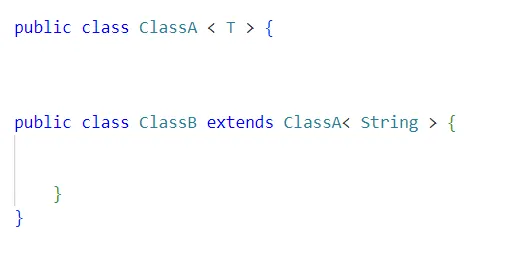
If we take the first class. We have a `ParametricClass` with one `ParameterType` name `T`.
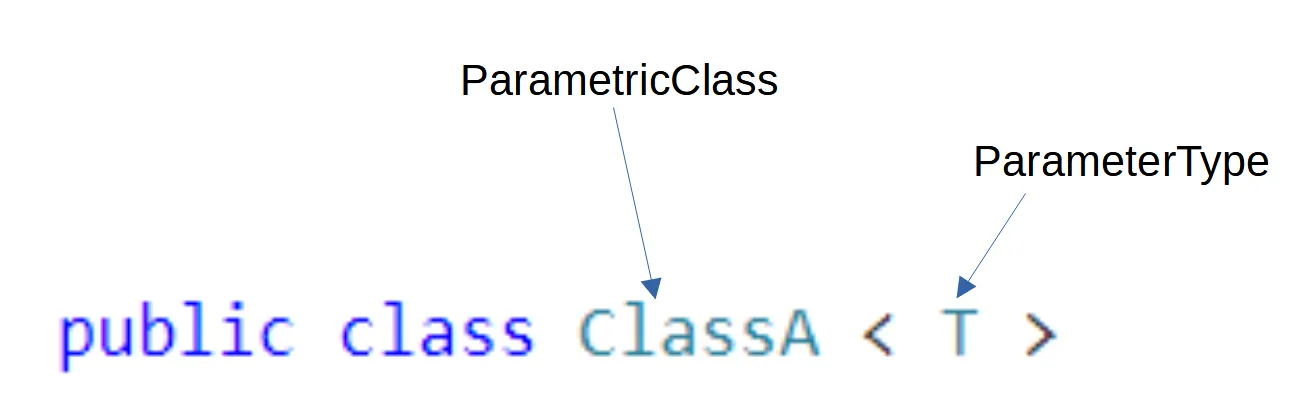
For the second class, we have a class that extends a parametric class with one parameter named `String`. `String` here is a class. It is not a `ParameterType` anymore.
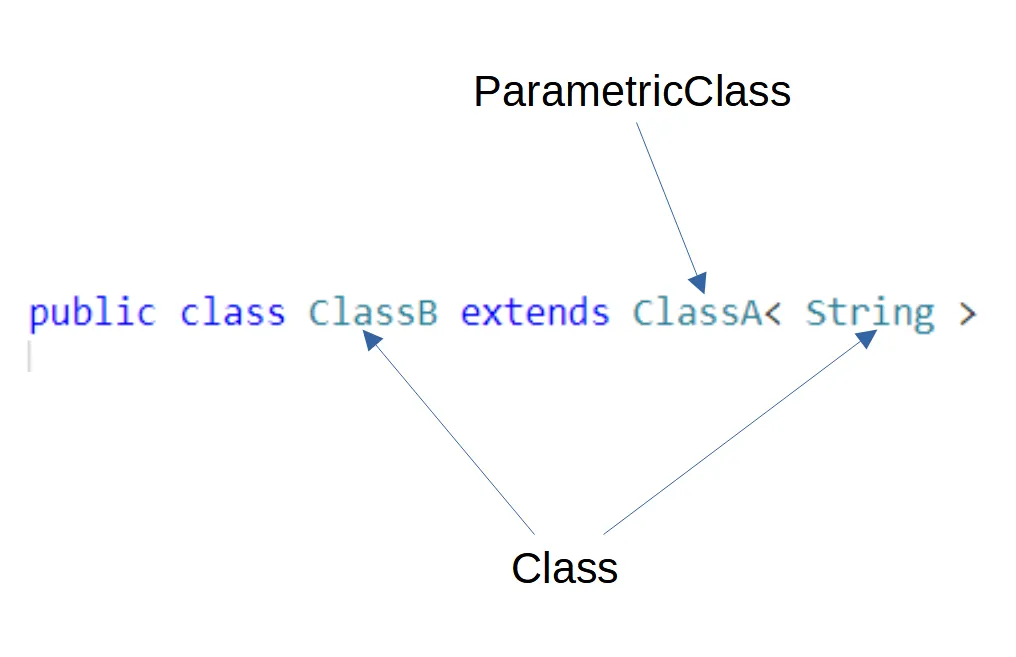
So, what is the link between the two parametric classes and the parameters `T` and `String`?
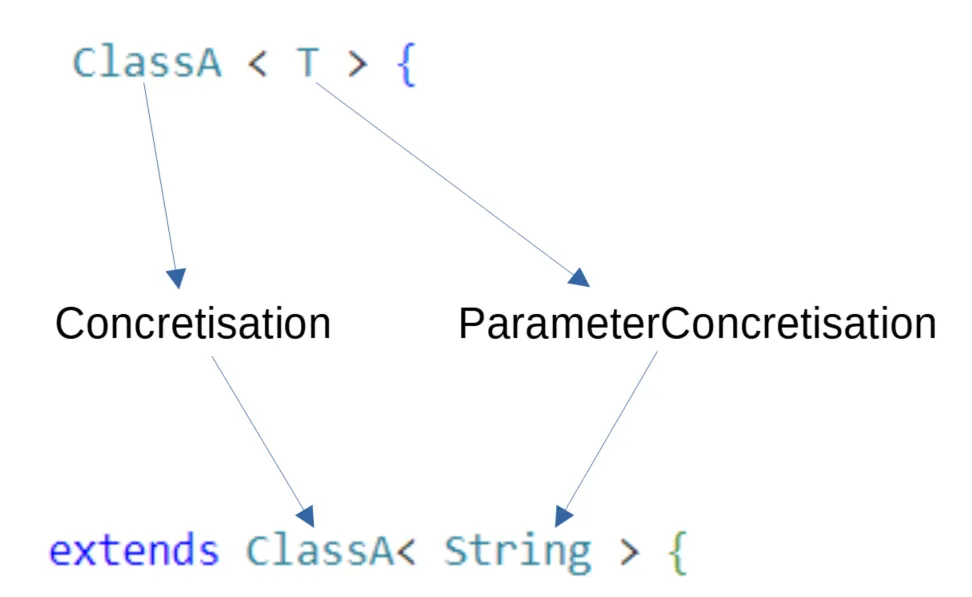
We have here a `Concretisation`. `ClassA` with the parameter `T` has one concretization and the parameter `T` has one parameter `Concretisation` which is String.
If we take back our first example:
```java
public class ClassA
ClassA class1 = new ClassA
ClassA class2 = new ClassA
```
We have three `ParametricClass`, one `ParameterType` and two types (`String` and `Integer`). `T` is our `ParameterType` and has two `ParameterConcretisations`: `String` and `Integer`. We can say that `T` is generic and `String` and `Integer` are concrete because we know what they are: classes. `ClassA` with the ParameterType `T` (`ClassA`) also has two concretizations. These are `ClassA` and `ClassA`. The three different `classA` know their parameters. `T` is in genericParameters. String and Integer are in concreteParameters.
A class is generic if it has at least one `ParameterType`. We can have concretization of a parametric class that is also generic. See the example below:
```java
public class ParametricClass
public class ParametricClass2 extends ParametricClass
```
The second ParametricClass has one ParameterType, so the class is generic. The four parameters (T, V, K, Z) have each a concretization (String, Integer, Integer, Z). Even if Z is still a ParameterType.
ParametricClass2 has for superclass ParametricClass, which has for generic entity ParametricClass with 4 ParameterTypes.
### Generic method
[Section titled “Generic method”](#generic-method)
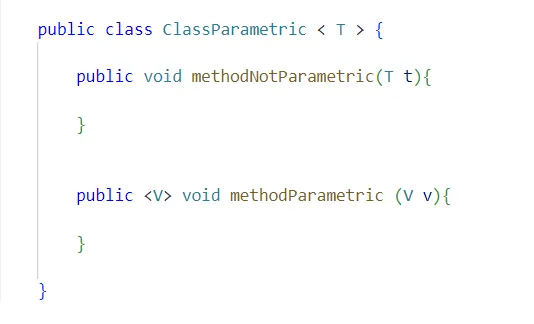
Let’s see what we have here. First of all, we recognize a ParametricClass with one ParameterType. This class has two methods. One is a regular method and the second is a parametricMethod. The first one isn’t generic because when the class is concretized, the ParameterType T will become String, Integer, Animals… and it will be the same for the method. The parameter of the first method depends on the class and this is not the case for the second method. That is why the second method is generic, not the first one.
### Example with Pharo
[Section titled “Example with Pharo”](#example-with-pharo)
```java
public classA
public classB extends classA
```
This is how we can represent this in [Pharo](https://pharo.org/).
```smalltalk
classAgen := FamixJavaParametricClass named:'ClassA'.
t := FamixJavaParameterType named:'T'.
classAgen addGenericParameter: t.
classAcon := FamixJavaParametricClass named:'ClassA'.
string := FamixJavaClass named:'String'.
classAgen addConcreteParameter: string.
FamixJavaConcretisation new concreteEntity: classAcon ; genericEntity: classAgen.
FamixJavaParameterConcretisation new concreteParameter: string ; genericParameter: t.
classB := FamixJavaClass named:'ClassB'.
FamixJavaInheritance new subclass: classB ; superclass: classAcon .
```
## Conclusion
[Section titled “Conclusion”](#conclusion)
In this post, we have seen how generics types are modeled with [VerveineJ](/developers/parsers/verveinej) and Moose for code analysis.
# Enhancing software analysis with Moose's aggregation
> Simplify model import
As software systems grow more complex, importing large models into Moose using the conventional process can cause issues with speed, excessive memory usage, and overall performance due to the vast amount of data. To ensure a smoother analysis process, managing the importation of extensive models efficiently is crucial. To overcome these challenges, strategic filtering and aggregation have emerged as powerful techniques.
## Filtering entities: limits and approach
[Section titled “Filtering entities: limits and approach”](#filtering-entities-limits-and-approach)
One feature of Moose is its model import filtering, which provides a practical approach to effectively handle large models. It allows us to selectively choose relevant entities for analysis instead of importing the entire model.
However, filtering has its limitations. By excluding certain entities during importation, we may lose some fine-grained details that could potentially be relevant for certain analyses. Moreover, if our filtering criteria are too aggressive, we might overlook important dependencies that could impact the overall understanding of the software system. To address these limitations, we have adopted a specific approach in this context - not importing methods.
## Simplifying the model by not importing methods
[Section titled “Simplifying the model by not importing methods”](#simplifying-the-model-by-not-importing-methods)
let’s take a look at a real-life example - a massive software model with over 130,000 methods!
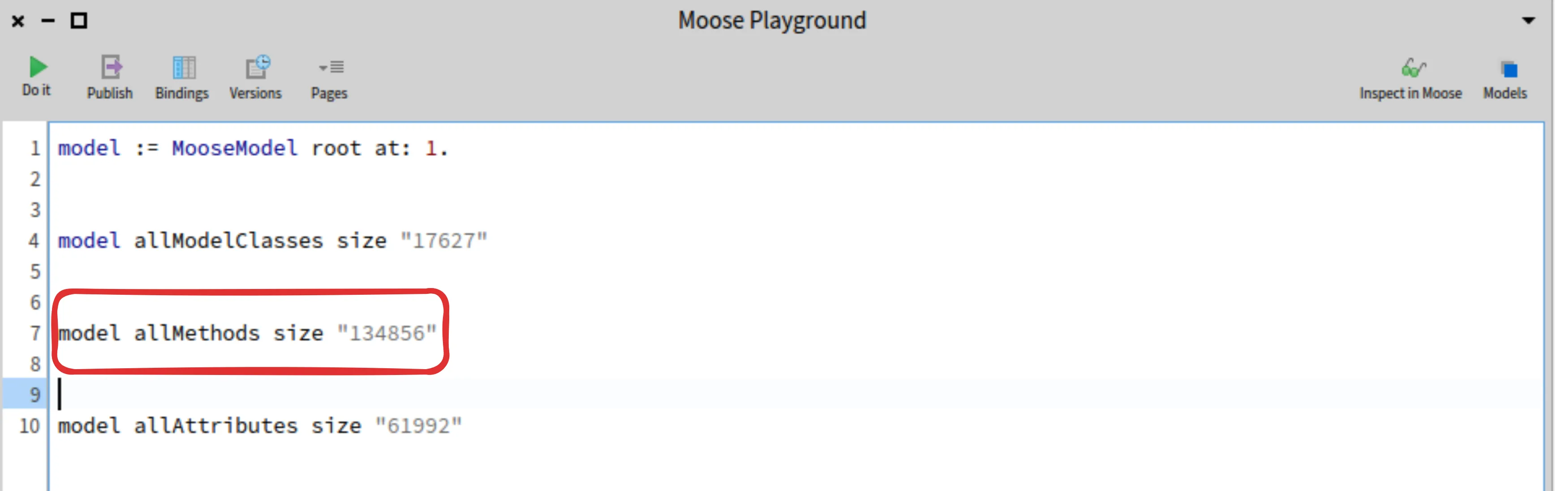
While method-related information can be crucial for certain analysis tasks, focusing on high-level relationships between classes is often more important than diving into individual method implementations. By avoiding the importation of individual methods, we strike a balance between capturing essential dependency information and simplifying the model.
But how do we preserve crucial dependency information when we’re not importing methods? This is where aggregation comes into play.
## Aggregation: an approach to capture dependencies
[Section titled “Aggregation: an approach to capture dependencies”](#aggregation-an-approach-to-capture-dependencies)
Aggregation involves creating an aggregated method within each class, serving as a central repository for consolidating dependencies. This approach reduces the need for complex connections between individual methods, leading to improved performance and overall efficiency. The abstraction layer introduced by aggregated methods not only simplifies the model but also enhances its modularity. By adopting this approach, we promote cleaner code design, making the software more maintainable and adaptable.
Now, let’s explore the process of importing a software model into Moose using the aggregator approach.
## Importing a model in Moose with the aggregator
[Section titled “Importing a model in Moose with the aggregator”](#importing-a-model-in-moose-with-the-aggregator)
To import an aggregated model into Moose:
1. Open Moose’s model browser.
2. Locate the model file on your computer.
3. Click “Aggregate Methods.”
4. Click “Import.”
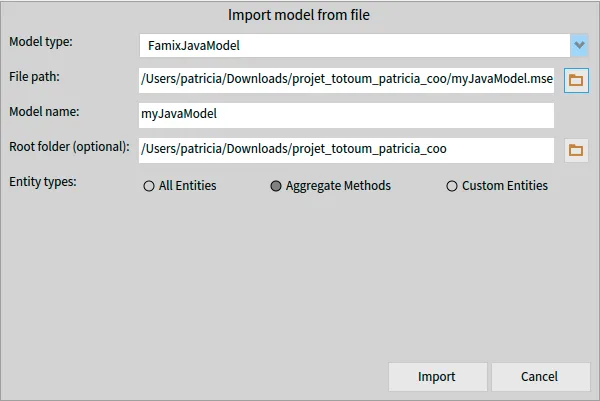
Now, the aggregated model is available for analysis in Moose.
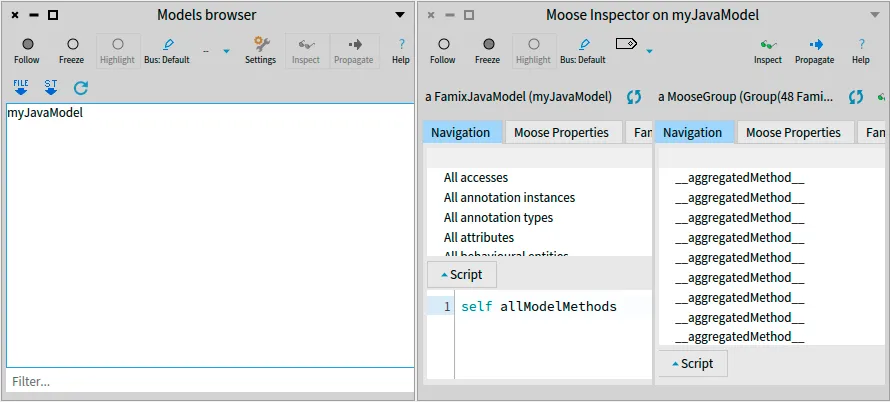
## Benchmarking aggregation’s impact on model size and analysis
[Section titled “Benchmarking aggregation’s impact on model size and analysis”](#benchmarking-aggregations-impact-on-model-size-and-analysis)
To assess the effectiveness of aggregation in reducing model complexity, we conducted a benchmark using a real-life example. The original software model had a staggering 10,267 methods.
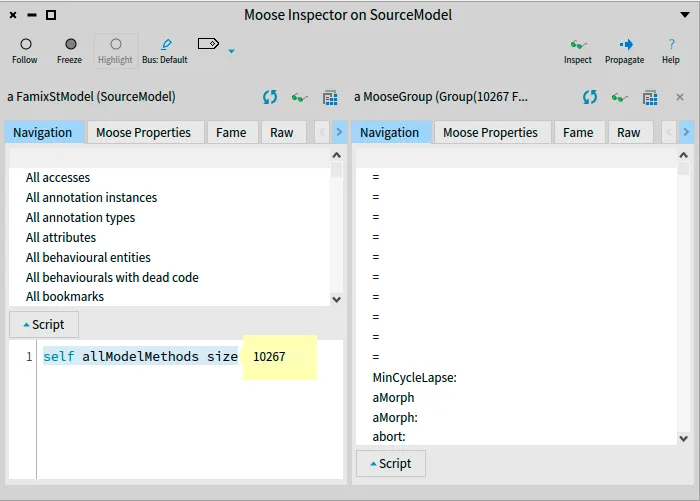
After importing the model into Moose using the aggregation approach, the corresponding aggregated model had only 448 methods. This showcases a substantial reduction in complexity achieved through aggregation.
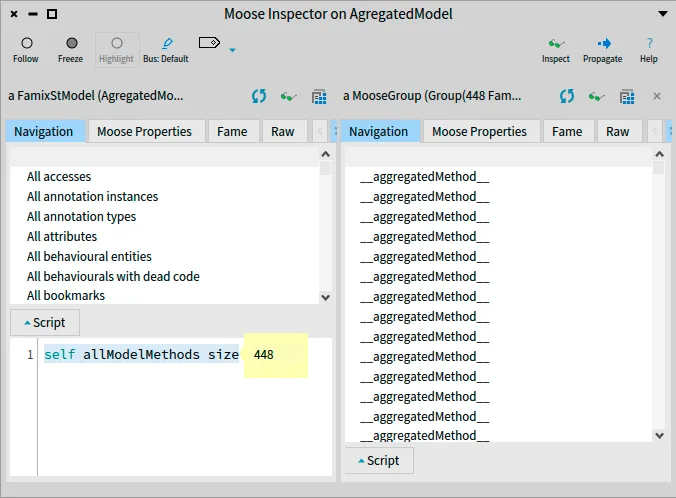
In proportion, the aggregated model represents just 4.4% of the original model’s size (448 / 10,267 \* 100). This remarkable decrease in the number of methods demonstrates the powerful impact of aggregation in simplifying the model.
Our benchmark confirms that aggregation is an invaluable technique for managing large models in Moose. It significantly streamlines the analysis process while preserving essential dependency information. Aggregation empowers software engineers to work with large-scale systems more efficiently and promotes cleaner code design, making the software more maintainable and adaptable.
## Conclusion
[Section titled “Conclusion”](#conclusion)
In summary, aggregation proved to be a highly effective approach for managing large models in Moose. By adopting aggregation, software engineers can work more efficiently with complex systems.
# Integrate Software Engineering into the everyday world
> How Berger-Levrault build Moose visualisation and tools daily using CI
[Read this blog post on www.research-bl.com](https://www.research-bl.com/integrate-software-engineering-into-the-everyday-world/)
# Generate a class diagram visualization for a meta-model
> Use FamixUMLDocumentor to generate a UML class diagram of a meta-model.
When creating or studying a meta-model, it is often convenient to be able to “see” it as a whole.
UML looks like a natural solution for this.
So in the past we had a tool to create UML diagrams of the meta-models through PlantUML (a small language and a tool to generate UML diagrams). The post [Generate a plantUML visualization for a meta-model](/blog/2021-06-04-plantuml-for-metamodel) explained how to use this tool
But the tool had some limitations, one of which was that it was not easy to add a different backend than PlantUML.
Therefore, inspired by the previous tool, we redesigned a new one, **FamixUMLDocumentor**, with a simpler API and the possibility to add new backends.
## Simple Use
[Section titled “Simple Use”](#simple-use)
We illustrate the use with the same [Coaster example](/blog/2021-02-04-coasters) already used previously. You can also experiment with `FDModel`, a small meta-model used for testing.
You can create a PlantUML script for a UML class of your metamodel with:
```smalltalk
FamixUMLDocumentor new
model: CCModel ;
generate ;
exportWith: (FamixUMLPlantUMLBackend new).
```
The result will be a PlantUML script that you can paste into `https://plantuml.org/` to get this UML class diagram:
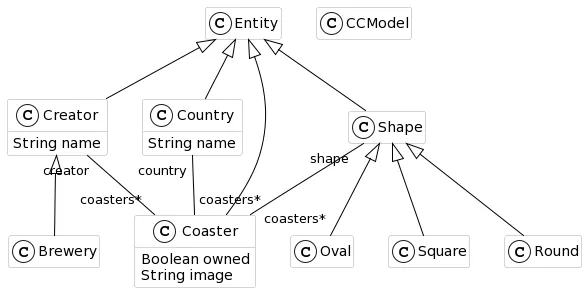{: .img-fluid}
## FamixDocumentor API
[Section titled “FamixDocumentor API”](#famixdocumentor-api)
The API for the documenter is as follow:
* `model:` — adds a meta-model to export. Several meta-models can be exported jointly by adding them one after the other. By default each meta-model is automatically assigned a color in which its entities will be drawn.
* `model:color:` — same as previous but manually assign a `Color` to the meta-model.
* `onlyClasses:` — specifies a list of classes to export. It can replace the use of `model:`.
* `excludeClasses:` — specifies a list of classes to exclude from the export. Typically used with `model:` to remove from the UML some of the meta-model’s classes. Can also be used to exlude “stub” classes (see `beWithStubs`).
* `beWithStubs` — Indicates to also export the super-classes and used traits of exported classes, even if these super-classes/traits or not part of the meta-models. These stubs have an automatically selected color different from the meta-models displayed.
* `beWithoutStubs` — opposite of the preceding. This is the default option.
* `generate` — creates an internal representation of a UML class diagram according to the configuration created with the preceding messages.
* `exportWith:` — exports the internal representation with the “backend” given (for example: `FamixUMLPlantUMLBackend` in the example above)
## FamixUML Backends
[Section titled “FamixUML Backends”](#famixuml-backends)
The backend is normally called by the `FamixUMLDocumentor` but can be called manually. For example, the image above can be exported in a PlantUML script with:
```smalltalk
documentor := FamixUMLDocumentor new.
documentor
model: CCModel ;
generate.
FamixUMLPlantUMLBackend new export: documentor umlEntities.
```
(Compare with the example given above)
Backends have only one mandatory method:
* `export:` — Exports the collection of umlEntities (internal representation) in the format specific to the backend.
New backends can be created by subclassing `FamixUMLAbstractBackend`.
There is a `FamixUMLRoassalBackend` to export the UML diagram in Roassal (visible inside Pharo itself), and a `FamixUMLMermaidBackend` to export in Mermaid format (similar to PlantUML).
There is a `FamixUMLTextBackend` that outputs the UML class diagram in a textual form. By default it returns a string but this can be changed:
* `toFile:` — Instead of putting the result in a string, will write it to the file whose name is given in argument.
* `outputStream:` — specifies a stream on which to write the result of the backend.
`FamixUMLPlantUMLBackend` and `FamixUMLMermaidBackend` are subclasses of this `FamixUMLTextBackend` (therefore they can also export to a file).
# Transformation journey (1/3) : Locating entities and nodes
> How to use queries and tools to find entities and their specific nodes to transform
Sometimes we have to perform several similar edits on our source code. This can happen in order to fix a recurring bug, to introduce a new design pattern or to change the architecture of a portion of a software. When many entities are concerned or when the edits to perform are complicated and take too much time, it can be interesting to consider building a transformation tool to help us and make that task easier. Fortunately, Moose is here to help with several modeling levels and powerful tools enabling us to build what we need!
## Preface
[Section titled “Preface”](#preface)
This little transformation journey will be divided into three blog posts. We will see how to build a simple transformation tool, with each post focusing on a different aspect:
* First post : Locating entities and nodes to transform
* Second post : Creating AST copies and AST nodes to make a transformation
* Final post : Viewing and editing our transformation, and applying it to the source files
Throughout those three posts, we will follow a simple transformation scenario, based on the software ArgoUML, an open-source Java project used in this [wiki](/beginners/moose-in-action). The first step is to create the model for the software, using the [sources](https://github.com/argouml-tigris-org/argouml/releases/download/VERSION_0_34/ArgoUML-0.34-src.zip) and [libraries](https://github.com/argouml-tigris-org/argouml/releases/download/VERSION_0_34/ArgoUML-0.34-libs.zip) available on that wiki post, but creating the model on the latest stable version of [VerveineJ](moose-wiki/Developers/Parsers/VerveineJ).
Using the available Docker image, this command (on Windows) will create the model and store it in the sources repository :
```sh
docker run -v .\src:/src -v .\libs:/dependency badetitou/verveinej -format json -o argouml.json -anchor assoc .
```
All that remains to do is to create a fresh image, and import this model (with the sources repository used to build the model as root folder) to start making our tool.
Note : As the creation of that tool is divided in three blog posts, keeping that image for all three blog posts is recommended.
## The scenario
[Section titled “The scenario”](#the-scenario)
The transformation case we will be dealing with in those blog posts is rather simple. In the ArgoUML system, three classes define and use a method named `logError`. In our scenario, a class `ArgoLogger` has been defined and contains a static method `logError`. The transformation task is to add a receiver node to each `logError` method invocation so that the method is called using the right class.
## Tools to import
[Section titled “Tools to import”](#tools-to-import)
For this blog post, we will have to import two tools :
The first one is [Carrefour](/blog/2022-06-30-carrefour), allowing us to bind and access the (F)AST model of an entity to its Famix counterpart. Loading it will also load the FAST Java metamodel. To load the project, execute this command in a Playground :
```smalltalk
Metacello new
githubUser: 'moosetechnology' project: 'Carrefour' commitish: 'v5' path: 'src';
baseline: 'Carrefour';
load
```
Second, we will use [MoTion](https://github.com/alesshosry/MoTion), an object pattern matcher that will allow us to easily explore the FAST of our methods and find the specific nodes we are looking for. To load the project, execute this command in a Playground :
```smalltalk
Metacello new
baseline: 'MoTion';
repository: 'github://AlessHosry/MoTion:main';
load: 'MoTion-Moose'
```
## Querying the model
[Section titled “Querying the model”](#querying-the-model)
Finally done with explanations and setup! 😄 Let us start by creating a class with a `model` instance variable, accessors, and add a class side initializer method for ease of use:
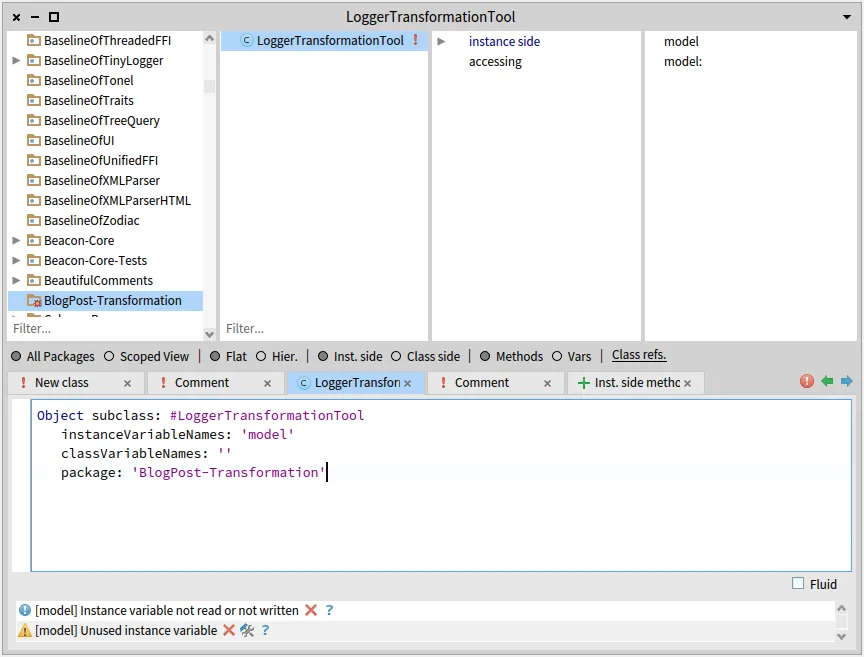
```smalltalk
onModel: aMooseModel
^ self new
model: aMooseModel;
yourself
```
This class will contain our entire code manipulation logic. It will be pretty short, but of course when working on more important transformations dividing the logic of our tool will help to make it more understandable and maintainable.
In any case, we will start with a basic Famix query, in order to find all the implementation of `logError` methods, which will later allow us to easily find their invocations :
```smalltalk
fetchLogErrorMethods
^ model allModelMethods select: [ :m | m name = 'logError' ]
```
And then another query using this result, to get all invocations (the exact entities we seek to transform) :
```smalltalk
fetchLogErrorMethodInvocations
^ self fetchLogErrorMethods flatCollect: [ :m |
m incomingInvocations ]
```
Using [MooseQuery](https://moosequery.ferlicot.fr/userdocumentation.html), you should be able to find any Famix entities you are seeking. From those Famix entities, we want to get the FAST nodes that we need to transform. We will look at two different methods to do so.
## Using Carrefour
[Section titled “Using Carrefour”](#using-carrefour)
In this context, Carrefour is the perfect tool to use to find the nodes we want to transform in the FAST of our methods. Now that we found the entities that we have to transform in the Famix model, all that remains is building and binding the FAST node of every entity within our method, and then fetch the ones from our method invocations.
To do so, we will add two methods to our class. First, a method to fetch the FAST node matching a given method invocation :
```smalltalk
fetchFastNodeForFamixInvocation: anInvocation
"building and binding the FAST of the invocating method"
anInvocation sender generateFastIfNotDoneAndBind.
"returning the actual node of the method invocation, our target"
^ anInvocation fast
```
And finally, a method that returns a list with every node we have to transform :
```smalltalk
fetchAllFastNodesUsingCarrefour
^ self fetchLogErrorMethodInvocations collect: [ :mi |
self fetchFastNodeForFamixInvocation: mi ]
```
And just like that, we now have the complete list of FAST nodes to transform!
## Using MoTion
[Section titled “Using MoTion”](#using-motion)
But before celebrating, we should keep in mind that this transformation is a very simple use case. Here, it is easy to find the entities to transform using Famix, but in some other cases it might be much more complex to find the methods that are candidates to a transformation, not to mention every node that must be transformed.
In those cases, a good way to make things easier is to divide the logic of this process, and use separate means to find the methods that are candidates to a transformation and to find the nodes that must be transformed.
Making queries on the Famix model remains a very reliable way to find the candidates methods, but then what about the nodes inside the AST of these methods? Methods can be quite complex (50 lines of code, 100, more…) and the resulting AST is huge. Finding the right node(s) in such AST is difficult. That’s where MoTion comes in. In order to find the nodes we are looking for, we can define patterns that describe those nodes, and the path to follow through the FAST to be able to reach those nodes.
MoTion is a powerful tool, allowing us to find specific items within a graph through concise patterns describing the objects we are looking for and the path in the graph used to reach them. However, it does have a very specific syntax that must be looked through before starting making our own patterns. Thankfully, everything is well documented and with examples (one of those being another example for FAST Java) on the repository of [MoTion](https://github.com/alesshosry/MoTion) (look at the README!).
But enough description. Time to code! 😄
```smalltalk
motionQueryForFastMethod: aFASTJavaMethodEntity
| query |
query := FASTJavaMethodEntity "type of the root node"
% { (#'children*' <=> FASTJavaMethodInvocation "looking through all childrens (with *)"
"until we find method invocation nodes"
% { (#name <=> 'logError') } as: #logErrorInvocation) }
"if their name is logError,"
"we save them to the given key"
collectBindings: { 'logErrorInvocation' } "at the end, we want all found invocations"
for: aFASTJavaMethodEntity. "and this the root entity for our search"
"the result of the query is a list of dictionaries, with each result in a dictionary"
"we only have one call to logError per method, so we can do a simple access"
^ query first at: 'logErrorInvocation'
```
And without commentaries, to have a clearer view on how the pattern looks :
```smalltalk
motionQueryForFastMethod: aFASTJavaMethodEntity
| query |
query := FASTJavaMethodEntity
% { (#'children*' <=> FASTJavaMethodInvocation
% { (#name <=> 'logError') } as: #logErrorInvocation) }
collectBindings: { 'logErrorInvocation' }
for: aFASTJavaMethodEntity.
^ query first at: 'logErrorInvocation'
```
Now, to complete the use of our pattern, let’s make a final method that will fetch every node we need to transform :
```smalltalk
fetchAllFastNodesUsingMotion
^ self fetchLogErrorMethodInvocations collect: [ :mi |
mi sender generateFastIfNotDoneAndBind.
self motionQueryForFastMethod: mi sender fast ]
```
As you can see, we still use Carrefour even in this context, as it remains the easiest way to get the FAST of our method before looking through it using MoTion. Those two tools can therefore be used together when dealing with complex transformation cases.
## Try it yourself!
[Section titled “Try it yourself!”](#try-it-yourself)
Now that our class is done, we are able to locate candidates methods for transformation and the specific nodes to transform using Famix, FAST, Carrefour and MoTion. You can use a Playground to test out our class and model and see for yourself the results of each method :
```smalltalk
t := LoggerTransformationTool onModel: (MooseModel root at: 1).
t fetchAllFastNodesUsingMotion
```
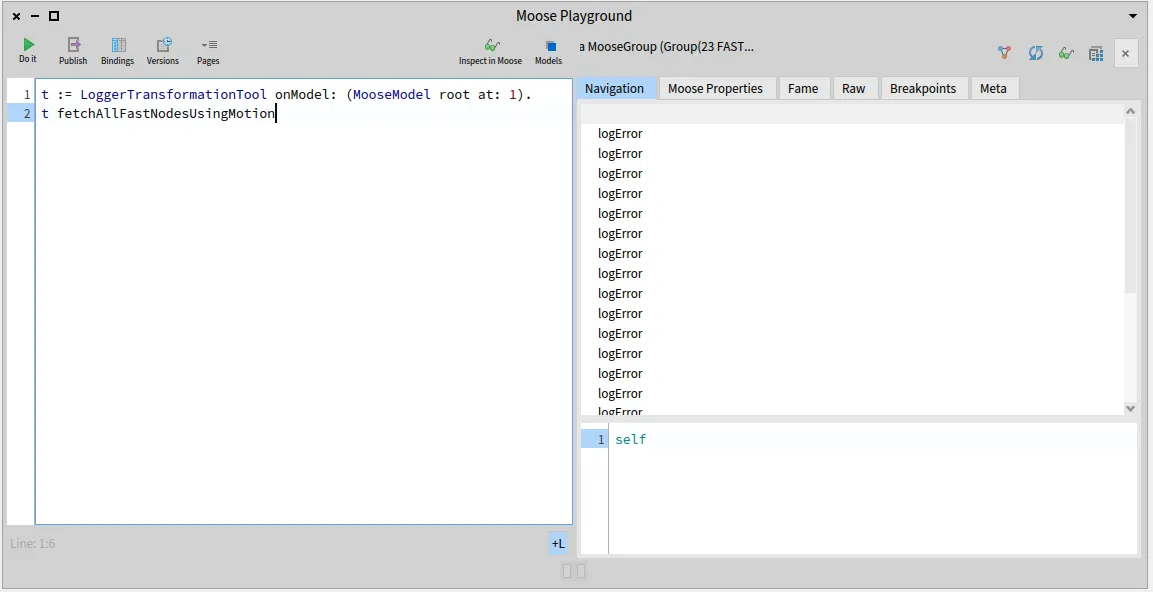
The whole source code that was written on this blog post is also available on that [repository](https://github.com/RomainDeg/Moose-BlogPost-Transformation).
## Conclusion
[Section titled “Conclusion”](#conclusion)
Using Famix, FAST, Carrefour and MoTion, we are able to search and locate methods and nodes candidates for a given transformation test case. This first step is primordial to build a fully completed transformation tool. In the next blog posts, we will see how to create AST copies and AST nodes to use in a transformation, and finally how to view and edit our transformation before applying it to the source files.
# Transformation journey (2/3) : Copying FASTs and creating nodes
> How to copy and create FAST nodes to create code transformations
Welcome back to the little series of blog posts surrounding code transformation! In the previous post, we started to build a transformation tool using a basic fictional transformation use case on the software ArgoUML. In this post, we will add behavior to the class we created previously, to achieve the actual transformation while making sure that we do not modify the original model in the process. As a reminder, this is the scenario: in the ArgoUML system, three classes define and use a method named `logError`. A class `ArgoLogger` has been defined that contains a static method `logError`. The transformation task is to add a receiver node to each `logError` method invocation so that the method called is now `ArgoLogger.logError`.
## Preface
[Section titled “Preface”](#preface)
As this blog post follows what was discussed and built in the first one of this series, a lot of information (how to build the image and model used for our use case, but also the use case itself) is provided in the previous post. If you haven’t read it, or if you forgot the content of the post, it is recommended to go back to it, as it will not be repeated in this post.
## Tools to import
[Section titled “Tools to import”](#tools-to-import)
For this blog post, we will have to import a tool library, [FAST-Java-Tools](https://github.com/moosetechnology/FAST-Java-Tools), which contains several tools to use on FAST for Java entities. It also contains practical tools to build transformation tools! To load the project, execute this command in a Playground :
```smalltalk
Metacello new
baseline: 'FASTJavaTools';
repository: 'github://moosetechnology/FAST-Java-Tools:main/src';
load
```
Loading it will automatically load the FAST-Java repository. Carrefour and MoTion (which were used in the previous post) are still necessary, so if you are starting from a clean image, you will need them as well.
## Copying the (F)ASTs to transform
[Section titled “Copying the (F)ASTs to transform”](#copying-the-fasts-to-transform)
With our import done, we are ready to get to work! 😄 To create our transformation, we will modify the FAST of each candidate method for our transformation, and this modified FAST will then be generated into source code that we will be able to inject into the actual source files. Therefore, our next step is modifying the FAST of our methods. However, we will begin by making a copy of said FAST, to ensure that our transformation will not modify the actual original model of our method. If that happens, we will still be able to run Carrefour on our method again (using the message `generateFastAndBind`) but it is better to avoid that scenario. If we have a bug on our tool and the FAST of many methods ends up being modified, then re-calculating and binding every FAST will be a big waste of time. Making a copy allows us to make the same actions, but ensures that our model remains untouched.
To create a copy, we have a visitor that fortunately does all the job for us! Using this simple command will give you a FAST copy :
```smalltalk
FASTJavaCopyVisitor new copy: aFASTMethod
```
However, to make things even easier, we will use an already made wrapper that will contain our candidate method for transformation in every useful “format” for transformation, which are :
* The Famix entity of that method
* The original FAST
* The copied (transformed) FAST
{::comment} This wrapper also has collections to store specific nodes, but patience, we will see how to use these in the next blog post! 😉 {:/comment}
For now, let’s add a method to create that wrapper on a collection of candidate methods, in the class created in the first post :
```smalltalk
createWrappersForCandidateMethods: aCollectionOfFamixJavaMethods
^ aCollectionOfFamixJavaMethods collect: [ :fmxMeth |
| fastMethod |
fmxMeth generateFastIfNotDoneAndBind.
fastMethod := fmxMeth fast.
JavaMethodToTransformWrapper
forFamixMethod: fmxMeth
andFAST: fastMethod ]
```
With this, we created wrappers for each method to transform, and each of these wrappers contains a copy of the FAST ready to be transformed. Before getting to the next step, we will define one more method, which will contain the “main behavior” of our tool, so that calling this method is enough to follow each step in order to transform the code.
```smalltalk
findAndTransformAllLogErrorInvocations
| wrappers |
wrappers := self createWrappersForCandidateMethods:
self fetchLogErrorMethodInvocationsSenders.
wrappers do: [ :w | self transformMethod: w ].
```
If you followed everything so far, you can notice that there are two new methods called here. The first one, `fetchLogErrorMethodInvocationsSenders`, is just here to make the code easier to read :
```smalltalk
fetchLogErrorMethodInvocationsSenders
^ self fetchLogErrorMethodInvocations
collect: [ :mi | mi sender ]
```
The other one, `transformMethod:`, is the next step in this transformation journey, creating a new receiver node for our `logError` invocations and applying it on said invocations.
## Create a new node
[Section titled “Create a new node”](#create-a-new-node)
Therefore, the first thing to do is pretty obvious. We need to build a receiver node, for the `ArgoLogger` class. This transformation use case is pretty easy, so the node to create is always the same and is a pretty basic node.
We can in this case simply build this node “manually” in a method :
```smalltalk
createNewReceiverNode
^ FASTJavaIdentifier new
name: 'ArgoLogger';
yourself
```
However, this option is not possible for every use case. Sometimes the node to create will be dependent on the context (the name of an identifier, method or variable might change), or we might have to create more complex nodes, composed of several nodes. In order to create those more complex nodes, one option is to parse the code using the parsing tool from the [FAST-Java](https://github.com/moosetechnology/FAST-JAVA) repository, the `JavaSmaCCProgramNodeImporterVisitor`, before inspecting the parsed result using the `FASTDump` view.
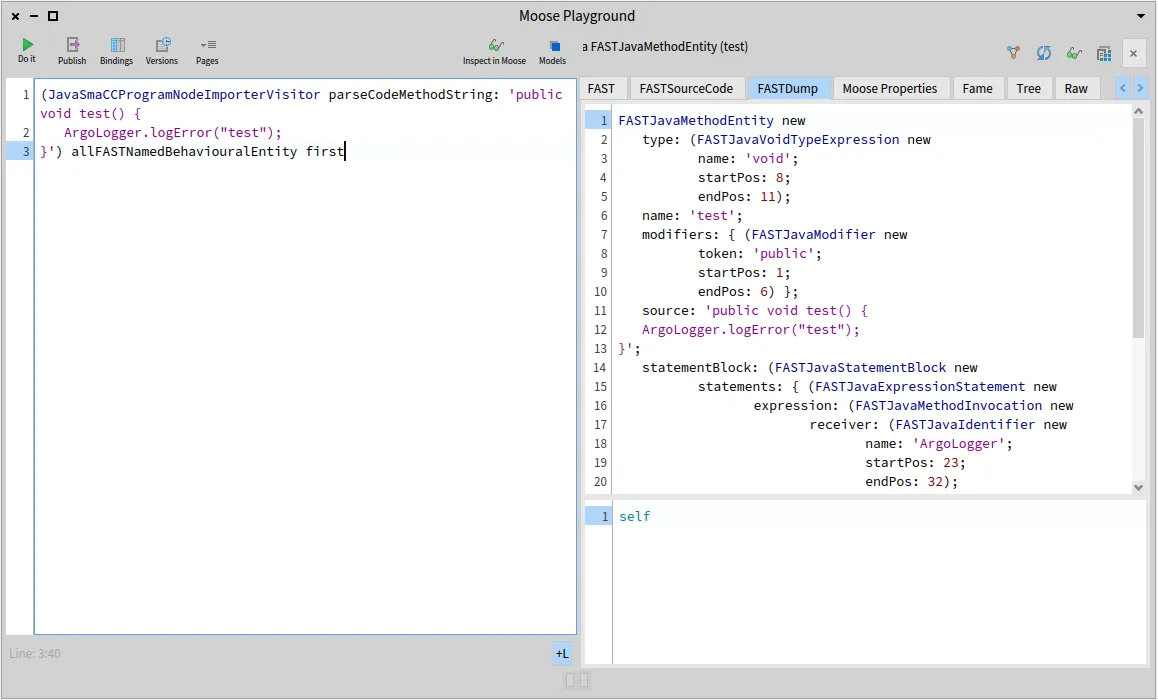
Using this view of the inspector then enable us to get the node or tree that we seek for our transformation and copy-paste the code to create it in a method for our tool to use it when needed.
## Adding the new receiver node to (F)ASTs
[Section titled “Adding the new receiver node to (F)ASTs”](#adding-the-new-receiver-node-to-fasts)
Now that we have created our node and saw different means to do so, all that remains to do is setting it as the receiver of every copied FAST method to complete our transformation! Let us do so right away, by finally implementing our `transformMethod:` from before:
```smalltalk
transformMethod: aJavaMethodWrapper
| methodInvocationNode |
methodInvocationNode := self motionQueryForFastMethod:
aJavaMethodWrapper transformedFastMethod.
methodInvocationNode receiver: self createNewReceiverNode
```
There are two things worth saying after making this method. First, and hopefully without boring you by repeating this over and over… This is a very simple transformation use case! As you can see, the only thing we do is using the `receiver:` setter on the appropriate node. Depending on the kind of edit that you want to apply on a method, you might need to experiment a bit and read the comments and method list of the classes of the nodes you are trying to edit. To experiment, one way is inspecting one of the FAST method that you wish to transform, to find the nodes you need to locate and transform, then go and read the class documentation and method list of the types of those nodes to find the appropriate setters you need to use. Another fun way to do so involves the Playground and using once again the parsing tool used in the previous section to use the `FASTDump` view of the Moose Inspector.
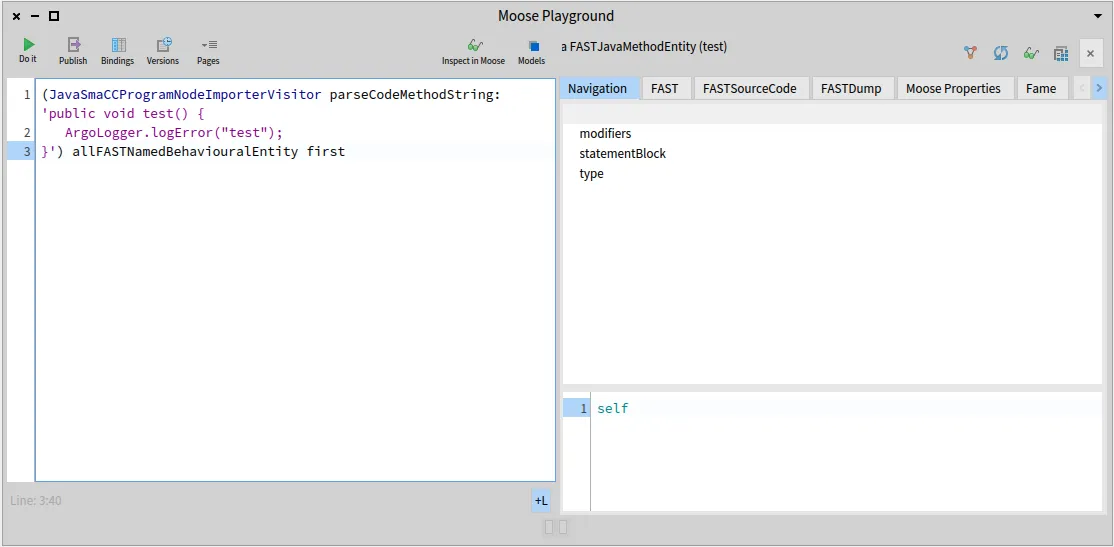
Using this little code snippet, you can parse a Java method and inspect its FAST. So, copy the method you need to transform, inspect it, then transform the code of this method manually, then parse it and inspect it again! It’s an easy way to start the work towards building a transformation tool. 😄
The second thing to notice, is the use of MoTion and not Carrefour. As we now modify a copy of a FAST, it is easier to run the MoTion query on it to get the node we are looking for right away, rather than go through the original Famix invocation. However, it is still doable, as the original and copied FAST nodes both store their counterpart in an attribute slot. We can see this by inspecting one of the fast methods in a wrapper resulting from our transformation (look at the inspected slots and `mooseID` of each object).
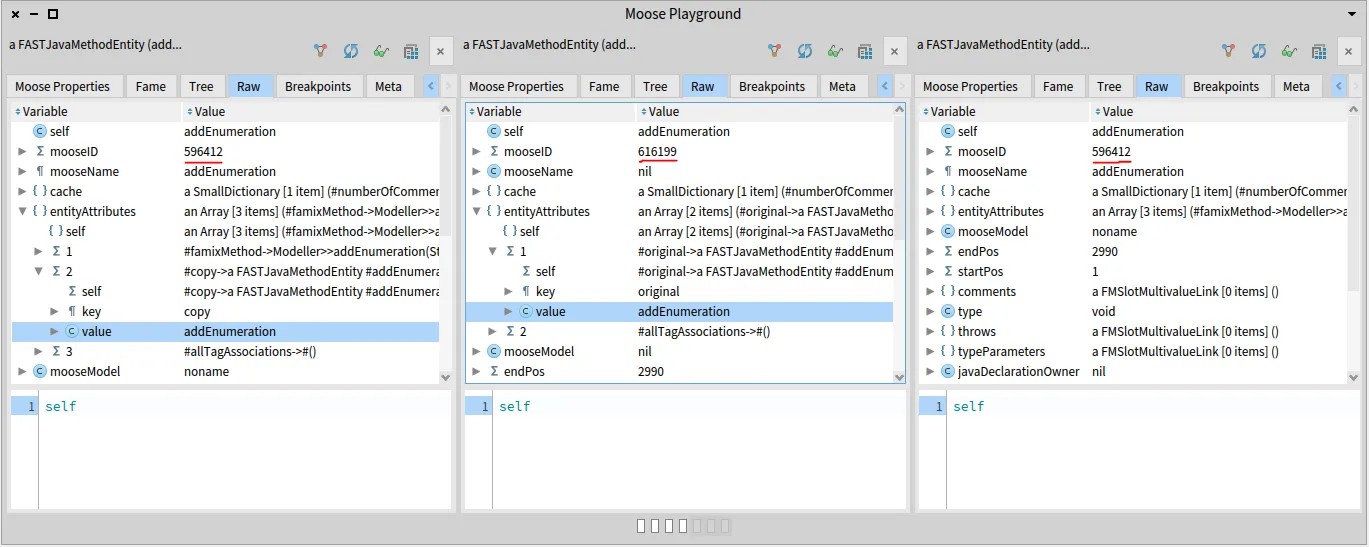
## Try it yourself!
[Section titled “Try it yourself!”](#try-it-yourself)
We are now done with the second part of our three blog post journey into code transformation! Our class is now able to create wrappers for each candidate method containing a copy of the FAST to transform, creating the new nodes to insert and finally make the edit on the copied FAST.
Just like with the first post, feel free to now try the tool and methods that we created here in a Playground and experiment with the results, or the methods themselves!
```smalltalk
t := LoggerTransformationTool onModel: MooseModel root first.
t findAndTransformAllLogErrorInvocations
```
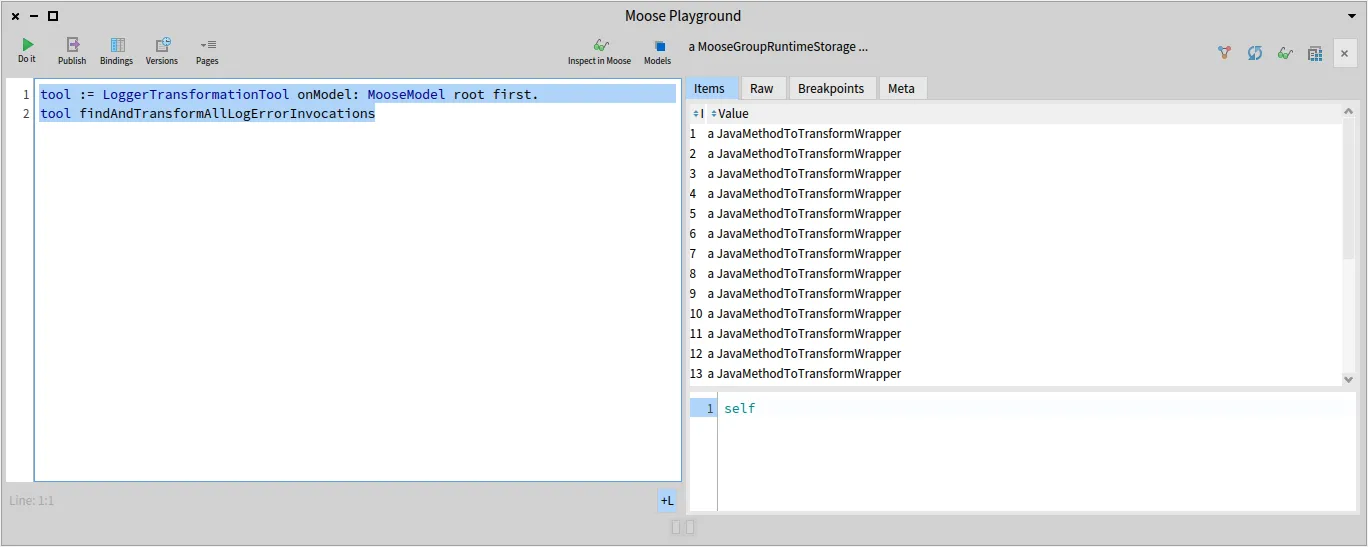
The whole source code that was written on this blog post (and the previous one) is also available on that [repository](https://github.com/RomainDeg/Moose-BlogPost-Transformation).
## Conclusion
[Section titled “Conclusion”](#conclusion)
With the help of some tools and wrappers for FAST-Java, we managed to copy the FASTs of our candidate methods for our small transformation use case, before creating the necessary node for the transformation. In the next and final blog post on code transformation, we will see how to view and edit our transformation before confirming its content, and applying it to the source files. Until next time! 😄
# Generating a visitor infrastructure for a given meta-model
> Generate a visitor infrastructure for any Famix meta-model.
Once we have a model of a program in Famix, we often find ourselves wanting to ¨ go through it” to apply some systematic analysis or modification. For example one could want to export the model as source-code .
The [Visitor design pattern](https://en.wikipedia.org/wiki/Visitor_pattern) is well adapted for these tasks. Note that the [double-dispatch mechanism](https://en.wikipedia.org/wiki/Double_dispatch), which is an integral part of the visitor pattern, may also be useful to have entity specific actions even if one does not want to visit the entire model.
The Visitor pattern requires:
* an `accept: aVisitor` method in every entity of the meta-model (eg.: in FamixJavaClass, FamixJavaMethod, FamixJavaAttribute,…)
* `visitFamixXYZ: aFamixXYZ` for all entites to be visited, in the visitor class
* the `accept:` methods invoke the correct `visitFamixXYZ:` method of the visitor depending on the class it is implemented in
* the `visitFamixXYZ:` by default recursively visits all the “children” of the entity being visited (eg.: `visitFamixJavaClass:` should trigger the visit of the attributes and methods of the class)
For large meta-models, this can be cumbersome to implement as there may be many kinds of entities (43 for FamixJava) and the work is very repetitive. The tool **FamixVisitorCodeGenerator** can do all the work for you, automatically.
## FamixVisitorCodeGenerator
[Section titled “FamixVisitorCodeGenerator”](#famixvisitorcodegenerator)
Taking advantage of the meta-description of the Famix entities and the reflective nature of Pharo, it generates the `accept:` and `visitFamixXYZ:` for all entities of a meta-model.
Usage exmaple:
```smalltalk
FamixVisitorCodeGenerator new
package: 'Famix-Java-Entities' visitorClass: FamixJavaVisitor .
```
or for a FAST meta-model:
```smalltalk
FamixVisitorCodeGenerator new
package: 'FAST-Java-Entities' visitorClass: FASTJavaVisitor.
```
The tool needs an empty visitor class (or trait) created by the user (`FamixJavaVisitor` in the example above), and a Pharo package containing the Famix classes of a meta-model (`Famix-Java-Entities` in the example above). From this it will:
* create an `accept:` method in all the classes in the given Famix package;
* the `accept:` methods are created as extensions made by the package of the visitor;
* the `accept:` methods invoke the correct `visitFamixXYZ:` depending on the class they are implemented in.
* a setter method allows to skip this part: `generateAccepts: false`
* the `visitFamixXYZ:` methods are created in the visitor class (or trait) for a “maximal visit” (see below).
## Visiting methods
[Section titled “Visiting methods”](#visiting-methods)
For a friendlier visitor, it is convenient that the visitor methods reproduce the inheritance hierarchy of the entities. For example, if `FamixJavaAttribute` and `FamixJavaParameter` both inherit from `FamixJavaVariable` entity, it is convenient that `visitFamixJavaAttribute:` and `visitFamixJavaParameter:` both call `visitFamixJavaVariable:` so that a common behaviour for the visit can be implemented only once.
Since Famix heavily relies on traits to compose meta-models, the same idea applies to used traits. For example many entities implements `FamixTSourceEntity` to get a `sourceAnchor`. For all these entities, and if we need a generic behavior based on the source anchor, it is convenient that all the `visitXYZ:` methods call `visitTSourceEntity:` where the common behavior can be implemented.
Finally it might be convenient that the `visitXYZ:` methods, visit all the entites related to the one we are visiting. For example when visiting a `FamixJavaVariable`, it might be interesting to recursively visit its `declaredType`.
All these conditions defines what we call a “maxium” visit of the meta-model.
## “Maximum” Visit
[Section titled ““Maximum” Visit”](#maximum-visit)
As described above, the maximum `visitXYZ:` methods will trigger a resursive visit of many things (super-class visit method, used traits visit method, all entities related to the one being visited).
One down side of this is that a maximum visit is not a viable one in Famix because all relationships are bi-directionnal, causing infinite loops in the visit. For example, if in a `FamixJavaVariable` we recursively visit its `declaredType`, then in the `FamixJavaTType` we will recursively visit the `typedEntities` including the one we just came from.
There could be various solution to this problem:
* implement a memory mechanism in the visitor to remember what entities were already visited and do not go back to them.
* do not visit all relationships of an entity, but only its “children” relationship
* let the user handle the problem
For now the tool rely on the third solution. If an actual visitor inherits (or use) the generated visitor, it must take care or redefining the visit methods so that it does not enter in an infinite loop (implementing any of the two other solutions)
In this sense, the maximum visit methods can be viewed as cheat sheets, showing all the things that one could do when visiting an entity.
In the future we might implement the second solution (visit only children) as an option of the visitor. For now it is important to remember that **the generated visitor cannot be used as is**. Methods must be redefined to get a viable visitor.
## class vs. trait visitor
[Section titled “class vs. trait visitor”](#class-vs-trait-visitor)
The natural action would be to define the visitor as aclass from which all required actual visitors will inherit. However, because visitors are so handy to go through the entire model, we discovered that we needed a lot of them (eg. visitors to create a copy of a model, to re-export a model) and they sometimes need to inherit from some other class.
As such, we rather recommend to create the maximal visitor as a trait that can be used by all actual visitors. This make no difference for the `FamixVisitorCodeGenerator` and it might prove very useful.
# A real example on using tags
> In this post I show step by step how one can use tags to perform a real, concrete, analysis.
## A real example on using tags
[Section titled “A real example on using tags”](#a-real-example-on-using-tags)
Tags can be a powerful tool to visualize things on legacy software and perform analyses. For example, tags can be used to create virtual entities and see how they “interact” with the real entities of the system analyzed. In the article [Decomposing God Classes at Siemens](https://rmod-files.lille.inria.fr/Team/Texts/Papers/Anq19a-ICSME-GodClass.pdf) we show how tags can be used to create virtual classes and see their dependencies to real classes.
In this post I will show another use of tags: how they can materialize a concept and show its instantiation in a system.
The scenario is that of analysing Corese, a platform to “create, manipulate, parse, serialize, query, reason and validate RDF data.” Corese is an old software that dates back to the early days of Java. Back then, enums did not exist in Java and a good way to implement them was to use a set of constants:
```java
public static final int MONDAY = 1;
public static final int TUESDAY = 2;
public static final int WEDNESDAY = 3;
public static final int THURSDAY = 4;
public static final int FRIDAY = 5;
public static final int SATURDAY = 6;
public static final int SUNDAY = 7;
```
Those were the days!
As an effort to restructure and rationalize implementation, the developers of Corese wish to replace these sets of constants by real Java enums. This is not something that can be done in any modern IDE even with the latest refactoring tool.
Let us see how Moose can help in the task.
### Where are the constants used?
[Section titled “Where are the constants used?”](#where-are-the-constants-used)
For an analysis in Moose, we need a model of the system, and this starts with getting the source code (). The model is created using VerveineJ which can be run using docker:
```plaintext
docker run -rm -v src/main/java/:/src ghcr.io/evref-bl/verveinej:latest -alllocals -o corese-core.json
```
This will create a file `corese-core.json` in the directory `src/main/java/`. The command to create the model as an option `-alllocals`. This is because VerveineJ by default only tracks the uses of variables with non primitive type (variables containing objects). Here the constants are integers and if we want to know where they are used, we need more details.
Let’s import the model in Moose. This can be done simply by dragging-and-dropping the file in Moose.
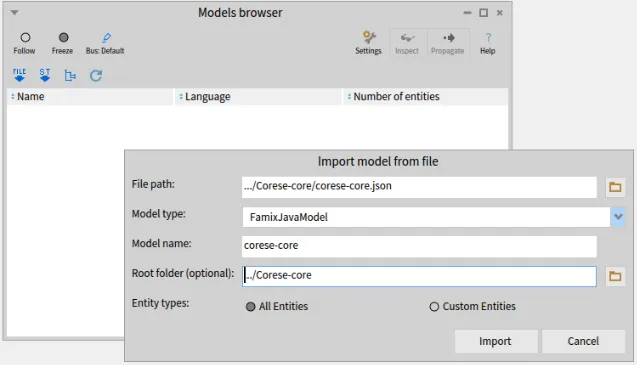
We will study the use of the constants defined in fr.inria.corese.core.stats.IStats:
```java
public interface IStats {
public static final int NA = 0;
public static final int SUBJECT = 1;
public static final int PREDICATE = 2;
public static final int OBJECT = 3;
public static final int TRIPLE = 4;
[...]
```
To find where the constants are used, we need to find the representation of the constants in the model. For this, we can inspect the model (“Inspect” button in the Model Browser) and look for all “Model Attributes”. The constants are *attributes* of the interface/class in which they are defined as shown in the listing above). And they are *model attributes* because they are defined in the source code analysed, as opposed to `System.out` which may be used in the code but for which we don’t have the source code.
We can then select all the model attributes named PREDICATE: `select: [ :each | each name = 'PREDICATE']`. *(note, the backslash (\\) before the square bracket (\[) was added by the publishing tool and is not part of the code)*
Moose gives us 8 different definitions of PREDICATE (and 9 for OBJECT, and 10 for SUBJECT). The one we are interested in is the 3rd in the list (`IStats.PREDICATE`).
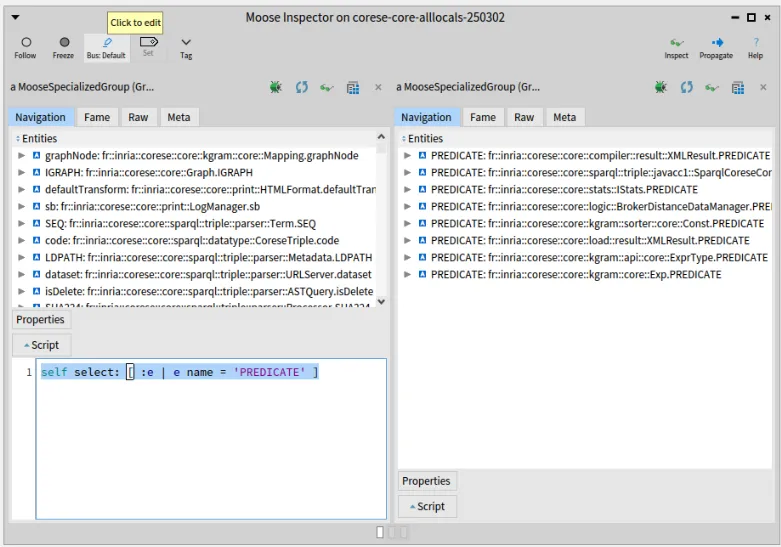
Having the same constants defined multiple times is not good news for the analysis and for the developers. But this kind of thing is fairly common in old systems which evolved during a long time in the hands of many developers. Not all of them had a complete understanding of the system and each had different skills and programming habits.
Looking at the lists of definitions for the 3 main constants (SUBJECT, PREDICATE, OBJECT), we find that there are at least 5 different definitions of these constants:
* stats.IStats:
```java
public static final int NA = 0;
public static final int SUBJECT = 1;
public static final int PREDICATE = 2;
public static final int OBJECT = 3;
public static final int TRIPLE = 4;
```
* kgram.sorter.core.Const:
```java
public static final int ALL = 0;
public static final int SUBJECT = 1;
public static final int PREDICATE = 2;
public static final int OBJECT = 3;
public static final int TRIPLE = 4;
public static final int NA = -1;
```
* compiler.result.XMLResult
```java
private static final int TRIPLE = 9;
private static final int SUBJECT = 10;
private static final int PREDICATE = 11;
private static final int OBJECT = 12;
```
* kgram.api.core.ExprType
```java
public static int TRIPLE = 88;
public static int SUBJECT = 89;
public static int PREDICATE = 90;
public static int OBJECT = 91;
```
* kgram.core.Exp
```java
public static final int ANY = -1;
public static final int SUBJECT = 0;
public static final int OBJECT = 1;
public static final int PREDICATE = 2;
```
So now we need to track the uses of all these constants in the system to understand how they can be replaced by one enum.
Note: Don’t close the Inspector window yet, we are going to need it soon.
### Tagging the constants and their uses
[Section titled “Tagging the constants and their uses”](#tagging-the-constants-and-their-uses)
Moose can help us here with tags. Tags are (as the name implies) just labels that can be attached to any entity in the model. Additionally, tags have a color that will help us distinguish them in visualizations.
So let’s tag our constants. We will define 5 tags, one for each set of constants, that is to say one for each of the 5 classes that implement these constants. You can choose whatever name and color you prefer for your tags, as long as you remember which is which. Here I named the tags from the name of the classes that define each set of constant.
Now we want to tag all the constants in a set with the same tag. Let’s see how to do it for constants in `IStats`, the ones listed in the previous section and that were our initial focus.
We select the “IStats” tag in the Tag Browser and go back to the Inspector where we have a list of all definitions of PREDICATE. If we click on the 3rd of these PREDICATE (“fr::inria::corese::core::stats::IStats.PREDICATE”), a new pane appears on the right, focusing on this attribute. There, we can click on its “parentType”, giving yet another pane. (The following screenshot shows the inspector right before we click on “parentType”).
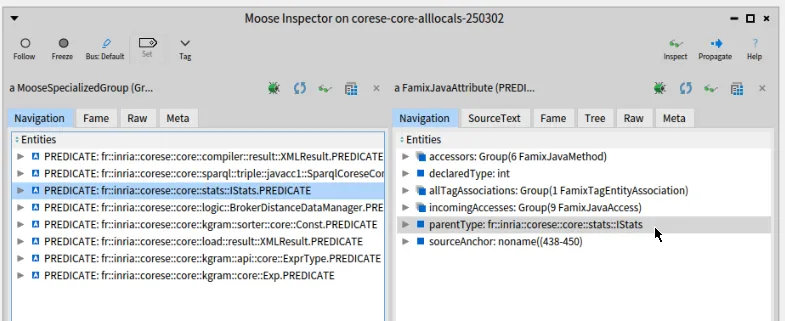.
The right pane now focuses on the `IStats` Java interface. We can click on “attributes” to get the list of attributes it defines (including PREDICATE from which we started). There are 5 attributes which are the ones listed in the previous section.
So far so good.
To tag these attributes, we will “propagate” them (toolbar button of the Inspector on the right) to all tools that are in “Follow” mode. Note that if you minimized the Tag Browser at some point, it will be in “Freeze” mode like in the screenshot above. You need to put it back in “Follow” (radio toolbar button on the left) before propagating the list of constants.
Once propagated, the list appears in the center pane of the Tag Browser and you can pass it to the right pane with the ”>>>” button. Doing this will effectively tag the entities with the selected tag.
We now have tagged these 5 constants with the “IStats” tag. Ideally we want to find also the usage of these constants. So we would like to also tag the methods that use these constants.
For this you can open a Query Browser, it will start with the same list of 5 attributes that we just propagated. We can create a “Navigation query” and ask for all the “incoming” “accesses” to these attributes as shown below. The result is a list of 6 methods.
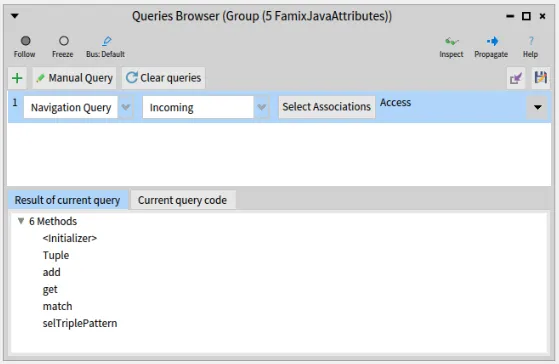
We can now propagate these 6 methods and they will appear in the Tag Browser. We tag them with the same tag as the attributes themselves.
You can repeat the same operations for the 5 sets of constants listed above and the 5 different tags.
### Visualizing the result
[Section titled “Visualizing the result”](#visualizing-the-result)
All this tagging was to be able to visualize where each set of constant is defined and, most importantly, used. We now turn to the “Architectural Map” which is a fine tool to visualize tags. for example, we could show all the top level packages of Corese and the Architectural Map will give visual clues on which ones contain tagged entities, and what tags. The Architectural Map allows to expand the content of entities which will allow us to deep dive into each package containing tagged entities to understand where exactly the entities is used or defined.
To select all the top level packages, we go back one last time to the Inspector to the very first pane on the left (you may also “Inspect” again the model to open a new Inspector). We select the “Model packages” and enter this query in the “script” at the bottom: `self select: [ :each | each parentPackage isNotNil and: [each parentPackage name = 'core'] ]`. *(Again, ignore the backslashes)*
The result is a list of 23 packages that we can propagate. Finally we open an Architectural Map that will start with the 23 packages that we just propagated.
In the following screenchot, I restricted the Architectural Map to the only 5 packages that do use our tags: “stats”, “kgram”, “util”, “sparql”, and “query”. This makes it easier to see the results here. I also expanded “kgram” that is small and contains different tags.
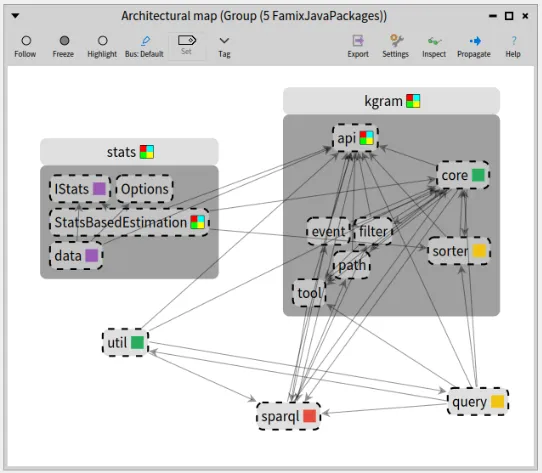
The single-color square, on the right of each package name, shows that it contains entities having one uniq tag (of this color). In our case it means that it contains the constants and methods accessing them, all with the same tag. For example, “core” and “util” packages contain entities tagged with only the green tag (which corresponds to the `kgram.core.Exp` class as previously shown in the Tag Browser screenshot).
When the square is multicolored, it means it contains entities with different tags. For example, we see that the package “kgram” contains at least the green (“Exp”) and the yellow (“Const”) tags.
Note that in this particular case, I added another tag for class `kgram.api.core.Node` which has its own definition of the OBJECT constant. I wanted to see where it was used also. This is the reason for the multicolored square of class `StatsBasedEstimation`, in package “stats”, which uses OBJECT from `Node` and the other constants from `IStats`.
In the end, the visualization allows to conclude that each package sticks pretty much to its own definition of the constants which is rather reassuring. It also shows where one would have to look if we were to replace the constant by a real enum.
This is not the end of it however because the constant values used in these methods can be passed off to other methods as argument. Here Famix alone (the meta-model used in Moose by default) can no longer help us to follow the flow of usage of the constants because they are just integer being passed around. For a finer analysis, a complete AST model should be used. This could be done with the FAST meta-model (Famix-AST), but it is another story that falls outside the scope of this blog-post.
See you later.
# Some tools on FAST models
> An overview of the tools and algorithms available in FAST-Core-Tools for FAST models.
The package `FAST-Core-Tools` in repository offers some tools or algorithms that are running on FAST models.
These tools may be usable directly on a specific language FAST meta-model, or might require some adjustements by subtyping them. They are not out-of-the-shelf ready to use stuff, but they can provide good inspiration for whatever you need to do.
## Dumping AST
[Section titled “Dumping AST”](#dumping-ast)
Writing test for FAST can be pretty tedious because you have to build a FAST model in the test corresponding to your need. It often has a lot of nodes that you need to create in the right order with the right properties.
This is where `FASTDumpVisitor` can help by visiting an existing AST and “dump” it as a string. The goal is that executing this string in Pharo should recreate exactly the same AST.
Dumping an AST can also be useful to debug an AST and checking that it has the right properties.
To use it, you can just call `FASTDumpVisitor visit: ` and print the result. For example:
```smalltalk
FASTDumpVisitor visit:
(FASTJavaUnaryExpression new
operator: '-' ;
expression:
(FASTJavaIntegerLiteral new
primitiveValue: '5'))
```
will return the string: `FASTJavaUnaryExpression new expression:(FASTJavaIntegerLiteral new primitiveValue:'5');operator:'-'` which, if evaluated, in Pharo will recreate the same AST as the original.
Note: Because FAST models are actually Famix models (Famix-AST), the tools works also for Famix models. But Famix entities typically have more properties and the result is not so nice:
```smalltalk
FASTDumpVisitor visit:
(FamixJavaMethod new
name: 'toto' ;
parameters: {
FamixJavaParameter new name: 'x' .
FamixJavaParameter new name: 'y'} ).
```
will return the string: `FamixJavaMethod new parameters:{FamixJavaParameter new name:'x';isFinal:false;numberOfLinesOfCode:0;isStub:false.FamixJavaParameter new name:'y';isFinal:false;numberOfLinesOfCode:0;isStub:false};isStub:false;isClassSide:false;isFinal:false;numberOfLinesOfCode:-1;isSynchronized:false;numberOfConditionals:-1;isAbstract:false;cyclomaticComplexity:-1;name:'toto'`.
## Local symbol resolution in an AST
[Section titled “Local symbol resolution in an AST”](#local-symbol-resolution-in-an-ast)
By definition an AST (Abstract Syntax Tree) is a tree (!). So the same variable can appear several time in an AST in different nodes (for example if the same variable is accessed several times).
The idea of the class `FASTLocalResolverVisitor` is to relate all uses of a symbol in the AST to the node where the symbol is defined. This is mostly useful for parameters and local variables inside a method, because the local resover only looks at the AST itself and we do not build ASTs for entire systems.
This local resolver will look at identifier appearing in an AST and try to link them all together when they correspond to the same entity. There is no complex computation in it. It just looks at names defined or used in the AST.
This is dependant on the programming language because the nodes using or defining a variable are not the same in all languages. For Java, there is `FASTJavaLocalResolverVisitor`, and for Fortran `FASTFortranLocalResolverVisitor`.
The tool brings an extra level of detail by managing scopes, so that if the same variable name is defined in different loops (for example), then each use of the name will be related to the correct definition.
The resolution process creates:
* In declaration nodes (eg. `FASTJavaVariableDeclarator` or `FASTJavaParameter`),a property `#localUses` will list all referencing nodes for this variable;
* In accessing nodes, (eg. `FASTJavaVariableExpression`), a property `#localDeclarations` will lists the declaration node corresponding this variable.
* If the declaration node was not found a `FASTNonLocalDeclaration` is used as the declaration node.
Note: That this looks a bit like what Carrefour does (see [/blog/2022-06-30-carrefour](/blog/2022-06-30-carrefour)), because both will bind several FAST nodes to the same entity. But the process is very different:
* Carrefour will bind a FAST node to a corresponding Famix node;
* The local resolver binds FAST nodes together.
So Carrefour is not local, it look in the entire Famix model to find the entity that matches a FAST node. In Famix, there is only one Famix entity for one software entity and it “knows” all its uses (a FamixVariable has a list of FamixAccess-es). Each FAST declaration node will be related to the Famix entity (the FamixVariable) and the FAST use nodes will be related to the FamixAccess-es.
On the other hand, the local resolver is a much lighter tool. It only needs a FAST model to work on and will only bind FAST nodes between themselves in that FAST model.
## Round-trip validation
[Section titled “Round-trip validation”](#round-trip-validation)
For round-trip re-engineering, we need to import a program in a model, modify the model, and re-export it as a (modified) program. A lot can go wrong or be fogotten in all these steps and they are not trivial to validate.
First, unless much extra information is added to the AST, the re-export will not be syntactically equivalent: there are formatting issues, indentation, white spaces, blank lines, comments that could make the re-exported program very different (apparently) from the original one.
The class `FASTDifferentialValidator` helps checking that the round-trip implementation works well. It focuses on the meaning of the program independently of the formatting issues. The process is the follwing:
* parse a set of (representative) programs
* model them in FAST
* re-export the programs
* re-import the new programs, and
* re-create a new model
Hopefully, the two models (2nd and last steps) should be equivalent This is what this tool checks.
Obviously the validation can easily be circumvented. Trivially, if we create an empty model the 1st time, re-export anything, and create an empty model the second time, then the 2 models are equivalent, yet we did not accomplish anything. This tool is an help for developers to pinpoint small mistakes in the process.
Note that even in the best of conditions, there can still be subtle differences between two equivalent ASTs. For example the AST for “a + b + c” will often differ from that of “a + (b + c)”.
The validator is intended to run on a set of source files and check that they are all parsed and re-exported correctly. It will report differences and will allow to fine tune the comparison or ignore some differences.
It goes through all the files in a directory and uses an *importer*, an *exporter*, and a *comparator*. The *importer* generates a FAST model from some source code (eg. `JavaSmaCCProgramNodeImporterVisitor`); the *exporter* generates source code from a model (eg. `FASTJavaExportVisitor`); the *comparator* is a companion class to the DifferentialValidator that handle the differences between the ASTs.
The basic implementation (`FamixModelComparator`) does a strict comparison (no differences allowed), but it has methods for accepting some differences:
* `#ast: node1 acceptableDifferenceTo: node2`: If for some reason the difference in the nodes is acceptable, this method must return `true` and the comparison will restart from the parent of the two nodes as if they were the same.
* `#ast: node1 acceptableDifferenceTo: node2 property: aSymbol`. This is for property comparison (eg. the name of an entity), it should return `nil` if the difference in value is not acceptable and a recovery block if it is acceptable. Instead of resuming from the parent of the nodes, the comparison will resume from an ancestor for which the recovery block evaluates to `true`.
# Control Flow Graph for FAST Fortran
> Build and visualize a Control Flow Graph from a FAST Fortran model.
## A Control Flow Graph analysis for FAST Fortran
[Section titled “A Control Flow Graph analysis for FAST Fortran”](#a-control-flow-graph-analysis-for-fast-fortran)
Control Flow Graphs (CFG) are a common tool for static analyzis of a computation unit (eg. a method) and find some errors (unreachable code, infinite loops)
It is based on the concept of *Basic Block*: a sequence of consecutive statements in which flow of control can only enter at the beginning and leave at the end. Only the last statement of a basic block can be a branch statement and only the first statement of a basic block can be a target of a branch.
There are two distinctive basic blocks:
* Start Block: The entry block allows the control to enter into the control flow graph. There should be only one start block.
* Final Block: Control flow leaves through the exit block. There may be several final blocks.
The package `FAST-Fortran-Analyses` in contains classes to build a CFG of a Fortran program unit (a main program, a function, or a subroutine).
### Creating the FAST Model
[Section titled “Creating the FAST Model”](#creating-the-fast-model)
We must first create a FAST model of a Fortran program. For this we need an external parser. We currently use `fortran-src-extras` from .
To run it on a fortran file you do:
```smalltalk
fortran-src-extras serialize -t json -v77l encode
```
This will produce a json AST of the program that we can turn into a FAST-Fortran AST.
If you have fortran-src-extras installed on your computer, all this is automated in FAST-Fortran
```smalltalk
asFileReference
readStreamDo: [ :st |
FortranProjectImporter new getFASTFor: st contents ]
```
This script will create an array of ASTs from the \ given fortran file. If there are several program units in the file, there will be several FAST models in this array. In the example below, there is only one program, so the list contains only the AST for this program.
We will use the following Fortran-77 code:
```fortran
PROGRAM EUCLID
* Find greatest common divisor using the Euclidean algorithm
PRINT *, 'A?'
READ *, NA
IF (NA.LE.0) THEN
PRINT *, 'A must be a positive integer.'
STOP
END IF
PRINT *, 'B?'
READ *, NB
IF (NB.LE.0) THEN
PRINT *, 'B must be a positive integer.'
STOP
END IF
IA = NA
IB = NB
1 IF (IB.NE.0) THEN
ITEMP = IA
IA = IB
IB = MOD(ITEMP, IB)
GOTO 1
END IF
PRINT *, 'The GCD of', NA, ' and', NB, ' is', IA, '.'
STOP
END
```
### Creating the CFG
[Section titled “Creating the CFG”](#creating-the-cfg)
From the FAST model above, we will now create a Control-Flow-Graph:
```smalltalk
accept: FASTFortranCFGVisitor new
```
The class `FASTFortranCFGVisitor` implements an algorithm to compute basic blocks from .
This visitor goes throught the FAST model and creates a list of basic blocks that can be inspected with the `#basicBlocks` method.
There is a small hierarchy of basic block classes:
* `FASTFortranAbstractBasicBlock`, the root of the hierarchy. It contains `#statements` (which are FAST statement nodes). It has methods to test its nature: `isStart`, `isFinal`, `isConditional`. It defines an abstract method `#nextBlocks` that returns a list of basic blocks that this one can directly reach. Typically there are 1 or 2 next blocks, but Fortran can have more due to “arithmetic IF”, “computed GOTO” and “assigned GOTO” statements.
* `FASTFortranBasicBlock`, a common basic block with no branch statement. If it is final, its `#nextBlocks` is empty, otherwise it’s a list of 1 block.
* `FASTFortranConditionalBasicBlock`, a conditional basic block. It may reach several `#nextBlocks`, each one associated with a value, for example `true` and `false`. The method `#nextBlockForValue:` returns the next block associated to a given value. In our version of CFG, a conditional block may only have one statement (a conditional statement).
You may have noticed that our blocks are a bit different from the definition given at the beginning of the blog-post:
* our “common” blocs cannot have several next, they never end with a conditional statement;
* our conditional blocks can have only one statement.
For the program above, the CFG has 10 blocks.
* the first block is a common block and contains 2 statements, the PRINT and the READ;
* its next bloc is a conditional block for the IF. It has 2 next blocs:
* `true` leads to a common block with 2 statements, the PRINT and the STOP. This is a final block (STOP ends the program);
* `false` leads to the common block after the IF
* …
### Visualize the CFG
[Section titled “Visualize the CFG”](#visualize-the-cfg)
As a first analysis tool, we can visualize the CFG. Inspecting the result of the next script will open a Roassal visualization on the CFG contained in the `FASTFortranCFGVisitor`.
```smalltalk
FASTFortranCFGVisualization on:
```
For the program above, this gives the visualization below.
* the dark dot is the starting block (note that it is a block and contains statements);
* the hollow dots are final blocks;
* it’s not the case here, but a block may also be start and final (if there are no conditional blocks in the program) and this would be represented by a “target”, a circle with a dot inside;
* a grey square is a comon block;
* a blue square is a conditional block;
* hovering the mouse on a block will bring a pop up with the list of its statements (this relies on the `FASTFortranExporterVisitor`)
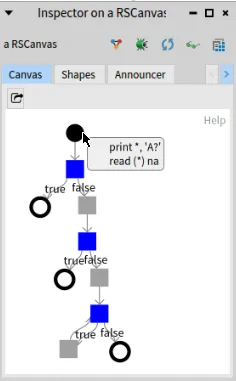
One can see that:
* the start block has 2 associated statements (PRINT and READ);
* there are several final blocks, due to the STOP statements;
* there is a loop at the bottom left of the graph where the last blue conditional block is “IF (IB.NE.0)” and the last statement of the grey block (`true` value of the IF), is a GOTO.
### Other analyses
[Section titled “Other analyses”](#other-analyses)
There are little analyses for now on the CFG, but `FASTFortranCFGChecker` will compute a list of unreachableBlocks that would represent dead code.
Control flow graphs may also be used to do more advanced analyses and possibly refactor code. For example, we mentioned the loop at the end of our program implemented with a IF statement and a GOTO. This could be refactored into a real WHILE loop that would be easier to read.
This is left as an exercise for the interested people 😉
### Adapting to other languages
[Section titled “Adapting to other languages”](#adapting-to-other-languages)
Building a control flow graph is language dependant to identify the conditional statements, where they lead, and the final statements.
But much could be done in FAST core based on `FASTTReturnStatement` and a (not yet existing at the time of writing) `FASTTConditionalStatement`.
Inspiration could be taken from `FASTFortranCFGVisitor` and the process is not overly complicated. It would probably be even easier for modern languages that do not have the various GOTO statements of Fortran.
Once the CFG is computed, the other tools (eg. the visualization) should be completely independant of the language.
All hands on deck!
# First look at GitProjectHealth
> Explore the git history of a project with GitProjectHealth to understand how it evolves.
When it comes to understand a software system, we are often focusing on the software artifact itself. What are the classes? How they are connected with each other?
In addition to this analysis of the system, it can be interesting to explore how the system evolves through time. To do so, we can exploit its git history. In Moose, we developed the project [GitProjectHealth](/users/git-project-health/getting-started-with-gitproject-health/) that enables the analysis of git history for projects hosted by GitHub, GitLab, or BitBucket. The project also comes with a set of metrics one could use directly.
## First use of GitProjectHealth
[Section titled “First use of GitProjectHealth”](#first-use-of-gitprojecthealth)
GitProjectHealth is available in the last version of Moose, it can be easily installed using a Metacello script in a playground.
```smalltalk
Metacello new
repository: 'github://moosetechnology/GitProjectHealth:main/src';
baseline: 'GitLabHealth';
onConflict: [ :ex | ex useIncoming ];
onUpgrade: [ :ex | ex useIncoming ];
onDowngrade: [ :ex | ex useLoaded ];
load
```
## Example on Famix
[Section titled “Example on Famix”](#example-on-famix)
For this first blog post, we will experiment GitProjectHealth on the [Famix](https://github.com/moosetechnology/Famix) project. Since this project is a GitHub project, we first create a [GitHub token](https://github.com/settings/tokens) that will give GitProjectHealth the necessary authorization.
Then, we import the moosetechnology group (that hosts the Famix project).
```smalltalk
glhModel := GLHModel new.
githubImporter := GithubModelImporter new
glhModel: glhModel;
privateToken: '';
yourself.
githubImporter withCommitsSince: (Date today - 100 days).
group := githubImporter importGroup: 'moosetechnology'.
```
This first step allows us to get first information on projects. For instance, by inspecting the group, we can select the “Group quality” view and see the group projects and the last status of their pipelines.
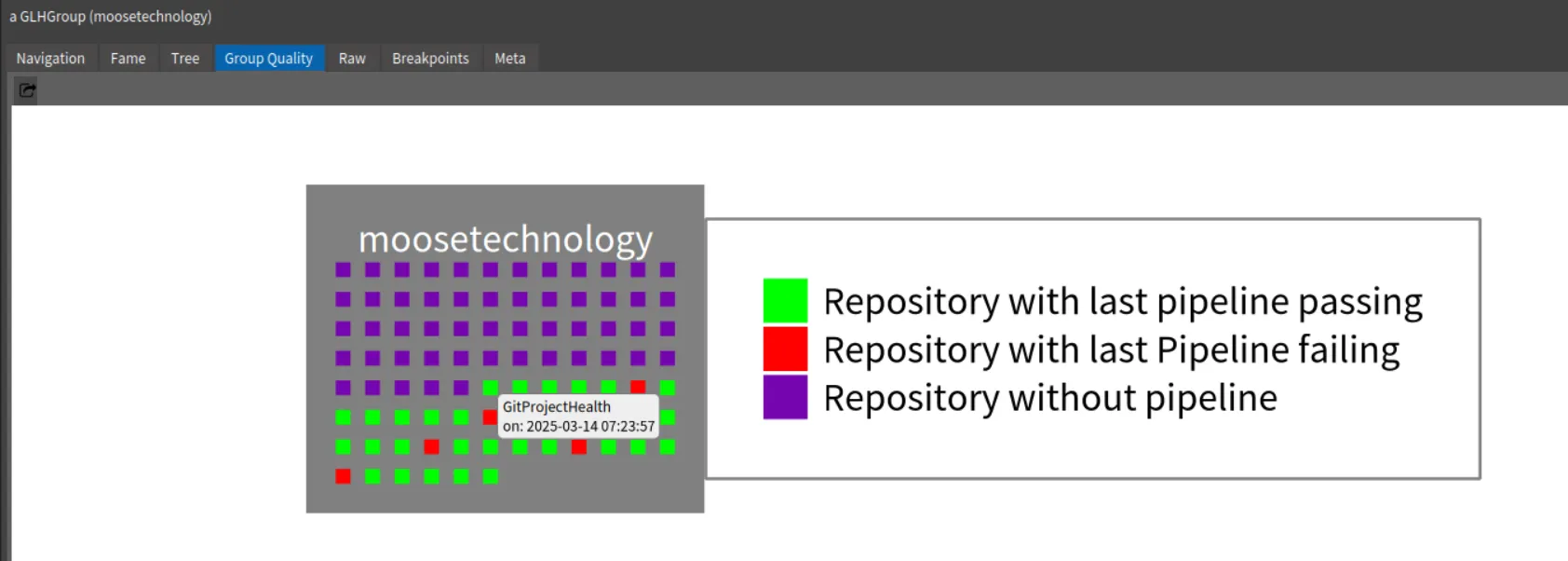
Then, by navigating to the Famix project and *its repository*, you can view the Commits History.
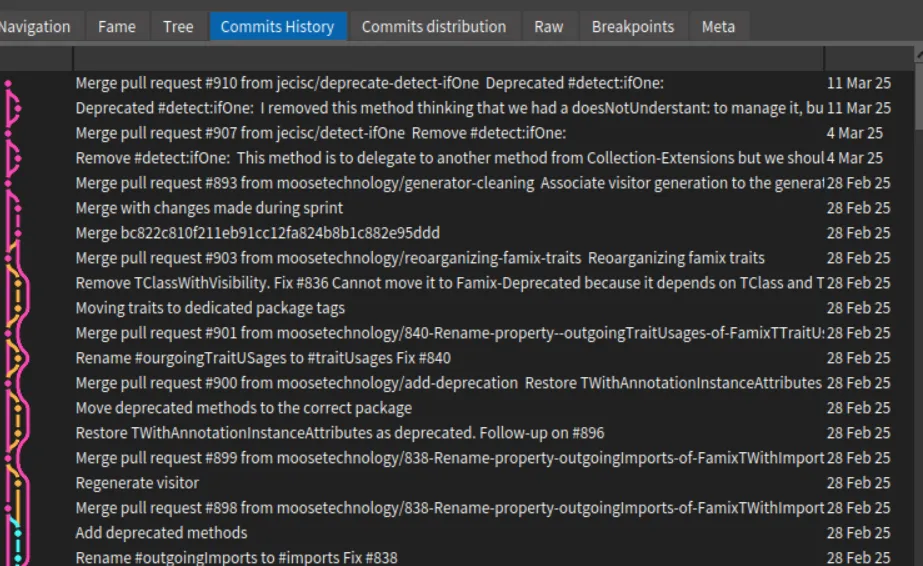.
It is also possible to explore the recent commit distribution by date and author
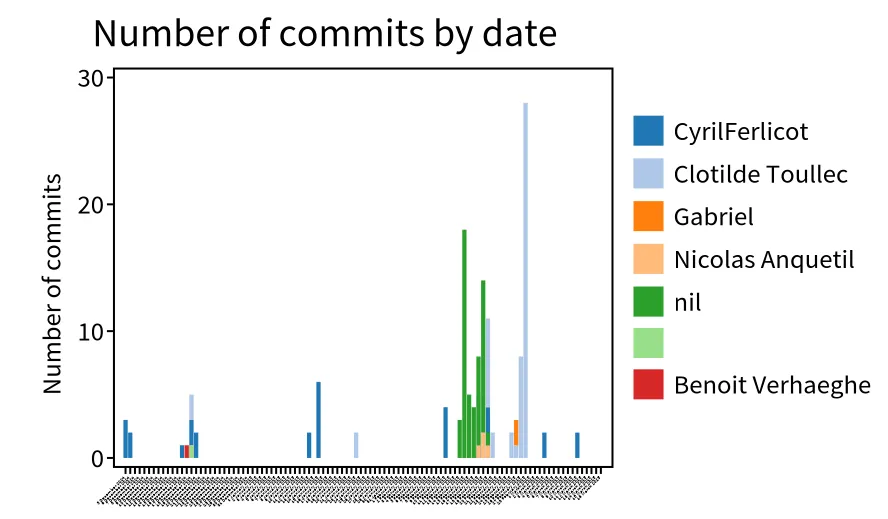.
In this visualization, we discover that the most recent contributors are “Clotilde Toullec” and “CyrilFerlicot”. The *“nil”* refers to a commit authors that did not fill GitHub with their email. It is *anquetil* (probably the same person as “Nicolas Anquetil”). The square without name is probably someone that did not fill correctly the local git config for username.
## Who modified my code? - code churn
[Section titled “Who modified my code? - code churn”](#who-modified-my-code---code-churn)
A popular metric when looking at git history is the code churn. Code churn refer to edit of code introduced in the past. It corresponds to the percentage of code introduced in a commit and then modified in other comments during a time period (e.g in the next week). However many code churn definitions exit.
The first step is thus to discover what commits modified my code. To do so, we implemented in GitProjectHealth information about diff in commit.
To extract this information, we first ask GitProjectHealth to extract more information for the commits of the famix project.
```smalltalk
famix := group projects detect: [ :project | project name = 'Famix' ].
"I want to go deeper in analysis for famix repository, so I complete commit import of this project"
githubImporter withCommitDiffs: true.
famix repository commits do: [ :commit | githubImporter completeImportedCommit: commit ].
```
Then, when inspecting a commit, it is possible to switch to the “Commits tree” view.
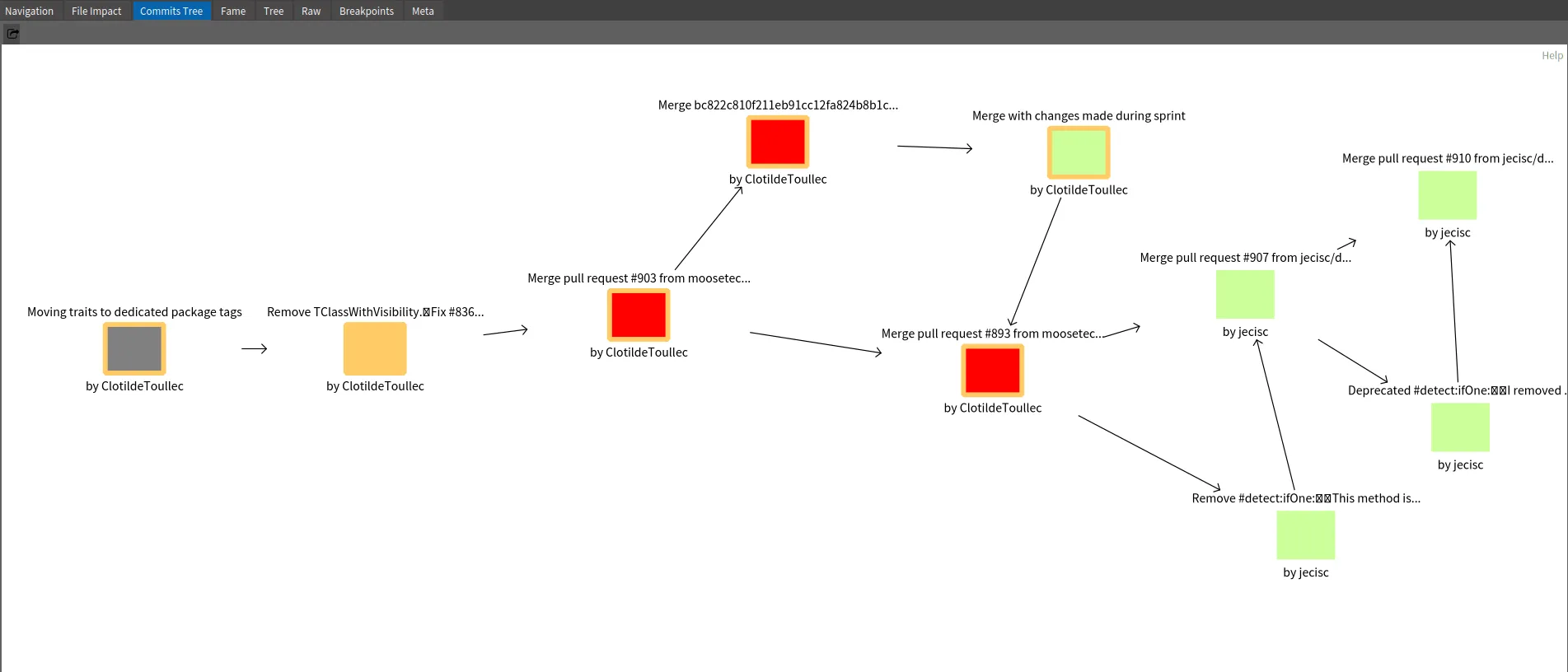
Here how to read to above example
* The orange square “Remove TClassWithVisibility…” is the inspected commit.
* The gray square is the parent commit of the selected ones.
* The red squares are subsequent commits that modify at least one file in common with the inspected commit
* The green squares are commits that modifies other part of the code
Based on this example, we see that *Clotilde Toullec* modifies code introduced in selected commits in three next commits. Two are Merged Pull Request. This can represent linked work or at least actions on the same module of the application.
*Can we go deeper in the analysis?*
## Connect GitProjectHealth
[Section titled “Connect GitProjectHealth”](#connect-gitprojecthealth)
It is possible to go even deeper in the analysis by connecting GitProjectHealth with other analysis. This is possible by [connecting metamodels](/developers/create-new-metamodel#introducing-submetamodels). For instance, it is possible to link GitProjectHealth with Jira system, of Famix models. You can look at the first general documentation, or stay tune for the next blog post about GitProjectHealth!
# Creating a Parser based on Tree-Sitter grammar
> Create a parser for a new language in Pharo based on a Tree-sitter grammar.
Moose is a huge consumer of language parsers. Relying on external tools help us with this.
We are always looking into integrating new programming languages into the platform. There are two main requirements for this:
* create a parser of the language, to “understand” the source code
* create a meta-model for the language, to be able to represent and manipulate the source code
Creating the meta-model has already been covered in an other blogpost: [/blog/2021-02-04-coasters](/blog/2021-02-04-coasters)
In this post, we will be looking at how to use a Tree-Sitter grammar to help build a parser for a language. We will use the Perl language example for this.
Note: Creating a parser for a language is a large endehavour that can easily take 3 to 6 months of work. Tree-Sitter, or any other grammar tool, will help in that, but it remains a long task.
## Getting the Tree-Sitter grammar
[Section titled “Getting the Tree-Sitter grammar”](#getting-the-tree-sitter-grammar)
We do not explain in detail here how to install tree-sitter or a new Tree-Sitter grammar. I found this page () useful in this sense.
For this blog post, we will use the Perl grammar in .
Do the following:
* clone the repository on your disk
* go in the directory
* do `make` (note: it gave me some error, but the library file was generated all the same)
* (on Linux) it creates a `libtree-sitter-perl.so` dynamic library file. This must be moved in some standard library path (I chose `/usr/lib/x86_64-linux-gnu/` because this is where the `libtree-sitter.so` file was).
Pharo uses FFI to link to the grammar library, that’s why it’s a good idea to put it in a standard directory. You can also put this library file in the same directory as your Pharo image, or in the directory where the Pharo launcher puts the virtual machines.
The subclasses of `FFILibraryFinder` can tell you what are the standard directories on your installation. For example on Linux, `FFIUnix64LibraryFinder new paths` returns a list of paths that includes `'/usr/lib/x86_64-linux-gnu/'` where we did put our grammar.so file.
## Binding tree-sitter in Pharo
[Section titled “Binding tree-sitter in Pharo”](#binding-tree-sitter-in-pharo)
We use the Pharo-Tree-Sitter project () of Berger-Levrault, created by Benoit Verhaeghe, a regular contributor to Moose and this blog. You can import this project in a Moose image following the README instructions.
```smalltalk
Metacello new
baseline: 'TreeSitter';
repository: 'github://Evref-BL/Pharo-Tree-Sitter:main/src';
load.
```
The README file of Pharo-Tree-Sitter gives an example of how to use it for Python:
```smalltalk
parser := TSParser new.
tsLanguage := TSLanguage python.
parser language: tsLanguage.
[...]
```
We want to have the same thing for Perl, so we will need to define a `TSLanguage class >> #perl` method. Let’s take a look at how it’s done in Python:
```smalltalk
TSLanguage class >> #python
^ TSPythonLibrary uniqueInstance tree_sitter_python
```
It’s easy to do something similar for perl:
```smalltalk
TSLanguage class >> #perl
^ TSPerlLibrary uniqueInstance tree_sitter_perl
```
But we need to define the `TSPerlLibrary` class. Again let’s look at how it’s done for Python and copy that:
* create a `TreeSitter-Perl` package
* create a `TSPerlLibrary` class in it inheriting from `FFILibrary`
* define the class method:
```smalltalk
tree_sitter_perl
^ self ffiCall: 'TSLanguage * tree_sitter_perl ()'
```
* and define the class methods for FFI (here for Linux):
```smalltalk
unix64LibraryName
^ FFIUnix64LibraryFinder findAnyLibrary: #( 'libtree-sitter-perl.so' )
```
Notice that we gave the name of the dynamic library file created above (`libtree-sitter-perl.so`). If this file is in a standard library directory, FFI will find it.
## A first Pharo AST
[Section titled “A first Pharo AST”](#a-first-pharo-ast)
We can now experiment “our” parser on a small example:
```smalltalk
parser := TSParser new.
tsLanguage := TSLanguage perl.
parser language: tsLanguage.
string := '# this is a comment
my $var = 5;
'.
tree := parser parseString: string.
tree rootNode
```
This gives you the following window:
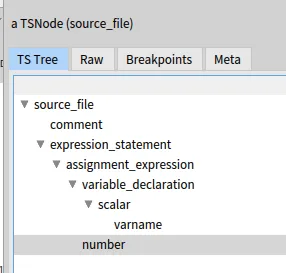
That looks like a very good start!
But we are still a long way from home. Let’s look at a node of the tree for fun.
`node := tree rootNode firstNamedChild` will give you the first node in the AST (the comment). If we inspect it, we see that it is a `TSNode`
* we can get its type: `node type` returns the string `'comment'`
* `node nextSibling` returns the next TSNode, the “expression-statement”
* `node startPoint` and `node endPoint` tell you where in the source code this node is located. It returns instances of `TSPoint`:
* `node startPoint row` = 0 (0 indexed)
* `node startPoint column` = 0
* `node endPoint row` = 0
* `node endPoint column` = 19 That is to say the node is on the first row, extending from column 0 to 19. With this, one could get the text associated to the node from the original source code.
That’s it for today. In a following post we will look at doing something with this AST using the Visitor design pattern.
See you latter
# Creating an importer for an alien grammar
> Tricks to write a visitor for an alien AST, for example to build a Famix model from a Tree-sitter AST.
In this blog-post, we see some tricks to create a visitor for an alien AST. This visitor can allow, for example, to generate a Famix model from an external AST.
In a previous blog-post, we saw how to [create a parser from a tree-sitter grammar](/blog/2025-03-25-tree-sitter). This parser gives us an AST (Abstract Syntax Tree) which is a tree of nodes representing any given program that the parser can understand. But the structure is decided by the external tool and might not be what we want. For example it will not be a Famix model.
Let see some tricks to help convert this alien grammar into something that better fits our needs.
## The Visitor design pattern
[Section titled “The Visitor design pattern”](#the-visitor-design-pattern)
Let’s first look at what a “Visitor” is. If you already know, you can skip this part.
When dealing with ASTs or Famix models, visitors are very convenient tools to walk through the entire tree/model and perform some actions.
The [Visitor](https://en.wikipedia.org/wiki/Visitor_pattern) is a design pattern that allows to perform some actions on a set of interconnected objects, presumably all from a family of classes. Typically, the classes all belong to the same inheritance hierarchy. In our case, the objects will all be nodes in an AST. For Famix, the objects would be entities from a Famix meta-model.
In the Visitor pattern, all the classes have an `#accept:` method. Each `#accept:` in each class will call a visiting method of the visitor that is specific to it. For example the classes `NodeA` and `NodeB` will respectively define:
```smalltalk
NodeA >> accept: aVisitor
aVisitor visitNodeA: self.
NodeB >> accept: aVisitor
aVisitor visitNodeB: self.
```
Each visiting method in the visitor will with the element it receives, knowing what is its class: in `#visitNodeA:` the visitor knows how to deal with a `NodeA` instance and similarly for `#visitNodeB:`.
The visitor pattern is a kind of ping-pong between the visiting and `#accept:` methods: 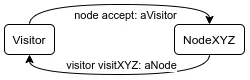
Typically, all the node are interconnected in a tree or a graph. To walk through the entire structure, it is expected that each visiting method take care of visiting the sub-objects of the current object. For example we could say that `NodeA` has a property `child` containing another node:
```smalltalk
NodeVisitor >> visitNodeA: aNodeA
"do some stuff"
aNodeA child accept: self
```
It is easy to see that if `child` contains a `NodeB`, this will trigger the visiting method `visitNodeB:` on it. If it’s a instance of some other class, similarly it will trigger the appropriate visiting method. To visit the entire structure one simply calls `accept:` on the root of the tree/graph passing it the visitor.
Visitors are very useful with ASTs or graphs because once all the `accept: `methods are implemented, we can define very different visitors that will `"do some stuff"` (see above) on all the object in the tree/graph.
Several of the [“Famix-tools”](/blog/tag/famix-tools/) blog-posts are based on visitors.
## An external AST
[Section titled “An external AST”](#an-external-ast)
In a [preceding blog-post](/blog/2025-03-25-tree-sitter) we saw how to create an AST from a Perl program using the Tree-Sitter Perl grammar.
We will use this as an example to see how to create a visitor on this external AST. Here “external” means it was created by an external tool and we don’t have control on the structure of the AST. If we want to create a Famix-Perl model from a Tree-Sitter AST, we will need to convert the nodes in the Tree-Sitter AST into Famix entities.
We will use a simple Perl program as example:
```perl
package Person;
sub new {
my $class = shift;
my $self = {
_firstName => shift,
_lastName => shift,
_ssn => shift,
};
# Print all the values just for clarification.
print "First Name is $self->{_firstName}\n";
print "Last Name is $self->{_lastName}\n";
print "SSN is $self->{_ssn}\n";
bless $self, $class;
return $self;
}
sub setFirstName {
my ( $self, $firstName ) = @_;
$self->{_firstName} = $firstName if defined($firstName);
return $self->{_firstName};
}
sub getFirstName {
return $self->{_firstName};
}
```
(Note: In Perl, “package” is used to create classes. Therefore in our example, “new”, “setFirstName”, and “getFirstName” are some kind of Perl methods.)
Following the instructions in the previous post, you should be able to get a Tree-Sitter AST like this one:
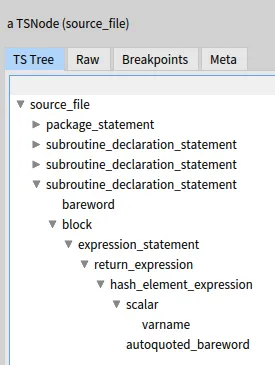
## A Visitor on a Tree-Sitter AST
[Section titled “A Visitor on a Tree-Sitter AST”](#a-visitor-on-a-tree-sitter-ast)
To have a visitor for this AST, we first need to have an `accept:` method in all the classes of the AST’s nodes. Fortunately this is all taken care of by the [Pharo Tree-Sitter](https://github.com/Evref-BL/Pharo-Tree-Sitter) project. In `TSNode` one finds:
```smalltalk
accept: aTSVisitor
^ aTSVisitor visitNode: self
```
And a class `TSVisitor` defines:
```smalltalk
visitNode: aTSNode
aTSNode collectNamedChild do: [ :child |
child accept: self ]
```
Which is a method ensuring that all children of a `TSNode` will be visited. Thanks guys!
But less fortunately, there are very few different nodes in a Tree-Sitter AST. Actually, all the nodes are instances of `TSNode`. So the “subroutine_declaration_statement”, “block”, “expression_statement”, “return_expression”,… of our example are all of the same class, which is not very useful for a visitor.
This happens quite often. For example a parser dumping an AST in XML format will contain mostly XMLElements. If it is in JSON, they are all “objects” without any native class specification in the format. 😒
Fortunately, people building ASTs usually put inside a property with an indication of the type of each node. For Tree-Sitter, this is the “type” property. Every `TSnode` has a `type` which is what is displayed in the screenshot above.
How can we use this to help visiting the AST in a meaningfull way (from a visitor point a view)? We have no control on the `accept:` method in `TSNode`, it will always call `visitNode:`. But we can add an extra indirection to call different visiting methods according to the `type` of the node.
So, our visitor will inherit from `TSVisitor` but it will override the `visitNode:` method. The new method will take the `type` of the node, build a visiting method name from it, and call the method on the node.
Let’s decide that all our visiting methods will be called “visitPerl\”. For example for a “block”, the method will be `visitPerlBlock:`, for a “return_expression” it will be \`visitPerlReturn_expression:”.
This is very easily done in Pharo with this method:
```smalltalk
visitNode: aTSNode
| selector |
selector := 'visitPerl' , aTSNode type capitalized , ':'.
^self perform: selector asSymbol with: aTSNode
```
This method builds the new method name in a temporary variable `selector` and then calls it using `perform:with:`.
Note that the `type` name is capitalized to match the Pharo convention for method names. We could have removed all the underscores (\_) but it would have required a little bit of extra work. This is not difficult with string manipulation methods. You could try it… (or you can continue reading and find the solution further down.)
With this simple extra indirection in `#visitNode:`, we can now define separate visiting method for each type of `TSNode`. For example to convert the AST to a Famix model, `visitPerlPackage:` would create a `FamixPerlClass`, and `visitPerlSubroutine_declaration_statement:` will create a `FamixPerlMethod`. (Of course it is a bit more complex than that, but you got the idea, right?)
## Creating the visiting methods
[Section titled “Creating the visiting methods”](#creating-the-visiting-methods)
Our visitor is progressing but not done yet. If we call `astRootNode accept: TreeSitterPerlVisitor new` with the root node of the Tree-Sitter AST, it will immediately halt on a DoesNotUnderstand error because the method `visitPerlSource_file:` does not exist in the visitor.
We can create it that way:
```smalltalk
visitPerlSource_file: aTSNode
^self visitPerlAbstractNode: aTSNode.
visitPerlAbstractNode: aTSNode
^super visitNode: aTSNode
```
Here we introduce a `visitPerlAbstractNode:` that is meant to be called by all visiting methods. From the point of view of the visitor, we are kind of creating a virtual inheritance hierarchy where each specific `TSNode` will “inherit” from that “PerlAbstractNode”. This will be useful in the future when we create sub-classes of our visitor.
By calling `super visitNode:`, in `visitPerlAbstractNode:` we ensure that the children of the “source_file” will be visited. And… we instantly get a new halt with DoesNotUnderstand: `visitPerlPackage_statement:`. Again we define it:
```smalltalk
visitPerlPackage_statement: aTSNode
^self visitPerlAbstractNode: aTSNode
```
This is rapidly becoming repetitive and tedious. There are a lot of methods to define (25 for our example) and they are all the same.
Let’s improve that. We will use the Pharo DoesNotUnderstand mechanism to automate everything. When a message is sent that an object that does not understand it, then the message `doesNotUnderstand:` is sent to this object with the original message (not understood) as parameter. The default behavior is to raise an exception, but we can change that. We will change `doesNotUnderstand:` so that it creates the required message automatically for us. This is easy all we need to do is create a string:
```plaintext
visitPerl: aTSNode
^self visitPerlAbstractNode: aTSNode
```
We will then ask Pharo to compile this method in the Visitor class and to execute it. *et voila!*
Building the string is simple because the selector is the one that was not understood originally by the visitor. We can get it from the argument of `doesNotUnderstand:`.
So we define the method like that:
```smalltalk
doesNotUnderstand: aMessage
| code |
code := aMessage selector , ' aTSNode
^super visitNode: aTSNode'.
self class compile: code classified: #visiting.
self perform: aMessage selector with: aMessage arguments first
```
First we generate the source code of the method in the `code` variable. Then we compile it in the visitor’s class. Last we call the new method that was just created. Here to call it, we use `perform:with:` again, knowing that our method has only one argument (so only one “with:” in the call).
For more security, it can be useful to add the following guard statement at the beginning of our `doesNotUnderstand:` method:
```smalltalk
(aMessage selector beginsWith: 'visitPerl')
ifFalse: [ super doesNotUnderstand: aMessage ].
```
This ensures that we only create methods that begins with “visitPerl”, if for any reason, some other message is not understood, it will raise an exception as usual.
Now visiting the AST from our example creates all the visiting methods automatically: 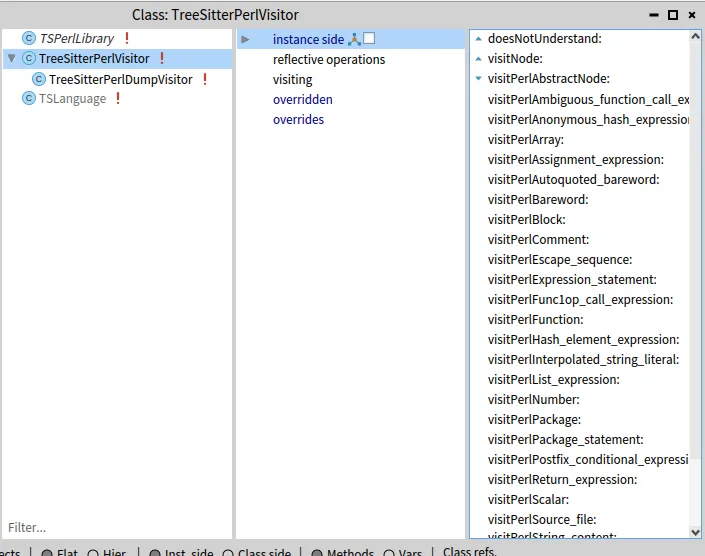
Of course this visitor does not do anything but walking through the entire AST. Let’s say it is already a good start and we can create specific visitors from it.
For example we see in the screen shot above that there is a `TreeSitterPerlDumpVisitor`. It just dumps on the Transcript the list of node visited. For this, it only needs to define:
```smalltalk
visitPerlAbstractNode: aTSNode
('visiting a ', aTSNode type) traceCr.
super visitPerlAbstractNode: aTSNode.
```
*Et voila!* (number 2)
> Note: Redefining `doesNotUnderstand:` is a nice trick to quickly create all the visiting methods, but it is recommended that you remove it once the visitor is stable, to make sure you catch all unexpected errors in the future.
## Better visiting methods
[Section titled “Better visiting methods”](#better-visiting-methods)
This is all well and good, but the visiting methods have one drawback: They visit the children of a node in an unspecified order. For example, an “assignment_expression” has two children, the variable assigned and the expression assigned to it. We must rely on Tree-Sitter to visit them in the right order so that the first child is always the variable assigned and the second child is always the right-hand-side expression.
It would be better to have a name for these children so as to make sure that we know what we are visiting at any time.
In this case, Tree-Sitter helps us with the `collectFieldNameOfNamedChild` method of `TSNode`. This method returns an `OrderedDictionary` where the children are associated to a (usually) meaningful key. In the case of “assignment_expression” the dictionary has two keys: “left” and “right” each associated to the correct child. It would be better to call them instead of blindly visit all the children.
So we will change our visitor for this. The `visitNode:` method will now call the visiting method with the dictionnary of keys/children as second parameter, the dictionnary of fields. This departs a bit from the traditional visitor pattern where the visiting methods usually have only one argument, the node being visited. But the extra information will help make the visiting methods simpler:
```smalltalk
visitNode: aTSNode
| selector |
selector := String streamContents: [ :st |
st << 'visitPerl'.
($_ split: aTSNode type) do: [ :word | st << word capitalized ].
st << ':withFields:'
].
^self
perform: selector asSymbol
with: aTSNode
with: aTSNode collectFieldNameOfNamedChild
```
It looks significantly more complex, but we also removed the underscores (\_) in the visiting method selector (first part of the `#visitNode:` method). So for “assignment_expression”, the visiting method will now be: `visitPerleAssignmentExpression:withFields:`.
From this, we could have the following template for our visiting methods:
```smalltalk
visitPerlAssignmentExpression: aTSNode withFields: fields
^{
self visitKey: 'left' inDictionnary: fields.
self visitKey: 'right' inDictionnary: fields.
}
```
Where `visitKey: inDictionnary:` takes care of the fact that several nodes may be associated to the same key. Here it is:
```smalltalk
visitKey: aKey inDictionnary: childrenDictionnary
| child |
child := childrenDictionnary at: aKey ifAbsent: [^nil].
^child isCollection
ifTrue: [ child collect: [ :c | c accept: self ] ]
ifFalse: [ child accept: self ]
```
The `doesNotUnderstand:` method to generate all this is also more complex because there is more to generate. Here it is:
```smalltalk
doesNotUnderstand: aMessage
(aMessage selector beginsWith: 'visitPerl')
ifFalse: [ super doesNotUnderstand: aMessage ].
self class
compile: (self createVisitMethod: aMessage)
classified: #visiting.
self
perform: aMessage selector
with: aMessage arguments first
with: aMessage arguments second
```
The code generation has been extracted in a separate method for the sake of readability:
```smalltalk
createVisitMethod: aMessage
| fields aTSNode |
aTSNode := aMessage arguments first.
fields := aMessage arguments second.
^String streamContents: [ :str |
str
<< 'visitPerl'.
($_ split: aTSNode type) do: [ :word | str << word capitalized ].
str
<< ': aTSNode withFields: fields
^{
'.
fields keysDo: [ :key |
str
<< ' self visitKey: ''' ;
<< key ;
<< ''' inDictionnary: fields.' ;
cr
].
str
<< ' }' ;
cr
]
```
Again, it may look a bit complex, but this is only building a string with the needed source code. Go back to the listing of `#visitPerlAssignmentExpression:` above to see that:
* we first build the selector of the new visiting method with its parameter;
* then we put a return and start a dynamic array;
* after that we create a call to `#visitKey:inDictionnary` for each field;
* and finally, we close the dynamic array.
*Et voila!* (number 3).
This is it. If we call again this visitor on an AST from Tree-Sitter, it will generate all the new visiting methods with explicit field visiting. For example: 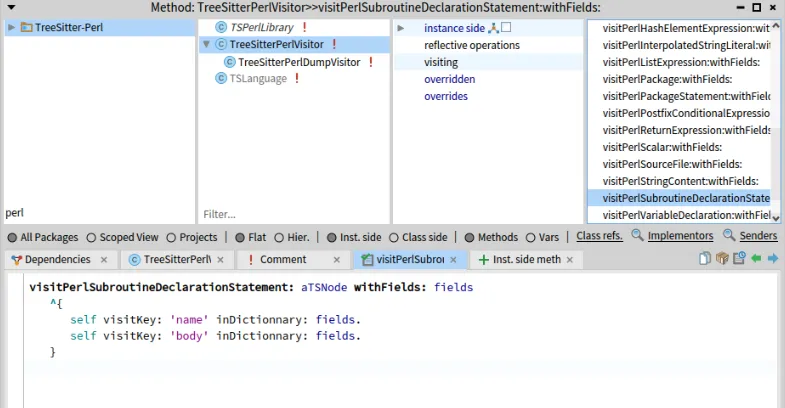
The implementation of all this can be found in the repository on github. All that’s left to do is create a sub-class of this visitor and override the visiting methods to do something useful with each node type.
That’s all for today folks.
# Parametrics next generation
> The Famix metamodel evolves
How do we represent the relation between a generic entity, its type parameters and the entities that concretize it? The Famix metamodel has evolved over the years to improve the way we represent these relations. The last increment is described in a previous [blogpost](/blog/2023-07-13-parametric). We present here a new implementation that eases the management of parametric entities in Moose.
The major change between this previous version and the new implementation presented in this post is this: **We do not represent the parameterized entities anymore**.
Generic? Parametric? Parameterized? Know the difference
* A **parametric entity** is an entity that declares type parameters or arguments. It can be generic or parameterized, according to the following definitions.
* A **generic entity** is an entity that defines 1 or several type parameters. To be instantiated, inherited, implemented or invoked, their type parameters must be replaced by existing types (type arguments). `ArrayList` is a generic class. In Famix Java, we represent generic classes, interfaces and methods.
* A **type parameter** is a parameter that must be replaced by an existing type in order to use the generic entity that defines it. In `ArrayList`, `E` is a type parameter.
* A **parameterized entity** is a parametric entity for which the type parameters have been replaced by existing types. `ArrayList` is a parameterized class. Parameterized entities are not represented as entities in the new Famix implementation.
* A **type argument** is the type used to replace a type parameter. It can be any type, except primitive types. `String` is a type argument of `ArrayList`.
* A **concretization** is a Famix association that represents the fact that a type parameter has been replaced by a type argument.
Please note
In Famix, because parameterized entities are not represented anymore, “parametric” and “generic” can be used interchangeably to refer to generic entities.
## What’s wrong with the previous parametrics implementation?
[Section titled “What’s wrong with the previous parametrics implementation?”](#whats-wrong-with-the-previous-parametrics-implementation)
### Difference between parametric and non-parametric entities
[Section titled “Difference between parametric and non-parametric entities”](#difference-between-parametric-and-non-parametric-entities)
The major issue with the previous implementation was the difference between parametric and non-parametric entities in practice, particularly when trying to trace the inheritance tree. Here is a concrete example: getting the superclass of the superclass of a class.
* For a non-parametric class, the sequence is straightforward: ask the inheritance for the superclass, repeat.
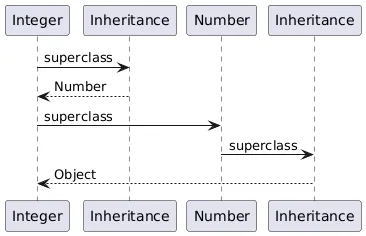
* For a parametric class (see the little code snippet below), there was an additional step, navigating through the concretization:
```java
import java.util.ArrayList; "public class ArrayList { /* ... */ }"
public MySpecializedList extends ArrayList {}
```
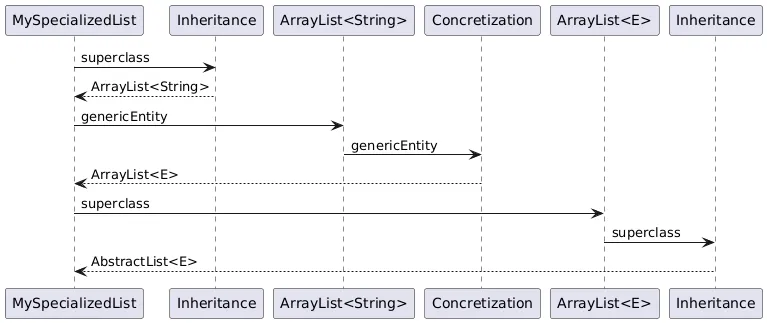
This has caused many headaches to developers who wanted to browse a hierarchy: how do we keep track of the full hierarchy when it includes parametric classes? How to manage both situations without knowing if the classes will be parametric or not? The same problem occurred to browse the implementations of parametric interfaces and the invocations of generic methods.
### Naming
[Section titled “Naming”](#naming)
The previous implementation naming choices were a little complex to grasp and did not match the standard vocabulary, especially in Java:
* A type parameter was named a `ParameterType`
* A type argument was named a `ConcreteParameterType`
### Entities duplication
[Section titled “Entities duplication”](#entities-duplication)
Each time there was a concretization, a parametric entity was created. This created duplicates of virtually the same entity: one for the generic entity and **one for each parameterized entity**. Let’s see an example:
```java
public MyClass implements List {
public List getANumber() {
List listA;
List listB;
}
}
```
For the interface `List`, we had 6 parametric interfaces:
* One was the generic one: `#isGeneric >>> true`
* 3 were the parameterized interfaces implemented by `ArrayList`, its superclass `AbstractList` and `MyClass`. They were different because the *concrete types* were different: `E` from `ArrayList`, `E` from `AbstractList`and `Float`.
* 2 were declared types: `List` and `List`.
## The new implementation
[Section titled “The new implementation”](#the-new-implementation)
### Parametric associations
[Section titled “Parametric associations”](#parametric-associations)
When deciding of a new implementation, our main goal was to create a situation in which the dependencies would work in the same way for all entities, parametric or not. That’s where we introduce parametric associations. These associations only differ from standard associations by one property: they trigger a concretization.
Here is the new Famix metamodel traits that represent concretizations:
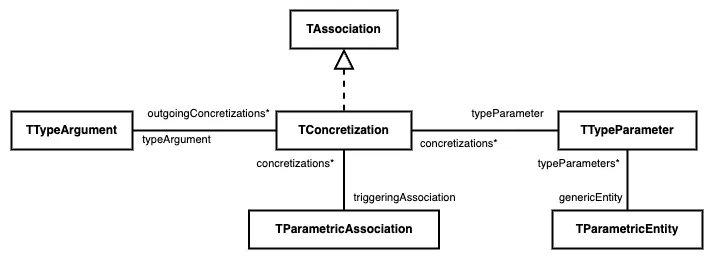
There is a direct relation between a parametric entity and its type parameters. A concretization is the association between a type parameter and the type argument that replaces it. A parametric association triggers one or several concretizations, according to the number of type parameters the parametric entity has. Example: a parametric association that targets `Map` will trigger 2 concretizations.
The parametric entity is the target of the parametric association. It is always generic. As announced, we do not represent parameterized entities anymore. Coming back to the entities’ duplication example above, we now represent only 1 parametric interface for `List`and it is the target of the 5 parametric associations.
Deprecation
The previous testing API to check if an entity is parametric, generic or *concrete* is now deprecated. Please use the generated testing method `#isParametricEntity`. You can also test if an association is parametric, using `#isParametricAssociation`.
### Entity typing
[Section titled “Entity typing”](#entity-typing)
This metamodel evolution is the occasion of another major change: the replacement of the direct relation between a typed entity and its type. This new association is called Entity typing.

The choice to replace the existing relation by a reified association is made to represent the dependency in coherence with the rest of the metamodel.
With this new association, we can now add parametric entity typings.
In a case like this:
```java
public ArrayList myAttribute;
```
we have an “entity typing” association between `myAttribute` and `ArrayList`. This association is parametric: it triggers the concretization of `E` in `ArrayList` by `String`.
Deprecation
The method `#declaredType` is still part of the API of `TTypedEntity`. However, it’s not a getter for the `#declaredType` attribute anymore. It now returns the type that is target of the association.
The setter `#declaredType:` is deprecated and cannot be automatically transformed. If you need to replace it, you should create an instance of the EntityTyping class in your metamodel and set the declared type as its target. You will have something like:
```smalltalk
myVariable := myModel newLocalVariableNamed: #myVar.
myType := myModel newTypeNamed: #MyType.
myVariable typing: (myModel newEntityTyping
declaredType: myType;
yourself).
```
### Type parameters bounds
[Section titled “Type parameters bounds”](#type-parameters-bounds)
Type parameters can be bounded:
```java
public class MyParametricClass {}
```
In the previous implementation, the bounds of type parameters were implemented as inheritances: in the example above, `Number` would be the superclass of `T`. Since this change, bounds were introduced for wildcards. We have now the occasion to also apply them to type parameters. In the new implementation, `Number` is the upper bound of `T`.
## Summary
[Section titled “Summary”](#summary)
This diagram sums up the new parametrics implementation in Famix traits and Java metamodel. Please note that this is not the full Java metamodel but only a relevant part.
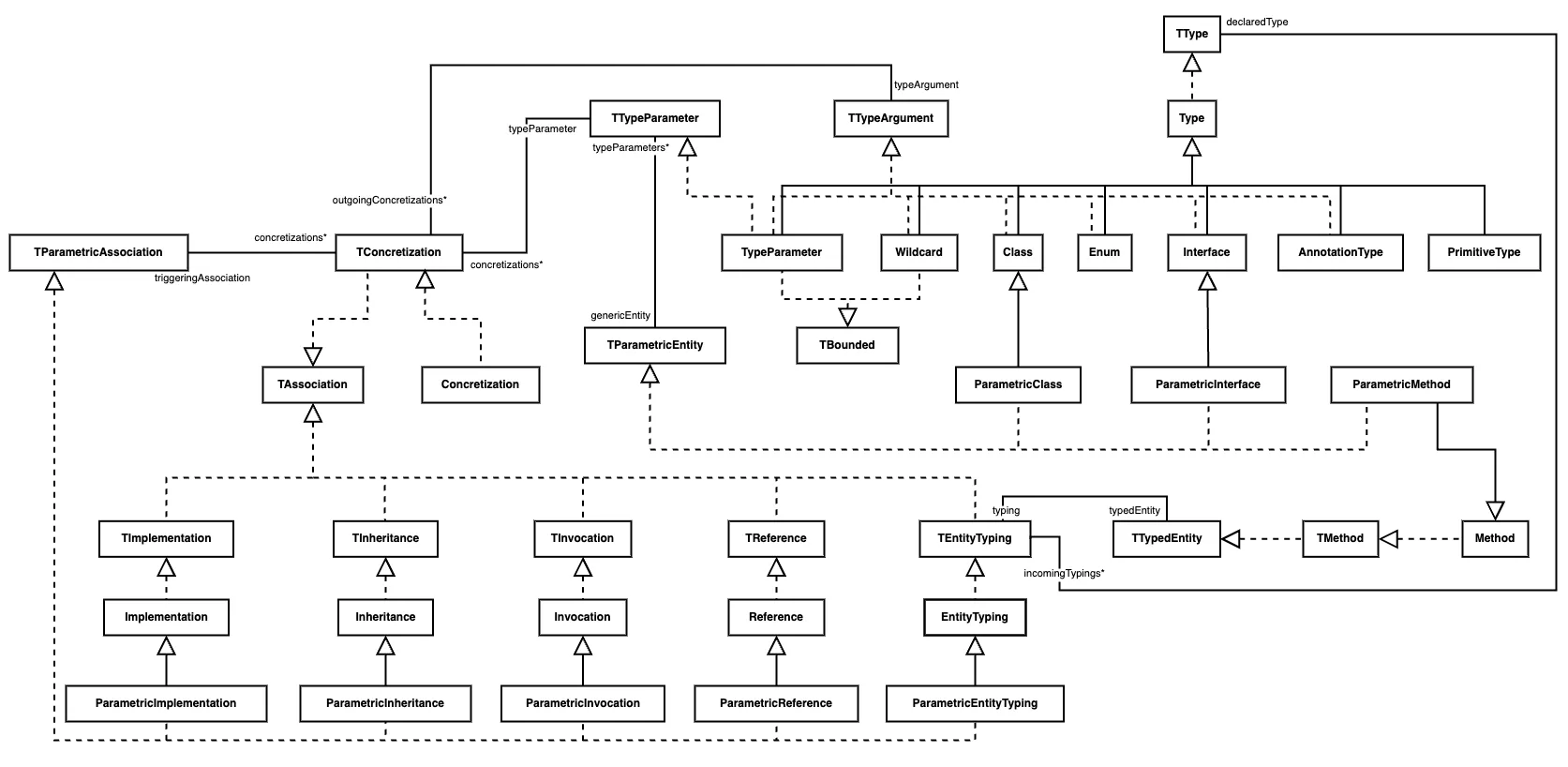
## What’s next?
[Section titled “What’s next?”](#whats-next)
### Should Concretization really be an association?
[Section titled “Should Concretization really be an association?”](#should-concretization-really-be-an-association)
The representation of parametric entities is a challenge that will most likely continue as Famix evolves. The next question will probably be this one: should `Concretization` really be an association? An association is the reification of a dependency. Yet, there is no dependency between a type argument and the type parameter it replaces. Each can exist without the other. The dependency is in fact between the source of the parametric association and the type parameter.
With one of our previous examples:
```java
public MySpecializedList extends ArrayList {}
```
`MySpecializedList` has a superclass (`ArrayList`) and also depends on `String`, as a type argument. However, `String` does not depend on `E` neither `E` on `String`.
The next iteration of the representation of parametric entities will probably cover this issue. Stay tuned!
# Transformation journey (3/3) : Visualize and apply code transformations
> How to visualize, edit, and apply code transformations to source files
Once again, let me welcome you to the final blog post in those three blog posts about code transformations! During the [first blog](https://modularmoose.org/blog/2024-04-01-transformation-first/) post, we used queries and tools to locate the entities we seek to transform, before implementing the actual transformation logic in the [second blog](https://modularmoose.org/blog/2024-04-14-transformation-second/) post.
In this third post, we will use a visualisation window allowing us to check the source code of our entity before and after a transformation, and finally apply those transformation on the actual source files, therefore transposing this transformation from Moose to your actual software!
We are still following the scenario presented in the previous blog posts, on our use case, ArgoUML. In this system three classes define and use a method named `logError`. A class `ArgoLogger` has been defined that contains a static method `logError`.
The transformation task is to add a receiver node to each `logError` method invocation so that the method called is now `ArgoLogger.logError`().
## Preface
[Section titled “Preface”](#preface)
As this blog post follows what was discussed and built in the first one of the series, a lot of information (how to build the image and model used for our use case, but also the use case itself) is provided in the previous posts.
If you haven’t read it, or if you forgot the content of the post, it is recommended to go back to it, as it will not be repeated in this post.
## Tools to import
[Section titled “Tools to import”](#tools-to-import)
In this final blog post, we do not have any new tools to import. As long as you still have `FAST-Java-Tools`, `Carrefour` and `Motion` from the two previous posts, you should have no problem following this blogpost!
## A first look on our transformation
[Section titled “A first look on our transformation”](#a-first-look-on-our-transformation)
At this point, we now have in our tool modified FAST trees of the methods we need to transform, all encapsulated in wrapper objects to save all the necessary information to complete the transformation, and apply it where needed. Hovewer, before that, you may feel the need to check the transformation produced by your tool.
To do so, we can use the `TransformationEditor` tool, a dialog window able to display the code before and after our code transformation, along with some nice and practical features to fulfill this task.
First, let’s add a new method to our transformation tool; `displayTransformationOfMethod: aMethodWrapper`. We will call this new method in the already existing method `transformMethod: aJavaMethodWrapper`, as shown here :
```smalltalk
transformMethod: aJavaMethodWrapper
| methodInvocationNode codeEditor |
methodInvocationNode := self motionQueryForFastMethod:
aJavaMethodWrapper transformedFastMethod.
methodInvocationNode receiver: self createNewReceiverNode.
aJavaMethodWrapper addTransformedFastNode:
methodInvocationNode receiver.
codeEditor := self displayTransformationOfMethod: aJavaMethodWrapper.
```
```smalltalk
displayTransformationOfMethod: aMethodWrapper
| exportVisitor transformedCode codeEditor |
exportVisitor := FASTJavaExporttVisitor new.
transformedCode := exportVisitor export:
aMethodWrapper transformedFastMethod.
codeEditor := TransformationEditor
openForOriginalText:
aMethodWrapper originalFastMethod sourceText
transformed: transformedCode
originalEntity: aMethodWrapper famixMethod.
^ codeEditor
```
As you can notice in this new method, we also call another tool, the `FASTJavaExportVisitor`. This visitor will allow us to convert a FAST Java tree to a string giving us the source code of our method after transformation.
Coupling the result of using this tool to this class method of the `TransformationEditor` class will display such results :
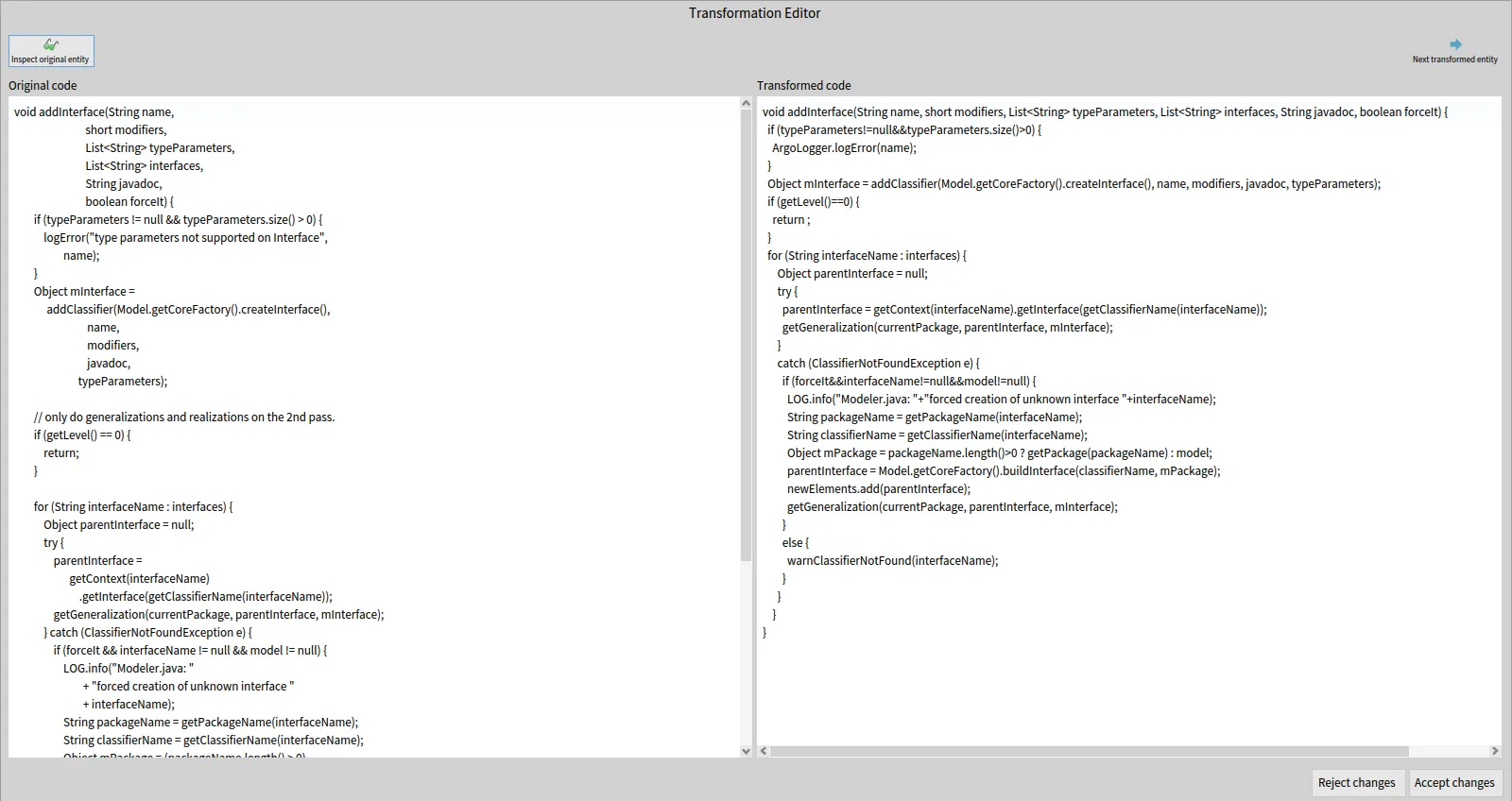
In this new window, you can find on the left the original source code of the entity, before any transformation. And on the right, you can find the source code of the same entity, after applying the transformation.
The first thing we can notice, is how radically different the two methods look at a glance. Hovewer, everything is the same (to the exception of the new ArgoLogger class added with our transformation). They look different because the transformed code is generated from the transformed FAST tree, and the export visitor exports that code with its own formating.
The source code after transformation (on the right pane) is also editable, meaning that you can manually add code to the entity if it is necessary for any reason. Do be careful that the code is syntaxically correct however, as there is no checks (syntax, compilation) on this code in Moose.
## Adding highlights
[Section titled “Adding highlights”](#adding-highlights)
We now have a way to view our transformation, but as it is, it is still tough to view properly where are the changes and what they are. And in this example, the transformation is very basic! If the transformation was spread throughout a class rather than a method, or if the transformation was simply more complex, then the tool would fail as a means to review the changes.
But of course, we can fix that. 😉
To do so, we will modify the new method `displayTransformationOfMethod:` and use a subclass of the export visitor previously used; `FASTJavaExportAndHiglightVisitor`.
```smalltalk
displayTransformationOfMethod: aMethodWrapper
| exportVisitor transformedCode codeEditor |
exportVisitor := FASTJavaExportAndHighlightVisitor new.
exportVisitor entitiesToHighlight:
aMethodWrapper transformedFastNodes.
transformedCode := exportVisitor export:
aMethodWrapper transformedFastMethod.
codeEditor := TransformationEditor
openForOriginalText:
aMethodWrapper originalFastMethod sourceText
transformed: transformedCode
removedHighlights: OrderedCollection new
addedHighlights: exportVisitor highlights
originalEntity: aMethodWrapper famixMethod.
^ codeEditor
```
Our first edit simply calls the method wrapper to add a “transformed node”, a FAST node added during the transformation. In a similar fashion, you can add an “original node”, a FAST node removed during the transformation (no such node exists in our example, so we don’t use that feature).
This new transformed node is used in our second edit, where we give the transformed nodes collection to the new visitor tool that we are going to use.
This tool behaves just like the original exporter tool, except when it encounters a node present in the transformed nodes list. In this case, the tool save an interval corresponding to the `startPos` and `endPos` of the node, to know precisely its position in the generated string.
This allows our editing window to apply an highlight on this interval, therefore showing only the nodes added in the transformation for the user to easily review the work of their transformation tool.
To use this feature in the editing window, simply do as done in the edit, giving the tool a collection of interval for the `removedHighlights` and / or `addedHighlights` slots.
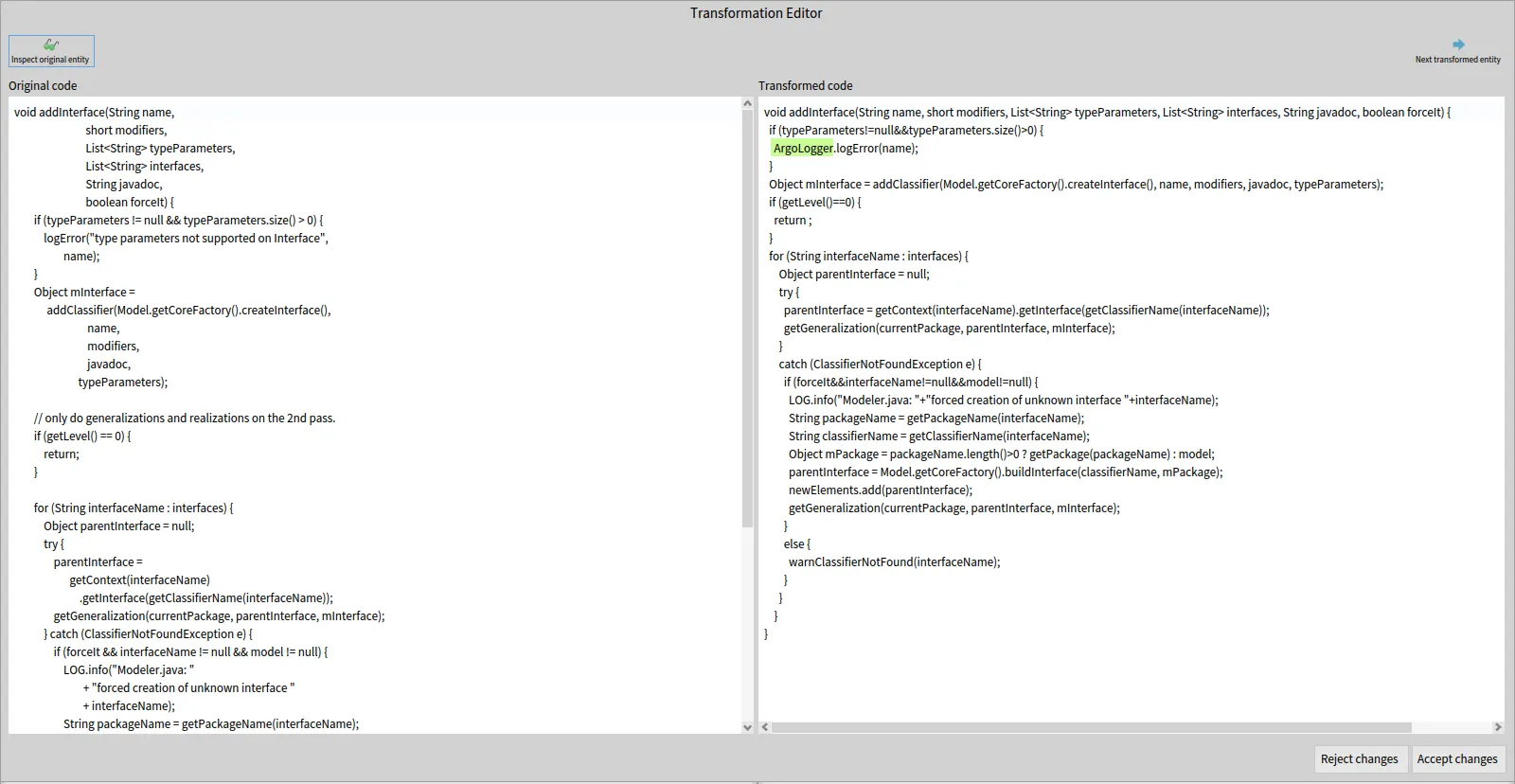
## Applying our changes on the source files
[Section titled “Applying our changes on the source files”](#applying-our-changes-on-the-source-files)
Now that we reviewed and accepted the transformation on our entities, only one step remains. To apply those code changes on the actual source code of the modeled software, thereby completing the transformation task.
Once again, we have a tool ready for this need, in the form of the `TransformationApplyerOnSourceAnchor` class. Let’s do a final edit on our method `transformSourceCodeOfMethod` to add it:
```smalltalk
transformSourceCodeOfMethod: aMethodWrapper
| exportVisitor transformedCode codeEditor |
exportVisitor := FASTJavaExportAndHighlightVisitor new.
exportVisitor entitiesToHighlight:
aMethodWrapper transformedFastNodes.
transformedCode := exportVisitor export:
aMethodWrapper transformedFastMethod.
codeEditor := TransformationEditor
openForOriginalText:
aMethodWrapper originalFastMethod sourceText
transformed: transformedCode
removedHighlights: OrderedCollection new
addedHighlights: exportVisitor highlights
originalEntity: aMethodWrapper famixMethod.
codeEditor isOk ifTrue: [
| tool |
tool := TransformationApplyerOnSourceAnchor new.
tool
transformMethod: aMethodWrapper famixMethod
withNewSource: codeEditor fetchEditedCode ]
```
As you can see, all this tool needs in our context is a method and the new source code as a String to complete the operation. You can also see that we called the method `fetchEditedCode` on our code editor window, which returns the String present in the right window of said editor. Using this method ensures that you get the right data, even if the code was manually edited during its review.
Once this tool has made its job and transformed the source code of your software, do keep in mind that the model of that software is no longer up to date with the source. This means that any analysis that you could run on this model could be flawed, so it is recommended to regularly replace that model with a new one, based from the source after it has been transformed.
Hovewer, the model is slightly updated by the tool after each transformation applyed. The values of `startPos` and `endPos` on the source anchor of entities within the file which received a transformation. This means that their source code will still be properly fetched by Moose whenever you need it.
For example, if your transformation tool relies mostly on the FAST models, this allows you to apply some transformations on several entities even if those are located in the same file without having to worry too much about the order in which you make those transformations.
## Try it yourself!
[Section titled “Try it yourself!”](#try-it-yourself)
This concludes our blog post series about code transformation!
We now have a tool managing every step of the way to complete a specific transformation case, from finding the necessary informations needed for the transformation, transforming a FAST model and using those transformed FAST models to view, edit and apply the transformations to the source code.
Just like with the two other posts, feel free to now try the tool and methods that we created here in a Playground and experiment with the results, or the methods themselves!
```smalltalk
t := LoggerTransformationTool onModel: MooseModel root first.
t findAndTransformAllLogErrorInvocations
```
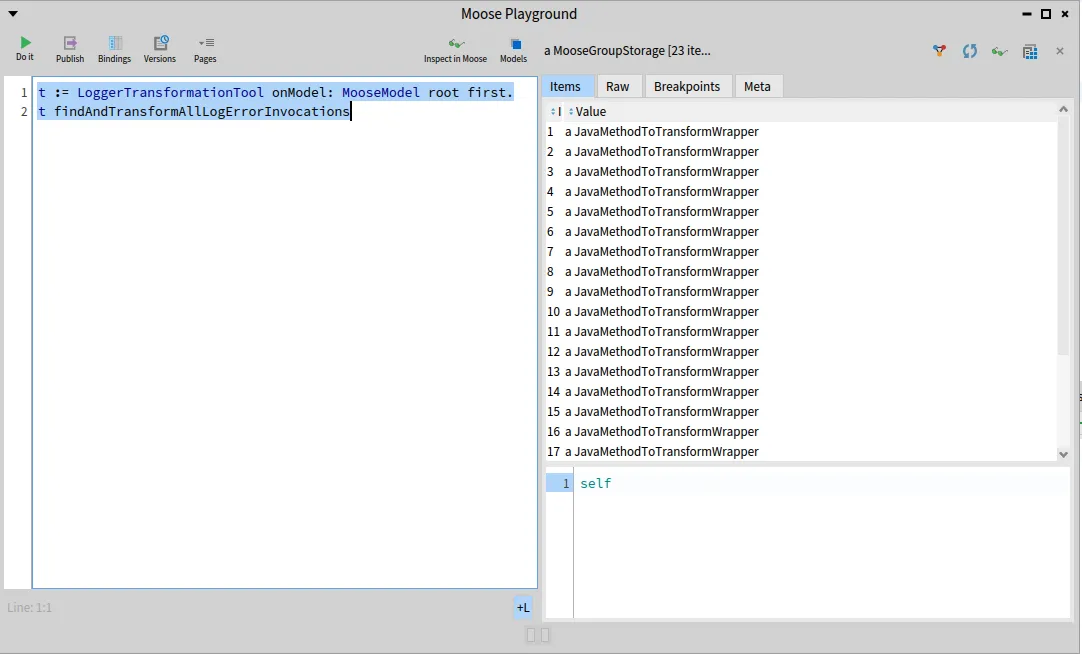
The whole source code that was written on the three blog posts is still available on that [repository](https://github.com/RomainDeg/Moose-BlogPost-Transformation).
## Conclusion
[Section titled “Conclusion”](#conclusion)
Through the use of tools to query and search through FAST models, transform said models, before generating, reviewing and applying the new code on the source files, we managed to build a fully functionnal and semi-automatic transformation tool for our use case!
This use case was a rather small example. A real transformation in a software would need more queries and FAST edits. But the only real difference would be the scale. Using the methodology and tools in the same way that they were used in this blog post would be enough to apply to many use cases out there. 😄
# Building a Famix importer with TreeSitterFamixIntegration
> Build a Famix importer for C code with the TreeSitterFamixIntegration framework.
Analyzing source code starts with parsing and for this you need *semantic understanding* of how symbols in the code relate to each other. In this post, we’ll walk through how to build a **C code importer** using the **[TreeSitterFamixIntegration](https://github.com/moosetechnology/TreeSitterFamixIntegration)** framework.
Important
The goal of this blog post is to provide a starting point on how to use the TreeSitterFamixIntegration framework to build a Famix importer.
## Prerequisites
[Section titled “Prerequisites”](#prerequisites)
* Basic knowledge of Famix and Moose.
* Basic knowledge of what [Tree-sitter](https://tree-sitter.github.io/tree-sitter/) is.
* Familiarity with the Visitor design pattern. You can check [this blog post](https://modularmoose.org/blog/2025-03-26-visitor-external-grammar/) which explains the Visitor pattern in the context of tree-sitter ASTs.
## Overview of TreeSitterFamixIntegration
[Section titled “Overview of TreeSitterFamixIntegration”](#overview-of-treesitterfamixintegration)
The TreeSitterFamixIntegration stack provides tools to ease the development of Famix importers using tree-sitter. This package offers some great features for parsing such as (but not limited to):
* Useful methods for source management (getting source text, positions, setting sourceAnchor of a famix entity).
* Error handling to help catch and report parsing issues
* a better TreeSitter node inspector (which is very helpful when debugging)
* Utility to efficiently import and attach single-line and multi-line comments to their corresponding entities.
* Context tracking for symbol scope (no more context push and pop 😁)
There is a detailed [documentation](https://github.com/moosetechnology/TreeSitterFamixIntegration/blob/main/resources/docs/UserDocumentation.md) you can check that explain every features.
## Step 1: Setting up our environment
[Section titled “Step 1: Setting up our environment”](#step-1-setting-up-our-environment)
After creating a new Moose image, let’s start by loading the necessary packages.
### The C Metamodel
[Section titled “The C Metamodel”](#the-c-metamodel)
First, we need to load the C metamodel. This metamodel provides the Famix classes that represent C entities such as functions, structs, variables, etc.
```smalltalk
Metacello new
baseline: 'FamixCpp';
repository: 'github://moosetechnology/Famix-Cpp:main';
load
```
Tip
You can directly load the C metamodel from the Moose toolbar by going to the **Library** menu: *Library Famix > Load additional modules > Load Famix-Cpp*
### The TreeSitterFamixIntegration project
[Section titled “The TreeSitterFamixIntegration project”](#the-treesitterfamixintegration-project)
Next, we need to load the TreeSitterFamixIntegration project. It provides both pharo-tree-sitter and SRSymbolResolver.
```smalltalk
Metacello new
githubUser: 'moosetechnology' project: 'TreeSitterFamixIntegration' commitish: 'main' path: 'src';
baseline: 'TreeSitterFamixIntegration';
load
```
### The project structure
[Section titled “The project structure”](#the-project-structure)
Now that we have the necessary packages loaded, we can create our C importer.
Create a new package named `Famix-C-Importer`.
The minimum classes we will have to create inside are:
* `FamixCimporter`: This class will be responsible for importing C files and parsing them using Tree-sitter.
* `FamixCVisitor`: This class will walk through the parsed C syntax tree and create Famix entities.
* `FamixCCommentVisitor`: This class will handle comments and attach them to the corresponding Famix entities.
### The `FamixCimporter` class
[Section titled “The FamixCimporter class”](#the-famixcimporter-class)
The `FamixCimporter` class is the entry point for our importer. It will handle the parsing of C files into Abstract Syntax Trees (AST).
This class will inherit from `FamixTSAbstractImporter` (defined in the TreeSitterFamixIntegration project), which provides the necessary methods for importing and parsing C files using Tree-sitter.
```smalltalk
FamixTSAbstractImporter << #FamixCImporter
slots: {};
package: 'Famix-C-Importer'
```
Now, let’s override some methods to set up our importer:
#### 1. `treeSitterLanguage` method
[Section titled “1. treeSitterLanguage method”](#1-treesitterlanguage-method)
```smalltalk
FamixCImporter >> treeSitterLanguage
"Should return a TreeSitter language such as TSLanguage python"
^ TSLanguage cLang
```
This method returns the Tree-sitter language we want to use for parsing. In this case, we are using the C language. You can find the available languages in the `Pharo-Tree-Sitter` package.
#### 2. `visitorClass` method
[Section titled “2. visitorClass method”](#2-visitorclass-method)
```smalltalk
FamixCImporter >> visitorClass
^ FamixCVisitor
```
It returns the visitor class that will walk through the parsed syntax tree and create Famix entities. We will define this class later.
#### 3. `importFileReference:` method
[Section titled “3. importFileReference: method”](#3-importfilereference-method)
```smalltalk
FamixCImporter >> importFileReference: aFileReference
aFileReference isFile
ifTrue: [
(self isCFile: aFileReference) ifFalse: [ ^ self ].
self importFile: aFileReference
]
ifFalse: [
aFileReference children do: [ :each |
self importFileReference: each
].
]
```
This method calls `importFile:` on all C files recursively found in a directory. We will add more logic to this method later but for now, it serves as a starting point for our importer.
The `isCFile:` method checks if the file has a `.c` or `.h` extension.
```smalltalk
FamixCImporter >> isCFile: aFileReferencemon
^ #( 'c' 'h' ) includes: aFileReference extension
```
The `importFile:` method is defined in the `FamixTSAbstractImporter` class (provided by the TreeSitter-Famix-Integration project). It parses the file content to create an AST and then passes the visitor (the `FamixCVisitor` that we previously defined) to walk through the AST.
### The `FamixCVisitor` class
[Section titled “The FamixCVisitor class”](#the-famixcvisitor-class)
The `FamixCVisitor` class is responsible for walking through the parsed AST and creating Famix entities. It will inherit from `FamixTSAbstractVisitor`, which provides the necessary methods for visiting Tree-sitter nodes.
```smalltalk
FamixTSAbstractVisitor << #FamixCVisitor
slots: {};
package: 'Famix-C-Importer'
```
For this class, we will just need to override one method:
#### `modelClass` method
[Section titled “modelClass method”](#modelclass-method)
```smalltalk
FamixCVisitor >> modelClass
^ FamixCModel
```
It returns the Famix metamodel class that will be used to create Famix entities. In this case, we are using `FamixCModel` which is in the `Famix-Cpp` package.
### Let’s test our importer so far
[Section titled “Let’s test our importer so far”](#lets-test-our-importer-so-far)
Now that we have our importer and visitor classes set up, we can already test it. To test our importer, we can create a simple C file and import it using the `FamixCImporter` class.
test.c
```c
#include
int aGlobalVar = 1;
int main() {
int aLocalVar;
aLocalVar = aGlobalVar + 2;
}
```
To import this file, we can use the following code in the Playground (cmd + O + P to open it):
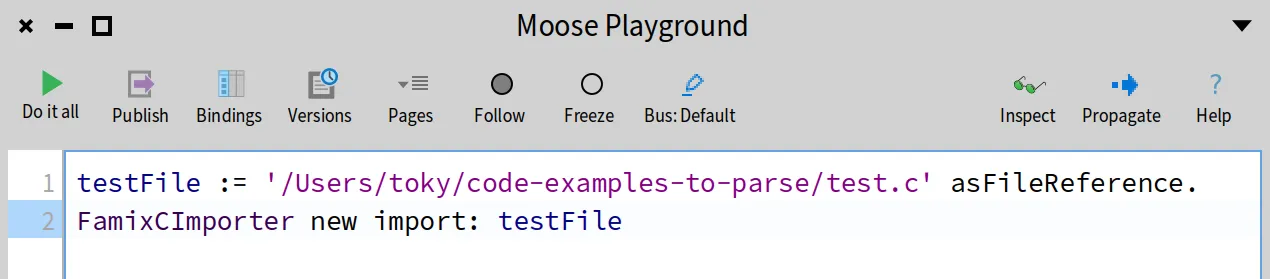
Before running the above code, open the Transcript to see the logs (cmd + O + T to open it).
Then select all the code and run it by inspecting it (cmd + I or click the “Inspect” button). You will get something similar to this.
The above screenshot shows what is inside our model. We can see that there is pretty much nothing there yet apart from the SourceLanguages which is added by default by TreeSitterFamixIntegration.
Now if we look at the Transcript, we can see that the importer has imported the file but we didn’t implement the visitor methods yet for every node in the AST, so no Famix entities were created.
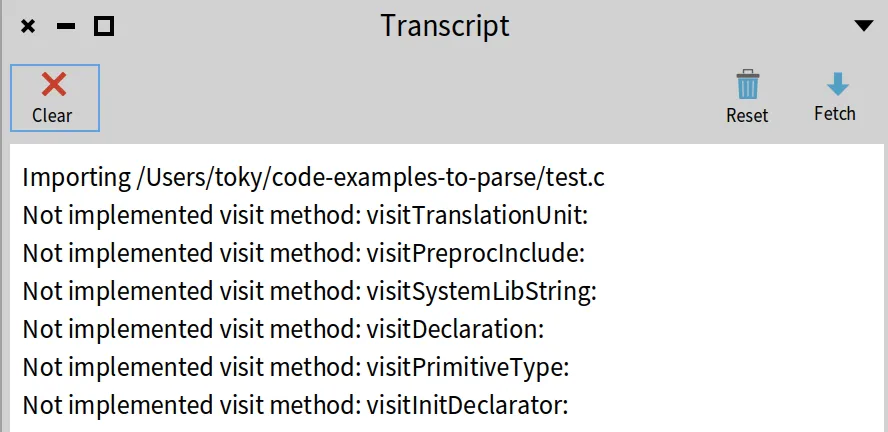
Note
The way those methods are named is `visitNodeType: aNode` where `NodeType` is the type of the node in the AST. For example, for a function declaration, it would be `visitFunctionDeclaration: aNode`. This [blog post](https://modularmoose.org/blog/2025-03-26-visitor-external-grammar/) explains one way to create automatically these methods.
If you want to inspect the corresponding AST of our test file, you can do something similar to what is in [this other blog post](https://modularmoose.org/blog/2025-03-25-tree-sitter/#a-first-pharo-ast) on tree-sitter.
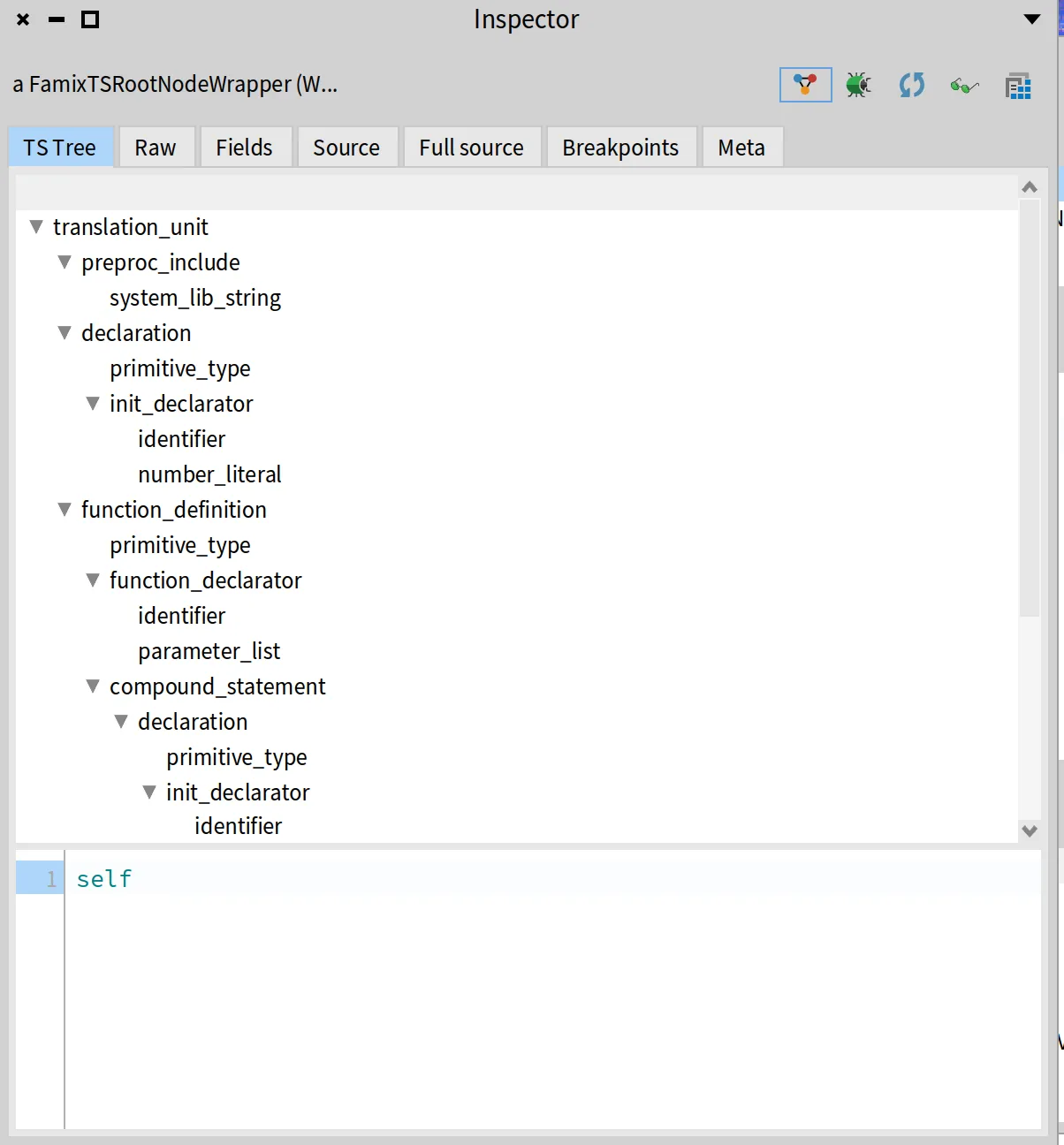
## Step 2: Our first Famix entities
[Section titled “Step 2: Our first Famix entities”](#step-2-our-first-famix-entities)
In this section we are going to see some examples of visiting methods for creating compilation unit and function entities.
### CompilationUnit entities
[Section titled “CompilationUnit entities”](#compilationunit-entities)
Let’s go back to our `FamixCImporter` class and from there we will create a CompilationUnit and HeaderFile entities. We need to do that there because we have to check if the file is a header file or a source file.
```diff
FamixCImporter >> importFileReference: aFileReference
aFileReference isFile
ifTrue: [
| fileEntity |
(self isCFile: aFileReference) ifFalse: [ ^ self ].
fileEntity := aFileReference extension = 'c'
ifTrue: [
+visitor model newCompilationUnitNamed: aFileReference basename.
]
ifFalse: [
+visitor model newHeaderFileNamed: aFileReference basename.
].
visitor
useCurrentEntity: fileEntity
during: [ self importFile: aFileReference ] ]
ifFalse: [
aFileReference children do: [ :each |
self importFileReference: each
].
^ self ]
```
We use the *useCurrentEntity:during:* to provide a context for the visitor. This is same as pushing the `fileEntity` to a context, visit children and then popping it from the context. And it will set the current entity to the `fileEntity`.
Now try importing a whole directory containing C files. You should see that the importer creates a `FamixCHeaderFile` for each header file and a `FamixCCompilationUnit` for each source file.
### Source Anchors
[Section titled “Source Anchors”](#source-anchors)
To set the source anchor for any Famix entity, we can use the *setSourceAnchor: aFamixEntity from: aTSNode* method provided by the `FamixTSAbstractVisitor` class. This method takes a Famix entity and a Tree-sitter node.
We can use it to set the source anchor for our `fileEntity` . Go to `visitTranslationUnit:` in the `FamixCVisitor` class and add the following code:
```diff
FamixCVisitor >> visitTranslationUnit: aNode
self setSourceAnchor: self currentEntity from: aNode.
self visitChildren: aNode "for not cutting the traversal"
```
Note
The `self currentEntity` returns the entity that is currently being visited by the visitor (i.e at the top of the stack). In this case, it will return the `fileEntity` that we pushed to the context in the `importFileReference:` method by using the `useCurrentEntity:during:` method.
Now if we import our `test.c` file again, we will see that the `CompilationUnit` entity has a source anchor.
### Function entities
[Section titled “Function entities”](#function-entities)
Next, we will create `FamixCFunction` entities for each function declaration in the C file. We will do this in the `visitFunctionDefinition:` method of the `FamixCVisitor` class.
But first we need to know where the function name is located to create the `FamixCFunction` entity. Create the method and put a `halt` there to inspect the node.
```diff
visitFunctionDefinition: aNode
self halt.
self visitChildren: aNode.
```
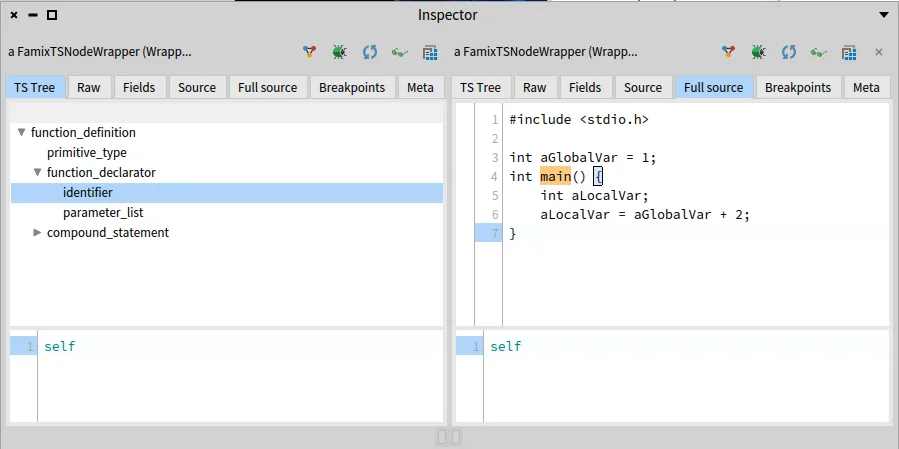
If we look at the function definition node, we can see that the function name is in the identifier node, which is a child of the function declarator node.
To get that name, there are two ways:
* visit the function_declarator until the identifier returns its name using `self visit: aNode`
* get it by child field name using `aNode _fieldName` that returns the child node with the given field name. And you don’t need to implement the `_fieldName` method because it is already handled by the framework.
For simplicity, and to show other available features in the framework, we will use the second way.
Let’s inspect the function definition node to see what fields it has.
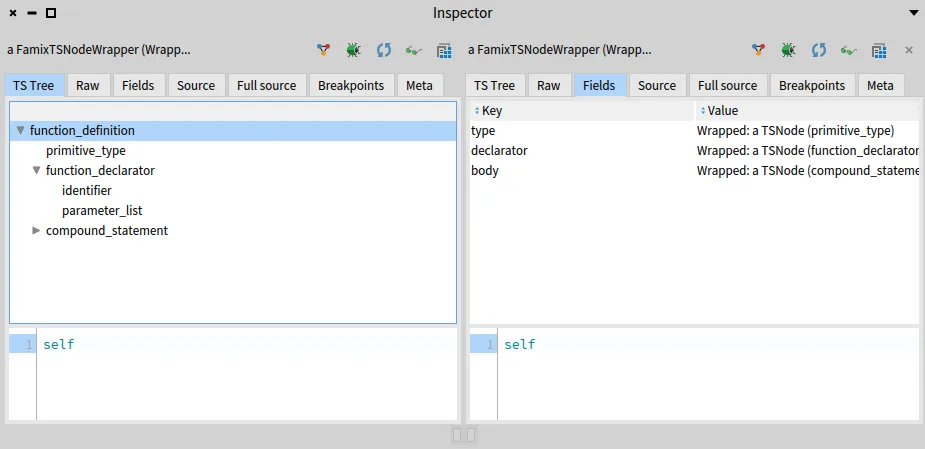
So if we do `aNode _declarator` it will return the function declarator node
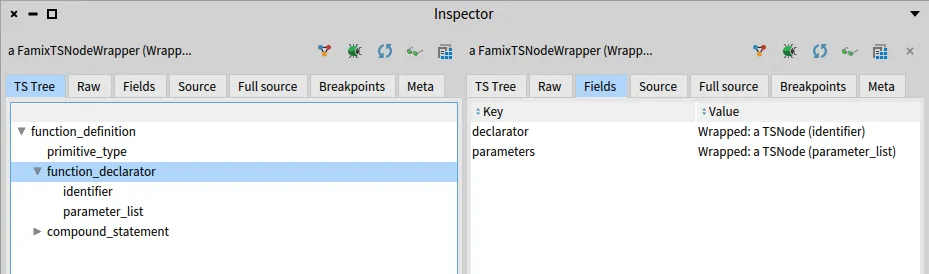 And if we do `aNode _declarator` from the function_declarator it will give us the identifier that we want.
Note
the `sourceText` will return the text of the node, which is the function name in this case.
Now we can create the function entity and set its name and source anchor.
```smalltalk
visitFunctionDefinition: aNode
| declaratorNode identifierNode functionName entity |
declaratorNode := aNode _declarator.
identifierNode := declaratorNode _declarator.
functionName := identifierNode sourceText.
entity := (model newFunctionNamed: functionName) functionOwner: self currentEntity.
self setSourceAnchor: entity from: aNode.
self useCurrentEntity: entity during: [ self visitChildren: aNode ]
```
The `self currentEntity` returns the compilation unit entity which is the parent of the function entity.
And before visiting the children, we set the current entity to the newly created function entity using `useCurrentEntity:during:`. This will allow us to create other entities that are related to this function, such as parameters and local variables.
### Local and Global Variables
[Section titled “Local and Global Variables”](#local-and-global-variables)
The difference between local and global variables is that local variables are declared inside a function, while global variables are declared outside any function.
#### Implementation
[Section titled “Implementation”](#implementation)
Tip
Before visiting a node, check its fields by inspecting the node to know how to extract the needed information.
To create the variable entities, we will create the `visitDeclaration:` method in the `FamixCVisitor` class. This method is called for each variable declaration in the C file.
```smalltalk
FamixCVisitor >> visitDeclaration: aNode
"fields: type - declarator"
| varName entity |
self visit: aNode _type.
varName := self visit: aNode _declarator.
entity := self currentEntity isFunction
ifTrue: [
(model newLocalVariableNamed: varName)
parentBehaviouralEntity: self currentEntity;
yourself ]
ifFalse: [
(model newGlobalVariableNamed: varName)
parentScope: self currentEntity;
yourself ].
self setSourceAnchor: entity from: aNode.
```
The `visitDeclaration:` method does the following:
1. Visits the variable’s type. This will allow us to parse its type information.
2. Retrieves the variable name by visiting the `declarator` field. If the variable is initialized, this will be an `init_declarator` node; otherwise, it will be an `identifier`. We should implement visit methods for both cases to extract the name correctly.
```smalltalk
FamixCVisitor >> visitInitDeclarator: aNode
"fields: declarator - value"
self visit: aNode _value.
^ self visit: aNode _declarator "variable name is in the declarator node"
```
```smalltalk
FamixCVisitor >> visitIdentifier: aNode
^ aNode sourceText "returns the name of the variable"
```
1. Creates a variable entity, either a local variable or a global variable, depending on whether the current entity is a function or not.
2. Sets the source anchor for the variable entity using the `setSourceAnchor:from:` method.
## Step 3: Symbol resolution
[Section titled “Step 3: Symbol resolution”](#step-3-symbol-resolution)
In this section, we will implement the symbol resolution for our C importer. This will allow us to resolve references to variables and functions in our C code.
As an example, we will resolve the reference to the local variable `aLocalVar` in the `main` function, which will be represented as a famix write access entity.
#### Implementation
[Section titled “Implementation”](#implementation-1)
##### **Create the write access entity**
[Section titled “Create the write access entity”](#create-the-write-access-entity)
To create the write access entity, we will implement the `visitAssignmentExpression:` method in the `FamixCVisitor` class. This method is called for each assignment expression.
```smalltalk
visitAssignmentExpression: aNode
"fields: left - right"
| access leftVarName |
leftVarName := self visit: aNode _left.
access := model newAccess accessor: self currentEntity;
isWrite: true;
yourself.
self setSourceAnchor: access from: aNode.
```
### Using SRIdentifierResolvable
[Section titled “Using SRIdentifierResolvable”](#using-sridentifierresolvable)
Add the following code to the `visitAssignmentExpression:` method to resolve the variable:
```diff
visitAssignmentExpression: aNode
"fields: left - right"
| access leftVarName |
leftVarName := self visit: aNode _left.
access := model newAccess accessor: self currentEntity;
isWrite: true;
yourself.
self setSourceAnchor: access from: aNode.
self
+resolve: ((SRIdentifierResolvable identifier: leftVarName)
+expectedKind: {
+FamixCLocalVariable.
+FamixCGlobalVariable };
+yourself)
+foundAction: [ :variable :currentEntity | access variable: variable ].
```
The *resolve: aResolvable foundAction: aBlockClosure* method is provided by the `FamixTSAbstractVisitor` class.
It takes two arguments:
1. `aResolvable`: an instance of `SRIdentifierResolvable`. This resolvable is created with the identifier (the variable name) and the expected kinds of entities (in this case, either a local variable or a global variable). The `identifier:` method sets the identifier to resolve, and the `expectedKind:` method sets the expected kinds of entities that can be resolved.
2. `aBlockClosure`: a block that will be executed when the resolvable is resolved (we found the variable). In this case we set the variable of the access entity to the resolved variable.
See the [SRIdentifierResolvable documentation](https://github.com/jecisc/SymbolResolver/blob/main/resources/docs/UserDocumentation.md#sridentifierresovable)
### Custom resolver
[Section titled “Custom resolver”](#custom-resolver)
The `SRIdentifierResolvable` is a generic resolver that can be used to resolve identifiers. However, in some cases, we may need to create a custom resolver to handle specific cases. In that case, we can create a class that inherits from `SRResolvable` and override the `resolveInScope:currentEntity:` method to implement our custom resolution logic.
For more information about the symbol resolver, you can check the [documentation](https://github.com/jecisc/SymbolResolver/blob/main/resources/docs/UserDocumentation.md#add-you-own-solver).
## Step 4: Parse comments
[Section titled “Step 4: Parse comments”](#step-4-parse-comments)
The TreeSitterFamixIntegration package provides a utility to parse comments and attach them to the corresponding Famix entities. This is done using the `FamixCCommentVisitor` class.
let’s add some comments to our `test.c` file:
test.c
```c
#include
int aGlobalVar = 1;
/*
entry point of our programm
*/
int main() {
int aLocalVar; // a local variable
aLocalVar = aGlobalVar + 2;
}
```
#### Implementation
[Section titled “Implementation”](#implementation-2)
To parse comments, we will create the `FamixCCommentVisitor` class that will inherit from `FamixTSAbstractCommentVisitor`. And we just need to override the `visitNode:` method.
```smalltalk
FamixCCommentVisitor >> visitNode: aNode
aNode type = #comment ifTrue: [
(aNode sourceText beginsWith: '/*')
ifTrue: [ self addMultilineCommentNode: aNode ]
ifFalse: [ self addSingleLineCommentNode: aNode ] ].
super visitNode: aNode
```
We use the `addMultilineCommentNode:` and `addSingleLineCommentNode:` methods provided by the `FamixTSAbstractCommentVisitor` class to add the comment to the model.
For a detailed explanation of how to use the comment visitor, you can check the [documentation](https://github.com/moosetechnology/TreeSitterFamixIntegration/blob/main/resources/docs/UserDocumentation.md#comment-importer-helper).
Last thing to do is to use the comment visitor somewhere in our importer. We can do that everytime we finish visiting every children of translation unit node.
```diff
FamixCImporter >>visitTranslationUnit: aNode
self setSourceAnchor: self currentEntity from: aNode.
self visitChildren: aNode.
+FamixCCommentVisitor visitor: self importCommentsOf: aNode
```
We use the `visitor: aFamixVisitor importCommentsOf: aNode` method to import the comments of the translation unit node.
## Summary
[Section titled “Summary”](#summary)
In this blog post, we have seen how to build a Famix importer for C code using the TreeSitterFamixIntegration framework. We have covered the following topics:
* Setting up the environment and creating the importer and visitor classes.
* Creating Famix entities for compilation units, functions, and variables.
* Implementing symbol resolution for local and global variables.
* Parsing comments and attaching them to the corresponding Famix entities.
This is just a starting point for building an importer with this stack. You have to implement more tests and methods to handle other entities. The TreeSitterFamixIntegration framework provides a lot of other utilities we didn’t cover to help you with that.
## Useful links
[Section titled “Useful links”](#useful-links)
* [TreeSitterFamixIntegration documentation](https://github.com/moosetechnology/TreeSitterFamixIntegration/blob/main/resources/docs/UserDocumentation.md)
* [Pharo-Tree-Sitter](https://github.com/Evref-BL/Pharo-Tree-Sitter)
* [Symbol Resolver documentation](https://github.com/jecisc/SymbolResolver/blob/main/resources/docs/UserDocumentation.md)
* [Creating an importer for an alien grammar](https://modularmoose.org/blog/2025-03-26-visitor-external-grammar/)
# Visualizing java dependencies between microservices
> A simple process to analyze and visualize the dependencies between Java microservices with Moose.
In July, I had to analyze the dependencies between microservices for [Berger-Levrault](https://www.berger-levrault.com/). To do so, I chose to use the Moose tool.
Here is the simple but effective process I followed.
## About the project structure
[Section titled “About the project structure”](#about-the-project-structure)
The backend I analyzed follows a common pattern. In the git repository, there is a folder `api` containing the microservices, and a folder `lib` with resources for each microservice. There is also an additional project called `lib-common`.
Thus, the microservice `home` is composed of a project named `api-home` and a project named `lib-home`.
* src
* api
* api-home
* src/
* …
* lib
* lib-home
* src/
* …
* lib-common/
* …
We wanted to check that dependencies were correctly implemented in the project:
* no `api` project should directly depend on another `api` (API calls are allowed, but not classic Java dependencies)
* each `api` project can depend on its equivalent `lib` project
* `lib` projects can depend on `lib-common`
Let’s see how to perform this check with Moose.
## Loading the project
[Section titled “Loading the project”](#loading-the-project)
To perform the analysis, I used Moose and followed these steps:
1. [I installed the latest version of Moose](https://modularmoose.org/beginners/install-moose/).
2. I cloned the repository containing the backend to analyze.
3. I installed the project dependencies with:
```sh
mvn clean install
```
4. I used [VerveineJ](https://modularmoose.org/developers/parsers/verveinej/) to generate a model of the code. To avoid version issues, I used the Docker version of VerveineJ, which gave me a *model.json* file:
```sh
docker run -v /path/to/my/project:/src -v /home/badetitou/.m2/repository:/dependency ghcr.io/evref-bl/verveinej:v3.3.1 -alllocals -anchor assoc -format json -o model.json
```
5. I loaded the model into a Moose 12 image by drag-and-dropping the *model.json* file into the running Moose image.
## Building a dependency visualization
[Section titled “Building a dependency visualization”](#building-a-dependency-visualization)
Moose provides ready-to-use visualizations to represent dependencies. In my case, I chose to use the *Architectural map*. This visualization presents the entities of the model (packages, classes, methods) as a tree and displays the associations between them (i.e., the dependencies).
I first asked this visualization to display all the classes. It works, but does not allow us to distinguish the different microservices.

The main problem is that too much information is displayed and we cannot see the microservices. To fix this, I used Moose’s tag feature. A tag allows you to associate a color and a name to an entity.
So I tagged the classes of my system depending on their location in the repository.
To do this, in a Moose Playground, I used the following script (adapt it to your context 😉):
```smalltalk
model allTaggedEntities do: [ :entity | entity removeTags ].
((model allWithSubTypesOf: FamixJavaType) reject: [ :type | type sourceAnchor isNil ]) do: [ :class |
class sourceAnchor ifNotNil: [ :sa |
(sa fileName beginsWith: './services/api-A') ifTrue: [ class tagWithName: 'A' ].
(sa fileName beginsWith: './services/api-B') ifTrue: [ class tagWithName: 'B' ].
(sa fileName beginsWith: './services/api-C') ifTrue: [ class tagWithName: 'C' ].
(sa fileName beginsWith: './libraries/lib-A') ifTrue: [ class tagWithName: 'lib-A' ].
(sa fileName beginsWith: './libraries/lib-common') ifTrue: [ class tagWithName: 'lib-common' ].
(sa fileName beginsWith: './libraries/lib-B') ifTrue: [ class tagWithName: 'lib-B' ].
(sa fileName beginsWith: './libraries/lib-C') ifTrue: [ class tagWithName: 'lib-C' ].
]
].
(model allWithSubTypesOf: FamixJavaType) reject: [ :type | type tags isEmpty ]
```
Note
In the Moose Playground, select all the lines and execute *Propagate* to send the result to the architectural map.
The result is not perfect yet because entities are not grouped by tag. To fix this, simply select the *tag to add* option in the architectural map settings.
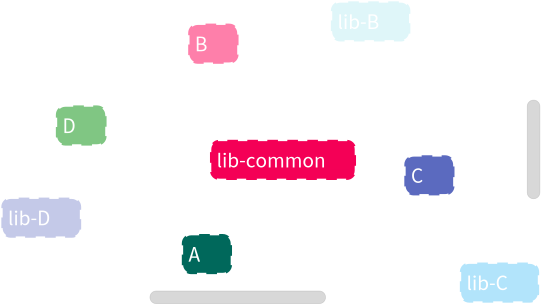
You then get a clear visualization of the links between the microservice projects and the libraries they use. We see that no `api` is linked to an incorrect `lib` project. We also notice that microservice *B* is linked to *lib-B* as well as *lib-common*. Maybe this link to *lib-common* should be removed? But that’s another story…
# Generation of new FAST-Language metamodel using Pharo-Tree-Sitter project
> Generate a first version of a new FAST-Language meta-model with Pharo-Tree-Sitter.
If you’re here, you’re probably interested in creating a new FAST metamodel and expanding Moose to represent the AST (Abstract Syntax Tree) of an additional language. In this post, we explain to you how to generate a “First version” of a new FAST-Language metamodel using the project Pharo-Tree-Sitter. To be able to understand that, we assume you are already familiar with:
* Tree-Sitter
* Pharo-Tree-Sitter
* FAST
* Metamodel generators
If you are not, the following provides a general introduction to these tools/libraries along with references for further details:
* **[Tree-Sitter](https://tree-sitter.github.io/tree-sitter/)** is a parser generator tool and an incremental parsing library. It can build a concrete syntax tree for a source file and efficiently update the syntax tree as the source file is edited. It is able to parse a large variety of programming languages such as Java, C++, C#, Python and many others.
* **[Pharo-Tree-Sitter](https://github.com/Evref-BL/Pharo-Tree-Sitter/)** is a project developed in Pharo that integrates the original Tree-Sitter parsers and allows visualizing their results (such as ASTs) directly in Pharo. It relies on the FFI protocol, which requires the corresponding libraries depending on the OS (.dll, .so, or .pylib) to be present in Pharo’s VM folders. The project supports parsing several languages, and for some of them (like Python, TypeScript, and C), the library generation is automated. You can find more details in the repository’s README. This is the project that we will use to generate a new FAST-Language metamodel, so you need to download it into your Pharo image.
* **[FAST](https://github.com/moosetechnology/fast)** means Famix AST. Contrary to Famix that represent application at a high abstraction level, FAST uses a low-level representation: the AST. FAST defines a set of traits that can be used to create new meta-models compatible with Moose tools. When developing a new FAST-Language metamodel, you will rely on these FAST traits to structure your metamodel. However, this does not apply to the “First version” described in this post, but rather to the upgraded versions when you evolve and refine it.
* **[Metamodel generator](https://modularmoose.org/developers/create-new-metamodel/)** is a Pharo library used to create new metamodels such as FAST-Java, Famix-Java, or FAST-Fortran. The generation of any new version of a FAST-Language metamodel can only be achieved through the metamodel generator. As you will see in this post, Pharo-Tree-Sitter enables you to define a new metamodel generator. Once executed, it produces the corresponding FAST-Language metamodel. We will explain this process in more detail in the following sections.
## Download Pharo-Tree-Sitter and get the correspondent libraries
[Section titled “Download Pharo-Tree-Sitter and get the correspondent libraries”](#download-pharo-tree-sitter-and-get-the-correspondent-libraries)
First you need to create a Moose image and download [Pharo-Tree-Sitter](https://github.com/Evref-BL/Pharo-Tree-Sitter/):
```smalltalk
Metacello new
baseline: 'TreeSitter';
repository: 'github://Evref-BL/Pharo-Tree-Sitter:main/src';
load.
```
Once downloaded, you need to make sure that Pharo-Tree-Sitter is able to parse the language that you intend to create the metamodel for. If it is not included, you need to follow the instructions in the readme file of this repository and add the new language. For this blog post we will assume that the language is already supported and we will continue with “Python” 🐍🐍🐍.
To be able to continue, and if this is the first time you’re using this project (Pharo-Tree-Sitter), you need to launch the tests of python in package “TreeSitter-Tests” class “TSParserPythonTest”. This is needed to launch the process of downloading the original **[tree-sitter](https://github.com/tree-sitter/tree-sitter)** and **[tree-sitter-python](https://github.com/tree-sitter/tree-sitter-python)** projects from GitHub, generating the correspondent libraries and moving them to the correspondent VM folder based on the image version you create: for example Moose 12. If you create another image of another version, you need to launch the tests again to make sure the libraries are again moved to the correspondent folder. Now that you have the libraries, you can parse python code and get an AST, but not FAST-Python model. So in the next step we explain how this can be possible.
## Create the first version of the metamodel (FAST-Python in our example)
[Section titled “Create the first version of the metamodel (FAST-Python in our example)”](#create-the-first-version-of-the-metamodel-fast-python-in-our-example)
Don’t worry, not too much to be done, but a snippet of code needs to be written and executed. But we have to explain to you first how it is working.
### Explaining package TreeSitter-FAST-Utils
[Section titled “Explaining package TreeSitter-FAST-Utils”](#explaining-package-treesitter-fast-utils)
This package contains two main classes: “TSFASTBuilder” and “TSFASTImporter”. For our task we will rely on the first one. The second is used to make the transition between an AST generated by TreeSitter and a FAST-Language model.
“TSFASTBuilder” contains a set of methods responsible for generating a new metamodel generator:
* `#tsLanguage:` is used to set an instance of TSLanguage, which is `TSLanguage python` in our case.
* `#createMetamodelGeneratorClass` is responsible for creating a new package and a class inside. By default, the class name will be “FASTLanguageNameMetamodelGenerator” which is “FASTPythonMetamodelGenerator” and the package name is “FAST-LanguageName-Model-Generator”. This method also calls another one “typesToReify”, which gets all the symbols from the initial TreeSitter project (using an FFI call), and add them as slots in the class definition. These symbols represent the nodes of the language in question like “class” for Python.
* `#addPrefixMethodIn:` adds `#prefix` method on the class side of the metamodel generator class. By default it is FASTLanguage.
* `#addPackageNameMethodIn:` adds `#packageName` method on the class side of the metamodel generator class. By default it’s ‘FAST-Language-Model’.
* `#addSubmetamodelsMethodIn:` adds `#submetamodels` method on the class side of the metamodel generator class, and by default it contains FASTMetamodelGenerator.
* `#addDefineClassIn:` adds `#defineClasses` method. In this method slots are defined, starting by #entity then all the symbols imported from TreeSitter.
* `#addDefineTraitsIn:` adds `#defineTraits` method. By default FASTTEntity trait is created.
* `#addDefineHierarchyIn:` adds `#defineHierarchy` method. By default only #entity relation is defined with FASTTEntity.
* `#addDefineRelationsIn:` adds `#defineRelations` method. By default only #entity relations are defined with genericChildren and genericParent.
Voilà, now that you understand how it works, we will show you how to generate one for Python:
```smalltalk
tsb := TSFASTBuilder new.
tsb languageName: 'Python'.
tsb tsLanguage: TSLanguage python.
tsb build.
```
This will generate the metamodel generator. Now that the generator is created you can use it to generate the metamodel:
```smalltalk
FASTPythonMetamodelGenerator new generate.
```
Now you can access the packages and classes created: ‘FAST-Python-Model’ and ‘FAST-Python-Model-Generator’.
From now on you have to handle the metamodel manually. You have to add missing traits (including FAST Traits), properties that should be imported from TreeSitter… You benefit from the importer to handle the parsing on the metamodel side. You can create a package for tools having a #parse method doing this for example:
```smalltalk
| parser tsLanguage importer |
Smalltalk image garbageCollect.
parser := TSParser new.
tsLanguage := TSLanguage python.
parser language: tsLanguage.
importer := TSFASTImporter new.
importer tsLanguage: tsLanguage.
importer languageName: 'Python'.
importer originString: string.
^ importer import: (parser parseString: string) rootNode "pay attention to #source: "
```
You can check FASTTypeScript for more details.
> N.B: We recommend you to parse many python examples (you can find a lot in the main project of TreeSitter-Python), using Pharo-Tree-Sitter project. Once parsed you can inspect in Pharo the properties for each node using `#collectFieldNameOfNamedChild` and find the properties for each one. Then you can add them in #defineRelations of the metamodel.
That’s it for now!
# Testing your algo on a java project
> Test your Moose algorithms on real Java projects without storing models by hand.
When developping algorithm on top of the Moose platform, we can easily hurt a wall during testing.
To do functional (and sometimes unit) testing, we need to work on a Moose model. Most of the time we are getting this model in two ways:
* We produce a model and save the `.json` to recreate this model in the tests
* We create a model by hand
But those 2 solutions have drawbacks:
* Keeping a JSON will not follow the evolutions of Famix and the model produce will not be representative of the last version of Famix
* Creating a model by hand has the drawback of taking the risk that this model will not be representative of what we could manipulate in reality. For example, we might not think about setting the stubs or the source anchors
In order to avoid those drawbacks I will describe my way of managing such testing cases in this article. In order to do this, I will explain how I set up the tests of a project to build CallGraph of Java projects.
## The idea
[Section titled “The idea”](#the-idea)
The idea I had for testing callgraphs is to implement real java projects in a `resources` folder in the git of the project. Then, we can parse them when launching the tests and manipulate the produced model. This would ensure that we always have a model up to date with the latest version of Famix. If tests breaks, this means that our famix model evolved and that our project does not work anymore for this language.
## Basic setup
[Section titled “Basic setup”](#basic-setup)
### Create your java code
[Section titled “Create your java code”](#create-your-java-code)
The first step to build tests is to write some example java code.
I will start with a minimal example:
```java
public class Main {
public static void main(String[] args) {
System.out.println("Hello World!");
}
}
```
I’ll save this file in the git repository of my project under `Famix-CallGraph/resources/sources/example1/Main.java`.
Now that we have the source code, we need a way to access it in our project.
### Use GitBridge
[Section titled “Use GitBridge”](#use-gitbridge)
In order to access our resources, we will use [GitBrigde](https://github.com/jecisc/GitBridge).
You can install it by executing:
```smalltalk
Metacello new
githubUser: 'jecisc' project: 'GitBridge' commitish: 'v1.x.x' path: 'src';
baseline: 'GitBridge';
load
```
But we should add it to our baseline:
```smalltalk
BaselineOfFamixCallGraph >> #gitBridge: spec
spec baseline: 'GitBridge' with: [ spec repository: 'github://jecisc/GitBridge:v1.x.x/src' ]
```
```smalltalk
BaselineOfFamixCallGraph >> #baseline: spec
spec for: #common do: [
"Dependencies"
self gitBridge: spec.
"Packages"
spec
package: 'Famix-CallGraph';
package: 'Famix-CallGraph-Tests' with: [ spec requires: #( 'Famix-CallGraph' 'GitBridge' ) ]. "<== WE ADD GITBRIDGE HERE!"
].
spec for: #NeedsFamix do: [
self famix: spec.
spec package: 'Famix-CallGraph' with: [ spec requires: #( Famix ) ] ]
```
Now that we have the dependency running, we can use this project. We will explain the minimal steps here but you can find the [full documantation here](https://github.com/jecisc/GitBridge/blob/master/resources/documentation/UserGuide.md).
The usage of GitBridge begins with the definition of our `FamixCallGraphBridge`:
```smalltalk
GitBridge << #FamixCallGraphBridge
slots: {};
package: 'Famix-CallGraph-Tests'
```
Now that this class exists we can access our git folder using `FamixCallGraphBridge current root`.
Let’s add some syntactic suggar:
```smalltalk
FamixCallGraphBridge class >> #resources
^ self root / 'resources'
```
```smalltalk
FamixCallGraphBridge class >> #sources
^ self resources / 'sources'
```
We can now access our java projects doing `FamixCallGraphBridge current sources`.
This step is almost done, but in order for our tests to work in a github action (for example), we need two little tweaks.
In our `smalltalk.ston` file, we need to register our project in Iceberg (because GitBridge uses Iceberg to access the root folder).
```diff
SmalltalkCISpec {
#loading : [
SCIMetacelloLoadSpec {
#baseline : 'FamixCallGraph',
#directory : 'src',
+#registerInIceberg : true "<== This line"
}
]
}
```
Also, in our github action we need to be sure that the checkout action will get enough info for git bridge to run and not the minimal ammount (which is the default) adding a `fetch-depth:` option.
```plaintext
steps:
- uses: actions/checkout@v4
with:
fetch-depth: '0'
```
### Parse and import your model
[Section titled “Parse and import your model”](#parse-and-import-your-model)
Now we need to be able to parse our project. For this, we will use a Java utility thaht is directly in Moose: `FamixJavaFoldersImporter`.
We can parse and receive a model doing:
```smalltalk
model := (FamixJavaFoldersImporter importFolders: { FamixCallGraphBridge sources / 'example1' }) anyOne.
```
### Tests implementation
[Section titled “Tests implementation”](#tests-implementation)
Now that we can access the model it is possible to implement our tests.
I’m starting by an abstract class:
```smalltalk
TestCase << #FamixAbstractJavaCallGraphBuilderTestCase
slots: { #model . #graph };
package: 'Famix-CallGraph-Tests'
```
Now I will create a TestCase that needs my java model
```smalltalk
FamixAbstractJavaCallGraphBuilderTestCase << #FamixJavaCHAExample1Test
slots: {};
package: 'Famix-CallGraph-Tests'
```
And now I will create a setup importing the model and creating a call graph:
```smalltalk
FamixAbstractJavaCallGraphBuilderTestCase >> #setUp
super setUp.
model := (FamixJavaFoldersImporter importFolders: { self javaSourcesFolder }) anyOne.
graph := (FamixJavaCHABuilder entryPoints: self entryPoints) build
```
```smalltalk
FamixJavaCHAExample1Test >> #javaSourcesFolder
"Return the java folder containing the sources to parse for those tests"
| folder |
folder := FamixCallGraphBridge sources / 'example1'.
folder ifAbsent: [ self error: 'Folder does not exists ' , folder pathString ].
^ folder
```
And now you have your model available for the testing!
## Optimization
[Section titled “Optimization”](#optimization)
I am using this technic to tests multiple projects such as parsers or call graph builders. In those projects I do touch my model and the setup can take time. So I optimize this setup in order to build a model only once for all the test case using a `TestResource`.
In order to do this we can remove the slots we added to `FamixAbstractJavaCallGraphBuilderTestCase` and create a test resource that will hold them
```smalltalk
TestResource << #FamixAbstractJavaCallGraphBuilderTestResource
slots: { #model . #graph };
package: 'Famix-CallGraph-Tests'
```
Then we can move the setup to this class
```smalltalk
FamixAbstractJavaCallGraphBuilderTestResource >> #setUp
super setUp.
model := (FamixJavaFoldersImporter importFolders: { self javaSourcesFolder }) anyOne.
graph := (FamixJavaCHABuilder entryPoints: self entryPoints) build
```
Personally I’m also adding a tearDown cleaning the vars because TestResources are singletons and I do not want to hold a model in memory all the time.
Then I’m creating my test resource for the `example1` project.
```smalltalk
FamixAbstractJavaCallGraphBuilderTestResource << #FamixJavaCHAExample1Resource
slots: {};
package: 'Famix-CallGraph-Tests'
```
```smalltalk
FamixJavaCHAExample1Resource >> #javaSourcesFolder
"Return the java folder containing the sources to parse for those tests"
| folder |
folder := FamixCallGraphBridge sources / 'example1'.
folder ifAbsent: [ self error: 'Folder does not exists ' , folder pathString ].
^ folder
```
And now we can declare that the TestCase will use this resource:
```smalltalk
FamixJavaCHAExample1Test class >> #resources
^ { FamixJavaCHAExample1Resource }
```
The model then become accessible like this:
```smalltalk
FamixJavaCHAExample1Resource >> #model
^ self resources anyOne current model
```
## Simplify your life
[Section titled “Simplify your life”](#simplify-your-life)
Here is a few tricks I use to simplify even better the setting of my tests cases
### Automatic java source folder detection
[Section titled “Automatic java source folder detection”](#automatic-java-source-folder-detection)
The first one is to make automatic the detection of the java source folder by using the name of the test cases:
```smalltalk
FamixAbstractJavaCallGraphBuilderTestResource >> #javaSourcesFolder
^ self class javaSourcesFolder
```
```smalltalk
FamixAbstractJavaCallGraphBuilderTestResource class >> #javaSourcesFolder
"Return the java folder containing the sources to parse for those tests"
| folder |
folder := FamixCallGraphBridge sources / ((self name withoutPrefix: 'FamixJavaCHA') withoutSuffix: 'Resource') uncapitalized.
folder ifAbsent: [ self error: 'Folder does not exists ' , folder pathString ].
^ folder
```
We can now remove this method from all subclasses! But makes sure the name of your source folder matches the name of the tests ressource ;)
### Automatic test resource detection and access
[Section titled “Automatic test resource detection and access”](#automatic-test-resource-detection-and-access)
We can do the same with the detection of the test resource in the test case.
```smalltalk
FamixAbstractJavaCallGraphBuilderTestCase class >> #resources
^ self environment
at: ((self name withoutSuffix: 'Test') , 'Resource') asSymbol
ifPresent: [ :class | { class } ]
ifAbsent: [ { } ]
```
```smalltalk
FamixAbstractJavaCallGraphBuilderTestCase class >> #sourceResource
^ self resources anyOne current
```
```smalltalk
FamixAbstractJavaCallGraphBuilderTestCase >> #sourceResource
"I return the instance of the test resource I'm using to build the sources of a java project"
^ self class sourceResource
```
```smalltalk
FamixAbstractJavaCallGraphBuilderTestCase >> #model
^ self sourceResource model
```
Et voila ! Now adding a test case ready to use on a new java project is equivalent to create a test case:
```smalltalk
FamixAbstractJavaCallGraphBuilderTestCase << #FamixJavaCHAExample2Test
slots: {};
package: 'Famix-CallGraph-Tests'
```
And the resource associated!
```smalltalk
FamixAbstractJavaCallGraphBuilderTestResource << #FamixJavaCHAExample2Resource
slots: {};
package: 'Famix-CallGraph-Tests'
```
Nothing much.
### Easily find the sources of the tested project
[Section titled “Easily find the sources of the tested project”](#easily-find-the-sources-of-the-tested-project)
A last thing I am doing to simplify thing is to implement a method to access easily the sources.
```smalltalk
FamixJavaCHAExample1Test >> #openSources
self resources anyOne javaSourcesFolder openInOSFileBrowser
```
### Other languages than Java
[Section titled “Other languages than Java”](#other-languages-than-java)
It is possible to do the same thing for other languages than java but maybe not exactly in the same way than in this blogpost for the section “Parse and import your model”. But this article is meant to be an inspiration!
I hope this helps improve the robustness of our projects :)
# Speed up models creation: application to JSON/MSE parsing
> How profiling a 330MB JSON import led to much faster model creation in Moose.
## Context
[Section titled “Context”](#context)
In order to be able to work with Moose there is a prerequisite we cannot avoid: we need a model to analyze. This can be archieved in 2 principal ways:
* Importing an existing JSON/MSE file containing a model
* Importing a model via a Moose importer such as the Pharo importer or Python importer
While doing this, we create a lot of entities and set a lot of relations. But this can take some time. I found out that this time was even bigger than I anticipated while profiling a JSON import.
Here is the result of the profiling of a JSON of 330MB on a Macbook pro M1 from 2023:
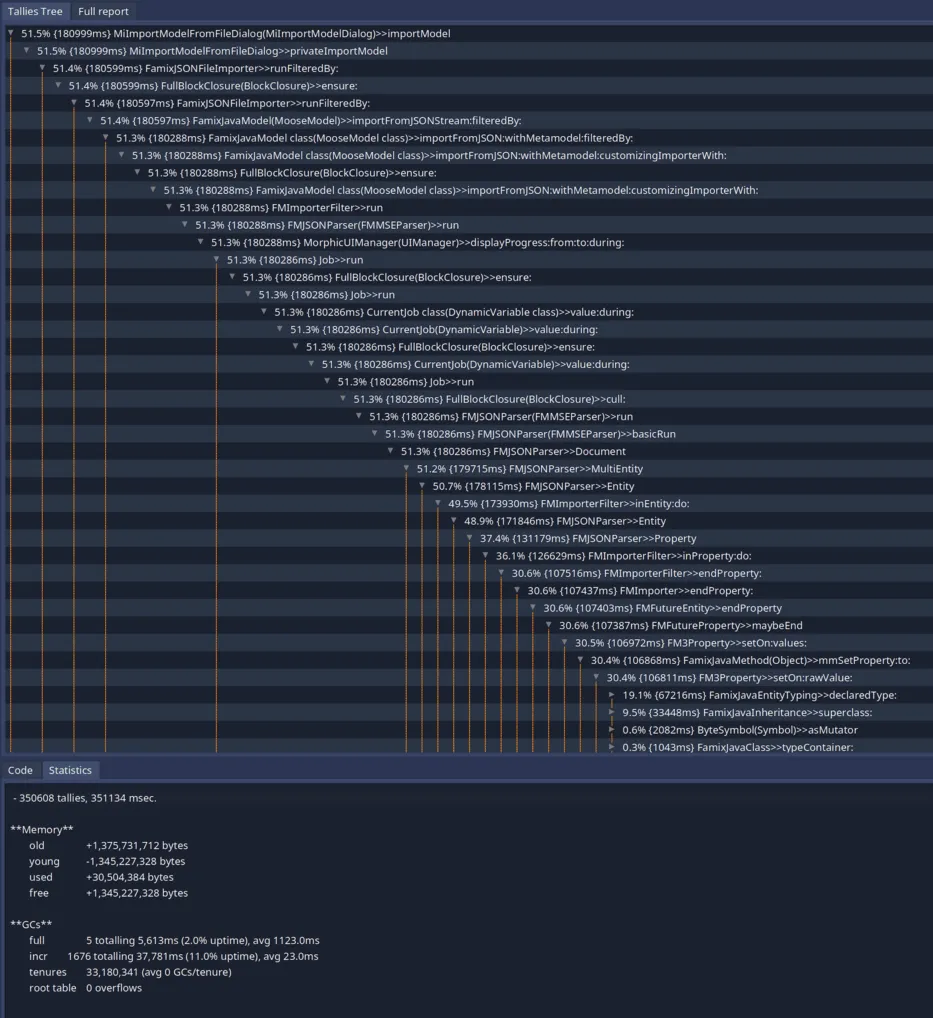
Form this profiling we can see that we spend 351sec for this import. We can find more information in this report:
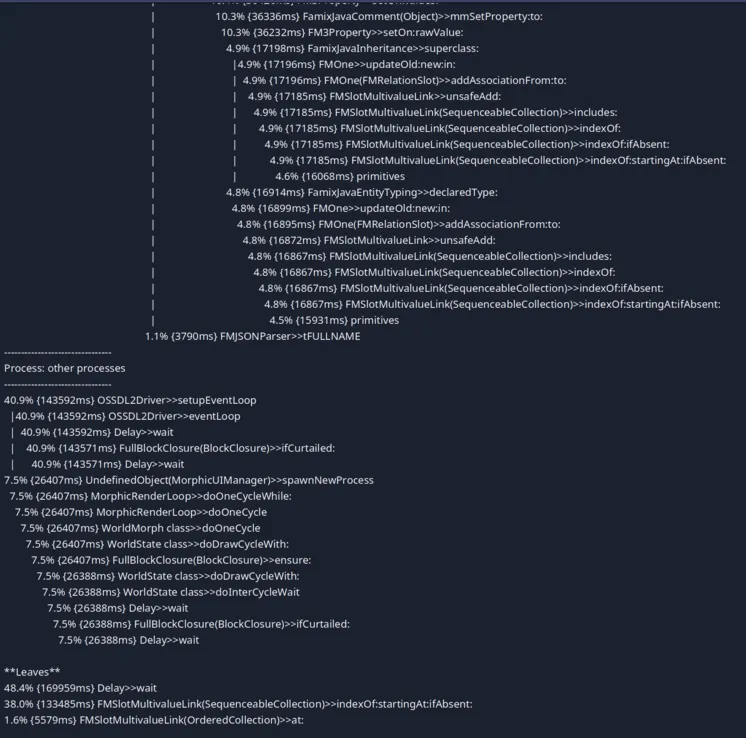
On this screenshot we can see some noise due to the fact that the profiler was not adapted to the new event listening loop of Pharo. But in the leaves we can also see that most of the time is spent in `FMSlotMultivaluedLink>>#indexOf:startingAt:ifAbsent:`.
This is used by a mecanism of all instance variables that are `FMMany` because those we do not want duplicated elements. Thus, we check if the collection contains the element before adding it.
But during the import of a JSON file, we should have no duplicates making this check useless. This also explains why we spend so much time in this method: we always are in the worst case scenario: there is no element matching.
## The optimization
[Section titled “The optimization”](#the-optimization)
In order to optimize the creation of a model when we know we will not create any duplicates, we can disable the check.
For this, we can use a dynamic variable declaring that we should check for duplicated elements by default, but allowing to disable the check during the execution of some code.
Note
If you do not know what is a Dynamic Variable you can check [the pharo wiki](https://github.com/pharo-open-documentation/pharo-wiki/blob/master/PharoProjects/DynamicVariables.md).
```smalltalk
DynamicVariable << #FMShouldCheckForDuplicatedEntitiesInMultivalueLinks
slots: {};
tag: 'Utilities';
package: 'Fame-Core'
```
```smalltalk
FMShouldCheckForDuplicatedEntitiesInMultivalueLinks>>#default
^ true
```
And now that we have the variable, we can use it:
```diff
FMSlotMultivalueLink >> unsafeAdd: element
-(self includes: element) ifFalse: [ self uncheckUnsafeAdd: element ]
+FMShouldCheckForDuplicatedEntitiesInMultivalueLinks value
+ifTrue: [ (self includes: element) ifFalse: [ self uncheckUnsafeAdd: element ] ]
+ifFalse: [ self uncheckUnsafeAdd: element ]
```
```diff
FMMultivalueLink >> unsafeAdd: element
-(self includes: element) ifFalse: [ self uncheckUnsafeAdd: element ]
+FMShouldCheckForDuplicatedEntitiesInMultivalueLinks value
+ifTrue: [ (self includes: element) ifFalse: [ self uncheckUnsafeAdd: element ] ]
+ifFalse: [ self uncheckUnsafeAdd: element ]
```
And the last step is to disable the check during the MSE/JSON parsing:
```diff
FMMSEParser >> basicRun
self Document.
self atEnd ifFalse: [ ^ self syntaxError ]
+FMShouldCheckForDuplicatedEntitiesInMultivalueLinks value: false during: [
self Document.
self atEnd ifFalse: [ ^ self syntaxError ] ]
```
## Result of the optimization
[Section titled “Result of the optimization”](#result-of-the-optimization)
Now let’s try to import the same JSON file with the optiwization enabled:
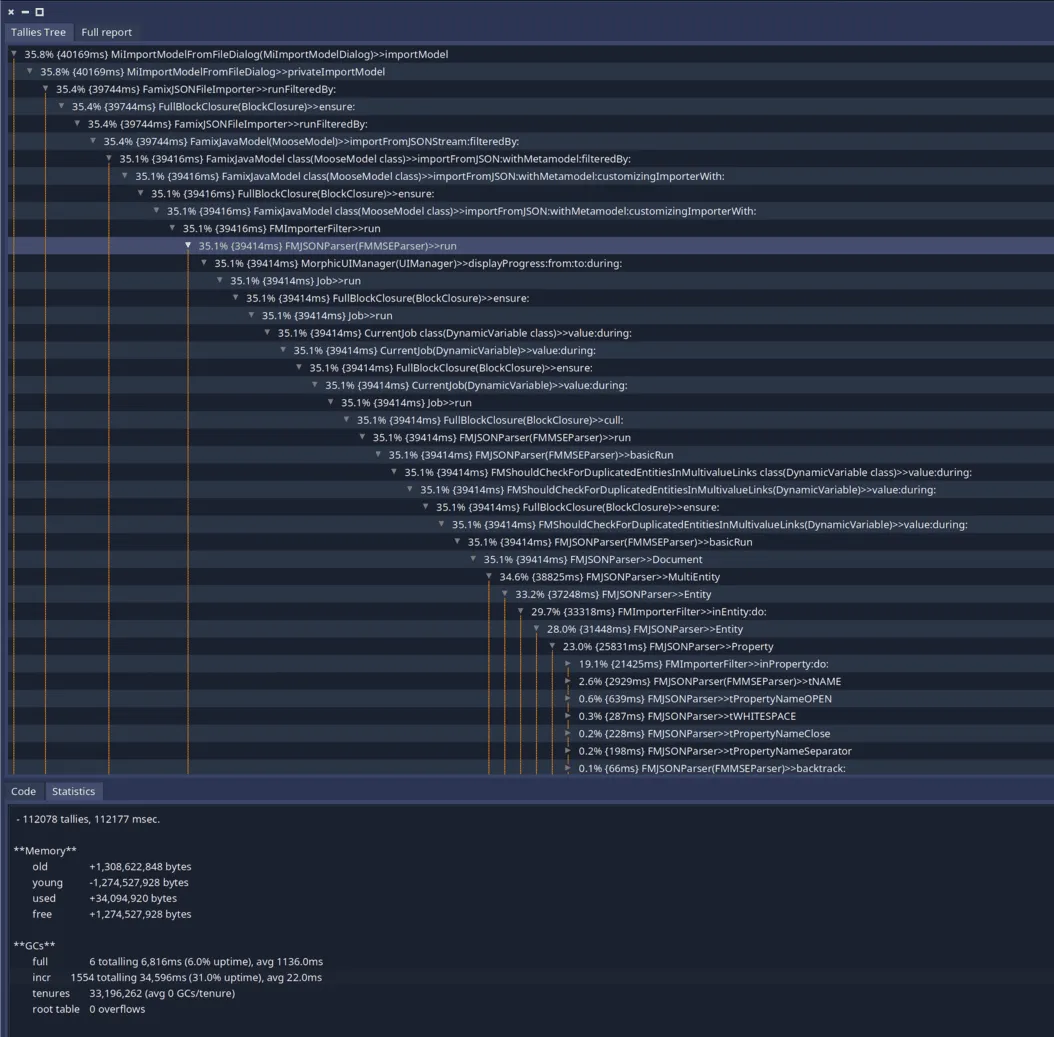
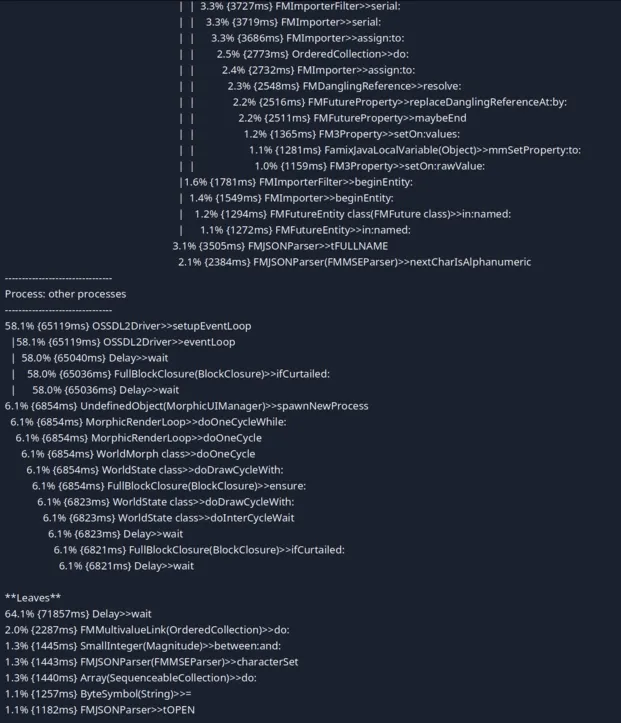
We can see that the import time went from 351sec to 113sec!
We can also notice that we do not have one bottleneck in our parsing. This means that it will be harder to optimize more this task (even if some people still have some ideas on how to do that).
## Use this optimization in your project
[Section titled “Use this optimization in your project”](#use-this-optimization-in-your-project)
This optimization has been made for the import of JSON but it can be used in other contexts. For example, in the Moose Python importer, the implementation is sure to never produce a duplicate. Thus, we could use the same trick this way:
```smalltalk
FamixPythonImporter >> import
FMShouldCheckForDuplicatedEntitiesInMultivalueLinks value: false during: [ super import ]
```
# Introducing Java initializers
> The Famix metamodel evolves again
In Java, we can define behavior that is executed exclusively at the initialization of an instance. For now, our metamodel represented these behaviors as methods. This evolution represents them as `Initializers`.
## What are initializers?
[Section titled “What are initializers?”](#what-are-initializers)
We consider as initializers the following elements:
* Constructors: they are called when creating a new instance. When a constructor is called, if no explicit call is defined, it implicitly calls the default no-argument constructor, that calls the no-argument constructor in the superclass. We do not represent implicit constructors and these invocations.
* Initialization blocks: blocks that are executed when a new instance is created. They are copied by the Java compiler into each constructor and avoid code duplication. We do not represent this implicit invocation.
* In Famix: the `` method: we create a method to hold all attribute definitions in a type.
## Why do we change?
[Section titled “Why do we change?”](#why-do-we-change)
The main motivation for this change is to adapt the metamodel to the needs of building call graphs. Call graphs must be able to create the implicit invocations described above and to distinguish between the 3 types of initializers.
Another motivation is to differentiate between initializers and actual methods. In analyses, we often need to focus on methods and initializers can add noise when treated as actual methods, especially the `` method.
## What’s changing
[Section titled “What’s changing”](#whats-changing)
We introduce `FamixJavaInitializer`, a subclass of `FamixJavaMethod`. An `Initiliazer` has 2 properties:
* `#isInitializationBlock`: boolean, `false` by default.
* `#isConstructor`: boolean, derived. In java, a constructor is an initializer with the same name as its parent type, with no declared type (or `void` as declared type).
We do not merge all initializers as we did before, but we still merge similar initializers, that will always be called together. In a Java model, a type (`TWithMethods`) can define a maximum of 4 initializers (besides constructors):
* An instance initialization block, that is the merge of all instance initialization blocks.
* An instance-side `` method, similar to the one we created before.
* A static initialization block, merge of all static initialization blocks (`isClassSide`is true).
* A static ``method (`isClassSide`is true) for static attributes definition.
When inspecting a Java model, initializers can now be found under `Initializers` and `Model initializers`.
# Improving the generation of visitors
> How to use the visitor generator, the problems found while using it on FAST-Python, and their fixes.
## Context
[Section titled “Context”](#context)
Recently, I needed to implement a feature in `FAST-Python` requiring a visitor for my metamodel. People knowing me knows that I if I can automatize a task to save time and to keep the code coherant with the model, I’ll go for it. Nicolas Anquetil and Clotilde Toullec recently started to implement a visitor generator, so I tried it. Since it was a POC, I encountered some problems.
I’ll explain in this blog post how to use this visitor generator, what problems I encountered and the solutions I proposed.
## Using the visitor generator
[Section titled “Using the visitor generator”](#using-the-visitor-generator)
Once my changes will be integrated, using the visitor generator is as simple as adding one method on the class side of your generator. For example, in FAST-Python:
```smalltalk
FASTPythonMetamodelGenerator class>>metamodelToolGenerators
^ { FamixVisitorGenerator }
```
This will tell the generator to also generate a visitor trait.
It is possible to also customize the package in which the visitor is generated by overridin `#packageNameForVisitor`:
```smalltalk
FASTPythonMetamodelGenerator class>>packageNameForVisitor
^ #'FAST-Python-Visitor'
```
## Problems I faced
[Section titled “Problems I faced”](#problems-i-faced)
While using this visitor generator I faced a few problems.
### Dependency on sub metamodels
[Section titled “Dependency on sub metamodels”](#dependency-on-sub-metamodels)
#### Problem
[Section titled “Problem”](#problem)
The first one I encountered is that `FAST-Python` is depending on `FAST` that is depending on `Famix` that is depending on `MooseQuery`.
In order to have the FAST-Python visitor working, all dependencies needed to have a visitor themselves which was not the case. So I had to generate a FAST visitor for example. I could do it since I am part of the moosetechnology organization, but this is a hassle.
#### Solution
[Section titled “Solution”](#solution)
The solution I found was to generate standalone visitors. Instead of using the visitors of the sub metamodels, now we generate a visitor containing the visit of all entities of the model *and* the visit of the remote trait used in the model.
This can seems like a lot of useless code at first, but it has two advantages:
* Visitors and now standalone
* This allow to customize the visit of remote traits for the language we are currently working on. This will be important for one of the other problems I encountered.
### Infinit loops in visitors
[Section titled “Infinit loops in visitors”](#infinit-loops-in-visitors)
#### Problem
[Section titled “Problem”](#problem-1)
The second problem I faced was that the generated visitor had infinit loops while I tried to use it. The reason is simple, when visiting an entity, we were visiting all its relations, but Moose is a cyclic graph since we have relations to the contained entities and relations to the containers of the entity.
#### Solution
[Section titled “Solution”](#solution-1)
Since most analysis that we are doing are “top down” (meaning that we start by the top level entities of our project and we visit their children) and we do not often need a “bottom up” visitor (for this we can just iterate on parents), I decided to exclude the visit of parent entities from the visit.
### Double visit of some relations
[Section titled “Double visit of some relations”](#double-visit-of-some-relations)
#### Problem
[Section titled “Problem”](#problem-2)
In some cases I noticed the we visited two times the same nodes. This is due to the fact that Famix model mix the usage of superclasses and traits. Here is a simple case to understant what is happening:
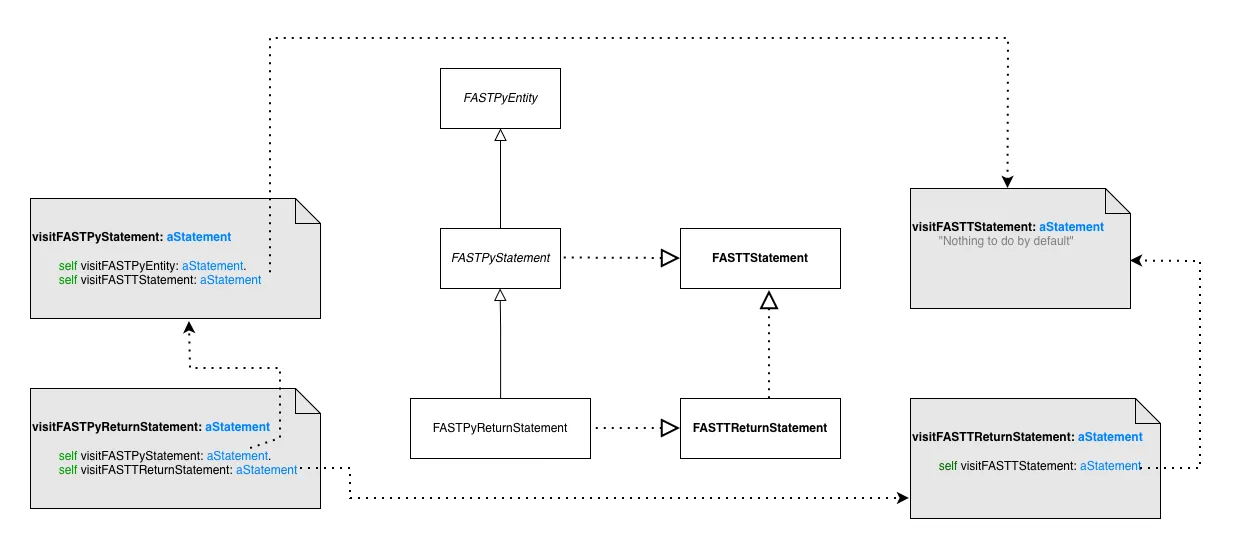
Here we see that a `FASTPyReturnStatement` inherits from `FASTPyStatement`. This class is using `FASTTStatement`. `FASTPyReturnStatement` also uses the trait `FASTPyReturnStatement`, but this trait also uses `FASTTStatement`.
Now when we visit `FASTPyReturnStatement`, we end up visiting two times `FASTTStatement`. Once via its superclass and once via its trait composition.
#### Solution
[Section titled “Solution”](#solution-2)
The solution I proposed is that when we visit a trait composition, we check the users of the trait and if some of them already visit the trait in their superclasses, we skip the visit of this relation.
With this, `#visitFASTPyReturnStatement` in the context of FAST-Python become:
```smalltalk
visitFASTTReturnStatement: aTReturnStatement
"We should visit FASTTStatement but all its users in this language already visit it in their superclasses so we skip the call here.".
self visitEntity: aTReturnStatement expression
```
In some cases, we need to skip the visit for some entities, but not all of them. For example, with conditional statements. In that case we generate a method like this:
```smalltalk
visitFASTTConditionalStatement: aTConditionalStatement
"We do not visit all behaviorals because some classes already visit it in their superclasses in this language implementation. Visiting them here also would cause a double visit of this trait."
({ FASTPyIfStatement . FASTPyWhileStatement } includes: aTConditionalStatement class)
ifFalse: [ self visitFASTTStatement: aTConditionalStatement ].
self visitFASTTWithCondition: aTConditionalStatement
```
This is possible only because we generate standalone visitors now.
## Conclusion
[Section titled “Conclusion”](#conclusion)
With those changes I’m hoping it will be easier to generate and use visitors with Famix. The big advantage is that if we do not need to touch the visitor by hand, it will follow all the evolutions of the metamodel.
Have fun with this :)
# Building an ownership cartography of a system
> Use git history and Moose to find out who owns which part of a system.
## Context
[Section titled “Context”](#context)
When managing a software system, it is important to know who is responsible for which part of the system. This information can be useful for various reasons, such as identifying potential bottlenecks, understanding the impact of changes, and improving collaboration among team members.
One major threat could, for example, come from a developer leaving the team. This is often referred to as the “bus factor” or “truck factor”. But how to detect such a situation?
Research have shown that the ownership of a system can be inferred from its version control history. To do so, one approach is to first investigate the ownership of each file.
Two nice papers, not from the Moose community, are:
* [Algorithms for Estimating Truck Factors: A Comparative study](https://homepages.dcc.ufmg.br/~mtov/pub/2019-sqj.pdf)
* [A Novel Approach for Estimating Truck Factors](https://arxiv.org/pdf/1604.06766)
* [Truck-Factor tool](https://github.com/aserg-ufmg/Truck-Factor)
## Computing the ownership of a file
[Section titled “Computing the ownership of a file”](#computing-the-ownership-of-a-file)
Looking at the research paper, we can find a formula that can help build a first version of ownership. It consists for each file of a git repository to compute a degree of authorship for each potential author using this formula.
Given a file f with path fp, the degree-of-authorship of a developer d whose Git user has been mapped to md is given by.
DOA(md,fp)=3.293+1.098×FA(md,fp)+0.164×DL(md,fp)−0.321×ln(1+AC(md,fp))
With the following definitions:
> DOA depends on three factors: (i) first authorship (FA): if md originally created f, FA is 1; otherwise it is 0; (ii) number of deliveries (DL): number of changes in f made by md; and (iii) number of acceptances (AC): number of changes in f made by any developer, except md.
Looking at the source code of the Truck-Factor tool, we can see thet DL corresponds to a commit that modifies a file. The file [can be added, modified, and renamed](https://github.com/aserg-ufmg/Truck-Factor/blob/614600ed6b36bb8f452bc6eab7c9b95320f5d7be/gittruckfactor/src/aserg/gtf/task/DOACalculator.java#L104).
AC(md,fp) is computed by the total number of modifications of a file minus the number of modifications made by the developer md.
## Moose Implementation
[Section titled “Moose Implementation”](#moose-implementation)
Moose comes with the [GitProject Health](/users/git-project-health/getting-started-with-gitproject-health) project to represent a Git repository and analyze its history. So, I wanted to implement the DOA formula in Moose.
### Making it faster
[Section titled “Making it faster”](#making-it-faster)
One concern is that GitProject Health is firstly made to analyze Git Social Platform and not only git repository with the truck factor in mind. Thus, it is not optimized for this use case.
The major concern comes when loading the model that rely on several calls to the Git Platform API. In order to avoid this, I decided to implement a companion importer named `GitLocalModelImporter` that can load a model from a local git repository.
To go faster, it relies on the [FFI LibGit2](https://github.com/pharo-vcs/libgit2-pharo-bindings). This project includes a `LGitRevwalk`, a walker that can iterate over the commits of a git repository. Thus, we can iterate over the commits and retrieve the files, the diffs, the commits, and the authors in a repository.
> This version is still not optimized to compute truck factor, but it can be used to do lot more than just computing truck factor. It comes as a new classic importer for GitProject Health and so can be used side by side with other importers for optimization.
### Implementing the DOA formula
[Section titled “Implementing the DOA formula”](#implementing-the-doa-formula)
To implement the DOA formula, I created a simple but effective class named `GLPDegreeOfAuthorshipAnalyzer`. This class is now part of the GitProject Health project set of metrics. It reuses the exact same algorithm as the Truck-Factor tool to compute the degree of authorship for each file in a git repository.
We note several additionnal considerations to compute the DOA formula. These considerations are mention because they enable analysis of a project without considering the history of the project, which is long to consider.
* The first authorship (FA) is computed by looking at the first commit that added or modified a file to the repository.
* GitProject Health does not consider renaming of files *yet*, so it does not consider file renaming.
Even though not considering rename can create issues, this work has been performed on an industrial project and considering renaming would not drastically change the results of the analysis.
## Vizualizing the ownership of a system
[Section titled “Vizualizing the ownership of a system”](#vizualizing-the-ownership-of-a-system)
The last step I wanted to investigate is to visualize the ownership of a system. I did not create a vizualization dedicated to this point yet. But let’s investigate a running example for the [pharo](https://github.com/pharo-project/pharo) project.
After cloning the project, I create a Moose image with the GitProject Health project installed. Then, I load the pharo project.
```smalltalk
glhModel := GLHModel new.
repository := GLHRepository new
cacheAt: #localImporterReference
put: '/path/to/MSR/pharo' asFileReference;
yourself.
glhModel add: repository.
localImporter := GitLocalModelImporter new.
localImporter withFiles: true.
localImporter glhModel: glhModel.
"I will import the last two years"
localImporter withCommitsSince: 2 years.
localImporter importRepository: repository.
```
After a possibly long execution, we get the repository loaded. It is thus possible to investigate it using our tools.
We want to build a cartography of the application to identify the coverage of files with an author. To do so, I decided to build a TreeMap using the Roassal framework.
First, I need to load the Roassal TreeMap support
```smalltalk
Metacello new
baseline: 'Roassal';
repository: 'github://pharo-graphics/Roassal:Pharo13';
onConflictUseIncoming;
load: #( Full )
```
Then, start the fun.
### A quick view of the project
[Section titled “A quick view of the project”](#a-quick-view-of-the-project)
We build a dictionary with the degree of authorship for everyfile.
```smalltalk
filesAuthorShip := ((glhModel allWithSubTypesOf: GLHFile)
select: [ :file | file diffs size ~= 0 ])
collect: [ :file |
"This uses our analyser behind the scene"
file -> file degreeOfAuthorshipAuthors ]
as: Dictionary.
```
We look for the folder that is the root of the tree map, and we compute the max number of authorship that will be used for coloring the vizualisation.
```smalltalk
appsFolder := (glhModel allWithSubTypesOf: GLHFileDirectory)
detect: [ :fi | fi path = 'src' ].
max := (filesAuthorShip collect: #sum) max.
```
Finally, we build the tree map.
```smalltalk
palette := RSQualitativeColorPalette qualitative set39.
b := RSTreeMap new.
b inset: 2 asPoint.
b boxShape borderColor: Color black.
b boxShape borderWidth: 0.05.
color := NSScale linear domain: { 0. max };
range: #( white red ).
b
leafWeight: [ :f | 1 ];
explore: appsFolder nesting: [ :directory |
directory files select: [ :f | (f isKindOf: GLHFileDirectory) ] ]
leaves: [ :directory | directory files reject: [ :f | f isKindOf: GLHFileDirectory ] ].
b shapes
do: [ :box |
box borderWidth: 1.
box isSLeaf
ifTrue: [ box color: (color scale: (filesAuthorShip at: box model ifPresent: [ :dic | dic sum ] ifAbsent: [ 0 ])) ]
ifFalse: [
| path |
path := (box model path splitOn: '/').
path size > 1 ifTrue: [
box color: (palette scale: (box model path splitOn: '/') second) ] ] ].
b shapes @ (RSPopup text: [:f | f path, String crlf, ((filesAuthorShip at: f ifPresent: [ :dic | dic sum ] ifAbsent: [ 0 ]) printString) ]).
b build
```
Using this script, we built a vizualisation with different color for each package, and a red scale for know packages. It ouput the following image

Looking at the image we see that some package have author from the 2 last year modification whereas other were not modified at all.
> More than showing the Truck Factor, this vizualization highlights the code that have been updated by people that gain or conserve knowledge on the codebase.
One improvment could be to highlight the core contributors.
### highlighting the core contributors
[Section titled “highlighting the core contributors”](#highlighting-the-core-contributors)
To highlight the core contributors, we first create a color palette for them.
```smalltalk
coreContributors := (filesAuthorShip values flatCollect: #keys) asSet.
paletteContributor := RSQualitativeColorPalette qualitative flatui120.
```
Then, we update the first `b shapes` statements by:
```smalltalk
b shapes
do: [ :box |
box borderWidth: 1.
box isSLeaf
ifTrue: [
filesAuthorShip at: box model ifPresent: [ :dic |
| author |
author := (dic associations sorted: [ :a :b | a value > b value ]) first key.
box color: (paletteContributor scale: author) ] ]
ifFalse: [
| path |
path := (box model path splitOn: '/').
box color: Color white ] ] ].
```
This attributes the color of the core contributors to each box. We present below a final computed visualization that highlight one contributor who seems to became the expert of the Refactoring package.
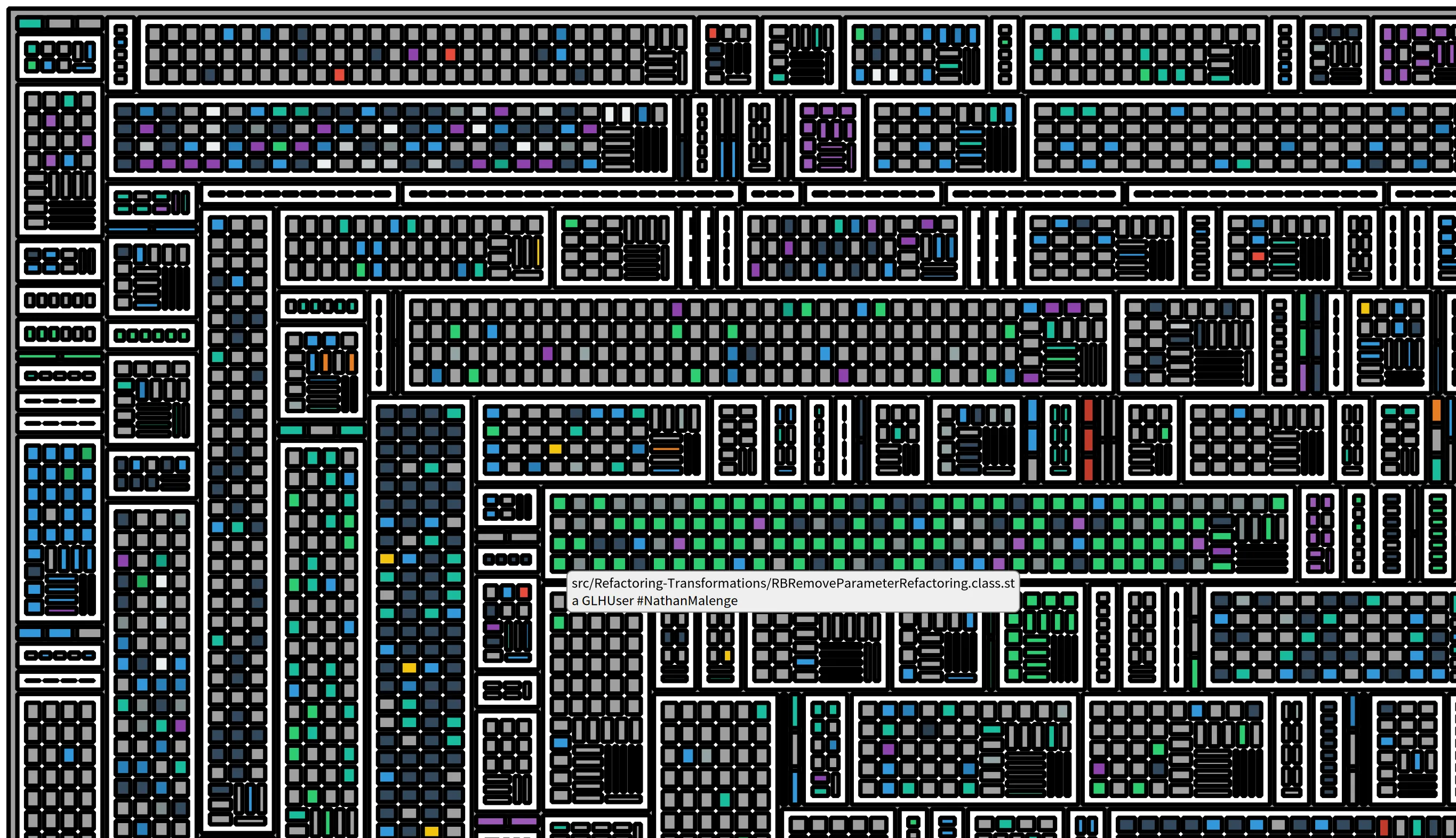
# Building an ownership cartography of a system - Part 2
> Visualize the ownership of a system with a Distribution Map.
When you share your work with others, such as the previous blog post, you can get feedback and suggestions for improvement. And this is exactly what happened.
> “The last step I wanted to investigate is to visualize the ownership of a system. I did not create a visualisation dedicated to this point yet.”
You mean something like the Distribution Map? 😉
And by Distribution Map, we are talking about a [research paper accepted at ICSM 2006](https://www.researchgate.net/profile/Stephane-Ducasse/publication/221308136_Distribution_Map/links/02e7e51f0feed80eae000000/Distribution-Map.pdf) So, let’s not reinvent the wheel anymore and look at how to use the already existing Distribution Map in Moose to visualize the ownership of a system.
## One color for each developer
[Section titled “One color for each developer”](#one-color-for-each-developer)
The first visualisation that comes to mind is to use one color for each developer. Using the Degree-of-Authorship (DOA) formula, we can compute the ownership of each file and retrieve the main developer for each file.
In moose, we can then create a tag that will associate a color to each developer and then use this tag to color the files in the system. We assign a tag to each file that corresponds to the main developer of the file.
```smalltalk
((glhModel allWithSubTypesOf: GLHFile)
select: [ :file | file diffs size ~= 0 ])
do: [ :file | file tagWithName: ((file degreeOfAuthorship) keyAtValue: 1.0) name ].
```
We first search for all the files that have been modified, then we compute the degreeofAuthorship for every possible user, we select the one with the best score, which is 1, and we create a tag with the author name. Once the tag is created for every file, it is possible to propagate the files to the Distribution Map.
## Propagate to Distribution Map
[Section titled “Propagate to Distribution Map”](#propagate-to-distribution-map)
To propagate the files to the distribution, we first retrieve the files in our model. Then, we get the parent folder of the files.
```smalltalk
appsFolder := (glhModel allWithSubTypesOf: GLHFileDirectory) detect: [ :fi | fi path = 'src' ].
files := (appsFolder allToScope: GLHFileBlob).
"Find parent folder"
folders := (files collect: [ :file | file directoryOwner ] as: Set).
folders
```
Based on the parent folders, the Moose Distribution Map will be able to recalculate the children, and so the files of interest. We select the `folders` variable and propagate with `Cmd` + `Shift` + `M`, `Cmd` + `Shift` + `P`.
Then, we open the Distribution map from the Moose Menu.
We first get a visualisation without any color. So, in the settings of the visualisation, we select the tags to display. We select every authors and get the last visualisation.

Again, the visualisation well presents the different packages and the one with major author. The gray square corresponds to file less modified in the system the last two years.
# Mixing up analysis of Project Architecture (Famix) and its history (Mining Software Repository)
> Combine the architecture of a project (Famix) with its history (Mining Software Repositories).
Famix is the meta-model family of Moose allowing one to analyse the dependencies of a project and its global architecture. But sometimes, you want more, you want to see what are the part of the code that are modified most, are critical, etc. It is for instance what people do when using Sonar, Coverage analysis, and so on.
To explore the history of existing projects, Mining Software Repositories (MSR) is the way to go. Moose also includes a set of tools to explore the history of a project, and to combine it with the Famix analysis. The project is named GitProjectHealth, and the full documentation is available [here](/users/git-project-health/getting-started-with-gitproject-health/).
But let’s today perform an example. I have this nice HR application that I want to investigate. It is large, and I want to retrieve information between the architecture and the history of the project.
So let’s do a step by step blog about this story.
## Creating the Famix model
[Section titled “Creating the Famix model”](#creating-the-famix-model)
I am working with Moose12. But this story should last for future version *(I mean, I don’t know how long, but it should not change a lot)* First, I clone the project, and then, I install its dependency with maven `mvn install`.
Then, I build a nice model using the docker version of VerveineJ.
About VerveineJ
VerveineJ is a java Project that convert Java code into a json that serialize the FamixModel that can be used by Moose.
```bash
docker run -e JAVA_XMX=-Xmx16G -v /path/to/hr:/src -v /path/to/.m2/repository:/dependency ghcr.io/evref-bl/verveinej:v4.2.6 -anchor assoc -alllocals -format json
```
> I use the version `4.2.6` of VerveineJ, because I am with Moose12, but don’t hesitate to use the latest version of VerveineJ if you are with a more recent version of Moose.
Then, I load the model in Moose, and I can start to explore the architecture of the project. To load the model, I simply drag and drop the json file in Moose, and then I can start to explore the model.
## Retrieving the history of the project
[Section titled “Retrieving the history of the project”](#retrieving-the-history-of-the-project)
To retrieve the history of the project, I use the GitProjectHealth tool. This project is not included in the Moose distribution by default, but you can download it by executing the following command in a Moose playground:
```smalltalk
Metacello new
repository: 'github://moosetechnology/GitProjectHealth:main/src';
baseline: 'GitLabHealth';
onConflict: [ :ex | ex useIncoming ];
onUpgrade: [ :ex | ex useIncoming ];
onDowngrade: [ :ex | ex useLoaded ];
load
```
Then, because it is a large HR application, I will perform the retrieving of the history locally using git.
```smalltalk
rhModel := GLHModel new.
repository := GLHRepository new
cacheAt: #localImporterReference
put: '/path/to/hr' asFileReference;
yourself.
project := GLHProject new.
project repository: repository.
rhModel add: repository.
rhModel add: project.
localImporter := GitLocalModelImporter new.
localImporter withFiles: true.
localImporter withCommitDiffs: true.
localImporter withDiffRanges: false.
localImporter glhModel: rhModel.
localImporter withCommitsSince: 30 years.
localImporter importRepository: repository.
rhModel flush.
rhModel entities do: #flush.
```
You’ll notice several things in the code above.
* I created a fake project and repository to store the history of the project. This is to help the local importer and might be improved.
* I use the `withFiles` option to retrieve the files of the project, and the `withCommitDiffs` option to retrieve the diffs of the commits. The `withDiffRanges` option is set to false because I don’t need it for now.
* I use the `withCommitsSince: 30 years` option to retrieve all the commits of the project. You can change this value to retrieve only the last commits if you want.
* I use the `flush` method to remove cache that is computed by the local importer, this is for storage efficiency.
Once it is done, I have the full history of the project, but not connected to the exsiting model of the code.
## Connecting the models
[Section titled “Connecting the models”](#connecting-the-models)
We want now to connect the GitProjectHealth model, with the Famix model. There is a tool dedicated for this usage in GitProjectHealth, it is called `GPCGitToFamixConnector`.
The project links the types of the Famix model with the files retrieved by the GitProjectHealth model based on the files path. To use it, simply execute the following code:
```smalltalk
GPCGitToFamixConnector new
famixModel: myFamixModel;
glhProject: project;
connect.
```
> it is possible that `GPCGitToFamixConnector` is not loaded in your Moose image. It is is the case, load the missing package from Iceberg, or check in the baseline of GitProjectHealth if it is included in the version you are using, there should be a group named “Famix”
And, that’s it… yeah, it is quite easy to connect the two models, and now you can explore the history of the project in the context of its architecture.
You want to search for the types the most modified? One classic Moose query will do the job:
```smalltalk
(myFamixModel allUsing: FamixTType) sorted: [ :type | type appliedDiffs size ] descending
```
# Implementing the Local Resolver of Python in FAST-Python
> Why the hell is python so bad?
# Implementing the Local Resolver of Python in FAST-Python
[Section titled “Implementing the Local Resolver of Python in FAST-Python”](#implementing-the-local-resolver-of-python-in-fast-python)
The goal of this blog post is to explain how I implemented a local resolver for FAST-Python. FAST-Python is on of the hardest project to implement this kind of algo, so reading this should help implementing any other local resolver for other languages.
***
## What is local resolution?
[Section titled “What is local resolution?”](#what-is-local-resolution)
Local resolution is a *symbol resolution* pass: it links each named entity to the entity that **declares** it. In other words, for every occurrence of a name — read, write, call, import — it answers the question *“where does this name come from?”*.
In `FAST-Python`, after the model is imported from source, running the local resolver produces a model where every name usage points to its **local declaration**:
```python
x = 1 # this is the declaration of `x`
print(x) # this use of `x` is linked to the declaration above
```
It is called *local* because it only resolves declarations that live **in the same file/model** (in contrast to a global/system resolution that would also resolve calls to external libraries, standard modules, etc.). Once we went through the file, a name that is not declared anywhere in the file gets bound to a special `FASTNonLocalDeclaration` placeholder — it *is* a declaration for the model, but we know it refers to something outside.
Local resolution is the foundation on top of which our other analyses are built such as the [Static Single Assignment (SSA)](https://github.com/moosetechnology/FAST-Python/blob/main/resources/doc/analysis.md#static-single-assignment-ssa). Without it, you cannot even tell whether two `x` in the code are the same variable. You can’t even say if a `FASTPyIdentifier` is a variable or not.
### The API
[Section titled “The API”](#the-api)
The result of the resolution is exposed through two accessors available on every FAST entity (they live in the `FAST-Core-Tools` package of the base FAST project, so they are reusable across languages):
* `entity localDeclaration` — from any **use** of a name, returns the entity that declares it (the first assignment, a `FASTPyFunctionDefinition`, a loop variable, an import…). If the name was not declared in the file, it returns a `FASTNonLocalDeclaration`.
* `declaration localUses` — from a **declaration**, returns all the entities that resolve to it (usages and other declarations that share it).
This is a bidirectional relationship: `localUses` is the exact inverse information of `localDeclaration`.
On top of those two, `FAST-Python` adds a set of convenience queries that only make sense once the resolution is done — and only for nodes that represent variables:
* `access allAccesses` / `allReadAccesses` / `allWriteAccesses` — all the read/write accesses to the same variable.
* `access internalAccesses` — the attribute accesses and subscripts on the variable (`x.y`, `x[3]`).
* `access allNodesUsingMe` / `access allStatementsUsingMe` — the statements that use the variable.
* `variable isResolvedVariable` — `true` if the node resolves to a local variable declaration (and is not a function, method, import or unresolved name).
* `node usedVariables` — all the entities in the subtree of the node that resolve to local variables.
The full list is documented in the [`analysis.md` “Querying local resolver information” section](https://github.com/moosetechnology/FAST-Python/blob/main/resources/doc/analysis.md#querying-local-resolver-information).
The accessors above are expressed as `#localDeclaration`, `#localUses`, they are **attributes** in Moose.
For those new to attributes, it’s a way to add data in a MooseEntity even if we do not have a slot for it.
***
## Implementation: a Moose visitor
[Section titled “Implementation: a Moose visitor”](#implementation-a-moose-visitor)
The resolver is implemented as **a Moose/FAST visitor**: `FASTPythonLocalResolverVisitor`. It visits a FAST model (a `FASTPythonVisitor` built on the generated visitor trait `FASTPyTVisitor`) and inspects/annotates the nodes in place.
If you are not familiar with how the visitor is generated from the model, I strongly recommend reading *[Improving the Visitor Generator](https://modularmoose.org/blog/2026-05-20-improving-visitor-generator-copy/)* first: it explains how `FASTPyTVisitor` is produced and how you can override the generated `visitX:` methods.
### The Python problem: there is no declaration of variables
[Section titled “The Python problem: there is no declaration of variables”](#the-python-problem-there-is-no-declaration-of-variables)
Before we can write a single line of the algorithm, we have to deal with the first (and deepest) Python quirk: **there is no declaration of variables**.
In Java you get a real declaration:
```java
int x = 1; // I declare and type `x`
```
In Python, *an assignment is the declaration*:
```python
x = 1 # this IS the declaration of `x`
```
There is no keyword, no type, no way to distinguish “declare a fresh variable” from “reassign an existing one” syntactically — the same syntax `x = ...` does both. The resolver has to decide, and the decision is purely **lexical reasoning about scopes and order**, with no syntactic marker to lean on. Concretely:
* **The first assignment in a scope is the declaration.** The resolver must therefore know the *order* in which things appear, and which construct “creates” a scope.
* **Parameters** are declarations: `def f(x): ...` declares `x` as the function’s parameter. They are semantically the first assignment in the function’s scope.
* **Walrus operators** (`x := ...`) declare `x` inline, even inside an expression or an `if` condition.
* **A `for ... in ...` loop declares its target variable** — but only the first time; it must be a declaration when the variable is not already known in the scope.
* **Augmented assignments** (`x += 1`) are **uses + writes** to the same variable.
* **For clauses** in a list comprehension.
In our implementation this all boils down to a single rule expressed in `visitFASTTCanBeVariable:` (see [below](#the-heart-visitfasttcanbevariable)): **a write access declares and bind, a read access binds**. Everything else is scope management around that rule.
Note
**A note on “first write access”**: the “declaration” is the *lexically* first write access (or parameter, or walrus) in a scope — but not necessarily the first at runtime.A variable assigned inside a branch that is not taken, or behind a condition that is false, is still the declaration for the resolver. This may sound wrong if you think of declarations as a runtime concept, but local resolution is not about execution semantics: its purpose is to **link all the entities that represent the same variable in the source**. For that purpose, the lexically first declaration is a good enough anchor — it gives us a stable, deterministic reference point for every name in a scope, regardless of control flow.
### A scope stack
[Section titled “A scope stack”](#a-scope-stack)
The whole state of the algorithm is a single instance variable — and the class itself is tiny. Here is the complete class declaration:
```smalltalk
FASTPythonVisitor << #FASTPythonLocalResolverVisitor
slots: { #namesContext };
tag: 'CFG/LocalResolver/SSA';
package: 'FAST-Python-Tools'
```
The superclass is `FASTPythonVisitor` (from the generated `FASTPyTVisitor` trait), so all the `visitX:` methods come for free: we only override the ones where the metamodel visit order differs from the resolution order.
`namesContext` is a **stack of scopes** (a `Stack` of `Dictionary`s, mapping `name -> declaration`). It is initialized in `initialize`:
```smalltalk
initialize
super initialize.
namesContext := Stack new
```
The class entry point is trivial:
```smalltalk
FASTPythonLocalResolverVisitor class >> resolve: aModule
^ self new resolve: aModule
```
and the instance `resolve:` wraps everything in one scope and runs the visitor:
```smalltalk
resolve: aFASTBehaviouralEntity
self useNewScopeDuring: [
"flush attributes in case this is not the first resolution"
aFASTBehaviouralEntity withAllContainedEntities do: [ :entity | entity resetLocalResolution ].
aFASTBehaviouralEntity accept: self ] "<== Launch the resolution on the tree"
```
Scopes are pushed/popped around the constructs that define a new scope (module, function, comprehension), through `useNewScopeDuring:`:
```smalltalk
useNewScopeDuring: aBlock
namesContext push: Dictionary new.
[ aBlock value ] ensure: [ namesContext pop ]
```
### The core operations
[Section titled “The core operations”](#the-core-operations)
The algorithm is three small operations combined:
1. **`get`** — look a name up in the stack of scopes (from top to bottom):
```smalltalk
declarationNamed: aName
namesContext do: [ :scope |
scope at: aName ifPresent: [ :declaration | ^ declaration ] ].
^ nil
```
2. **`set` / ensure a declaration** — put a declaration in the current scope, handling re-declaration and shadowing (see [Shadowing](#shadowing-in-python)):
```smalltalk
ensureDeclarationOf: aName declaration: aFASTNode in: scope
scope
at: aName
ifPresent: [ :declaration |
declaration localResolverKind = aFASTNode localResolverKind
ifTrue: [ ^ declaration ]
ifFalse: [ declaration shadowedBy: aFASTNode.
aFASTNode ensureLocalUses.
scope at: aName put: aFASTNode ] ]
ifAbsentPut: [ aFASTNode ensureLocalUses; yourself ]
```
3. **`bind`** — link a use to the existing declaration (creating a `FASTNonLocalDeclaration` if none is found):
```smalltalk
bind: aFASTNode toDeclarationNamed: aName
^ self bind: aFASTNode toDeclarationNamed: aName
ifAbsentUse: [ self ensureNonlocalDeclarationNamed: aName ]
bind: aFASTNode toDeclarationNamed: aName ifAbsentUse: aBlock
| declaration |
declaration := (self declarationNamed: aName) ifNil: [ aBlock cull: aFASTNode cull: aName ].
aFASTNode localDeclaration: declaration.
declaration addLocalUse: aFASTNode
```
#### What happens when no declaration is found
[Section titled “What happens when no declaration is found”](#what-happens-when-no-declaration-is-found)
When a read has no matching declaration in any scope, `bind:...ifAbsentUse:` falls back to `ensureNonlocalDeclarationNamed:`:
```smalltalk
ensureNonlocalDeclarationNamed: aName
^ self
ensureDeclarationOf: aName
declaration: (FASTNonLocalDeclaration new
name: aName;
yourself)
in: namesContext first
```
Note the scope: `namesContext first` is the **bottom** of the stack, so a `FASTNonLocalDeclaration` behaves as if it were declared at module level — reads of an undeclared name in a function and at module level end up in the same place. Also note that the fallback for attribute accesses and subscripts is slightly different (see [the heart](#the-heart-visitfasttcanbevariable)): `declarationForUndeclaredNode:named:` creates a local declaration on the *first read* of a subscript when the receiving variable has a declaration, and only resorts to the non-local declaration otherwise:
```smalltalk
declarationForUndeclaredNode: aNode named: aName
"In case of a subscript, if the receiving variable exists, we consider
that the first read access to the subscript is the declaration."
aNode isSubscript ifTrue: [
aNode value
localDeclarationifPresent: [ :decl |
^ self ensureDeclarationOf: aName
declaration: aNode
in: namesContext top ]
ifAbsent: [ "Nothing, just let the non local declaration." ] ].
^ self ensureNonlocalDeclarationNamed: aName
```
### The heart: `visitFASTTCanBeVariable:`
[Section titled “The heart: visitFASTTCanBeVariable:”](#the-heart-visitfasttcanbevariable)
Everything that *can be a variable* in FAST-Python implements the trait `FASTTCanBeVariable` (identifiers, attribute accesses, subscripts, walrus…). The visitor intercepts them in one place, and this is where “write declares / read binds” lives:
```smalltalk
visitFASTTCanBeVariable: aTCanBeVariable
aTCanBeVariable isVariableWriteAccess
ifTrue: [ self ensureDeclarationOf: aTCanBeVariable
named: aTCanBeVariable localDeclarationName
declaration: aTCanBeVariable ]
ifFalse: [ self bind: aTCanBeVariable
toDeclarationNamed: aTCanBeVariable localDeclarationName
ifAbsentUse: [ :node :name |
self declarationForUndeclaredNode: node named: name ] ].
super visitFASTTCanBeVariable: aTCanBeVariable
```
Two details make Python specific here:
* **`localDeclarationName`** is the name that will be used for scope lookup. It is not always the identifier text: an *attribute access* and a *subscript* use their **source code** as their name, so `x.y` and `x[3]` are treated as first-class “variables” (with known limits, see [Limitations](#known-limits-and-what-is-left-to-do)). Every named entity gets a default from the base FAST project (`FASTTNamedEntity>>localDeclarationName` returns `#name`); the Python classes only override it where the name is not the identifier:
```smalltalk
"from FAST, the default for any named entity:"
FASTTNamedEntity >> localDeclarationName [ ^ self name ]
"Python overrides:"
FASTPyAttributeAccess >> localDeclarationName [ ^ self sourceCode ]
FASTPySubscript >> localDeclarationName [ ^ self sourceCode ]
```
* **`isVariableWriteAccess`** decides whether a node is a write access or a read access. It comes from FAST (`FASTTEntity>>isVariableWriteAccess`), but it delegates to `variableDeclaration` which is an `explicitRequirement` — every FAST project must implement it for the node kinds that can be variable write accesses. In FAST-Python, each relevant class provides its own logic to walk up the AST and check whether it sits in a write position:
```smalltalk
"FAST core — the API:"
FASTTEntity >> isVariableWriteAccess [
^ self variableDeclaration isNotNil
]
FASTTEntity >> variableDeclaration [
"If I am a node representing a write access, I return the node
assigning me. Else I return nil."
^ self explicitRequirement
]
"FAST-Python — an identifier checks whether it is the left side of
an assignment, a for-loop target, etc.:"
FASTPyIdentifier >> variableDeclaration [
| assignedNode |
assignedNode := self selfOrTopmostAssignableCollection.
assignedNode parentAssignmentLeft ifNotNil: [ :assignment | ^ assignment ].
assignedNode parentForStatementLeft ifNotNil: [ :for | ^ for ].
assignedNode parentForInClauseLeft ifNotNil: [ :clause | ^ clause ].
^ super variableDeclaration
]
"Parameters and walrus are their own declarator:"
FASTPyParameter >> variableDeclaration [ ^ self ]
FASTPyWalrus >> variableDeclaration [ ^ self ]
"Attribute accesses and subscripts check for parentAssignmentLeft:"
FASTPyAttributeAccess >> variableDeclaration [
self selfOrTopmostAssignableCollection parentAssignmentLeft
ifNotNil: [ :assignment | ^ assignment ].
^ super variableDeclaration
]
"The default on FASTPyEntity returns nil (not a write access):"
FASTPyEntity >> variableDeclaration [ ^ nil ]
```
The interesting bit: for identifiers, `variableDeclaration` does not just check the immediate parent — it first walks through tuple/destructuring parents via `selfOrTopmostAssignableCollection`, so that in `(a, b) = (1, 2)` the individual `a` and `b` correctly return the tuple assignment as their declaration.
***
## Reordering the visit, or dealing with Python scoping
[Section titled “Reordering the visit, or dealing with Python scoping”](#reordering-the-visit-or-dealing-with-python-scoping)
Because the visitor is generated (see the [visitor generator blog post](https://modularmoose.org/blog/2026-05-20-improving-visitor-generator-copy/)), it visits the children of a node in the metamodel order. For a resolver, **metamodel order is not always resolution order**: a construct may *declare* a name in a part of the syntax that the generated visitor reaches too late (or too early) relative to its uses.
Our main tool is therefore: **override the generated `visitX:` with a manual ordering of a few `visitEntity:`/`visitCollection:` calls** — and be very careful about when to open a scope, because Python does not create a scope where you would expect one.
### Block scoping is inconsistent: `if` and `while`
[Section titled “Block scoping is inconsistent: if and while”](#block-scoping-is-inconsistent-if-and-while)
In most block-structured languages you expect:
```text
if (cond) { let y = 3; }
use(y); // Compile error: y does not exist
```
Python **does not create a scope for blocks**. An `if`, a `while`, a `for` body do not introduce a new scope:
```python
if cond:
y = 3
print(y) # 3, perfectly valid Python
```
Combine that with “assignment is the declaration” and you get *leaks*: a variable assigned inside an `if` branch or a loop is visible after the block. For the resolver this means **no `useNewScopeDuring:` around branches** — a name assigned in the `then` must be visible in the `else` and after the whole statement. What we *do* control is the order, which is important for shadowing: in an `if`, the semantics are
1. the **condition** (can use outer variables, and `walrus` operators can even *declare* variables!),
2. the **then** clause,
3. the **elif** clauses (in order),
4. the **else** clause.
```smalltalk
visitFASTPyIfStatement: anIfStatement
"visit then - elif(s) -> else"
self visitFASTTConditionalStatement: anIfStatement.
self visitFASTPyStatement: anIfStatement.
self visitEntity: anIfStatement thenClause.
self visitCollection: anIfStatement elifClauses.
self visitFASTPyTWithElseClause: anIfStatement
```
Note that we do **not** call `super` here: the point is precisely to produce our own child order instead of the metamodel one.
`while` statements are similar, but the `else` clause has to go **last** (it runs when the loop condition becomes false):
```smalltalk
visitFASTPyWhileStatement: aWhileStatement
self visitFASTTConditionalStatement: aWhileStatement.
self visitFASTTStatementBlock: aWhileStatement.
self visitFASTPyStatement: aWhileStatement.
self visitFASTPyTWithElseClause: aWhileStatement
```
### `for` loops leak their variable
[Section titled “for loops leak their variable”](#for-loops-leak-their-variable)
```python
for i in range(10):
pass
print(i) # 9 — the loop variable is still there!
```
The `for ... in ...` statement declares its loop variable in the **enclosing scope** (there is no loop scope). `i` survives after the loop. So a `for` is simultaneously a *scoping* and a *declaring* construct: the resolver must declare the target (`left`) in the **current scope** — no push — and, since that is the declaration, visit it **before** the iterable and the body:
```smalltalk
visitFASTPyForStatement: aForStatement
self visitEntity: aForStatement left.
self visitEntity: aForStatement right.
self visitFASTPyTWithElseClause: aForStatement.
self visitFASTTStatementBlock: aForStatement.
self visitFASTPyStatement: aForStatement
```
### Function and method definitions: parameters are declarations
[Section titled “Function and method definitions: parameters are declarations”](#function-and-method-definitions-parameters-are-declarations)
The generated visitor does not visit the **parameters** before the body — but the parameters are declarations that the body uses. So `visitFASTPyFunctionDefinition:` manually visits parameters first, wrapped in a **new scope**, and *does not* use `super`:
```smalltalk
visitFASTPyFunctionDefinition: aFunctionDefinition
self ensureDeclarationOf: aFunctionDefinition
named: aFunctionDefinition name
declaration: aFunctionDefinition.
self useNewScopeDuring: [ "do not use super: parameters must be visited before the body"
self visitFASTTWithParameters: aFunctionDefinition.
self visitFASTPyTWithTypeParameters: aFunctionDefinition.
self visitFASTPyStatement: aFunctionDefinition.
self visitEntity: aFunctionDefinition returnType.
self visitFASTPyTDefinition: aFunctionDefinition ]
```
`visitFASTPyMethodDefinition:` simply delegates to the function one.
### Comprehensions: a scope that leaks *itself*, but not its body
[Section titled “Comprehensions: a scope that leaks itself, but not its body”](#comprehensions-a-scope-that-leaks-itself-but-not-its-body)
Comprehensions are Python 3’s attempt at “introduce an expression-level scope”, and they only partially succeed:
```python
[x for x in coll]
print(x) # NameError in Python 3 — x does not leak OUT of the comprehension
```
In Python 3, the comprehension has its **own scope**, so the loop variable of its `for` clause does not escape. But the `for` clause(s) and the `if` condition(s) can still *see and use* variables from the enclosing scope, and the comprehension’s own variable is in scope through the whole comprehension (the body and the conditions can refer to the `for` clause variables).
That gives you a scope that is neither fully lexical like a function, nor absent like a block. In our implementation, `visitFASTPyComprehension:` opens a dedicated scope and **reorders the visit** so that the `for` clauses are processed *before* the conditions and the body (otherwise the conditions/body would be visited against the wrong scope):
```smalltalk
visitFASTPyComprehension: aComprehension
self useNewScopeDuring: [
self visitFASTPyTSplatExpression: aComprehension.
self visitFASTPyExpression: aComprehension.
self visitCollection: aComprehension forClauses.
self visitCollection: aComprehension conditions.
self visitEntity: aComprehension body ]
```
We also had to choose a Python version:
Note
The resolver is implemented for **Python 3** semantics. In Python 2, comprehensions had *no* scope at all and their variable leaked to the enclosing scope. We explicitly did not support Python 2 scoping; supporting both would require making the comprehension scoping rule configurable.
### Other constructs that declare names
[Section titled “Other constructs that declare names”](#other-constructs-that-declare-names)
* **Imports** declare the imported name (or its alias) in the current scope — `visitFASTPyImport:` ensures a declaration for each imported entity (using `alias` if present, source code otherwise).
* **Walrus operator** `(x := ...)` declares `x` — `visitFASTPyWalrus:` ensures its declaration (it can even appear in an `if` condition).
### `global` and `nonlocal` statements
[Section titled “global and nonlocal statements”](#global-and-nonlocal-statements)
Python is one of the rare languages where a function can explicitly opt out of local scoping:
```python
x = 1
def f():
global x # `x` is the module-level x, not a local one
x = 2
def g():
y = 1
def h():
nonlocal y # `y` is the `y` of `g`, not a new local
y = 2
```
These two statements redirect resolution *away from the current scope*:
* a `global x` means: “in this scope, `x` is the module-scope `x`”. Writes here target the global declaration, they must not create a new local declaration.
* a `nonlocal x` means: “`x` is the variable of the nearest enclosing function that defines it”. It is similar to `global` but with a different target scope.
In the model, a `FASTPyGlobalStatement` (resp. `FASTPyNonlocalStatement`) contains a collection of `variables`, and each `FASTPyVariable` keeps the inverse `parentGlobalStatement` / `parentNonlocalStatement` pointer. That is what the visitor checks in `FASTPythonLocalResolverVisitor>>#visitFASTPyVariable:` — when visiting a variable that is the target of one of these statements, we change **which scope the write will land in**:
```smalltalk
visitFASTPyVariable: aVariable
"We handle two specific cases here.
- global: the variables impacted should act as if they were in the
global scope. I ensure the variable is in the bottom scope and add
a copy in the current scope (so that if we assign it, it goes in
the global and does not create a new local).
- nonlocal: the variables impacted should act as if they were in the
first parent scope defining the variable."
aVariable parentGlobalStatement ifNotNil: [
namesContext top
at: aVariable localDeclarationName
ifAbsentPut: [ self ensureDeclarationOf: aVariable localDeclarationName declaration: aVariable in: namesContext last ] ].
aVariable parentNonlocalStatement ifNotNil: [
namesContext allButFirst
detect: [ :scope | scope includesKey: aVariable localDeclarationName ]
ifFound: [ :scope | namesContext top at: aVariable localDeclarationName put: (scope at: aVariable localDeclarationName) ]
ifNone: [ self error: 'Non local statement points a variable that was never defined.' ] ].
super visitFASTPyVariable: aVariable
```
Let’s unpack the two branches:
* **`global`** — we want a write `x = 2` inside the function to target the *module-level* `x`. So we look at the **bottom** scope (`namesContext last`, the module scope) and, if `x` is not there yet, we *declare it* there with the current writing variable as its declaration. Then we **copy a reference into the top scope** (`namesContext top`). From then on, any write in this scope simply finds `x` present in the top scope — `ensureDeclarationOf:` sees the same kind (`#variable` = `#variable`) and keeps the same declaration, so no new local is created and the write silently targets the global one. The copy trick makes the subsequent writes “resolve” without us having to special-case every write site.
* **`nonlocal`** — the target scope is not the module but the *nearest enclosing function that already defines the name*. So we scan `namesContext allButFirst` (everything except the bottom scope) and re-bind `x` in the top scope to the existing declaration found there. If no enclosing scope defines the name, this is a Python error (`SyntaxError` at compile time in real Python), so we raise an error too.
Both branches rely on a nice property of our data structure: **the top entry of the stack is always the current scope**, and putting a *reference* to an existing declaration (rather than a fresh node) in the current scope is exactly what redirects future uses.
***
## Shadowing in Python
[Section titled “Shadowing in Python”](#shadowing-in-python)
Shadowing is another direct consequence of “no declarations”: in Python, *anything named can shadow anything named, in the same scope*:
```python
x = 1 # Declaration 1: variable
from os import x # Declaration 2: import (shadows Declaration 1)
def x(): # Declaration 3: function (shadows Declaration 2)
pass
print(x) # links to Declaration 3
```
### The rule we implemented
[Section titled “The rule we implemented”](#the-rule-we-implemented)
In `ensureDeclarationOf:` (see [core operations](#the-core-operations)), when a name is **re-declared** in the same scope, the resolver does not decide based on types (there are none) but on **`localResolverKind`**:
* if the new entity has the **same kind** (e.g. re-assigning a variable): we keep the **same declaration** and do nothing special. Two `x = ...` in a row share one declaration. (This is why `ensureLocalUses` initializes the uses instead of resetting them: several nodes can be declarations of one shared declaration.)
* if the kind is **different** (a variable shadowed by an import or a function): we create a **new declaration**, and link the two declarations together.
`localResolverKind` is not used anywhere else in the resolver — it exists *only* to drive this decision. Each node kind that can act as a declaration returns its kind, and the base FAST project provides no default because it is purely language-specific:
```smalltalk
FASTPyIdentifier >> localResolverKind [ ^ #variable ]
FASTPyParameter >> localResolverKind [ ^ #variable ] "can be reassigned"
FASTPyWalrus >> localResolverKind [ ^ #variable ]
FASTPyAttributeAccess >> localResolverKind [ ^ #variable ]
FASTPySubscript >> localResolverKind [ ^ #subscript ]
FASTPyFunctionDefinition >> localResolverKind [ ^ #function ]
FASTPyMethodDefinition >> localResolverKind [ ^ #method ]
FASTPyImport >> localResolverKind [ ^ #import ]
```
Two subtleties we hit:
* **Parameters are `#variable`**, not a dedicated kind, because they can be reassigned inside the body: `def f(x): x = 2` must *share* the declaration with the parameter, not shadow it.
* `FASTPyEntity>>localResolverKind` raises an error by default, which catches any node kind that is used as a declaration without having declared its kind — a cheap safety net while extending the metamodel.
### The shadowing API
[Section titled “The shadowing API”](#the-shadowing-api)
To make shadowing queryable, two back-links were added on the declarations (`FASTPyEntity`, in `FAST-Python-Model`, generated via the metamodel generator):
* `declaration shadowing` — returns the declaration **it** shadows, or `nil`.
* `declaration shadowedBy` — returns the declaration that **shadows it**, or `nil`.
Together they form a linked list from the first declaration to the most recent one. Each declaration keeps its **own** `localUses` (the set of entities that resolve to *it*, not to its successors), and usages always resolve to the most recent declaration.
Going back to the example:
```smalltalk
varDecl := model module statements first left. "FASTPyVariable"
importStmt := model module statements second. "FASTPyImportFromStatement"
funcDecl := model module statements third. "FASTPyFunctionDefinition"
varDecl shadowedBy. "=> FASTPyImportFromStatement"
importStmt shadowedBy. "=> FASTPyFunctionDefinition"
importStmt shadowing. "=> FASTPyVariable"
funcDecl shadowing. "=> FASTPyImportFromStatement"
varDecl localUses size. "1 (just the assignment)"
importStmt localUses size. "1 (just the import)"
funcDecl localUses size. "2 (the definition + print(x))"
```
### A caution about “same kind”
[Section titled “A caution about “same kind””](#a-caution-about-same-kind)
Same-kind re-declaration shares the declaration, which also means **shadowing’s chain and local uses are independent of the SSA versioning**: if you need to know *which* assignment impacts a particular use, local resolution is not enough — combine it with the [SSA pass](https://github.com/moosetechnology/FAST-Python/blob/main/resources/doc/analysis.md#static-single-assignment-ssa) (it produces one version per assignment). The two analyses are designed to be composed in this pipeline order: **Local resolution → CFG → SSA**.
***
## Known limits and what is left to do
[Section titled “Known limits and what is left to do”](#known-limits-and-what-is-left-to-do)
We implemented local resolution for Python, but we focused on **variables** first, because that is what the CFG/SSA and the reachability analyses needed. Functions, methods and imports are handled in the scope bookkeeping (`localResolverKind`, reordering in the visitor), but if your mission is a *complete* Python symbol table, expect more work there (call graph resolution, `self`/class attributes, closures and bound variables…).
Specific known weaknesses (documented in [`analysis.md` → Limitations](https://github.com/moosetechnology/FAST-Python/blob/main/resources/doc/analysis.md#limitations-of-local-resolver-and-ssa)):
* **Attribute access chains**: `x.y.z = 3; a = x.y; print(a.z)` — `a.z` should resolve to `x.y.z`, but it does not (only the source code of the attribute access is used as the name).
* **Subscripts are compared by source code**: `y[x]` with different `x` values are conflated; `x[0:4]` and `x[:4]` (semantically equal) are seen as different. Matching the *expression* instead of the string would fix it.
* **Instance variables** (`self.x`) cannot be handled correctly without knowing the order in which methods are invoked.
* **Python 2 scoping** is not supported (comprehension variables leak in Python 2; we implement Python 3).
* **`global`/`nonlocal`** are handled, but `nonlocal` errors out if the variable was never defined in an enclosing scope.
Also, one of the future step zould be to make some parts, such as the context stack, generic and push it to FAST so that it can be reused in other FAST projects.
***
## Quick start
[Section titled “Quick start”](#quick-start)
```smalltalk
"Import"
model := FASTPythonImporter parseFile: aFile.
"Resolve"
FASTPythonLocalResolverVisitor resolve: model module.
"Query"
(model allFunctionDefinitions first) localDeclaration. "a FASTPyFunctionDefinition"
```
The recommended pipeline for analysis:
```smalltalk
model := FASTPythonImporter parseFile: aFile.
FASTPythonLocalResolverVisitor resolve: model module.
model allFunctionDefinitions first cfg. "CFG"
FASTPythonSSAVisitor resolve: model allFunctionDefinitions first. "SSA (after resolution)"
```
The local resolver and SSA require **Python 3** scoping.
***
## Advice for implementing it in your own FAST project
[Section titled “Advice for implementing it in your own FAST project”](#advice-for-implementing-it-in-your-own-fast-project)
1. **Use the generated visitor, override `visitX:` selectively.** You rarely need to reorder everything — only where the metamodel order differs from the *declaration-before-use* order (`if`, `for`, `while`, functions, comprehensions).
2. **Model a scope stack explicitly.** One `Stack` of `Dictionary`s was enough for the whole algorithm. Wrap “new scope” sites in a `useNewScopeDuring:`/\[ensure: pop] pair so the stack is popped even on error.
3. **Make “what declares a name” explicit and language-aware.** For Python: write access declares; read access binds; `for` target declares in the enclosing scope; comprehensions open a scope; `global`/`nonlocal` redirect.
4. **Add a `localDeclarationName` per node kind** (it is `sourceCode` for attribute accesses/subscripts, the identifier name otherwise) — do not hard-code “the name is the text” everywhere.
5. **Add a `localResolverKind` and use it to drive shadowing.** It made the Java-free, type-free Python shadowing tractable and gave us a cheap way to keep-or-split declarations.
6. **Reset your attributes before re-resolving.** We flush `localDeclaration`/`localUses` on all contained entities at the start of `resolve:` so the resolver is idempotent on a model.
The `FAST-Python` sources you will want to look at: `FASTPythonLocalResolverVisitor`, the `localResolverKind`/`localDeclarationName` extensions in `FAST-Python-Tools`.
# Implementing a Static Single Assigment (SSA) in FAST-Python
> Implement a Static Single Assignment (SSA) representation on top of FAST-Python.
# Implementing the SSA of Python in FAST-Python
[Section titled “Implementing the SSA of Python in FAST-Python”](#implementing-the-ssa-of-python-in-fast-python)
***
## What is SSA?
[Section titled “What is SSA?”](#what-is-ssa)
Static Single Assignment is a program representation where **every variable is assigned exactly once**. The same logical variable `x` is renamed into several *versions* `x_1`, `x_2`, … — one per assignment — and each **use** points to the version that can actually provide its value.
The goal is to make *data flow* explicit in the AST: instead of “this `x` is assigned somewhere before”, we get “this `x` is exactly the value produced by that assignment”.
```python
x = 2 # x_1
print(x) # uses x_1
x = 3 # x_2
print(x) # uses x_2
```
The hard part starts when the value of a variable can come from **several** assignments depending on the control flow:
```python
if z > 3:
x = 2 # x_1
else:
x = 3 # x_2
print(x) # uses phi(x_1, x_2)
```
After the merge of the two branches there is no single assignment that produced `x`: we say `x` has a **phi version** `phi(x_1, x_2)`, a virtual assignment stating “the value is `x_1` if we came from the first branch, `x_2` if we came from the second”. An analysis consuming the SSA can then explore both possible values.
For us, the SSA is the third stage of the pipeline, sitting on top of the two previous stages:
**Import → Local resolution → CFG → SSA**
It has a hard prerequisite: we must know, for each use, *which declaration* it refers to (the [local resolution](https://github.com/moosetechnology/FAST-Python/blob/main/resources/doc/analysis.md#local-resolution) stage) and *which control-flow paths* exist (the CFG stage). If you have not read about the FAST CFG and its visitor, I strongly recommend the [*Visiting the control-flow graph* article](https://modularmoose.org/developers/fast-cfg/) first — this blog post is the direct continuation.
***
## Architecture: one visitor on top of the CFG
[Section titled “Architecture: one visitor on top of the CFG”](#architecture-one-visitor-on-top-of-the-cfg)
The whole transform lives in a single class, `FASTPythonSSAVisitor`. Its declaration shows the trick that makes it work: it combines **two** visiting abilities—
```smalltalk
FASTPythonVisitor << #FASTPythonSSAVisitor
traits: 'FASTCFGTVisitor';
slots: { #newVariablesMap. #localDeclarations };
tag: 'CFG/LocalResolver/SSA';
package: 'FAST-Python-Tools'
```
* the superclass `FASTPythonVisitor` brings the **language visitor** (the `visitFASTPyXxx:` methods generated from the model, through `FASTPyTVisitor`);
* the trait `FASTCFGTVisitor` brings the **CFG visitor** (the `visitCFGXxxBlock:` methods that walk the blocks of the CFG, plus the conditional-branch hooks).
So a single `accept:` can traverse the CFG (`visitCFGBlock:` and friends) and, when a block contains Python statements, dispatch back to the language-specific visit methods (`visitFASTPyAssignment:`, `visitFASTTCanBeVariable:`, …).
The trait is generic and lives in the base FAST project (`FAST-Core-Tools`), which means any language model can reuse it the same way. It is the same trait-based composition idea as the local resolver, but applied to the CFG.
### The state
[Section titled “The state”](#the-state)
The visitor has only two instance variables:
* `localDeclarations` — an `IdentitySet` of every local declaration that received at least one SSA version while walking the entity. It is the source of the “current active versions” snapshot (see below).
* `newVariablesMap` — an `IdentityDictionary` used **only during the merge of conditional branches**, to accumulate, per branch, the versions that were created inside that branch.
And the entry point is a class-side convenience:
```smalltalk
FASTPythonSSAVisitor class >> resolve: aPythonEntity
^ self new resolve: aPythonEntity
```
### The three SSA value classes
[Section titled “The three SSA value classes”](#the-three-ssa-value-classes)
The versions are not strings, they are **first-class objects** living in `FAST-Core-Tools` (again reusable across languages), and they are **Moose entities**: each version is added to the model, so it is persisted and exported with it.
* `FASTAbstractVariableVersionSSA` — abstract root. It holds the `localDeclaration` the version belongs to, and offers the queries we need once the SSA is built: `nodes` (the accesses directly linked to this version, the bidirectional opposite of `ssaVersion`), `localUses`, `readAccesses`, `writeAccesses` (restricted to this version), `name`, `isPhi`, `ssaVariables`.
* `FASTVariableVersionSSA` — a **basic version** for one assignment. It carries an integer `version` number, so `name` answers `x_1`, `x.y_1`…
* `FASTVariablePhiVersionSSA` — a **phi version**. It carries `choices`, the collection of versions being merged, so `name` answers `phi(x_1, x_2)`, and `isPhi` answers `true`.
```smalltalk
FASTVariableVersionSSA >> name
^ String streamContents: [ :s |
s
nextPutAll: self localDeclarationName;
nextPut: $_;
nextPutAll: version asString ]
```
```smalltalk
FASTVariablePhiVersionSSA >> name
^ 'phi(' , ($, join: (choices collect: #name)) , ')'
```
Nested merges flatten themselves: the phi’s `addChoiceToPhi:` re-dispatches each choice into the receiving phi, so a phi inside a branch ultimately contributes its own choices to the outer phi.
### The links carried on the model
[Section titled “The links carried on the model”](#the-links-carried-on-the-model)
The SSA result is attached to the model through **two links** defined in FAST-Core-Tools on the trait `FASTTCanBeLocalDeclaration` (used by `FASTTEntity`, so available on every FAST entity):
* `entity ssaVersion` — on any *access* (read or write) to a variable, the version it is linked to. This is a bidirectional relation: each version exposes the accesses linked to it through its `nodes` collection.
* `declaration activeVersion` — on the local *declaration*, the current version at the current point of the traversal. This is the internal “state variable” of the algorithm: it is bumped at each assignment and replaced by a phi at each merge. It stays a plain attribute.
```smalltalk
FASTTCanBeLocalDeclaration >> activeVersion
^ self attributeAt: #activeVersion ifAbsent: [ nil ]
```
```smalltalk
FASTTCanBeLocalDeclaration >> ssaVersion
^ self attributeAt: #ssaVersion ifAbsent: [ nil ]
```
The SSA is then a traversal that, at every write, creates a version, adds it to the model, and sets it as `activeVersion`; at every read, copies `activeVersion` into `ssaVersion` of the access.
***
### The pipeline inside `resolve:`
[Section titled “The pipeline inside resolve:”](#the-pipeline-inside-resolve)
`FASTPythonSSAVisitor>>#resolve:` is deliberately buildable in your own project step by step:
```smalltalk
FASTPythonSSAVisitor >> resolve: aFASTBehaviouralEntity
"First we do a local resolution so that each entity is linked to its
local declaration."
FASTPythonLocalResolverVisitor resolve: aFASTBehaviouralEntity.
"Then we build the CFG to know the different paths in the entity."
cfg := aFASTBehaviouralEntity cfg.
"And lastly, I can build the SSA now that I have the CFG and the
local declarations."
self visit: cfg
```
Three stages, three small lines. The local resolution is done *inside* the SSA visitor only for convenience; you can equally run it beforehand.
***
## Producing the SSA versions
[Section titled “Producing the SSA versions”](#producing-the-ssa-versions)
### The core: `visitFASTTCanBeVariable:`
[Section titled “The core: visitFASTTCanBeVariable:”](#the-core-visitfasttcanbevariable)
Just like the local resolver, the SSA logic is concentrated on the trait `FASTTCanBeVariable`, caught in a *single* visit method for every node kind that can be a variable (identifier, attribute access, subscript, walrus):
```smalltalk
FASTPythonSSAVisitor >> visitFASTTCanBeVariable: aTCanBeVariable
aTCanBeVariable isVariableWriteAccess
ifTrue: [ self handleNewAssignemntTo: aTCanBeVariable ]
ifFalse: [
aTCanBeVariable localDeclaration isNonLocalDeclaration ifFalse: [
"Subscript is a special case since it is not directly assigned.
So the first read acts as a new declaration."
(aTCanBeVariable isSubscript
and: [ aTCanBeVariable localDeclaration activeVersion isNil ])
ifTrue: [ self handleNewAssignemntTo: aTCanBeVariable ]
ifFalse: [ aTCanBeVariable ssaVersion: aTCanBeVariable localDeclaration activeVersion ] ] ].
super visitFASTTCanBeVariable: aTCanBeVariable
```
The rule is a direct SSA translation of the local resolver’s “write declares, read binds”:
* **write access** → create a new version (`handleNewAssignemntTo:`);
* **read access** → copy the declaration’s `activeVersion` into the access’s `ssaVersion`;
* **read of an unresolved name** (`localDeclaration isNonLocalDeclaration`) → nothing. `print`, `len`, imported functions and variables have no declaration in the model, so they get no version (`ssaVersion` stays `nil`);
* **first read of a subscript** whose declaration has no version yet → *it behaves like a declaration*: the first `x[3]` read is treated as an assignment (mirroring the local-resolver convention), so its version is created there.
### Creating a version
[Section titled “Creating a version”](#creating-a-version)
```smalltalk
FASTPythonSSAVisitor >> handleNewAssignemntTo: aFASTEntity
aFASTEntity ssaVersion: ((self createVariableVersionFor: aFASTEntity)
newVersionNumber;
yourself)
```
```smalltalk
FASTPythonSSAVisitor >> createVariableVersionFor: aFASTEntity
| newSSA |
newSSA := FASTVariableVersionSSA for: aFASTEntity.
aFASTEntity mooseModel add: newSSA.
aFASTEntity lastSSAVersion ifNotNil: [ :lastSSA | newSSA version: lastSSA version ].
aFASTEntity localDeclaration activeVersion: newSSA.
localDeclarations add: aFASTEntity localDeclaration.
^ newSSA
```
`FASTVariableVersionSSA for: aFASTEntity` records `aFASTEntity localDeclaration` as the declaration the version belongs to. Then:
1. the new version is **added to the model** — the versions are Moose entities, so this makes them persistent and exported with the model;
2. the version **number** is seeded from `lastSSAVersion` — the active version of the *previous* declaration of the same name, chased through the local-resolver shadowing chain: it is what makes `x_1` then `x_2` even when an unrelated `def x():` was declared in between;
3. the new version becomes the `activeVersion` of the declaration;
4. the declaration is added to `localDeclarations` (so the “snapshot” of active versions, used for the branches, sees it);
5. `newVersionNumber` bumps the integer — `version := version + 1` — and the result is stored as the write access’s `ssaVersion`.
```smalltalk
FASTPyEntity >> lastSSAVersion
"scrolling the shadowing chain of the declaration to find a previous version"
| entity |
entity := self localDeclaration.
[ entity isNotNil ] whileTrue: [
entity activeVersion ifNotNil: [ :version | ^ version ].
entity := entity shadowing ].
^ nil
```
***
## Reordering the visits: the order matters for SSA
[Section titled “Reordering the visits: the order matters for SSA”](#reordering-the-visits-the-order-matters-for-ssa)
The generated visitor visits the children of a node in *metamodel* order. For the SSA, that order is often wrong because **a read must be resolved against the versions before the node, and a write must only bump the version after its right-hand side has been read**. We overwrite the generated visit methods in four places.
### Assignments: the right side comes first
[Section titled “Assignments: the right side comes first”](#assignments-the-right-side-comes-first)
This is the most important one. In the metamodel, the `left` of an assignment comes before its `right`. For the SSA we must invert:
```smalltalk
visitFASTPyAssignment: anAssignment
"Visiting the right field before the left because the variables at the
right should be linked to the previous assignment."
self visitFASTPyTAssignable: anAssignment.
self visitFASTPyExpression: anAssignment.
self visitEntity: anAssignment right.
self visitEntity: anAssignment left.
self visitEntity: anAssignment type
```
Consider `x = x + 1`. In metamodel order we would visit the left `x` first: it would create `x_2` and set it as `activeVersion`, and *then* the `x` in `x + 1` would read — wrongly — the new `x_2`. By visiting `right` before `left`, the read sees `x_1` and the write bumps afterwards.
### Function definitions: parameters before the body
[Section titled “Function definitions: parameters before the body”](#function-definitions-parameters-before-the-body)
Parameters are declarations that the body reads, so they have to be visited before the body:
```smalltalk
visitFASTPyFunctionDefinition: aFunctionDefinition
"Reordering so parameters are visited before the statements, in order
to have all the declarations."
self visitFASTTWithParameters: aFunctionDefinition.
self visitEntity: aFunctionDefinition returnType.
self visitFASTPyTDefinition: aFunctionDefinition.
self visitFASTPyTWithTypeParameters: aFunctionDefinition.
self visitFASTPyStatement: aFunctionDefinition
visitFASTPyMethodDefinition: aMethodDefinition
"We resolve in the same way as functions."
self visitFASTPyFunctionDefinition: aMethodDefinition
```
### Definitions rebuild their own CFG
[Section titled “Definitions rebuild their own CFG”](#definitions-rebuild-their-own-cfg)
A function definition appearing as a statement of the module is *inside* the module CFG. But the function’s body is a separate control-flow world. When we reach a definition, we therefore **rebuild a fresh CFG and restart the traversal on it**, so each definition is turned into its own SSA form:
```smalltalk
visitFASTPyTDefinition: aTDefinition
"We need to redo the CFG for definitions."
| cfg |
self visitFASTTNamedEntity: aTDefinition.
self visitCollection: aTDefinition decorators.
cfg := aTDefinition cfg.
self visit: cfg
```
***
## Building the phi versions
[Section titled “Building the phi versions”](#building-the-phi-versions)
Where do phi versions come from? The CFG visitor. When `FASTCFGTVisitor` visits a conditional block, it visits **all the branches before the merge**, and during that it calls **four hooks** you can override. Their default implementation in the trait is empty:
```smalltalk
preConditionalsBranchesVisitOf: aConditionalBlock "before the first branch"
preConditionalsBranchVisitOf: block conditional: aConditionalBlock "before each branch"
postConditionalsBranchVisitOf: block conditional: aConditionalBlock "after each branch"
postConditionalsBranchesVisitOf: aConditionalBlock "after all branches, before the merge"
```
That is exactly the machinery we fill in to build phis. The idea is a three-step protocol:
1. **before the branches**: snapshot the active versions;
2. **after each branch**: record which *new* versions were created by that branch;
3. **after all branches**: merge, per variable, one version per branch (plus the snapshot version for branches that did not assign it) into a phi.
### Step 1 — snapshot before the branches
[Section titled “Step 1 — snapshot before the branches”](#step-1--snapshot-before-the-branches)
```smalltalk
FASTPythonSSAVisitor >> preConditionalsBranchesVisitOf: aConditionalBlock
"When we start to visit the branches of a conditional, we create an
entry for this conditional in the new variables map and we save the
active versions present before visiting the children."
newVariablesMap at: aConditionalBlock put: (IdentityDictionary with: #previousVariables -> self currentActiveVersions)
```
`currentActiveVersions` is a snapshot of every declaration’s active version at this point:
```smalltalk
currentActiveVersions
^ localDeclarations collect: #activeVersion
```
### Step 2 — record the new versions of each branch
[Section titled “Step 2 — record the new versions of each branch”](#step-2--record-the-new-versions-of-each-branch)
```smalltalk
FASTPythonSSAVisitor >> postConditionalsBranchVisitOf: firstBranchBlock conditional: aConditionalBlock
"Once we visited a conditional branch, we save the current active
versions for this branch."
| mapForConditional |
mapForConditional := newVariablesMap at: aConditionalBlock.
mapForConditional at: firstBranchBlock put: (self currentActiveVersions difference: (mapForConditional at: #previousVariables))
```
The `difference` is atomic: subtracting the snapshot (`#previousVariables`) from the current active versions leaves exactly the versions **created inside this branch** (the ones that were not there before). We store them per branch block.
### Step 3 — build the phis and merge
[Section titled “Step 3 — build the phis and merge”](#step-3--build-the-phis-and-merge)
```smalltalk
FASTPythonSSAVisitor >> postConditionalsBranchesVisitOf: aConditionalBlock
"Once we are done visiting a conditional block we can clean the map and build the Phi variables."
| mapForConditional previousVariables |
mapForConditional := newVariablesMap at: aConditionalBlock.
previousVariables := mapForConditional at: #previousVariables.
mapForConditional removeKey: #previousVariables.
self producePhiVersionBasedOnPreviousVariables: previousVariables andNewVariableMap: mapForConditional.
newVariablesMap removeKey: aConditionalBlock
```
The heavy lifting is in `producePhiVersionBasedOnPreviousVariables:andNewVariableMap:`:
```smalltalk
FASTPythonSSAVisitor >> producePhiVersionBasedOnPreviousVariables: previousVariables andNewVariableMap: newVariablesMap
| declarationsToMerge |
declarationsToMerge := newVariablesMap values flatten collectAsSet: #localDeclaration.
declarationsToMerge do: [ :localDeclaration |
| allVersions |
"First we collect all the versions to use to produce a new Phi version
for the current local declaration."
allVersions := Set new.
newVariablesMap valuesDo: [ :variables |
variables
detect: [ :variable | variable localDeclaration = localDeclaration ]
ifFound: [ :variable | allVersions add: variable ] ].
"If not all branches create a new version, we need to add the previous
version also to the list of variables for the Phi variable. Note that
it is possible it did not exist before."
allVersions size = newVariablesMap size ifFalse: [
previousVariables
detect: [ :variable | variable localDeclaration = localDeclaration ]
ifFound: [ :variable | allVersions add: variable ] ].
self createPhiVersionFor: localDeclaration versions: allVersions ]
```
Decoding it:
1. `declarationsToMerge` — the set of *distinct local declarations* that received at least one new version in some branch;
2. for each such declaration, walk the branch map and gather the **one version per branch** that belongs to it;
3. **if not every branch created a version** for it, a branch may fall straight through with the *old* value — so we also merge in the version that was active **before** the conditional (from the `previousVariables` snapshot), if it existed;
4. `createPhiVersionFor:versions:` then decides.
```smalltalk
FASTPythonSSAVisitor >> createPhiVersionFor: localDeclaration versions: allVersions
"No need to add it to the versions since it was already added by the
previous versions."
| phiVersion |
allVersions size < 2 ifTrue: [ ^ self ]. "No phi if we do not have at least 2 versions"
phiVersion := FASTVariablePhiVersionSSA for: allVersions.
allVersions anyOne mooseModel add: phiVersion.
localDeclaration activeVersion: phiVersion.
^ phiVersion
```
Two guard rails:
* if a single candidate version remains (e.g. only one branch assigns, and merging the previous version produces a single version) there is **nothing to merge**, so no phi is created — the single version just stays active;
* otherwise a `FASTVariablePhiVersionSSA` is created with the candidate versions as `choices`, and becomes the new `activeVersion` of the declaration — so the reads right after the merge pick it up via the normal “copy `activeVersion` into `ssaVersion`” rule.
No need to “attach” anything else: the phi inherits from the version classes, so it knows its `localDeclaration` and exposes `localUses`, `readAccesses`, `writeAccesses` restricted to the merged versions.
### Traced example
[Section titled “Traced example”](#traced-example)
```python
if y < 2:
x = 4 # x_1
else:
x = 5 # x_2
print(x) # phi(x_1, x_2)
```
Walked by the visitor:
1. `preConditionalsBranchesVisitOf:` → `previousVariables` snapshot is empty (no version yet).
2. `then` branch: `x = 4` → `handleNewAssignemntTo:` creates `x_1`, becomes active.
3. `postConditionalsBranchVisitOf:` → branch recorded with `{x_1}`.
4. `else` branch: `x = 5` → creates `x_2`, becomes active.
5. `postConditionalsBranchVisitOf:` → branch recorded with `{x_2}`.
6. `postConditionalsBranchesVisitOf:` → declaration merged: `{x_1}` from branch 1, `{x_2}` from branch 2 → both branches assigned, so no previous version added → `allVersions = {x_1, x_2}` → phi created, becomes active.
7. `print(x)` is read after the merge → `ssaVersion := activeVersion` → `phi(x_1, x_2)`. The use is linked to both possible values.
And the case where a branch does **not** assign the variable:
```python
x = 3 # x_1
if y < 2:
function() # no assignment of x
else:
x = 4 # x_2
print(x) # phi(x_1, x_2)
```
Step 6 here: branch 2 introduced `x_2` only, and branch 1 introduced none for `x` → `allVersions` starts as `{x_2}`, its size (1) is *not* the number of branches (2) → we add the previous version `x_1` from the snapshot → `allVersions = {x_1, x_2}` → phi. Correct: if the first branch is taken, `x` still holds the old value.
If the assignment happens in a single branch and no previous version exists, then `allVersions` ends up with a single element → **no phi**, and the reads just use that single version — matching the (correct) semantics that the variable is simply that assignment in all reachable paths.
***
## Querying the result
[Section titled “Querying the result”](#querying-the-result)
Once the SSA is built, the model can be queried directly:
* `access ssaVersion` — the version of the access: a `FASTVariableVersionSSA` or a `FASTVariablePhiVersionSSA` (or `nil` for unresolved names and non-local declarations).
* `access ssaName` — its pretty name, e.g. `x_1`, `x.y_2`, `phi(x_1, x_2)`.
* `version nodes` — the accesses directly linked to this version through `ssaVersion` (the bidirectional opposite).
* `version localUses` / `version readAccesses` / `version writeAccesses` — the accesses **for this specific version** (in the phi case, over all its choices).
* `model allSSAVersions` / `model allResolvedVariableVersions` — all the versions of the model, the latter without duplicates.
* `variable allSSAVersions` / `variable allSSABasicVersions` — all versions of one variable, the latter without the phis.
```smalltalk
(printCall arguments first) ssaVersion name. "phi(x_1, x_2)"
(printCall arguments first) ssaVersion localUses size.
```
The full API is documented in the [*Exploiting the SSA* section of `analysis.md`](https://github.com/moosetechnology/FAST-Python/blob/main/resources/doc/analysis.md#exploiting-the-ssa).
***
## Known limits
[Section titled “Known limits”](#known-limits)
The SSA inherits the limitations of the two stages it sits on:
* **Instance variables** (`self.x`) cannot be treated correctly: there is no declaration of them, and we do not know the order in which methods are invoked.
* **Subscripts are matched by their source code**, so `x[a]` and `x[b]` are conflated — and the whole “first read acts as a declaration” convention is a workaround, not a real answer.
* **Non-local declarations get no version**: unresolved and imported names are invisible to the SSA.
* **Attribute access chains** are not tracked (`a = x.y` then `a.z` is not linked to `x.y.z`).
You will find these documented in the [*Limitations* section](https://github.com/moosetechnology/FAST-Python/blob/main/resources/doc/analysis.md#limitations-of-local-resolver-and-ssa).
***
## Quick start
[Section titled “Quick start”](#quick-start)
```smalltalk
"Import"
model := FASTPythonImporter parseFile: aFile.
"Full pipeline: local resolution is done inside"
FASTPythonSSAVisitor resolve: model allFunctionDefinitions first.
"Or explicitly, step by step"
model := FASTPythonImporter parseFile: aFile.
FASTPythonLocalResolverVisitor resolve: model module.
model allFunctionDefinitions first cfg.
FASTPythonSSAVisitor resolve: model allFunctionDefinitions first.
```
The SSA requires **Python 3** scoping, like the local resolver it builds on.
***
## Advice for implementing SSA in your own FAST project
[Section titled “Advice for implementing SSA in your own FAST project”](#advice-for-implementing-ssa-in-your-own-fast-project)
1. **Reuse the generic machinery.** `FASTCFGTVisitor`, `FASTVariableVersionSSA`, `FASTVariablePhiVersionSSA` and the version queries live in the base FAST project (`FAST-Core-Tools`). You should only have to write the language-specific part: the `visitX:` rules for your nodes and the branch hooks.
2. **The write/read rule is your whole core.** One visit on the trait “can be a variable” (read → copy active version, write → create version) is enough, provided the local resolution already linked uses to declarations.
3. **Drive phis from the CFG hooks, not by scanning.** The four `pre/postConditionals*` hooks give you the branch boundaries for free. Snapshot before, record per branch, merge after — that protocol is generic.
4. **Order your visits so reads see the old version.** The metamodel order is a trap: reorder assignments (right before left), functions (parameters before body), and anything that mixes declaration and use.
5. **Give each access a version and each declaration a “current version” attribute.** A `ssaVersion` relation (bidirectional with `nodes`) and an `activeVersion` attribute on `FASTTCanBeLocalDeclaration` were enough. Make the versions Moose entities and add them to the model so they are persisted and exported.
6. **Make the versions first-class objects, not strings.** Give them a `localDeclaration`, `name`, and `ssaVariables`/`choices`; the query API (`localUses`, `readAccesses`, …) then comes almost for free on the abstract root.
7. **Handle your “no declaration” case explicitly.** In Python, unresolved/imported names simply get no version. Decide early what your language’s equivalent is (a non-local placeholder, an explicit global scope…).
The `FAST-Python` sources you will want to look at: `FASTPythonSSAVisitor` (this post is a guided read of it), the `FASTCFGTVisitor` trait and the `FAST*VersionSSA` classes in `FAST-Core-Tools`, and the SSA tests in `FASTPythonSSATest`.
***
## Moving this implementation to FAST
[Section titled “Moving this implementation to FAST”](#moving-this-implementation-to-fast)
This implementation currently lives in `FAST-Python`, but almost everything in it could move to the base FAST project in the future.
The language-specific part is surprisingly thin. Given a **CFG**, a **local resolution**, and a model whose variables use the `FASTTCanBeVariable` trait, this SSA implementation gives you almost everything for free:
* the version classes (`FASTVariableVersionSSA`, `FASTVariablePhiVersionSSA`) and the `FASTCFGTVisitor` trait already live in `FAST-Core-Tools`;
* the write/read rule is a single visit method on `FASTTCanBeVariable`;
* the phi building runs on the generic CFG hooks.
So, for a new language, there is almost nothing more to do: mostly override the few `visitX:` methods where the *metamodel order* is wrong for SSA — assignments (right before left), functions (parameters before body), and definitions (rebuild their own CFG) — to reorder the visits.
# Setup MooseCI on your repository with GitHub Actions
> Run MooseCI code-quality analyses on your repository with GitHub Actions.
# Setup MooseCI on your repository with GitHub Actions
[Section titled “Setup MooseCI on your repository with GitHub Actions”](#setup-mooseci-on-your-repository-with-github-actions)
## What is MooseCI?
[Section titled “What is MooseCI?”](#what-is-mooseci)
[MooseCI](https://github.com/moosetechnology/MooseCI) is a tool that runs automatic analyses on your code. It looks for code quality problems and writes a report for you.
MooseCI is built on top of Moose. It can run in headless mode, so you can use it on a CI server.
You can use MooseCI in two ways:
* as a command line tool, with Docker
* inside a CI, with its GitHub Action for example
For now, MooseCI supports Java and Python.
MooseCI runs its analyses on the [Famix](https://github.com/moosetechnology/Famix) model of your project, not on the FAST model.
## Run MooseCI with Docker
[Section titled “Run MooseCI with Docker”](#run-mooseci-with-docker)
The easiest way to try MooseCI is with Docker.
First, pull the image for your language. For Java, use the `latest` image, and for Python, use the `python` image:
```bash
docker pull ghcr.io/moosetechnology/moose-ci:latest
docker pull ghcr.io/moosetechnology/moose-ci:python
```
Go to the folder you want to analyze, and create a configuration file with the `init` command:
```bash
docker run -v "$(pwd):/src" ghcr.io/moosetechnology/moose-ci:latest init
```
This creates a `moose-ci.ston` file. You can edit it to choose the rules and the metrics.
Then run the analysis:
```bash
docker run -v "$(pwd):/src" ghcr.io/moosetechnology/moose-ci:latest analyze
```
MooseCI prints the report in the console and writes a JSON report in `.moose-ci/report`.
## Run MooseCI in a CI with GitHub Actions
[Section titled “Run MooseCI in a CI with GitHub Actions”](#run-mooseci-in-a-ci-with-github-actions)
MooseCI is also available as a [GitHub Action](https://github.com/moosetechnology/setup-MooseCI). Add it to a repository, and it runs on every pull request.
The Action:
* runs MooseCI on your project
* uploads the report as an artifact
* comments on the pull request with a download link and a short summary of the analysis
### Example with VerveineJ
[Section titled “Example with VerveineJ”](#example-with-verveinej)
Let’s take [VerveineJ](https://github.com/moosetechnology/VerveineJ) as an example. VerveineJ is a Java project that parses Java code and exports it to JSON/MSE for Moose.
We added MooseCI to VerveineJ. You can see the result in this [pull request](https://github.com/moosetechnology/VerveineJ/pull/275).
First, create the configuration file. Go to the folder you want to analyze, and run `init`:
```bash
cd app/src/main/java/fr
docker run -v "$(pwd):/src" ghcr.io/moosetechnology/moose-ci:latest init
```
This creates `app/src/main/java/fr/moose-ci.ston`. The file looks like this:
```ston
MooseCIConfig {
#projectLanguage : #java,
#metrics : [
#packages,
#classes
],
#rules : [
#too_many_parameters : 10,
#large_class : 20,
#unused_local_variable,
#unused_parameter
],
#outputFormats : [
#json
],
#outputPath : '.moose-ci/report',
#visualizations : [ ],
#isRemote : false
}
```
In this file, you can:
* set the language with `#projectLanguage`
* choose the metrics to compute with `#metrics`
* choose the quality rules with `#rules`, and give a threshold to some rules (for example `#too_many_parameters : 10`)
* choose the report format and location with `#outputFormats` and `#outputPath`
Then add the workflow. Create `.github/workflows/moose-ci.yml`:
```yaml
name: MooseCI
on: pull_request
permissions:
contents: read
actions: write
pull-requests: write
jobs:
analyze:
runs-on: ubuntu-latest
steps:
- uses: actions/checkout@v4
- uses: moosetechnology/setup-MooseCI@v1.0.0
with:
project-path: ./app/src/main/java/fr
project-language: java
```
Some details:
* `on: pull_request` runs the workflow on every pull request.
* `actions: write` is needed to upload the report.
* `pull-requests: write` is needed to write the comment.
* `project-path` is the folder to analyze. It must contain `moose-ci.ston`.
* `project-language` selects the image. Use `java` or `python`.
On each pull request, MooseCI comments with the analysis. For VerveineJ, the summary looks like this:
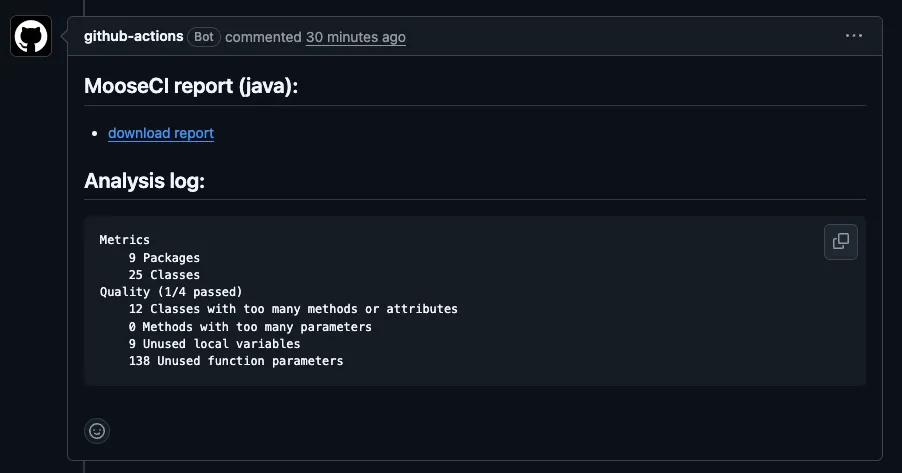
The report also contains the list of rule violations, with the location of each problem in the source code.
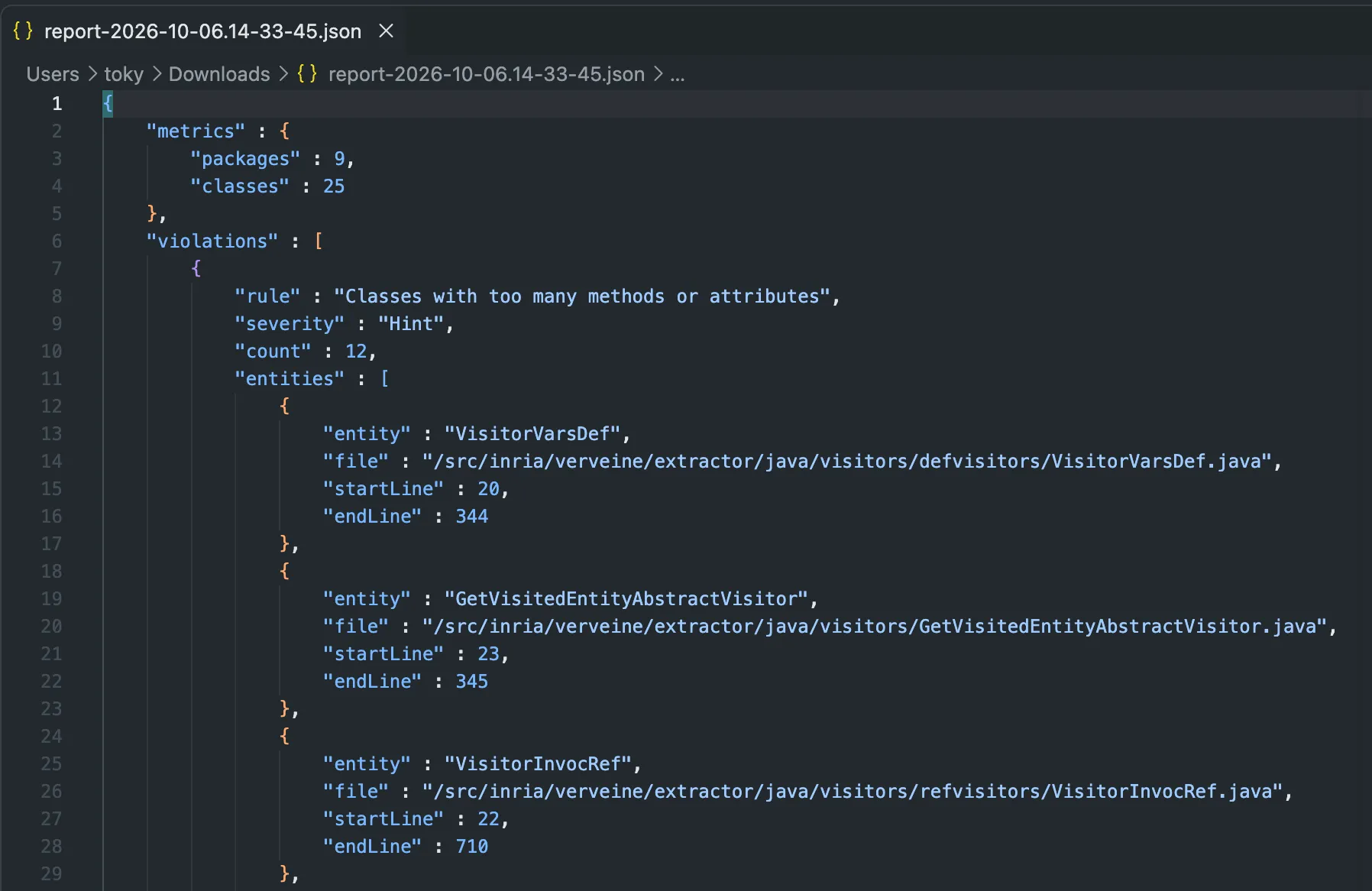
## Use MooseCI in another CI
[Section titled “Use MooseCI in another CI”](#use-mooseci-in-another-ci)
MooseCI is not limited to GitHub. In any other CI, you can run the same Docker image and the same commands as the CLI, for example:
```bash
docker run -v "$(pwd):/src" ghcr.io/moosetechnology/moose-ci:latest analyze
```
The report is written in the MooseCI report folder (`.moose-ci/report`). Your CI can then publish it as an artifact.
## Conclusion
[Section titled “Conclusion”](#conclusion)
MooseCI is easy to use. You can run it locally with Docker, or on every pull request with the GitHub Action. You only need a configuration file and a small workflow.
# Building and sharing Moose models with MooseNexus
> Build repeatable Moose models from source projects, automate them with the MooseNexus CLI, and share them through artifact registries.
Building a Moose model is often only the first step of an analysis. We also need to know which source project produced it, which dependencies were used, which tools extracted it, and how another person can build or retrieve the same model.
[MooseNexus](https://github.com/moosetechnology/MooseNexus) brings these steps into one repeatable workflow. It builds Moose models, records how they were produced, stores them as versioned artifacts, and can share them through an artifact registry.
This post first uses the MooseNexus API from a Moose image, then performs the same kind of build with the command-line interface. The final section explains how an artifact registry can store and distribute the resulting models and images.
## What MooseNexus does
[Section titled “What MooseNexus does”](#what-moosenexus-does)
MooseNexus sits between a source project and the Moose model that we want to analyze.
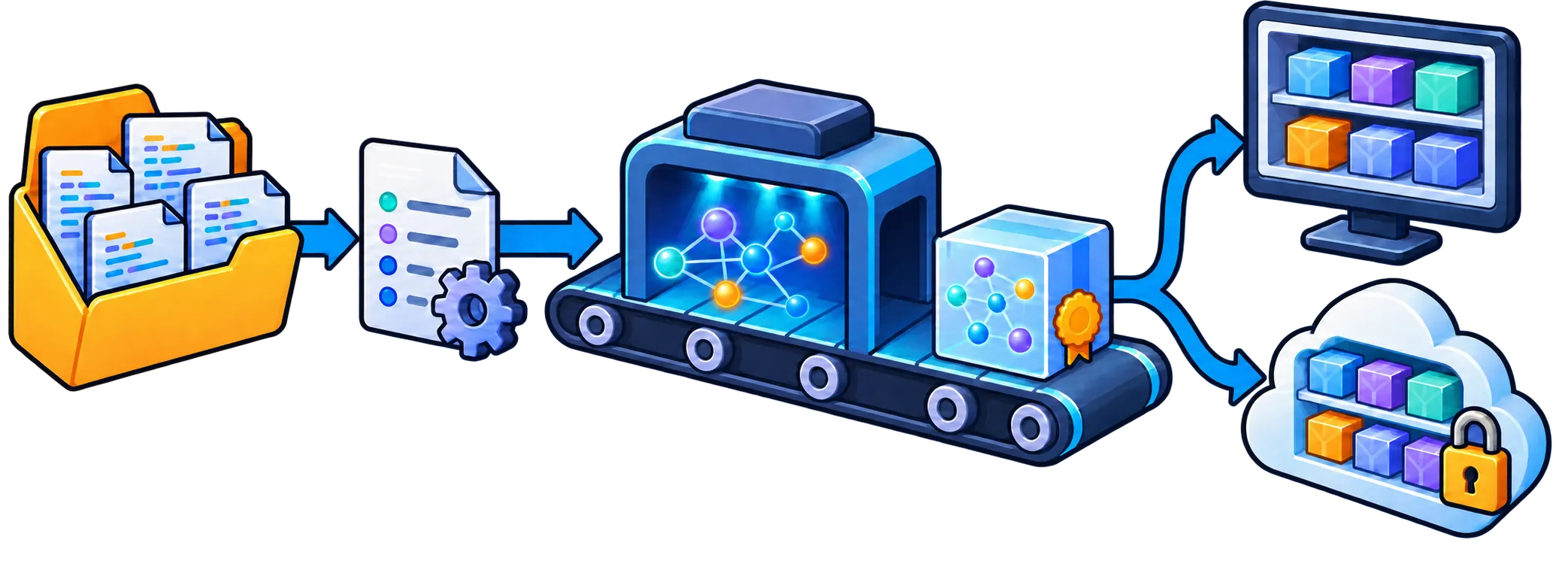
*From source project to versioned model artifact: MooseNexus records the result locally and can publish it to a shared artifact registry.*
A build starts with two pieces of information:
* the directory containing the source project;
* coordinates that identify it: a group, a name, and a version.
MooseNexus then imports the project metadata, resolves the dependencies needed for extraction, runs the model extractor, and records the result. For Java projects it can recognize Maven and Gradle projects. Projects without a supported build descriptor can be described explicitly as unmanaged projects.
The result is more than a model file. A model artifact also records its source-project identity, dependency-resolution result, and build provenance, including the Moose, Pharo, MooseNexus, and extractor versions. This information makes it possible to inspect how a model was produced and to select a compatible environment later.
By default, projects and artifacts are kept in a local repository below `~/.moose`. The important principle is similar to Maven coordinates: `com.example:demo:1.0.0` identifies one version of a project independently of the machine on which it was analyzed.
## Build a model with the API
[Section titled “Build a model with the API”](#build-a-model-with-the-api)
The main API entry point is `MooseNexusBuildSpec`. A build specification describes the intended result; MooseNexus handles the individual import, dependency, extraction, and storage steps.
### 1. Load MooseNexus
[Section titled “1. Load MooseNexus”](#1-load-moosenexus)
For a Java project, load the Java runtime group in a Moose image:
```smalltalk
Metacello new
githubUser: 'moosetechnology'
project: 'MooseNexus'
commitish: 'v1.x.x'
path: 'src';
baseline: 'MooseNexus';
load: 'Java'.
```
The floating `v1.x.x` tag selects the newest compatible version in the MooseNexus 1.x series. Use an exact release tag when the build must be fully reproducible.
### 2. Identify the source project
[Section titled “2. Identify the source project”](#2-identify-the-source-project)
Let us build a model for a project located at `/path/to/demo`. We first give it stable coordinates:
```smalltalk
coordinates := MooseNexusCoordinates
group: 'com.example'
name: 'demo'
version: '1.0.0'.
```
The coordinates identify the project in the local repository and, later, in an artifact registry. They do not need to be the same as Maven or Gradle coordinates, although using the same identity can be convenient.
### 3. Describe the build
[Section titled “3. Describe the build”](#3-describe-the-build)
Create a build specification from the coordinates and source directory:
```smalltalk
spec := MooseNexusBuildSpec
coordinates: coordinates
sourceDirectory: '/path/to/demo' asFileReference.
spec
modelName: 'demo-model';
modelComment: 'Model used for the architecture analysis'.
```
The source directory can be anywhere; it does not have to be a Git checkout. For a Maven or Gradle project, MooseNexus detects the appropriate importer from the directory. The explicit coordinates remain the identity of the MooseNexus artifact.
This separation is useful: the build tool describes how the software project is assembled, while the build specification describes the model artifact that we want MooseNexus to produce.
### 4. Execute the build
[Section titled “4. Execute the build”](#4-execute-the-build)
Execute the specification in the default repository:
```smalltalk
result := spec execute.
```
This performs the complete workflow and records the project below the default `~/.moose` repository. The result gives access to three useful objects:
```smalltalk
result project.
result modelArtifact.
result dependencyResolutionResult.
```
Use `executeIn:` with a `MooseNexusRepository` when the artifact should be stored elsewhere:
```smalltalk
repository := MooseNexusRepository
localDirectory: '/path/to/model-repository' asFileReference.
result := spec executeIn: repository.
```
### 5. Load the model in Moose
[Section titled “5. Load the model in Moose”](#5-load-the-model-in-moose)
Building records the artifact but does not force it into the current image. Import it explicitly when it is time to analyze it:
```smalltalk
model := result project importModel: result modelArtifact.
```
The imported model is registered in `MooseModel root`. Keeping the build and import steps separate also lets headless jobs produce artifacts without retaining a full analysis image.
For most clients, `execute` or `executeIn:` is the API to keep. MooseNexus also exposes the individual build phases, but those are mainly useful when an application needs custom orchestration.
## Build from the command line
[Section titled “Build from the command line”](#build-from-the-command-line)
The [MooseNexus CLI](https://github.com/moosetechnology/MooseNexus-CLI) runs the same ideas without requiring us to prepare a Moose image by hand. It creates an isolated workspace, provisions a compatible Moose/Pharo runtime, loads MooseNexus, executes a build specification, and stores the result.
Install it with npm. The CLI requires Node.js 22 or later:
```bash
npm install --global @moosetechnology/moosenexus
```
For Java extraction, the default setup also requires Docker. We can check the available tools before starting a build:
```bash
moosenexus doctor
```
The interactive wizard is the easiest way to discover the commands:
```bash
moosenexus --wizard
```
For a Maven or Gradle project, a direct build can be as small as:
```bash
moosenexus build-model \
com.example:demo:1.0.0 \
/path/to/demo
```
This creates a model artifact and installs it in the local MooseNexus repository. To create a ready-to-open Moose image containing the imported model instead, use `build-image`:
```bash
moosenexus build-image \
com.example:demo:1.0.0 \
/path/to/demo \
--adopt
```
The built image is first stored as an immutable artifact. `--adopt` also copies it to the standard Pharo images directory, where it becomes a working image that we can open and modify.
The two outputs serve different needs:
* a **model artifact** is smaller and can be imported into a compatible existing Moose image;
* an **image artifact** is a ready-to-open environment containing the model and its compatible runtime.
### What an image artifact contains
[Section titled “What an image artifact contains”](#what-an-image-artifact-contains)
An image artifact is selective rather than a copy of the complete build workspace. Its portable ZIP contains:
* at its root, the `.image` file, its `.changes` file when available, the available Pharo `.sources` files, `meta-inf.ston`, `pharo.version`, and a CLI build report;
* under `pharo-local/MooseNexus/`, the recorded project metadata, model artifact, and a copy of the analyzed source project.
Other image-local directories, such as `pharo-local/iceberg`, and the Pharo VM are not included. MooseNexus does not scan these files for credentials or remove secrets: the source copy, saved image, or changes file may contain sensitive information. Review an artifact before publishing it.
### Reuse an image artifact
[Section titled “Reuse an image artifact”](#reuse-an-image-artifact)
An installed image artifact can be adopted several times, much like making working copies from a template. Each adoption creates a separate writable image while leaving the repository artifact unchanged:
```bash
moosenexus adopt-image com.example:demo:1.0.0
moosenexus adopt-image com.example:demo:1.0.0 --adopt-as demo-alice
```
By default, these copies are placed in the standard Pharo images directory and appear in Pharo Launcher. This is not a Launcher template: MooseNexus copies the image files and launcher metadata from an installed artifact. The recorded project and source copy remain in the local MooseNexus repository rather than being duplicated into every adopted image.
Use `moosenexus artifacts` to see what is installed locally. Build options can also be kept in a YAML file and passed with `--config`, which is preferable for repeatable scripts and continuous integration. `--dry-run` shows the resolved workflow without executing it, and `--json` produces machine-readable output for automation.
## Share artifacts through a registry
[Section titled “Share artifacts through a registry”](#share-artifacts-through-a-registry)
The important need here is artifact storage and distribution: a shared place where versioned Moose models and images can be published, found, and retrieved.
MooseNexus currently implements this with the [Open Container Initiative](https://opencontainers.org/) distribution conventions. Although OCI is best known for container images, its registries can store other versioned artifacts as well. Reusing that standard gives MooseNexus an existing upload, download, authentication, and access-control ecosystem instead of inventing a Moose-specific artifact server.
An organization can therefore use infrastructure it may already have—such as Harbor, Sonatype Nexus, Artifactory, or another OCI-compatible registry—to distribute Moose models and images. MooseNexus defines what goes into the artifact, while [ORAS](https://oras.land/) performs the standard registry upload and download.
A MooseNexus model bundle contains:
* the exported model;
* an archive of the analyzed sources;
* the project metadata;
* the model manifest, including build and extractor provenance.
Including the sources makes the artifact inspectable and helps reproduce the model, but it is also important to remember before publishing: a model bundle can contain proprietary source code. Use a registry and access policy appropriate for the project.
First authenticate ORAS with the target registry:
```bash
oras login registry.example.com
```
Then add a registry and namespace to the build command:
```bash
moosenexus build-model \
com.example:demo:1.0.0 \
/path/to/demo \
--registry registry.example.com \
--namespace team/models
```
MooseNexus still installs the artifact locally and also publishes it under a reference derived from the project coordinates, for example:
```text
registry.example.com/team/models/moosenexus/com.example/demo:1.0.0
```
Another machine can retrieve the model with the same coordinates:
```bash
moosenexus pull-model \
com.example:demo:1.0.0 \
--registry registry.example.com \
--namespace team/models
```
`pull-model` installs the artifact in the local MooseNexus repository. It can then be imported through the API shown earlier. Use `pull-image ... --adopt` when the published artifact is a Moose image and a ready-to-open copy is wanted instead.
Publication is always explicit: building locally does not silently upload anything. MooseNexus also keeps registry credentials outside its own configuration and relies on the authenticated ORAS installation.
## API or CLI?
[Section titled “API or CLI?”](#api-or-cli)
Both interfaces use the same project coordinates, build specification, repository, and artifact concepts.
| Use the API when… | Use the CLI when… |
| ------------------------------------------------- | ------------------------------------------------------------ |
| the build is part of a Moose application | the build should start from a clean, isolated runtime |
| an image needs custom import or extraction policy | a shell script or CI job should run the build |
| the resulting model will be analyzed immediately | a model or ready-to-open image should be produced and shared |
The API is the stable foundation, and the CLI automates the surrounding runtime setup. Starting with the CLI is often easier; moving to a Smalltalk build specification gives more control without changing the underlying model-artifact workflow.
MooseNexus therefore turns a one-off model extraction into a named, versioned, and shareable build result. That becomes especially valuable when a model must outlive the image in which it was first created—or when another person, machine, or CI job needs to produce the same analysis input.
# Create a new Meta-model
To analyze a system in a given programming language, Moose must have a meta-model for that language. For example, for Java, the meta-model defines that Java programs have classes, containing methods, invoking other methods, etc. The meta-model describes the entities that compose a program in the given language and how they are related.
In the following, we describe how to create a new meta-model or extend an existing one. Moose being more specifically dedicated to source code analysis, there are a number of pre-set entities/traits that should help one define new meta-models for a given programming language. These are described in [another page](./predefinedentities).
## Set up
[Section titled “Set up”](#set-up)
First of all, we need to [download Moose](../beginners/install-moose) version 7 or higher.
The first step is to create a FamixMetamodelGenerator. It will describe our meta-model.
```smalltalk
FamixMetamodelGenerator subclass: #DemoMetamodelGenerator
slots: { }
classVariables: { }
package: 'Demo-Model-Generator'
```
Then we need to configure the generator. We have to specify the package in which the meta-model will be generated.
```smalltalk
DemoMetamodelGenerator class >> #packageName
^ #'Demo-Model-generated'
```
By default the package name will be used as a prefix for the generated classes. But we can specify a custom prefix by defining the method `#prefix`.
```smalltalk
DemoMetamodelGenerator class >> #prefix
^ #'Demo'
```
## Basic meta-model
[Section titled “Basic meta-model”](#basic-meta-model)
In this section, we will see how to create a simple meta-model. You may also want to look at the blog post [Coasters collection](/blog/2021-02-04-coasters/).
To design a meta-model, we need to specify its entities, their relations, and their properties.
You may also consult a [presentation of Famix generator](https://www.slideshare.net/JulienDelp/famix-nextgeneration) from Julien Delplanque.
### Define entities
[Section titled “Define entities”](#define-entities)
A meta-model is composed of entities. These entities represent the elements of the model we will manipulate. To define entities in the generator, we extend the method `#defineClasses`. Each entity is defined using the generator builder (provided by `FamixMetamodelGenerator`) to which we send the the message `#newClassNamed:`.
```smalltalk
DemoMetamodelGenerator>>#defineClasses
super defineClasses.
entity := builder newClassNamed: #Entity.
package := builder newClassNamed: #Package.
class := builder newClassNamed: #Class.
method := builder newClassNamed: #Method.
variable := builder newClassNamed: #Variable.
localVariable := builder newClassNamed: #LocalVariable.
attribute := builder newClassNamed: #Attribute.
```
It is important to comment the entities to help other developers understand our meta-model. This can be done with the `#newClassNamed:comment:` method.
```smalltalk
class := builder newClassNamed: #Class comment: 'I represent a Smalltalk class'.
```
It is also possible to use entities that are already defined in a [library of predefined entities](predefinedentities) or in another meta-model (see [submetamodels](#introducing-submetamodels)).
### Define hierarchy
[Section titled “Define hierarchy”](#define-hierarchy)
Once the entities are defined, the next step is to specify their hierarchy.
| binary | definition |
| :----: | :-----------------------------------------------: |
| `—\|>` | Left entity extends (inherits from) the right one |
| `<\|—` | Right entity extends (inherits from) the left one |
Note that these symbols are actually Pharo binary methods. One can also use a Pharo keyword method: `#generalization:` defining that the receiver extends the parameter (i.e., similar to `—|>`).
The hierarchy is defined in the generator with the method `#defineHierarchy`.
```smalltalk
DemoMetamodelGenerator>>#defineHierarchy
super defineHierarchy.
package --|> entity.
class --|> entity.
method --|> entity.
variable <|-- localVariable.
variable <|-- attribute.
```
### Define relations
[Section titled “Define relations”](#define-relations)
Then we will define the relations between the entities. Multiple relations are available in Famix. In the following, we present the relations and the keywords to define them.
| method | binary |
| :---------------: | :----: |
| `#oneToOne:` | `-` |
| `#oneToMany:` | `-*` |
| `#manyToOne:` | `*-` |
| `#manyToMany:` | `*-*` |
| `#containsOne:` | `<>-` |
| `#containsMany:` | `<>-*` |
| `#oneBelongsTo:` | `-<>` |
| `#manyBelongsTo:` | `*-<>` |
We can now define the relations between the entities of our meta-model in the method `#defineRelations`.
```smalltalk
DemoMetamodelGenerator>>#defineRelations
super defineRelations.
package <>-* class.
class <>-* attribute.
method <>-* localVariable
```
As for the definition of the entities, it is possible to define a comment for each side of the relation and to use a custom name for the accessors.
```smalltalk
DemoMetamodelGenerator>>#defineRelations
super defineRelations.
((package property: #classes) comment: 'The classes inside the package')
<>-*
((class property: #package) comment: 'The package that contains this class').
```
Finally, it is possible to set several other properties. Some may be applied on one side of the relation:
* container *(the side “contains” the other one, see the different keyword)*
* derived *(the relation is not part of the model but is computed)*
* source *(source of an association)*
* target *(source of an association)*
Others can be applied on the relation itself:
* withoutPrimaryContainer *(Since an element can only have one container, it allows one to create another containment relation. This relation will not set the method `#belongsTo`)*
* withNavigation *(force the relation to appear in the Moose Playground)*
### Define properties
[Section titled “Define properties”](#define-properties)
The last step before generating the model is the definition of the properties of the entities. A property can be of any type. It is also possible to define a comment for each property. Let’s create the method `#defineProperties` in our generator:
```smalltalk
DemoMetamodelGenerator>>#defineProperties
super defineProperties.
(entity property: #name type: #String)
comment: 'The name of the entity'.
```
Moose defines the following types for properties:
* Character
* Number
* Fraction
* String
* Symbol
* Boolean
* Object
> Using the *Object*, you will not be able to export the property in *.mse* and *.json* (see: [import and export model](../users/importing-and-exporting-models)).
### Generate
[Section titled “Generate”](#generate)
We have described our meta-model. The last step is to actually generate it with: `DemoMetamodelGenerator generate`.
Later, if the description of the meta-model is modified, the generation will only regenerate the modified elements and remove the old ones. It is possible to force a full (clean) generation of the model with: `DemoMetamodelGenerator generateWithCleaning`.
## Introducing traits
[Section titled “Introducing traits”](#introducing-traits)
### Using traits in a meta-model
[Section titled “Using traits in a meta-model”](#using-traits-in-a-meta-model)
In addition to the entities, we can use traits to add information to the meta-model. Traits are a flexible tool to avoid problems with multiple inheritances. Traits are defined in the same way as entities. In our previous example, classes are inside a package. However, we forgot that a package can also contain another package, and we need to model that.
First of all, we need to define the traits to create the containment relation of a package. We declare the trait in the method `#defineTraits`.
```smalltalk
defineTraits
super defineTraits.
tPackageable := builder newTraitNamed: #TPackageable comment: 'I can be inside a Package'.
tWithPackages := builder newTraitNamed: #TWithPackages comment: 'I can contains packageable elements'.
```
Then, we have to change the hierarchy of our entity to add the traits.
```smalltalk
DemoMetamodelGenerator>>#defineHierarchy
super defineHierarchy.
package --|> entity.
package --|> tWithPackages.
package --|> tPackageable.
class --|> entity.
class --|> tPackageable.
method --|> entity.
variable <|-- localVariable.
variable <|-- attribute.
```
Finally, we define the relations between the traits.
```smalltalk
DemoMetamodelGenerator>>#defineRelations
super defineRelations.
package <>-* class.
package <>-* package.
tWithPackages <>-* tPackageable.
class <>-* attribute.
class <>-* method.
method <>-* localVariable
```
It is also possible to use traits that are already defined in another meta-model (see [submetamodels](#introducing-submetamodels)).
### Dealing with trait conflict
[Section titled “Dealing with trait conflict”](#dealing-with-trait-conflict)
When a class inherits from two different traits that both defined a method with the same name, there is a conflict between the trait. This is a classic problem when allowing multiple inheritances.
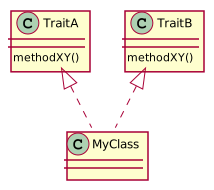
In this example, the class `MyClass` uses the traits `TraitA` and `TraitB`. Both traits define the method `methodXY`. In such a situation, there is a trait conflict.
The Famix Generator proposes two ways to deal with such a problem:
* `withPrecedenceOf`
* `inheritsFromTrait:without:`
The first one, `withPrecedenceOf`, specifies which trait should be used in favor of the other one. In our case, considering we want to use the `methodXY` of `TraitA`, the code will look like this:
```smalltalk
defineHierarchy
super defineHierarchy.
myClass --|> traitA.
myClass --|> traitB.
myClass withPrecedenceOf: traitA.
```
The second option, `inheritsFromTrait:without:`, is about using a trait without some methods. This time, we replace the common `--|>` with the new selector, and we specify the method we do not want to use. The final code will look like this:
```smalltalk
defineHierarchy
super defineHierarchy.
myClass --|> traitA.
myClass inheritsFromTrait: traitB without: #methodXY.
```
## Additional features
[Section titled “Additional features”](#additional-features)
### Generating default attribute value
[Section titled “Generating default attribute value”](#generating-default-attribute-value)
When defining properties of entities, you might want to assign them default value. Default value is the value of a property when it is not explicitly assigned in the code that creates the model.
To define a default value, modify the `defineProperty` method as follow:
```smalltalk
defineProperties
super defineProperties.
bacon property: #isFood type: #Boolean defaultValue: true.
bacon property: #eggs type: #Number defaultValue: 12.
spam property: #isSomething type: #Boolean defaultValue: false
```
Lazy getters will be generated for those properties. Note that they are generated by using the value’s string representation. Non-literal expressions must be written in a string: `'MyObject new'` for `MyObject new`. String literals must start and end with a single quote: `'''hello'''` for `'hello'`.
### Generating test method
[Section titled “Generating test method”](#generating-test-method)
When using a model, it is often required to select entities that are of a specified kind. It is the case when needed all the `FamixJavaClass` of a group.
The good practice in Pharo is to use a `isXXX` method that is defined at the top of the hierarchy and returns `false`. Then, one overrides this method for the entity that returns `true`.
To automatically generate the `isXXX` methods, the generator comes with the `withTesting` method.
In our `FamixJavaClass` example, one can modify the `FamixJavaGenerator` as follow:
```smalltalk
FamixJavaGenerator>>defineClasses
super defineClasses.
"..."
class := builder newClassNamed: #Class.
class withTesting.
"..."
```
This creates the following methods:
```smalltalk
FamixJavaClass>>#isClass
^ true
```
```smalltalk
FamixJavaEntity>>#isClass
^ false
```
### Generating Famix Group
[Section titled “Generating Famix Group”](#generating-famix-group)
Another nice feature of Moose is the *Group*. It allows one to create query and inspector extensions based on the *type* of a group. A *typed group* is a group that contains only elements of a *type*. For example, a `FamixJavaClassGroup` only contains `FamixJavaClass` entities. These kinds of groups are subclasses of `MooseSpecializedGroup` and can be created using `asMooseSpecializedGroup` on any collections or moose entities.
To generate the group classes, the generator comes with the `withGroup` method. One only needs to use it on the concept defined in the generator.
In our `FamixJavaClass` example, one can modify the `FamixJavaGenerator` as follow:
```smalltalk
FamixJavaGenerator>>defineClasses
super defineClasses.
"..."
class := builder newClassNamed: #Class.
class withGroup.
"..."
```
This will generates the following class:
```smalltalk
MooseSpecializedGroup subclass: #FamixJavaClassGroup
instanceVariableNames: ''
classVariableNames: ''
package: 'Famix-Java-Entities-Entities'
```
### Generating Custom equality check
[Section titled “Generating Custom equality check”](#generating-custom-equality-check)
You might want (for instance, for optimization purpose) to change the equality check of two model entities. To do so, you can use the `withEqualityCheckOn:` method and a collection of **properties** to check on.
```smalltalk
person property: #firstName type: #String.
person property: #lastName type: #String.
person property: #age type: #Number.
person withEqualityCheckOn: { #firstName. #lastName. #age }.
```
> If you need more deeper comparison, look at the FamixDiff project
## Introducing submetamodels
[Section titled “Introducing submetamodels”](#introducing-submetamodels)
One powerful feature of Famix is the possibility to use submetamodels. It allows one to extend or compose several meta-models. (This is also described in the blog post [Connecting/Extending meta-models](/blog/2021-05-15-connecting-meta-models/).
There are two ways of extending of meta-model:
1. Create a generator that extends the first one.
2. Create a separate generator that declares another as submetamodel.
Although the first one can be used, when the meta-model is generated, the entities that come from the extended generator will be created two times, in the new generator and in the old one. So, the best way to extend a meta-model is to use the submetamodels. In the following, we present how to configure a generator for submetamodels.
### Set up submetamodels
[Section titled “Set up submetamodels”](#set-up-submetamodels)
In this example, we will create a new generator that will add the interface entity that will be use to represent an interface. The interface is packageable and contains methods.
> Note that it is done in an example. The best way, in this case, would be to modify the previous generator.
First of all, we create a new generator:
```smalltalk
FamixMetamodelGenerator subclass: #DemoInterfaceMetamodelGenerator
slots: { }
classVariables: { }
package: 'Demo-InterfaceModel-Generator'
```
Then we declare our previous generator as submetamodel:
```smalltalk
DemoInterfaceMetamodelGenerator class >> #submetamodels
^ { DemoMetamodelGenerator }
```
> We also have to define the `#prefix` and the `#packageName`.
### Define remote entities and traits
[Section titled “Define remote entities and traits”](#define-remote-entities-and-traits)
Once the generator is configured we can define the entities of the AST meta-model and the entities that come from the Demo meta-model. To define an entity of another meta-model we used the method `#remoteEntity:withPrefix:`. The prefix is then the prefix defined for the submetamodel.
```smalltalk
DemoInterfaceMetamodelGenerator>>#defineEntities
super defineEntities.
interface := builder newClassNamed: #Interface.
method := self remoteEntity: #Method withPrefix: #Demo.
```
> In some cases, it may be necessary to define remote traits. Use the method `#remoteTrait:withPrefix:` on the generator.
### Define remote hierarchy
[Section titled “Define remote hierarchy”](#define-remote-hierarchy)
To represent the relation of containment of a package on an interface, we use the trait `#TPackageable` (see [Introducing traits](#introducing-traits)). Because there is only one trait with this name in the submetamodels, we can use the notation with the symbol instead of defining it in a variable in the “defineEntities” section:
```smalltalk
DemoInterfaceMetamodelGenerator>>#defineHierarchy
super defineHierarchy.
"use the trait of the other metamodel"
interface --|> #TPackageable.
```
### Define remote relations
[Section titled “Define remote relations”](#define-remote-relations)
Finally, we create the relations between the interface and the methods:
```smalltalk
DemoInterfaceMetamodelGenerator>>#defineRelations
super defineRelations.
((interface property: #methods) comment: 'The methods of the interface')
<>-*
((method property: #interface) comment: 'The interface that own me').
```
In the meta-model we can add properties and relations to the remote entity (of the sub-meta-model). However, it is not possible to modify the super-class of the remote entity or to add a trait to it.
### Complementary information
[Section titled “Complementary information”](#complementary-information)
#### Set custom composed meta-model to a model
[Section titled “Set custom composed meta-model to a model”](#set-custom-composed-meta-model-to-a-model)
You might need to assign to a model a meta-model built manually (because you created multiple meta-model generators but not comprising all the entities you wanna represent at once). It is thus possible to *manually* create a meta-model and then assign it. For, retrieve all the meta-model you want to merge. Then, build the full meta-model. Finally, assigned it to the model.
Example:
```smalltalk
myMetamodel := FMMetaModelBuilder metamodelFromPackages:
CSNBModel packagesToProcessToCreateMetamodel,
CRFModel packagesToProcessToCreateMetamodel.
model metamodel: myMetamodel.
```
#### Several primary containers
[Section titled “Several primary containers”](#several-primary-containers)
In our example, an interface contains methods and a class contains methods, too. However, it is not possible to have *two* main containers for an entity (see [Define relations](#define-relations)). In this case, we can either declare the relation “interface <>-\* method” without a primary container, or define two Traits in the first meta-model. One would be `#TMethod` and the other `#TWithMethods`.
## Back to the Generator
[Section titled “Back to the Generator”](#back-to-the-generator)
FamixNG offers two super-classes to create a generator:
* `FamixMetamodelGenerator`
* `FamixBasicInfrastructureGenerator` (a sub-class of the other one) In this page, we used the first one (`FamixMetamodelGenerator`) which is the basic one: it has no entity predefined and we need to declare everything
### Generator super-classes
[Section titled “Generator super-classes”](#generator-super-classes)
`FamixBasicInfrastructureGenerator` on the other hand is specialized for meta-models of programming languages. It has several entities already defined, for example:
* `sourcedEntity` that uses `#TSourcedEntity`
* `namedEntity` that uses `#TNamedEntity`
* `comment` that inherits from `sourcedEntity` and uses `#TComment`
* `sourceAnchor` that uses `#TSourceAnchor` and is therefore used by `SourcedEntity` to have access to the actuall source code of an entity.
* …
This means that in a generator inheriting from `FamixBasicInfrastructureGenerator`, we can write in `#defineHierarchy`:
```smalltalk
myEntity --|> namedEntity.
```
Doing this, `myEntity` will inherit from a `NamedEntity` that we did not define (it is provided by `FamixBasicInfrastructureGenerator`) and that has a `name` property.
Most entities that we define in a programming language meta-model have a name and will therefore inherit from this `namedEntity`.
### Advanced sub-meta-model
[Section titled “Advanced sub-meta-model”](#advanced-sub-meta-model)
The meta-models for C and C++ use the two generator super-classes. The meta-models are defined so that C++ meta-model “extends” C meta-model (i.e. C-meta-model is a sub-meta-model of C++ meta-model).
The C meta-model generator inherits from `FamixBasicInfrastructureGenerator` because it represents a programming language. Therefore it comes with the predefined entities mentionned above.
C++ meta-model is also for a programming language, but the generator is a sub-class of the simpler `FamixMetamodelGenerator` to avoid redefining the entities `NamedEntity`, `SourcedEntity`, or `Comment`. Otherwise we would have had two Comment, one for C and one for C++ and they would have been in different inheritance hierarchy (i.e. “incompatible”).
Instead in the C++ generator, we say that the C meta-model is a sub-meta-model of the C++ meta-model. And in the [`#defineClasses`](#define-entities), we recover the entities defined automatically for the C meta-model and that way we can use them in C++ as we would normally do for a language meta-model generated from a subclass of `FamixBasicInfrastructureGenerator`:
```smalltalk
entity := self remoteEntity: #Entity withPrefix: #FamixC.
sourceAnchor := self remoteEntity: #SourceAnchor withPrefix: #FamixC.
namedEntity := self remoteEntity: #SourceLanguage withPrefix: #FamixC.
```
## Thanks
[Section titled “Thanks”](#thanks)
This wiki page is inspired by [the FamixNG booklet](https://github.com/SquareBracketAssociates/Booklet-FamixNG).
# Dealing with a new language
We want to analyze a programming language that is not supported by Moose *yet*, but we do not know how to start? This is a page that you **definitely** should read. We present the most important aspect that one must not forgot when it comes to support a new language (or other).
## What do you want?
[Section titled “What do you want?”](#what-do-you-want)
The first question you should asked yourself is, what do you want to analyze?
Depending on the subject, we will not contribute in the same way. For instance, analyzing Java code is not the same as analyzing Swing Application, or analyzing how developers work with Java. And when thinking about analyzing Java code, you might want to understand how classes interact with each other, or how modules you conceived interact with each others.
## A basic process when dealing with model
[Section titled “A basic process when dealing with model”](#a-basic-process-when-dealing-with-model)
## Tool suite to deal with a new language
[Section titled “Tool suite to deal with a new language”](#tool-suite-to-deal-with-a-new-language)
### AST parser
[Section titled “AST parser”](#ast-parser)
The AST parser is one of the mandatory tool. If you wanna analyze something that is a not a programming language, such as a Git project for example, you need to find the API. It can looks like a web API (rest for example), or a library call API.
First, consider using an existing parser instead of creating a new one. For instance, in Java we use `JDT`, for the C programming language `CDT` of eclipse, and for TypeScript `ts-morph`.
Also, the more challenging part is the `symbolic resolution` of the code. You should look for AST parser that have this feature enabled.
If you have no AST Parser existing, you can use a parser generator inside Pharo. We advice you three options:
* [Pharo-Tree-Sitter](https://github.com/Evref-BL/Pharo-Tree-Sitter) if a tree sitter parser already exist (outside Pharo but easy to integrate)
* [SmaCC](https://books.pharo.org/booklet-Smacc/) if you have an existing grammar
* [PetitParser2](https://kursjan.github.io/petitparser2/) in other cases
### High level importer
[Section titled “High level importer”](#high-level-importer)
Once you have your AST parser, you can create a High level importer. This step should be performed at the same time as [Creating a meta-model](#creating-a-meta-model) one. It consists on:
* generating the model you want in a [Moose accepted file format](/users/file-format).
* Or, if you work within Pharo, creating the model directly using Pharo code.
In the **first case**, you have two options:
* you can create entities and export to the file format. This is the common way to work and would allow fast analysis.
* Or, you can implement [Fame](/developers/fame), the meta-meta-model used in Moose. Then, this meta-meta-model can be used to create generic code that would generate meta-model in your programming language, or generate easily model in the Moose file format. For instance, one can found Fame implementation for [Java](https://github.com/moosetechnology/FameJava) and [Pharo](https://github.com/moosetechnology/Fame).
### Creating a meta-model
[Section titled “Creating a meta-model”](#creating-a-meta-model)
To create a meta-model in Moose, we first advice you to draw it on some piece of paper or tables! It is an common advice, it is important for us to remind you that!
Also, remember, you first want to represent the entities you will use for your analysis.
To create the meta-model in pharo, you should look at the [full documentation](/developers/create-new-metamodel). If it is your first meta-model, you can look for the [Coaster Meta-model tutorial](/blog/2021-02-04-coasters). Finally, use the [UMLDocumentor](/blog/2023-09-26-new-umldocumentor) to *see* your meta-model.
# Define a baseline loading Moose only if not present
Moose is a big project and loading it each time can take a long time.
Multiple people came to me asking if there was a way in the [baseline](https://github.com/pharo-open-documentation/pharo-wiki/blob/master/General/Baselines.md#baselines) of a project to say “Load Moose only if needed”.
Since it is a common question, here is a guide on how to do that!
One way to do it is to use [custom project attributes from Metacello](https://github.com/pharo-open-documentation/pharo-wiki/blob/master/General/Baselines.md#define-custom-attributes). The principle is simple; depending on the state of your image, you can define project attributes and use them in your baseline.
To define the attributes you need to implement a method `#customProjectAttributes` that will return an array with the custom attributes.
If I want to ensure Famix is in the image I can define it like this:
```smalltalk
customProjectAttributes
'BaselineOfFamix' asPackageIfAbsent: [ ^ #( #NeedsFamix ) ].
^ #( )
```
Note
You need to adapt this to the project you depend on. Maybe you’ll need to check the baseline of Moose instead of Famix, or a specifi package not present in the default famix.
And now I can use those attributes in a baseline via the `#for:do:` message.
## Full example
[Section titled “Full example”](#full-example)
```smalltalk
customProjectAttributes
'BaselineOfFamix' asPackageIfAbsent: [ ^ #( #NeedsFamix ) ].
^ #( )
```
```smalltalk
baseline: spec
spec
for: #common
do: [ spec package: 'MyProject' ].
spec
for: #(#'NeedsFamix') do: [
spec baseline: 'Famix' with: [ spec repository: 'github://moosetechnology/Famix/src' ]
spec package: 'MyProject' with: [ spec requires: #('Famix') ] ]
```
# Fame
Fame is the meta-meta-model of Famix. In the following, we mainly present the Pharo implementation and usage of Fame.
## Meta-model
[Section titled “Meta-model”](#meta-model)
### Main concepts
[Section titled “Main concepts”](#main-concepts)
It consists of 6 main entities:
1. Element --- the root of the meta-model
2. Package --- a container that can contain Class, Trait, and Properties
3. Type --- an abstraction of Class and Trait
4. Class --- contained by Package. A Class might contains several Properties. A Class can have a superclass, subclasses, and use traits. Some Class are Constants.
5. Trait --- contained by Package. A Trait might contains several Properties. A Trait can be used by other Types and can use other Trait.
6. Property --- attached to a Type. Property has a value and a value type. It can have an opposite property that will be my miror. The type of a property is a Class
### Constants
[Section titled “Constants”](#constants)
Fame defines 4 constants:
1. Boolean --- value can be `true` or `false`
2. Number --- value is a number. When exporting, consider using a float
3. String --- a common string.
4. Object --- a complex structure which is not part of any metamodel
## Implementations
[Section titled “Implementations”](#implementations)
Fame is implemented in the following programming languages:
* [Java](https://github.com/moosetechnology/FameJava)
* [Pharo](https://github.com/moosetechnology/Fame)
## Installation
[Section titled “Installation”](#installation)
The last stable version of Fame is always includeds in Moose. The project can be found in the packages prefixed with `Fame-`.
It is also possible to install Fame in a fresh [Pharo](https://pharo.org/) image. To do so, execute the following script:
```smalltalk
Metacello new
githubUser: 'moosetechnology' project: 'Fame' commitish: 'v1.x.x' path: 'src';
baseline: 'Fame';
load
```
## Export / Import
[Section titled “Export / Import”](#export--import)
### Export
[Section titled “Export”](#export)
Fame supports [two file formats](/users/file-format) to export meta-models: MSE, and JSON.
The new JSON file format should be chosen preferably. It can use with the following script:
```smalltalk
String streamContents: [ :writeStream | MyModel metamodel exportOn: writeStream usingPrinter: FMJSONPrinter ]
```
To export a model (or meta-model) in the mse format (for example, to use FameJava and VerveineJ), execute the following code:
```smalltalk
'/path/to/file.mse' asFileReference writeStreamDo: [ :writeStream | MyModel metamodel exportOn: writeStream ]
```
### Import
[Section titled “Import”](#import)
It is also possible to import a Fame model from a JSON and a MSE file.
To import a model please use the following script:
```smalltalk
"aMetamodel is a Fame Metamodel"
"Considering you want to import a FamixJavaModel"
"aMetamodel := FamixJavaModel new metamodel."
model := FMModel withMetamodel: aMetamodel.
importer := aBlock
value:
((FMImporter model: model) autorizeDandlingReferencesAtEndß
parser: FMJSONParser;
stream: aStream;
yourself).
importer run.
```
When using a Moose image, some methods are implemented to simplify the script. For instance, one can use `FamixJavaModel>>#importFromJSONStream:` and `FamixJavaModel>>#importFromMSEStream:`.
# Building a Control Flow Graph (CFG) for FAST
FAST models represent the AST of a programming language.
Multiple static analysis we might do on those models requires the ability to have a control flow graph (CFG). Due to the nature of FAST, it is not possible to have a CFG for FAST languages since we have no intermediate representation of the AST. But FAST now provides helpers to speedup the implementation of a CFG algo for your language.
Note
During the documentation, when we talk about “blocks” it means the blocks of the CFG graph. When we talk about “nodes”, it means the nodes of the FAST model.
## Introduction
[Section titled “Introduction”](#introduction)
### CFG explanation
[Section titled “CFG explanation”](#cfg-explanation)
A control flow graph is an algorithm that will represent the AST as a graph of blocks splitting each time a conditional appears. We can consider that if multiple expressions are in the same block, they will be executed together. Multiple structures in different programming languages can create those splits such as:
* if
* elif
* conditional expressions (or one linne if)
* while
* for
* switch
* try catch
Here is an example of possible CFG for this python code:
```python
def process_data(items):
index = 0
while index < len(items):
item = items[index]
if item == "STOP":
print("Stopping processing.")
break # Exits the loop immediately
if item == "SKIP":
index += 1
continue # Skips to next iteration
print(f"Processing: {item}")
index += 1
return "Done"
```
CFG:
Note
Here is the legend of blocks shape used for this documentation:
For more information you can read external documentations on CFG.
### Variations
[Section titled “Variations”](#variations)
The CFG algo can have variations depending on the analysis we need to do with it.
A first variation is that some CFG want an unique exit for our graph while other allows multiple exits. The current FAST implementation choose to have only one exit. It create a `FASTCFGNullBlock` in case we have multiple exits. In case you want multiple exits, it would be possible to add a setting for this.
Another variation is on the try catch. Some implementation create one normal block for each statement of the try block because an error car arise at each statement. We decided to create a unique try block to avoid having a graph that is too big. If you want to use the CFG to do analysis about excetions, we could add an option to split the node into ultiple nodes.
A last variation is that some CFG decide to split each blocks into one statements blocks. The default implementation provided by this project groups each statements executed together. For the implementation of FAST-Python CFG I also choose to have the conditions in the same block as the previous statements and the finally with the next statements when they are always executed together in order to simplify the analysis I need to make with the CFG.
## Getting started
[Section titled “Getting started”](#getting-started)
Note
This project was done while building the CFG of FAST-Python. All examples will be illustrated with pieces of code of the Python CFG except of the feature is not required in Python.
### Metamodel requirements
[Section titled “Metamodel requirements”](#metamodel-requirements)
In order to use all features provided by the CFG algorithm, a metamodel need to use some traits:
* `FASTTStatement` needs to be used by all statements of the model. This will be used to collect the statements to add in a block
* `FASTTStatementBlock` needs to be used to navigate the blocks of code in the AST
* `FASTTReturnStatement` needs to be used to stop the visit of the current branch of a function/method when the node is encountered
* `FASTTBreakStatement` and `FASTTContinueStatement` needs to be used to manage the loops
* `FASTTConditionalStatement` needs to be used to ease the building of conditional blocks
If those traits are missing or missused, it will be much more complex to build the CFG.
### Getting a visitor
[Section titled “Getting a visitor”](#getting-a-visitor)
A requirement in order to build a CFG is to have a visitor for our FAST model.
This task can be long and we can easily do mistakes if we do it by hand so I recommand to generate it. It is possible to generate it automatically since Moose 13:
Using the visitor generator is as simple as adding one method on the class side of your generator. For example, in FAST-Python:
```smalltalk
FASTPythonMetamodelGenerator class>>metamodelToolGenerators
^ { FamixVisitorGenerator }
```
This will tell the generator to also generate a visitor trait.
It is possible to also customize the package in which the visitor is generated by overridin `#packageNameForVisitor`:
```smalltalk
FASTPythonMetamodelGenerator class>>packageNameForVisitor
^ #'FAST-Python-Visitor'
```
For more information on this visitor, you can check [this blog post](/blog/2026-05-20-improving-visitor-generator).
Now we have a trait `FASTPyTVisitor` with all visit methods.
In my case I choose to implement a class using this trait:
```smalltalk
Object << #FASTPythonVisitor
traits: {FASTPyTVisitor};
slots: {};
tag: 'Visitor';
package: 'FAST-Python-Model'
```
### Initializing the CFG builder
[Section titled “Initializing the CFG builder”](#initializing-the-cfg-builder)
`FAST` is providing a trait to help build a CFG algo: `FASTCFGUtility`.
The first step to do is to create a class using this trait:
```smalltalk
FASTPythonVisitor << #FASTPythonCFGVisitor
traits: {FASTTCFGUtility};
tag: 'CFG/DataFlow';
package: 'FAST-Python-Tools'
```
This class needs to initialize its trait like this:
```smalltalk
initialize
super initialize.
self initializeCFG.
started := false
```
This class needs to be adapted in order to build a CFG. This will be covered in future sections, but before this, I will explain how the algorithm is working so that you can understand what is happening during the constructions of the CFG. Depending on the language, this might not be needed, but if you language has some uncommon features, this might be useful.
### Algorithm explanation
[Section titled “Algorithm explanation”](#algorithm-explanation)
#### Building of blocks
[Section titled “Building of blocks”](#building-of-blocks)
This algorithm is a second version of FAST CFG. The first implementation choose to create nodes when we encountered the first statement of the node. This made complexe the management of the previous nodes. This new version decide to save all statements we encounter in the variable `#currentStatement` of the visitor and to use those statements to build a block once we know the block is done.
The management of statements will be done automatically via this method provided by `FASTCFGUtility`:
```smalltalk
visitFASTTStatement: aStatement
"Register the statement in the list of statements to create the current block once we find a conditional or the end of a block"
self addStatement: aStatement
```
This has just one problem: it will add control structures as statements. In order to remediate to this, all control structure visit methods will need to be overriden to skip the invocation of `visitTStatement:`. We will go over all of those in the next sections.
In order to build a bloc, the API used will depend on the kind of block. This will be covered in the next sections of this documentation.
Note
Depending on the FAST language, it is possible that expressions are also statements. This is the case in Python. In that case we need to add expressions only if they are an expression statement like this:
```smalltalk
FASTPythonCFGVisitor>>visitFASTPyExpression: aFASTPyExpression
"We ignore expressions that are not in a statement block"
aFASTPyExpression isExpressionStatement ifTrue: [ ^ super visitFASTPyExpression: aFASTPyExpression ]
```
```smalltalk
FASTPyExpression>>isExpressionStatement
self containersDo: [ :container | (container isOfType: FASTTStatementBlock) ifTrue: [ ^ true ] ].
^ false
```
#### The kinds of blocks
[Section titled “The kinds of blocks”](#the-kinds-of-blocks)
It exists multiple kind of blocks.
All blocks store:
* A boolean to know if they are the start of a CFG graph via `#isStart`
* A list of statements that are in the block. At the exception of a `FASTCFGTryBlock` that can be stopped at any statement, all statements of a block will be executed if the execution enter this block
* The previous blocks pointing to me in the graph
All blocks should be able to provide their next blocks via `#nextBlocks`, but the number of blocks possible vary depending on the node.
A node should return true to `#isFull` if it has all its required next blocks.
A node should return true to `#isFinal` if it is the exit of the CFG graph. A CFG graph will always have one exit. In case of multiple exits, we create a `FASTCFGNullBlock` to join the exits.
##### FASTCFGBlock
[Section titled “FASTCFGBlock”](#fastcfgblock)
I am a block to represent a basic execution block in a CFG graph.
A basic execution block is a block that does not end with a conditional and that have only one next block.
For example, this function only has one normal block:
```python
def func():
index = 0
index += 3
return index
```
CFG:
##### FASTConditionalBlock
[Section titled “FASTConditionalBlock”](#fastconditionalblock)
I am a node representing a two way conditional block.
I should have 2 next blocks. The first one is the one happening if the condition is true. The second, when the condition is false.
I am mostly used to define an if or an elif or a loop (while/for).
If return true to `#isLoop` if I am a loop. This is important to build the CFG.
Example:
```python
def func(a):
index = 0
if a > 3:
index += 3
return index
```
CFG:
##### FASTCFGSwitchBlock and FASTCFGTryBlock
[Section titled “FASTCFGSwitchBlock and FASTCFGTryBlock”](#fastcfgswitchblock-and-fastcfgtryblock)
Those blocks represent conditional blocks with multiple exits (0 to n).
This will be used to define blocks for switch or try catch.
They keep an ordered dictionary for the next blocks association the pattern determining the next block condition and the block executed if the pattern matches.
In case the pattern is nil, it means that we have the default block (for example: a default case in a switch or a finally block in a try catch).
Example:
```python
def func(a):
match a:
case 1: b()
case 2: c()
case _: d()
```
CFG:
##### FASTNullBlock
[Section titled “FASTNullBlock”](#fastnullblock)
I am a node that is created if a CFG have multiple exits. In that case I am created and I follow those nodes to have only one exit point.
If the CFG already has one exit, I am not present in the graph.
#### Context management
[Section titled “Context management”](#context-management)
`FASTCFGUtility` is keeping a context of the current visit of the FAST tree. This will be used for multiple things such as:
* Determining the blocks preceding a block we are currently creating
* Determining which loop is impacted by a break or continue in case of imbricated loops
* Determining which nodes should loop when we finish to visit the main statement block of a loop
The context is a stack of `FASTCFGContextEntry`. It will have a root entry for the CFG and we will stack one entry each time we enter a conditional. The entry will save the conditional block associated to it. Once we get out of this conditional, we pop the entry.
In a context entry, on top of the conditional we save the current blocks created in the active branch of the conditional been visited. If a branch is finished, this collection of blocks should be flushed.
This is needed because when we resolve the previous blocks of a block. If a block is the first of its branch, then its previous block in the top conditional in the stack. Else, it will be all “unfinished” blocks in the current list of blocks. An unfinished block is a block that does not have all its next blocks.
To illustrate this, let’s check the CFG of this Python function:
```python
def func(i):
if i > 4:
if i > 10:
print(1)
else:
print(2)
pass
```
Let’s imagine we already create a conditional block for `i > 4` and we are creating the conditional block for `i > 10`.
Currently our context stack has 2 entries. The root entry and an entry for the `i > 4` conditional block. This last entry does not have any current block. Since the current blocks are empty, we should add our block next to the top conditional.
Now let’s fast forward to the creation of the `pass` block. Here is our current graph:
In the context we still have two entries. One for the root and one for the `i > 4` conditional. And we have the `i > 10` conditional block in the list of current blocks of the top entry.
When looking for the pervious blocks of the `pass` block, since it has previous blocks, we check all of them to find unfinished blocks and we find two blocks that do not have their required amount of next blocks: `print(1)` and `print(2)` that are both basic blocks without next block. Thus we add those two blocks as previous blocks of `pass`:
And now we are only missing the exit since we have 2 exits currently. We build this Null block the same way as other blocks. Once we build it, we only have a root context entry left with the `i > 4` conditional block in its current blocks. Since the list of current blocks is not empty, we are in the second case. When checking this previous block, we can find that two blocks are not finished: `i > 4` and `pass`:
Caution
This explanation on how to determine the previous blocks of a block is simplified. There is one case that was not explained: the break or continue statements. When we are in the second solution (the block to create is not the first block of its statement block), we select all unfinished blocks as previous blocks. But in case some of those blocks ends with a break or continue statement, we select them only if they are not stopping the loop in their scope. This will be more detailed once we will explain how to use `FASTCFGUtility` to build loops.
Now that we explained a little the inner mecanism of the CFG, let’s implement our Python CFG!
## Development of the CFG visitor
[Section titled “Development of the CFG visitor”](#development-of-the-cfg-visitor)
We will now develop the CFG visitor to be able to use it like this:
```smalltalk
FASTPythonCFGVisitor buildCFGOf: aModel allFunctionDefinitions first.
"or"
aModel allFunctionDefinitions first cfg
```
### Managing the entry points
[Section titled “Managing the entry points”](#managing-the-entry-points)
This section will be mostly specific to Python but canr give you ideas on how to implement your own visitor.
Some CFG are simpler to implement than others. Some languages can have only one structure used as base of a CFG. For example, a function.
In Python, we can build a CFG from:
* A function
* A method
* A class
* A lambda
* A module
This change the action to do when we visit those methods. For the provided FAST node, we need to visit the content of its statement block. But in all other cases, we need to just add them as a statement to the next block to create.
In order to do that I decided to add a `#started` instance variable initialized to false and add this method:
```smalltalk
FASTPythonCFGVisitor>>visitPossibleEntryPoints: aFASTEntity
"I am the definition of a function, method, class, module or lambda. I can be the entry point of a CFG but I can also be a statement encountered in another definition.
In the first case I visit the definition's statement block. Else I consider the definition as a statement only."
started
ifTrue: [ self visitFASTTStatement: aFASTEntity ]
ifFalse: [
started := true.
self visitFASTTStatementBlock: aFASTEntity ]
```
Then I just need to call this method from the visit method of each entry points:X
```smalltalk
FASTPythonCFGVisitor>>visitFASTPyModule: aModule
self visitPossibleEntryPoints: aModule
```
Note
Maybe this could be made easier, but FAST does not have the necessary information to automate this and it was decided by FAST maintainer to not add those missing information for now in FAST.
### Handling basic blocks
[Section titled “Handling basic blocks”](#handling-basic-blocks)
A basic block is a block with only one next block. They can be created by `FASTCFGUtility` directly or manually depending on the case.
`FASTCFGUtility` will create a basic node automatically each time we finish to visit a `FASTTStatementBlock` even if it is stopped by a Break, Continue or Return statement. This happens for example at the end of a function, if branch, switch branch, loop…
In some other cases, we will need to build a basic block ourselves. For example, before managing a loop. Everything that happens before a loop should be in their own block because the condition of the loop can be executed alone at each step of the loop.
```python
def func(i):
print(i)
while i > 3:
i -= 1
```
Will produce this:
Since there is generic structure for loops in FAST, we need to manage their visit ourselves. This start with the production of a block in the loop is preceeded by statements.
`FASTCFGUtility` propose two ways to create a basic block:
* `#buildBlockIfNeeded` : Produces a basic block if we have statements saved and add it in the graph
* `#endBlock` : This method does the same as the previous one, but also flushes the current blocks at the top of the context
Most of the time, you will need to `#buildBlockIfNeeded`, but in some cases we might need `#endBlock`. For example, for conditional expressions that do not contain statement blocks.
So now we can start our loop like this:
```smalltalk
FASTPythonCFGVisitor>>visitFASTPyWhileStatement: aWhileStatement
self buildBlockIfNeeded.
self visitFASTTConditionalStatement: aWhileStatement.
"We will detail the remaining implementation in a future section"
```
#### Case of the return statement
[Section titled “Case of the return statement”](#case-of-the-return-statement)
When we encounter a return statement, we should stop the visit of the current statement block.
The CFG of:
```python
def i():
return 3
if y > 4:
a()
```
Will be:
This is managed by `FASTCFGUtility` if your return statement is using `FASTTReturnStatement`. Its visit will raise an exception to skip the rest of the block.
```smalltalk
FASTCFGPythonVisitor>>visitFASTTReturnStatement: aTReturnStatement
super visitFASTTReturnStatement: aTReturnStatement.
FASTCFGStatementBlockInterruption signal
```
Caution
It can happen that the visitor will visit `FASTTReturnStatement` before `FASTTStatement`. If that happens, the return statement will be missing in the statements of the current block.
For example, in python the generator creats this visit method:
```smalltalk
FASTPyTVisitor>>visitFASTPyReturnStatement: aReturnStatement
self visitFASTTReturnStatement: aReturnStatement.
self visitFASTPyStatement: aReturnStatement
```
We need to override it to change the order and start by adding the statement:
```smalltalk
FASTCFGPythonVisitor>>visitFASTPyReturnStatement: aReturnStatement
"We need to visit the statement before the TReturnStatement to add the return statement in the list of statements. Else the visit of #FASTPyStatement will be skipped by the exception raised FASTCFGStatementBlockInterruption"
self visitFASTPyStatement: aReturnStatement.
self visitFASTTReturnStatement: aReturnStatement.
```
I needed to do that for `FASTPyBreakStatement` and `FASTPyContinueStatemet` also.
### Managing if and elif
[Section titled “Managing if and elif”](#managing-if-and-elif)
One of the most used conditional structures in programming languages are the conditions: if.
In order to manage those we have the method `#buildAndUseConditionalDuring:`. This method needs to be called one the condition of the if has been visited and takes as parameter a block executing the visit of the `then` and `else` statement blocks:
```smalltalk
FASTPythonCFGVisitor>>visitFASTPyIfStatement: anIfStatement
self visitFASTTConditionalStatement: anIfStatement.
self buildAndUseConditionalDuring: [
self visitEntity: anIfStatement thenClause.
self visitFASTPyTWithElseClause: anIfStatement ]
```
Here is what is happening:
* First it will create a conditional block with the current statements
* It will find the previous blocks of this new node
* It pushes a new context entry on the context stack linked to this conditional
* During the visit of the `then`, the blocks created will be saved in the current blocks of the context entry
* After the visit of the statement block of the `then`, the current blocks will be flushed
* If we have an else, the same operation apply once again
* At the end of the visit we pop this context entry
Now we are able to generate the CFG of pieces of code like this:
```python
def f(i):
y()
if i > 3:
print(i)
else:
pass
return True
```
CFG:
#### Elif management
[Section titled “Elif management”](#elif-management)
Elif if a little more tricky to manage because the “false” branch is often not contained in the `elif` FAST node, but in the if statement directly either in the form of another elif, as an else or as nothing.
The first step to manage them is to visit them in our if. The previous piece of code becomes:
```smalltalk
FASTCFGPythonVisitor>>visitFASTPyIfStatement: anIfStatement
self visitFASTTConditionalStatement: anIfStatement.
self buildAndUseConditionalDuring: [
self visitEntity: anIfStatement thenClause.
self visitCollection: anIfStatement elifClauses.
self visitFASTPyTWithElseClause: anIfStatement ]
```
Now we need to define what is happening during the visit of the elif. We cannot use `#buildAndUseConditionalDuring:` as we do in the if because it would pop the elif conditional block from the context stack once it is done and the next elif or else will not be linked to the right conditional.
Instead we can use a little trick allowed by `FASTCFGUtility`: We can create and push a new conditional block on the context without poping it at the end. Instead, it will be poped at the end of the closest `#buildAndUseConditionalDuring:` finalization. This method does not just pop the last context. It pops all context entries until it poped the context entry it created. Thus, the visit of the elif can be done like this:
```smalltalk
FASTCFGPythonVisitor>>visitFASTPyElifClause: anElifClause
self visitFASTTConditionalStatement: anElifClause.
"In the case of the elif, the else clause is in the parent and not here. So we create a conditional that will be automatically popped when we will finalize the containing if."
self buildAndPushBlockOfType: FASTCFGConditionalBlock.
self visitFASTTStatementBlock: anElifClause
```
For example here is what happens if we build the CFG of this function:
```python
def f(i):
if i > 3:
print(i)
elif i < 8:
pass
else:
a()
```
Here is what is happening:
1. We visit the conditional `i > 3` and add it to the current code to save
2. `#buildAndUseConditionalDuring:` will create a conditional block with `i > 3` (flushinf the current statement doing this) and pushes it on the context stack
3. We visit the `then` statement block. This will save `print(i)` in the list of current statements
4. At the end of the statement block, `#endBlock` is invoked. It create a new basic block and add it after the top conditional block `i > 3` becoming the “true” branch
5. We visit the `elif` and add save the condition
6. `#buildAndPushBlockOfType:` will create a new conditional block with the condition we just saved and will be pushed on the context stack
7. We visit the statement block of the elif. This will save `pass` in the current statements and create a basic block with it. It will associate it to the top conditional in the stack: the elif `1 < 8`.
8. We finish the visit of the elif but we do not pop the top context to be able to manage the false branch
9. We visit the else statement block. This will save the call to `a()` then create a new basic block with it. It will associate it to the top conditional which is still the elif `i < 8` becoming its “false” branch
10. At the end of `#buildAndUseConditionalDuring:`, we pop every context until we poped the `i > 3` conditional block. This will pop 2 context entries in our case: `i > 8` and `i < 3`
11. We generate the null block since we have 3 exits (`print(i)`, `pass` and `a()`)
This produces
#### Conditional expression
[Section titled “Conditional expression”](#conditional-expression)
Another case to manage are conditional expression. Those are if/then/else that can be done in one line but the then and else contains only one statement instead of a statement block.
For example in python:
```python
def f(i):
x() if i % 2 == 0 else y()
```
It management is similar to the one of the if statement with one difference. Since we do not have statement blocks to visit, we need to declare ourselves that the `then` and `else` blocks are finished:
```smalltalk
FASTCFGPythonVisitor>>visitFASTPyConditionalExpression: aConditionalExpression
self visitFASTTConditionalStatement: aConditionalExpression.
self buildAndUseConditionalDuring: [
self addStatement: aConditionalExpression thenExpression.
self endBlock.
self addStatement: aConditionalExpression elseExpression.
self endBlock ]
```
This will produce this CFG:
### Loops
[Section titled “Loops”](#loops)
Loops are similar to if in that it has 2 next blocks. One if the condition is true and one if the condition is false. But it is more tricky to use because some blocks will loop to the conditional block and it can contain break or continue statements that impact the CFG.
We will need to use loops for two kind of nodes in Python: while and for statements.
Because of the loop, we need to split the block preceding the loop and the condition in two different blocks since next blocks can loop on them. We can do that by using `#buildBlockIfNeeded`.
In order to manage the loop, we use `#buildAndUseLoopDuring:` instead of `#buildAndUseConditionalDuring:` like we did in the if.
In case of Python, there is also an else block to manage.
Our visit method will look like this:
```smalltalk
FASTCFGPythonVisitor>>visitFASTPyWhileStatement: aWhileStatement
self buildBlockIfNeeded.
self visitFASTTConditionalStatement: aWhileStatement.
self buildAndUseLoopDuring: [
self visitFASTTStatementBlock: aWhileStatement.
"We add the loops after finishing the first statement block, so the else can be managed in this block to be in the right context."
self visitFASTPyTWithElseClause: aWhileStatement ]
```
Using `#buildAndUseLoopDuring:` will impact the management of edges. When we finish to visit the statement block defining the code to execute in the loop, `FASTCFGUtility` will look for loops to define. Each unfinished blocks that do not end in a break that is directly in the loop (in case of imbricated loops) will loop to the conditional block.
We are now able to build the CFG of functions like this:
```python
def f(i):
while i < 4:
while i < 2:
if i < 1:
break
else:
a()
```
It will produce this CFG:
Caution
Note that in this example, the break is breaking the inner while, but not the outer while since most programming languages are working like this.
### Switches
[Section titled “Switches”](#switches)
In python the switch is the match statement. A Match statement has a subject (what should be compared) and statements blocks depending on the pattern provided in the cases.
For this, we produce a `FASTCFGSwitch` node that associate a pattern to a next block.
The `_` pattern defines a default case. This next block will be added with `nil` as pattern.
We can manage a switch using `#buildAndUseSwitchDuring:`. This method will mark the conditional node as finished once the block is done executing.
```smalltalk
FASTCFGPythonVisitor>>visitFASTPyMatchStatement: aMatchStatement
"We skip the visit of the statement. We add the subject as last thing to execute of the previous block then we declare a switch."
self addStatement: aMatchStatement subject.
self buildAndUseSwitchDuring: [ self visitCollection: aMatchStatement cases ]
```
Then we need to manage the cases:
```smalltalk
FASTCFGPythonVisitor>>visitFASTPyCaseClause: aCaseClause
self assert: self currentConditional isSwitch.
self currentConditional addPattern: aCaseClause pattern. "The next block created will be associated to this pattern"
self visitFASTTStatementBlock: aCaseClause
```
With this we can now parse:
```python
def f(day):
a()
match day:
case "Saturday" | "Sunday":
print(f"{day} is a weekend.")
case "Monday" | "Tuesday" | "Wednesday" | "Thursday" | "Friday":
print(f"{day} is a weekday.")
case _:
print("That's not a valid day of the week.")
b()
```
Will produce:
### Try catch
[Section titled “Try catch”](#try-catch)
Try catch is similar to the switch in that it has 0 to N next blocks.
This block will be asociated to a pattern like the Switch block.
This block is considered full when it has a next block associated to nil (there is no pattern).
We can build it using `#buildAndUseTryDuring:`.
In Python we need to manage the try statement, the exclude clauses (exceptions to catch), an else clause to execute if no exception happened and a finally clause.
```smalltalk
FASTCFGPythonVisitor>>visitFASTPyTryStatement: aTryStatement
self buildBlockIfNeeded.
self visitCollection: aTryStatement statements.
self buildAndUseTryDuring: [
self visitCollection: aTryStatement excepts.
aTryStatement elseClause ifNotNil: [ :clause |
context top conditional addPattern: nil.
self visitEntity: clause ].
self visitEntity: aTryStatement finally ]
```
```smalltalk
FASTCFGPythonVisitor>>visitFASTPyExceptClause: anExceptClause
self assert: self currentConditional isTry.
self currentConditional addPattern: anExceptClause expression.
self visitFASTTStatementBlock: anExceptClause
```
And
```smalltalk
FASTCFGPythonVisitor>>visitFASTPyFinallyClause: aFinallyClause
"We do not want to create the block immediatly because this content will be added with the following instructions after the try since they should be executed together."
aFinallyClause statements do: [ :statement | self addStatement: statement ]
```
With this, we are now able to finish our Python CFG algo and we are able to build a CFG for:
```python
def f(day):
a()
try:
b()
c()
d()
except Exception1:
e()
except Exception2:
f()
except Exception3:
g()
else:
h()
finally:
i()
j()
```
## Visiting the Control Flow Graph
[Section titled “Visiting the Control Flow Graph”](#visiting-the-control-flow-graph)
`FASTCFGTVisitor` is a trait provided in FAST alongside the CFG nodes. It adds the capability to visit a Control Flow Graph (CFG).
It is neither a depth-first nor a breadth-first traversal of the graph: it follows the control flow, but it always finishes visiting **all the blocks of a conditional before visiting the blocks that follow it**, based on the merge point of the conditional.
### How to use it
[Section titled “How to use it”](#how-to-use-it)
`FASTCFGTVisitor` is a trait meant to be used by any class wanting to visit the CFG. It can be combined with the visitor of your language if you wish to visit the contents of the nodes, but this is not an obligation. Without the language visitor, the graph itself is still fully visited; it is up to you to handle the statements of the blocks, since the default block visits send them to your visitor with `accept:` (you can for example override the block visits).
For Python, `FASTPythonVisitor` is the language visitor. A CFG visitor is then a subclass of `FASTPythonVisitor` using the trait `FASTCFGTVisitor`:
```smalltalk
FASTPythonVisitor subclass: #MyPythonCFGVisitor
uses: FASTCFGTVisitor
instanceVariableNames: ''
classVariableNames: ''
package: 'MyPackage'
```
This is exactly how `FASTPythonSSAVisitor` is defined: it subclasses `FASTPythonVisitor` and uses `FASTCFGTVisitor` (and its class trait).
If you work better by checking some actual code, take a look in the [FAST-Python repository](https://github.com/moosetechnology/FAST-Python/).
To run the visit:
1. Build the CFG of a behavioral entity, for example in python we can do `FASTPythonCFGVisitor buildCFGOf: aModule` or use the `#cfg` shortcut.
2. Send `visit: cfg` to your visitor.
```smalltalk
cfg := aFunction cfg.
MyPythonCFGVisitor new visit: cfg
```
### A traversal that is neither depth-first nor breadth-first
[Section titled “A traversal that is neither depth-first nor breadth-first”](#a-traversal-that-is-neither-depth-first-nor-breadth-first)
The visitor follows the control flow from block to block. When it reaches a conditional, it does not continue directly with what follows it: it first visits **all the branches of the conditional**, one after the other. Only once every branch is done does it continue with the blocks following the conditional, starting from its merge point.
Compared to the two classic traversals:
* A depth-first traversal would follow the first branch and visit everything that comes after the conditional through it, before coming back for the remaining branches. Here, everything following the conditional is guaranteed to be visited **after** all the branches.
* A breadth-first traversal would interleave the branches of nested conditionals with the blocks of the outer levels. Here, each conditional is completed branch by branch: all the branches of a nested conditional are visited before the next branch of the conditional containing it.
Loops are safe: the blocks following a loop are visited only once, even if they are reachable from several places. In case you need to do a special management of loops, in `FASTCFGTVisitor>>#visitCFGConditionalBlock:`, you can ask `#isLoop` to the node to know if the node can loop back to itself or not. But be careful, some loops might not loop in case the language supports a break.
Each kind of block (simple, conditional, switch, try, null block) is handled by its own `visitCFG...` method, that you can override if needed. But they also each call `FASTCFGTVisitor>>#visitCFGAbstractBlock:` if your need is general.
The example section below shows a complete verified visit order on a CFG built from Python code to build a SSA.
### The hooks
[Section titled “The hooks”](#the-hooks)
Four hooks, all defined as no-ops by the trait, let a visitor hook into the visit of conditionals.
| Hook | When it is called |
| -------------------------------------------- | ---------------------------------------------------------------------------------------------- |
| `preConditionalsBranchesVisitOf:` | Before the branches of a conditional are visited (after the condition block). |
| `preConditionalsBranchVisitOf:conditional:` | Before each individual branch is visited. |
| `postConditionalsBranchVisitOf:conditional:` | After each individual branch has been visited. |
| `postConditionalsBranchesVisitOf:` | After all the branches have been visited, just before the visit restarts from the merge block. |
This is the natural place to save state before a branch, collect the state produced by each branch, and merge the results when all branches are done.
In the building of Python SSA, this is where we build the Phi SSA variables.
### Example: the Python SSA
[Section titled “Example: the Python SSA”](#example-the-python-ssa)
`FASTPythonSSAVisitor` is a real-world user of `FASTCFGTVisitor`. Before looking at it, a really short explanation of SSA: **Static Single Assignment** gives each assignment to a variable its own *version* of this variable (for example `x = 1` creates the version `x_1`). This way, a use of a variable can be linked to the assignments that can impact it. Most of the time there is only one version involved, but when the control flow merges, for example after an `if`/`else`, a use can be impacted by the assignments of several branches. In this case the use is linked to a **Phi SSA version**: a special version referencing all the possible versions coming from the branches.
Knowing the merge points and their branches requires knowing the control flow: this is why the SSA needs the CFG. `FASTPythonSSAVisitor` combines the Python model visit, to process the content of the nodes, with the CFG visit, to know where to build the Phi versions.
This section does not explain the whole SSA implementation. It only shows how the Phi versions are built, since it is the reason why the CFG is needed. You can find the actual code in the [FAST-Python repository](https://github.com/moosetechnology/FAST-Python/).
```smalltalk
FASTPythonVisitor << #FASTPythonSSAVisitor
traits: {FASTCFGTVisitor};
slots: { #newVariablesMap . #localDeclarations };
tag: 'CFG/LocalResolver/SSA';
package: 'FAST-Python-Tools'
```
#### The code and its CFG
[Section titled “The code and its CFG”](#the-code-and-its-cfg)
All the examples of this section use the following function:
```python
def f():
x = 1
if z > 3:
x = 2
else:
x = 3
print(x)
return x
```
Its CFG has four blocks:
#### The visit order
[Section titled “The visit order”](#the-visit-order)
On this CFG, the visitor does the following:
1. It visits the entry block: the statements `x = 1` and the condition `z > 3` are sent to your visitor.
2. It visits the branches of the conditional, one after the other: first the then branch (`x = 2`), then the else branch (`x = 3`).
3. Only once both branches are done does it continue from the merge point: the statements `print(x)` and `return x` are sent to your visitor.
Note that `print(x)` and `return x` are visited last, even though a depth-first walk would have reached them at the end of the first branch, before the else branch.
#### Building the Phi versions
[Section titled “Building the Phi versions”](#building-the-phi-versions)
The entry point chains the three steps: local resolution, CFG building, then the CFG visit.
```smalltalk
FASTPythonSSAVisitor>>resolve: aFASTBehaviouralEntity
| cfg |
"First we do a local resolution so that each entity are linked to their local declaration"
FASTPythonLocalResolverVisitor resolve: aFASTBehaviouralEntity.
"Then we build the CFG to know the different paths on the entity"
cfg := aFASTBehaviouralEntity cfg.
"And lastly, I can build the SSA now that I have the CFG and Local declarations."
self visit: cfg
```
The visitor keeps two pieces of state for the Phi building: `newVariablesMap`, a map from the conditional block currently being visited to its bookkeeping, and `currentActiveVersions`, the SSA versions currently in scope. Three of the four hooks are used to build the Phi versions.
**Before all branches** — remember the versions that exist before entering the conditional:
```smalltalk
preConditionalsBranchesVisitOf: aConditionalBlock
newVariablesMap at: aConditionalBlock put: (IdentityDictionary with: #previousVariables -> self currentActiveVersions)
```
**After each branch** — compute and store the versions created by this branch, i.e. the difference between the versions active at the end of the branch and the versions active before the conditional:
```smalltalk
postConditionalsBranchVisitOf: firstBranchBlock conditional: aConditionalBlock
| mapForConditional |
mapForConditional := newVariablesMap at: aConditionalBlock.
mapForConditional at: firstBranchBlock put: (self currentActiveVersions difference: (mapForConditional at: #previousVariables))
```
**After all branches** — combine the versions of every branch into Phi versions for the variables that were reassigned, then clean the bookkeeping. This runs right before the visit restarts from the merge block, so the merge block reads variables through the fresh Phi versions:
```smalltalk
postConditionalsBranchesVisitOf: aConditionalBlock
| mapForConditional previousVariables |
mapForConditional := newVariablesMap at: aConditionalBlock.
previousVariables := mapForConditional at: #previousVariables.
mapForConditional removeKey: #previousVariables.
self producePhiVersionBasedOnPreviousVariables: previousVariables andNewVariableMap: mapForConditional.
newVariablesMap removeKey: aConditionalBlock
```
Running it on the example above produces, for the variable `x`:
| Node | SSA version |
| --------------------------------------------- | ------------------------------------------ |
| write `x = 1` (entry block) | `FASTVariableVersionSSA [x_1]` |
| write `x = 2` (then branch) | `FASTVariableVersionSSA [x_2]` |
| write `x = 3` (else branch) | `FASTVariableVersionSSA [x_3]` |
| reads `print(x)` and `return x` (merge block) | `FASTVariablePhiVersionSSA ['x_3', 'x_2']` |
The hooks collect `x_2` and `x_3` while each branch is visited, and the last hook builds the Phi before the merge block is reached. It could not be built earlier: only at that point are the versions of all the branches known, which is exactly the guarantee provided by the traversal.
## Utilites
[Section titled “Utilites”](#utilites)
The CFG currently has two utilities.
### Mermaid export
[Section titled “Mermaid export”](#mermaid-export)
It is possible to export the graph as a [mermaid script](https://mermaid.js.org/).
```smalltalk
aFunction cfg asMermaidScript
```
For example, the script for the try statement section earlier would export this:
```plaintext
flowchart TD
subgraph Entry
direction TB
1
end
subgraph Exit
direction TB
7
end
1("a() ")
2[/"b()
c()
d() "\]
3("e() ")
4("f() ")
5("g() ")
6("h() ")
7("i()
j() ")
1 --> 2
2 -- PyIdentifier(50 - 59) --> 3
2 -- PyIdentifier(76 - 85) --> 4
2 -- PyIdentifier(102 - 111) --> 5
2 -- Nil --> 6
3 --> 7
4 --> 7
5 --> 7
6 --> 7
```
### Roassal visualization
[Section titled “Roassal visualization”](#roassal-visualization)
Another utility is a roassal visualization of the CFG. It is `FASTCFGVisualizationBuilder`. We can see it while inspecting a CFG.
```smalltalk
aFunction cfg inspect
```
## Conclusion
[Section titled “Conclusion”](#conclusion)
It should now be easier to write a FAST CFG. In the future I would like to have a test generator to be able to produce regression tests. Maybe if I need to build another one in the future :)
# Metamodel generation process
This page is here to explain the generation process of Metamodels in Moose. The goal is to document the process currently used in the generation, but it is not needed to know it for regular users of Moose, or for people developing a new metamodel.
## Introduction
[Section titled “Introduction”](#introduction)
When we create a new metamodel, it is recommended not to do it by hand, but to use a generator by subclassing `FamixMetamodelGenerator`, as we describe in [this page](./create-new-metamodel).
When we generate our metamodel, this process is taking place:
Note
The process was different before Moose 13. This page will only explain the process in place since Moose 13.
## Steps
[Section titled “Steps”](#steps)
The first step of the generation process is the execution of the generator written by developers. This step produces an intermediate model that we call the “FmxMB model”.
This model represents all the entities and relations defined by the generator. Once we have it, we use it to produce a model of “changes”.
Changes are a representation of all the operations required to generate the code of the metamodel. It includes operations such as:
* Adding a class or trait
* Adding a method
* Removing a method
* …
The generation of this changes model happens in two visitors:
* `FmxMBChangesBuilderVisitor` : This visitor builds all changes for the current metamodel
* `FmxMBRemoteChangesBuilderVisitor` : This visitor builds all changes considered as “Remote”. A remote relation is a relation in another metamodel. They are used in case of composed metamodels.
Note
The generators will build changes for the code to add, but also for code to remove. Let’s imagine that we generate a metamodel after the removal of a relation or of an entity, the visitor creates changes to remove the code related to the removed entities.
Once we have the changes model, we filter it.
It can take some time to compile code in Pharo, and if we are “re”generating a model, most of the code is already present. To speedup the process, we compare each changes to the version in the system, and we drop all changes that would have no effect on the current code.
Once we have the minimal list of changes, we sort them. For example, we need to create traits and superclasses before the classes that use and inherit them, and we need to create classes before their methods.
Then, we apply the changes in the system. This generates the code of your metamodel.
The final step is to generate the Fame metamodel describing the metamodel and to set it in the MooseModel class of the metamodel.
## Future steps
[Section titled “Future steps”](#future-steps)
In the future, we want to simplify this process to have fewer steps.
# Python importer
It is possible to import python projets using `MoosePy`.
## Installation
[Section titled “Installation”](#installation)
To install `MoosePy` on your Pharo image, execute the following script:
```smalltalk
Metacello new
githubUser: 'moosetechnology' project: 'MoosePy' commitish: 'master' path: 'src';
baseline: 'MoosePy';
load
```
To add `MoosePy` to your baseline:
```smalltalk
spec
baseline: 'MoosePy'
with: [ spec repository: 'github://moosetechnology/MoosePy:master/src' ]
```
## Usage
[Section titled “Usage”](#usage)
### Import a project programatically
[Section titled “Import a project programatically”](#import-a-project-programatically)
You can launch the import of a project like this:
```smalltalk
FamixPythonImporter import: '/Users/cyril/testPython/reader' asFileReference
```
It will return a Famix python model generated from the `.py` files in this folder and if there are errors during the parsing, it’ll open an inspector with the list of errors. It is also possible to provide a single `.py` file to the importer.
#### Resolution of absolute imports
[Section titled “Resolution of absolute imports”](#resolution-of-absolute-imports)
In order to determine the origin of the absolute imports, we are using the first folder that contains all .py to parse of the project. But sometimes it is not that easy. In that case it is possible to configure manually the folder to consider the root of the project.
Let’s take this example:
```plaintext
/project
/src
/package
__initi__.py
module.py
/resources
/example
example.py
```
If no root package path is specify, `project` will be considered the root directory and will be the start point for the absolute import resolution. But it’s highly possible that the real working directory here is /src.
It is possible to do:
```smalltalk
FamixPythonImporter import: 'path/to/project' asFileReference rootPackagePath: 'src'
```
This will start the import from the src folder and not project. The file `example.py` will be ignored.
#### Ignore files
[Section titled “Ignore files”](#ignore-files)
It as also possible to indicate that we want to ignore files or folder. In order to do that, the variable `#filesToIgnoreBlock` should be used. It should be a valuable (like a block) taking file references as parameter and returning true if we should ignore those files/folders. By default I’m excluding folders named `venv` because it is common to have a python interpreter of this name in projects if we develop them on the computer and files `setup.py`.
For the example above we could do:
```smalltalk
FamixPythonImporter new
filesToIgnoreBlock: [ :file | #('venv' 'setup.py' 'resources') includes: file basename ] ];
import: 'path/to/project'
```
### Import from the graphical interface
[Section titled “Import from the graphical interface”](#import-from-the-graphical-interface)
It is also possible to import the project using the `Models browser` of Moose.
This will open a window with the different options explained in the previous section
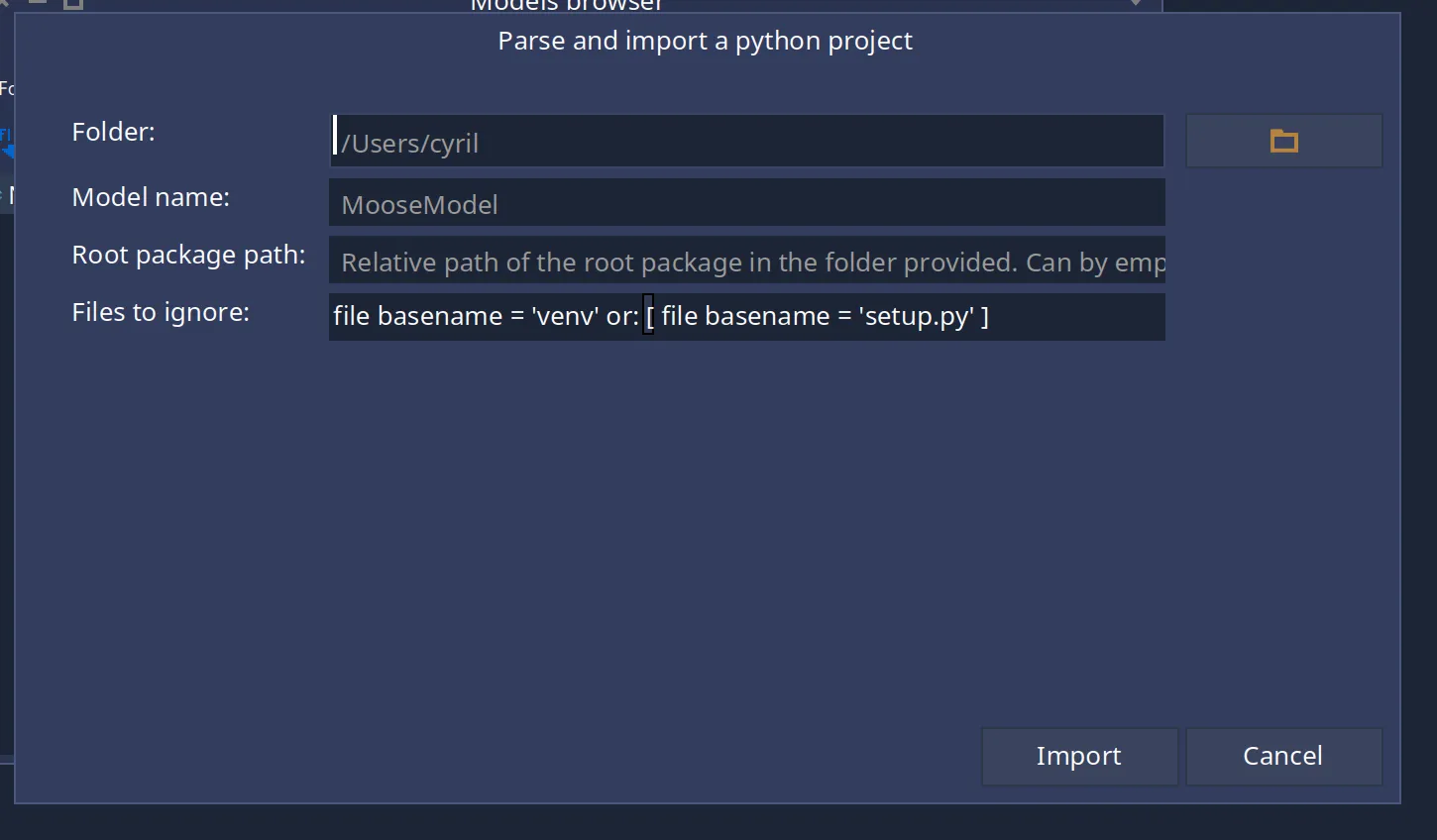
# VerveineC-Cpp
VerveineC-Cpp (VerveineC in short) is a tool written in java that create a *json* or a *mse* file from C/C++ source code.
> VerveineC is not as stable as VerveineJ, do not hesitate to contact us in case of problem
## User Documentation
[Section titled “User Documentation”](#user-documentation)
## Developer Documentation
[Section titled “Developer Documentation”](#developer-documentation)
### Installation
[Section titled “Installation”](#installation)
#### Download Eclipse
[Section titled “Download Eclipse”](#download-eclipse)
To install VerveineC, you need to clone it from the [VerveineC GitHub repository](https://github.com/moosetechnology/VerveineC-Cpp). We advice you to contact us to know which branch is the best for now (probably `famix-7`).
```bash
# https
git clone https://github.com/moosetechnology/VerveineC-Cpp.git
# ssh
git clone git@github.com:moosetechnology/VerveineC-Cpp.git
```
VerveineC is *in reality* an eclipse plugin that will run in headless model. Thus, you will have to download eclipse (eclipse Version: 2022-06 should work perfectly).
Then, you’ll have to install the RCP Plug-In of eclipse and CDT.
#### Install RCP plug-in
[Section titled “Install RCP plug-in”](#install-rcp-plug-in)
To install the *RCP Plug-In*, in eclipse:
* *Help → Install New Software… → Choose The Eclipse Project Updates in field Work With → Filter for RCP Plug-In*.
* Select the *Eclipse Plug-in Development Environment*
* Perform the full install
### Potential issue
[Section titled “Potential issue”](#potential-issue)
Your eclipse might not have the exact same plugin preinstalled. In such a situation, you can search for equivalent plugin preinstalled, or install the plugin.
For instance, we had to change:
| source | target |
| ----------------------- | ------------------- |
| `org.junit.jupiter.api` | `junit-jupiter-api` |
### Export the plug-in
[Section titled “Export the plug-in”](#export-the-plug-in)
To export the plugin,
* `File` > `Export...` > `Plug-in Development` > `Deployable plug-ins and fragments` > Next
* Select the verveineC plugin and the root directory of your eclipse then *Finish*
# VerveineJ
VerveineJ is a tool written in java that create a *json* or a *mse* file from Java source code.
## Installation
[Section titled “Installation”](#installation)
To install VerveineJ, you need to clone it from the [VerveineJ GitHub repository](https://github.com/moosetechnology/VerveineJ). You might prefer the [latest released version](https://github.com/moosetechnology/VerveineJ/releases).
```bash
# https
git clone https://github.com/moosetechnology/VerveineJ.git
# ssh
git clone git@github.com:moosetechnology/VerveineJ.git
```
## Usage
[Section titled “Usage”](#usage)
### Quick start
[Section titled “Quick start”](#quick-start)
To use VerveineJ, you can use [Famix Maker](https://github.com/moosetechnology/Moose-Easy)  or from a terminal.
From the terminal on Unix systems, you can use command line as follows:
```sh
./verveinej.sh -o MyProject.mse -autocp ../MyProjectDependenciesOrLib/ ../MyProjectSrcFolder/
```
On Windows, you should use `verveinej.bat` instead of `verveinej.sh`.
To use the JSON file format, you can specify the output format of VerveineJ:
```sh
./verveinej.sh -o MyProject.json -format json -autocp ../MyProjectDependenciesOrLib/ ../MyProjectSrcFolder/
```
### Options
[Section titled “Options”](#options)
In the following, we describe the options of VerveineJ.
Usage:
`VerveineJ [-h] [-i] [-format (mse|json)] [-prettyPrint] [-o ] [-summary] [-alllocals] [-anchor (none|default|assoc)] [-cp CLASSPATH | -autocp DIR] [-1.1 | -1 | -1.2 | -2 | ... | -1.7 | -7] | "`
| VerveineJ options | description |
| ----------------------------------------------- | ----------------------------------------------------------------------------------------------------------------------------------------------------------------------------------------------------------------------------------------------------------------------------------------- |
| `-h` | prints this message |
| `-i` | toggles incremental parsing on (can parse a project in parts that are added to the output file) |
| `-format (mse\|json)` | specifies the output format (default: MSE) |
| `-prettyPrint` | toggles the usage of the json pretty printer |
| `-o ` | specifies the name of the output file (default: ouput.mse) |
| `-summary` | toggles summarization of information at the level of classes. Summarizing at the level of classes does not produce Methods, Attributes, Accesses, and Invocations. Everything is represented as references between classes: e.g. "A.m1() invokes B.m2()" is uplifted to "A references B". |
| `-alllocals` | Forces outputting all local variables, even those with primitive type (incompatible with "-summary") |
| `-anchor (none\|entity\|default\|assoc)` | options for source anchor information: - no entity - only named entities \[default] - named entities+associations (i.e. accesses, invocations, references) |
| `-cp CLASSPATH` | classpath where to look for stubs |
| `-autocp DIR` | gather all jars in DIR and put them in the classpath |
| `-filecp FILE` | gather all jars listed in FILE (absolute paths) and put them in the classpath |
| `-excludepath GLOBBINGEXPR` | A globbing expression of file path to exclude from parsing |
| `-1.1 \| -1 \| -1.2 \| -2 \| ... \| -1.7 \| -7` | specifies version of Java |
| `\|` | list of source files to parse or directories to search for source files |
### Advanced Options
[Section titled “Advanced Options”](#advanced-options)
#### Dealing with accent in code
[Section titled “Dealing with accent in code”](#dealing-with-accent-in-code)
It is possible to parse code with accent using a Java vm option.
To do so, add the encoding before a double dash `--`. For example:
```sh
./verveineJ.sh -Dfile.encoding=ISO-8859-1 -- -format json <...>
```
## Using docker
[Section titled “Using docker”](#using-docker)
It is also possible to use VerveineJ with [Docker](https://github.com/Evref-BL/VerveineJ-Docker). Please look at the repository documentation.
# Predefined Entities
To analyze a system in a given programming language, Moose must have a meta-model for that language. For example, for Java the meta-model defines that Java programs have classes, containing methods, invoking other methods, etc. The meta-model describes the entities that compose a program in the given language and how they are related.
On another page, we explain how to [define a meta-model](create-new-metamodel): create new entities, define relationships, properties, etc. On this page, we present the library of predefined entities that is part of FamixNG and helps declaring new entities by offering typical properties / relationships that are needed.
In FamixNG, recurrent properties are modeled into traits. New entities are created as classes composed from these existing traits. Some common entities (like Packages) are also proposed, precomposed with common traits. Here we list all currently available traits.
FamixNG is under continuous development, and the library of available traits is subject to change. The following should nevertheless help users make sense of the more than 130 traits available.
We will first present the different [Association Traits](#categories-of-trait) that are used, some adding very specific properties, some working in group,… Then we will show how some of these [traits are composed](#putting-it-all-together) to make more complex entities. We finish by presenting the traits for [modelling genericity](#genericity) which is a complex issue.
## Categories of traits
[Section titled “Categories of traits”](#categories-of-traits)
First, one can divide the set of traits into four categories:
* [Categories of traits](#categories-of-traits)
* [Association Traits](#association-traits)
* [Technical Traits](#technical-traits)
* [Property Traits](#property-traits)
* [Terminal Traits](#terminal-traits)
* [Putting it all together](#putting-it-all-together)
* [Inheritance in context](#inheritance-in-context)
* [Invocation in context](#invocation-in-context)
* [Reference in context](#reference-in-context)
* [Access in context](#access-in-context)
* [Genericity](#genericity)
They are described as follows:
### Association Traits
[Section titled “Association Traits”](#association-traits)
Association traits model the fact that an entity is used (referred to) in the source code. Such a reference creates an association between the using entity (refers to) and the entity that is used (is referred to). This includes the four associations of the old Famix: Inheritance, Invocation (of a function or a method), Access (to a variable), and Reference (to a type).
Associations should be thought of as n-to-m relationships between entities. For that reason, they are reified into their own traits. Associations define two roles (`from` and `to`) to identify both ends of the association. Using an association involves:
* defining a class representing the association (for example, Access, using the trait FamixTAccess)
* defining two classes at each end of the association (for example, Function using the trait FamixTWithAccess, and Variable using the trait FamixTAccessible).
There are five full-fledged associations in FamixNG:
* `FamixTAccess`, from: `FamixTWithAccess`, to: `FamixTAccessible`
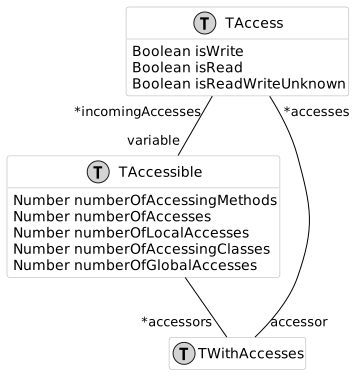
* `FamixTInheritance`, from: `FamixTWithInheritance`, to: `FamixTWithInheritance`
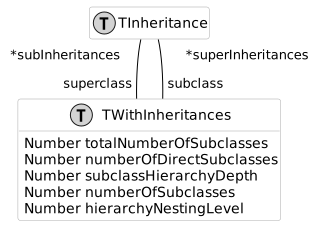
* `FamixTInvocation`, from: `FamixTWithInvocation`, to: `FamixTInvocable`, for OO programs, there is an extra receiver: `FamixTInvocationReceiver`
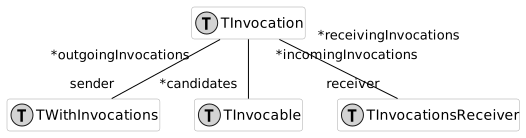
* `FamixTReference`, from: `FamixTWithReferences`, to: `FamixTReferenceable`
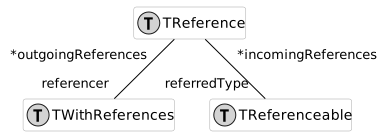
* `FamixTTraitUsage`, from: `FamixTWithTrait`, to: `FamixTTrait`
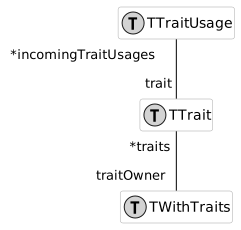
To these five we added two more specialized “associations”: `DereferencedInvocation` (call of a pointer to a function in C) and `FileInclude` (also in C). These do not reify the association as a separate entity, but they might do so in the future. For now there are only two traits to put at each end of the relationship:
* `FamixTDereferencedInvocation` and `FamixTWithDereferencedInvocations`
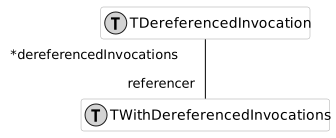
* `FamixTFileInclude` and `FamixTWithFileInclude`
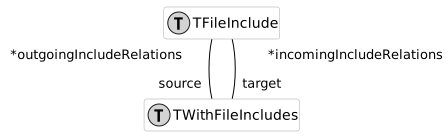
### Technical Traits
[Section titled “Technical Traits”](#technical-traits)
Technical traits do not model programming language entities but are used to implement Moose functionalities.
Currently, this includes several types of `FamixTSourceAnchors` that allow recovering the source code of the entities. A typical `FamixTSourceAnchor` contains a filename, and start and end positions in this file.

*Technical traits* may also implement software engineering metric computation (`TLCOMMetrics`), or ways to model the programming language used (all `SourceLanguage`), or be used to implement the generic [MooseQuery engine](https://moosequery.ferlicot.fr/).

### Property Traits
[Section titled “Property Traits”](#property-traits)
Property traits model composable properties that source code entities may possess. Some examples are `FamixTNamedEntity` (entities that have a name), `FamixTTypedEntity` (entities that are statically typed), or a number of entities modeling ownership: `FamixTWithGlobalVariables` (entities that can own `FamixTGlobalVariables`), `FamixTWithFunctions` (entities that can own `FamixTFunctions`), …
There are 46 *property traits* currently in FamixNG including 38 traits modeling ownership of various possible kinds of entities (`FamixTWith...`).
### Terminal Traits
[Section titled “Terminal Traits”](#terminal-traits)
Terminal traits model entities that can be found in the source code such as `Functions`, `Classes`, `Exceptions`, … These entities are often defined as a composition of some of the *property traits*. For example, `FamixTClass` is composed of: `FamixTInvocationsReceiver` (class can be receiver of static messages), `FamixTPackageable`, `FamixTType` (classes can be used to type other entities), `FamixTWithAttributes`, `FamixTWithComments`, `FamixTWithInheritances`, `FamixTWithMethods`.
The name *terminal trait* refers to the fact that they can be used directly to create a programming language concept (a class, a package), whereas *property traits* are typically composed with other traits to make a meaningful programming language concept.
There are 38 such *terminal traits* currently in FamixNG.
## Putting it all together
[Section titled “Putting it all together”](#putting-it-all-together)
We now present UML diagram that show how Association and Property traits are used to create the Terminal traits. These UML diagrams give an idea how to combine all traits to create a meta-model for a given programming language.
### Inheritance in context
[Section titled “Inheritance in context”](#inheritance-in-context)
For the first example we show how we model inheritance in the FamixJava meta-model:
* `TClass` uses `TWithInheritances`, ie. a generic class may have inheritance relationships
* `FamixJavaClass` uses `TClass`, ie. a Java class has all properties of the generic class defined in Famix. Note that a Java class also has other properties not shown here.
* `FamixJavaInheritance` uses the trait `TInheritance` to represent an inheritance relationship.
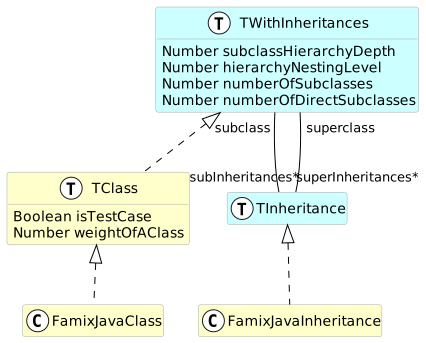
That way, a `FamixJavaClass` has `superInheritances` and `subInheritances` propperties containing `FamixJavaInheritance` objects.
### Invocation in context
[Section titled “Invocation in context”](#invocation-in-context)
We now look at how invocations are used. For simplification we did not put the FamixJava entities, but there is a `FamixJavaMethod` directly using `TMethod` and we saw `FamixJavaClass` using `TClass` in the previous example:
* `TWithStatements` uses `TWithInvocations`, ie. an entity with statements (eg. a function, a procedure, a method,…) may have invocations
* `TMethod` uses `TWithStatements` and thus can make invocations
* `TMethod` uses `TInvocable` and thus can receive invocations
* `TClass` uses `TInvocationsReceiver` because classes may receive (static) messages
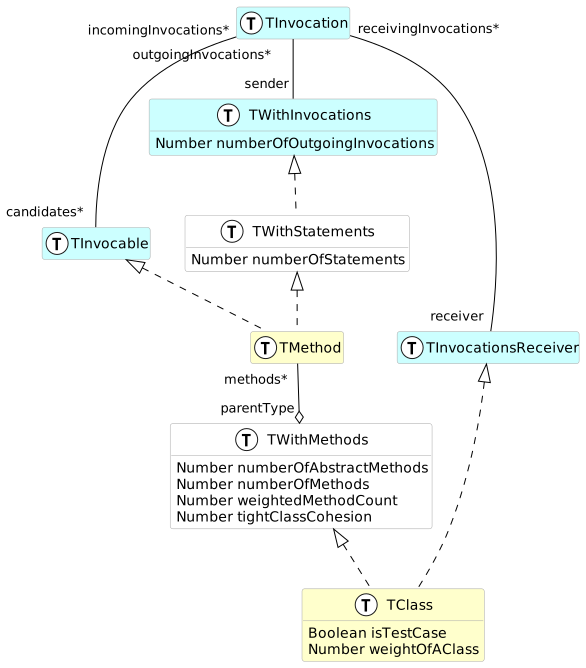
### Reference in context
[Section titled “Reference in context”](#reference-in-context)
References are relationship between methods (`TWithStatements`) and types (`TType`` are `TReferenceable\`)
Additionally, the diagram shows how variables (`TStructuralEntity`) and methods (`TMethods` using `TWithStatements`) are `TTypedEntity` which have a property `declaredType` pointing to a `TType` also. This property does not use the `TReference` association because it is a 1-to-n relationship.
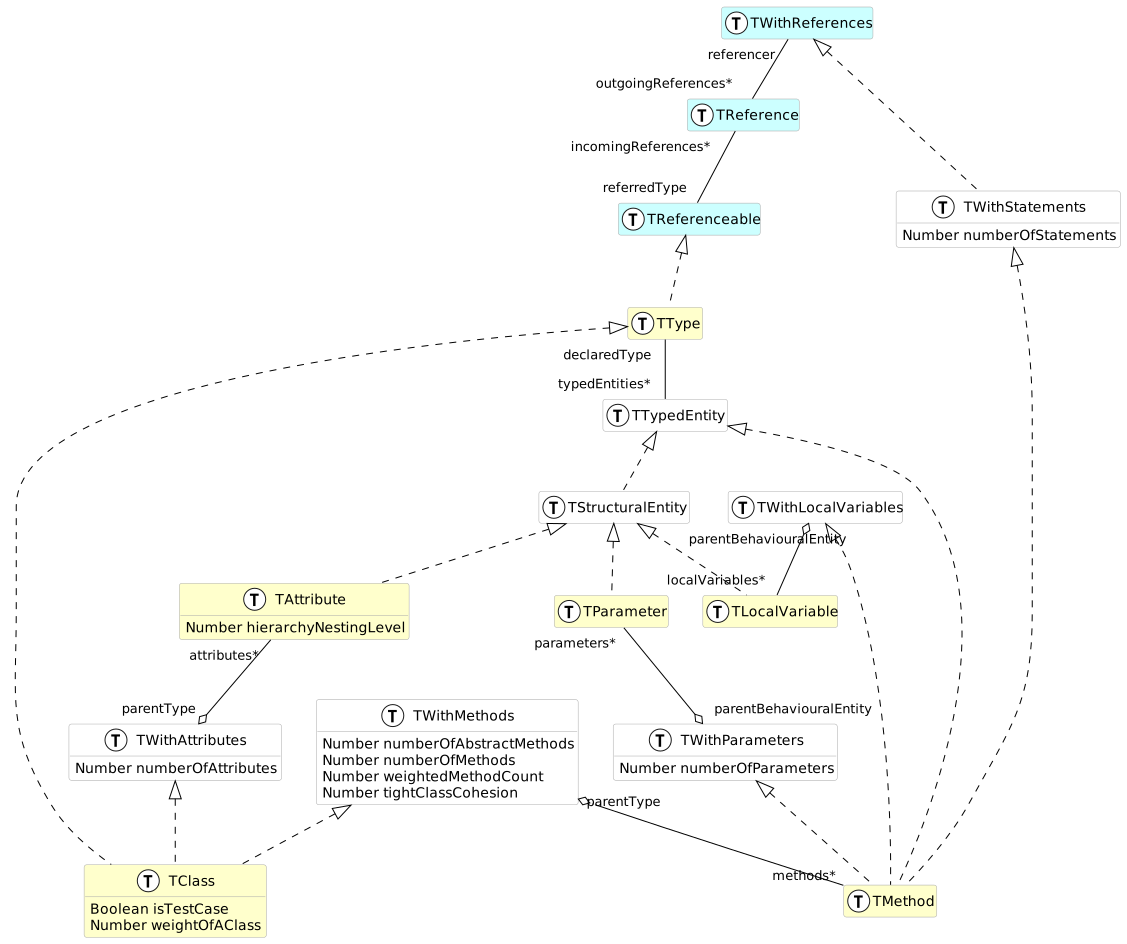
### Access in context
[Section titled “Access in context”](#access-in-context)
Finally, we look at the access relationship and how it is used. Accesses are made from methods (`TMethods` using `TWithStatements`, itself using `TWithAccesses`) to variables (`TStructuralEntity` uses `TAccessible`).
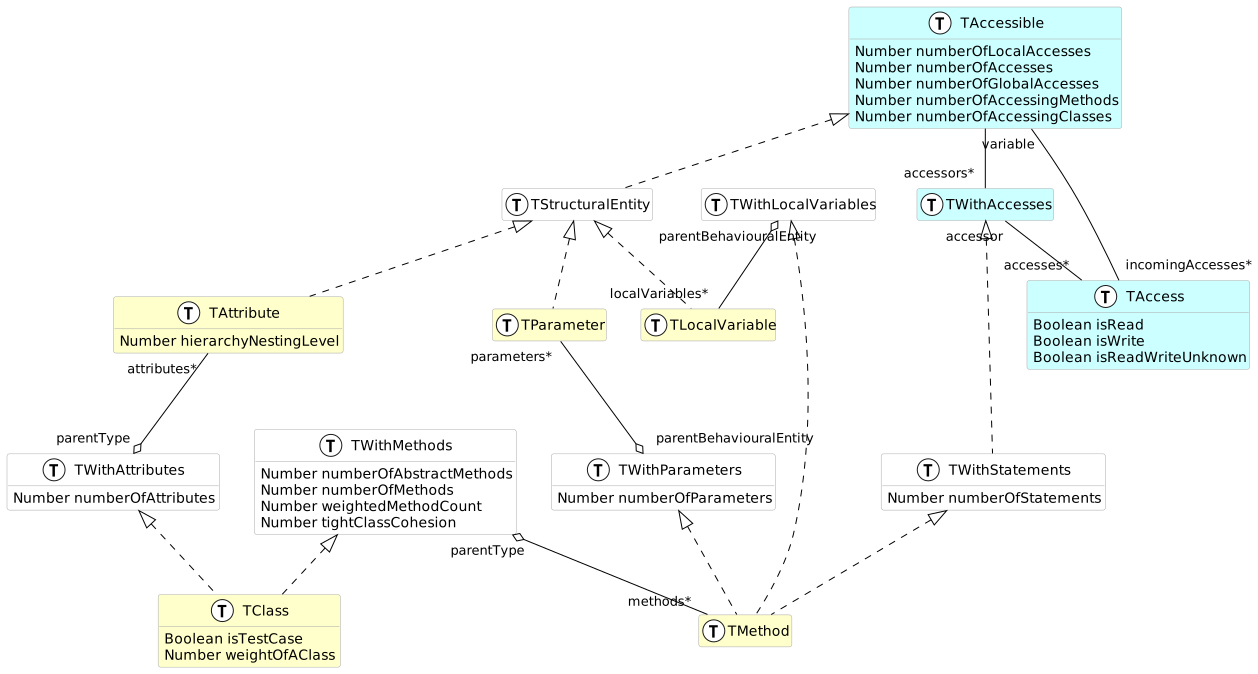
## Genericity
[Section titled “Genericity”](#genericity)
(note: the same meta-model is also described in this [blog post](/blog/2023-07-13-parametric)).
Genericity in OO languages allows to define a class, an interface, or a method which will apply to several not specified types. For example in Java a Map associates keys of an unspecified type to values of another unspecified type. Map is a generic interface, (also called parametric interface, this is the term we use in Famix). The definition of Map in Java looks like this: `interface Map` where K and V are the ParameterTypes of the ParametricInterface.
Generic types can then be made concrete by specifying some or all their ParameterTypes. For example we could create a StringMap with `class StringMap implements Map`. In this new type, the ParameterType K is made concrete by setting it to be String. The StringMap type is still generic because V is not concrete. StringMap is a generic type with only one ParameterType: V.
Methods can also be GenericEntities when the type of one parameter, or the return type of the method is a ParameterType. For example in Java, the get(key) method (in Map) is generic because the type of the key is K, a ParameterType and it returns a value of type V, another ParameterType: \`public V get(K key)’.
In Famix the meta-model for genericity is the following:
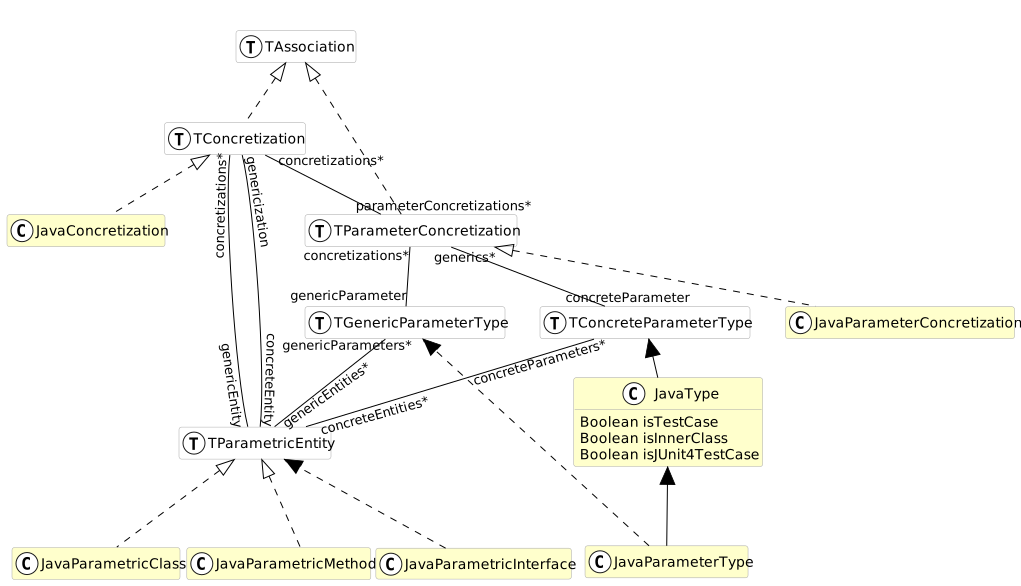
* a `TParametricEntity` represents an entity that has `TGenericParameterType`s (like Map having parameter types K and V in the example above);
* the same `TParametricEntity` may also have `TConcreteParameterType`s (like String for StringMap above);
* in the case of Java, `TParametricEntity` is used by `JavaParametricMethod`, `JavaParametricClass` and `JavaParametricInterface`;
* a `TConcretization` is an association between two `TParametricEntity`s (like between Map and StringMap above);
* a `TParameterConcretization` is an association between a `TGenericParameterType` (like K above) and a `TConcreteParameterType` (like String above);
* a `TParameterConcretization` (association between ParameterTypes) is linked to a `TConcretization` (association between ParametricEntities);
* in the case of Java, any `JavaType` can be used as a `TConcreteParameterType`
# Pro tips
Moose is a big platform and hoards a lot of secrets to help developers work with it. The goal of this page is to discribe some of this knowledge.
* [Attributes and Cache](#attributes-and-cache)
* [Attributes](#attributes)
* [Caches](#caches)
## Attributes and Cache
[Section titled “Attributes and Cache”](#attributes-and-cache)
Moose models can be really complexe and it happens a lot that we need a specific information that are not planned in the variables of our objects. In order to make it easier to save datas, we have two systems:
* attributes: allow to save some info that should never be flushed
* caches: allow to cache some info for performance reason
All subclasses of `MooseObject` are comming with those two mecanisms.
> In Moose 13 the names are “Attribute” and “Cache”. We are planning to rename “Attribute” into “Property” in Moose 14, but we cannot do it now because the name “property” was used for another concept.
### Attributes
[Section titled “Attributes”](#attributes)
The typical usecase of attributes is to save information we cannot compute in Moose. For example, if you have a tool producing metrics and you want to manipulate them in your moose model you could implement it like this:
```smalltalk
myMetric
^ self attributeAt: #myMetric ifAbsent: [ self notExistentMetricValue ]
```
and
```smalltalk
myMetric: aValue
^ self attributeAt: #myMetric put: aValue
```
The info added to attributes are not flushable. If you declare new Moose properties like we did here, be careful to not add the `` pragma in order to export the value of this property in JSON files:
```smalltalk
myMetric
^ self attributeAt: #myMetric ifAbsent: [ self notExistentMetricValue ]
```
### Caches
[Section titled “Caches”](#caches)
The typical usecase of caches are to speed up some features by caching their values.
For example:
```smalltalk
numberOfMethods
^ self cacheAt: #numberOfMethods ifAbsentPut: [ self types inject: 0 into: [ :sum :each | sum + each numberOfMethods ] ]
```
and
```smalltalk
numberOfMethods: aNumber
self cacheAt: #numberOfMethods put: aNumber
```
Be careful to not save info you cannot recompute in this cache because it can be flushed by calling `flush` on the instance of your moose object. Also, if you declare a property, don’t forget to add the `` pragma to not export this value that can be recomputed.
```smalltalk
numberOfMethods
^ self cacheAt: #numberOfMethods ifAbsentPut: [ self types inject: 0 into: [ :sum :each | sum + each numberOfMethods ] ]
```
# Research
> Analyse and model your software system
Moose has been developed and used by researchers for more than twenty years. Below are the publications that present Moose, its tools, or that rely on it to analyse real software systems. Highlighted authors are members of the [Moose team](/about/).
**15** peer-reviewed publications built with or about Moose, from 2005 to 2026.
## 20261 paper
1. SANERIEEE International Conference on Software Analysis, Evolution and Reengineering (SANER)
### [Migrating Esope to Fortran 2008 using model transformations](https://inria.hal.science/hal-05468029v1)
* Younoussa Sow
* [Nicolas Anquetil](http://researchers.lille.inria.fr/~nanqueti/ "Moose expert")
* Léandre Brault
* [Stéphane Ducasse](http://stephane.ducasse.free.fr/ "Research director at Inria")
[**Publisher](https://inria.hal.science/hal-05468029v1)[** PDF](https://hal.science/hal-05468029v1/document)** Cite
Younoussa Sow, Nicolas Anquetil, Léandre Brault, Stéphane Ducasse. Migrating Esope to Fortran 2008 using model transformations. IEEE International Conference on Software Analysis, Evolution and Reengineering (SANER), 2026.
```
@inproceedings{sow2026migrating,
title = {{Migrating Esope to Fortran 2008 using model transformations}},
author = {Sow, Younoussa and Anquetil, Nicolas and Brault, Léandre and Ducasse, Stéphane},
booktitle = {IEEE International Conference on Software Analysis, Evolution and Reengineering (SANER)},
year = {2026},
url = {https://inria.hal.science/hal-05468029v1}
}
```
**Copy BibTeX
## 20251 paper
1. MSRIEEE/ACM International Conference on Mining Software Repositories (MSR)
### [GitProjectHealth: an Extensible Framework for Git Social Platform Mining](https://ieeexplore.ieee.org/abstract/document/11025626)
* [Nicolas Hlad](https://orcid.org/0000-0003-4989-2508 "Moose expert")
* [Benoit Verhaeghe](https://badetitou.fr "Cookie Lover")
* [Kilian Bauvent](https://github.com/knowbased "Software engineer")
[**Publisher](https://ieeexplore.ieee.org/abstract/document/11025626)** Cite
Nicolas Hlad, Benoit Verhaeghe, Kilian Bauvent. GitProjectHealth: an Extensible Framework for Git Social Platform Mining. IEEE/ACM International Conference on Mining Software Repositories (MSR), 2025.
```
@inproceedings{hlad2025gitprojecthealth,
title = {{GitProjectHealth: an Extensible Framework for Git Social Platform Mining}},
author = {Hlad, Nicolas and Verhaeghe, Benoit and Bauvent, Kilian},
booktitle = {IEEE/ACM International Conference on Mining Software Repositories (MSR)},
year = {2025},
url = {https://ieeexplore.ieee.org/abstract/document/11025626}
}
```
**Copy BibTeX
## 20232 papers
1. ICSMEIEEE International Conference on Software Maintenance and Evolution (ICSME)
### [Parsing FORTRAN 77 with proprietary extensions](https://inria.hal.science/hal-04205262v1)
* Younoussa Sow
* Larisa Safina
* Léandre Brault
* Papa Ibou Diouf
* [Nicolas Anquetil](http://researchers.lille.inria.fr/~nanqueti/ "Moose expert")
* [Stéphane Ducasse](http://stephane.ducasse.free.fr/ "Research director at Inria")
[**Publisher](https://inria.hal.science/hal-04205262v1)[** PDF](https://inria.hal.science/hal-04205262v1/document)** Cite
Younoussa Sow, Larisa Safina, Léandre Brault, Papa Ibou Diouf, Nicolas Anquetil, Stéphane Ducasse. Parsing FORTRAN 77 with proprietary extensions. IEEE International Conference on Software Maintenance and Evolution (ICSME), 2023.
```
@inproceedings{sow2023parsing,
title = {{Parsing FORTRAN 77 with proprietary extensions}},
author = {Sow, Younoussa and Safina, Larisa and Brault, Léandre and Diouf, Papa Ibou and Anquetil, Nicolas and Ducasse, Stéphane},
booktitle = {IEEE International Conference on Software Maintenance and Evolution (ICSME)},
year = {2023},
url = {https://inria.hal.science/hal-04205262v1}
}
```
**Copy BibTeX
2. VISSOFTIEEE Working Conference on Software Visualization (VISSOFT)
### [A Visualization for Client/Server Architecture Viewpoints and Architectural Violations](https://www.computer.org/csdl/proceedings-article/vissoft/2023/082900a001/1SYITucxA2Y)
* Nour Jihene Agouf
* [Stéphane Ducasse](http://stephane.ducasse.free.fr/ "Research director at Inria")
* [Anne Etien](https://www.cristal.univ-lille.fr/profil/etien/ "Moose expert")
* [Nicolas Anquetil](http://researchers.lille.inria.fr/~nanqueti/ "Moose expert")
* Soufyane Labsari
[**Publisher](https://www.computer.org/csdl/proceedings-article/vissoft/2023/082900a001/1SYITucxA2Y)[** PDF](https://hal.science/hal-04231797v1/file/main.pdf)** Cite
Nour Jihene Agouf, Stéphane Ducasse, Anne Etien, Nicolas Anquetil, Soufyane Labsari. A Visualization for Client/Server Architecture Viewpoints and Architectural Violations. IEEE Working Conference on Software Visualization (VISSOFT), 2023.
```
@inproceedings{agouf2023visualization,
title = {{A Visualization for Client/Server Architecture Viewpoints and Architectural Violations}},
author = {Agouf, Nour Jihene and Ducasse, Stéphane and Etien, Anne and Anquetil, Nicolas and Labsari, Soufyane},
booktitle = {IEEE Working Conference on Software Visualization (VISSOFT)},
year = {2023},
url = {https://www.computer.org/csdl/proceedings-article/vissoft/2023/082900a001/1SYITucxA2Y}
}
```
**Copy BibTeX
## 20221 paper
1. JournalIEEE Software
### [From GWT to Angular: An Experiment Report on Migrating a Legacy Web Application](https://doi.org/10.1109/MS.2021.3101249)
* [Benoit Verhaeghe](https://badetitou.fr "Cookie Lover")
* Anas Shatnawi
* Abderrahmane Seriai
* [Anne Etien](https://www.cristal.univ-lille.fr/profil/etien/ "Moose expert")
* [Nicolas Anquetil](http://researchers.lille.inria.fr/~nanqueti/ "Moose expert")
* Mustapha Derras
* [Stéphane Ducasse](http://stephane.ducasse.free.fr/ "Research director at Inria")
[**Publisher](https://doi.org/10.1109/MS.2021.3101249)[** PDF](http://rmod-files.lille.inria.fr/Team/Texts/Papers/Verh21b-FromGWTToAngular-iEEESoftware.pdf)** Cite
Benoit Verhaeghe, Anas Shatnawi, Abderrahmane Seriai, Anne Etien, Nicolas Anquetil, Mustapha Derras, Stéphane Ducasse. From GWT to Angular: An Experiment Report on Migrating a Legacy Web Application. IEEE Software, 2022.
```
@article{verhaeghe2022from,
title = {{From GWT to Angular: An Experiment Report on Migrating a Legacy Web Application}},
author = {Verhaeghe, Benoit and Shatnawi, Anas and Seriai, Abderrahmane and Etien, Anne and Anquetil, Nicolas and Derras, Mustapha and Ducasse, Stéphane},
journal = {IEEE Software},
year = {2022},
url = {https://doi.org/10.1109/MS.2021.3101249}
}
```
**Copy BibTeX
## 20212 papers
1. JournalAutomated Software Engineering
### [GUI visual aspect migration: a framework agnostic solution](https://doi.org/10.1007/s10515-021-00284-z)
* [Benoit Verhaeghe](https://badetitou.fr "Cookie Lover")
* [Nicolas Anquetil](http://researchers.lille.inria.fr/~nanqueti/ "Moose expert")
* [Anne Etien](https://www.cristal.univ-lille.fr/profil/etien/ "Moose expert")
* [Stéphane Ducasse](http://stephane.ducasse.free.fr/ "Research director at Inria")
* Abderrahmane Seriai
* Mustapha Derras
[**Publisher](https://doi.org/10.1007/s10515-021-00284-z)[** PDF](http://rmod-files.lille.inria.fr/Team/Texts/Papers/Verh21a-ASEJournal.pdf)** Cite
Benoit Verhaeghe, Nicolas Anquetil, Anne Etien, Stéphane Ducasse, Abderrahmane Seriai, Mustapha Derras. GUI visual aspect migration: a framework agnostic solution. Automated Software Engineering, 2021.
```
@article{verhaeghe2021visual,
title = {{GUI visual aspect migration: a framework agnostic solution}},
author = {Verhaeghe, Benoit and Anquetil, Nicolas and Etien, Anne and Ducasse, Stéphane and Seriai, Abderrahmane and Derras, Mustapha},
journal = {Automated Software Engineering},
volume = {28},
number = {6},
year = {2021},
url = {https://doi.org/10.1007/s10515-021-00284-z}
}
```
**Copy BibTeX
2. ICSMEInternational Conference on Software Maintenance and Evolution (ICSME)
### [Migrating GUI behavior: from GWT to Angular](https://ieeexplore.ieee.org/document/9609198)
* [Benoit Verhaeghe](https://badetitou.fr "Cookie Lover")
* Anas Shatnawi
* Abderrahmane Seriai
* [Nicolas Anquetil](http://researchers.lille.inria.fr/~nanqueti/ "Moose expert")
* [Anne Etien](https://www.cristal.univ-lille.fr/profil/etien/ "Moose expert")
* [Stéphane Ducasse](http://stephane.ducasse.free.fr/ "Research director at Inria")
* Mustapha Derras
[**Publisher](https://ieeexplore.ieee.org/document/9609198)[** PDF](https://hal.archives-ouvertes.fr/hal-03341866/file/conference_101719.pdf)** Cite
Benoit Verhaeghe, Anas Shatnawi, Abderrahmane Seriai, Nicolas Anquetil, Anne Etien, Stéphane Ducasse, Mustapha Derras. Migrating GUI behavior: from GWT to Angular. International Conference on Software Maintenance and Evolution (ICSME), 2021.
```
@inproceedings{verhaeghe2021migrating,
title = {{Migrating GUI behavior: from GWT to Angular}},
author = {Verhaeghe, Benoit and Shatnawi, Anas and Seriai, Abderrahmane and Anquetil, Nicolas and Etien, Anne and Ducasse, Stéphane and Derras, Mustapha},
booktitle = {International Conference on Software Maintenance and Evolution (ICSME)},
year = {2021},
url = {https://ieeexplore.ieee.org/document/9609198}
}
```
**Copy BibTeX
## 20202 papers
1. ICSRICSR: International Conference on Software and Software Reuse
### [Modular Moose: A New Generation of Software Reverse Engineering Platform](https://hal.inria.fr/hal-02972159)
* [Nicolas Anquetil](http://researchers.lille.inria.fr/~nanqueti/ "Moose expert")
* [Anne Etien](https://www.cristal.univ-lille.fr/profil/etien/ "Moose expert")
* Mahugnon H. Houekpetodji
* [Benoit Verhaeghe](https://badetitou.fr "Cookie Lover")
* [Stéphane Ducasse](http://stephane.ducasse.free.fr/ "Research director at Inria")
* [Clotilde Toullec](https://github.com/ClotildeToullec "Research engineer")
* Fatiha Djareddir
* Jerôme Sudich
* Moustapha Derras
[**Publisher](https://hal.inria.fr/hal-02972159)[** PDF](https://arxiv.org/pdf/2011.10975)** Cite
Nicolas Anquetil, Anne Etien, Mahugnon H. Houekpetodji, Benoit Verhaeghe, Stéphane Ducasse, Clotilde Toullec, Fatiha Djareddir, Jerôme Sudich, Moustapha Derras. Modular Moose: A New Generation of Software Reverse Engineering Platform. ICSR: International Conference on Software and Software Reuse, 2020.
```
@inproceedings{anquetil2020modular,
title = {{Modular Moose: A New Generation of Software Reverse Engineering Platform}},
author = {Anquetil, Nicolas and Etien, Anne and Houekpetodji, Mahugnon H. and Verhaeghe, Benoit and Ducasse, Stéphane and Toullec, Clotilde and Djareddir, Fatiha and Sudich, Jerôme and Derras, Moustapha},
booktitle = {ICSR: International Conference on Software and Software Reuse},
year = {2020},
url = {https://hal.inria.fr/hal-02972159}
}
```
**Copy BibTeX
2. CAiSEInternational Conference on Advanced Information Systems Engineering (CAiSE'20)
### [Recommendations for Evolving Relational Databases](https://doi.org/10.1007/978-3-030-49435-3_31)
* Julien Delplanque
* [Anne Etien](https://www.cristal.univ-lille.fr/profil/etien/ "Moose expert")
* [Nicolas Anquetil](http://researchers.lille.inria.fr/~nanqueti/ "Moose expert")
* [Stéphane Ducasse](http://stephane.ducasse.free.fr/ "Research director at Inria")
[**Publisher](https://doi.org/10.1007/978-3-030-49435-3_31)[** PDF](https://inria.hal.science/hal-02504949/file/main.pdf)** Cite
Julien Delplanque, Anne Etien, Nicolas Anquetil, Stéphane Ducasse. Recommendations for Evolving Relational Databases. International Conference on Advanced Information Systems Engineering (CAiSE'20), 2020.
```
@inproceedings{delplanque2020recommendations,
title = {{Recommendations for Evolving Relational Databases}},
author = {Delplanque, Julien and Etien, Anne and Anquetil, Nicolas and Ducasse, Stéphane},
booktitle = {International Conference on Advanced Information Systems Engineering (CAiSE'20)},
year = {2020},
url = {https://doi.org/10.1007/978-3-030-49435-3_31}
}
```
**Copy BibTeX
## 20192 papers
1. SANERIEEE 26th International Conference on Software Analysis, Evolution and Reengineering (SANER'19)
### [GUI Migration using MDE from GWT to Angular 6: An Industrial Case](https://doi.org/10.1109/SANER.2019.8667989)
* [Benoit Verhaeghe](https://badetitou.fr "Cookie Lover")
* [Anne Etien](https://www.cristal.univ-lille.fr/profil/etien/ "Moose expert")
* [Nicolas Anquetil](http://researchers.lille.inria.fr/~nanqueti/ "Moose expert")
* Abderrahmane Seriai
* Laurent Deruelle
* [Stéphane Ducasse](http://stephane.ducasse.free.fr/ "Research director at Inria")
* Mustapha Derras
[**Publisher](https://doi.org/10.1109/SANER.2019.8667989)[** PDF](http://rmod-files.lille.inria.fr/Team/Texts/Papers/Verh19a-Saner-MDEMigration.pdf)** Cite
Benoit Verhaeghe, Anne Etien, Nicolas Anquetil, Abderrahmane Seriai, Laurent Deruelle, Stéphane Ducasse, Mustapha Derras. GUI Migration using MDE from GWT to Angular 6: An Industrial Case. IEEE 26th International Conference on Software Analysis, Evolution and Reengineering (SANER'19), 2019.
```
@inproceedings{verhaeghe2019migration,
title = {{GUI Migration using MDE from GWT to Angular 6: An Industrial Case}},
author = {Verhaeghe, Benoit and Etien, Anne and Anquetil, Nicolas and Seriai, Abderrahmane and Deruelle, Laurent and Ducasse, Stéphane and Derras, Mustapha},
booktitle = {IEEE 26th International Conference on Software Analysis, Evolution and Reengineering (SANER'19)},
year = {2019},
url = {https://doi.org/10.1109/SANER.2019.8667989}
}
```
**Copy BibTeX
2. ICSMEIEEE International Conference on Software Maintenance and Evolution (ICSME'19)
### [Decomposing God Classes at Siemens](https://doi.org/10.1109/ICSME.2019.00027)
* [Nicolas Anquetil](http://researchers.lille.inria.fr/~nanqueti/ "Moose expert")
* [Anne Etien](https://www.cristal.univ-lille.fr/profil/etien/ "Moose expert")
* Gaelle Andreo
* [Stéphane Ducasse](http://stephane.ducasse.free.fr/ "Research director at Inria")
[**Publisher](https://doi.org/10.1109/ICSME.2019.00027)[** PDF](http://rmod-files.lille.inria.fr/Team/Texts/Papers/Anq19a-ICSME-GodClass.pdf)** Cite
Nicolas Anquetil, Anne Etien, Gaelle Andreo, Stéphane Ducasse. Decomposing God Classes at Siemens. IEEE International Conference on Software Maintenance and Evolution (ICSME'19), 2019.
```
@inproceedings{anquetil2019decomposing,
title = {{Decomposing God Classes at Siemens}},
author = {Anquetil, Nicolas and Etien, Anne and Andreo, Gaelle and Ducasse, Stéphane},
booktitle = {IEEE International Conference on Software Maintenance and Evolution (ICSME'19)},
year = {2019},
url = {https://doi.org/10.1109/ICSME.2019.00027}
}
```
**Copy BibTeX
## 20181 paper
1. ICSMEIEEE International Conference on Software Maintenance and Evolution (ICSME)
### [Relational Database Schema Evolution: An Industrial Case Study](https://doi.org/10.1109/ICSME.2018.00073)
* Julien Delplanque
* [Anne Etien](https://www.cristal.univ-lille.fr/profil/etien/ "Moose expert")
* [Nicolas Anquetil](http://researchers.lille.inria.fr/~nanqueti/ "Moose expert")
* Olivier Auverlot
[**Publisher](https://doi.org/10.1109/ICSME.2018.00073)[** PDF](http://rmod-files.lille.inria.fr/Team/Texts/Papers/Delp18c-ICSME-DatabaseSchemaEvolution.pdf)** Cite
Julien Delplanque, Anne Etien, Nicolas Anquetil, Olivier Auverlot. Relational Database Schema Evolution: An Industrial Case Study. IEEE International Conference on Software Maintenance and Evolution (ICSME), 2018.
```
@inproceedings{delplanque2018relational,
title = {{Relational Database Schema Evolution: An Industrial Case Study}},
author = {Delplanque, Julien and Etien, Anne and Anquetil, Nicolas and Auverlot, Olivier},
booktitle = {IEEE International Conference on Software Maintenance and Evolution (ICSME)},
year = {2018},
url = {https://doi.org/10.1109/ICSME.2018.00073}
}
```
**Copy BibTeX
## 20151 paper
1. VISSOFT3rd IEEE Working Conference on Software Visualization (VISSOFT 2015)
### [OrionPlanning: Improving Modularization and Checking Consistency on Software Architecture](https://ieeexplore.ieee.org/document/7332435)
* Gustavo Santos
* [Nicolas Anquetil](http://researchers.lille.inria.fr/~nanqueti/ "Moose expert")
* [Anne Etien](https://www.cristal.univ-lille.fr/profil/etien/ "Moose expert")
* [Stéphane Ducasse](http://stephane.ducasse.free.fr/ "Research director at Inria")
* Marco Túlio Valente
[**Publisher](https://ieeexplore.ieee.org/document/7332435)[** PDF](http://rmod-files.lille.inria.fr/Team/Texts/Papers/Sant15c-VISSOFT-OrionPlanning.pdf)** Cite
Gustavo Santos, Nicolas Anquetil, Anne Etien, Stéphane Ducasse, Marco Túlio Valente. OrionPlanning: Improving Modularization and Checking Consistency on Software Architecture. 3rd IEEE Working Conference on Software Visualization (VISSOFT 2015), 2015.
```
@inproceedings{santos2015orionplanning,
title = {{OrionPlanning: Improving Modularization and Checking Consistency on Software Architecture}},
author = {Santos, Gustavo and Anquetil, Nicolas and Etien, Anne and Ducasse, Stéphane and Valente, Marco Túlio},
booktitle = {3rd IEEE Working Conference on Software Visualization (VISSOFT 2015)},
year = {2015},
url = {https://ieeexplore.ieee.org/document/7332435}
}
```
**Copy BibTeX
## 20141 paper
1. JournalJournal of Software Engineering Research and Development
### [BugMaps-Granger: a tool for visualizing and predicting bugs using Granger causality tests](https://jserd.springeropen.com/articles/10.1186/2195-1721-2-1)
* Cesar Couto
* Marco Túlio Valente
* Pedro Pires
* André Hora
* [Nicolas Anquetil](http://researchers.lille.inria.fr/~nanqueti/ "Moose expert")
* Roberto S. Bigonha
[**Publisher](https://jserd.springeropen.com/articles/10.1186/2195-1721-2-1)[** PDF](http://rmod-files.lille.inria.fr/Team/Texts/Papers/Cout14b-BugMapsGranger-jserd.pdf)** Cite
Cesar Couto, Marco Túlio Valente, Pedro Pires, André Hora, Nicolas Anquetil, Roberto S. Bigonha. BugMaps-Granger: a tool for visualizing and predicting bugs using Granger causality tests. Journal of Software Engineering Research and Development, 2014.
```
@article{couto2014bugmapsgranger,
title = {{BugMaps-Granger: a tool for visualizing and predicting bugs using Granger causality tests}},
author = {Couto, Cesar and Valente, Marco Túlio and Pires, Pedro and Hora, André and Anquetil, Nicolas and Bigonha, Roberto S.},
journal = {Journal of Software Engineering Research and Development},
volume = {2},
number = {1},
year = {2014},
url = {https://jserd.springeropen.com/articles/10.1186/2195-1721-2-1}
}
```
**Copy BibTeX
## 20051 paper
1. ConferenceProceedings of the 10th European software engineering conference held jointly with 13th ACM SIGSOFT international symposium on Foundations of software engineering
### [The story of moose: an agile reengineering environment](https://dl.acm.org/doi/abs/10.1145/1081706.1081707)
* Oscar Nierstrasz
* [Stéphane Ducasse](http://stephane.ducasse.free.fr/ "Research director at Inria")
* Tudor Gǐrba
[**Publisher](https://dl.acm.org/doi/abs/10.1145/1081706.1081707)[** PDF](https://rmod-files.lille.inria.fr/Team/Texts/Papers/Nier05cStoryOfMoose.pdf)** Cite
Oscar Nierstrasz, Stéphane Ducasse, Tudor Gǐrba. The story of moose: an agile reengineering environment. Proceedings of the 10th European software engineering conference held jointly with 13th ACM SIGSOFT international symposium on Foundations of software engineering, 2005.
```
@inproceedings{nierstrasz2005story,
title = {{The story of moose: an agile reengineering environment}},
author = {Nierstrasz, Oscar and Ducasse, Stéphane and Gǐrba, Tudor},
booktitle = {Proceedings of the 10th European software engineering conference held jointly with 13th ACM SIGSOFT international symposium on Foundations of software engineering},
year = {2005},
url = {https://dl.acm.org/doi/abs/10.1145/1081706.1081707}
}
```
**Copy BibTeX
# FAST
FAST means *Famix AST*. Contrary to Famix that represent application at a high abstraction level, FAST uses a low-level representation: the AST.
From Moose 9, and version *v2* of FAST, FAST defined a set of traits that can be used to create new meta-models compatible with Moose tools. This strategy is similar to the [pre-defined traits of Famix](/developers/predefinedentities).
## FAST meta-model
[Section titled “FAST meta-model”](#fast-meta-model)
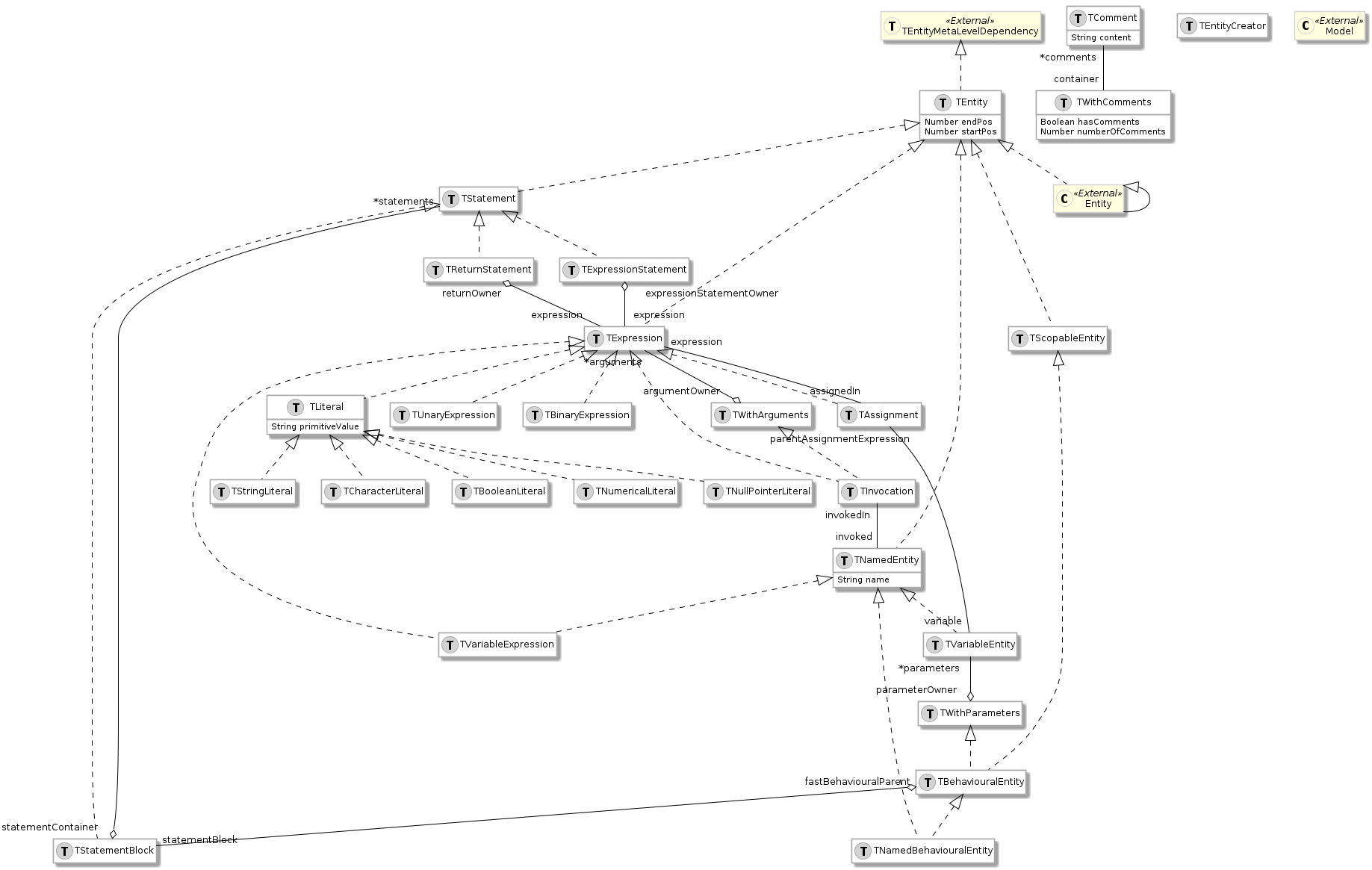
# FAST-Java
FAST-Java is a [FAST](fast) meta-model used to represent AST of a Java class or method. It comes with a meta-model, an importer, and tools to manipulate and explore models.
## FAST-Java meta-model
[Section titled “FAST-Java meta-model”](#fast-java-meta-model)

[Full Image](https://raw.githubusercontent.com/moosetechnology/FAST-JAVA/v3-doc/fast-java.svg)
## Usage
[Section titled “Usage”](#usage)
### Installation
[Section titled “Installation”](#installation)
FAST-Java comes with an importer defined with the [SmaCC](https://github.com/j-brant/SmaCC) parser. To install it, execute the following script:
> It can take time
```smalltalk
Metacello new
baseline: 'FASTJava';
repository: 'github://moosetechnology/FAST-Java:3/src';
load: 'smacc'.
```
This script installs the [FAST](fast) project, the SmaCC project, the FAST-Java project, and all the dependencies.
### Import
[Section titled “Import”](#import)
The FAST-Java importer allows one to import AST of a method or of a class. To import method, one **must** use the method `parseCodeMethodString:`, whereas, to import class, one **must** use the method `parseCodeString:`.
For example, the following script import the method `onClick`
```smalltalk
JavaSmaCCProgramNodeImporterVisitor new parseCodeMethodString: 'public void onClick(ClickEvent event) {
view.setDisplayView(view.new InnerClass());
}'
```
### Export to Java code
[Section titled “Export to Java code”](#export-to-java-code)
As it is impossible to create a model from a code snippet, it is also possible to regenerate the Java code from an existing FAST-Java model. To do so, one can use the `FASTJavaExportVisitor`.
This tool uses as input any node of the AST and export the corresponding code.
The following snippet present an example of `FASTJavaExportVisitor` usage.
```smalltalk
model := JavaSmaCCProgramNodeImporterVisitor new parseCodeMethodString: 'public void onClick(ClickEvent event) {
view.setDisplayView(new InnerClass());
}'.
methodNode := (model allWithType: FASTJavaMethodEntity) anyOne.
FASTJavaExportVisitor new export: methodNode.
"'public void onClick(ClickEvent event) {
view.setDisplayView(new InnerClass());
}
'"
```
## Tools
[Section titled “Tools”](#tools)
One nice way to explore a FAST model is to use the source code and the tree extensions of the inspector. It allows one the navigate in a FAST model and see the code corresponding to each node.
To use it, execute the code to create a model with `Ctrl`+`I`. It opens an inspector on the imported model.
Then, select a method entity. On the right-hand pane of the inspector, select the *Tree* tab, on the left-hand pane, select the source code extension. The source code is highlighted and the area selected corresponds to the entity selected in the right-hand panel.

# FAST-Pharo
FAST-Pharo is a [FAST](fast) meta-model used to represent AST of a Pharo class, trait or method. It comes with a meta-model, an importer, and tools to manipulate and explore models.
## FAST-Pharo meta-model
[Section titled “FAST-Pharo meta-model”](#fast-pharo-meta-model)
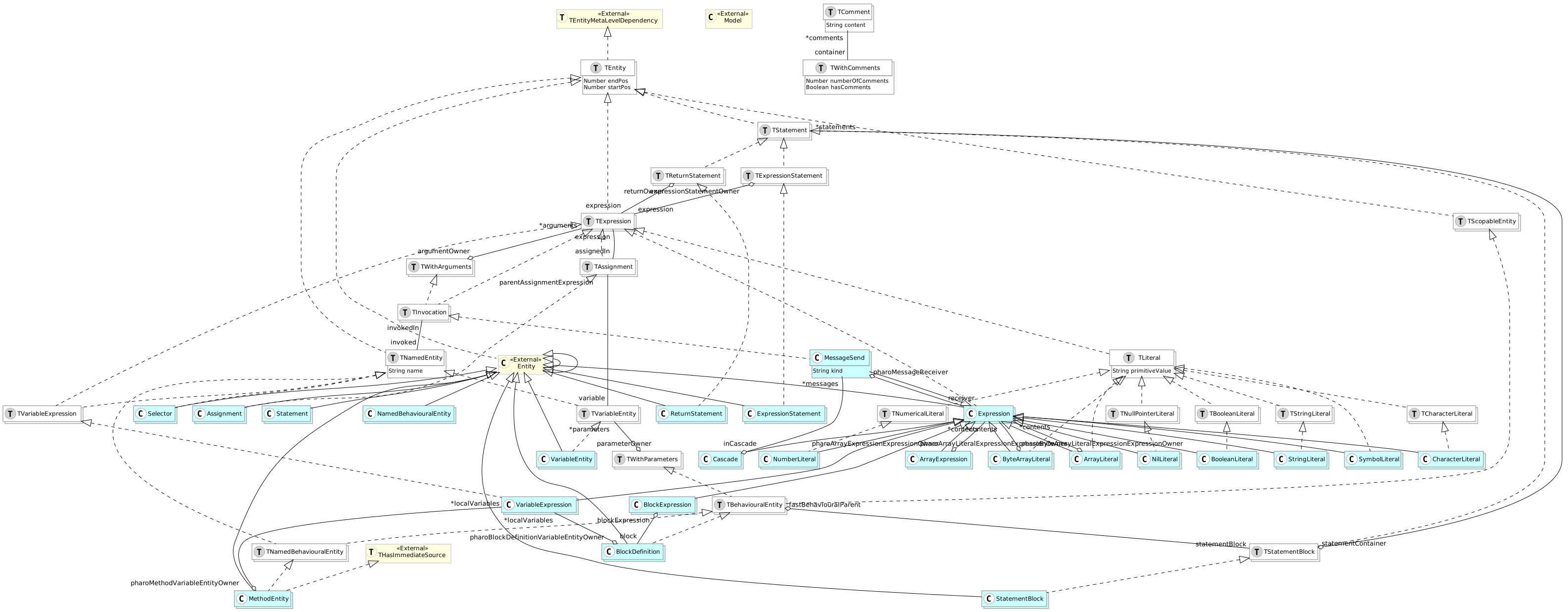
[Full Image](https://raw.githubusercontent.com/moosetechnology/FAST-Pharo/v2-doc/fast-pharo.svg)
## Importer
[Section titled “Importer”](#importer)
### Installation
[Section titled “Installation”](#installation)
FAST-Pharo comes with an importer defined with the SmalltalkImporter based on [PetitParser](https://github.com/moosetechnology/PetitParser) moose project parser. To install it, execute the following script:
> It can take time
```smalltalk
Metacello new
baseline: 'FASTPharo';
repository: 'github://moosetechnology/FAST-Pharo:v2/src';
load: 'importer'.
```
This script installs the [FAST](fast) project, the PetitParser project, the FAST-Pharo project, and all the dependencies.
### Import
[Section titled “Import”](#import)
The FAST-Pharo importer allows one to import AST of a method or of a class. To import method, one **must** use the method `runWithSource:`.
For example, the following script import the method `testVisitInheritance` of `FamixMMUMLDocumentorVisitorTest`
```smalltalk
FASTSmalltalkImporterVisitor
new runWithSource:
(FamixMMUMLDocumentorVisitorTest >> #testVisitInheritance)
sourceCode
```
## Tools
[Section titled “Tools”](#tools)
One nice way to explore a FAST model is to use the source code and the tree extensions of the inspector. It allows one the navigate in a FAST model and see the code corresponding to each node.
To use it, execute the code to create a model with `Ctrl`+`I`. It opens an inspector on the imported model.
Then, select a method entity. On the right-hand pane of the inspector, select the *Tree* tab, on the left-hand pane, select the source code extension. The source code is highlighted and the area selected corresponds to the entity selected in the right-hand panel.
# FAST-Python
FAST-Python is a [FAST](fast) meta-model used to represent AST of a Python modules. It comes with a meta-model, an importer, a visitor and tools to manipulate and explore models.
## Importer
[Section titled “Importer”](#importer)
### Installation
[Section titled “Installation”](#installation)
FAST-Python comes with an importer based on TreeSitter’s python parser. To install it, execute the following script:
```smalltalk
Metacello new
githubUser: 'moosetechnology' project: 'FAST-Python' commitish: 'main' path: 'src';
baseline: 'FASTPython';
load
```
You can add it to xour baseline like this:
```smalltalk
spec
baseline: 'FASTPython'
with: [ spec repository: 'github://moosetechnology/FAST-Python:main/src' ]
```
You can replace “main” by the tag you are interested in.
### Quick start
[Section titled “Quick start”](#quick-start)
In order to parse a chain of character or a file you can do this:
```st
FASTPythonImporter parse: 'if x > 0:
if x < 10:
1
else:
2
else:
3'
```
Or
```st
FASTPythonImporter parseFile: myFile
```
## Tools
[Section titled “Tools”](#tools)
FAST-Python ships with a set of tools to explore and analyse a model once it is imported. The importer builds a `FASTPyModel` made of `FASTPy*` entities representing the whole AST:

The analysis tools described below can be combined. A typical analysis runs some (or all) of them: `FAST utilities` → `Local resolution` → `CFG` → `SSA`. Each tool explains what it does, how to use it and what you can do with the result.
### FAST Python visitor
[Section titled “FAST Python visitor”](#fast-python-visitor)
FAST-Python comes with a visitor to walk a model, either used in the form of a trait with `FASTPyTVisitor` or a class to subclass with `FASTPythonVisitor`.
In some usages of the visitor some visit methods need to be overridden to change the visit order. For example, a visitor might need to ensure that function parameters are visited before the statements of the function.
### FAST utilities
[Section titled “FAST utilities”](#fast-utilities)
Some properties and helpers are available on the freshly imported model, without needing any additional tooling. Examples:
* `FASTPyMethodDefinition>>isStatic` to know if a method is static
* `FASTPyMethodDefinition>>isAbstract` to know if a method is abstract
* `FASTPyMethodDefinition>>selfName` to know the name of the `self` parameter (nil for static methods)
* `FASTPyEntity>>#internalAccess` to know if a node is accessed internally, e.g. via an attribute access (`x.y`) or a subscript (`x[3]`)
### Local resolution
[Section titled “Local resolution”](#local-resolution)
The local resolver (`FASTPythonLocalResolverVisitor`) links each usage of a node to its declaration. This works for all named entities: variables, functions, methods, imports.
It can be run like this:
```smalltalk
FASTPythonLocalResolverVisitor resolve: aModule "could be any behavioral entity of a FASTPython model."
```
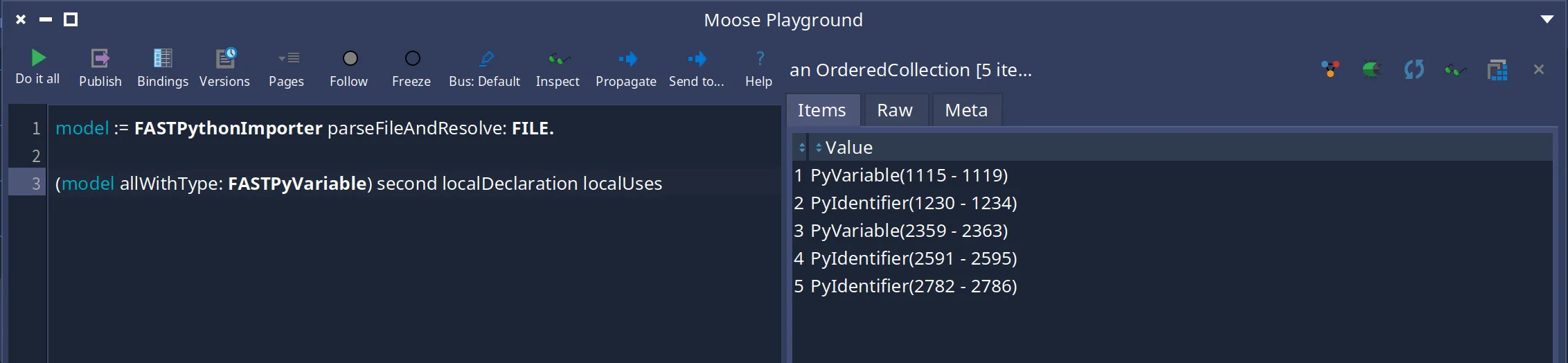
Once the resolution is done, you can ask:
* `FASTPyEntity>>#localDeclaration` to get the declaration (the first definition) of an entity, or a `FASTNonLocalDeclaration` if it is not declared in the file
* the declaration’s `#localUses` to get all the usages of the entity in the model
* `FASTPyEntity>>#isResolvedVariable` to know if a node resolves to a local variable declaration
* `FASTPyEntity>>#allAccesses`, `#allReadAccesses`, `#allWriteAccesses` to navigate the accesses to a variable
* on the model, `FASTPyModel>>#allResolvedVariables` to get every entity resolving to a variable declaration, or `#allResolvedVariablesByName` to group them by name
### Control Flow Graph (CFG)
[Section titled “Control Flow Graph (CFG)”](#control-flow-graph-cfg)
The CFG (`FASTPythonCFGVisitor`) builds a control flow graph of a behavioral entity. It is a transparent prerequisite to SSA.
It can be used like this:
```smalltalk
FASTPythonCFGVisitor buildCFGOf: aModel allFunctionDefinitions first.
"or"
aModel allFunctionDefinitions first cfg
```
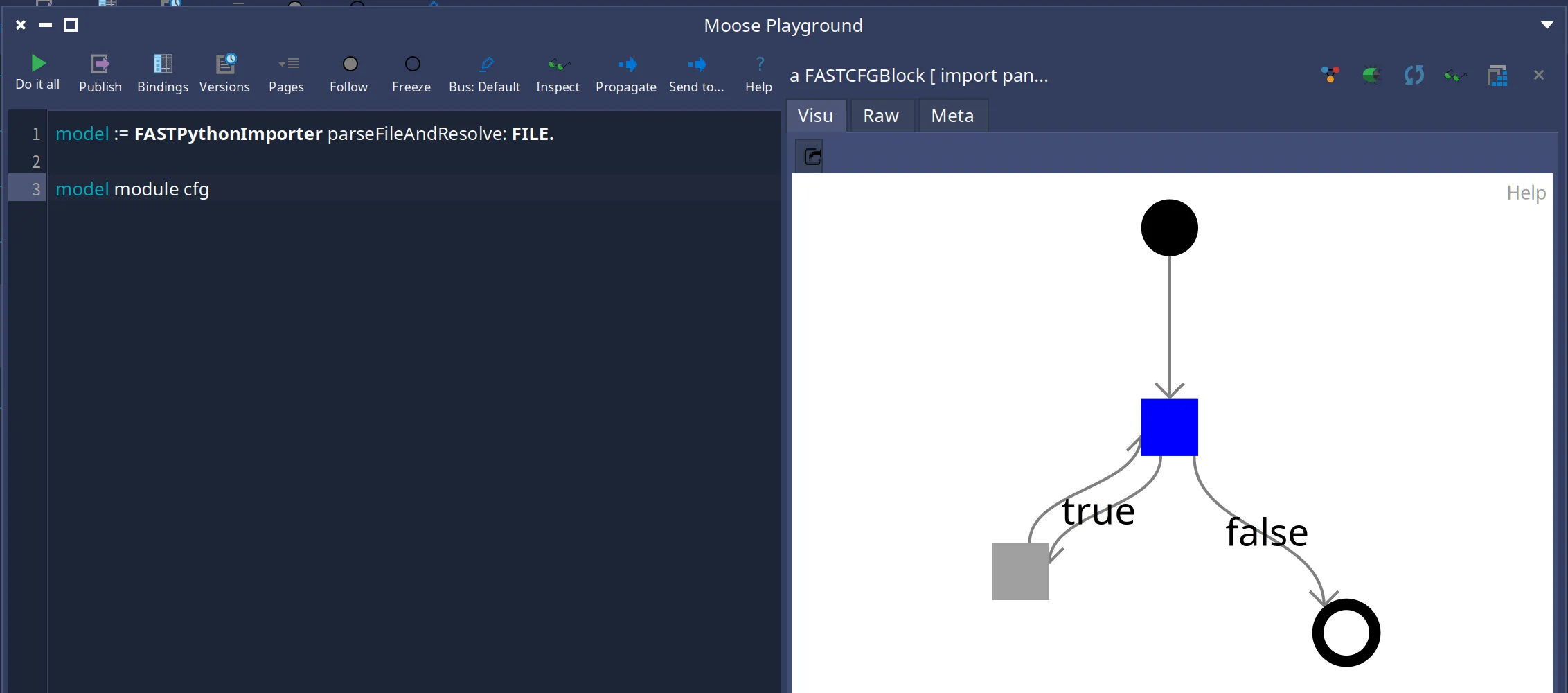
It can take one of five different entities to build a CFG:
* a `FASTPyModule`
* a `FASTPyFunctionDefinition`
* a `FASTPyMethodDefinition`
* a `FASTPyLambda`
* a `FASTPyClassDefinition`
It is also possible to build a “full” CFG via `FASTPythonCFGVisitor class>>#fullCfg`, returning a dictionary with the CFG of the entity and the CFGs of all definitions found inside it.
For more information on building and visiting a CFG for FAST, see the dedicated [page on the CFG](/developers/fast-cfg).
### Static Single Assignment (SSA)
[Section titled “Static Single Assignment (SSA)”](#static-single-assignment-ssa)
The SSA (`FASTPythonSSAVisitor`) scopes a variable to the assignments that can impact it (instead of all its assignments), which is used a lot for data-flow analysis. It renames each assignment with a fresh version, and introduces a *phi* version where a value can come from multiple assignments. It requires the local resolution to be done first.
It can be run like this:
```smalltalk
FASTPythonSSAVisitor resolve: model module
```
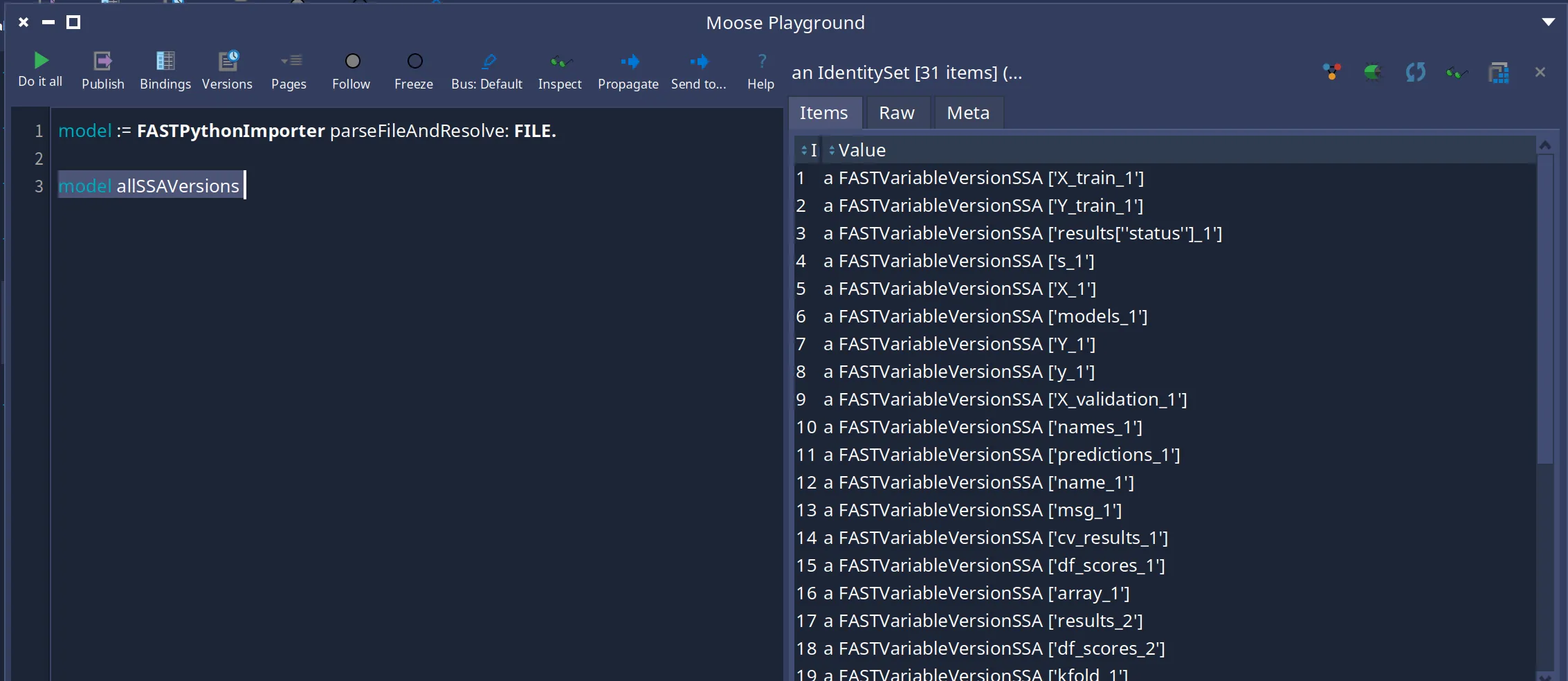
Another possibility is to import and resolve in one step with `FASTPythonImporter parseAndResolve:` or `parseFileAndResolve:`.
Once the SSA is done, you can ask:
* `FASTPyEntity>>#ssaVersion` to get the current SSA version of a variable (a `FASTVariableVersionSSA` or a `FASTVariablePhiVersionSSA` for a value that can come from multiple assignments)
* `FASTPyEntity>>#allSSAVersions` (and `#allSSABasicVersions`) to get all the versions a variable can get
* `FASTPyEntity>>#versionReadAccesses` / `#versionWriteAccesses` to get the read/write accesses of the current version of a variable
* `FASTPyEntity>>#transitiveAssignedExpressions` to follow the expressions assigned to a variable and to the variables it uses, recursively
## Further reading
[Section titled “Further reading”](#further-reading)
This page gives a compact overview. For the full documentation of the tools and the complete list of the available analysis APIs, see the [analysis documentation](https://github.com/moosetechnology/FAST-Python/blob/main/resources/doc/analysis.md).
# Famix Java
Famix Java is the metamodel included in Moose used to represent any Java application. As you can imagine, the metamodel is rather than complicated. For instance, Famix Java uses a lot the [traits concept](/developers/predefinedentities).
We will present here some incorrect, but simple and useful views to enable beginners to use Famix Java.
## Class neighborhood
[Section titled “Class neighborhood”](#class-neighborhood)
Most of the time, you only need to understand these core entities to start analyzing your application. You can retrieve the main concepts: Packages, Classes, Methods and Attributes. You’ll notice that relation between Methods and Attribute is made from the Access reification, as well as Method invocation through the Invocation concept.
The complete meta-model is not represented here. For instance, it also includes LocalVariable, Parameters, ParametricClasses and a lot more.
> In Moose, all relation are bi-directional. We added the arrow on relation based on common usage, but you can always go the other way around.
## Type neighborhood
[Section titled “Type neighborhood”](#type-neighborhood)
Types are the central pieces of Object-Oriented programming languages. In the FamixJava meta-model, all types are subclass of the FamixJavaType concept. In addition to the FamixJavaClass previously described, we represent Interface, Enum, PrimitiveType, ParameterType, and Wildcard.
ParameterType and Wildcard are mostly used when looking for parametric type.
Primitive type are made to represent `int`, `double`, `long`, *etc.* in Java, as well as `void` if necessary.
### Focus on Parametric Type
[Section titled “Focus on Parametric Type”](#focus-on-parametric-type)
Parametric types are probably the most hard to understand. We made a [full blog post about this subject](/blog/2023-07-13-parametric).
# Generate Java Code
One common action one want to perform is to generate the Java code that corresponds to a model. It is often the last part of performing [Model Driven Engineering](https://en.wikipedia.org/wiki/Model-driven_engineering). It is also named, the *Forward Engineering*.
The Moose platform includes a tool to perform such an action, it is named [FAMIX2Java](https://github.com/moosetechnology/FAMIX2Java). In this page, you will learn how to install the tool and generate Java code based on a [Famix Java model pre-loaded from a file](../importing-and-exporting-models), and generated with [VerveineJ](../../developers/parsers/verveinej).
## Installation
[Section titled “Installation”](#installation)
To install FAMIX2Java, first, start your Moose image. Then, in a playground (*Browse>Playground*) perform the following script:
```smalltalk
Metacello new
githubUser: 'moosetechnology' project: 'FAMIX2Java' commitish: 'v5' path: 'src';
baseline: 'Famix2Java';
load
```
This will install the package `Famix2Java` in which we will find the code of the exporter.
## Export the code
[Section titled “Export the code”](#export-the-code)
Once you have loaded the project, it is possible to regenerate the Java project based on the model. To do so, you only have to execute
```smalltalk
FAMIX2JavaVisitor new
rootFolder: 'D:\exported' asFileReference;
export: model.
```
**Note** that since FamixJava is a high-level meta-model (*not representing the code inside a method*), it will not be able to regenerate the code inside the method, but only the structural part. However, if you have set a root folder (see [Import model](../importing-and-exporting-models)), and not modified that much the model, the exporter will retrieve the code of the method to export based on the sources. If you need to modify the code of methods, see you next section 😄
## Example
[Section titled “Example”](#example)
### Example exporting custom-made model
[Section titled “Example exporting custom-made model”](#example-exporting-custom-made-model)
You might want to use the exporter capabilities without *importing* a real model first, but by creating yours.
To do so, you can create a simple model and give it to the exporter. For instance, the code bellow can be use to generate a class named `MyClass` with one method and one attribute in a package named `fr`.
```smalltalk
"Create a dummy model"
model := FamixJavaModel new.
"Create a package"
frPackage := model newPackageNamed: 'fr'.
"Create a class"
class := model newClassNamed: 'MyClass'.
frPackage addType: class.
javaPackage := model newPackageNamed: 'java'.
javaPackage isStub: true.
langPackage := model newPackageNamed: 'lang'.
langPackage isStub: true.
javaPackage addChildEntity: langPackage.
stringType := model newClassNamed: 'String'.
stringType isStub: true.
langPackage addType: stringType.
"Add an attribute to the class"
classAttribute := model newAttributeNamed: 'myAttribute'.
classAttribute declaredType: stringType.
class addAttribute: classAttribute .
"Add primitive void type"
primitiveVoid := model newPrimitiveTypeNamed: 'void'.
"Add a method to the class"
classMethod := model newMethodNamed: 'myMethod'.
classMethod isPublic: true.
classMethod declaredType: primitiveVoid.
class addMethod: classMethod .
"Export the model"
FAMIX2JavaVisitor new
rootFolder: 'D:\exported' asFileReference;
export: model.
```
The code is exported in the defined `rootFolder`, here it is under the folder *D:\exported*.
### Export only part of the model
[Section titled “Export only part of the model”](#export-only-part-of-the-model)
For some reason, you might not want to export the full model but only part of it. We give here examples of how to do it.
#### Export only a class string
[Section titled “Export only a class string”](#export-only-a-class-string)
It is also possible to use the exporter to generate only the class code (or method, attribute, and so on). To do so you only have to change the last lines of the script that perform the export. Considering the *export the model example*, replace the last lines with the following:
```smalltalk
visitor := FAMIX2JavaVisitor new.
String streamContents: [ :stream |
visitor currentStream: stream.
class accept: visitor ]
```
In this example, `String streamContents:` is used to create a write stream to populate a String. You can also modify this line to export in a specific file, or any other stream API.
## Export method code
[Section titled “Export method code”](#export-method-code)
You might want to modify the code inside method and export it. This is not part of the FamixJava exporter project, however, the Moose platform includes two other projects that can help you.
First, you should check [FAST-Java](../../users/ast/fast-java) which allows one to represent the code of a method, modify it, and regenerate it. Second, if you want to use both FAST-Java, and Famix, you can have a look at [Carrefour](/blog/2022-06-30-carrefour) which brings together the two world.
# Getting started with FamixSQL
This page is a guide on how to use Moose to analyze your relational database using FamixSQL.
## What is FamixSQL?
[Section titled “What is FamixSQL?”](#what-is-famixsql)
FamixSQL is a meta-model and a Famix importer that can be use to create a model of a database. The FamixSQL importer relies on [ODBC](https://en.wikipedia.org/wiki/Open_Database_Connectivity) to create the model, thus, it is compatible with a wide range of RDBMS such as Oracle, PostgreSQL, and MSSQL.
The goal of FamixSQL is to give you tools to better understand your database, the dependencies between the tables, and the *health* of your schema. To do so, it relies *critics* analysis using a first set of rules that one can extend with its specific needs.
## Installation
[Section titled “Installation”](#installation)
### Load FamixSQL
[Section titled “Load FamixSQL”](#load-famixsql)
To install FamixSQL, you’ll need a Moose10 or Moose11 image (see the [install Moose page](/beginners/install-moose)).
In the Moose image, in a playground (`Ctrl+O`, `Ctrl+W`), perform:
```smalltalk
Metacello new
baseline: 'FamixSQL';
repository: 'github://moosetechnology/FamixSQL:main/src';
load.
```
This command will load the FamixSQL project as well as all its Pharo dependencies.
### Model Loading
[Section titled “Model Loading”](#model-loading)
To load a model from an ODBC connection, you first have to create the ODBC connection in your computer. You can find plenty of tutorial on this subject on internet: [for Window](https://learn.microsoft.com/en-us/sql/integration-services/import-export-data/connect-to-an-odbc-data-source-sql-server-import-and-export-wizard?view=sql-server-ver16).
Once you have set up the odbc connection, you will be able to use it through Moose. To do so, again in a playground, perform:
```smalltalk
connection := ODBCConnection new.
connection dsn: ''.
connection uid: ''. "Username"
connection pwd: ''. "Password"
connection connect.
```
> Replace value between `<>` by yours
This step create a connection object that will be use by the Famix importer. You can now import perform the import by executing **in the same playground** the following script:
```smalltalk
importer := FamixSQLODBCImporter new.
"importer schema: ''."
importer model: FamixSQLModel new.
importer source: connection.
model := importer import.
"Install in the Moose system"
model name: 'myDatabase'.
model installWithCache: false.
```
> Import step can take time. Be patient.
### Analyse the database
[Section titled “Analyse the database”](#analyse-the-database)
Once you have loaded the model, it is possible to analyze the database. We describe here how to use the preconfigured analysis made using [Moose Critics](/blog/2022-08-08-moosecritics).
First, open the [Models Browser](/users/moose-ide/browsers#models-browser). It shows a list of all the model loading in your Moose environment. You should see the model `myDatabase` loaded in the previous step.
Then, open the Critics Browser. In the critics browser, you will be able to load the predefined critics rules. To do so, click on the `Import rules` button, then search in the file browser the file `db-critics.ston` that should be positioned near the FamixSQL git repository cloned in the first step. **By default,** it will be located under `/Pharo/images//pharo-local/iceberg/moosetechnology/FamixSQL/critics`. You should see the list of rules in the middle panel of the Critics Browser.
You can now select your model in the Models Browser, and click on the `Propagate` button that will send your model to the Critics Browser. In the Critics Browser, you should see your model entities in the left panel.
Finally, click on the `Run` button of the Critics Browser browser. It will compute the rules and present the list of entities that raised an issue. By *double-cliking* on an entity, you will be able to browse the violation using the [Moose Inspector](/users/moose-ide/browsers#moose-inspector)
## Additional analysis
[Section titled “Additional analysis”](#additional-analysis)
Based on our work, we also built some additional analysis. Some might already be integrated in the full Moose environment, and others are specific to this module. Thus, we list some of our analysis that might help you analyzing your database.
### Visualization of the tables with their link
[Section titled “Visualization of the tables with their link”](#visualization-of-the-tables-with-their-link)
A Roassal3 visualization of the tables and their link is also available in this package and can be opened by executing the following script:
```smalltalk
tables := ((model allWithType: FamixSQLTable) first: 10) asMooseSpecializedGroup.
(SQLRSTableGroupBuilder new
sourceGroup: tables;
collapseAll;
build;
canvas) open.
```
### Table without primary key
[Section titled “Table without primary key”](#table-without-primary-key)
To retrieve all tables without a primary key using a playground, you can perform the following script:
```smalltalk
(model allWithType: FamixSQLTable) select: [ :table | table columns noneSatisfy: #isPrimaryKeyColumn ]
```
## A bit more
[Section titled “A bit more”](#a-bit-more)
### Raise an issue
[Section titled “Raise an issue”](#raise-an-issue)
If you have any trouble using FamixSQL, do not hesitate to [raise an issue](https://github.com/moosetechnology/FamixSQL/issues) or to contribute with a [pull request](https://github.com/moosetechnology/FamixSQL/pulls).
### Acknowledgement
[Section titled “Acknowledgement”](#acknowledgement)
Many thanks to Julien Deplanque who made the [first version of this work](https://github.com/juliendelplanque/FAMIXNGSQL).
# File Format
Moose is compatible with two file formats: JSON and MSE. In the following, we describe how each file must be written when **exporting a model**. When exporting a meta-model, additional types are automatically added (known my the meta-meta model). If you need to export/import a meta-model check the JSON or MSE format **and** the [Existing types](#existing-types).
## JSON
[Section titled “JSON”](#json)
[JSON](https://json.org/) is a famous file with parsers and generators supported by many languages. Here, we will not detail the JSON format but how it **must** be used to be loaded as a Moose model.
```json
[
{
"FM3": "EntityTypeName",
"id": 1,
"propertyOne": "string property value"
},
{
"FM3": "AnotherAnotherEntityType",
"id": 2,
"entityProperty": {
"FM3": "EntityTypeName",
"id": 3,
"propertyInteger": 42
}
},
{
"FM3": "AnotherAnotherEntityType",
"id": 4,
"propertyThatReferesAnotherEntity": { "ref": 1 }
}
]
```
A model is represented as a collection of entities (`[ ]`). Each entity has a type (the class that will be created). In the file, the name of the property is the value of the property *FM3*. This Json property **must** be the first property of an entity. Whereas this does not follow JSON guidelines, it offers better performance.
> FM3 means Fame3. It is in reference to Fame, the meta-meta-model used in Moose.
```json
{
"FM3": "EntityTypeName"
}
```
An entity has also an optional unique *id* used when an entity refers to another. Note that the *id* **must** arrive right after the *FM3* property. Whereas it does not follow JSON guidelines, it offers better performance.
```json
{
"FM3": "EntityTypeName",
"id": 42
}
```
Then, the entity has several properties. Properties can be:
* String (`"name": "a string property"`)
* Integer (`"line of code": 42`)
* Float (`"complexity": 42.2`)
* Another entity (`"parentClass": { "FM3": "Famix-Java-Entities.Class", "id": 3 }`)
* Reference to another entity (`"parentClass": { "ref": 3}`)
## MSE
[Section titled “MSE”](#mse)
MSE is the default file format supported by Moose. It is a generic file format and can describe any model. It is similar to XML, the main difference being that instead of using verbose tags, it makes use of parentheses to denote the beginning and ending of an element.
The following snippet provides an example of a small model:
```plaintext
((FamixJava.Namespace (id: 1)
(name 'aNamespace'))
(FamixJava.Package (id: 201)
(name 'aPackage'))
(FamixJava.Package (id: 202)
(name 'anotherPackage')
(parentPackage (ref: 201)))
(FamixJava.Class (id: 2)
(name 'ClassA')
(container (ref: 1))
(parentPackage (ref: 201)))
(FamixJava.Method
(name 'methodA1')
(signature 'methodA1()')
(parentType (ref: 2))
(LOC 2))
(FamixJava.Attribute
(name 'attributeA1')
(parentType (ref: 2)))
(FamixJava.Class (id: 3)
(name 'ClassB')
(container (ref: 1))
(parentPackage (ref: 202)))
(FamixJava.Inheritance
(subclass (ref: 3))
(superclass (ref: 2))))
```
The file defines 8 entities: 1 Namespace, 2 Packages, 2 Classes, 1 Method, 1 Attribute, and 1 Inheritance. For each of these entities, it provides a unique identifier (*e.g.*, (id: 1)) and it defines properties. In general, properties can be either primitive, like (name ‘aNamespace’), or they can point to another entity, like in the case of (container (ref: 1)) which denotes that the container property of ClassA points to the instance of Namespace named aNamespace.
The overall object graph can be seen graphically below.
## Existing types
[Section titled “Existing types”](#existing-types)
Fame (the meta-meta model used by Moose) defines the following type for properties:
* Character
* Number
* Fraction
* String
* Symbol
* Boolean
* Object
> Using the *Object*, you will not be able to export the property in *.mse* and *.json* (see: [import and export model](/users/importing-and-exporting-models)).
So, when creating the *mse* or *JSON* of a meta-model these type can appear in the `ref`.
For instance, for MSE, the last type reference the already Fame known *String* type. The same approach is used in JSON format
```plaintext
(
(FM3.Package (id: 1)
(name 'Tagging')
(classes
(FM3.Class (id: 2)
(name 'Category')
(abstract false)
(package (ref: 1))
(superclass (ref: 3))
(properties
(FM3.Property (id: 4)
(name 'name')
(class (ref: 2))
(container false)
(derived false)
(multivalued false)
(type (ref: String))
)
)
)
)
)
)
```
# GitProjectHealth
> Overview of GitProjectHealth, the Moose toolkit to mine Git repositories and GitLab, GitHub and Bitbucket platforms, and how to choose the right importer.
**GitProjectHealth** (GPH) is a set of importers, a meta-model, analyses and visualizations that let you study the history and the *health* of software repositories inside Moose.
With GitProjectHealth you can, for instance:
* list the repositories of a group or organization, and see which have failing pipelines;
* count commits, contributors, merge requests (pull requests) or code churn over a period;
* find who knows which part of a system (degree of authorship, truck factor);
* export dozens of metrics per user or per project in CSV;
* link commits and merge requests to Jira tickets, or to the source code entities of a Famix model.
Naming
The project is hosted at [moosetechnology/GitProjectHealth](https://github.com/moosetechnology/GitProjectHealth), but its Metacello baseline is still called `GitLabHealth` and most classes are prefixed with `GLH` (GitLab Health), because the project started as a GitLab-only tool. The model is a `GLHModel` whatever the platform you import from.
## Choose your importer
[Section titled “Choose your importer”](#choose-your-importer)
GitProjectHealth can read data from two kinds of sources: the **REST API** of a Git platform, and a **local clone** of a repository. Each importer is a subclass of `GitModelImporter` and fills the same `GLHModel`.
| Importer | Class | Source | Commits & diffs | Merge requests, pipelines, notes | Speed |
| --------- | ------------------------ | ------------------------------------------- | ------------------ | -------------------------------- | --------------------- |
| GitLab | `GitlabModelImporter` | GitLab REST API (gitlab.com or self-hosted) | ✅ | ✅ (most complete) | slow on big histories |
| GitHub | `GithubModelImporter` | GitHub REST API | ✅ | ✅ pull requests, workflow runs | slow, rate-limited |
| Bitbucket | `BitBucketModelImporter` | Bitbucket Server / Data Center REST API | ✅ | ✅ pull requests, comments | slow |
| Local | `GitLocalModelImporter` | a cloned repository on disk | ✅ | ❌ | **fast** |
| Mixed | `GitModelMixedImporter` | local clone **and** platform API | ✅ (from the clone) | ✅ (from the API) | fast for history |
Rule of thumb:
* you only need the **history** (commits, diffs, files, authors) → use the **local importer**;
* you need the **social** information (merge requests, reviews, pipelines) on a few projects → use a **platform importer**;
* you need **both** on large histories → use the **mixed importer**.
## Documentation map
[Section titled “Documentation map”](#documentation-map)
[Getting started](/users/git-project-health/getting-started/)Install GitProjectHealth and import your first repository in 10 minutes.
[Importers](/users/git-project-health/importers/)GitLab, GitHub, Bitbucket, local and mixed importers in detail.
[Configuration reference](/users/git-project-health/configuration/)Every importer option, its default value and its cost, plus the import methods supported by each platform.
[Meta-model](/users/git-project-health/metamodel/)Entities of a GLHModel and how to navigate between them.
[Recipes](/users/git-project-health/recipes/)Ready-to-run scripts for common questions.
[Metrics and analyses](/users/git-project-health/metrics/)GitMetricExporter, the 50+ built-in metrics, churn, truck factor and degree of authorship.
[Visualizations](/users/git-project-health/visualizations/)Inspector tabs and Roassal visualizations, with SVG and CSV export.
[Connectors](/users/git-project-health/connectors/)Link your Git model with Jira issues or with a Famix model of the code.
[Troubleshooting](/users/git-project-health/troubleshooting/)Common errors, API limits and the migration table for deprecated classes.
## Demo
[Section titled “Demo”](#demo)
[GitProjectHealth demo video](https://www.youtube.com/embed/BIoF_mj6dDk?si=AwHflEKdpekI9c_B)
# Configuration reference
> Complete reference of GitProjectHealth importer options (defaults, effects, API cost), constructors, and the import methods supported by GitLab, GitHub, Bitbucket, local and mixed importers.
This page lists everything you can configure on a GitProjectHealth importer. It is a reference: for a guided tour, read [Importers](/users/git-project-health/importers/) first.
## Constructors
[Section titled “Constructors”](#constructors)
| Constructor | Returns | Preset options |
| --------------------------------------------------------------------------- | -------------------------------------------------------- | ------------------------------------------------------------------------ |
| `GitModelImporter forGitlabWithToken: token andModel: model` | `GitlabModelImporter` on `https://gitlab.com/api/v4` | same as below |
| `GitModelImporter forGitlabHostOn: url withToken: token andModel: model` | `GitlabModelImporter` on `url` (must end with `/api/v4`) | `withFiles: false`, `withCommitsSince: 3 days`, `withCommitDiffs: false` |
| `GitModelImporter forGithubWithToken: token andModel: model` | `GithubModelImporter` | `withCommitsSince: 3 days` |
| `GitModelImporter forBitbucketHostOn: url withToken: token andModel: model` | `BitBucketModelImporter` on `url` | `withFiles: false`, `withCommitsSince: 3 days`, `withCommitDiffs: false` |
| `GitlabModelImporter new` | GitLab importer, API to set with `repoApi:` | class defaults (see below) |
| `GithubModelImporter new` | GitHub importer, token to set with `privateToken:` | class defaults |
| `BitBucketModelImporter new` | Bitbucket importer, API to set with `repoApi:` | class defaults |
| `GitLocalModelImporter new` | local importer | class defaults |
| `GitModelMixedImporter new` | mixed importer, set `apiImporter:` and `localImporter:` | — |
## Importer options
[Section titled “Importer options”](#importer-options)
Options are set on the importer **before** importing. They are defined in `GitModelImporter` and apply to every importer, unless noted otherwise.
| Option | Type | Default (`new`) | Effect | Cost |
| -------------------------------- | -------------------------------------------------- | ----------------------------------------------- | ---------------------------------------------------------------------------------------------------------------------------- | ------------------------------ |
| `glhModel:` | `GLHModel` | — (required) | Model in which entities are added. | — |
| `repoApi:` | `GitlabApi`, `GithubApi`, `BitbucketApi` | GitHub: created automatically | API client used by platform importers. | — |
| `privateToken:` | `String` | — | GitHub only: sets the token of the GitHub API client. | — |
| `withCommitsSince:` | `Duration` (`30 days`, `2 years`) or `DateAndTime` | `1 week` | Oldest commit to import. A duration is subtracted from today. | high: more commits, more calls |
| `withCommitDiffs:` | `Boolean` | GitLab, GitHub, local: `true`; Bitbucket: unset | Import the diff (`GLHDiff`) of each commit, and of merge requests on GitLab and GitHub. | high: one call per commit |
| `withDiffRanges:` | `Boolean` | `false` | Local importer: split diffs into ranges and line changes (`GLHDiffRange`, `GLHAddition`, `GLHDeletion`, `GLHLineOfCode`). | memory |
| `withFiles:` | `Boolean` | `false` | Import the file tree (`GLHFileDirectory`, `GLHFileBlob`) of each branch. Required for degree of authorship and truck factor. | very high on APIs |
| `beWithFiles` / `beWithoutFiles` | — | — | Shortcuts for `withFiles: true` / `withFiles: false`. | — |
| `withInitialCommits:` | `Boolean` | GitLab: `false` | GitLab: import the commits of every branch when a project is completed. | very high |
| `userCatalogue:` | `GLHUserCatalogue` | `GLHUserCatalogueV2` | Matches commit author names and e-mails with platform users. | — |
Caution
With `BitBucketModelImporter new`, `withCommitDiffs` is not initialized: always set it explicitly (`withCommitDiffs: false` or `true`). The Bitbucket constructor sets it for you.
### Local importer
[Section titled “Local importer”](#local-importer)
The local importer reads the path of the clone from the repository cache:
```smalltalk
repository cacheAt: #localImporterReference put: '/path/to/clone' asFileReference.
```
If this entry is missing, the importer clones the project from its `web_url` into `./msr/`, using your Iceberg credentials.
### Mixed importer
[Section titled “Mixed importer”](#mixed-importer)
| Option | Effect |
| ------------------------------------- | -------------------------------------------------------------------------------------- |
| `apiImporter:` | Platform importer used for projects, merge requests, notes, pipelines, tags and users. |
| `localImporter:` | Local importer used for branches, commits and diffs. |
| `glhModel:` | Sets the model on the mixed importer **and** on both importers already set. |
| `withCommitDiffs:`, `withDiffRanges:` | Forwarded to the local importer. |
## Import methods by platform
[Section titled “Import methods by platform”](#import-methods-by-platform)
✅ supported, ❌ not supported. For the mixed importer, the column says which importer does the work. Arguments: `project` is a `GLHProject`, `mr` a `GLHMergeRequest`, `commit` a `GLHCommit`, `branch` a `GLHBranch`, dates are `DateAndTime`.
### Groups, projects, users
[Section titled “Groups, projects, users”](#groups-projects-users)
| Method | GitLab | GitHub | Bitbucket | Local | Mixed |
| -------------------------------------------------------- | --------------------- | ---------- | -------------------- | ----- | ----- |
| `importGroup:` | ✅ ID, with sub-groups | ✅ org name | ✅ project key | ❌ | ❌ |
| `importAllGroups` (top-level groups, not their projects) | ✅ | ❌ | ❌ | ❌ | ❌ |
| `importProject:` | ✅ ID | ❌ | ❌ (import the group) | ❌ | API |
| `importProjects` / `importProjectsSince:` | ✅ | ❌ | ❌ | ❌ | ❌ |
| `importContributedProjectsOfUser:` | ✅ | ✅ | ✅ | ❌ | ❌ |
| `importUser:` (ID) | ✅ | ✅ | ❌ | ❌ | API |
| `importUserByUsername:` | ✅ | ✅ | ✅ | ❌ | API |
| `importActiveHumanUsers` | ✅ | ❌ | ❌ | ❌ | ❌ |
### Repositories, branches, files, tags
[Section titled “Repositories, branches, files, tags”](#repositories-branches-files-tags)
| Method | GitLab | GitHub | Bitbucket | Local | Mixed |
| ---------------------------------------- | ------ | ------ | --------- | ----- | ----- |
| `importRepository:` (branches + commits) | ❌ | ❌ | ❌ | ✅ | ❌ |
| `importBranchesOfProject:` | ✅ | ✅ | ✅ | ✅ | local |
| `importFilesOfBranch:` | ✅ | ✅ | ❌ | ✅ | ❌ |
| `importFileWithPath:ofProject:inBranch:` | ✅ | ❌ | ❌ | ❌ | ❌ |
| `importTagsForProject:` | ✅ | ❌ | ❌ | ❌ | API |
| `importLatestReleaseOfProject:` | ✅ | ❌ | ❌ | ❌ | ❌ |
### Commits and diffs
[Section titled “Commits and diffs”](#commits-and-diffs)
| Method | GitLab | GitHub | Bitbucket | Local | Mixed |
| ---------------------------------------------------------------------------------- | ------ | ------------- | --------- | ----- | --------------- |
| `importCommitsOfProject:since:until:` | ✅ | ❌ | ✅ | ✅ | local |
| `importAndLoadLatestsCommitsOfProject:` | ✅ | ❌ | ✅ | ❌ | ❌ |
| `importLatestCommitsOfProject:` | ✅ | ✅ (50 latest) | ❌ | ✅ | ❌ |
| `importCommitsOfProject:` (period of `withCommitsSince:`) | ❌ | ✅ | ❌ | ❌ | ❌ |
| `importCommitsOfBranch:` and `…since:`, `…until:`, `…since:until:`, `…fromCommit:` | ✅ | ❌ | ❌ | ❌ | ❌ |
| `importCommitsOfTag:`, `importCommitsFromTag:toTag:` | ✅ | ❌ | ❌ | ❌ | ❌ |
| `importCommit:ofProject:` (commit ID) | ✅ | ✅ | ✅ | ✅ | local, then API |
| `importDiffOfCommit:` | ✅ | ✅ | ✅ | ✅ | local, then API |
| `importParentCommitsOfCommit:since:` | ✅ | ❌ | ❌ | ❌ | ❌ |
| `importSZZFromCommit:` (bug-introducing commits) | ✅ | ❌ | ❌ | ❌ | ❌ |
### Merge requests (pull requests)
[Section titled “Merge requests (pull requests)”](#merge-requests-pull-requests)
| Method | GitLab | GitHub | Bitbucket | Local | Mixed |
| ---------------------------------------------------------- | ------------- | ------ | --------- | ----- | ----- |
| `importLatestMergeRequestsOfProject:` | ✅ (20 latest) | ✅ | ❌ | ❌ | ❌ |
| `importMergeRequestsOfProject:` | ✅ | ✅ | ❌ | ❌ | ❌ |
| `importMergeRequestsOfProject:since:until:` | ✅ | ❌ | ✅ | ❌ | API |
| `importMergeRequestCommits:` | ✅ | ❌ | ✅ | ❌ | API |
| `importMergeRequestMergeCommits:` | ✅ | ✅ | ✅ | ❌ | API |
| `importDiffOfMergeRequest:` | ✅ | ✅ | ❌ | ❌ | ❌ |
| `importMergeResquestApprovals:` | ✅ | ❌ | ❌ | ❌ | ❌ |
| `importMergeResquestAuthor:`, `importMergeResquestMerger:` | ✅ | ✅ | ✅ | ❌ | ❌ |
| `importNotesOfMergeRequest:` | ✅ | ❌ | ✅ | ❌ | API |
| `importMergeRequestStats:` | ❌ | ❌ | ✅ | ❌ | ❌ |
### Pipelines, jobs, issues
[Section titled “Pipelines, jobs, issues”](#pipelines-jobs-issues)
| Method | GitLab | GitHub | Bitbucket | Local | Mixed |
| ---------------------------------------------------------- | ------ | ------ | --------- | ----- | ----- |
| `importLatestPipelinesOfProject:` | ✅ | ❌ | ❌ | ❌ | API |
| `importPipelinesOfProject:` | ✅ | ✅ | ❌ | ❌ | ❌ |
| `importAllPipelinesOfProject:` | ✅ | ✅ | ❌ | ❌ | ❌ |
| `importPipelinesOfProject:after:andBefore:` (`…onBranch:`) | ✅ | ❌ | ❌ | ❌ | ❌ |
| `importPipelinesOfMergeRequest:` | ✅ | ✅ | ❌ | ❌ | ❌ |
| `importJobsOfPipeline:` | ✅ | ✅ | ❌ | ❌ | ❌ |
| `importIssuesOfProject:` | ❌ | ✅ | ❌ | ❌ | ❌ |
Note
This table was generated from the code of the importers. If you add a method to an importer, please update it.
# Connectors
> Connect a GitProjectHealth model with Jira issues (GPJCConnector) or with a Famix model of the source code (GPCGitToFamixConnector).
Connectors link a `GLHModel` with other models, so that you can navigate, for instance, from a merge request to its Jira ticket, or from a Java class to the commits that modified it. Each connector is an optional Metacello group of the `GitLabHealth` baseline.
## Jira
[Section titled “Jira”](#jira)
The Jira connector uses the [Jira Pharo API](https://github.com/Evref-BL/Jira-Pharo-API) project. It links a commit or a merge request to the Jira issue whose **key** (for instance `WERH-918`) appears in the commit message or in the merge request title.
### Install
[Section titled “Install”](#install)
```smalltalk
Metacello new
repository: 'github://moosetechnology/GitProjectHealth:main/src';
baseline: 'GitLabHealth';
onConflict: [ :ex | ex useIncoming ];
onUpgrade: [ :ex | ex useIncoming ];
onDowngrade: [ :ex | ex useLoaded ];
load: #( 'default' 'Jira' )
```
Loading `'default'` is optional if GitProjectHealth is already loaded.
### Use
[Section titled “Use”](#use)
```smalltalk
GPJCConnector new
gpModel: aGLHModel;
jiraModel: aJiraModel;
connect
```
`connect` looks at every `GLHCommit` and `GLHMergeRequest` of the model; then `commit jiraIssue` and `mergeRequest jiraIssue` return the linked issue. It can be run several times safely. On large models, connect only what you need with `connectCommits:` or `connectMergeRequests:`.
### Complete example: issue types of the merge requests of a GitLab group
[Section titled “Complete example: issue types of the merge requests of a GitLab group”](#complete-example-issue-types-of-the-merge-requests-of-a-gitlab-group)
1. **Import the merge requests and commits of the last 30 days.**
```smalltalk
model := GLHModel new name: 'git-and-jira'.
gitImporter := GitModelImporter
forGitlabHostOn: '/api/v4'
withToken: ''
andModel: model.
gitImporter withCommitsSince: 30 days.
group := gitImporter importGroup: .
(group containedEntitiesOfType: GLHProject) do: [ :project |
gitImporter
importMergeRequestsOfProject: project
since: (Date today - 30 days) asDateAndTime
until: DateAndTime now.
gitImporter importAndLoadLatestsCommitsOfProject: project ].
```
2. **Import the Jira issues.** Here, the issues of every commit author, matched by e-mail.
```smalltalk
jiraApi := JiraPharoAPI new
endpoint: '.atlassian.net';
basePath: 'rest/api/latest';
beHttps;
user: '';
apiToken: '';
yourself.
jiraImporter := JiraPharoImporter new
model: model;
api: jiraApi;
yourself.
authors := ((group containedEntitiesOfType: GLHCommit)
collect: [ :commit | commit commitCreator ])
select: [ :user | user isNotNil and: [ user isRealUser ] ].
authors asSet do: [ :user |
jiraImporter importAllCurrentAndPastIssuesOf: user username , '@mycompany.com' ].
```
You can also import issues with a JQL query (`importAllIssuesFromQuery:`) or one by one (`importIssue:`).
3. **Connect and analyze.**
```smalltalk
GPJCConnector new
gpModel: model;
jiraModel: jiraImporter model;
connect.
mergeRequests := group containedEntitiesOfType: GLHMergeRequest.
withTicket := mergeRequests select: [ :mr | mr jiraIssue isNotNil ].
"Number of merge requests per Jira issue type"
(withTicket collect: [ :mr | mr jiraIssue type name ]) asBag
```
## Famix
[Section titled “Famix”](#famix)
The Famix connector links a `GLHProject` with a [Famix](/beginners/moose-in-action) model of its source code (for instance a Java model built with [VerveineJ](/users/famix-java/famix-java)). It matches the files of the Git model with the types of the Famix model using their **paths**.
### Install
[Section titled “Install”](#install-1)
```smalltalk
Metacello new
repository: 'github://moosetechnology/GitProjectHealth:main/src';
baseline: 'GitLabHealth';
onConflict: [ :ex | ex useIncoming ];
onUpgrade: [ :ex | ex useIncoming ];
onDowngrade: [ :ex | ex useLoaded ];
load: #( 'default' 'Famix' )
```
### Use
[Section titled “Use”](#use-1)
1. Import a Famix model of the code (see [Famix Java](/users/famix-java/famix-java)).
2. Import the history of the same repository with the [local importer](/users/git-project-health/importers/#local-importer), with `withFiles: true` and `withCommitDiffs: true`.
3. Connect them:
```smalltalk
GPCGitToFamixConnector new
famixModel: famixModel;
glhProject: project;
connect.
```
Once connected, Famix classes understand `appliedDiffs` (the diffs that modified their file), and you can navigate from a Git diff to the corresponding Famix entity. The blog post [Mixing up analysis of project architecture (Famix) and its history](/blog/2026-08-27-msr-and-famix/) shows a complete analysis.
Caution
If `GPCGitToFamixConnector` is unknown in your image, the `Famix` group is not loaded: run the install script above.
# Getting started with GitProjectHealth
> Install GitProjectHealth in a Moose image, import a GitLab group, a GitHub organization, a Bitbucket project or a local clone, and run a first query.
This page takes you from an empty Moose image to a first answer about your repositories. It takes about ten minutes, plus the import time.
## Prerequisites
[Section titled “Prerequisites”](#prerequisites)
* A Moose image (see [Install Moose](/beginners/install-moose)). This documentation was checked with Moose on Pharo 13.
* For platform importers, an **access token** (see below). The local importer needs no token, only a clone on disk.
* All the code below is Pharo code, to run in a **Playground** (`Ctrl+O`, `Ctrl+W`): select it and *Do it* (`Ctrl+D`) or *Inspect it* (`Ctrl+I`).
## First import
[Section titled “First import”](#first-import)
1. **Install GitProjectHealth.** In a Playground, run:
```smalltalk
Metacello new
repository: 'github://moosetechnology/GitProjectHealth:main/src';
baseline: 'GitLabHealth';
onConflict: [ :ex | ex useIncoming ];
onUpgrade: [ :ex | ex useIncoming ];
onDowngrade: [ :ex | ex useLoaded ];
load
```
This loads the `default` group: the meta-model, every importer, the analyses and the visualizations. The [Jira and Famix connectors](/users/git-project-health/connectors/) are optional groups.
2. **Get an access token** for your platform.
* GitLab
In GitLab, open *User settings → Access tokens* and create a personal access token with the `read_api` scope (`read_repository` is also needed if you import files).
* GitHub
In GitHub, open [*Settings → Developer settings → Personal access tokens*](https://github.com/settings/tokens). A token with the `repo` (or fine-grained *Contents*, *Pull requests*, *Actions*: read) permissions is enough.
* Bitbucket
In Bitbucket Server / Data Center, create an HTTP access token with *read* permission on the projects and repositories you want to analyze.
* Local
No token is needed. Clone the repository on your disk:
```sh
git clone https://github.com/moosetechnology/GitProjectHealth.git
```
Caution
Never commit a script containing your token. Prefer reading it from an environment variable, for instance `Smalltalk os environment at: 'GITLAB_TOKEN'`.
3. **Import.** Create an empty model, configure an importer, and import.
* GitLab
```smalltalk
model := GLHModel new name: 'my-gitlab-analysis'.
importer := GitModelImporter
forGitlabHostOn: 'https://gitlab.com/api/v4' "or your own instance, ending with /api/v4"
withToken: ''
andModel: model.
"Import the commits of the last 30 days (default of this constructor: 3 days)"
importer withCommitsSince: 30 days.
"A group is identified by its numeric ID, shown on the group page in GitLab"
group := importer importGroup: 1234.
```
* GitHub
```smalltalk
model := GLHModel new name: 'my-github-analysis'.
importer := GitModelImporter
forGithubWithToken: ''
andModel: model.
"Import the commits of the last 30 days (default of this constructor: 3 days)"
importer withCommitsSince: 30 days.
"A GitHub organization is imported as a group, identified by its name"
group := importer importGroup: 'moosetechnology'.
```
* Bitbucket
```smalltalk
model := GLHModel new name: 'my-bitbucket-analysis'.
importer := GitModelImporter
forBitbucketHostOn: 'https://bitbucket.mycompany.com'
withToken: ''
andModel: model.
importer withCommitsSince: 30 days.
"A Bitbucket project is imported as a group, identified by its key"
group := importer importGroup: 'MYPROJECT'.
```
* Local
```smalltalk
model := GLHModel new name: 'my-local-analysis'.
"The local importer needs a project and a repository pointing to the clone"
repository := GLHRepository new.
repository
cacheAt: #localImporterReference
put: '/path/to/GitProjectHealth' asFileReference.
project := GLHProject new
name: 'GitProjectHealth';
repository: repository;
yourself.
model add: project; add: repository.
importer := GitLocalModelImporter new
glhModel: model;
withCommitsSince: 30 days;
yourself.
"Imports every branch and the commits (with diffs) of the period"
importer importRepository: repository.
```
Importing a large group through an API can take several minutes.
4. **Explore the model.** Inspect it (`Ctrl+I` on `model`) and browse the entities by type, or open the inspector on the group (`group inspect`) to get the *Group Quality* view.
5. **Ask a first question.** For instance, *who committed the most during the period?*
```smalltalk
((model allWithType: GLHCommit)
collect: [ :commit | commit commitCreator ifNil: [ commit author_name ] ])
asBag sortedCounts
```
`sortedCounts` returns the number of commits per user, highest first.
## What’s next?
[Section titled “What’s next?”](#whats-next)
* Understand what was imported: [the meta-model](/users/git-project-health/metamodel/).
* Import more (merge requests, pipelines, files, diffs): [importers](/users/git-project-health/importers/) and [configuration reference](/users/git-project-health/configuration/).
* Copy a ready-made script: [recipes](/users/git-project-health/recipes/).
* Compute metrics: [metrics and analyses](/users/git-project-health/metrics/).
# Importers
> How to configure and use the GitLab, GitHub, Bitbucket, local and mixed importers of GitProjectHealth, with complete runnable examples.
All importers are subclasses of `GitModelImporter`. They share the same [options](/users/git-project-health/configuration/#importer-options) and fill a `GLHModel`. This page shows how to create each importer and what it can import. For the full list of import methods per platform, see the [support matrix](/users/git-project-health/configuration/#import-methods-by-platform).
## Platform importers (REST API)
[Section titled “Platform importers (REST API)”](#platform-importers-rest-api)
### Create an importer
[Section titled “Create an importer”](#create-an-importer)
There are two ways to create a platform importer: a **one-line constructor**, or a **manual configuration** that gives you full control.
* GitLab
```smalltalk
model := GLHModel new name: 'gitlab'.
"One-line constructor, for gitlab.com"
importer := GitModelImporter forGitlabWithToken: '' andModel: model.
"One-line constructor, for a self-hosted GitLab"
importer := GitModelImporter
forGitlabHostOn: 'https://gitlab.mycompany.com/api/v4'
withToken: ''
andModel: model.
"Manual configuration"
api := GitlabApi new
privateToken: '';
hostUrl: 'https://gitlab.mycompany.com/api/v4';
output: 'json';
yourself.
importer := GitlabModelImporter new
repoApi: api;
glhModel: model;
withFiles: false;
withCommitsSince: 30 days;
withCommitDiffs: false;
yourself.
```
* GitHub
```smalltalk
model := GLHModel new name: 'github'.
"One-line constructor"
importer := GitModelImporter forGithubWithToken: '' andModel: model.
"Manual configuration (the GitHub API object is created by the importer)"
importer := GithubModelImporter new
glhModel: model;
privateToken: '';
withCommitsSince: 30 days;
withCommitDiffs: false;
yourself.
```
* Bitbucket
```smalltalk
model := GLHModel new name: 'bitbucket'.
"One-line constructor"
importer := GitModelImporter
forBitbucketHostOn: 'https://bitbucket.mycompany.com'
withToken: ''
andModel: model.
"Manual configuration"
api := BitbucketApi new
host: 'https://bitbucket.mycompany.com';
bearerToken: '';
yourself.
importer := BitBucketModelImporter new
repoApi: api;
glhModel: model;
withFiles: false;
withCommitsSince: 30 days;
withCommitDiffs: false;
yourself.
```
Defaults differ
The one-line constructors set `withCommitsSince: 3 days`, `withFiles: false` and, for GitLab and Bitbucket, `withCommitDiffs: false`. A plain `GitlabModelImporter new` uses `withCommitsSince: 1 week` and `withCommitDiffs: true`. Always set the options you rely on explicitly.
### Import groups and projects
[Section titled “Import groups and projects”](#import-groups-and-projects)
GitProjectHealth maps every platform to the same concepts: a **group** (`GLHGroup`) contains **projects** (`GLHProject`), and each project has one **repository** (`GLHRepository`).
| Platform | Group is… | `importGroup:` argument | Sub-groups |
| --------- | --------------- | --------------------------------------- | -------------------- |
| GitLab | a group | numeric group ID (`1234`) | imported recursively |
| GitHub | an organization | organization name (`'moosetechnology'`) | — |
| Bitbucket | a project | project key (`'MYPROJECT'`) | — |
When a project is imported, the importer *completes* it: it creates its repository, imports its branches and, depending on the options, its commits, files and latest pipelines.
```smalltalk
"Import a whole group, its projects, and (GitLab) its sub-groups"
group := importer importGroup: 1234.
"All the projects of the group and of its sub-groups"
projects := group containedEntitiesOfType: GLHProject.
```
* GitLab
```smalltalk
"Import a single project by its numeric ID"
project := importer importProject: 5678.
"List the top-level groups you can access (does not import their projects)"
groups := importer importAllGroups.
groups do: [ :each | importer importGroup: each id ].
```
* GitHub
```smalltalk
"On GitHub, import the organization; projects are its repositories"
group := importer importGroup: 'moosetechnology'.
project := (group containedEntitiesOfType: GLHProject)
detect: [ :each | each name = 'GitProjectHealth' ].
```
* Bitbucket
```smalltalk
"Bitbucket cannot import a project (repository) alone:
import its Bitbucket project (group) first"
group := importer importGroup: 'MYPROJECT'.
```
### Import commits
[Section titled “Import commits”](#import-commits)
Commits are imported for the period defined by `withCommitsSince:`, or for an explicit period:
```smalltalk
"Commits of the configured period (withCommitsSince:), with their details"
commits := importer importAndLoadLatestsCommitsOfProject: project.
"Commits between two dates"
commits := importer
importCommitsOfProject: project
since: (Date year: 2026 month: 1 day: 1) asDateAndTime
until: DateAndTime now.
```
`importAndLoadLatestsCommitsOfProject:` is available for GitLab and Bitbucket. On GitHub, commits of the period are imported automatically when the project is completed, and `importLatestCommitsOfProject:` loads the 50 latest ones.
### Import merge requests (pull requests)
[Section titled “Import merge requests (pull requests)”](#import-merge-requests-pull-requests)
Merge requests are not imported by default, because they cost many API calls.
* GitLab
```smalltalk
"The 20 latest merge requests"
importer importLatestMergeRequestsOfProject: project.
"All merge requests created in a period"
mergeRequests := importer
importMergeRequestsOfProject: project
since: (Date today - 30 days) asDateAndTime
until: DateAndTime now.
"Then enrich them (one or more API calls per merge request)"
mergeRequests do: [ :mr |
importer importMergeResquestApprovals: mr. "approvals and reviewers"
importer importMergeResquestAuthor: mr. "author"
importer importMergeResquestMerger: mr. "merger"
importer importNotesOfMergeRequest: mr ]. "comments"
```
Note
The selectors `importMergeResquest…` contain a typo (`Resquest`): that is their real name.
* GitHub
```smalltalk
"Latest pull requests of a repository, with their commits
(and their diffs if withCommitDiffs is true)"
pullRequests := importer importMergeRequestsOfProject: project.
```
* Bitbucket
```smalltalk
"All pull requests (any state) created in a period"
pullRequests := importer
importMergeRequestsOfProject: project
since: (Date today - 30 days) asDateAndTime
until: DateAndTime now.
pullRequests do: [ :pr | importer importNotesOfMergeRequest: pr ].
```
### Import pipelines
[Section titled “Import pipelines”](#import-pipelines)
The latest pipelines of each project are imported when a GitLab project is completed (used by the *Group Quality* view). To import more:
```smalltalk
"GitLab and GitHub"
importer importPipelinesOfProject: project.
"GitLab only: pipelines in a period, optionally on one branch"
importer
importPipelinesOfProject: project
after: (Date today - 7 days) asDateAndTime
andBefore: DateAndTime now.
```
## Local importer
[Section titled “Local importer”](#local-importer)
`GitLocalModelImporter` reads a repository cloned on your disk with [libgit2](https://libgit2.org/) (through Iceberg). It is **much faster** than the APIs to import commits, diffs and files, but it cannot import information that only exists on the platform: merge requests, comments, pipelines, issues…
### Clone the repository
[Section titled “Clone the repository”](#clone-the-repository)
Clone the repository yourself. The local importer reads **local branches**: to analyze every branch, create a local branch for each remote one.
```sh
git clone https://github.com/moosetechnology/GitProjectHealth.git
cd GitProjectHealth
for branch in $(git branch -r | grep -v HEAD | grep -v -E 'origin/(main|master)$'); do
git branch --track "${branch#origin/}" "$branch"
done
```
### Import
[Section titled “Import”](#import)
The local importer needs a `GLHProject` and a `GLHRepository` whose cache entry `#localImporterReference` points to the clone.
```smalltalk
model := GLHModel new name: 'local'.
repository := GLHRepository new.
repository
cacheAt: #localImporterReference
put: '/path/to/GitProjectHealth' asFileReference.
project := GLHProject new
name: 'GitProjectHealth';
repository: repository;
yourself.
model add: project; add: repository.
importer := GitLocalModelImporter new
glhModel: model;
withCommitsSince: 2 years; "how far back in history"
withCommitDiffs: true; "default for the local importer"
withFiles: true; "build the file tree (needed for authorship and truck factor)"
withDiffRanges: false;
yourself.
importer importRepository: repository.
"Optional: drop the caches built during the import to save memory"
model flush.
model entities do: #flush.
```
To import the **whole history**, use a long period such as `withCommitsSince: 30 years`.
Automatic clone
If a repository has no `#localImporterReference`, the local importer tries to clone its project from `web_url` into `./msr/` (next to the image), using your Iceberg credentials. This is what the [mixed importer](#mixed-importer) relies on.
## Mixed importer
[Section titled “Mixed importer”](#mixed-importer)
`GitModelMixedImporter` combines a platform importer and a local importer:
* **history** (branches, commits, diffs, files) comes from the **local clone**;
* **social data** (projects, merge requests, notes, pipelines, users, tags) comes from the **API**;
* if a diff cannot be found locally, it falls back to the API.
```smalltalk
model := GLHModel new name: 'mixed'.
api := GitlabApi new
privateToken: '';
hostUrl: 'https://gitlab.mycompany.com/api/v4';
output: 'json';
yourself.
apiImporter := GitlabModelImporter new
repoApi: api;
yourself.
localImporter := GitLocalModelImporter new
withDiffRanges: true;
yourself.
importer := GitModelMixedImporter new
apiImporter: apiImporter;
localImporter: localImporter;
glhModel: model; "set the model last: it is propagated to both importers"
withCommitDiffs: true;
yourself.
"Project metadata from the API"
project := importer importProject: 5678.
"Commits from the local clone (cloned automatically in ./msr/ if needed)"
importer
importCommitsOfProject: project
since: (Date today - 365 days) asDateAndTime
until: DateAndTime now.
"Merge requests from the API"
importer
importMergeRequestsOfProject: project
since: (Date today - 365 days) asDateAndTime
until: DateAndTime now.
```
Note
Set `glhModel:` **after** `apiImporter:` and `localImporter:`: the mixed importer forwards the model to the importers it already knows.
# Meta-model
> Entities of the GitProjectHealth GLHModel (group, project, repository, branch, commit, diff, file, merge request, pipeline, user...), their main attributes and how to navigate and query them.
Every importer fills a `GLHModel` (a `MooseModel`). All entities inherit from `GLHEntity` and use the same classes whatever the platform: a GitHub pull request is a `GLHMergeRequest`, a GitHub organization is a `GLHGroup`.
## Main entities
[Section titled “Main entities”](#main-entities)
| Entity | Represents | Key attributes | Key relations |
| -------------------------- | --------------------------------------------------------------------------- | ----------------------------------------------------------------------------------------------------------------------------------------------------- | ----------------------------------------------------------------------------------------------------------------------------------------------------------------------------- |
| `GLHGroup` | GitLab group, GitHub organization, Bitbucket project | `id`, `name`, `web_url`, `visibility` | `projects`, `subGroups`, `group` (parent) |
| `GLHProject` | a project / repository on the platform | `id`, `name`, `web_url`, `archived`, `topics` | `group`, `repository`, `mergeRequests`, `pipelines`, `issues`, `releases`, `creator`, `contributors` |
| `GLHRepository` | the Git repository of a project | — | `project`, `branches`, `commits`, `tags` |
| `GLHBranch` | a branch | `name`, `sha` | `repository`, `commits`, `files` |
| `GLHCommit` | a commit | `id` (SHA), `short_id`, `title`, `message`, `author_name`, `author_email`, `committed_date`, `authored_date`, `additions`, `deletions`, `web_url` | `repository`, `parentCommits`, `childCommits`, `diffs`, `commitCreator`, `commitedMergeRequest`, `squashedMergeRequest`, `jobs`, `tags` |
| `GLHDiff` | the change of one file in a commit or merge request | `old_path`, `new_path`, `new_file`, `renamed_file`, `deleted_file`, `diffString` | `commit`, `mergeRequest`, `file`, `diffRanges` |
| `GLHDiffRange` | a hunk of a diff (`@@ … @@`) | `originalLineRange`, `newLineRange` | `diff`, `changes` |
| `GLHChange` | a line of a hunk: `GLHAddition`, `GLHDeletion`, `GLHLineOfCode` (unchanged) | `sourceCode`, `index`, `relativeIndex` | `diffRange` |
| `GLHFile` | a file: `GLHFileDirectory` or `GLHFileBlob` | `name`, `path` | `branch`, `directoryOwner`, `files` (directories), `diffs` |
| `GLHMergeRequest` | merge request / pull request | `id`, `iid`, `title`, `description`, `state`, `created_at`, `merged_at`, `closed_at`, `source_branch`, `target_branch`, `draft`, `labels`, `approved` | `project`, `commits`, `author`, `merge_user`, `merged_by`, `closed_by`, `reviewers`, `assignees`, `approved_by`, `pipelines`, `diffs`, `note`, `mergedCommit`, `squashCommit` |
| `GLHNote` | a comment on a merge request | `body`, `created_at`, `system`, `resolvable` | `mergeRequest`, `author`, `position`, `suggestions` |
| `GLHPipeline` | a CI pipeline / workflow run | `id`, `status`, `ref`, `sha`, `created_at`, `finished_at`, `duration` | `project`, `jobs`, `user`, `mergeRequest` |
| `GLHJob` | a CI job | `name`, `duration`, `allow_failure`, `web_url` | `pipeline`, `commit`, `user` |
| `GLHUser` | a platform user or a commit author | `id`, `username`, `name`, `public_email`, `bot` | `commits`, `createdMergeRequests`, `reviewedMergeRequest`, `mergerOfMergeRequests`, `contributedProjects`, `launchedPipelines` |
| `GLHTag`, `GLHRelease` | Git tags and platform releases | `name`, `tag_name`, `created_at` | `repository`, `commit`, `project` |
| `GLHIssue`, `GLHMilestone` | platform issues and milestones | `title`, `state`, `due_date` | `project`, `assignees`, `author` |
Tip
Commit authors that cannot be matched with a platform account are created as `GLHUser`s too. Use `user isRealUser` / `user isFakeUser` to tell them apart.
The full UML diagram of the meta-model is generated automatically by [FamixUMLDocumentor](https://github.com/moosetechnology/FamixUMLDocumentor):
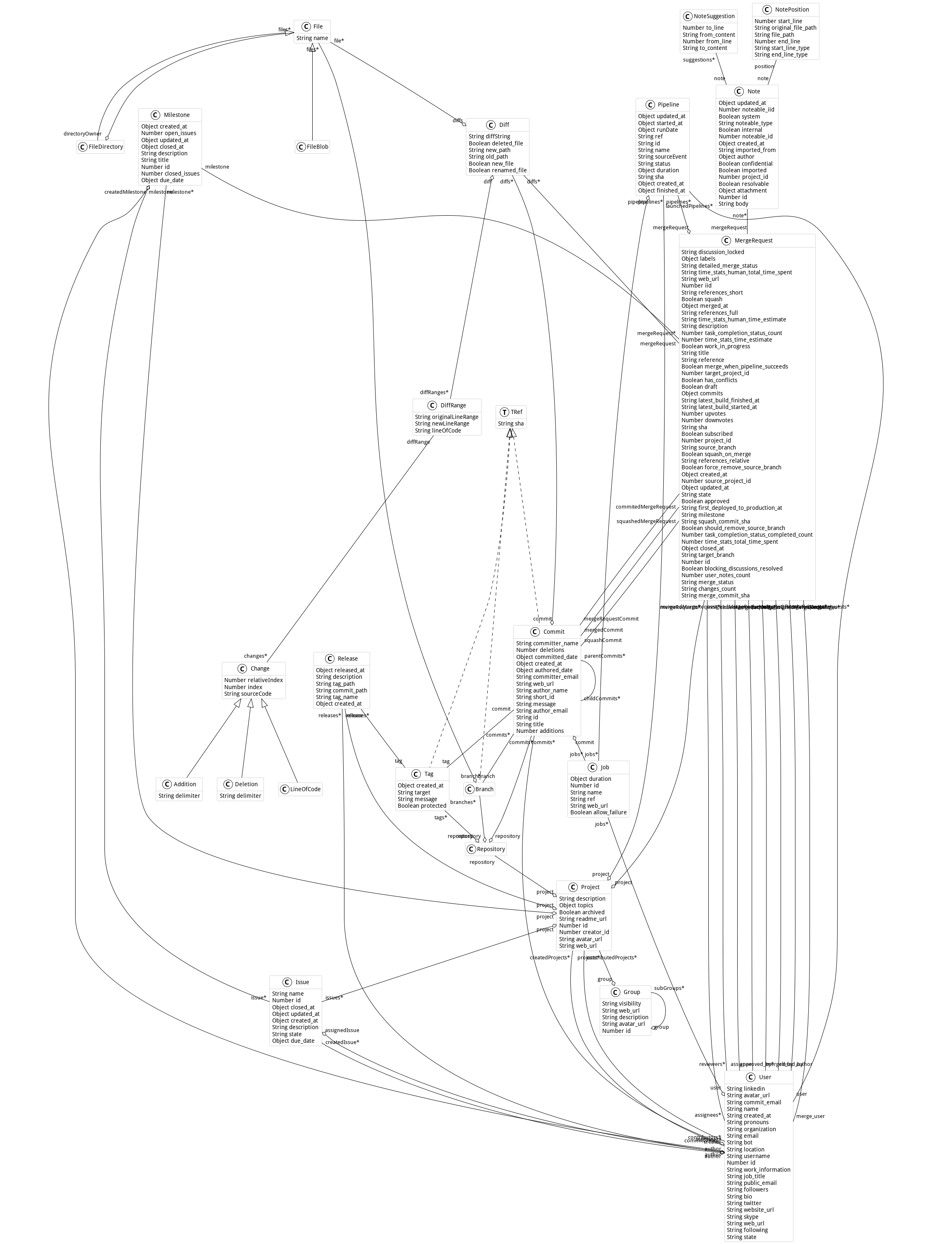
## Navigate and query the model
[Section titled “Navigate and query the model”](#navigate-and-query-the-model)
A `GLHModel` is a Moose model, so all the [MooseQuery](/users/moosequery/) API works on it.
```smalltalk
"All entities of a type"
commits := model allWithType: GLHCommit.
files := model allWithSubTypesOf: GLHFile.
"Entities contained (transitively) in another entity"
projects := group containedEntitiesOfType: GLHProject. "includes sub-groups"
mergeRequests := group containedEntitiesOfType: GLHMergeRequest.
projectCommits := project containedEntitiesOfType: GLHCommit.
"Classic navigation"
project repository branches collect: #name.
commit diffs collect: #new_path.
commit parentCommits.
mergeRequest author username.
```
toScope: is deprecated
Older examples use `toScope:` and `allToScope:`. In recent Moose versions they are deprecated: use `containedEntitiesOfType:` and `allContainedEntitiesOfType:` instead.
# Metrics and analyses
> Compute and export GitProjectHealth metrics per user and per project with GitMetricExporter, and run code churn, degree of authorship and truck factor analyses.
GitProjectHealth provides three levels of analysis:
* **built-in metrics** (about 50 of them), computed per user or per project over periods, and exported in CSV with `GitMetricExporter`;
* **code churn**, computed on a commit and the commits that follow it;
* **ownership analyses**: degree of authorship of a file, and truck factor of a set of directories.
## Export metrics with GitMetricExporter
[Section titled “Export metrics with GitMetricExporter”](#export-metrics-with-gitmetricexporter)
`GitMetricExporter` imports what it needs through an importer, computes every metric for each user or project and each period, and writes CSV files. It was designed for GitLab: user metrics rely on `importUserByUsername:` and `importContributedProjectsOfUser:`.
1. **Create an importer** (see [Importers](/users/git-project-health/importers/)).
```smalltalk
model := GLHModel new name: 'metrics'.
importer := GitModelImporter
forGitlabHostOn: '/api/v4'
withToken: ''
andModel: model.
importer withCommitDiffs: true. "needed by code addition, deletion and churn metrics"
```
2. **Create the exporter** and choose what to analyze: users, projects, or both.
```smalltalk
exporter := GitMetricExporter new
glhImporter: importer;
label: 'my-team'; "used in the CSV file names"
withEmailDomain: '@mycompany.com'; "to match Git users with Jira accounts"
maxCommitWindow: 3; "number of following commits considered for churn"
yourself.
"Users, by platform username: imports each user and the projects they contributed to"
exporter setupAnalysisForUsersWithNames: #( 'alice' 'bob' ).
"Projects, by ID"
exporter setupAnalysisForProjectsWithIds: #( 1234 5678 ).
```
3. **Add one or more periods.** Pass `Date`s, or strings in the `mm-dd-yyyy` format.
```smalltalk
exporter
addAPeriodFrom: (Date year: 2026 month: 1 day: 1)
to: (Date year: 2026 month: 3 day: 31).
exporter addAPeriodFrom: '04-01-2026' to: '06-30-2026'.
```
4. **Compute and export.** The argument of `generateAnalysesOver:` is the granularity used to average the metrics: `Date`, `Week`, `Month` or `Year`.
```smalltalk
exporter generateAnalysesOver: Week.
exporter exportInCSV.
```
Two files are written in your home directory: `GitlabHealth-'my-team'-Week-'users'-.csv` and `…-'projects'-….csv`, with one row per user (or project) and one column per metric and period.
To compute only some metrics, set them before generating the analyses:
```smalltalk
exporter metrics: { CommitFrequencyMetric. CodeChurnMetric. MergedMergeRequestMetric }.
```
Metrics about Jira (`UserJiraMetric` subclasses, `…LinkedToJira…`) also need a Jira importer: `exporter jiraImporter: aJiraPharoImporter` (see [Jira connector](/users/git-project-health/connectors/#jira)).
Note
Results can also be sent to a database (`exportInDB:`, using Voyage) or to an S3 bucket (`exportInS3:accessKey:secretKey:region:`).
### Available metrics
[Section titled “Available metrics”](#available-metrics)
User metrics are computed for each user given to `setupAnalysisForUsersWithNames:`; project metrics for each project given to `setupAnalysisForProjectsWithIds:`.
| Metric class | Scope | Description |
| ------------------------------------------------------------------------------------------------------------------------------- | -------------- | ------------------------------------------------------------------------- |
| `CommitFrequencyMetric` | user | commits frequency (avg) |
| `TimeBetweenCommitMetric` | user | average time between commits (seconds) |
| `CodeAdditionMetric` | user | code addition (avg) |
| `CodeDeletionMetric` | user | code deletion (avg) |
| `CodeChurnMetric` | user | churn % (window of `maxCommitWindow` commits) |
| `DelayUntilFirstChurnMetric` | user | delay until first churn |
| `CommentContributionMetric` | user | comment contribution (avg) |
| `ContributedProjectMetric` | user | number of projects with at least one commit of the user |
| `OpenedMergeRequestMetric` | user | number of opened merge requests |
| `MergedMergeRequestMetric` | user | number of merge requests created by the user and merged |
| `ClosedMergeRequestMetric` | user | number of closed merge requests |
| `PendingMergeRequestMetric` | user | merge requests opened during a period and still open at its end |
| `MergeRequestDurationMetric` | user | average time to merge a merge request (seconds) |
| `MergeRequestMergedByUserMetric` | user | number of merge requests merged by the user |
| `ReviewedByUserMergeRequestMetric` | user | number of merge requests reviewed by the user |
| `SelfMergedUnderAMinuteMergeRequestMetric` | user | merge requests merged by their author less than a minute after creation |
| `CodeAdditionByMRMetric`, `CodeDeletionByMRMetric` | user | average code addition / deletion by merge request |
| `CommitsLinkWithTicketMetric` | user (Jira) | number of commits linked to a Jira ticket |
| `CommitsNumberByJiraTicketsMetric` | user (Jira) | average number of commits by merge request linked to a Jira ticket |
| `ClosedTicketsMetric` | user (Jira) | number of closed merge requests linked to a Jira ticket |
| `CodeAdditionByTicketMetric`, `CodeDeletionByTicketMetric` | user (Jira) | average code addition / deletion by merge request linked to a Jira ticket |
| `JiraTimeMRTimeDifferenceMetric` | user (Jira) | difference between Jira estimate and merge request time (seconds) |
| `CommitFrequencyProjectMetric` | project | commits frequency (avg) |
| `ContributorsProjectMetric` | project | number of contributors (avg) |
| `CommitWithoutUsernameProjectMetric` | project | commits without a real username (avg) |
| `CodeAdditionByCommitProjectMetric` | project | code addition by commit (avg) |
| `CodeDeletionProjectMetric` | project | code deletion |
| `CodeChurnOnCommitsProjectMetric` | project | churn % in project |
| `CodeChurnOnMergedMergeRequestProjectMetric` | project | churn % made by a merge request (avg) |
| `CommentLinesAddedProjectMetric` | project | comment lines added (avg) |
| `ActiveBranchesProjectMetric`, `InactiveBranchesProjectMetric` | project | number of active / inactive branches in the period (avg) |
| `CreatedMergeRequestProjectMetric` | project | created merge requests (avg) |
| `MergedMergeRequestProjectMetric`, `ClosedMergeRequestProjectMetric` | project | merged / closed merge requests (avg) |
| `MergedMergeRequestDurationProjectMetric`, `ClosedMergeRequestDurationProjectMetric`, `OpenedMergeRequestDurationProjectMetric` | project | duration of merged, closed, and still open merge requests (seconds) |
| `CodeAdditionByMergeRequestProjectMetric`, `CodeDeletionByMergeRequestProjectMetric` | project | average code addition / deletion by merge request |
| `CodeAdditionDuringAndByMergeRequestProjectMetric`, `CodeDeletionDuringAndByMergeRequestProjectMetric` | project | average code addition / deletion during and by merge requests |
| `SelfMergedUnderAMinuteMergeRequestProjectMetric` | project | merge requests merged by their author less than a minute after creation |
| `CreatedNoteInMergedOrClosedMergeRequest` | project | notes created in merged or closed merge requests |
| `AutoCodeReviewCommitFrequencyProjectMetric`, `CreatedACRPipelineByProject`, `CreatedNotesByACRByProjectMetric` | project | activity of an automatic code review bot (commits, pipelines, notes) |
| `CommitLinkedToJiraProjectMetric`, `MergeRequestLinkedToJiraProjectMetric` | project (Jira) | commits / merged merge requests linked to a Jira ticket |
| `JiraTimeMRTimeDifferenceProjectMetric` | project (Jira) | difference between Jira estimate and merge request time (seconds) |
All metrics are subclasses of `UserMetric` or `ProjectMetric`; new subclasses are picked up automatically by `GitMetricExporter`.
## Code churn
[Section titled “Code churn”](#code-churn)
The churn of a commit is the share of the lines it added that are modified again by the following commits. It needs commits with **diff ranges**: with the local importer, use `withDiffRanges: true`.
```smalltalk
model := GLHModel new name: 'churn'.
repository := GLHRepository new.
repository cacheAt: #localImporterReference put: '' asFileReference.
project := GLHProject new name: 'my-project'; repository: repository; yourself.
model add: project; add: repository.
(GitLocalModelImporter new
glhModel: model;
withCommitsSince: 90 days;
withCommitDiffs: true;
withDiffRanges: true;
yourself) importRepository: repository.
commit := (model allWithType: GLHCommit) detect: [ :each | each short_id = '' ].
"Churn of the commit, looking at the 3 following commits"
churn := commit computeChurnForMaxCommits: 3.
churn at: #totalContribution. "lines added by the commit and the following ones"
churn at: #churns. "per file: churned lines of code"
```
## Degree of authorship
[Section titled “Degree of authorship”](#degree-of-authorship)
The degree of authorship (DOA) estimates how much each developer *knows* a file, from the history of its changes. It is based on the paper [A Novel Approach for Estimating Truck Factors](https://arxiv.org/abs/1604.06766) and requires an import with `withFiles: true` and `withCommitDiffs: true`.
```smalltalk
"model: a model imported with the local importer, withFiles: true"
file := (model allWithSubTypesOf: GLHFile) detect: [ :each | each path = 'src/BaselineOfGitLabHealth/BaselineOfGitLabHealth.class.st' ].
file degreeOfAuthorship. "normalized DOA of every contributor, between 0 and 1"
file degreeOfAuthorshipAuthors. "only the authors (normalized DOA above 0.75)"
file mainAuthor. "same as degreeOfAuthorship"
```
The blog post [Building an ownership cartography of a system](/blog/2026-08-11-building-an-ownership-cartography-of-a-system/) uses it to draw an ownership tree map.
## Truck factor
[Section titled “Truck factor”](#truck-factor)
The truck factor is the minimal number of developers that have to leave a project before more than half of its files have no author left.
```smalltalk
"model: a model imported with the local importer, withFiles: true, on the whole history"
root := (model allWithType: GLHFileDirectory) detect: [ :directory | directory path = 'src' ].
info := GLPTruckFactor new
directories: { root };
truckFactor.
info truckFactor. "the truck factor"
info coverage. "share of files still covered by an author after removing them"
info totalFiles. "number of files considered"
```
Caution
Authorship is computed from the imported history only. Import the **whole** history (`withCommitsSince: 30 years`) to get meaningful truck factors: on a short period most files have no author.
# Recipes
> Ready-to-run GitProjectHealth scripts - top committers, most modified files, failing pipelines, pull request states, time to merge, merge requests without review.
Each recipe is self-contained: copy it in a Playground, replace the values between `<…>`, and run it. Recipes that only need the history use the **local importer** (fast, no token); recipes about merge requests or pipelines need a **platform importer**.
## Who commits the most? Local
[Section titled “Who commits the most? ”](#who-commits-the-most-)
```smalltalk
model := GLHModel new name: 'top-committers'.
repository := GLHRepository new.
repository cacheAt: #localImporterReference put: '' asFileReference.
project := GLHProject new name: 'my-project'; repository: repository; yourself.
model add: project; add: repository.
(GitLocalModelImporter new
glhModel: model;
withCommitsSince: 1 year;
withCommitDiffs: false; "not needed here, much faster"
yourself) importRepository: repository.
"Number of commits per author, highest first"
((model allWithType: GLHCommit)
collect: [ :commit | commit commitCreator ifNotNil: #name ifNil: [ commit author_name ] ])
asBag sortedCounts
```
## Which files change the most? Local
[Section titled “Which files change the most? ”](#which-files-change-the-most-)
```smalltalk
model := GLHModel new name: 'hotspots'.
repository := GLHRepository new.
repository cacheAt: #localImporterReference put: '' asFileReference.
project := GLHProject new name: 'my-project'; repository: repository; yourself.
model add: project; add: repository.
(GitLocalModelImporter new
glhModel: model;
withCommitsSince: 1 year;
withCommitDiffs: true;
yourself) importRepository: repository.
"The 20 paths modified by the largest number of commits"
((model allWithType: GLHDiff) collect: #new_path) asBag sortedCounts first: 20
```
## Commits per week Local
[Section titled “Commits per week ”](#commits-per-week-)
Reuse the `model` of one of the recipes above:
```smalltalk
((model allWithType: GLHCommit)
groupedBy: [ :commit | commit committed_date asDate asWeek ])
associations
collect: [ :weekToCommits | weekToCommits key printString -> weekToCommits value size ]
```
## Which projects have a failing pipeline? GitLab
[Section titled “Which projects have a failing pipeline? ”](#which-projects-have-a-failing-pipeline-)
```smalltalk
model := GLHModel new name: 'pipelines'.
importer := GitModelImporter
forGitlabHostOn: '/api/v4'
withToken: ''
andModel: model.
importer withCommitsSince: 1 day. "we only need the projects and their latest pipelines"
group := importer importGroup: .
(group containedEntitiesOfType: GLHProject) select: [ :project |
project lastPipeline isNotNil and: [ project lastPipeline status ~= 'success' ] ]
```
The same information is shown graphically by the [*Group Quality* view](/users/git-project-health/visualizations/#group-quality).
## Pull request states of a GitHub organization GitHub
[Section titled “Pull request states of a GitHub organization ”](#pull-request-states-of-a-github-organization-)
This example takes a few minutes on a large organization such as `eclipse`.
```smalltalk
model := GLHModel new name: 'pull-requests'.
importer := GitModelImporter forGithubWithToken: '' andModel: model.
importer withCommitsSince: 10 days.
organization := importer importGroup: 'eclipse'.
"Import the latest pull requests of each repository"
(organization containedEntitiesOfType: GLHProject) do: [ :project |
importer importMergeRequestsOfProject: project ].
"Count them by state (open / closed)"
((organization containedEntitiesOfType: GLHMergeRequest) collect: #state) asBag
```
## Average time to merge GitLab
[Section titled “Average time to merge ”](#average-time-to-merge-)
```smalltalk
model := GLHModel new name: 'time-to-merge'.
importer := GitModelImporter
forGitlabHostOn: '/api/v4'
withToken: ''
andModel: model.
project := importer importProject: .
mergeRequests := importer
importMergeRequestsOfProject: project
since: (Date today - 90 days) asDateAndTime
until: DateAndTime now.
merged := mergeRequests select: [ :mr | mr merged_at isNotNil ].
durations := merged collect: [ :mr |
(mr merged_at asDateAndTime - mr created_at asDateAndTime) asHours ].
durations ifNotEmpty: [ (durations sum / durations size) printShowingDecimalPlaces: 1 ] "hours"
```
## Merge requests merged without approval GitLab
[Section titled “Merge requests merged without approval ”](#merge-requests-merged-without-approval-)
```smalltalk
model := GLHModel new name: 'approvals'.
importer := GitModelImporter
forGitlabHostOn: '/api/v4'
withToken: ''
andModel: model.
project := importer importProject: .
mergeRequests := importer
importMergeRequestsOfProject: project
since: (Date today - 30 days) asDateAndTime
until: DateAndTime now.
"One API call per merge request"
mergeRequests do: [ :mr | importer importMergeResquestApprovals: mr ].
mergeRequests select: [ :mr | mr merged_at isNotNil and: [ mr approved_by isEmpty ] ]
```
Tip
More recipes, such as linking merge requests to Jira tickets, are in [Connectors](/users/git-project-health/connectors/). Ready-made metrics (churn, commit frequency, self-merged merge requests…) are in [Metrics and analyses](/users/git-project-health/metrics/).
# Troubleshooting
> Common GitProjectHealth problems (slow imports, API limits, local importer errors, memory) and the migration table from deprecated classes and selectors to the current API.
## Migrating from deprecated classes and selectors
[Section titled “Migrating from deprecated classes and selectors”](#migrating-from-deprecated-classes-and-selectors)
Older scripts, including some blog posts, use names that are now deprecated or removed. Use the current name instead.
| Old name | Status | Use instead |
| -------------------------------------------------- | ------------------ | ---------------------------------------------- |
| `GLHModelImporter` | deprecated | `GitlabModelImporter` |
| `GLPHModelImporter` | deprecated | `GitlabModelImporter` |
| `GitlabWithMergeRequestModelImporter` | deprecated | `GitlabModelImporter` |
| `GHModelImporter` | deprecated | `GithubModelImporter` |
| `GHApi` | deprecated | `GithubApi` (created by `GithubModelImporter`) |
| `GLPHApi` | removed | `GitlabApi` |
| `GLPHEMergeRequest` | removed | `GLHMergeRequest` |
| `baseAPIUrl:` (GitLab API) | removed | `hostUrl:` |
| `makeGlobal:` (importer) | removed | — (store the importer in a variable) |
| `importMergeRequests:` | removed | `importMergeRequestsOfProject:` |
| `importMergeRequests:since:until:` | removed | `importMergeRequestsOfProject:since:until:` |
| `toScope:` | deprecated (Moose) | `containedEntitiesOfType:` |
| `allToScope:` | deprecated (Moose) | `allContainedEntitiesOfType:` |
| `allProjectstoScope` | uses `toScope:` | `containedEntitiesOfType: GLHProject` |
| `GitMetricExporter>>exportFor:`, `exportFor:over:` | deprecated | `generateAnalysesOver:` then `exportInCSV` |
| `GitMetricExporter>>addEntitiesFromUserNames:` | deprecated | `setupAnalysisForUsersWithNames:` |
Automatic rewriting
When a deprecated method has an automatic transformation, Pharo may **rewrite the calling method** the first time it is called. If this happens in a package of GitProjectHealth, Iceberg will show it as modified: discard the change, or propose a pull request with it.
## Frequent problems
[Section titled “Frequent problems”](#frequent-problems)
### The import is very slow
[Section titled “The import is very slow”](#the-import-is-very-slow)
API imports send one or more HTTP requests per entity. To speed them up:
* reduce the period: `withCommitsSince: 7 days`;
* disable what you do not need: `withCommitDiffs: false`, `withFiles: false`;
* import merge requests for a period (`importMergeRequestsOfProject:since:until:`) rather than all of them;
* use the [local importer](/users/git-project-health/importers/#local-importer) for the history, or the [mixed importer](/users/git-project-health/importers/#mixed-importer) if you also need merge requests.
### GitHub stops answering (rate limit)
[Section titled “GitHub stops answering (rate limit)”](#github-stops-answering-rate-limit)
The GitHub REST API allows 5,000 requests per hour with a token (60 without). Large organizations can exceed this limit: import fewer repositories at once, reduce the period, or wait for the limit to reset.
### `Local GLHRepository without importer reference`
[Section titled “Local GLHRepository without importer reference”](#local-glhrepository-without-importer-reference)
The local importer cannot find the clone. Set the path on the repository before importing:
```smalltalk
repository cacheAt: #localImporterReference put: '/path/to/clone' asFileReference.
```
If the repository belongs to a project with a `web_url`, the importer tries to clone it into `./msr/`: check that your Iceberg credentials give access to it.
### Some branches are missing with the local importer
[Section titled “Some branches are missing with the local importer”](#some-branches-are-missing-with-the-local-importer)
The local importer reads local branches only. Create local tracking branches for the remote ones (see [Clone the repository](/users/git-project-health/importers/#clone-the-repository)).
### Only 20 merge requests are imported
[Section titled “Only 20 merge requests are imported”](#only-20-merge-requests-are-imported)
`importLatestMergeRequestsOfProject:` imports the 20 latest merge requests only. Use `importMergeRequestsOfProject:since:until:` to import a period.
### `Bitbucket api cannot import directly a project`
[Section titled “Bitbucket api cannot import directly a project”](#bitbucket-api-cannot-import-directly-a-project)
On Bitbucket, import the Bitbucket project with `importGroup: 'KEY'`: its repositories are imported as `GLHProject`s.
### The GitLab URL is not accepted
[Section titled “The GitLab URL is not accepted”](#the-gitlab-url-is-not-accepted)
The GitLab host URL must point to the API, including `/api/v4`, for instance `https://gitlab.mycompany.com/api/v4`.
### The image uses too much memory
[Section titled “The image uses too much memory”](#the-image-uses-too-much-memory)
The local importer keeps caches on the imported entities. Clear them after the import:
```smalltalk
model flush.
model entities do: #flush.
```
Avoid `withDiffRanges: true` and `withFiles: true` unless you need them.
### Where are the logs?
[Section titled “Where are the logs?”](#where-are-the-logs)
Importers log their progress with [MoreLogger](https://github.com/badetitou/MoreLogger) (`recordInfo`). See its documentation to choose where the logs are written.
## Getting help
[Section titled “Getting help”](#getting-help)
* Ask on the [Moose Discord](https://discord.gg/QewZMZa).
* Report bugs on [GitProjectHealth issues](https://github.com/moosetechnology/GitProjectHealth/issues).
# Visualizations
> Inspector tabs and Roassal visualizations of GitProjectHealth (group quality, commit distribution, weekly activity, commit history, contributors) and how to export them as SVG, PNG or CSV.
GitProjectHealth adds views to the Pharo inspector and provides [Roassal](https://github.com/pharo-graphics/Roassal) visualizations that you can open or export from a script.
## Inspector tabs
[Section titled “Inspector tabs”](#inspector-tabs)
Inspect an entity (`Ctrl+I`) to get these tabs:
| Inspected entity | Tab | Shows |
| -------------------- | -------------------------------------------------- | ---------------------------------------------------------------------------------------------------- |
| `GLHGroup` | **Group Quality** | the projects of the group (and sub-groups), green if their last pipeline succeeded, red if it failed |
| group of `GLHGroup`s | **Groups Quality** | the same, for several groups |
| `GLHProject` | **Contributors** | the users who committed in the project |
| `GLHRepository` | **Commits History** | the commit graph (branches and merges) |
| `GLHRepository` | **Commits distribution** | number of commits per day, stacked by author |
| `GLHRepository` | **Weekly Commits** | commits per day of the week |
| `GLHUser` | **Commits distribution** | commits per day, stacked by project |
| `GLHUser` | **Weekly Commits** | commits per day of the week |
| `GLHCommit` | **Commit View**, **File Impact**, **Commits Tree** | the diff of the commit, the impacted files, its child commits |
| `GLHDiff` | **Diff View**, **Files Impacted** | the diff and the impacted files |
| any `GLHEntity` | **Tree** | the containment tree of the entity |
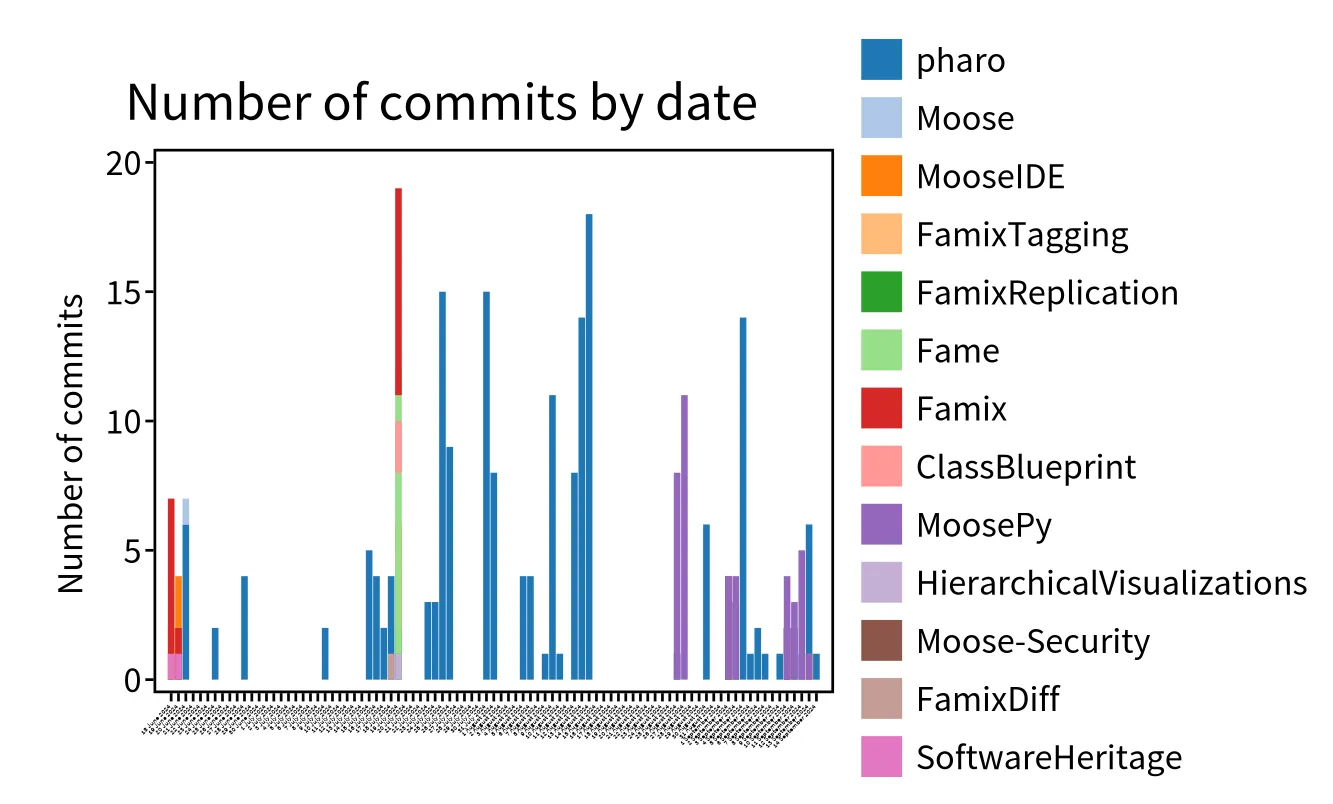
## Visualizations from a script
[Section titled “Visualizations from a script”](#visualizations-from-a-script)
Each visualization returns a Roassal `RSCanvas` that you can `open`, inspect or export.
### Group quality
[Section titled “Group quality”](#group-quality)
```smalltalk
"group: a GLHGroup imported with a platform importer"
canvas := GLHGroupVisualization new forGroup: { group }.
canvas open.
```
The colors can be changed with `passingPipelineColor:`, `failingPipelinecolor:` and `noPipelineColor:`.
### Commits distribution
[Section titled “Commits distribution”](#commits-distribution)
```smalltalk
commits := (project containedEntitiesOfType: GLHCommit) asOrderedCollection.
"Commits per day, stacked by author (default)"
(GLHCommitDistributionVisualization new forCommits: commits) open.
"Commits per day, stacked by project"
(GLHCommitDistributionVisualization new
groupCommitBlock: [ :commit | commit repository project ];
forCommits: commits) open.
"Commits per day of the week, and average per day of the week"
(GLHCommitDistributionByWeekDayVisualization new forCommits: commits) open.
(GLHCommitDistributionAverageByWeekDayVisualization new forCommits: commits) open.
```
### Contributors of a project
[Section titled “Contributors of a project”](#contributors-of-a-project)
```smalltalk
(GLHProjectContributorVisualization new forProject: project) open.
```
## Export
[Section titled “Export”](#export)
### SVG or PNG
[Section titled “SVG or PNG”](#svg-or-png)
```smalltalk
canvas := GLHGroupVisualization new forGroup: { group }.
canvas svgExporter
withoutFixedShapes;
fileName: 'group-health';
export.
canvas pngExporter
fileName: 'group-health';
export.
```
Files are written next to the image.
### CSV
[Section titled “CSV”](#csv)
`GLHGroupCSVExporter` exports, for each project of a group and of its sub-groups, the result and the date of its last pipeline:
```smalltalk
csv := GLHGroupCSVExporter new forGroup: group.
'group-health.csv' asFileReference writeStreamDo: [ :stream | stream nextPutAll: csv ].
```
Tip
For metrics per user or per project, use [GitMetricExporter](/users/git-project-health/metrics/#export-metrics-with-gitmetricexporter).
# Importing and exporting models
The first step in the process of analysis is the generation of a model of a given target system or set of data. Moose can handle multiple types of data and data sources. This chapter provides a short guide for how to deal with these.
## Importing and exporting from and to files
[Section titled “Importing and exporting from and to files”](#importing-and-exporting-from-and-to-files)
### Importing and exporting with JSON
[Section titled “Importing and exporting with JSON”](#importing-and-exporting-with-json)
The preferred way to load a model in Moose is via a JSON file. To load an JSON file, all you have to do is to press the JSON button in the *Models browser* and indicate the file to load. This creates a model, populates it with the entities from the file and adds the model to the repository. The model then appears in the list of models of the Models browser.
> You can also drag and drop the Json file within the Pharo Image
To import a model from a JSON format, you can execute the following snippet:
```smalltalk
'/path/to/file.json' asFileReference readStreamDo:
[ :stream | model := FamixJavaModel new importFromJSONStream: stream ]
```
More information about JSON format are available [here](/users/file-format/#json).
> Sugar methods will be added in future release
To export using the JSON format programmatically:
```smalltalk
"will ask where to create the json file"
model exportToJSON.
"will write the json in mseFile.json"
'path/to/file.json' asFileReference writeStreamDo:
[:stream | model exportToJSONStream: stream ].
```
### Importing and exporting with MSE
[Section titled “Importing and exporting with MSE”](#importing-and-exporting-with-mse)
As one can import and export using JSON, it is possible to import and export using the [MSE format](/users/file-format/#mse).
Another way is to import the model from a playground by executing (in the case of a FamixJava model):
```smalltalk
'./path/to/file.mse' asFileReference readStreamDo:
[:stream | model := FamixJavaModel importFromMSEStream: stream].
```
More information about MSE are available [here](/users/file-format/#mse).
Once a model is loaded, it can be easily exported as an MSE file. This can be done via the contextual menu of the model. By choosing the *Export to MSE* menu item you will be prompted to indicate the desired file name and location, and the result is an MSE file saved on the disk containing the entities in the model.
It is also possible to do it programmatically by executing:
```smalltalk
"will ask where to create the mse file"
model exportToMSE.
"will write the mse in mseFile.mse"
'path/to/new/file.mse' asFileReference writeStreamDo:
[:stream | model exportToMSEStream: stream ].
```
### Command line for slow loading
[Section titled “Command line for slow loading”](#command-line-for-slow-loading)
#### Increase the process priority
[Section titled “Increase the process priority”](#increase-the-process-priority)
If you find the loading too slow. You can try the following command that will create a process that perform the load with the max priority.
```smalltalk
['/path/to/file.json' asFileReference readStreamDo:
[ :stream | model := FamixJavaModel new importFromJSONStream: stream ]
] forkAt: Processor highestPriority named: 'LoadJava'.
```
#### Reducing other processes priority
[Section titled “Reducing other processes priority”](#reducing-other-processes-priority)
* have a model.json and a folder with the model’s source code.
* have a Pharo image with Moose
* drag/drop the model.json file into Pharo’s World
* setup the import from the screen (just set the right paths)
* Changing process priorities :
* In the System > System Process Browser menu
* The priority of a process increases (the higher the priority, the higher the priority of the process).
* You need to lower the priority of Morphic (in charge of the Pharo UI). It should be around 40, so we need to lower it to 30.
* This will freeze the UI until the end of the import.
* Please wait.
## Importing Pharo code
[Section titled “Importing Pharo code”](#importing-pharo-code)
### From GUI
[Section titled “From GUI”](#from-gui)
Moose comes with a built-in importer for Pharo code. The prerequisite for using this importer is that you first need the target source code present in the Pharo image.
Once the code is present, simply press on the *Load from Pharo* item from the menu of the Models browser, and follow the steps from the opening wizard.
This importer works out of the box for code built for Pharo. For code written in other Smalltalk dialects, the code must first be made loadable into Pharo. Moose does not offer ready-made solutions for these other languages, but for most known dialects, like VisualWorks, you can often find solutions for exporting the code in a file format loadable in Pharo. An important note is that the code does not have to be fully functioning. It merely needs to be loadable in the Pharo image.
### From code
[Section titled “From code”](#from-code)
It is possible to create a model of Pharo code programmatically.
#### Moose 8 and above
[Section titled “Moose 8 and above”](#moose-8-and-above)
In Moose 8, the following script creates a model of the Calypso package.
```smalltalk
"Create a Moose Model"
model := FamixStModel new.
MoosePharoImporterTask new
importerClass: SmalltalkImporter;
factory: SmalltalkMetamodelFactory new;
model: model ;
addFromPackagesMatching: [:p | p name beginsWith: 'Calypso' ] ;
run;
yourself.
```
The model is stored inside the model variable.
#### Moose 7
[Section titled “Moose 7”](#moose-7)
In Moose 7, the following script creates a model of the Calypso package.
```smalltalk
"Create a Moose Model"
model := MooseModel new.
"Set the PharoSt metamodel (was fixed in Moose8)"
model metamodel: FamixPharoSmalltalkGenerator resetMetamodel.
model metamodel.
MoosePharoImporterTask new
importerClass: SmalltalkImporter;
factory: SmalltalkMetamodelFactory;
model: model ;
addFromPackagesMatching: [:p | p name beginsWith: 'Calypso' ] ;
run;
yourself.
```
The model is stored inside the model variable.
Then to generate the code, one also needs to perform a little hack (that has been fixed in next version of Moose).
```smalltalk
"Complexe because different metamodel, was fixed in Moose8"
'D:/test.mse' asFileReference writeStreamDo: [ :writeStream | MooseModel export: model withMetamodel: model metamodel to: writeStream. ]
```
## Create Json/Mse model file for other languages
[Section titled “Create Json/Mse model file for other languages”](#create-jsonmse-model-file-for-other-languages)
To create Json/Mse model file for other programming languages please refer to the [parser section](./../index#parsers).
# Moose IDE
Moose IDE is a group of tools connected the one with the others that one can use to explore a model. On this page, we group the documentation for each tool.
## Moose Toolbar
[Section titled “Moose Toolbar”](#moose-toolbar)
The Moose toolbar is a group of entries in the main Pharo toolbar that provides fast access to all the Moose IDE tools.
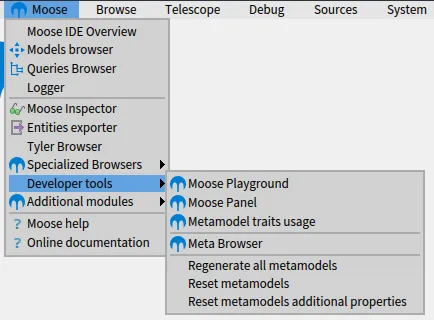
The toolbar is divided into three categories.
1. The main tools
2. Specialized tools to perform more advanced query and model exploration
3. Documentation
## Moose IDE Overview
[Section titled “Moose IDE Overview”](#moose-ide-overview)
The *Moose IDE Overview* is the entry point to perform analysis with Moose. It presents the current *Browsers* and *Buses* in the Moose environment.
This browser offers two main features: opening a new browser and creating a new bus.
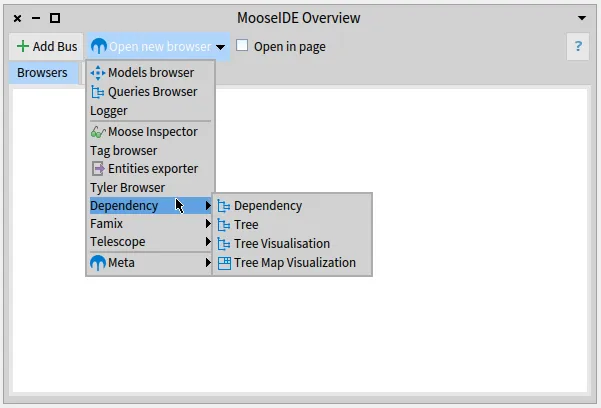
### Opening Browser
[Section titled “Opening Browser”](#opening-browser)
To open a browser, select in the menu the browser you want to open.
The browser opens itself in the Moose environment. Then, you can see an entry in the Moose IDE Overview browser corresponding to this browser. You can use this entry to close the browser, or to put in on top of the others browser. This is a nice feature when you have several browsers opened and need to find a specific one.
By checking the `Open in page` checkbox, the browser opens itself inside the Moose IDE Overview browser. It alows you to keep at the same place every browser you want.
### Creating a new bus
[Section titled “Creating a new bus”](#creating-a-new-bus)
> Need more documentation here? [open an issue](https://github.com/moosetechnology/moosetechnology.github.io/issues)
## Models Browser
[Section titled “Models Browser”](#models-browser)
The *Models Browser* allows one to load a model in the Moose environment.
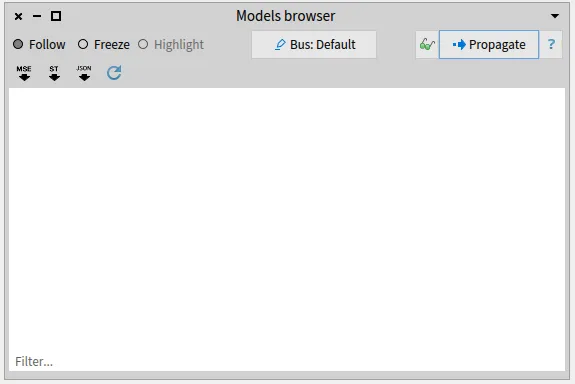
They are three ways to load a model:
* With the mse button: load a model store in a MSE file
* With the json button: load a model store in a JSON file
* With the st button: create a Smalltalk model based on the code of the current Moose image
When importing a model from a file (JSON or MSE), a popup appears. You have to select the kind of model that will be populated. It is important to select the model that has the correct metamodel. For instance, to analyze a Java Project, you have to select *FamixJavaModel*.
## Queries Browser
[Section titled “Queries Browser”](#queries-browser)
The “Queries Browser” is one of the most powerful tools of Moose. It allows one to perform advanced queries on any model based on the meta-model.
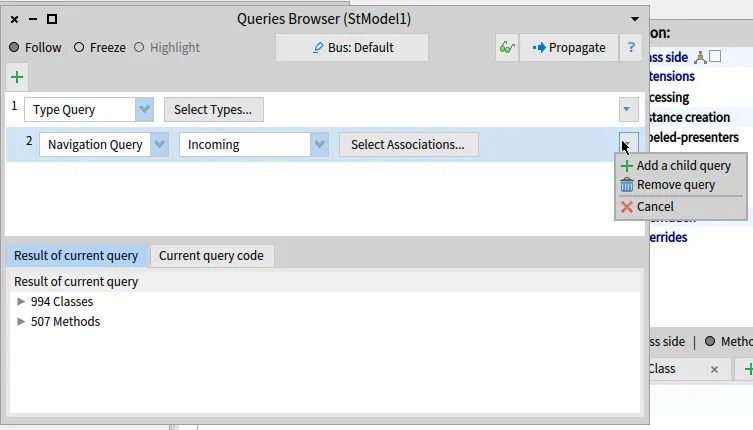
There are two panes: the one at the top of the window contains the query performed on the previous result (or the root element), the panel at the bottom presents the result grouped by element type.
To create a new query on the root element, one can click on the green *”+”*, and to create a query on the previous query, one can click on the right-hand arrow and press *Add a child query*.
## Logger Browser
[Section titled “Logger Browser”](#logger-browser)
The logger browser keeps a trace of everything you explore (*i.e.* that goes into a bus).
You can visualize multiple buses, after selecting an element, propagating it again, and clear the logger if too many items are present.
## Moose Inspector
[Section titled “Moose Inspector”](#moose-inspector)
Moose Inspector is an advanced and **convenient** tool to explore a model or any moose entity.
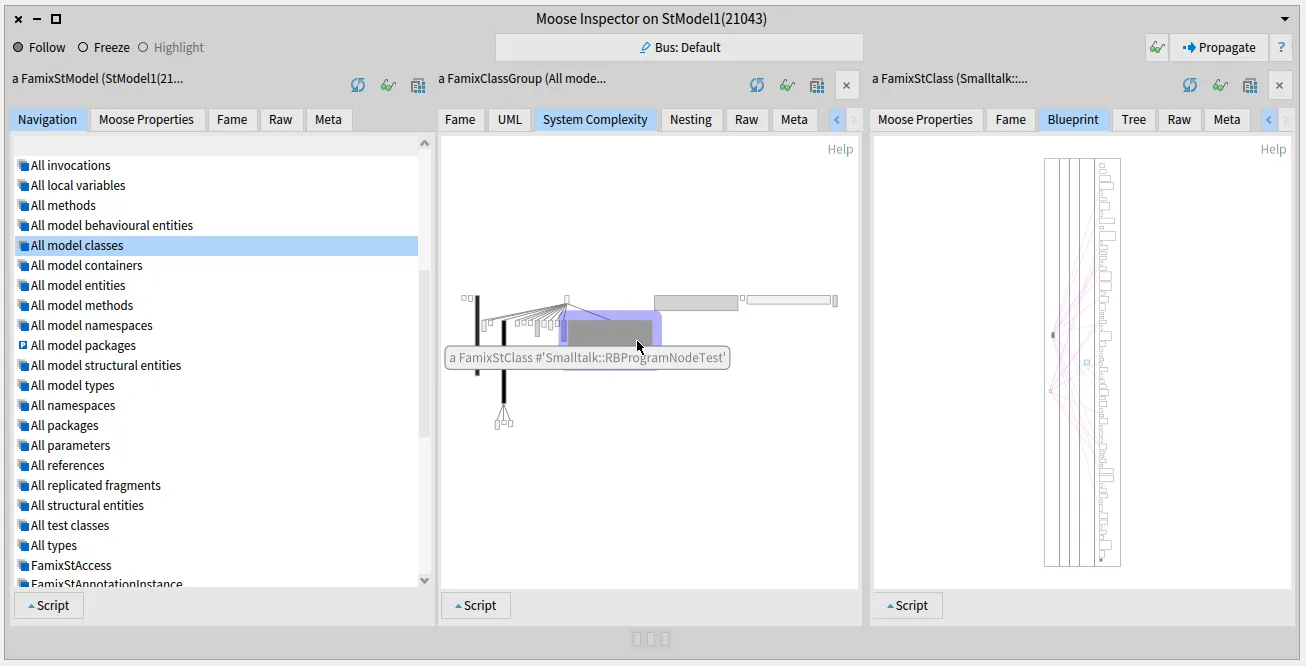
The moose inspector is divided into several horizontal panels. Each panel is composed of several tabs. Standard tabs are *Navigation*, *Moose Properties*, *Fame*.
When inspecting an element, a panel inside the moose inspector is opened. By default, the *Navigation* tab is also opened. It allows you to see the other concept linked to the one currently inspected. For example: when inspecting a Java class, it shows the subclasses, the superclass, and the methods and the attributes of the class. By selecting an element, a second panel will open next to the original one inspecting the selected elements.
When inspecting specific kind of entity, new tab might appears. They offer to the end-user new way to visualize their data. For instance, when inspecting a group of classes, on can see it as a UML schema, a system complexity, or with a nesting view. Or, when inspecting a class, one can see its corresponding blueprint.
It is also possible to perform advanced queries from the Moose Inspector. To do so, by clicking on the script button, one can write any piece of code they want to executed on the inpected entity.
> Be careful; when performing customized scripts, you can leave the Moose Environment. You may want to learn more Pharo before performing such a complex script
## Tree browsers
[Section titled “Tree browsers”](#tree-browsers)
There are three browsers that allows you to visualize and explore a model and its entity as a tree. All these browsers can be found under the *Dependency* menu entry.
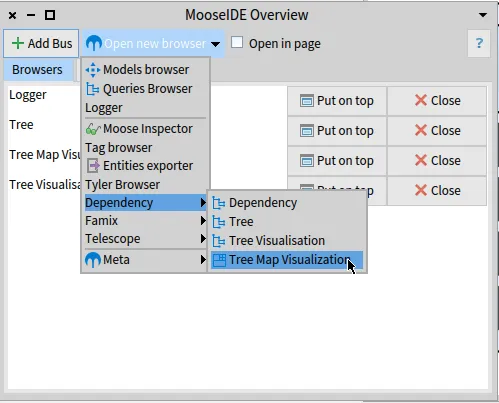
### Tree Browser
[Section titled “Tree Browser”](#tree-browser)
The *Tree Browser* presents an entity and allows one to explore the contained entities. For instance, one can see the methods of a class, and the local attribute of a method.
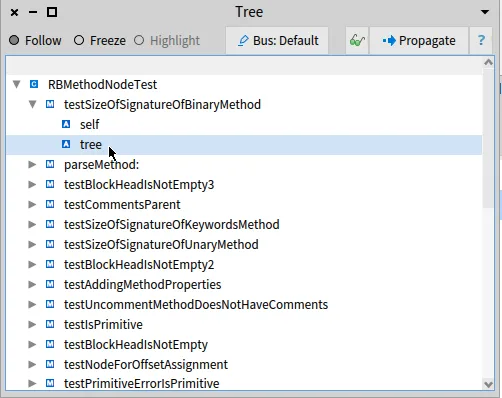
### Tree visualization browser
[Section titled “Tree visualization browser”](#tree-visualization-browser)
When a group of entity is explored, the *Tree Visualization Browser* presents them as a tree.
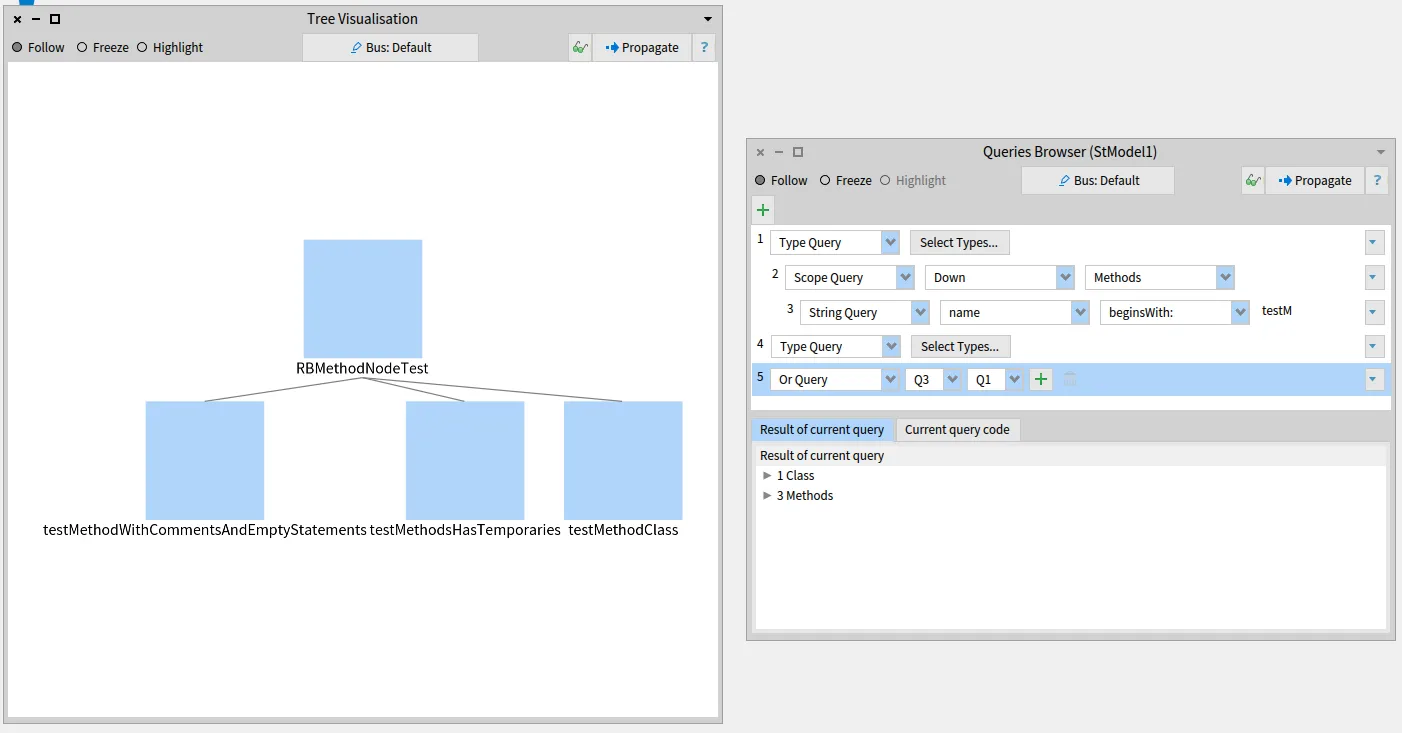
In the example, we performed a query that gives us a group of classes and methods. By propagating the result to the *Tree Visualization Browser*, we got a visualization telling us that these methods are defined in the class.
### Tree Map Browser
[Section titled “Tree Map Browser”](#tree-map-browser)
The *Tree Map Browser* is a visual way to explore the contained entities.
In the example, we are exploring the `RBMethodNodeTest` class (as for the Tree Browser example). The main box represents the class, the box inside it the methods of the classes, and inside the methods are the local variables. One can click on each box to open or close the box and explore the contained entities.
## Famix Browsers
[Section titled “Famix Browsers”](#famix-browsers)
Some browsers are super helpful when exploring an application model (*e.g.* a model of a Java application). We named this collection of browsers: the *Famix Browsers*.
### UML Browser
[Section titled “UML Browser”](#uml-browser)
The *UML Browser* presents the UML diagram of the selected classes.
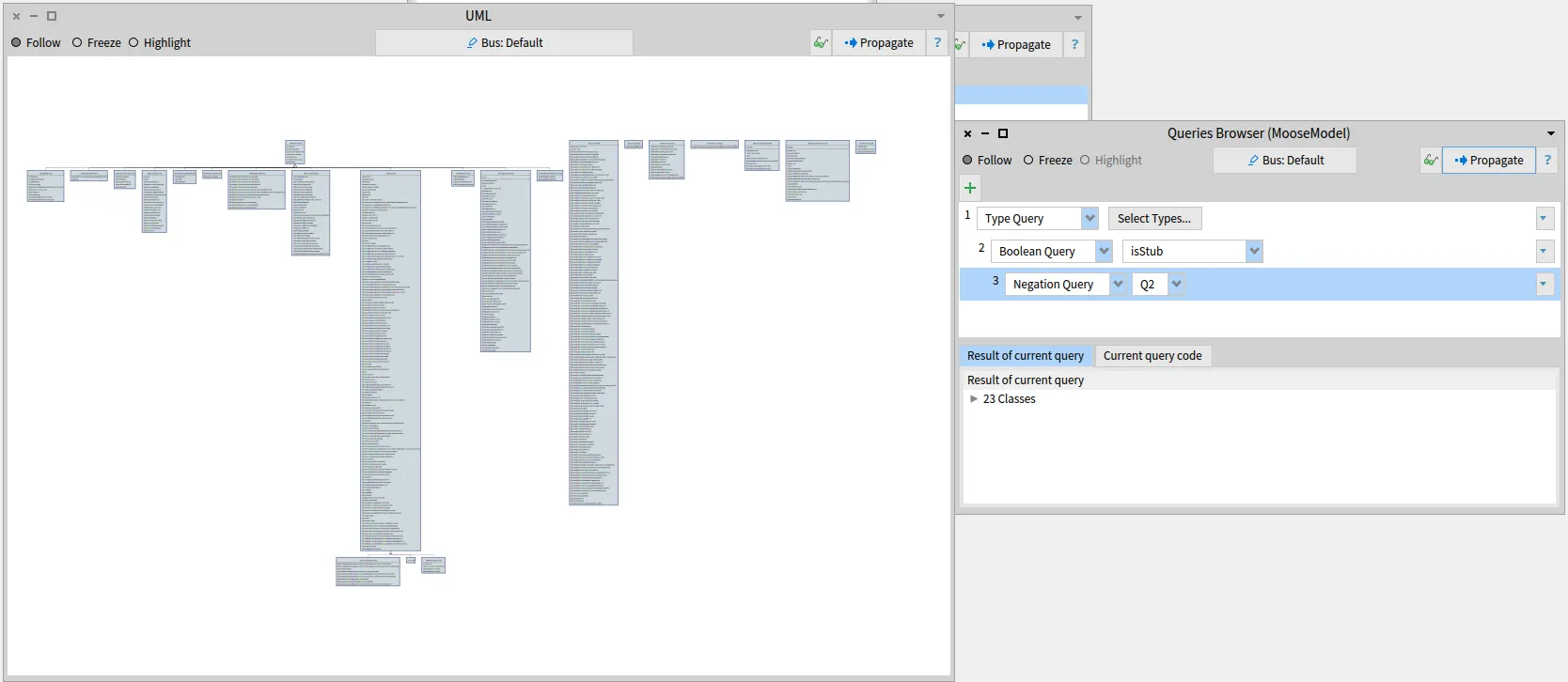
In the example, we query the classes that are not a stub. The *UML Browser* presents us the UML of the application.
### Source code Browser
[Section titled “Source code Browser”](#source-code-browser)
The *Source code Browser* shows the source code of a selected entity if available. For instance, when clicking on a class of the preceding example, we get its source code in the *Source code Browser*.
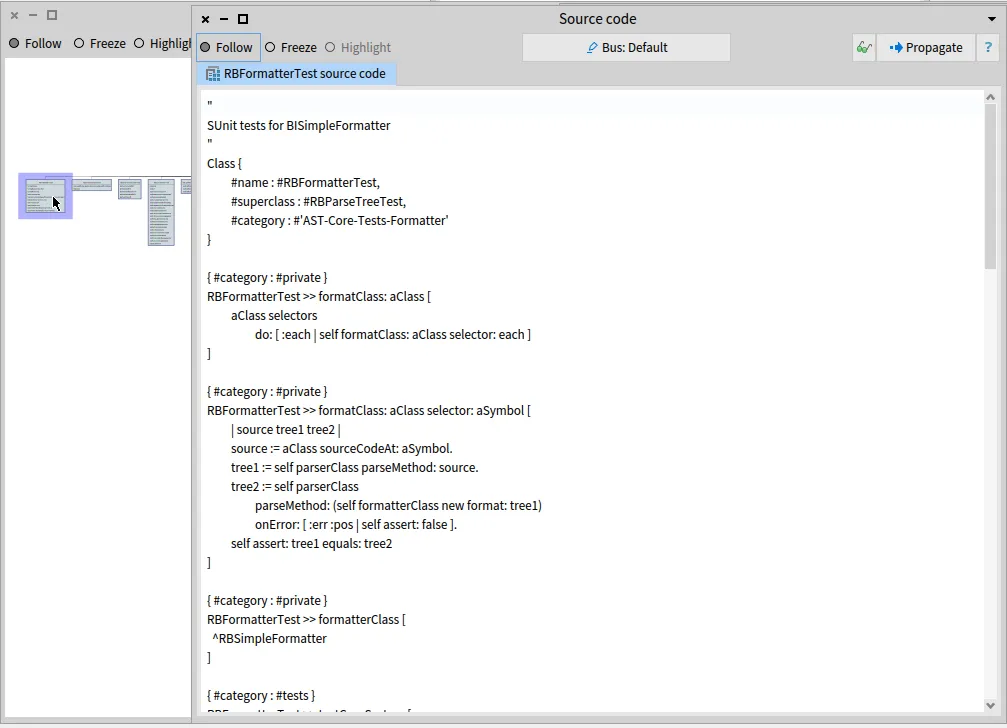
In the example, it shows up the source code of the `RBFormatterTest` class.
### Files Browser
[Section titled “Files Browser”](#files-browser)
The files browser allows one to explore the model based on the existing files hierarchy. It is divided into two panes. The right-hand pane shows a file browser where the user can navigate. The left-hand pane shows the entities in the model that are present at this level in the file hierarchy (*i.e.* the classes, methods, and attributes defined in the selected directory).
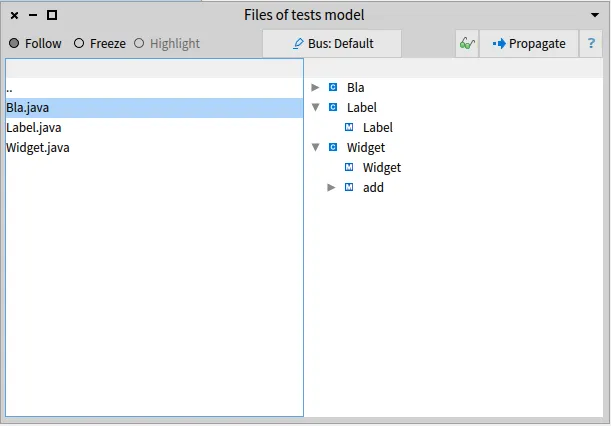
In the example, we retrieve the three classes in the selected folder: `Bla`, `Label`, and `Widget`. And the user is exploring the `Label` and the `Widget` classes.
## Meta Browsers
[Section titled “Meta Browsers”](#meta-browsers)
Meta browsers are browsers that present general information on an entity or a model.
### Moose Model Browser
[Section titled “Moose Model Browser”](#moose-model-browser)
The *Moose model Browser* presents all model entities grouped by entity type. It is an excellent browser to select several entities of the same type.
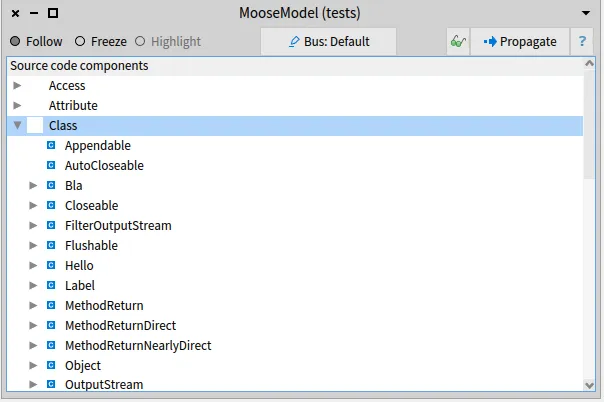
In the above example, the user explores the classes of the model.
### Properties Browser
[Section titled “Properties Browser”](#properties-browser)
The *Properties Browser* presents the list of properties of any Moose element.
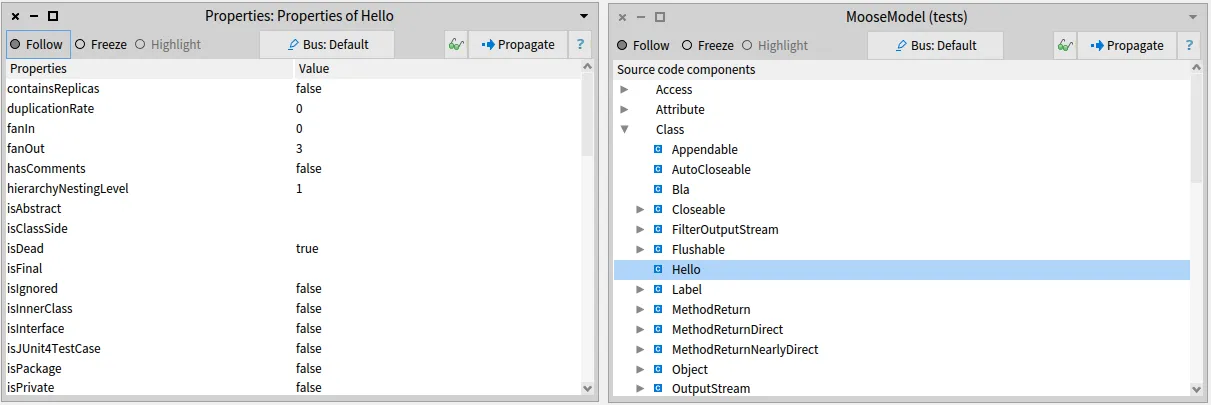
For example, it can present the number of lines of code of a class, the number of methods, *etc.*
### Fame Browser
[Section titled “Fame Browser”](#fame-browser)
The *Fame Browser* is a *metamodel developer tool* that shows the existing meta properties of an explored element.
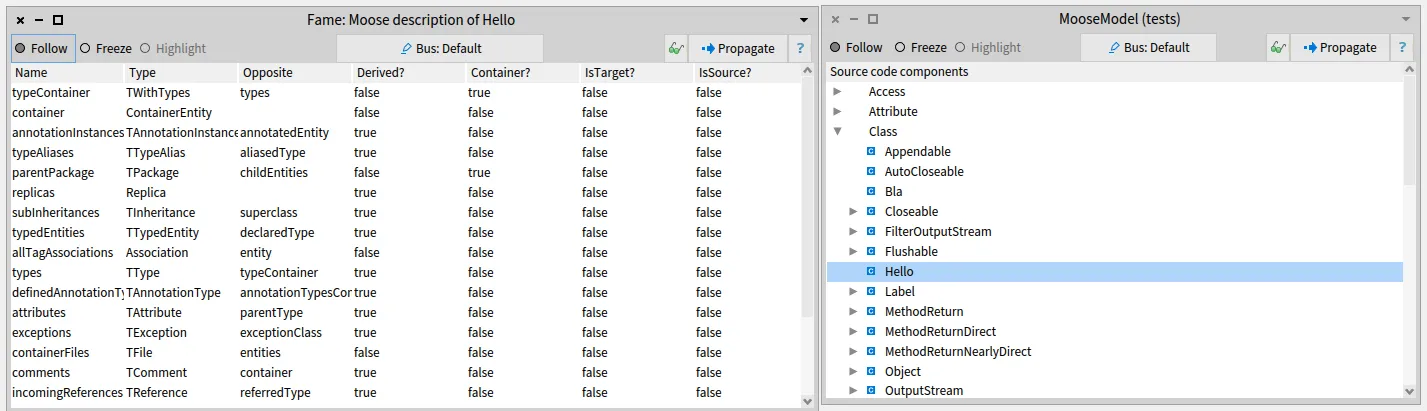
For instance, it allows one to retrieve the navigation properties, the *basic* properties, and their characteristics (*i.e.*, type, derived?, source/target navigation, *etc.*).
### Meta Browser
[Section titled “Meta Browser”](#meta-browser)
The *Meta Browser* helps one to get an overview of the meta-model of any element.
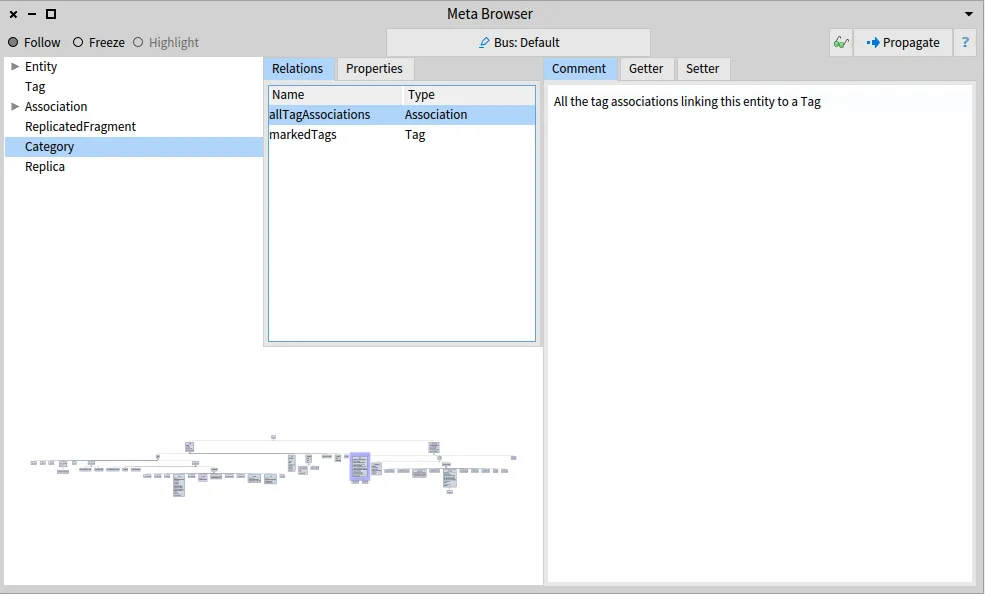
The browser shows the hierarchy of classes at the top-left. Selecting a class shows both the references to other classes and the primitive properties. At the bottom, a map of the overall class hierarchies is provided as a visualization. Furthermore, the comment of the current selection is shown to the right.
## Developer tools
[Section titled “Developer tools”](#developer-tools)
### Moose Playground
[Section titled “Moose Playground”](#moose-playground)

The *Moose Playground* allows one to perform customized scripts. This browser is outside the Moose IDE environment. Thus you cannot benefit from the buses feature.
> ⚠️ Be careful; when performing customized scripts, you can leave the Moose Environment. You may want to learn more Pharo before performing such a complex script
The *Moose Playground* with two additional feature compares to a *classic* playground: *Inspect in Moose*, and *Models*.
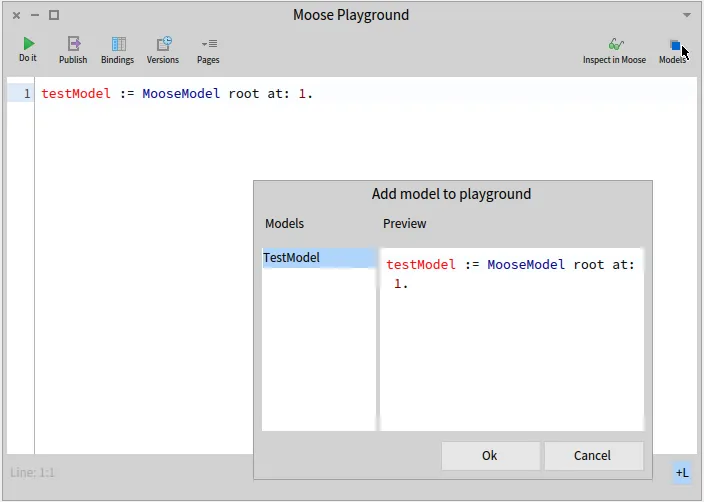
The *Inspect in Moose* button allows one to inspect an entity in a [*Moose Inspector*](#moose-inspector). Thus, one can create a complex customized script and go back to the MooseIDE environment.
The *Models* feature allows one to get inside the *Moose Playground* a reference to a model loaded using [*Models Browser*](#models-browser).
Thanks to the two features, one can connect custom scripts with the Moose environment.
# Distribution Map
Moose comes with the prebuilt Distribution Map visualization. It has first been described in the paper [Distribution Map](https://www.researchgate.net/profile/Stephane-Ducasse/publication/221308136_Distribution_Map/links/02e7e51f0feed80eae000000/Distribution-Map.pdf).
One can find the Distribution Map under the Moose menu. The browser is great to visualize a distribution of information across a system. A typical usage consists in analyzing the system, and when you want to highlight a specific information, you create a tag that will be used to color the system. Then, it is possible to open the visualization to investigate the distribution of this information across the system.
## Input
[Section titled “Input”](#input)
The Distribution Map takes as input a collection of container. For instance, propagating classes will display classes as container and their methods and attributes as little square.
# Inspector
Moose comes with a powerful tool to navigate the models: the Pharo inspector. The Pharo inspector allows one to inspect an object: see its variables, and modify them. The moose platform creates several plugins to enhance the Moose Users experience and provides information each software engineer required.
In the following, we will present the main features.
## Browsing a model
[Section titled “Browsing a model”](#browsing-a-model)
It is super easy to browse a model with the Moose Inspector. From an open playground (or Moose Playground) execute `inspect` on the variable that contains the model.

Several actions are then available:
1. Accessing the main properties of the model
2. Visualizing the meta-model description
3. Executing a custom query on the model
4. Navigating in a category of entities declared in this model
### Accessing model properties
[Section titled “Accessing model properties”](#accessing-model-properties)
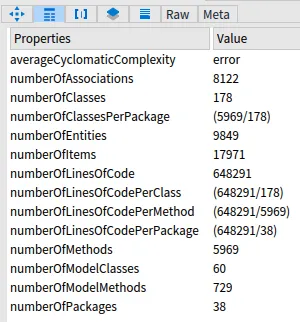
Model properties include the number of classes and methods that are interesting to determine the size of the project.
### Navigating in the model
[Section titled “Navigating in the model”](#navigating-in-the-model)
When inspecting the model, the inspector shows us several categories that we can use to navigate inside the model. To navigate, you only need to click on an item of the shown list.
> Items that begin with `All model` are concepts that have been imported in the model. In category such as `all classes`, we explore *normal* concepts and *stubs*
## Inspecting an entity
[Section titled “Inspecting an entity”](#inspecting-an-entity)
## Inspecting a specialized group
[Section titled “Inspecting a specialized group”](#inspecting-a-specialized-group)
The inspector also offers several visualizations for the groups of concepts. For instance, it is easy to visualize the hierarchy/system complexity of a group of class or its UML.
To do so, one needs:
1. navigate a group of classes
2. select the interesting classes *(optional)*
3. transform the moose group into a specialized moose group
4. use the moose extension

# Moose Critics
Moose Critics is a tool of MooseIDE that allows one to define a suite of rules to verify on software systems’ models. It can be compared to a tool to create rules such as the one provided by [SonarQube](https://www.sonarsource.com/products/sonarqube/).
We first present how to use the UI to manipulate the tool. Then we present how to use it programmatically.
## With the User Interface
[Section titled “With the User Interface”](#with-the-user-interface)
The easiest way to manipulate the Critics Browser is to use its UI.
### Open the Moose Critics Browser
[Section titled “Open the Moose Critics Browser”](#open-the-moose-critics-browser)
You can open the browser in the Menu under `Moose > Moose Critic Browser`.
The browser is divided into three main panels. From left to right: the entities you are checking, the rules and context you want to check, and the computed violations.
The entities panels (left) grouped the entities by their type. You can inspect any entity (or a group of entities) by double-clicking on its entry.
> If you do not see entities, you might not have loaded any model and propagate entities. Please consider reading MooseIDE documentation first.
You can now create Rules and context for your rules
### Create and Apply Rules
[Section titled “Create and Apply Rules”](#create-and-apply-rules)
Rules in MooseCritics are divided into two components: Context, and Condition. A context is a collection of entities to specify the scope of our analysis. Using this, we are only executing our rules on the relevant entities for them. This step is crucial for performance reasons. Once we have a context, we add conditions to it, to verify the validity of every entity belonging to this context.
Let’s start building a few of those, to appreciate how easy and versatile this system can be!
#### Create a context
[Section titled “Create a context”](#create-a-context)
To create your first context, right-click on `Root context` and select `Add context` entry. It displays a panel in which you can specify the name of the context, an input, and the text summary (*a.k.a.,* description) of the context.
The input block takes as input all the entities of the parent context (`root context` provides all the entities) and should return a collection of entities.
For example, a context that would select all the methods would be filled with the following input block:
```smalltalk
[ :collection | collection select: [ :entity | entity isMethod ] ]
```
#### Create a rule
[Section titled “Create a rule”](#create-a-rule)
Once you have created your context, you can create rules. To create your first rule, right-click on a context and select `Add condition` entry. As for context, rules are composed of a name, an input block, and a description. It also includes a severity level.
This time, the input block will take as a parameter each element of the collection of entities provided by the parent context. The block should return a boolean: `true` when the entity violated the rule, otherwise, it returns `false`.
For example, to retrieve the dead methods, we would fill it like this:
```smalltalk
[ :entity | entity isDeadMethod ]
```
### Run the critics
[Section titled “Run the critics”](#run-the-critics)
Once the browser is configured, it is possible to execute the rules suite. To do so, simply press the `Run` button at the bottom right of the window. The right side panel will be filled with the entities that violated the rules.
### Export and Import Rules
[Section titled “Export and Import Rules”](#export-and-import-rules)
When closing the window, the critic’s suite will be removed from the system. However, it is possible to save it for future usage.
To do so, we use the Ston format (similar to JSON but with support for complex object export). To export the result, you only have to click on the `Export rules` button and select the destination folder.
The import is made the same way using the `Import rules` button.
## Use it programmatically
[Section titled “Use it programmatically”](#use-it-programmatically)
It is also possible to interact with the Moose Critics project through its UI model API.
In the following script, we
1. Create a browser with a new underlying model
2. Add pre-defined rules saved in a Ston file
3. Fill the entities list against which rules are computed
4. Run the rules
5. Get the results in a collection
```smalltalk
criticBrowser := MiCriticBrowser on: MiCriticBrowser newModel.
'C:/path/to/my/file.ston' asFileReference readStreamDo: [ :stream | criticBrowser importRulesFromStream: stream ].
criticBrowser model setEntities: myModel.
criticBrowser model run.
violations := criticBrowser model getAllViolations.
```
It can be then used to export results using the [moose exporter browser](./moose-exporter).
```smalltalk
exportBrowserModel := MiExportModel new.
exportBrowserModel entitiesList: violations.
"Remove default column"
exportBrowserModel removeColumnForQueryNamed: #Name.
exportBrowserModel removeColumnForQueryNamed: #Type.
"export"
exportBrowserModel addColumnForQuery: [ :violation | violation violatedCondition name ] withName: #'Rule name'.
exportBrowserModel addColumnForQuery: [ :violation | violation violatedCondition summary ] withName: #'Rule summary'.
exportBrowserModel addColumnForQuery: [ :violation | violation violatingEntity mooseName ] withName: #'Violating Entity'.
exportBrowserModel addColumnForQuery: [ :violation | violation violatingEntity startPos ] withName: #'Violating position'.
'D:/export-table.md' asFileReference writeStreamDo: [ :stream | exportBrowserModel writeMarkdownTableOn: stream ].
```
## Relative blog posts and documentation
[Section titled “Relative blog posts and documentation”](#relative-blog-posts-and-documentation)
* [First Blog Post](/blog/2022-08-08-moosecritics)
* [Integration in a CI](https://www.research-bl.com/2023/09/05/integrate-software-engineering-into-the-everyday-world/)
# Moose Entities Exporter
Once you have performed many query to search for entities of interest, you might want to export the result in a file to be consumed by others software systems. Moose IDE comes with the Moose Entities Exporter that helps you doing so. It is possible to use the Moose Entities Browser to generate CSV using the User Interface, or programmatically by using the browser model.
## Export using the UI
[Section titled “Export using the UI”](#export-using-the-ui)
## Export programmatically
[Section titled “Export programmatically”](#export-programmatically)
Sometimes, it is easier to perform the export using programmatic approach. It is for example the case when you want to perform export from a CI.
### Initialized your exporter
[Section titled “Initialized your exporter”](#initialized-your-exporter)
First, you will need to create a `MiExportModel` and to configure it with the data you will want to explore.
```smalltalk
exportBrowserModel := MiExportModel new.
exportBrowserModel entitiesList: collectionOfEntities.
```
Then, you might want to remove the default columns of the `MiExportModel`: `#Type` and `#Name`. `#Type` is the string representing the type of the entity in the model, and `#Name` its moose name if some. To remove them, simply send the `removeColumnForQueryNamed:` message to your `MiExportModel`.
```smalltalk
"Remove default column"
exportBrowserModel removeColumnForQueryNamed: #Name.
exportBrowserModel removeColumnForQueryNamed: #Type.
```
### Add column based on a custom based query
[Section titled “Add column based on a custom based query”](#add-column-based-on-a-custom-based-query)
Once you have initialized your model, you can create column that will be computed based on a block. The block will be computed for each entity of your `collectionOfEntities`.
```smalltalk
exportBrowserModel addColumnForQuery: [ :violation | violation violatedCondition name ] withName: #'Rule name'.
exportBrowserModel addColumnForQuery: [ :violation | violation violatedCondition summary ] withName: #'Rule summary'.
```
> The example above is done in combination with the Moose Critics tool to export information about Code violation.
### Export
[Section titled “Export”](#export)
The final step is the export of the model using the defined query. We implemented two exporters: CSV and Markdown.
For the CSV exporter use the method `writeCSVOn:`, whereas for markdown use the methods `writeMarkdownTableOn:`.
Example:
```smalltalk
'D:/myFile.csv' asFileReference writeStreamDo: [ :aStream |
"Note this line that can be added to easily open CSV file using Excel"
aStream << 'sep=,'; << OSPlatform current lineEnding.
"Do export"
exportBrowserModel writeCSVOn: aStream ].
```
# Moose Query user documentation
* [Introduction](#introduction)
* [Relations between entities in Moose](#relations-between-entities-in-moose)
* [Containment](#containment)
* [Associations between entities](#associations-between-entities)
* [Navigating relations](#navigating-relations)
* [Exploring a Containment Tree](#exploring-a-containment-tree)
* [Moose Query containment DSL](#moose-query-containment-dsl)
* [Initialize a containment query by choosing a direction](#initialize-a-containment-query-by-choosing-a-direction)
* [Containment query options](#containment-query-options)
* [Recursive queries](#recursive-queries)
* [Stop condition](#stop-condition)
* [Execute the containment query](#execute-the-containment-query)
* [Containment queries examples](#containment-queries-examples)
* [Containment syntactic sugar](#containment-syntactic-sugar)
* [Examples of containment tree syntactic sugar](#examples-of-containment-tree-syntactic-sugar)
* [Navigating Dependencies (Associations)](#navigating-dependencies-associations)
* [Moose Query navigation DSL](#moose-query-navigation-dsl)
* [Initialize a navigation query](#initialize-a-navigation-query)
* [Navigation query options](#navigation-query-options)
* [Get only local dependencies](#get-only-local-dependencies)
* [Get entities instead of associations](#get-entities-instead-of-associations)
* [Execute the navigation query](#execute-the-navigation-query)
* [Navigation queries examples](#navigation-queries-examples)
* [Navigation syntactic sugar](#navigation-syntactic-sugar)
* [Examples of dependencies navigation syntactic sugar](#examples-of-dependencies-navigation-syntactic-sugar)
* [Manipulating the gathered results of a navigation query](#manipulating-the-gathered-results-of-a-navigation-query)
* [Accessing the opposite entities](#accessing-the-opposite-entities)
* [Excluding internal dependencies](#excluding-internal-dependencies)
* [Navigate the containment tree of the dependencies](#navigate-the-containment-tree-of-the-dependencies)
* [Future plans for MooseQuery](#future-plans-for-moosequery)
Moose-Query is a domain-specific language to build navigation and scope queries for entities in Moose. Its authors are Anne Etien, Jean-Christophe Bach, Vincent Blondeau and Cyril Ferlicot-Delbecque.
This documentation is up-to-date with Moose 13 alpha version of the 6th October 2025.
A documentation for Moose 6.1 is available at:
## Introduction
[Section titled “Introduction”](#introduction)
Moose-Query is an internal domain-specific language (DSL) for creating queries on the relations between entities in Moose. It replaces Moose-Chef, and is designed to simplify and standardize the way to query Moose models.
In order to visualize the concepts, let’s take an example of a simple application model:
### Relations between entities in Moose
[Section titled “Relations between entities in Moose”](#relations-between-entities-in-moose)
An application model in Moose represents two types of relations:
#### Containment
[Section titled “Containment”](#containment)
It defines which entity contains or are contained in which entities. For example, for a class, it defines the package it is contained in, and the methods and attributes it contains. In the example image, it is the relations `parentPackage`, `container`, and `parentType`. This concept allows one to build the containment tree of a model.
#### Associations between entities
[Section titled “Associations between entities”](#associations-between-entities)
It represents the dependencies between entities. In an application model in Moose, associations are the reification of a dependency. For example, an inheritance is an association between a `subclass` and its `superclass`. In the example image, it can be the `:Inheritance` with the `superclass` and `subclass` relations. Another example is that a reference is an association between a `behavioral entity` and a `type`.
### Navigating relations
[Section titled “Navigating relations”](#navigating-relations)
MooseQuery allows exploring a model via those two concepts. With this tool, it is possible to:
* Explore the containment tree (the containment DAG, to be more precise): get the entities containing/contained in an entity.
* Gather associations: get the dependencies of an entity.
* Manipulate the gathered associations: get the entities that an entity depends or is dependent on
* Change the scope of entities (move from container to contained entities and vice versa)
Moose Query relies on the model meta-description (that we can access via the method `#mooseDescription`). The properties of the entities must be meta-described as `container`, `source` and `target`. In order to set those properties, you can check the documentation on.
## Exploring a Containment Tree
[Section titled “Exploring a Containment Tree”](#exploring-a-containment-tree)
In reality we have a containment directed acyclic graph (DAG).
An entity may be contained in several entities, for example in a package and in a file. However, most entities have only one parent. For simplicity, we will refer to it as a containment tree.
It is possible to navigate the containment tree of a model easily with Moose Query.
This documentation will be divided into two parts:
* An explanation of the MooseQuery DSL to create containment queries
* An explanation of the syntactic sugar we have to cover the most common use-cases of scoping queries
### Moose Query containment DSL
[Section titled “Moose Query containment DSL”](#moose-query-containment-dsl)
The `MooseQuery` class is the entry point of the query system of Moose. We are able to query any object using the trait `TEntityMetalevelDependency`.
Queries should start my sending `query` to an entity.
```smalltalk
entity query "+ containmentQuery + options + execution".
```
Then they are composed of 3 parts:
* A message to initialize a containment query
* A list of options
* A final message to execute the query
#### Initialize a containment query by choosing a direction
[Section titled “Initialize a containment query by choosing a direction”](#initialize-a-containment-query-by-choosing-a-direction)
To initialize a containment query, two directions are available: `container` and `containedEntities`. The direction choice is made by sending either of these messages:
```smalltalk
entity query containers "+ options + execution".
entity query containedEntities "+ options + execution".
```
Deprecation
In Moose 12 and previous versions, the equivalent of `#containers` was `#ancestors` and the equivalent of `#containedEntities` was `#descendants`.
#### Containment query options
[Section titled “Containment query options”](#containment-query-options)
A containment query can be parameterized to:
* Gather all containers recursively
* Gather containers recursively until a condition is matched.
```smalltalk
entity query containers recursively "+ execution".
entity query containers recursively until: #isClass "+ execution".
```
##### Recursive queries
[Section titled “Recursive queries”](#recursive-queries)
By default, a containment query stops at the first level, i.e. with the first found entities. With the `#recursively` option, the query gathers the entities contained in the contained entities or the containers of the containers.
```smalltalk
entity query containers recursively "+ execution".
```
##### Stop condition
[Section titled “Stop condition”](#stop-condition)
When using the `recursively` option, a stopping condition can be added. The method `#until:` adds a condition that ends the query when met. This can be used in different ways like speeding up the query by cutting lookup branches or to add some behavior.
For example, to stop the query if the entity were already visited:
```smalltalk
entity query containers recursively until: [ :e | self knownDependencies includes: e ] "+ execution".
```
#### Execute the containment query
[Section titled “Execute the containment query”](#execute-the-containment-query)
To execute the query, several triggers exist:
* `#ofAnyType` - Any containers. Will select containers regardless of their type.
* `#ofType:` - Containers of a specific type. Will select the entities typed according to the type (class or trait) provided as parameter.
* `#ofAnyTpe:` - Containers of specific types. Will select the entities typed according to any type (class or trait) in the collection provided as parameter.
* `#withProperty:` - Containers matching a property. Will select the entities matching the condition provided as parameter.
```smalltalk
entity query containers ofAnyType.
entity query containers ofType: FamixTClass.
entity query containers ofAnyType: { FamixTClass . FamixTNamespace }.
entity query containers withProperty: #hasSourceAnchor.
```
### Containment queries examples
[Section titled “Containment queries examples”](#containment-queries-examples)
Example of a containment tree to use for the next examples:
Let’s query:
* the first package containing Class2:
```smalltalk
class2 query containers ofType: FamixTPackage "=> { package2 }"
```
* all children packages and enums in Package1: (even if in this particular case we have no enum inside)
```smalltalk
package1 query containedEntities ofAnyType: { FamixTPackage . FamixJavaEnum } "=> { package2 }"
```
In this example, we can see that both a trait (`FamixTPackage`) and a class(`FamixJavaEnum`) can be used as types.
* all the containers recursively of a method:
```smalltalk
attribute2 query containers recursively ofAnyType "=> { class3 . package2 . package1 }"
```
* all containers until a condition other than the type of the collected entity is met:
* containers until a boolean property is true:
```smalltalk
attribute2 query containers withProperty: #isPackage. "=> { package2 }"
```
* a class which direct container is a package, so not an inner class:
```smalltalk
attribute2 query containers withProperty: [ :object | object isType and: [ object typeContainer isPackage ] ]. "=> { class3 }"
```
More random examples:
```smalltalk
method := model allModelMethods anyOne.
entity query containers ofType: FamixTNamespace.
entity query containers recursively ofType: FamixTNamespace.
entity query containers recursively ofAnyType: {FamixTNamespace . FamixTClass}.
(entity query containers recursively until: #isClass) ofAnyType: {FamixTNamespace . FamixTClass}.
entity query containedEntities recursively ofType: FamixTNamespace.
(entity query containedEntities recursively until: #isClass) ofAnyType: {FamixTNamespace . FamixTClass}.
```
### Containment syntactic sugar
[Section titled “Containment syntactic sugar”](#containment-syntactic-sugar)
For the most common use-cases, we added some shortcut methods on `TEntityMetalevelDependency`:
| Selector | Description | Shortcut for |
| ------------------------------ | -------------------------------------------------------------------------------------------------------------- | ----------------------------------------------- |
| `#containedEntities` | Entities directly contained in the receiver | `query containedEntities ofAnyType`\* |
| `#containers` | Direct containers of the receiver | `query containers ofAnyType`\* |
| `#allContainedEntities` | Entities contained in the receiver and entities contained therein, recursively | `query containedEntities recursively ofAnyType` |
| `#allContainers` | Containers of the receiver and their containers, recursively | `query containers recursively ofAnyType` |
| `#containedEntitiesOfType:` | Entities of a specific type directly contained in the receiver | `query containedEntities ofType:` |
| `#containersOfType:` | Direct containers of the receiver of a specific type | `query containers ofType:` |
| `#allContainedEntitiesOfType:` | Entities of a specific type contained in the receiver and entities of this type contained therein, recursively | `query containedEntities recursively ofType:` |
| `#allContainersOfType:` | Containers of the receiver of a specific type and their containers of this type, recursively | `query containers recursively ofType:` |
\* The actual implementation is different for optimization reasons.
Deprecation
This API was updated in Moose 13. In the previous versions of Moose, the API was less homogeneous:
| Selector in Moose 13 | Selector in Moose 12 and before |
| ------------------------------ | ------------------------------- |
| `#containedEntities` | `#children` |
| `#containers` | `#parents` |
| `#allContainedEntities` | `#allChildren` |
| `#allContainers` | `allParents` |
| `#containedEntitiesOfType:` | `#toScope:` |
| `#containersOfType:` | `#atScope:` |
| `#allContainedEntitiesOfType:` | `#allToScope:` |
| `#allContainersOfType:` | `#allAtScope:` |
### Examples of containment tree syntactic sugar
[Section titled “Examples of containment tree syntactic sugar”](#examples-of-containment-tree-syntactic-sugar)
For the following examples, let’s use the same model as the previous example section:
```smalltalk
package1 containedEntities. "=> { package2 . class1 }"
class3 containedEntities. "=> { attribute1 . attribute2 }"
package1 allContainedEntities. "=> { package2 . class1 . class2 . class3 . attribute1 . attribute2 }"
class3 allContainedEntities. "=> { attribute1 . attribute2 }"
package1 containers. "=> { }"
class3 containers. "=> { package2 }"
class4 containers. "=> { package3 . namespace1 }"
class3 allContainers. "=> { package2 . package1 }"
attribute1 allContainers. "=> { class3 . package2 . package1 }"
```
## Navigating Dependencies (Associations)
[Section titled “Navigating Dependencies (Associations)”](#navigating-dependencies-associations)
It is possible to navigate the dependencies of a model easily with Moose Query.
This documentation will be divided into two parts on the same schema as the containment queries:
* An explanation of the MooseQuery DSL to create queries
* An explanation of the syntactic sugar we have to cover the most common use-cases of navigation queries
### Moose Query navigation DSL
[Section titled “Moose Query navigation DSL”](#moose-query-navigation-dsl)
The `MooseQuery` DSL for navigation queries has the same structure as the containment queries DSL. The `MooseQuery` class is the entry point of the query system of Moose, and we are able to query any object using the trait `TEntityMetalevelDependency`.
Queries should start my sending `query` to an entity.
```smalltalk
entity query "+ navigationQuery + options + execution"
```
Then they are composed of 3 parts:
* A message to initialize a navigation query
* A list of options
* A final message to execute the query
#### Initialize a navigation query
[Section titled “Initialize a navigation query”](#initialize-a-navigation-query)
Navigation queries have 3 different messages to initialize them:
```smalltalk
entity query has "+ direction".
entity query incoming "+ options + execution".
entity query outgoing "+ options + execution".
```
* `#incoming` will query the incoming dependencies of an entity. Incoming dependencies are the entities that depend on the receiver. For example, for a method, the entities using this method.
* `#outgoing` will query the outgoing dependencies of an entity. Outgoing dependencies are the entities the receiver depends on. For example, for a method, the entities used in the definition of this method.
* `#has` will check if the entity has dependencies. It must be completed with a direction. This query exists only for performance reasons: it stops as soon as a result is found. It is useful, for example, to find statically dead entities.
If you are using `#has` you should use it this way:
```smalltalk
entity query has incoming. "Define that the query will check the existance of incoming dependencies."
entity query has outgoing. "Define that the query will check the existance of outgoing dependencies."
```
#### Navigation query options
[Section titled “Navigation query options”](#navigation-query-options)
A navigation query can have be parameterized to:
* Gather only local dependencies
* Gather the concrete entities at the other side of dependencies, instead of the dependencies themselves.
```smalltalk
entity query incoming local "+ execution".
entity query incoming objects "+ execution".
```
##### Get only local dependencies
[Section titled “Get only local dependencies”](#get-only-local-dependencies)
By default, navigation queries return the dependencies of the entity and the dependencies of the entities it contains. For example, for a class, the dependencies of its methods.
The `local` option restricts the result to the dependencies of the entity without considering those of the entities it contains.
```smalltalk
entity query incoming local "+ execution".
```
##### Get entities instead of associations
[Section titled “Get entities instead of associations”](#get-entities-instead-of-associations)
By default, the queries will return a collection of associations. For example, for a class, the inheritances coming from subclasses or the inheritance to the superclass.
The `objects` option will instead return the concrete entities at the other side of these associations. For a class, its subclasses or its superclass.
```smalltalk
entity query incoming objects "+ execution".
```
#### Execute the navigation query
[Section titled “Execute the navigation query”](#execute-the-navigation-query)
To execute the query, several triggers exist:
* `#dependencies` - Any type of dependency. Will select all dependencies regardless of their type.
* `#dependenciesOfType:` - Dependencies of a certain type. Will select the dependencies typed according to the type (class or trait) provided as parameter.
* `#dependenciesOfAnyType:` - Dependencies of specific types. Will select the dependencies typed according to any type (class or trait) in the collection provided as parameter.
```smalltalk
entity query incoming dependencies.
entity query incoming dependenciesOfType: FamixTReference.
entity query incoming dependenciesOfAnyType: { FamixTReference . FamixTInvocation }.
```
### Navigation queries examples
[Section titled “Navigation queries examples”](#navigation-queries-examples)
Example of a navigation model to use for the next examples:
Let’s query:
* All incoming inheritances of Class1. That is, inheritances from its subclasses:
```smalltalk
class1 query incoming dependenciesOfType: FamixTInheritance. "=> { inheritance1 }"
class1 query incoming object dependenciesOfType: FamixTInheritance. "=> { class2 }"
```
* The incoming inheritances and references of class1. That is, inheritances from its subclasses and the dependencies from the entities referring to it:
```smalltalk
class1 query incoming dependenciesOfAnyType: { FamixTInheritance . FamixTReference }. "=> { inheritance1 . reference1 }"
class1 query incoming objects dependenciesOfType: FamixTInheritance. "=> { class2 . method2 }"
```
* All dependencies to and from Class1:
```smalltalk
class1 query incoming dependencies. "=> { inheritance1 . reference1 }"
class1 query incoming objects dependencies. "=> { class2 . method2 }"
class1 query outgoing dependencies. "=> { access1 } This is here because Class1 contains Method1 that access Attribute1 and queries are recursive by default"
class1 query outgoing objects dependencies. "=> { attribute1 }"
```
* Local dependencies to Class1: As we have seen, asking the outgoing dependencies of `Class1` gives `Attribute1` because it is accessed in `Method1` that is contained in `Class1`. To get only local dependencies:
```smalltalk
class1 query outgoing local dependenciesOfType: FamixTAccess. "=> { }"
method1 query outgoing local dependenciesOfType: FamixTAccess. "=> {access1 }"
```
Other examples of local queries:
```smalltalk
class1 query incoming local dependencies. "=> { inheritance1 . reference1 }"
class1 query outgoing local dependencies. "=> { }"
```
More random examples:
```smalltalk
method := model allModelMethods anyOne.
entity query incoming dependencies.
entity query incoming dependenciesOfType: FamixTReference.
entity query incoming local dependenciesOfType: FamixTReference.
entity query incoming local object dependenciesOfType: FamixTReference.
entity query incoming local object dependenciesOfAnyType: { FamixTReference . FamixTInvocation }.
entity query outgoing local object dependenciesOfType: FamixTReference.
entity query has incoming local object dependenciesOfAnyType: { FamixTReference . FamixTInvocation }.
```
### Navigation syntactic sugar
[Section titled “Navigation syntactic sugar”](#navigation-syntactic-sugar)
For the most common use-cases, we added some shortcut methods on `TEntityMetalevelDependency` like for containment queries:
| Selector | Description | Parameters | Shortcut for |
| ------------------- | -------------------------------------------------------- | ------------------------------------------ | ---------------------------------------------------------------------------- |
| `#query:with:` | All the dependencies in a direction, of a specific type. | `#out`or `#in`. Expected association type. | `query incoming dependenciesOfType:` or `query outgoing dependenciesOfType:` |
| `#queryAll:` | All the dependencies in a direction. | `#out`or `#in`. | `query incoming depenencies` or `query outgoing dependencies` |
| `#queryAllIncoming` | All incoming dependencies. | - | `query incoming dependencies` |
| `#queryAllOutgoing` | All outgoing dependencies. | - | `query outgoing dependencies` |
| `#queryIncoming:` | All incoming dependencies of a specific type. | Expected association type. | `query incoming dependenciesOfType:` |
| `#queryOuutgoing:` | All outgoing dependencies of a specific type. | Expected association type. | `query outgoing dependenciesOfType:` |
### Examples of dependencies navigation syntactic sugar
[Section titled “Examples of dependencies navigation syntactic sugar”](#examples-of-dependencies-navigation-syntactic-sugar)
For the following examples, let’s use the same model as the previous section:
```smalltalk
class1 query: #in with: FamixTInheritance. "=> { inheritance1 }"
class1 query: #out with: FamixTInheritance. "=> { }"
class1 query: #out with: FamixTAccess. "=> { access1 }. Method1 contained in Class1 access to Attribute1 via Access1, result of the query. The access is not directly done via Class1, but via its children."
class1 queryAll: #in. "=> { inheritance1 . reference1 }"
class1 queryAll: #out. "=> { access1 }"
class1 queryAllIncoming. "=> { inheritance1 . reference1 }"
class1 queryAllOutgoing. "=> { access1 } This is here because Class1 contains Method1 that access Attribute1 and queries are recursive by default"
class1 queryIncoming: FamixTInheritance. "=> { inheritance1 }"
class1 queryOutgoing: FamixTInheritance. "=> { }"
class1 queryOutgoing: FamixTAccess. "=> { access1 }. Method1 contained in Class1 access to Attribute1 via Access1, result of the query. The access is not directly done via Class1, but via its children."
```
### Manipulating the gathered results of a navigation query
[Section titled “Manipulating the gathered results of a navigation query”](#manipulating-the-gathered-results-of-a-navigation-query)
A navigation query returns a result as a `MooseQueryResult`. There are three types of query results:
* `MooseIncomingQueryResult` manages the result of a query on incoming associations.
* `MooseOutgoingQueryResult` manages the result of a query on outgoing associations.
* `MooseObjectQueryResult` can be obtained via the two others and manages the entities to the other side of the queried associations. For example, for the outgoing accesses of a class, the accessed attributes. It can also be obtained by using the `object` option.
These query result classes are special collections with some new features.
#### Accessing the opposite entities
[Section titled “Accessing the opposite entities”](#accessing-the-opposite-entities)
One of the most useful ones is the #opposites method present on `MooseIncomingQueryResult` and `MooseOutgoingQueryResult`. It returns a `MooseObjectQueryResult` containing all the opposite entities of the query result relative to the receiver of the query.
Indeed, when we query a model, it is often not the associations that we want as result but the source/target entities of these associations. For example, if we want the instance variables accessed by a given method, #query:with: will return the accesses, whereas sending the message #opposites on the result returns the variables themselves.
Taking the previous model as an example we can do:
```smalltalk
class1 queryAll: #in. "=> { inheritance1 . reference1 }"
(class1 queryAll: #in) opposites. "=> { class2 . method2 }"
```
#### Excluding internal dependencies
[Section titled “Excluding internal dependencies”](#excluding-internal-dependencies)
Another possibility is to exclude all the results where the opposite is included in the receiver of the original query. This can be done via the method `#withoutSelfLoop`. It is handy when we want to query a model to find external dependencies without internal ones.
For the next examples let’s imagine that `Attribute1` in our example is contained by `Class1`.
```smalltalk
class1 query outgoing dependencies withoutSelfLoop "=> { } We don't have access1 anymore because it is in `Class1`."
```
#### Navigate the containment tree of the dependencies
[Section titled “Navigate the containment tree of the dependencies”](#navigate-the-containment-tree-of-the-dependencies)
Another feature is to be able to change the scope of the result:
```smalltalk
class1 query outgoing dependencies containersOfType: FamixTClass "=> { class1 }"
```
This will be the result because the query will target `Attribute1` that is contained in `Class1`.
## Future plans for MooseQuery
[Section titled “Future plans for MooseQuery”](#future-plans-for-moosequery)
MooseQuery is evolving to provide users with a simpler, more unified API. This documentation will follow these evolutions.
Currently, Moose query is working tightly with Famix metamodels. Ideally, it should only depend on the meta-metamodel and rely only on meta-information.
Over the years we are reducing those dependencies little by little. The end goal is to have a `FameQuery` project that could work on any metamodel meta-described by Fame.
In the future, this documentation will be enriched with the description of the API that gives access to the possible types of containers, contained entities, sources and targets of an entity.
# Typical Queries
This page aims to present different queries one might want to perform when analyzing a model. It can be used as a baseline for further analysis.
We present how to perform the queries in a playground or with the visual tool proposed by Moose.
## Queries
[Section titled “Queries”](#queries)
### Find entity
[Section titled “Find entity”](#find-entity)
#### Class with a specific name
[Section titled “Class with a specific name”](#class-with-a-specific-name)
Using the [*Queries Browser*](/users/moose-ide/browsers#queries-browser): first, we request all the classes of a model.
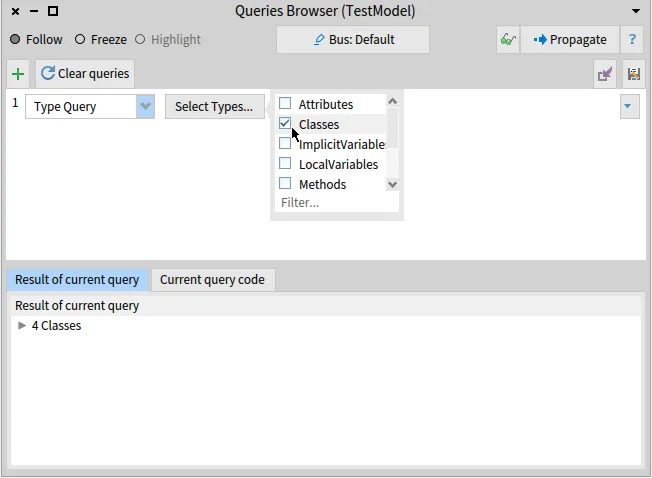
Then, we create a subquery that selects the class using their name.
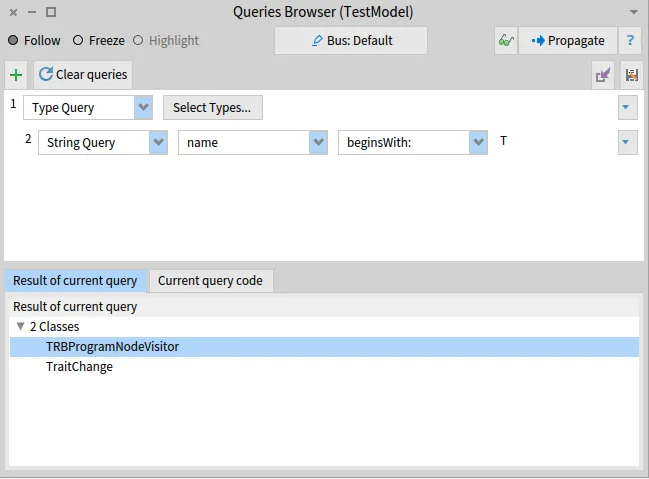
Finally, you can select the entity in the bottom panel.
It is also possible to perform the query in an inspector or playground. The shortest way to find a class with a name is to use the `detect` method.
```smalltalk
classes := model allWithType: FamixStClass.
withPrefix := classes detect: [ :class | class name = #'MyClassName' ].
```
#### Classes with their name beginning with or ending with
[Section titled “Classes with their name beginning with or ending with”](#classes-with-their-name-beginning-with-or-ending-with)
When performing queries, it is often useful to start with a substep of classes by looking at their names. This can be done easily using the `beginWith:` and the `endWith` methods.
```smalltalk
classes := model allWithType: FamixStClass.
withPrefix := classes select: [ :class | class name beginsWith: #'MyPrefix' ].
withSuffix := classes select: [ :class | class name endsWith: #'MySuffix' ]
```
### God classes
[Section titled “God classes”](#god-classes)
[God classes](https://en.wikipedia.org/wiki/God_object) are classes that *knows too much* or *does too much*. One way to find god classes is to count the number of lines or the number of methods of a class.
Using the \[*Queries Browser*]\({{ site.baseurl }}/users/moose-ide/browsers#queries-browser), one can use the Numeric Query on the classes of a model.
Using a playground, one can perform a query on a model to retrieve the god classes by numbers of lines:
```smalltalk
model allModelClasses select: [ :each | each numberOfLinesOfCode > 150 ]
```
Or by numbers of methods:
```smalltalk
model allModelClasses select: [ :each | each numberOfMethods > 50 ]
```
### God cyclomatic complexity
[Section titled “God cyclomatic complexity”](#god-cyclomatic-complexity)
The [cyclomatic complexity](https://en.wikipedia.org/wiki/Cyclomatic_complexity) presents the complexity of a program. It basically corresponds to the number of possible branches in a method. The less cyclomatic complexity for a method, the better it is.
The following script sorts the methods extracted in a model by their cyclomatic complexity.
```smalltalk
((self model allBehaviourals)
collect: [ :entity | entity -> entity cyclomaticComplexity ]
thenSelect: [ :assoc | assoc value > 3 ]) asOrderedCollection sort: #value descending
```
### Deprecated methods
[Section titled “Deprecated methods”](#deprecated-methods)
Deprecated methods are methods existing in the current version of an application, and that will disappear in the next version. Such a method should not be used.
In Java, it is possible to retrieve the deprecated methods by searching the method with the `@Deprecated` annotation.
```smalltalk
model allModelMethods
select: [ :t |
t annotationInstances notEmpty
and: [ t annotationTypes anySatisfy: [ :a | a name = 'Deprecated' ] ] ]
```
### Dead methods
[Section titled “Dead methods”](#dead-methods)
Dead methods are methods that are not invoked by any other methods.
> Be careful; some methods might not be directly called but are referenced thanks to abstraction or are dedicated to be extended by another application. It is often the case when dealing with a framework.
```smalltalk
model allModelMethods
collect: [ :method | method -> method incomingInvocations ]
thenSelect: [ :assoc | assoc value isEmpty ]) asOrderedCollection
```
### Application tests
[Section titled “Application tests”](#application-tests)
```smalltalk
^ (model allModelMethods
select: [ :t |
t annotationInstances notEmpty
and: [ t annotationTypes anySatisfy: [ :annotation | annotation name endsWith: 'Test' ] ] ])
asOrderedCollection flattened
```
## Visualizations
[Section titled “Visualizations”](#visualizations)
### Class hierarchy
[Section titled “Class hierarchy”](#class-hierarchy)
The class hierarchy presents the classes of a model with their hierarchy links (*e.g.* superclass, subclasses, …). It also includes the methods and attributes of each class.

The easiest way to visualize a class hierarchy is to use the \[*UML browser*]\({{ site.baseurl }}/users/moose-ide/browsers#uml-browser).
It is also possible to script one UML visualisation of Roassal.
```smalltalk
builder := RSUMLClassBuilder new.
classes := mooseModel allModelClasses.
builder modelDescriptor
instVars: [ :aFamixClass | aFamixClass attributes ];
instVarSelector: [:aFamixAttribute | aFamixAttribute name];
methods: [ :aFamixClass | aFamixClass methods];
methodSelector: [:aFamixMethod | aFamixMethod name].
builder classes: classes.
builder build.
builder canvas @ RSHierarchyPacker.
builder canvas
```
### Packages cycles
[Section titled “Packages cycles”](#packages-cycles)

```smalltalk
tarjan := MalTarjan new.
tarjan nodes: model allModelNamespaces.
tarjan edges: model allModelNamespaces from: #yourself toAll: [ :a | a allProvidersAtScope: FamixTNamespace ].
tarjan run.
tarjan inspect
```
## Developers
[Section titled “Developers”](#developers)
### Meta-model UML
[Section titled “Meta-model UML”](#meta-model-uml)
It is possible to visualize the meta-model with a class hierarchy.

```smalltalk
builder := RSUMLClassBuilder new.
classes := FamixJavaModel metamodel classes.
builder modelDescriptor
instVars: [ :metaDescription | metaDescription primitiveProperties ];
instVarSelector: [:metaDescription | metaDescription implementingSelector];
methods: [ :metaDescription | metaDescription complexProperties];
methodSelector: [:metaDescription | metaDescription implementingSelector].
builder classes: classes.
builder build.
builder canvas @ RSHierarchyPacker.
builder canvas
```
A better solution to explore a meta-model is to use the \[*Meta Browser*]\({{ site.baseurl }}/users/moose-ide/browsers#meta-browser) that provides a detailed view on every important aspects of a meta-model.